
- 2.2star1,967 reviews
- 500K+Downloads
- 94 MBAPK size
- EveryoneRated for Everyone
- 8.0+Android
check_circleOriginal APK from American Heart Association, Inc · Updated Nov 12, 2026

No threats found
0 / — antivirus engines flagged this file
Original signature
First seen — American Heart Association, Inc
Unmodified APK
Same file the developer published — no mods
AHA eBook Reader screenshots
8 images · tap to enlarge
About this app
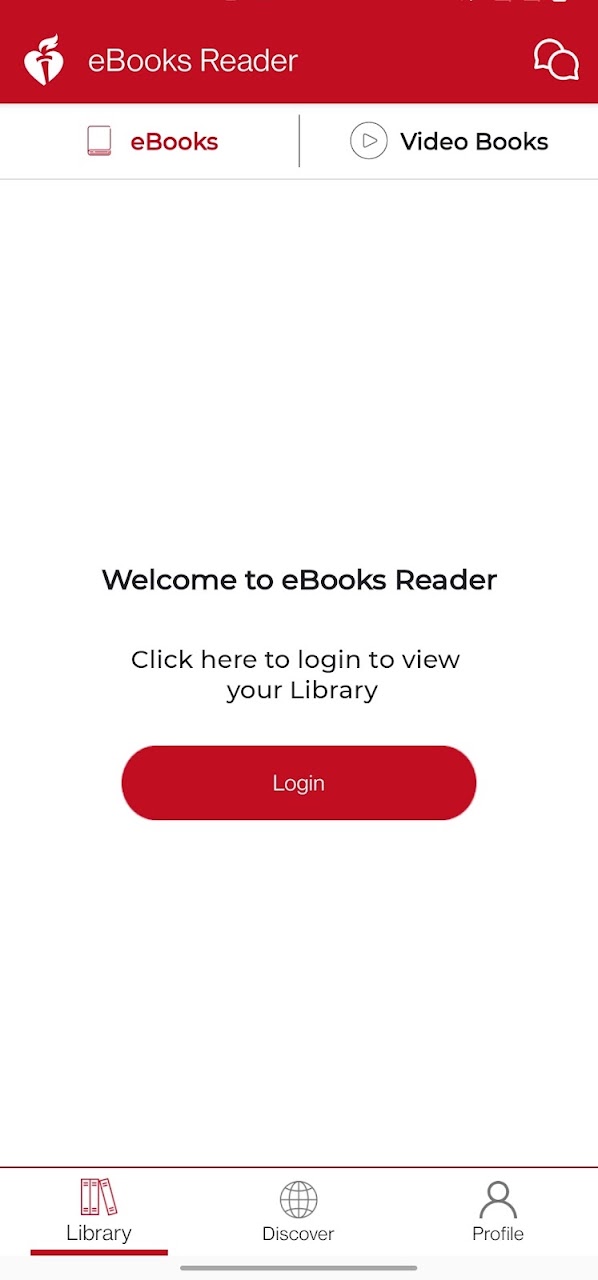
AHA eBook Reader stands out as a reader built specifically for American Heart Association books. After signing in with your AHA eBooks account, you can download purchased titles to your phone, read them offline, and move through chapters, figures, tables, and references without leaving the app.
- AHA account access — Sign in with the same account you use on the AHA eBooks store to see your purchased titles.
- Offline reading — Download books to your device and keep reading when you are away from a connection.
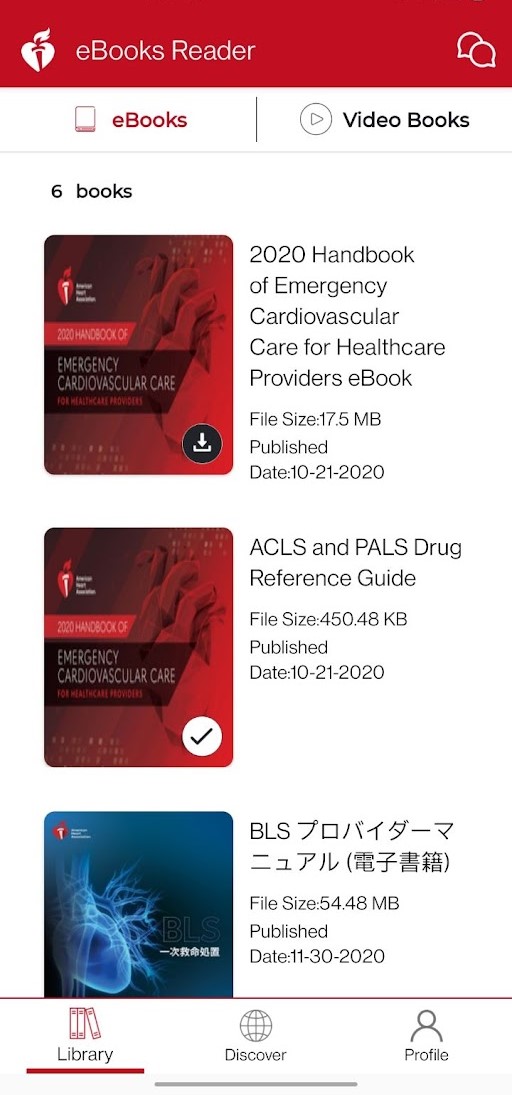
- Bookshelf downloads — Your bookshelf shows purchased eBooks ready to download inside the reader.
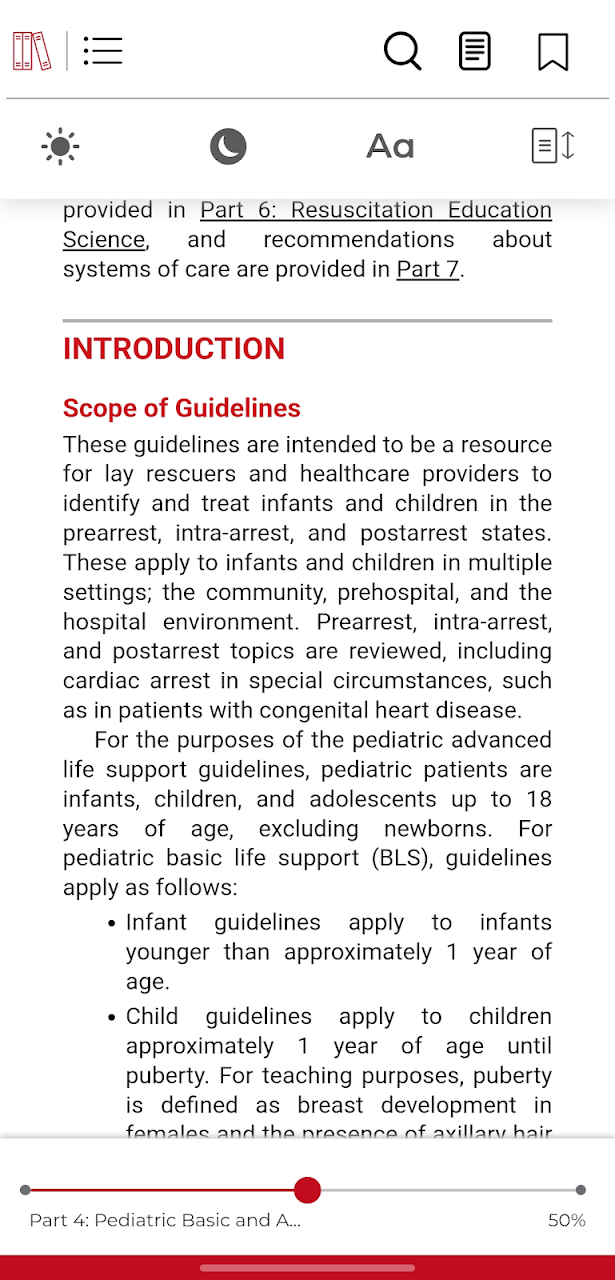
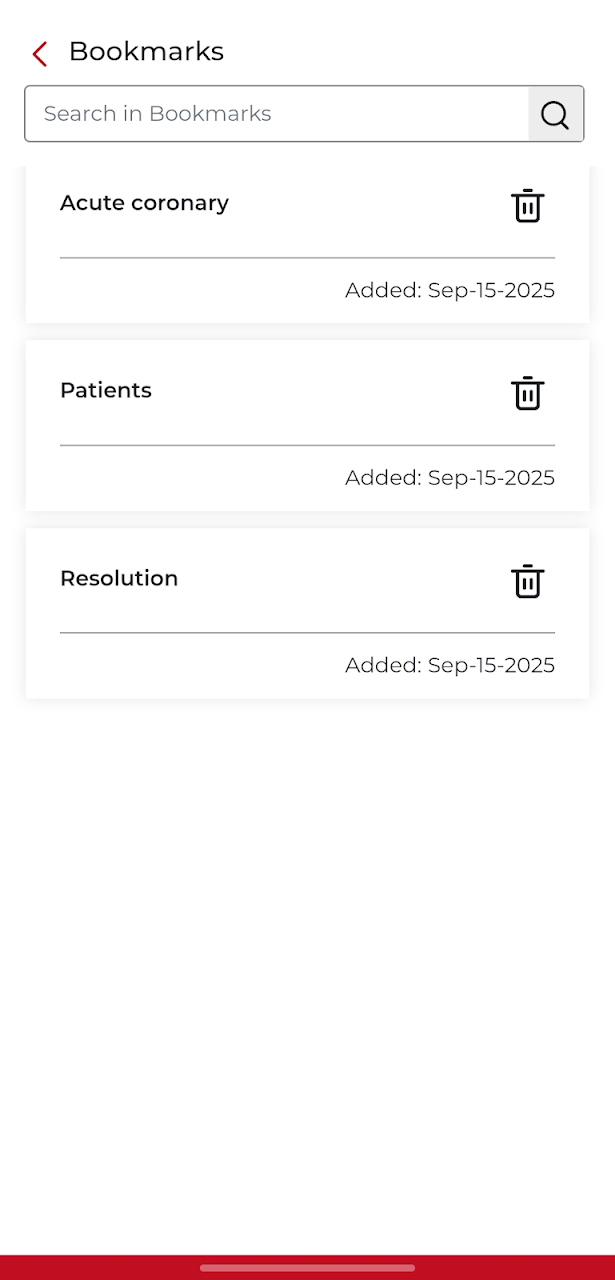
- Reading controls — Search titles, add bookmarks, and change font size while reading.
- Jump through text — Move between chapters and jump to figures, tables, and references from within the book.
- Preview more books — Browse previews of other AHA eBooks from inside the app.
Open your AHA bookshelf
This app is made for people who already buy American Heart Association eBooks. In a normal day, you open it to reach your bookshelf, authorize the app with your AHA eBooks account, and see the titles you have already purchased. From there, the workflow is simple: choose a book, download it, and start reading on your phone.
Download a purchased title
The clearest task here is getting a bought eBook onto your device. After you sign in, your available books appear for download automatically. Tap the title you want, wait for the download to finish, then open it to read. The app is built around that one job, so there is no extra setup beyond account access.
Read with chapter and reference jumps
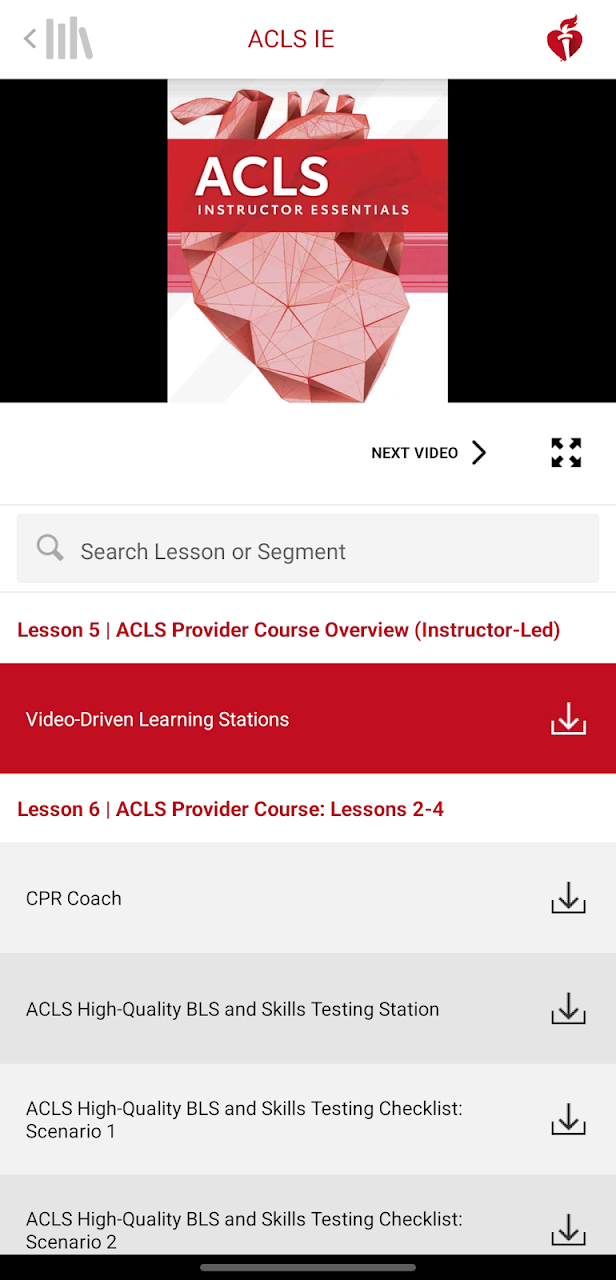
Once a book is open, the reader gives you a few practical tools for longer medical texts. You can search in titles, move between chapters, and jump directly to figures, tables, and references. That makes it easier to follow a section during study or to return to a specific passage without scrolling line by line.
Adjust the page while you read
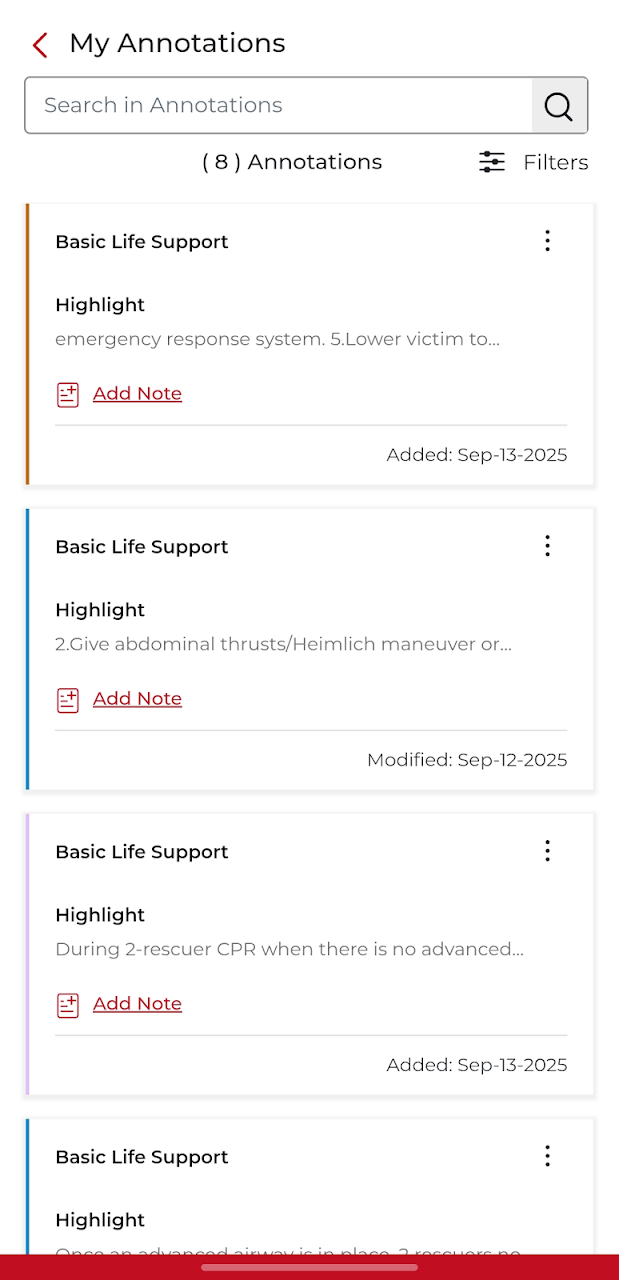
The reading screen also includes everyday controls: bookmarks for places you want to return to, font size changes for comfort, and sorting by category when you are browsing your library. If you want to look around before buying more, the app also lets you preview other AHA eBooks.
Before installing
AHA eBook Reader is free, has no ads, and no in-app purchases. It requires Android 8.0 or later, comes as a 93.8 MB APK, and supports universal ABIs. There are no listed permissions, so the main thing to check is whether your device meets the Android version requirement and whether you already have an AHA eBooks store account.
What's new
Version 8.1.0 · Nov 12, 2026
- eBook Reader enhancements and issue fixes
APK information
- Version
- 8.1.0
- Package
- com.impelsys.aha.android.ebookstore
- Category
- Medical
- Size
- 94 MB
- Min Android
- 8.0
- Architecture
- universal
Older versions
-
AHA eBook Reader 8.1.0Nov 12, 2026Latest downloadAPK
AHA eBook Reader FAQ
Does AHA eBook Reader work with smartwatches?expand_more
The app description only covers reading AHA eBooks on a mobile device. It does not mention smartwatch support.
Where does AHA eBook Reader store my health data?expand_more
This app is for reading purchased AHA eBooks, and no health data storage is described. No permissions are listed.
Which processors does the APK support?expand_more
The APK is listed as universal, so it is meant to work across device architectures.
How big is the AHA eBook Reader download?expand_more
The APK size is 93.8 MB.
How do I add my AHA eBooks?expand_more
Buy the eBook in the AHA eBooks store, open the reader, authorize it with your store account, and download the title from your bookshelf.