- 0.0star0 reviews
- 500K+Downloads
- 8 MBAPK size
- EveryoneRated for Everyone
- API 16+Android
check_circleOriginal APK from UVTechnoLab · Updated Nov 12, 2026
No threats found
0 / — antivirus engines flagged this file
Original signature
First seen — UVTechnoLab
Unmodified APK
Same file the developer published — no mods
Little Teddy Bear Colouring Book Game screenshots
8 images · tap to enlarge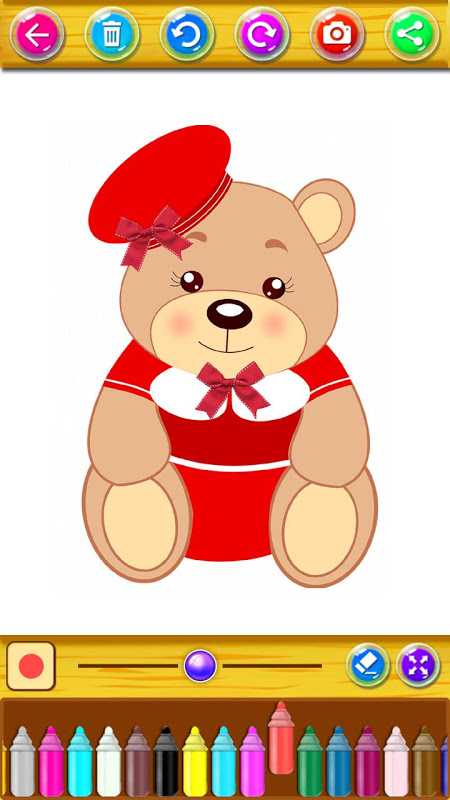
About this app
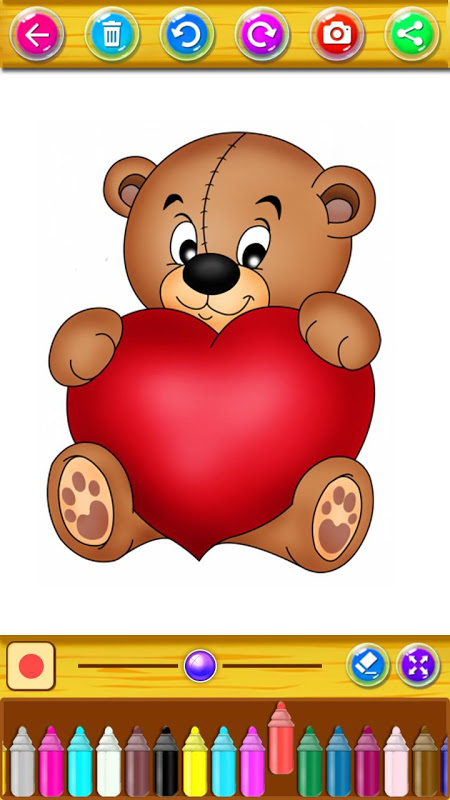
If you want to start colouring a teddy bear on your phone, this app opens straight into a simple drawing space. You can pick colours, drag your finger to paint, zoom in for small areas, undo mistakes, erase, save finished pages, and share them. It works without an internet connection and is made for everyone.
- Finger colouring — Paint by dragging your finger across the screen.
- Zoom and detail — Pinch to zoom in and out so you can reach small corners.
- Undo and erase — Fix mistakes quickly with undo, redo, and an eraser.
- Save and share — Store finished teddy pages in your gallery and share them.
- Blank drawing page — Use an empty page to draw and colour your own teddy ideas.
Start with a teddy page
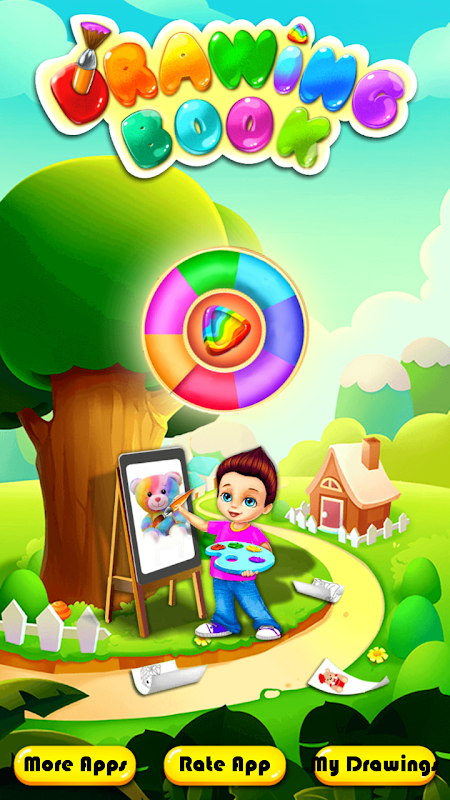
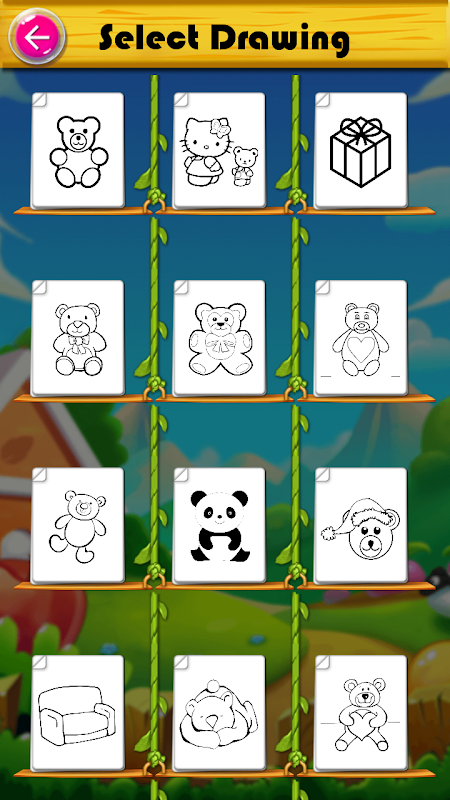
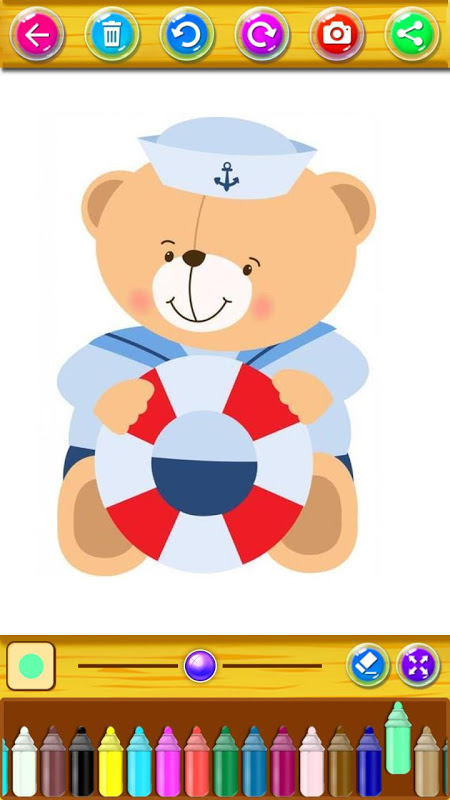
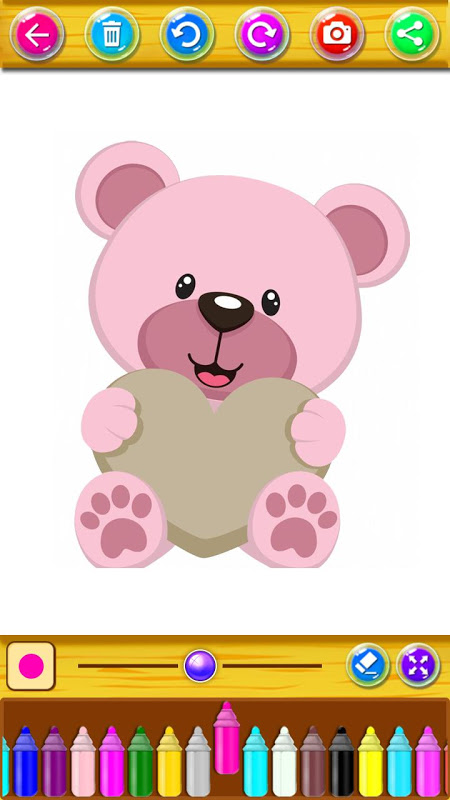
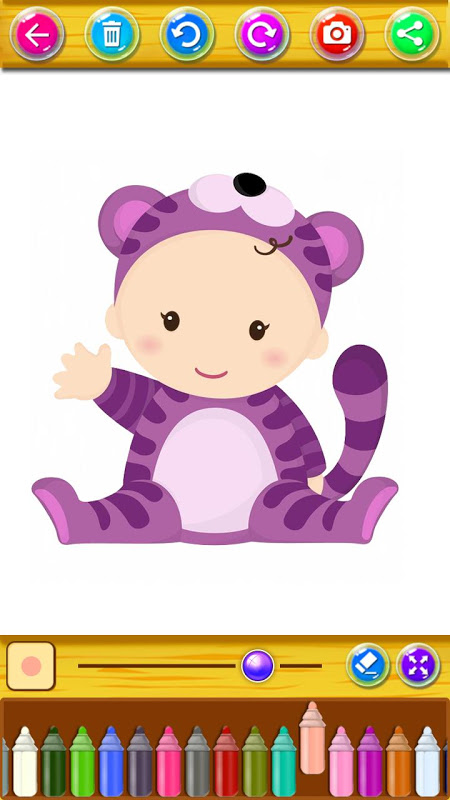
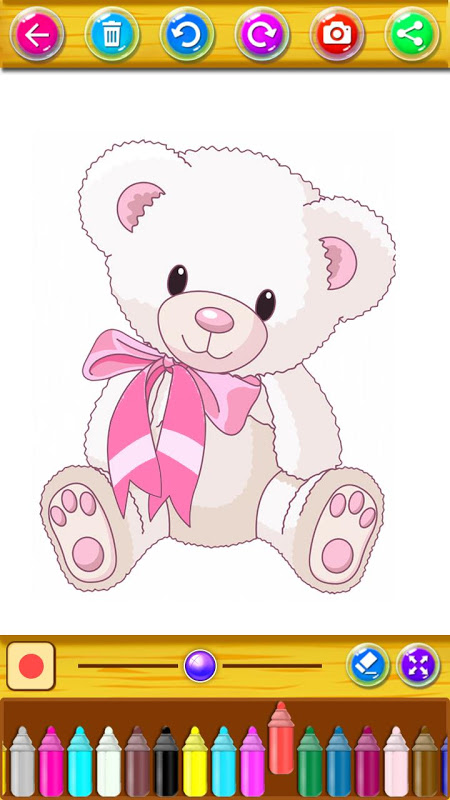
Little Teddy Bear Colouring Book Game opens with teddy bear drawings ready to colour, so you can begin without setting up a project. The first minutes are about choosing a page, picking a colour, and using your finger to fill in the picture. If you want more freedom, the app also includes a blank page for drawing and painting your own teddy idea.
Tools that matter early
The main tools are easy to find: a colour picker, colour pencils, flexible pencil sizes, undo/redo, and an eraser. For small details, pinch to zoom in and out. That helps when you want to colour around edges or reach tiny spaces in the teddy drawings.
- Choose a page before you start colouring.
- Use zoom for small corners and narrow spaces.
- Try different pencil sizes for broad or fine areas.
- Use undo or redo when a stroke goes wrong.
- Save your finished art to the gallery when you are done.
Simple sharing and offline play
The app is free to use, has no in-app purchases, and does not show ads. It also does not need an internet connection, so you can colour anywhere once it is installed. Finished pictures can be saved and shared with family and friends, and the recent update adds viewing and sharing saved artwork from inside the app itself.
Size, device support, and version
The app is an APK file of about 8.0 MB and needs Android API 16 or later. It is designed for most Android phones and tablets, which makes it a lighter option than some other kids’ and learning apps in the category. Compared with apps like Coloring & Learn, Math Games, or Dirty Farm: Games for Kids 2-5, this one stays focused on teddy bear colouring rather than mixed activities.
What's new
Version 2.0.0 · Nov 12, 2026
- Added new attractive 200+ colors
- App new theme & UI improved
- Performance improved
- View and Share your saved art work from app itself
APK information
- Version
- 2.0.0
- Package
- com.teddycoloringbookfromuv.android
- Category
- Educational
- Size
- 8 MB
- Min Android
- API 16
- Architecture
- universal
Older versions
-
Little Teddy Bear Colouring Book Game 2.0.0Nov 12, 2026Latest downloadAPK
Little Teddy Bear Colouring Book Game FAQ
Can I play Little Teddy Bear Colouring Book Game offline?expand_more
Yes. The app does not require an internet connection, so you can colour without being online.
Will Little Teddy Bear Colouring Book Game run on a low-end phone?expand_more
It is optimized for most Android devices and tablets, and the APK is about 8.0 MB. It needs Android API 16 or later.
Who develops Little Teddy Bear Colouring Book Game?expand_more
It is developed by UVTechnoLab.
Is Little Teddy Bear Colouring Book Game free to use?expand_more
Yes. It is a free application with no in-app purchases.
Can I save and share my teddy bear drawings?expand_more
Yes. You can save painted pictures to your gallery and share your creations with family and friends.