- 4.0star129,662 reviews
- 100M+Downloads
- 42 MBAPK size
- EveryoneRated for Everyone
- 10+Android
check_circleOriginal APK from Sony Group Corporation · Updated Nov 12, 2026
No threats found
0 / — antivirus engines flagged this file
Original signature
First seen — Sony Group Corporation
Unmodified APK
Same file the developer published — no mods
News Suite by Sony screenshots
5 images · tap to enlarge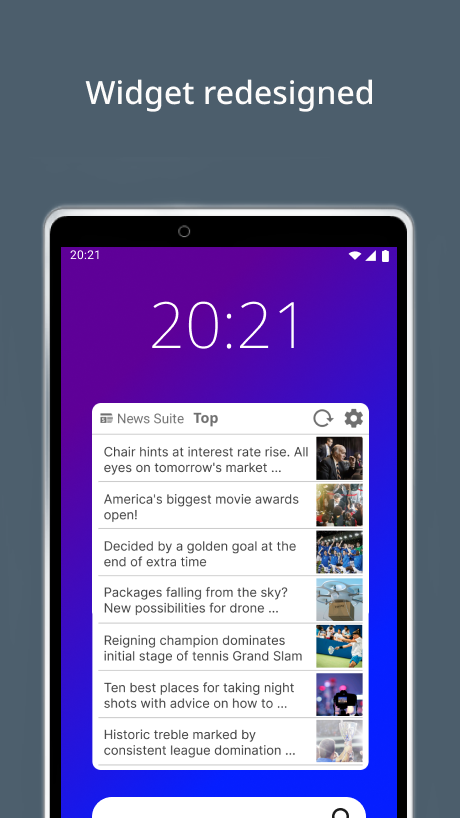
About this app
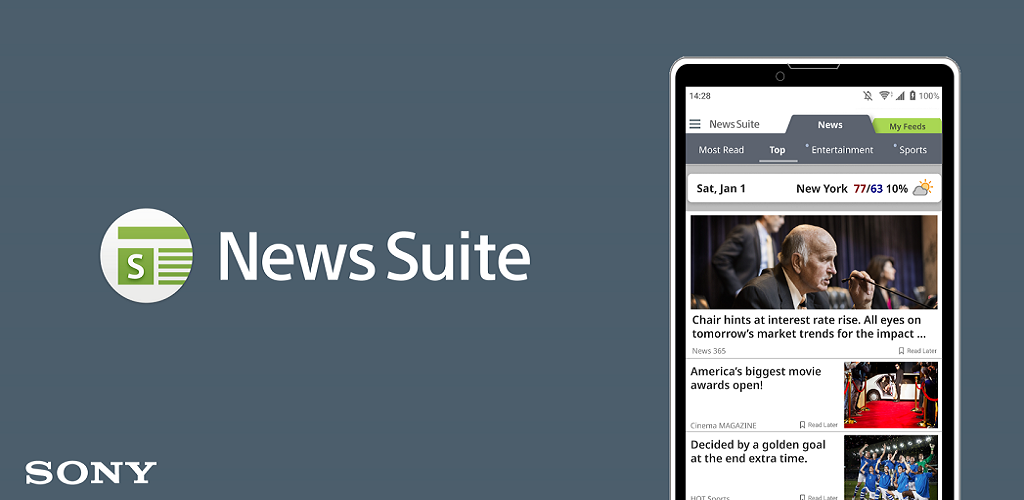
Looking for a simple way to read news? News Suite by Sony opens with two tabs: one for broad current affairs and one for topics you like. You can browse organized categories, save stories for later, and turn on notifications for timely updates. The app is free, includes ads, and does not offer in-app purchases.
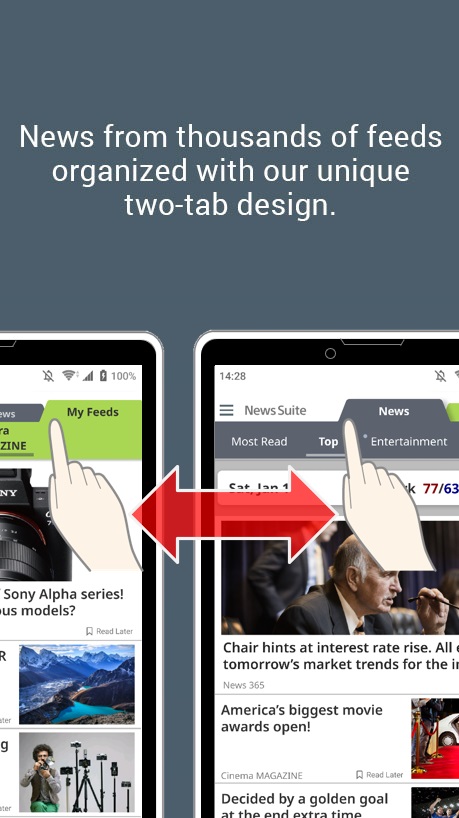
- Two News Tabs — Switch between broad news coverage and a feed based on your interests.
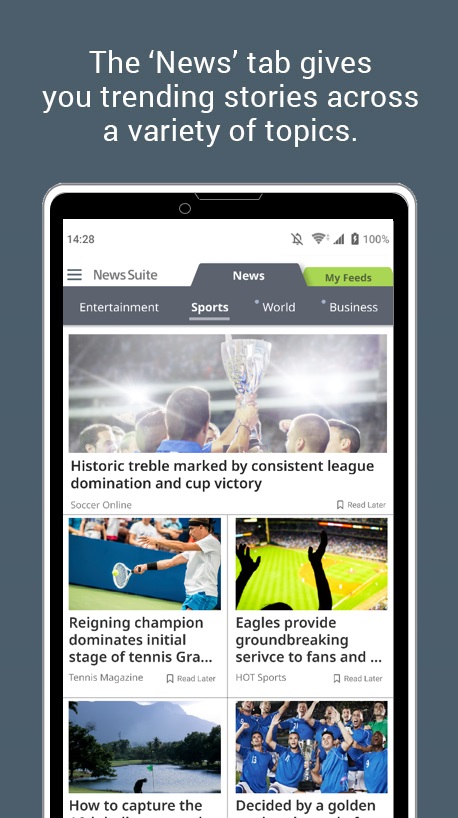
- Topic Categories — Browse sections such as General News, Entertainment, Sports, Food, and more.
- Push Notifications — Turn on alerts for important stories as they develop.
- Scheduled Updates — Set periodic notifications for selected topics.
- Save Articles — Bookmark stories so you can read them later.
- Share Stories — Send articles to friends on Facebook and X.
First launch and the two tabs
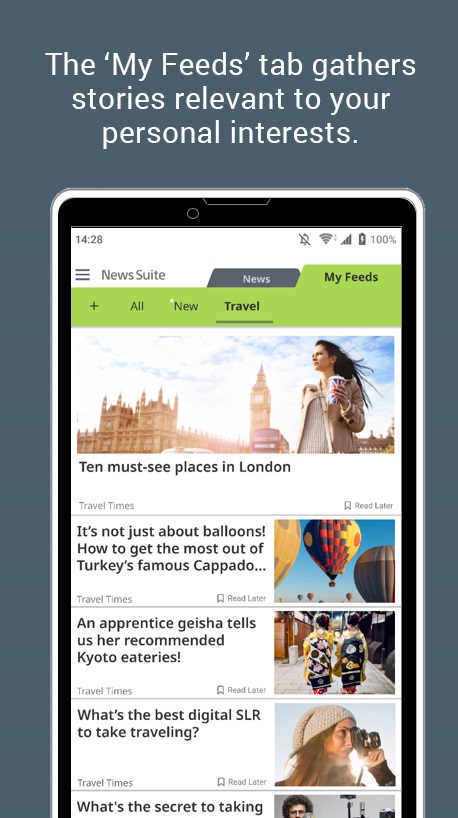
When you open News Suite by Sony for the first time, you will see a news app built around two tabs. News shows organized current affairs, while My Feeds is shaped around topics you choose to follow. The app pulls articles from thousands of feeds, so you can move between broad coverage and a more personal view without switching apps.
Set up the parts you will use
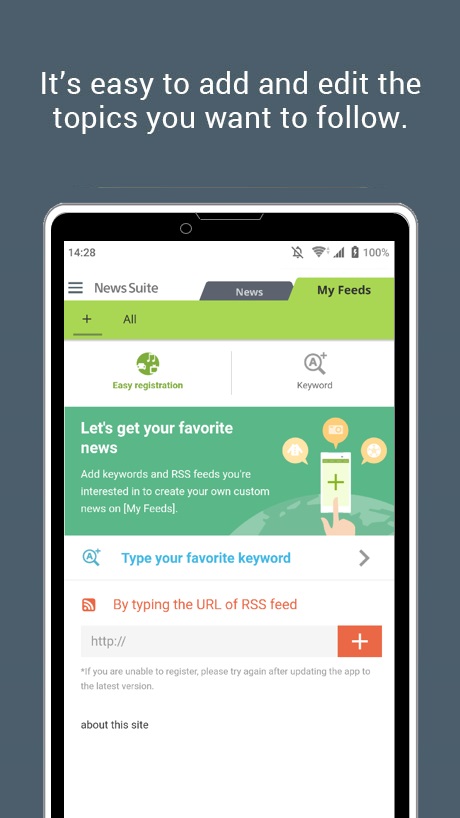
Start by checking the News tab categories and the topics in My Feeds. The app can also use your device language and region settings to show local news in the News tab. If you want alerts, open Settings, then Notifications, to turn push notifications on or off and choose when they appear.
Useful things to do right away
- Save articles: Add stories to your bookmarks list to read later.
- Share stories: Share articles with friends on Facebook and X.
- Adjust categories: The widget can be set to categories such as Sports, Entertainment, and Most Read.
- Use scheduled news: Set periodic updates for selected topics.
What to expect from the app
News Suite by Sony is free to download and use, but it contains ads. There are no in-app purchases listed. The APK is a universal build, 42.0 MB in size, and it requires Android 10 or later.
Help and region settings
If the News tab is not showing the region you want, the app includes a region-setting process through the Terms of service screen. This resets the app and clears feeds and bookmarks, so it is worth using only when you need to change the country or region shown in the News tab.
What's new
Version 5.6.12.30.2 · Nov 12, 2026
- Version 5.3.16
- Performance improvements and bug fixes
APK information
- Version
- 5.6.12.30.2
- Package
- com.sony.nfx.app.sfrc
- Category
- News & Magazines
- Size
- 42 MB
- Min Android
- 10
- Architecture
- universal
Older versions
-
News Suite by Sony 5.6.12.30.2Nov 12, 2026Latest downloadAPK
News Suite by Sony FAQ
Is News Suite by Sony free to read?expand_more
Yes. The app is free, and it contains ads.
Can I choose topics in News Suite by Sony?expand_more
Yes. The My Feeds tab is personalized around your interests, and the News tab includes categories such as General News, Entertainment, Sports, and Food.
Does News Suite by Sony work on tablets?expand_more
The app is listed as a universal APK. It requires Android 10 or later.
Does News Suite by Sony need an account?expand_more
The provided details do not mention an account requirement.
How do I turn on news alerts?expand_more
Open Settings, then Notifications, to turn push notifications on or off and set timings.