
- 4.7star34,117 reviews
- 1M+Downloads
- 6 MBAPK size
- EveryoneRated for Everyone
- 6.0+Android
check_circleOriginal APK from Kiwi3 · Updated Nov 12, 2026
No threats found
0 / — antivirus engines flagged this file
Original signature
First seen — Kiwi3
Unmodified APK
Same file the developer published — no mods
Shopping List - Grocery List screenshots
7 images · tap to enlarge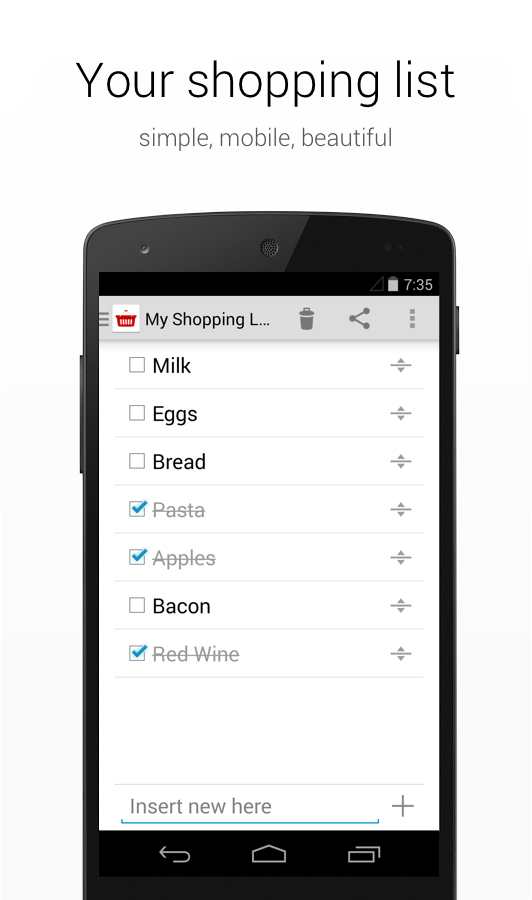
About this app
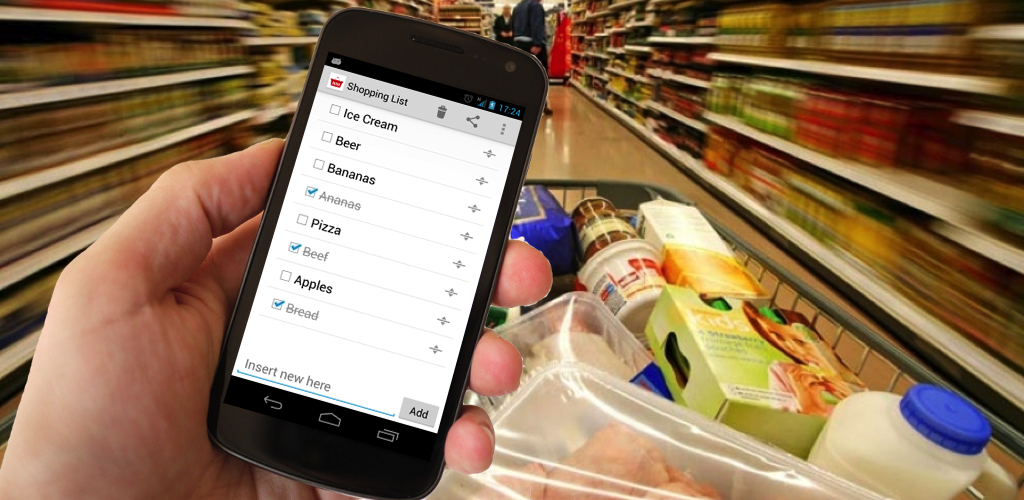
Need a simple way to keep your shopping list in order? Shopping List is built for quick grocery planning: add products, split them into separate lists, reorder items, and share a list by text, email, or WhatsApp. It also suggests items as you type, so repeat purchases are faster to add.
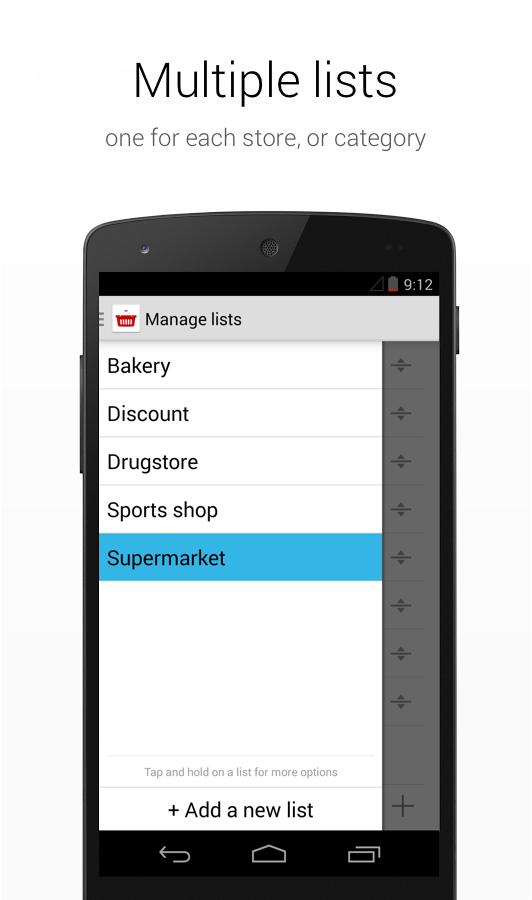
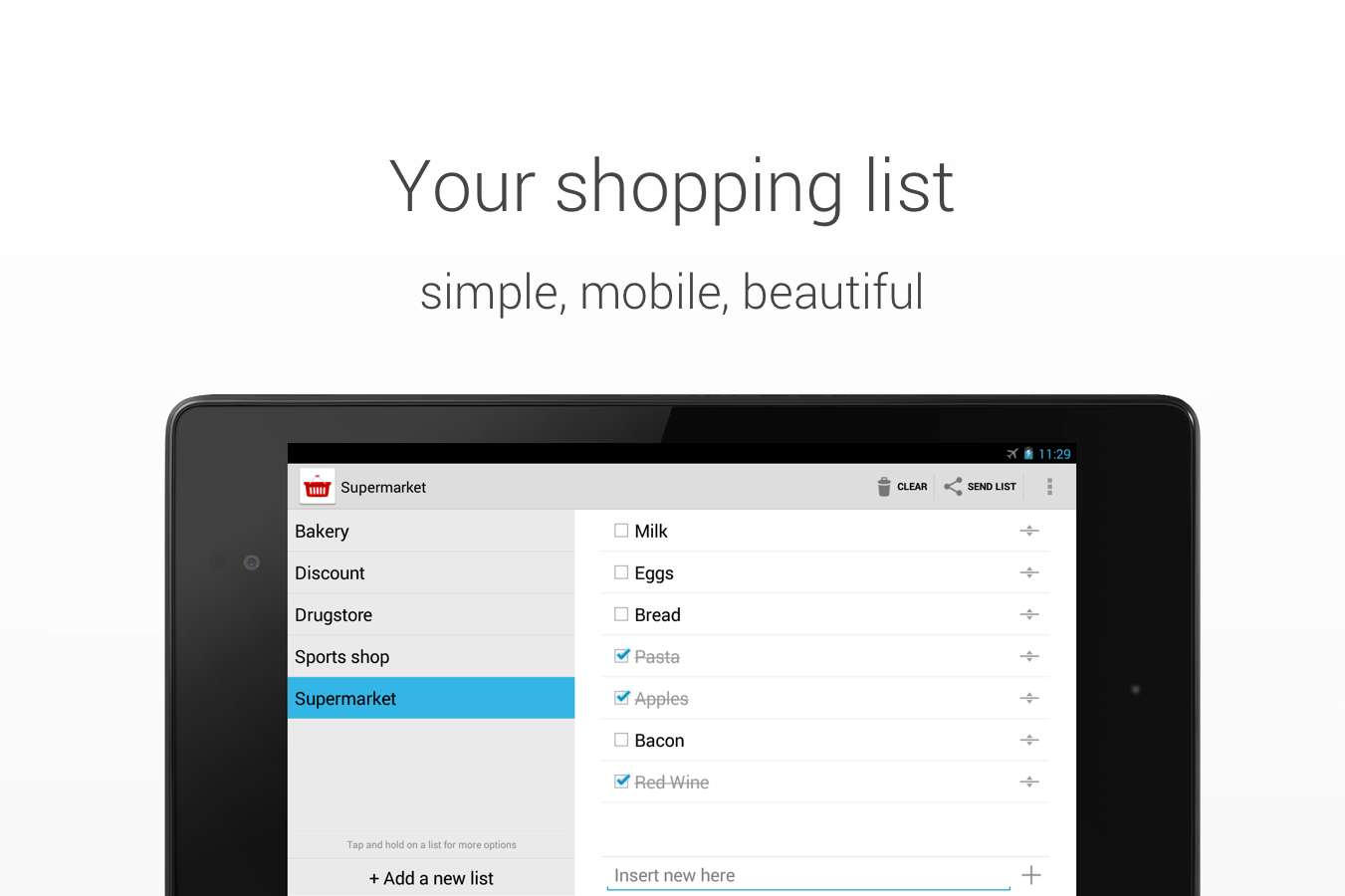
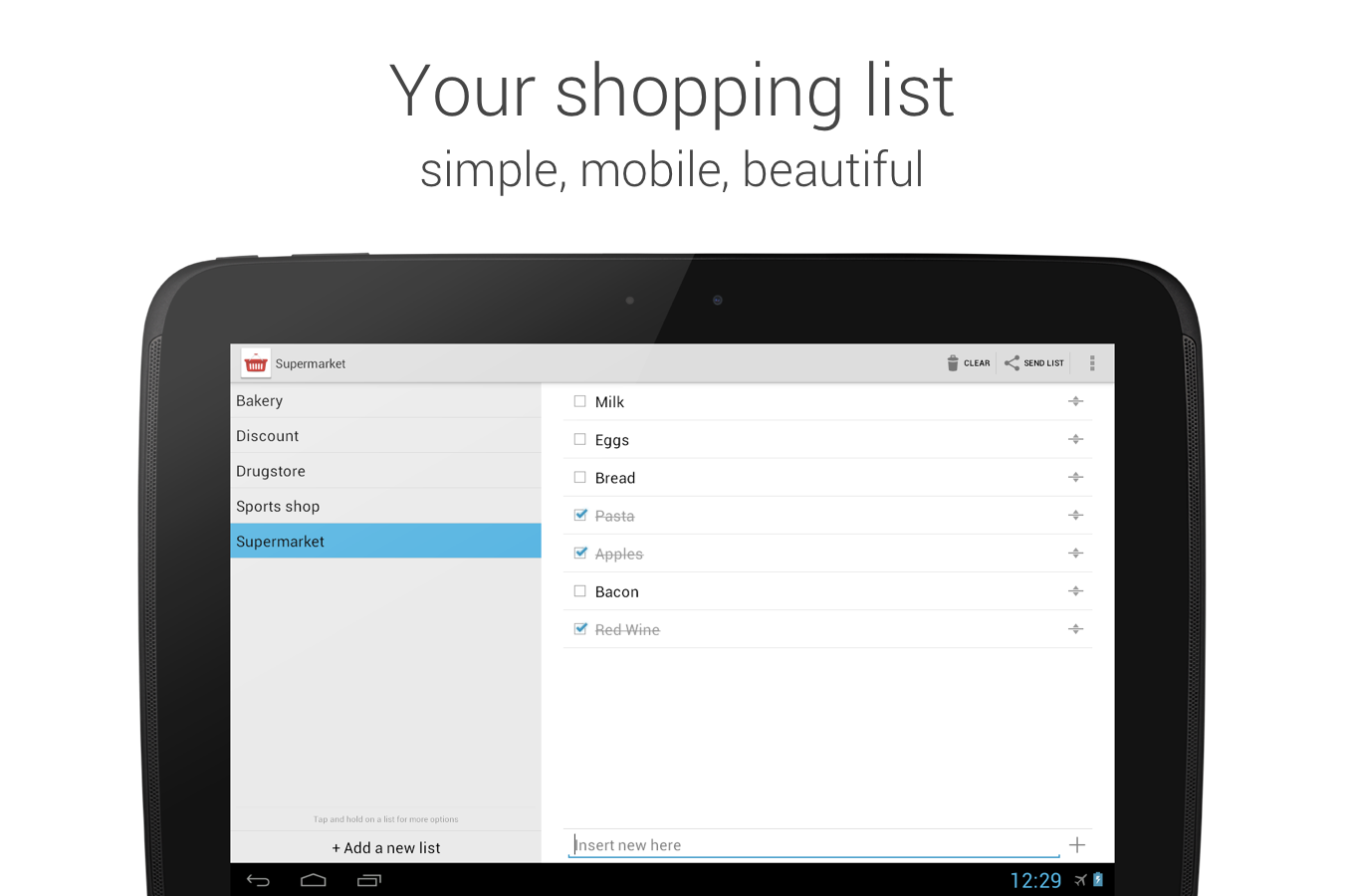
- Multiple lists — Keep separate shopping lists for different stores or trips.
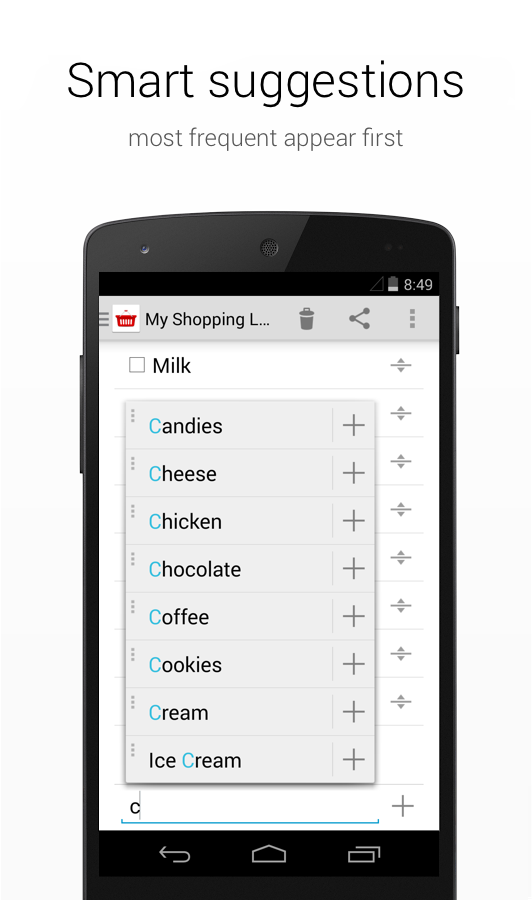
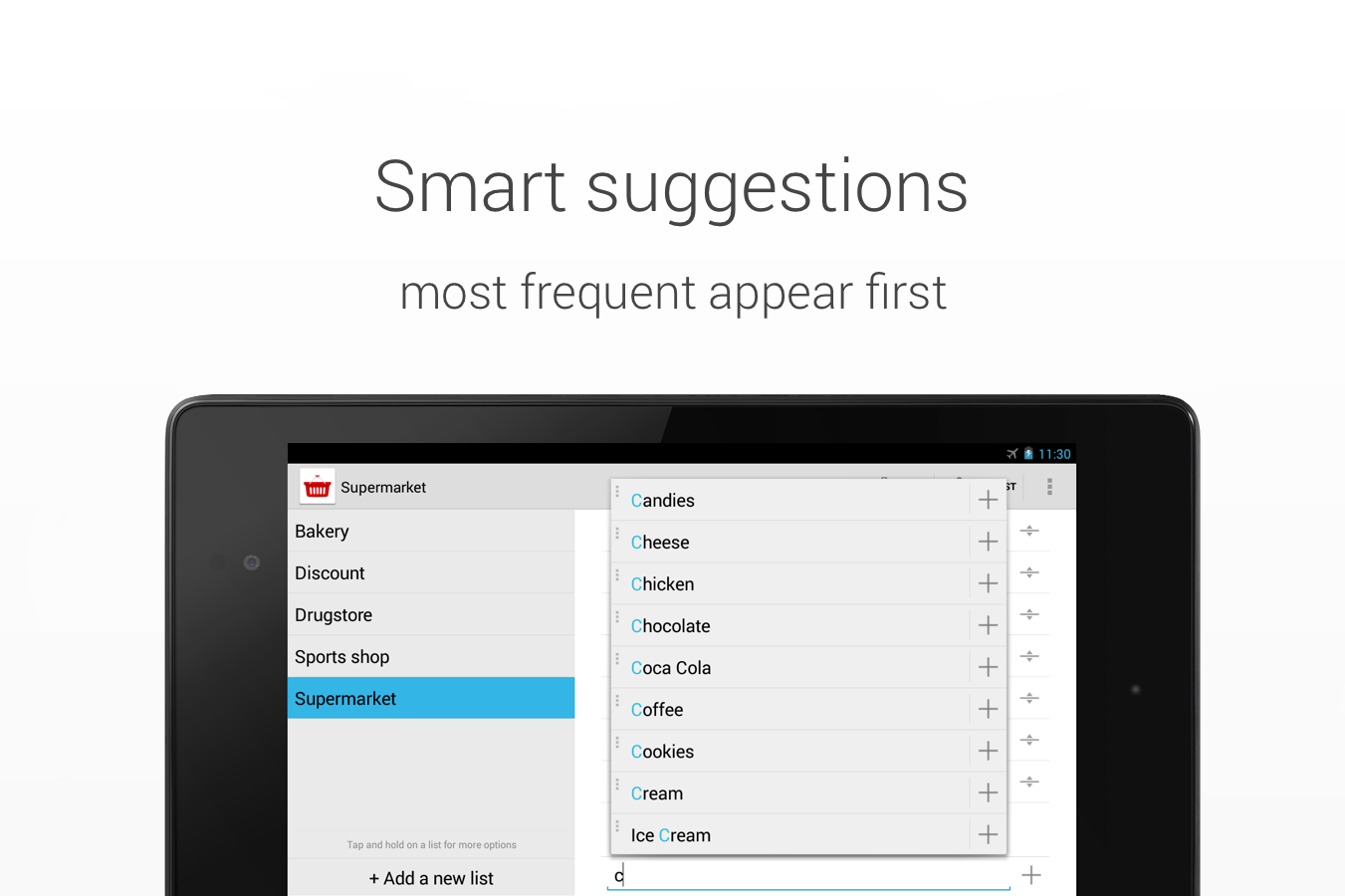
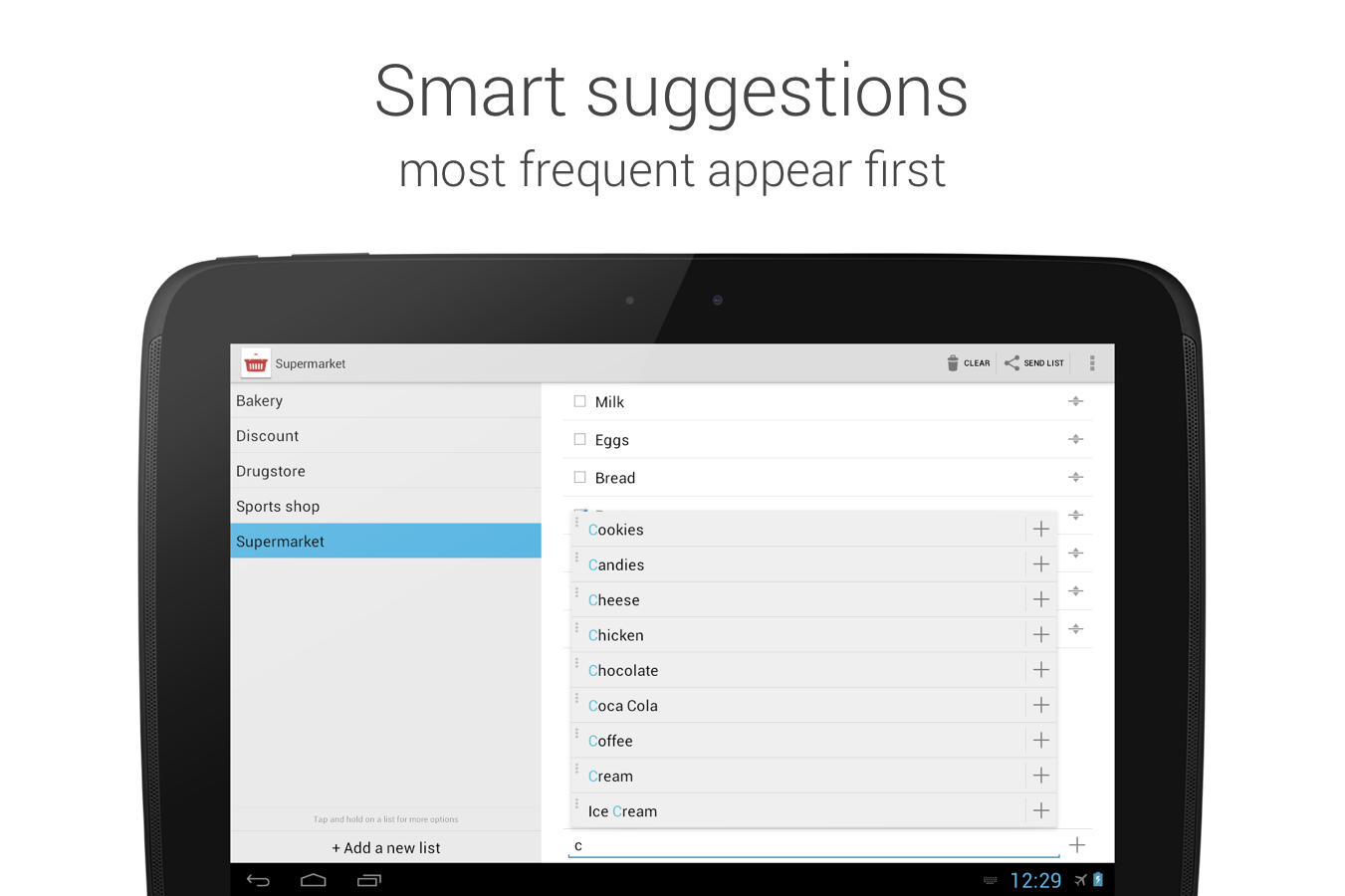
- Fast item entry — Type a product name and use suggestions to add it quickly.
- Share by message — Send your list by text, email, WhatsApp, and similar apps.
- Track item status — Mark items as bought or still in your cart.
- Reorder easily — Drag and drop items to arrange the list your way.
- Edit on the list — Long-press an item and use the edit option when something changes.
Build a list while you shop
Shopping List keeps the everyday parts simple: open the app, add products, and check them off as you go. You can mark items as bought or in shopping cart, which helps when you are moving through the store and do not want to lose track. If you need to change the order, drag and drop items until the list matches the way you shop.
The app is small and straightforward to install: it comes as an APK, is 5.8 MB, and needs Android 6.0 or later.
Separate groceries by store or trip
If you shop in more than one place, you can make multiple shopping lists. That makes it easier to keep items apart, whether you are planning one store run, splitting groceries by location, or keeping a separate list for another household need. This is the main difference from broader shopping apps like Amazon India Shop, Wish, Shopee Indonesia, My Honor, or Samsung Shop, which are built around browsing stores rather than a plain list you manage yourself.
Add items faster with suggestions
As you start typing, the app shows suggestions that you can add quickly. It also learns from what you enter, so products you have used before can appear again later. There are popular suggestions to begin with, and you can manage the suggestion list right when it appears. That makes repeat grocery runs quicker, especially when you buy the same basics every week.
Share your list and keep it private on your device
You can share a list by text, email, WhatsApp, and other apps, which is handy when someone else is shopping for you. The app does not ask for permissions in the details shown here. It does use internet access for ads, and those ads are part of the free version. If you want to remove them, there is an in-app purchase option.
- Free to use with ads
- In-app purchases are available
- Content rating: Everyone
- Released: 2012-09-23
- Last updated: 2026-11-09
APK information
- Version
- 3.8.1
- Package
- com.shoppinglist
- Category
- Shopping
- Size
- 6 MB
- Min Android
- 6.0
- Architecture
- universal
Older versions
-
Shopping List - Grocery List 3.8.1Nov 12, 2026Latest downloadAPK
Shopping List - Grocery List FAQ
Which countries does Shopping List ship to?expand_more
Shopping List is a list app, not a store, so it does not ship products to any country.
Is it safe to pay in Shopping List?expand_more
The app includes in-app purchases, but no payment details are provided here. It also uses internet access for ads.
Does Shopping List show ads?expand_more
Yes. The free version is supported by advertisements.
Is Shopping List free to use?expand_more
Yes, Shopping List is free to download and use.
Can I share my shopping list with someone else?expand_more
Yes. You can share lists by text, email, WhatsApp, and other apps.