Universal TV Remote Control
CodeMatics Media Solutions- 3.9star466,624 reviews
- 100M+Downloads
- 9 MBAPK size
- EveryoneRated for Everyone
- API 19+Android
check_circleOriginal APK from CodeMatics Media Solutions · Updated Nov 12, 2026
No threats found
0 / — antivirus engines flagged this file
Original signature
First seen — CodeMatics Media Solutions
Unmodified APK
Same file the developer published — no mods
Universal TV Remote Control screenshots
4 images · tap to enlarge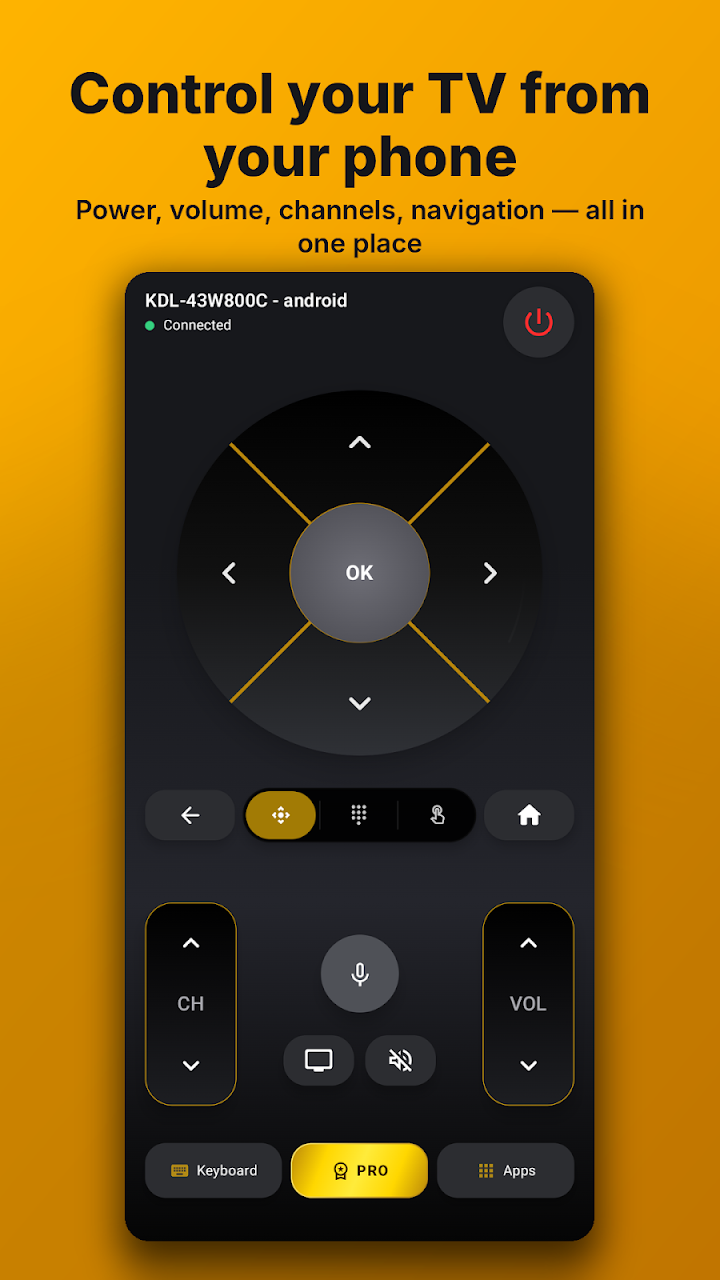
About this app
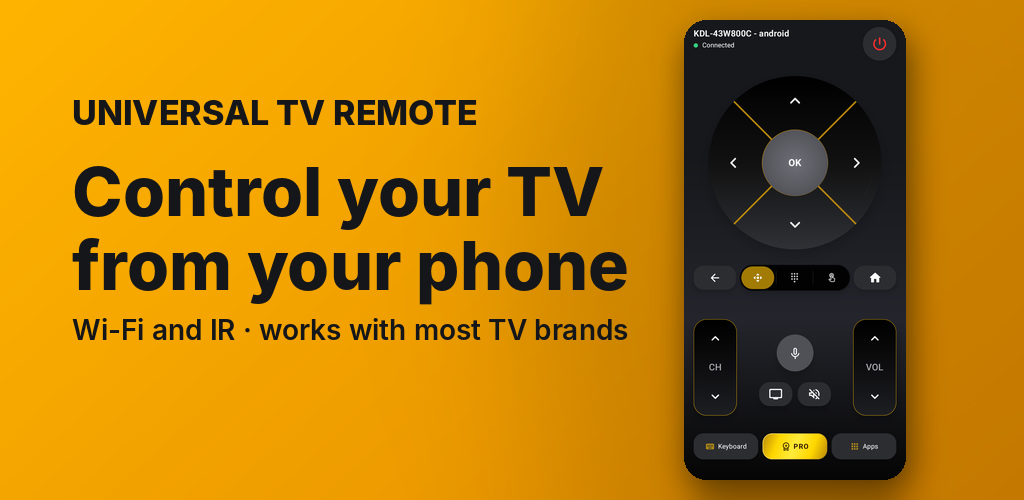
CodeMatics Media Solutions makes Universal TV Remote Control, an app for controlling Smart TVs and IR televisions from your phone. It connects to TVs over Wi‑Fi or through an IR blaster, with support for brands such as Samsung, LG, Sony, TCL, Hisense, Vizio, Philips, Roku and Fire TV. The app is free to download, shows ads, and offers optional in-app purchases.
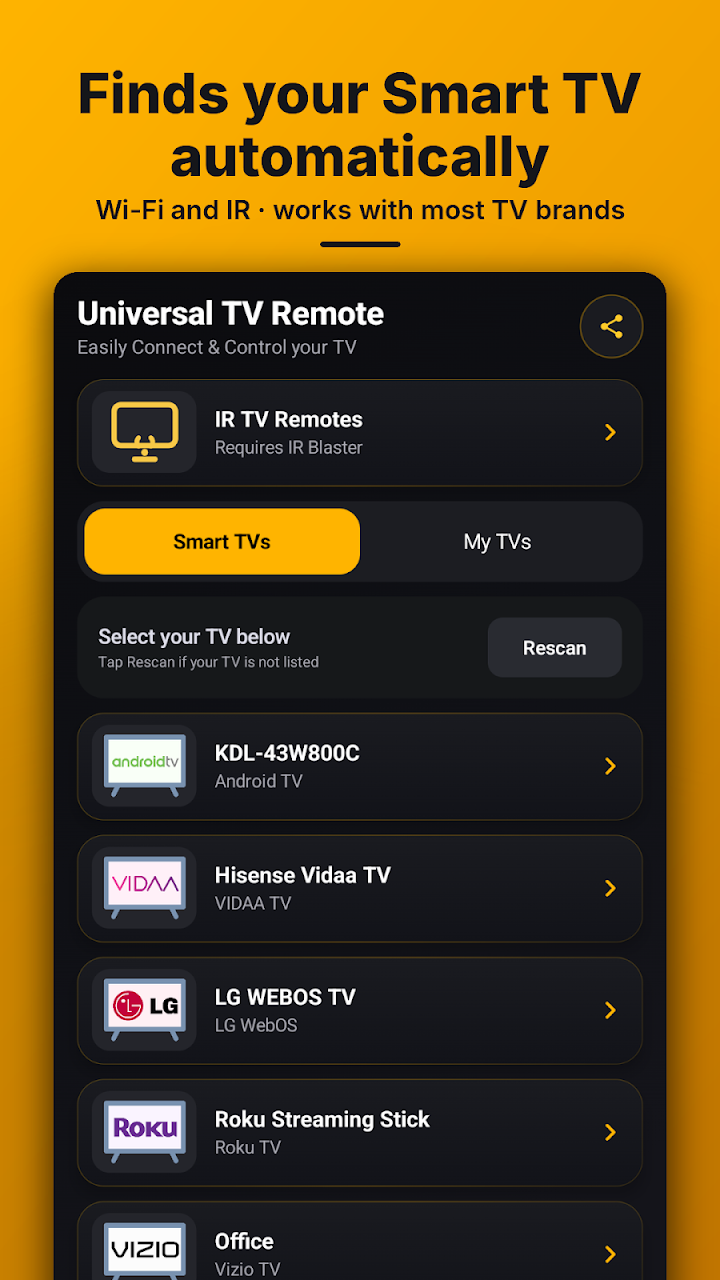
- Wi‑Fi TV control — The app can find compatible Smart TVs on the same Wi‑Fi network and connect with a tap.
- IR remote mode — Phones with a built-in IR blaster can control many older and non-smart TVs without Wi‑Fi.
- App shortcuts — Open apps like Netflix, YouTube and Prime Video directly from the remote screen.
- Keyboard input — Use your phone to type searches and passwords instead of entering them on the TV.
- Saved TVs — Previously connected TVs are stored so they are easier to open again later.
- One-handed design — The interface uses a dark layout that is meant for use in a dark room.
Smart TV control over Wi‑Fi
Universal TV Remote Control is built to replace a TV handset with a phone-based remote. On supported Smart TVs, it scans the local Wi‑Fi network, lists the TV, and can remember the pairing for later use. It works with Android TV, Google TV, Samsung Tizen, LG webOS, Roku, Amazon Fire TV, Hisense VIDAA, Vizio SmartCast, Philips, Sony Bravia and more.
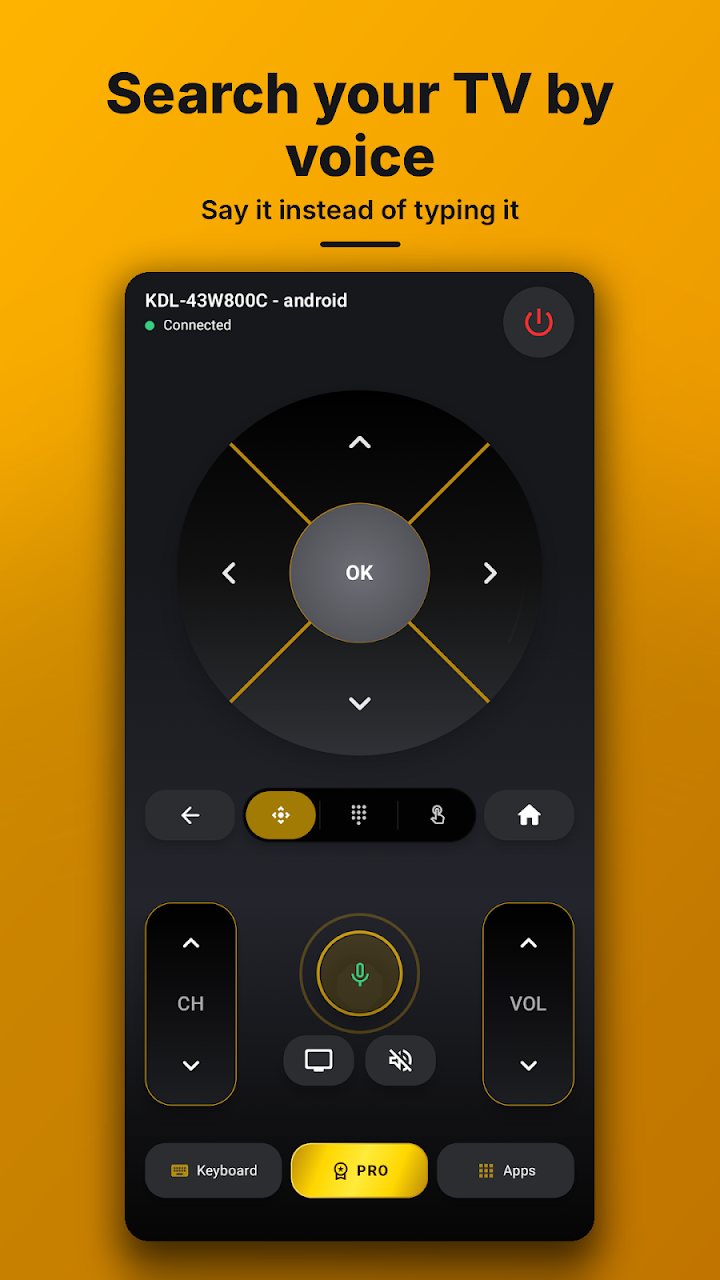
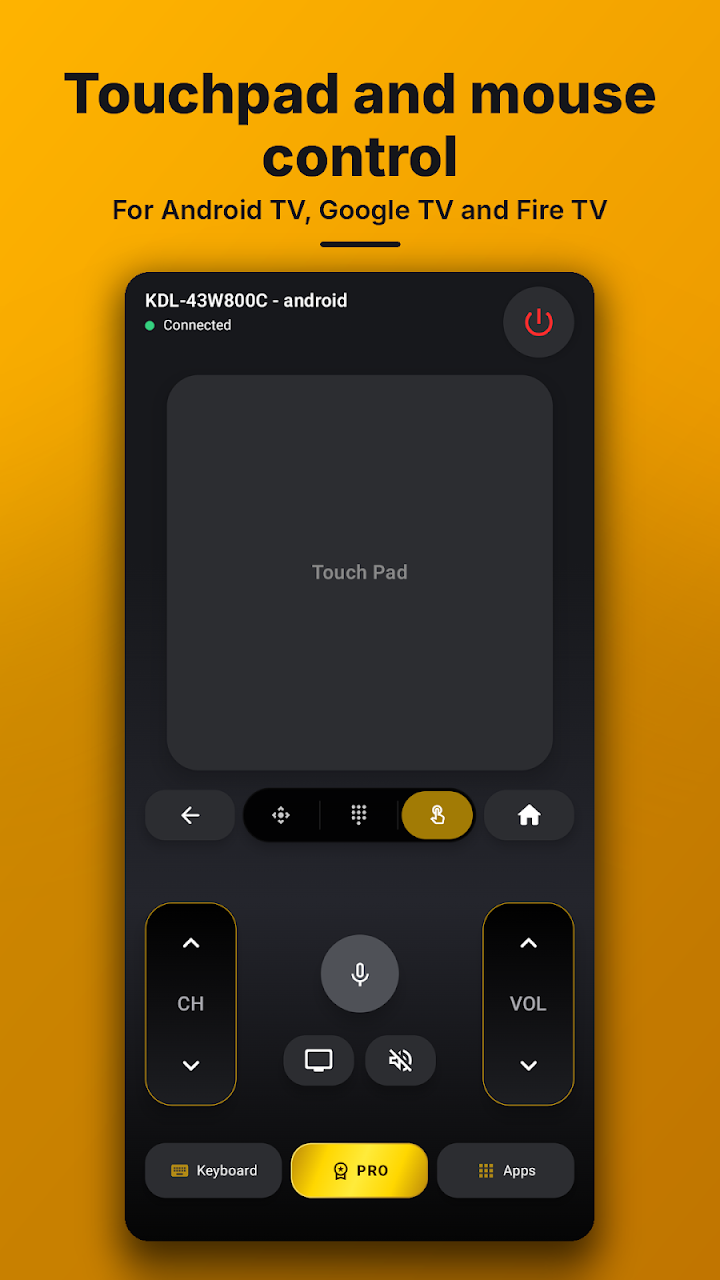
Common controls are included: power, volume, mute, channels, directional pad, back, home and input. The app also adds touchpad and mouse mode for Android TV, Google TV and Fire TV, which can make menu navigation and text entry quicker than using a standard remote.
IR blaster support for older TVs
If the phone has an IR blaster, the app can work as an infrared remote for many television models, including older non-smart sets. In that mode, you choose the TV brand and model, then point the phone at the television. No Wi‑Fi connection is needed for IR control.
The app also includes support for voice search on TVs that accept it, and it can open streaming apps such as Netflix, YouTube and Prime Video from one place. That makes it more than a basic button panel; it tries to shorten the path from phone to content.
What it accesses and how it behaves
The app’s workflow is straightforward: connect the phone and TV, select the device, and start controlling it. Some TVs may ask for a pairing code the first time, and some brands require mobile control to be enabled in their settings. The description also says the app does not require an account.
Universal TV Remote Control is free to download and use, with ads shown in the app and an optional Premium subscription that removes them. It is listed at 8.8 MB, supports Android API 19 and above, and comes as an APK.
- Developer: CodeMatics Media Solutions
- Content rating: Everyone
- Version: 2.5.8
Connection notes
Wi‑Fi control needs the phone and TV on the same network. IR control needs a phone with a built-in IR blaster, and the app says it will tell you if the device does not have one. The app is independent and is not affiliated with or endorsed by TV manufacturers.
APK information
- Version
- 2.5.8
- Package
- codematics.universal.tv.remote.control
- Category
- House & Home
- Size
- 9 MB
- Min Android
- API 19
- Architecture
- universal
Older versions
-
Universal TV Remote Control 2.5.8Nov 12, 2026Latest downloadAPK
Universal TV Remote Control FAQ
Does Universal TV Remote Control support teams?expand_more
The app is for TV control and does not mention team features.
Does Universal TV Remote Control sync across devices?expand_more
It saves TVs you have already connected to, but it does not describe account-based sync across devices.
Is Universal TV Remote Control free to use?expand_more
Yes. It is free to download and use, with ads and an optional Premium subscription that removes ads.
Which processors does this APK support?expand_more
The APK is listed as universal, so it is not tied to a single processor type.
Can it control older TVs without Wi‑Fi?expand_more
Yes. If your phone has an IR blaster, it can work as an infrared remote for older and non-smart televisions.