
- 4.4star8,927,740 reviews
- 500M+Downloads
- 85 MBAPK size
- EveryoneRated for Everyone
- 7.0+Android
check_circleOriginal APK from Waze · Updated Nov 12, 2026
No threats found
0 / — antivirus engines flagged this file
Original signature
First seen — Waze
Unmodified APK
Same file the developer published — no mods
Waze Navigation & Live Traffic screenshots
8 images · tap to enlarge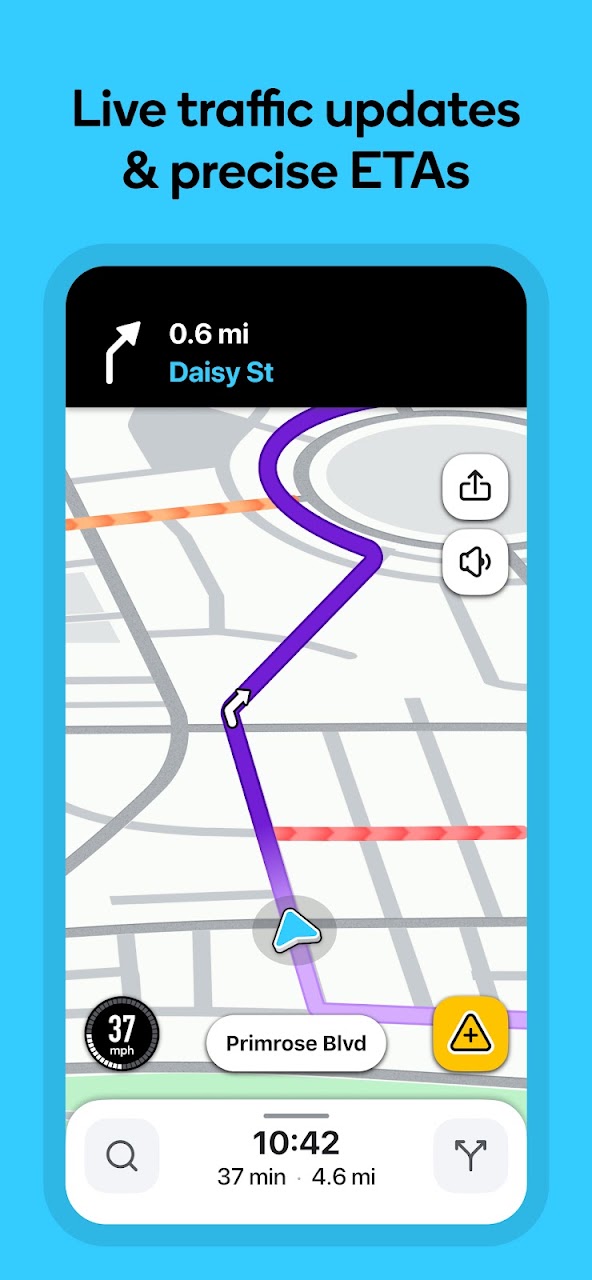
About this app
Need a route that adjusts as you drive? Waze Navigation & Live Traffic uses live reports from other drivers to show traffic, incidents, road hazards, and accurate ETAs. It is a free map app with ads, built for everyday driving, and it can also show fuel, parking, and toll details along the way.
- Live route updates — Waze reroutes based on traffic, incidents, and road closures to help keep trips moving.
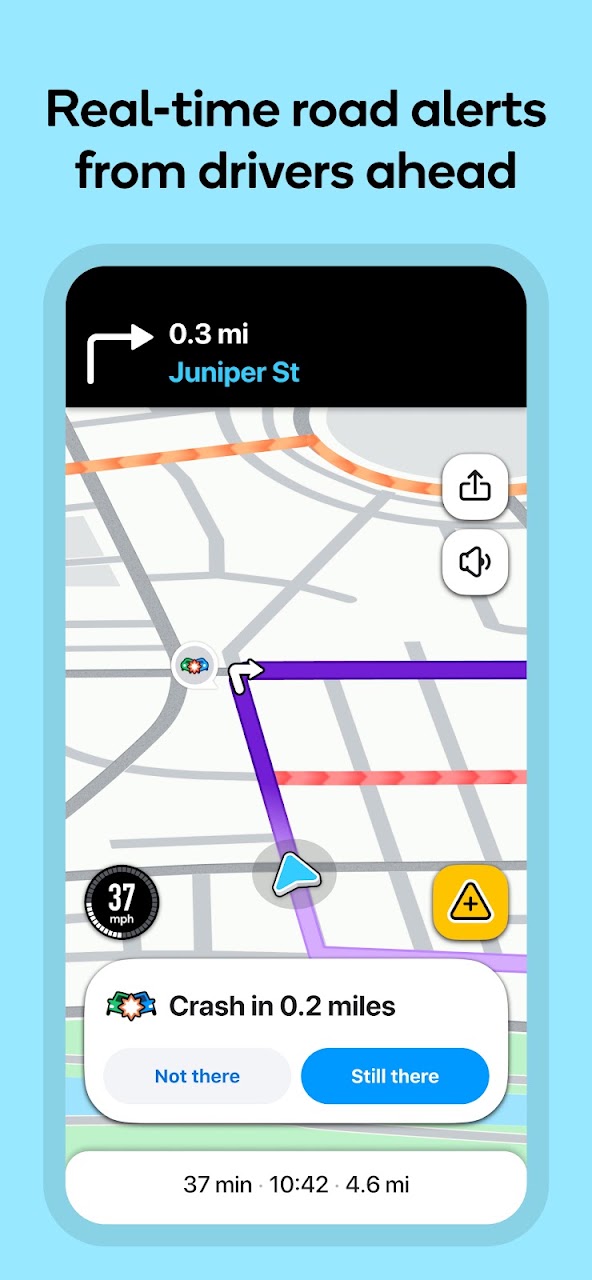
- Road hazard alerts — See warnings for crashes, roadworks, potholes, speed bumps, sharp curves, bad weather, and more.
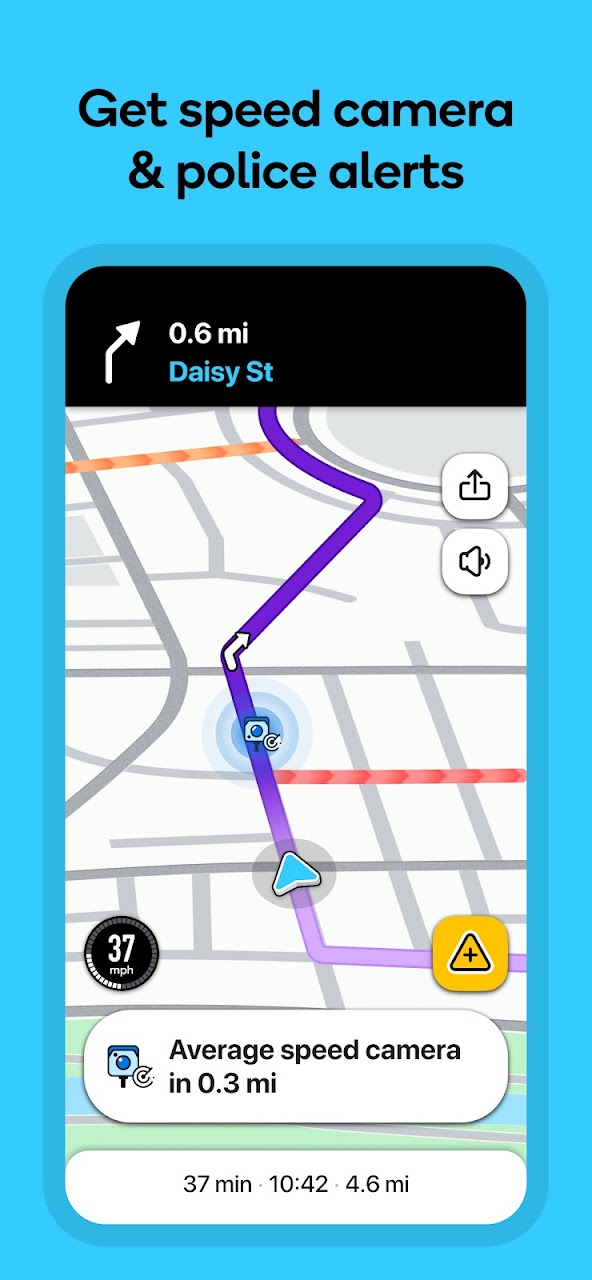
- Police and camera notices — The app can show police locations plus red light and speed cameras so you know what is ahead.
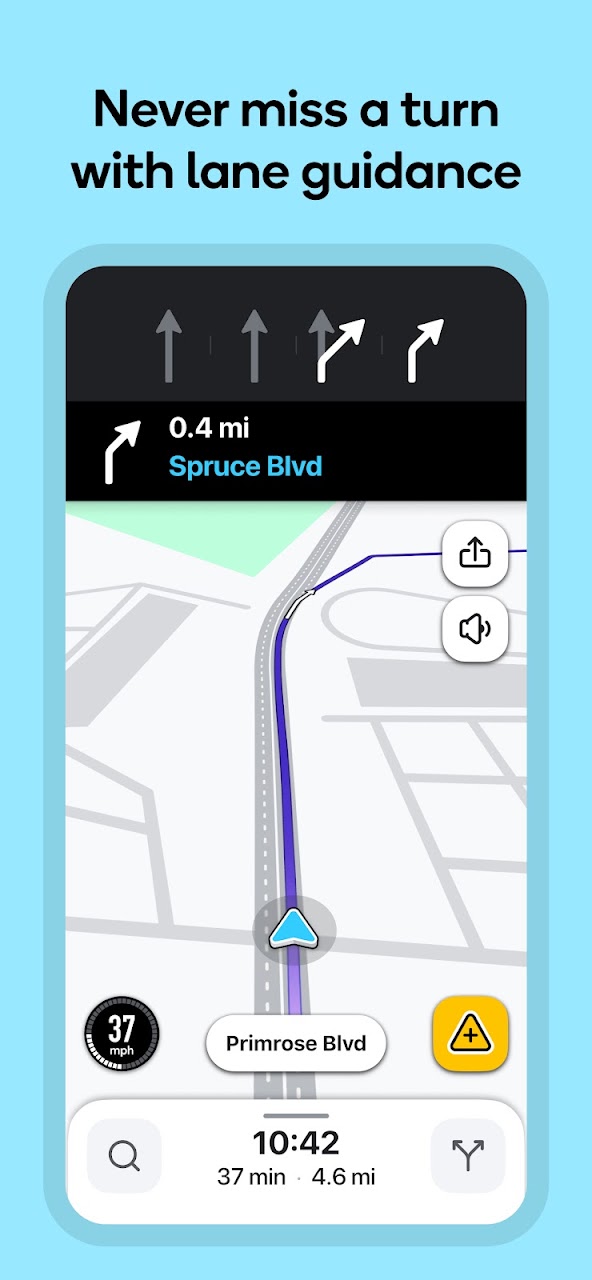
- Lane and speed help — Multi-lane guidance and speed limit changes help you stay in the right lane and keep an eye on your speed.
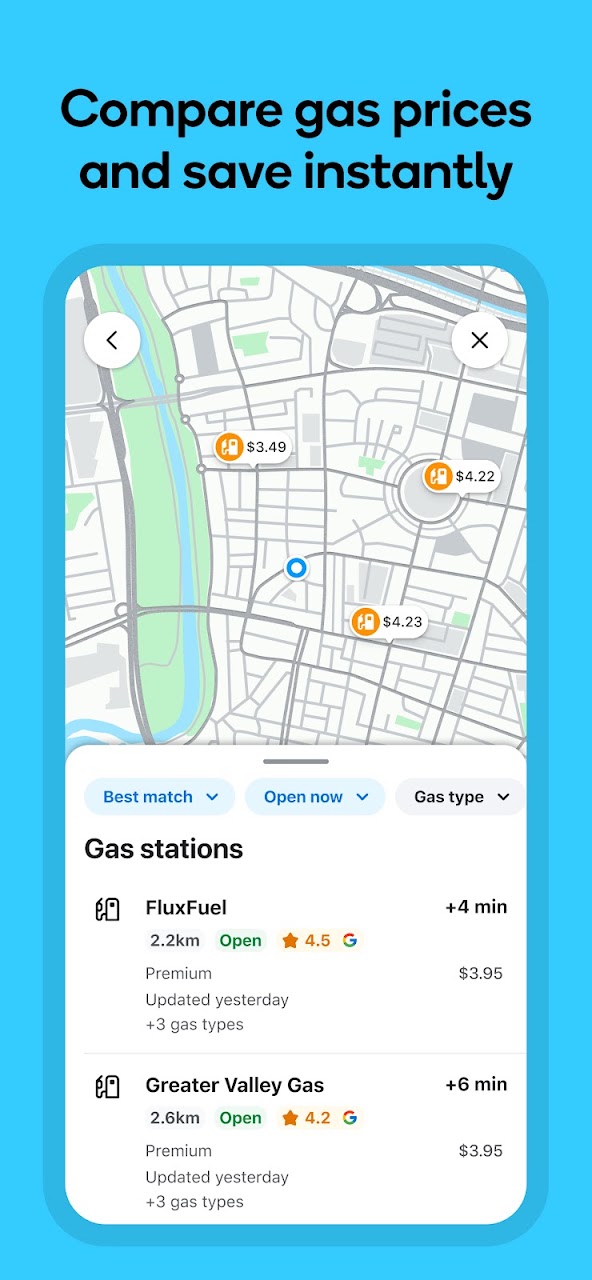
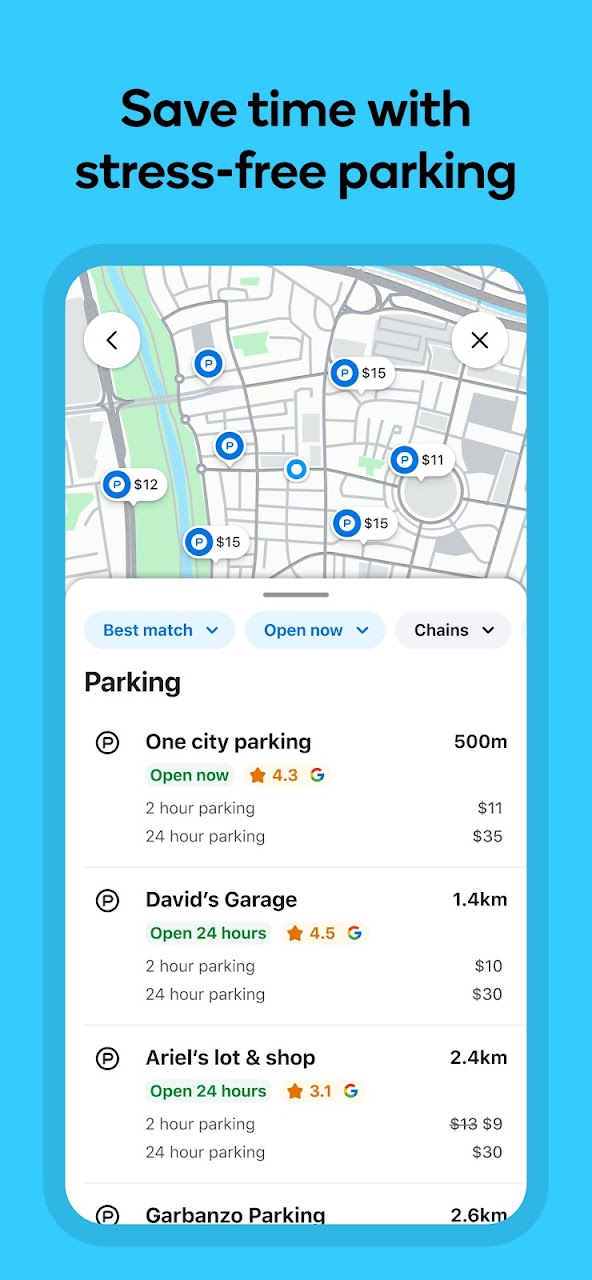
- Fuel, parking, tolls — Find petrol stations, EV charging, parking lots, toll pricing, and route options that avoid tolls.
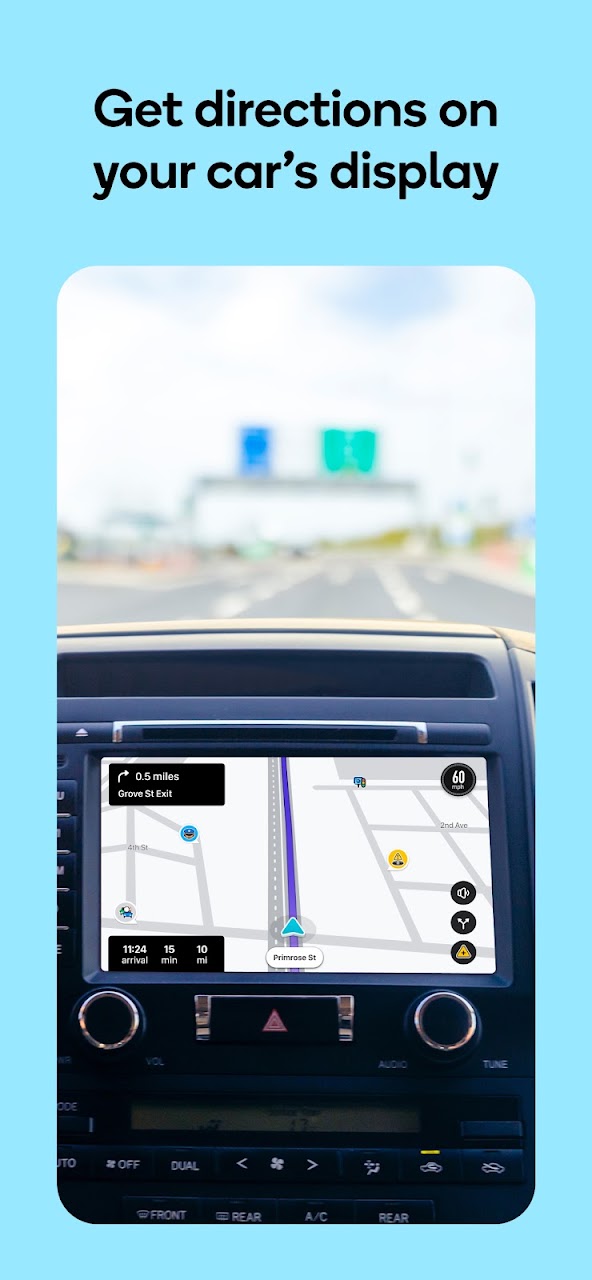
- Android Auto support — You can sync Waze to your car’s built-in display through Android Auto.
What appears on first launch
Waze starts as a live map built around what other drivers are seeing right now. On first use, expect to set up navigation for your route, then see traffic, incident reports, and ETA updates as you drive. It is designed for regular trips rather than emergency or oversized vehicles.
Set up the route details first
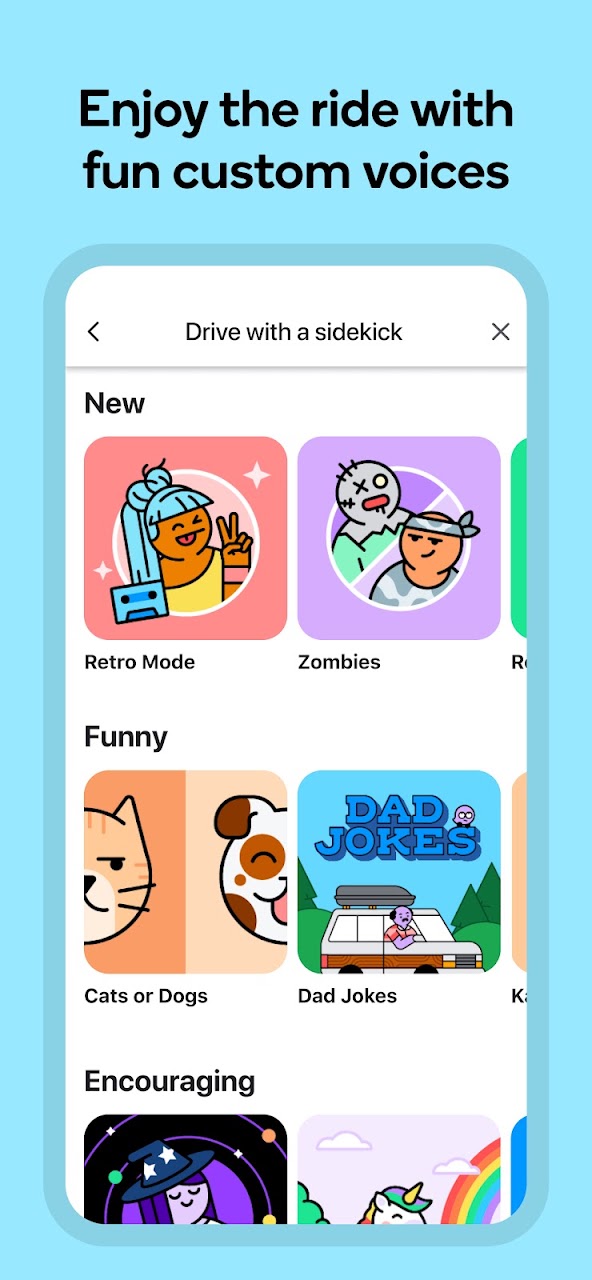
The most useful first-step choices are the ones that affect how Waze plans your drive: departure or arrival time, toll avoidance, and whether you want fuel, EV charging, or parking information along the route. Voice-guided turn-by-turn navigation is available in a range of languages, local accents, and celebrity voices.
Use the road alerts as you go
Waze is strongest when you let it keep adjusting to live conditions. It can warn about accidents, crashes, roadworks, objects on the road, potholes, police, emergency vehicles, railway crossings, and speed cameras. Multi-lane guidance and speed limit changes are also built in.
- You get: live traffic rerouting, ETAs, safety alerts, and route planning tools.
- Watch for: some features are not available in all countries, and the app includes ads.
Practical tips for daily driving
If you commute the same roads often, check ETAs before you leave and compare routes when traffic changes. You can also report incidents and hazards for other drivers, which helps keep the map current. Music, podcasts, news, and audiobooks from your audio apps can be used inside Waze, and Android Auto support lets you move the map to your car display.
Requirements and privacy settings
The app is free to install, uses ads, and does not list in-app purchases. The APK is a universal file, 85.1 MB, and requires Android 7.0 or later. No permissions are listed here. Waze also lets you manage privacy settings in the app, and its privacy policy is available from Waze.
APK information
- Version
- 4.100.1.0
- Package
- com.waze
- Category
- Maps & Navigation
- Size
- 85 MB
- Min Android
- 7.0
- Architecture
- universal
Older versions
-
Waze Navigation & Live Traffic 4.100.1.0Nov 12, 2026Latest downloadAPK
Waze Navigation & Live Traffic FAQ
Which countries does Waze Navigation & Live Traffic cover?expand_more
Waze says some features are not available in all countries. The app description does not list specific country coverage.
Does Waze Navigation & Live Traffic work offline?expand_more
The app is built around live traffic, incident reports, and real-time rerouting, so the description does not present it as an offline map app.
Does Waze Navigation & Live Traffic work on tablets?expand_more
The listing does not say whether it is tablet-specific. It requires Android 7.0 or later.
What is the difference between the APK and the Play Store version?expand_more
The APK is the app file format listed here. The Play Store version is the same app delivered through Google Play, while this listing provides the APK file details.
Can Waze show fuel, parking, and toll details?expand_more
Yes. It can find petrol stations and EV charging stations, compare parking lots and prices, and show toll pricing with options to avoid tolls.