
- 4.3star505,987 reviews
- 10M+Downloads
- 39 MBAPK size
- EveryoneRated for Everyone
- API 16+Android
check_circleOriginal APK from Exovoid Sàrl · Updated Nov 12, 2026
No threats found
0 / — antivirus engines flagged this file
Original signature
First seen — Exovoid Sàrl
Unmodified APK
Same file the developer published — no mods
Weather XL PRO screenshots
8 images · tap to enlarge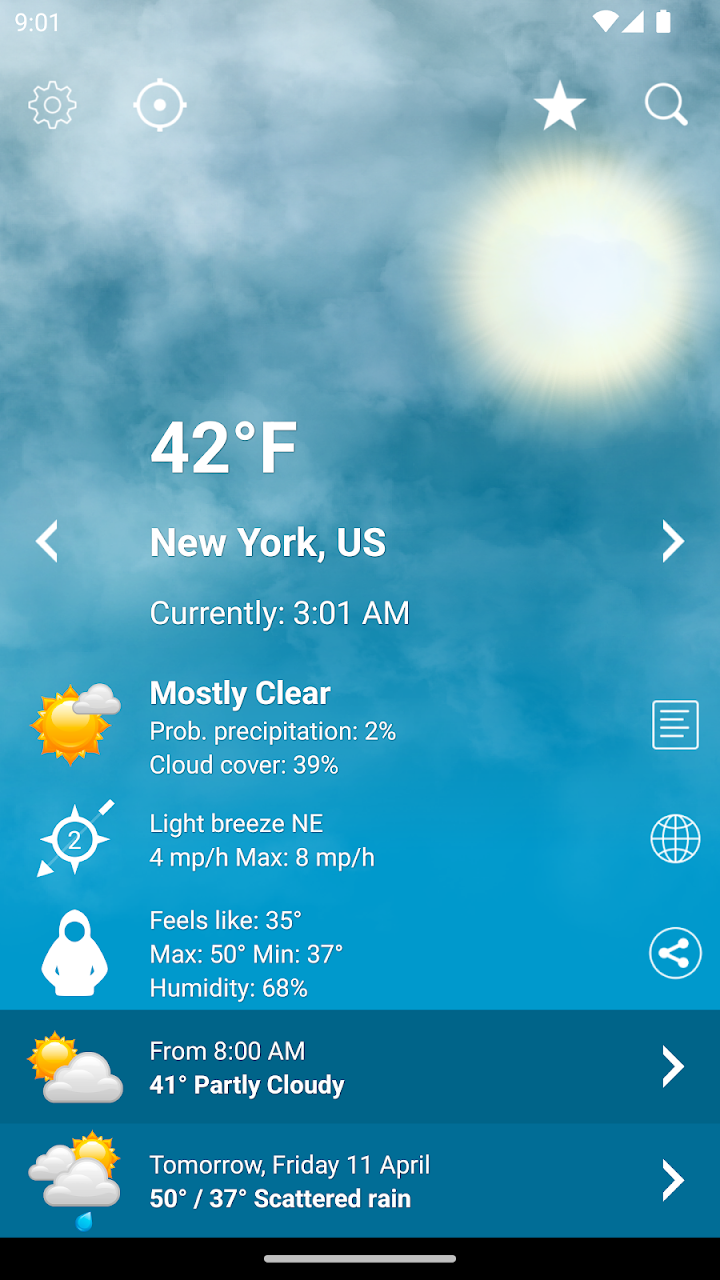
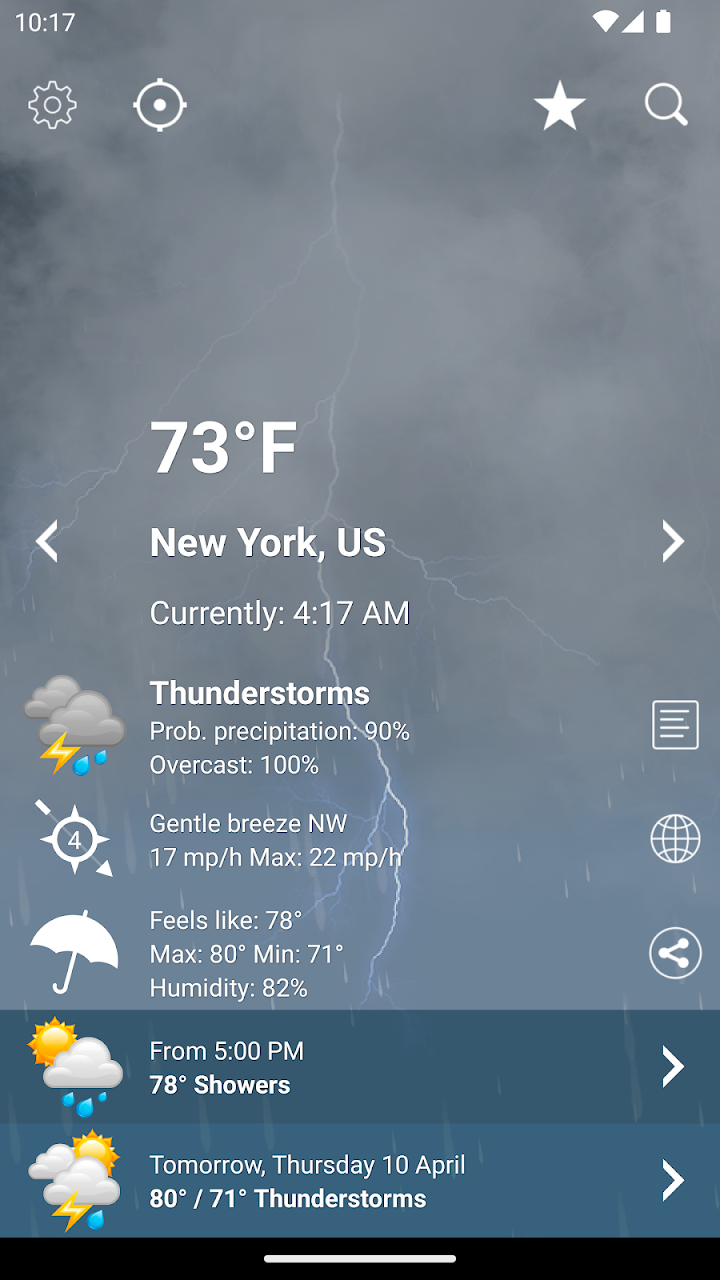
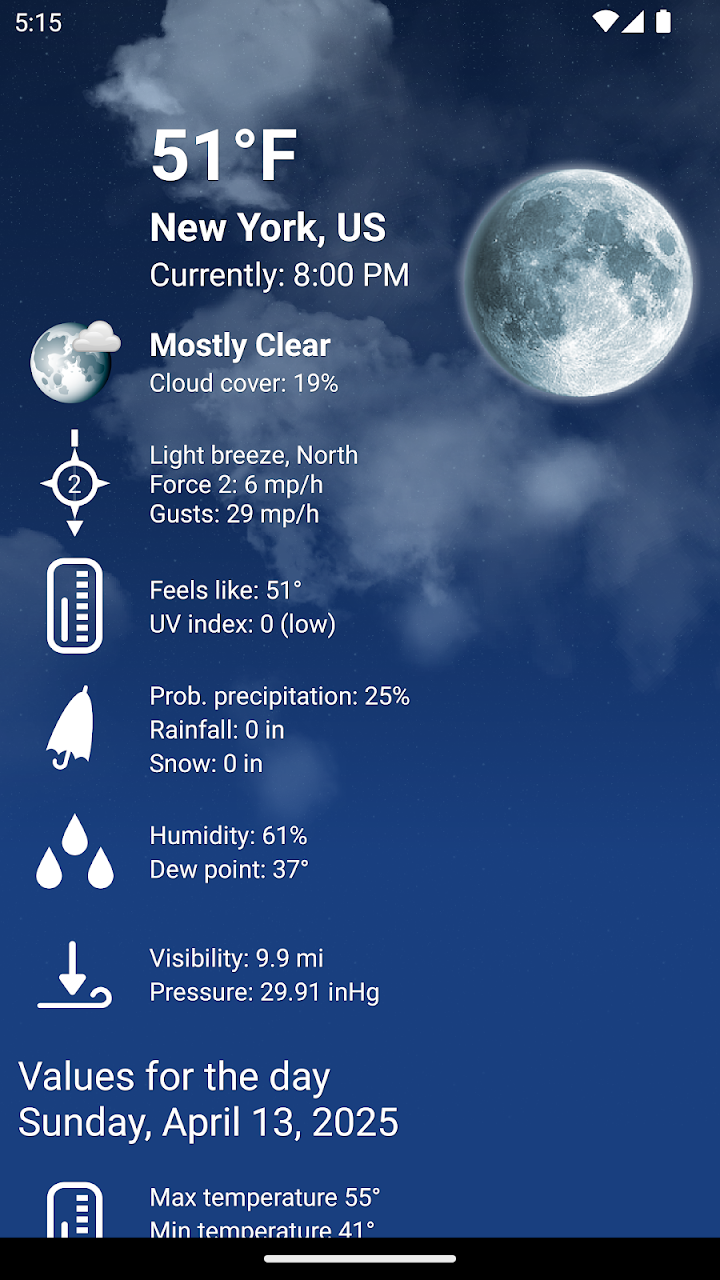
About this app
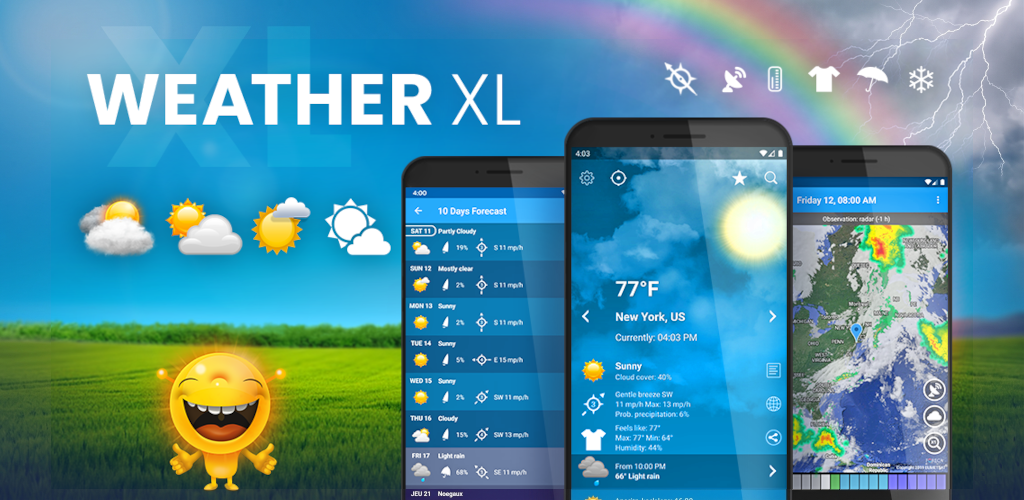
Weather XL PRO stands out for its detailed forecasts, flexible widgets, and animated weather views. Open it in the morning to check the day ahead, glance at the status bar for temperature, or use a home screen widget for a quick read. It also covers alerts, air quality, and smartwatch viewing without needing an account.
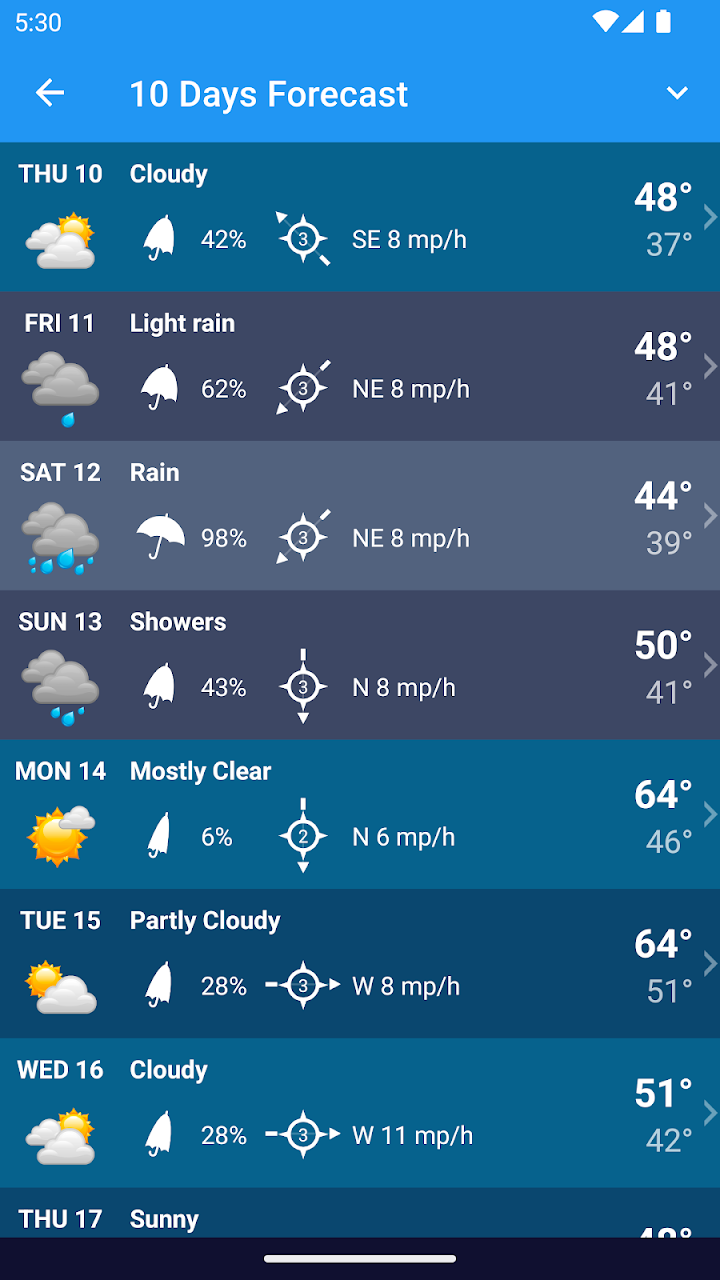
- 10-Day Forecasts — Check weather for the next 10 days, with hour-by-hour updates for tighter planning.
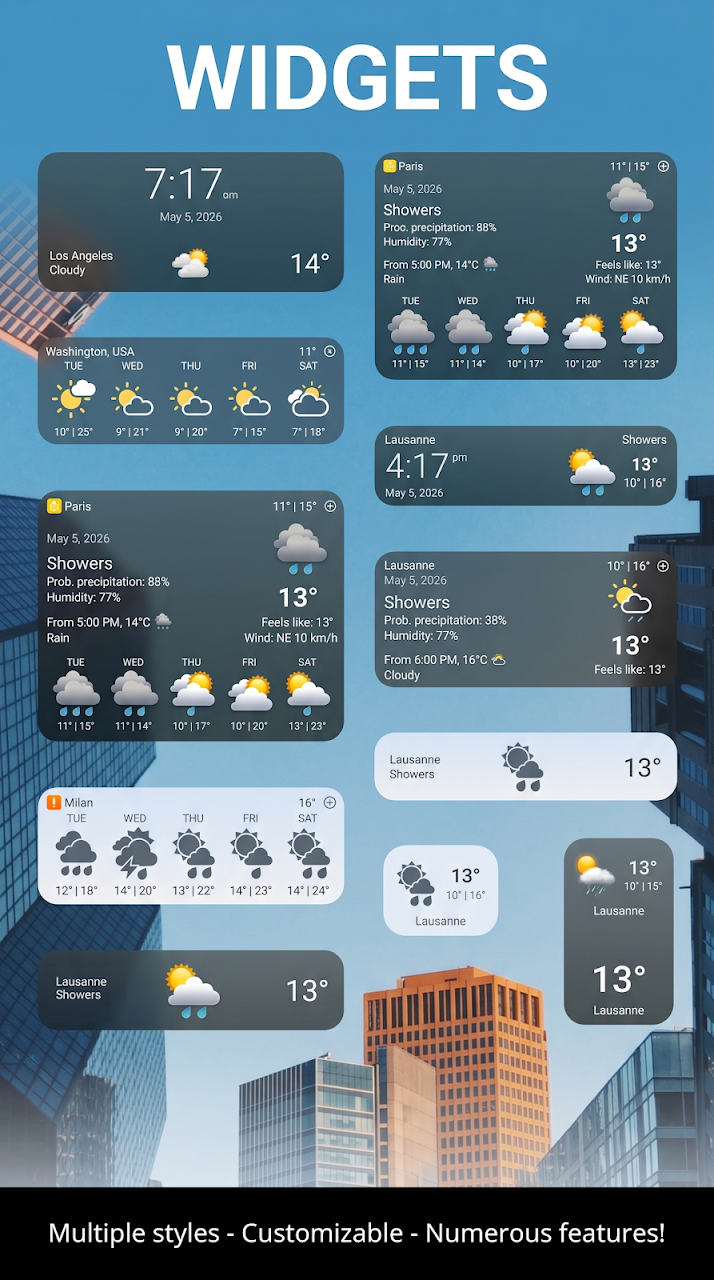
- Custom Widgets — Pick widget size, layout, colors, and text size so the forecast fits your home screen.
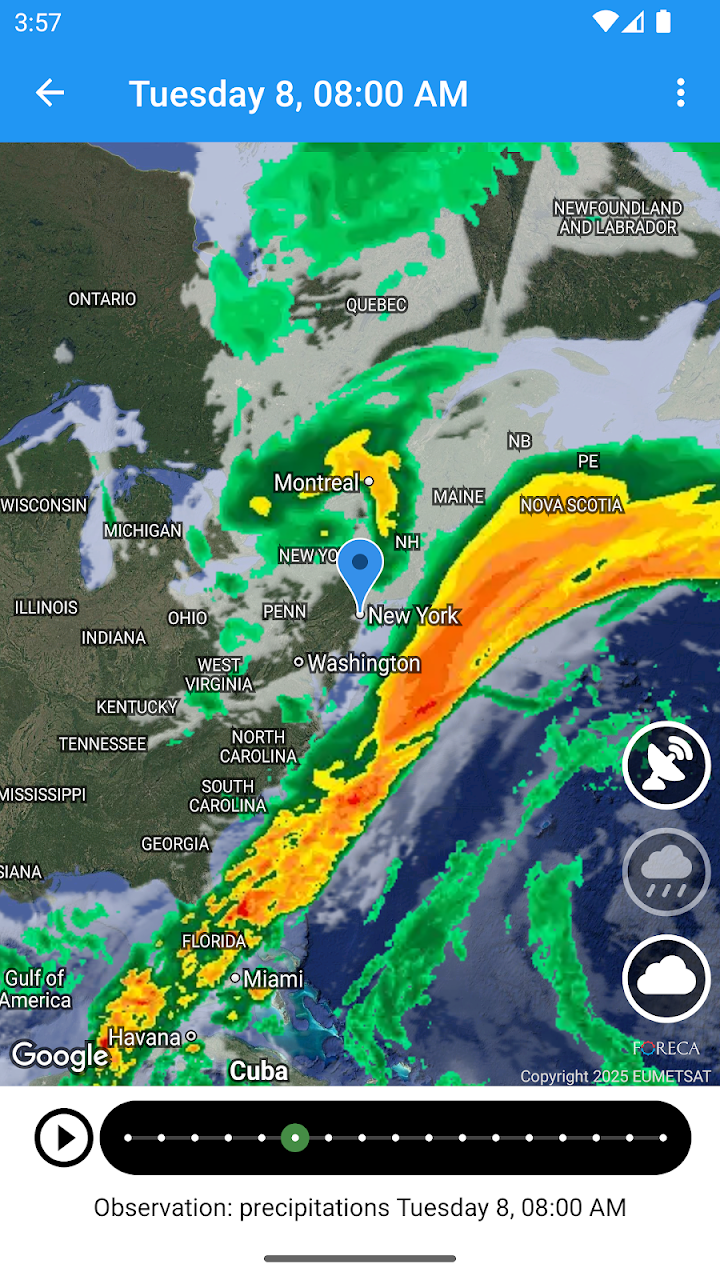
- Weather Animations — See satellite and radar maps with dynamic animations, plus a live wallpaper option on compatible devices.
- Alerts and Air Quality — Follow severe weather warnings and air quality readings from official stations, including common pollutants.
- Wear OS Support — View current weather, hourly details, daily forecasts, and alerts on a Wear OS smartwatch.
Check the day in seconds
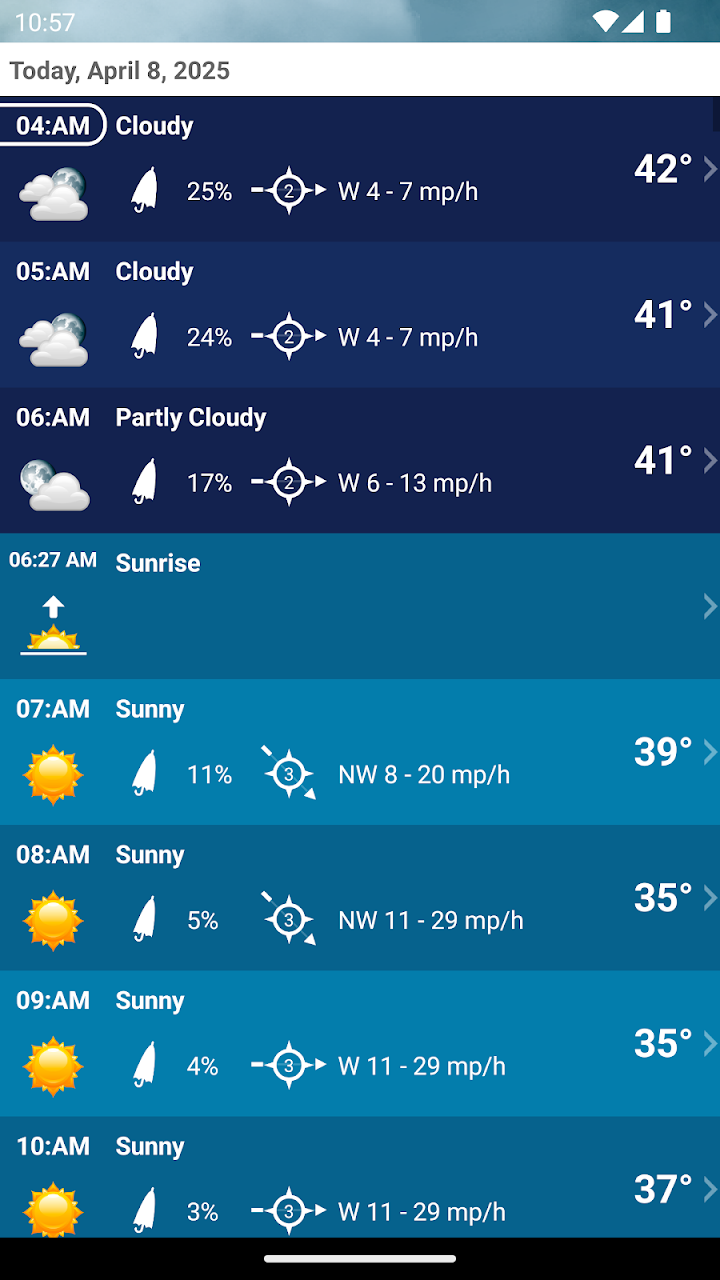
When you open Weather XL PRO, the main screen is built for a quick look at what is happening now and what is coming next. You can see forecasts for the next 10 days, then drill into hour-by-hour weather for more exact timing. That makes it easy to check whether a walk, commute, or outdoor plan fits the weather.
Use widgets without opening the app
The widget tools are one of the most practical parts of the app. You can choose the size, layout, colors, and text size, then place the widget on your home screen for a fast snapshot. If you just want temperature, rain chance, or another detail at a glance, the widget keeps it visible without extra taps.
Track storms, air quality, and radar
For more detailed weather watching, the app includes rain, snow, wind, storms, humidity, dew, UV index, and air pressure. It also shows satellite and weather radar maps with animated visuals. If severe weather is active, you can check alerts issued by official national weather services. Air quality details are also included, with pollutants such as PM2.5, PM10, ozone, carbon monoxide, sulfur dioxide, and nitrogen dioxide.
Watch weather on your wrist
Weather XL PRO also works with Wear OS smartwatches, including Tiles and Complications. On the watch, you can check the weather for your current location or a synced city, then view hourly and daily forecasts, wind speed, cloud cover, humidity, pressure, and UV index. The app is free, shows ads, includes in-app purchases, and requires Android 16 or later. The APK uses the universal format and is 39.4 MB.
- Weather is processed on your device, and the app can be used without location access by setting a city manually.
- No account setup is mentioned.
- Compatible with phones, tablets, and Wear OS.
APK information
- Version
- 1.4.7.9
- Package
- com.exovoid.weather.app
- Category
- Weather
- Size
- 39 MB
- Min Android
- API 16
- Architecture
- universal
Older versions
-
Weather XL PRO 1.4.7.9Nov 12, 2026Latest downloadAPK
Weather XL PRO FAQ
Does Weather XL PRO work offline?expand_more
The app can be used without localization by setting a location manually, but weather updates still rely on forecasts and weather services.
Does Weather XL PRO need GPS?expand_more
No. You can set a location manually from the search screen instead of using localization.
Does Weather XL PRO have in-app purchases?expand_more
Yes, it includes in-app purchases.
Is Weather XL PRO free to use?expand_more
Yes, it is free to download and use.
Can I use Weather XL PRO on a smartwatch?expand_more
Yes. It supports Wear OS, including Tiles and Complications, with hourly and daily forecasts and weather alerts.