
- 4.0star2,243 reviews
- 50K+Downloads
- 19 MBAPK size
- EveryoneRated for Everyone
- 5.0+Android
check_circleOriginal APK from Audirvana SAS · Updated Nov 12, 2026
No threats found
0 / — antivirus engines flagged this file
Original signature
First seen — Audirvana SAS
Unmodified APK
Same file the developer published — no mods
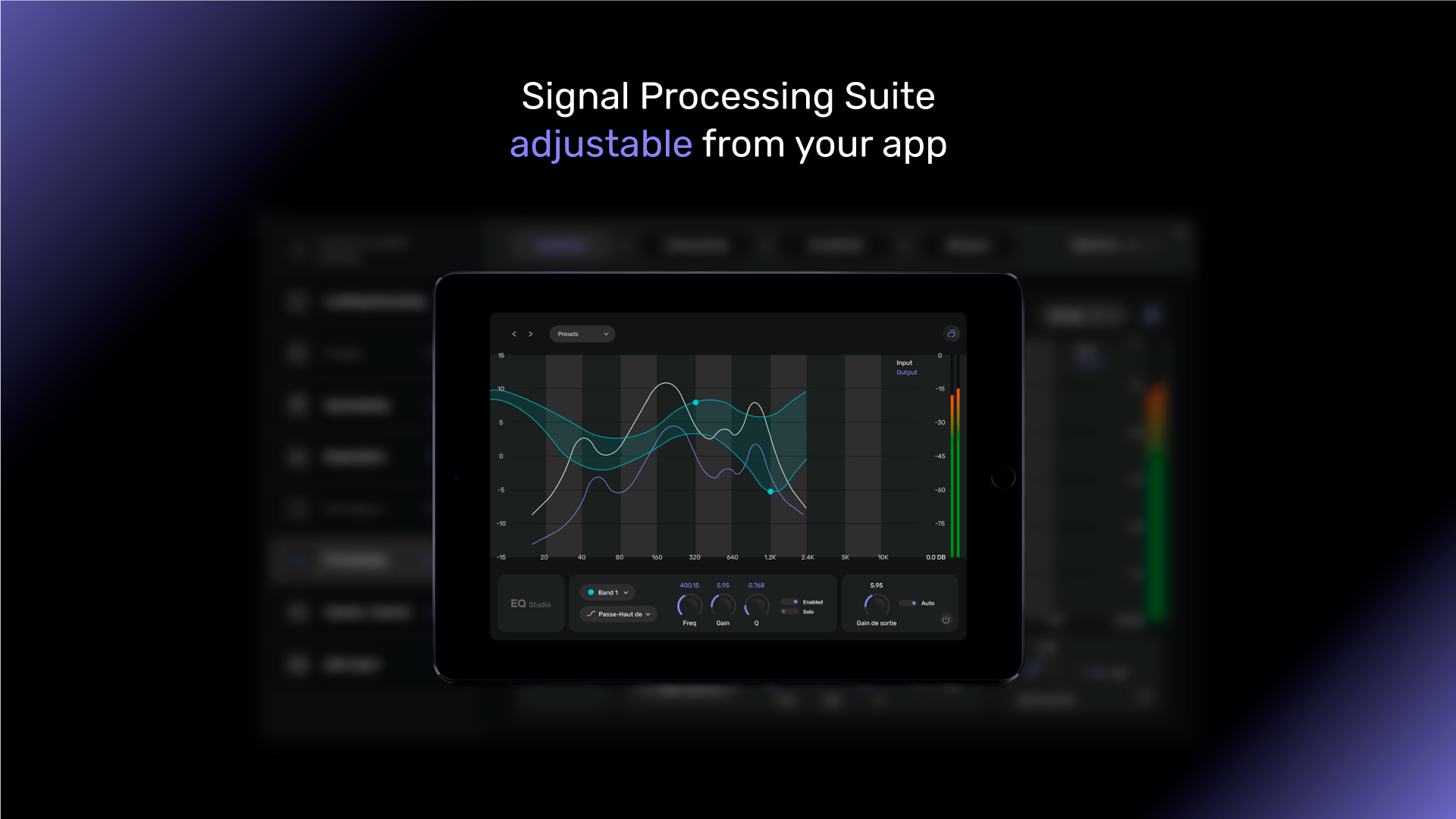
Audirvāna Remote screenshots
8 images · tap to enlarge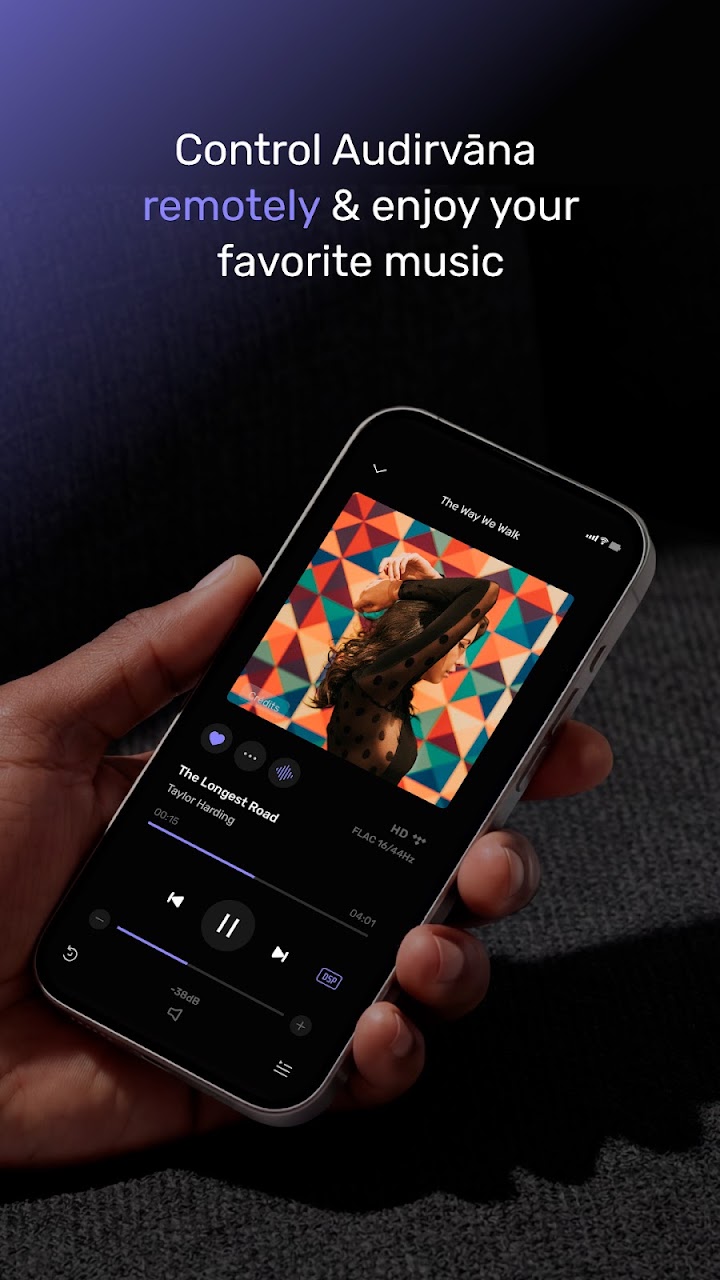
About this app
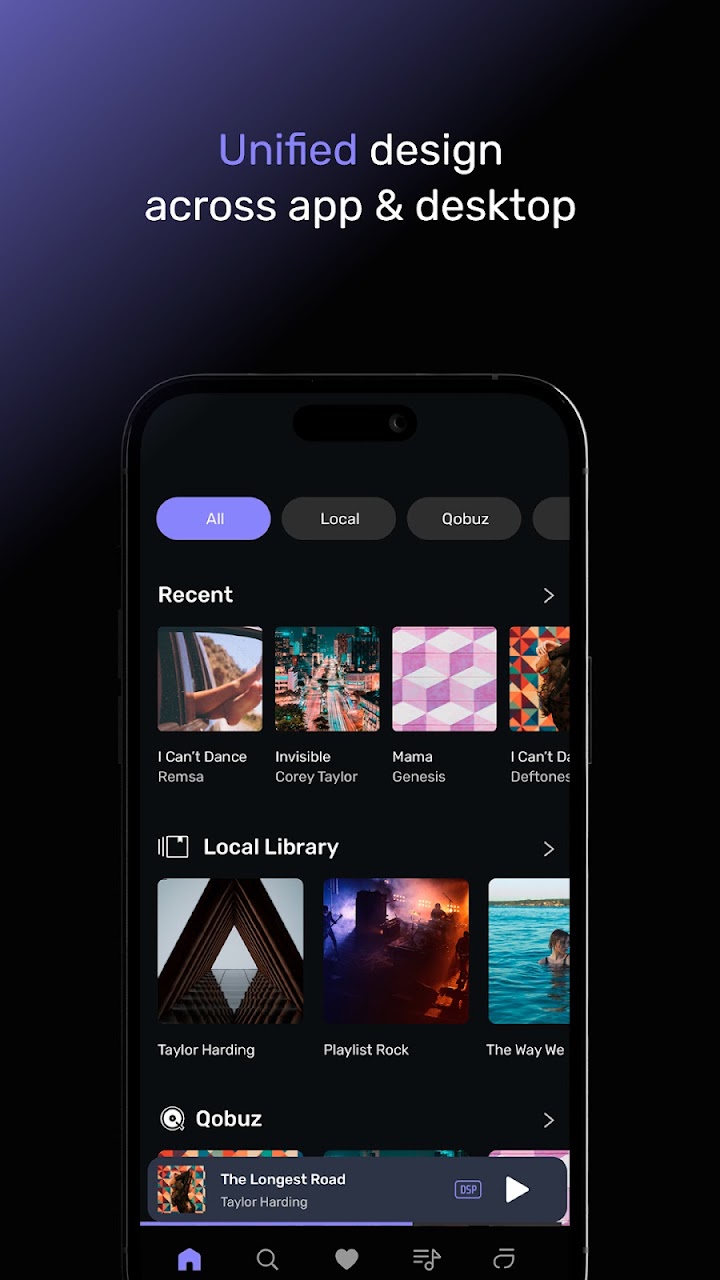
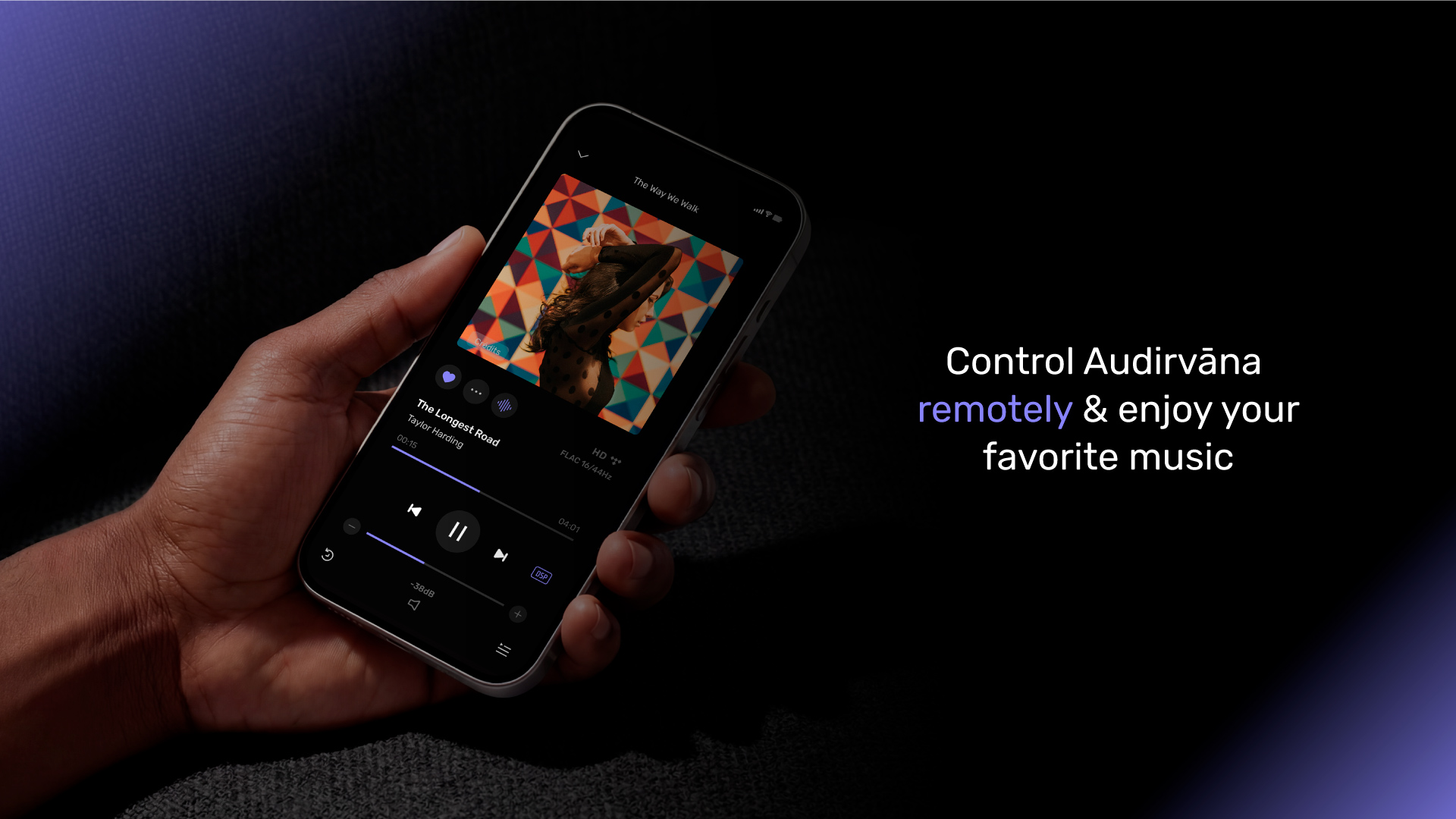
Control your music from your phone or tablet while Audirvāna keeps playing on your computer. Audirvāna Remote gives you access to albums, playlists, artists, HD streaming services, and playback settings, so you can browse and manage listening without staying at the keyboard.
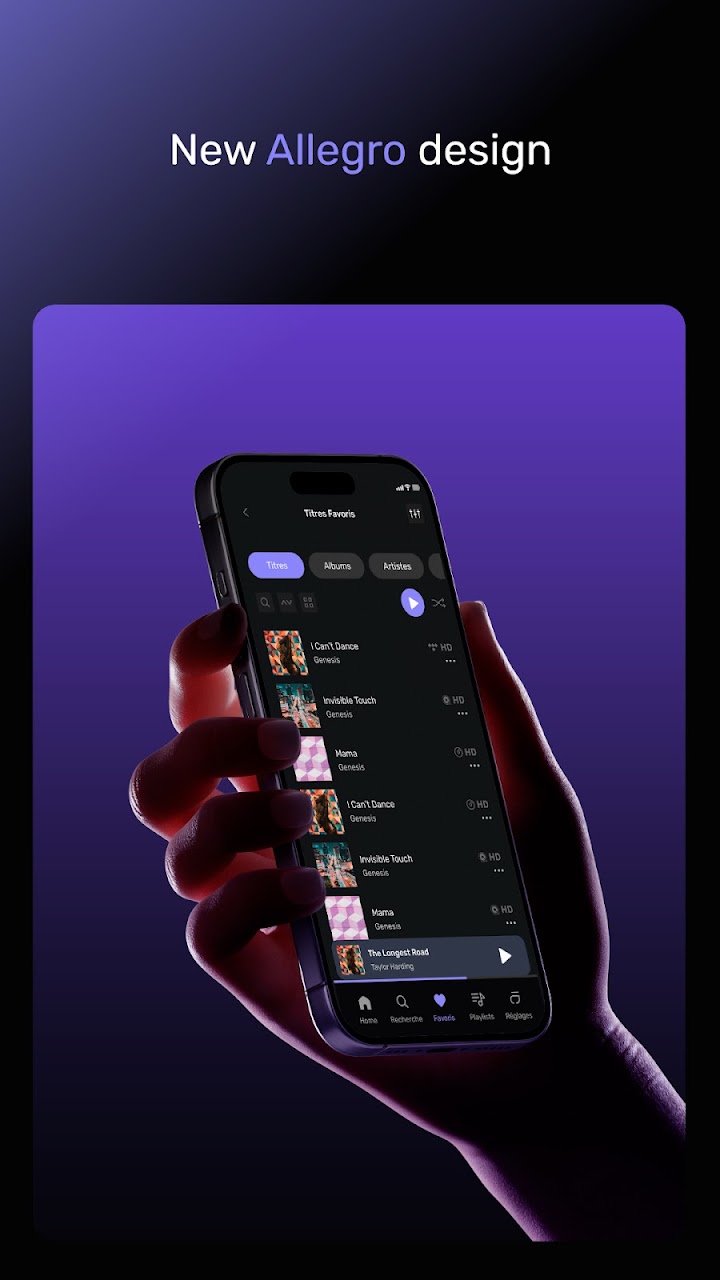
- Browse your library — View music libraries available in Audirvāna from your Android device.
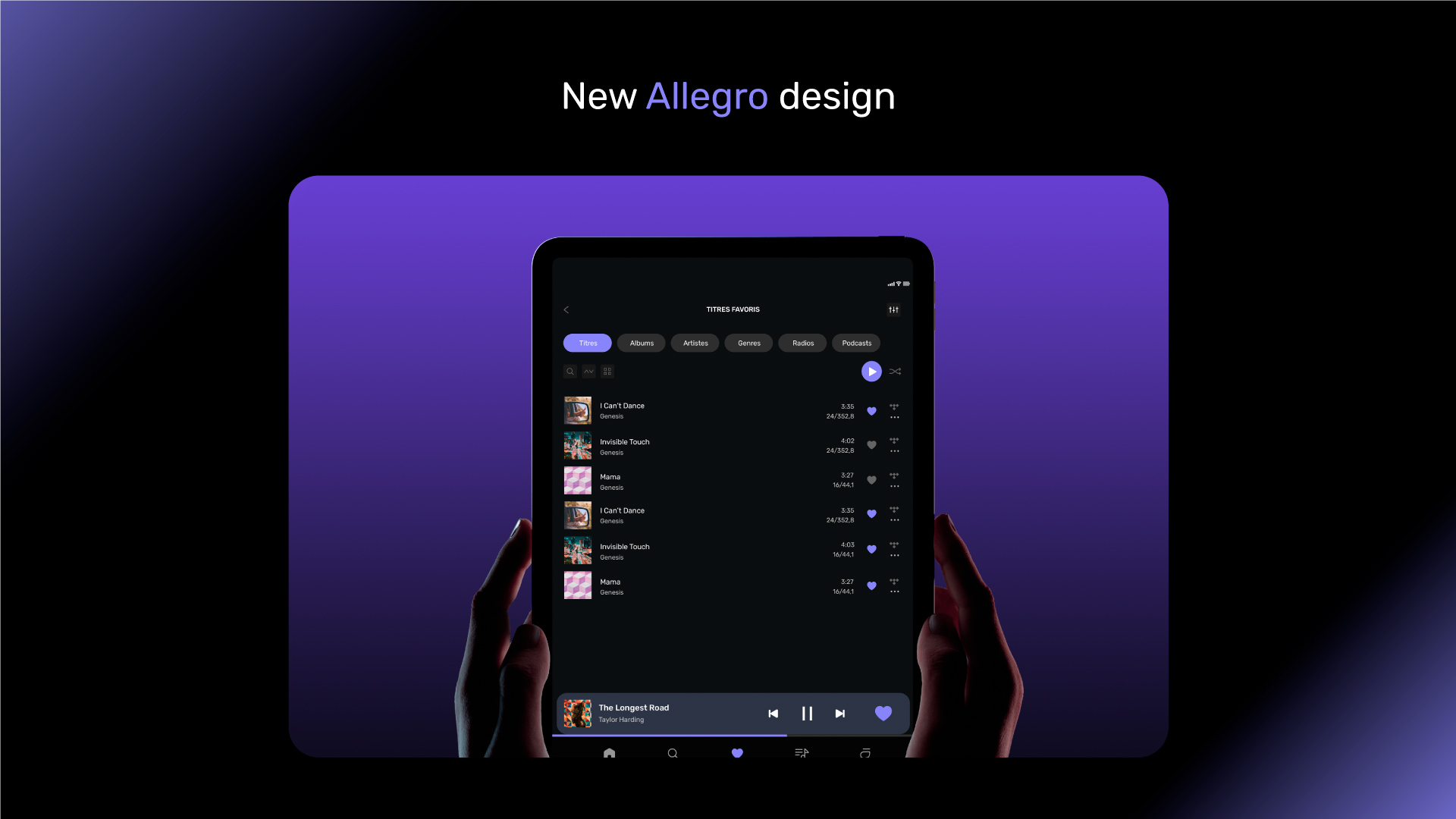
- Manage playlists — Create, rename, and reorganize playlists from the remote app.
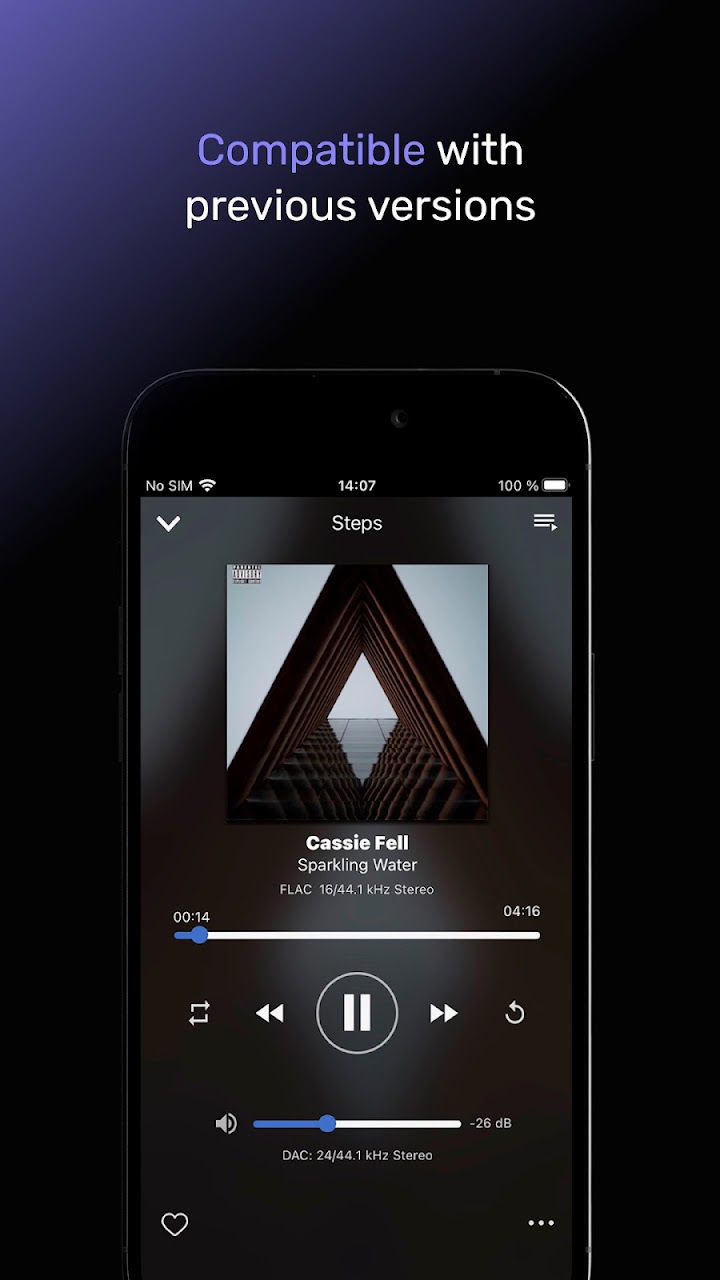
- Adjust playback — Choose the output audio device and fine-tune the volume.
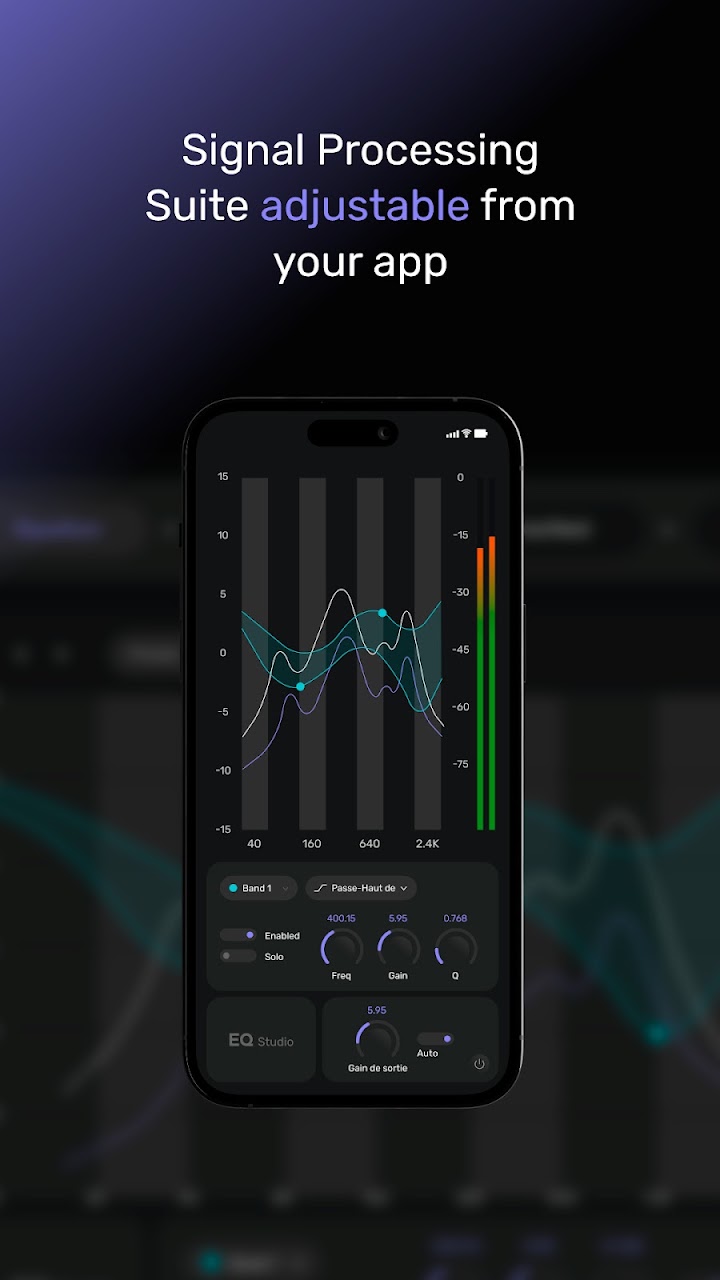
- Check settings — Review and change Audirvāna settings from your phone or tablet.
- Use on Wi-Fi — Connect both devices to the same Wi-Fi network and pair them with the code shown on screen.
- Free APK — The app is free, with no ads and no in-app purchases.
Keep control of music from the couch
Audirvāna Remote solves a simple problem: you want to manage playback without walking back to the computer every time you want to change something. It connects to Audirvāna running on your Mac or PC, so you can browse your music and adjust listening from Android while the computer handles the audio.
Albums, playlists, artists, and streaming access
From the app, you can open your albums, playlists, artists, and HD streaming services. That makes it easier to move through a large library on a smaller screen. You can also browse all music libraries available in Audirvāna, which helps when your music is spread across different sources.
Playback controls that stay close at hand
Audirvāna Remote includes tools for everyday listening control. You can create, rename, and reorganize playlists, choose the output audio device, and adjust volume precisely. You can also check and change settings without switching back to the computer. The app is free, does not show ads, and does not include in-app purchases. It comes as an APK, is 18.7 MB, and requires Android 5.0 or later.
What to know before installing
This app is for controlling Audirvāna software on a computer, not for playing music by itself. To use it, Audirvāna must be open on your Mac, PC, or Linux computer, and both devices need to be on the same Wi-Fi network. You then select your computer in the app and enter the code shown on screen.
Audirvāna Remote is a practical fit for people who already use Audirvāna and want easier control from a phone or tablet. It is especially useful if you want to browse, queue, and adjust playback without staying at the computer.
What's new
Version 6.2.3 · Nov 12, 2026
- Minor improvements and bug fixes
APK information
- Version
- 6.2.3
- Package
- com.audirvana.aremote
- Category
- Music & Audio
- Size
- 19 MB
- Min Android
- 5.0
- Architecture
- universal
Older versions
-
Audirvāna Remote 6.2.3Nov 12, 2026Latest downloadAPK
Audirvāna Remote FAQ
Can I listen offline in Audirvāna Remote?expand_more
Audirvāna Remote is a controller for Audirvāna running on your computer. The description does not mention offline listening in the app itself.
Is Audirvāna Remote free without a subscription?expand_more
Yes. The app is free, and it does not include in-app purchases.
Does Audirvāna Remote show ads?expand_more
No. The app does not contain ads.
Does Audirvāna Remote work on tablets?expand_more
Yes. The app is made for a phone or tablet, and it works on Android 5.0 and later.
How do I connect Audirvāna Remote to my computer?expand_more
Open Audirvāna on your computer, connect both devices to the same Wi-Fi network, then select your computer in the app and enter the code shown on screen.