
- 3.8star823,003 reviews
- 1B+Downloads
- 1 MBAPK size
- TeenRated for Teen
- 5.0+Android
check_circleOriginal APK from Samsung Electronics Co., Ltd. · Updated Nov 10, 2026

No threats found
0 / — antivirus engines flagged this file
Original signature
First seen — Samsung Electronics Co., Ltd.
Unmodified APK
Same file the developer published — no mods
Samsung Music screenshots
8 images · tap to enlarge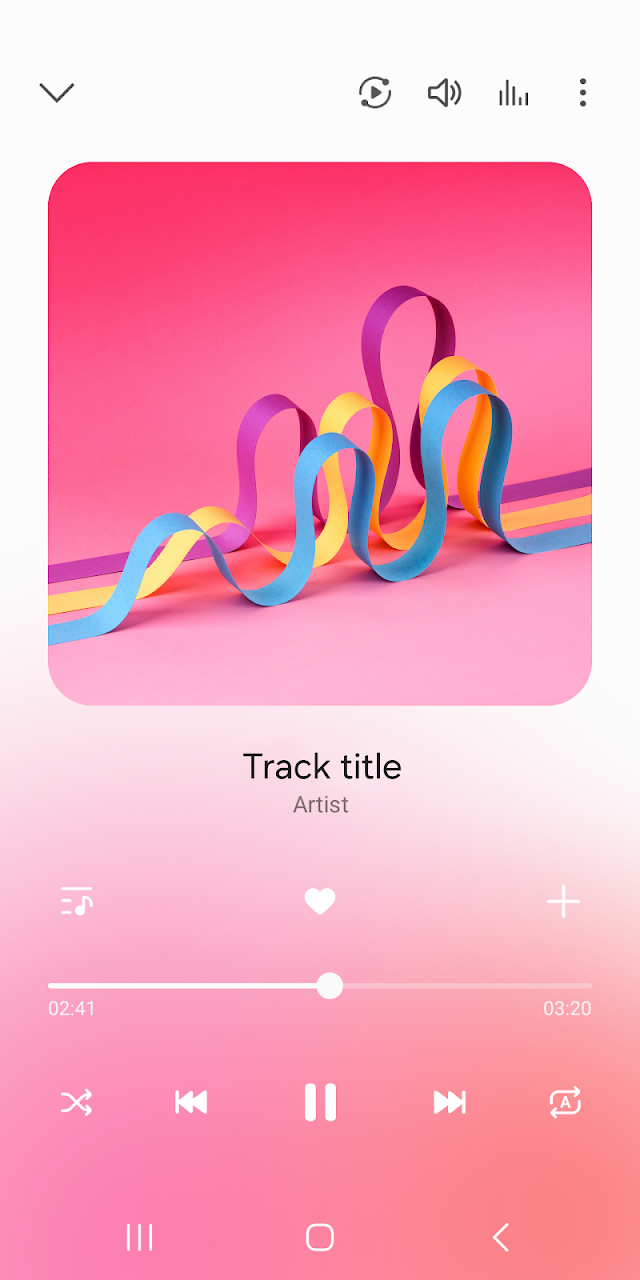
About this app
Looking for a music player on your Samsung phone? Samsung Music is built for Samsung Android devices and focuses on playback, library organization, and a clean interface. It supports common audio formats, shows Spotify playlist recommendations in supported countries, and is free to install, with ads included.
- Format playback — Plays audio formats such as MP3, AAC, and FLAC, though support can vary by device.
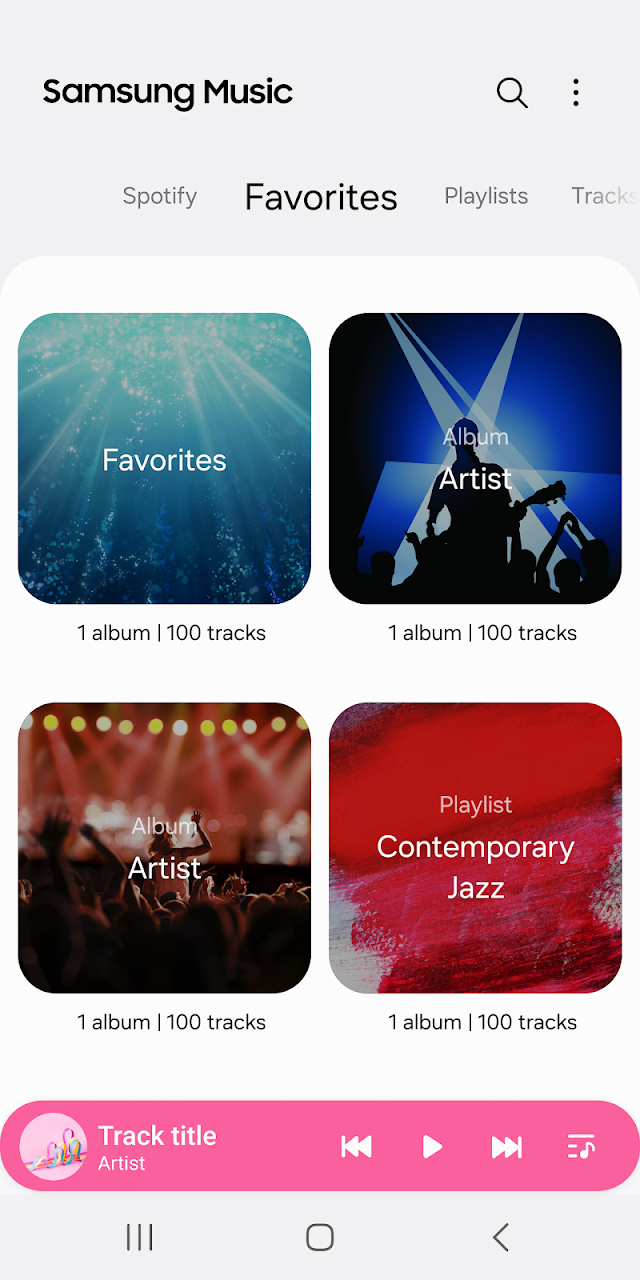
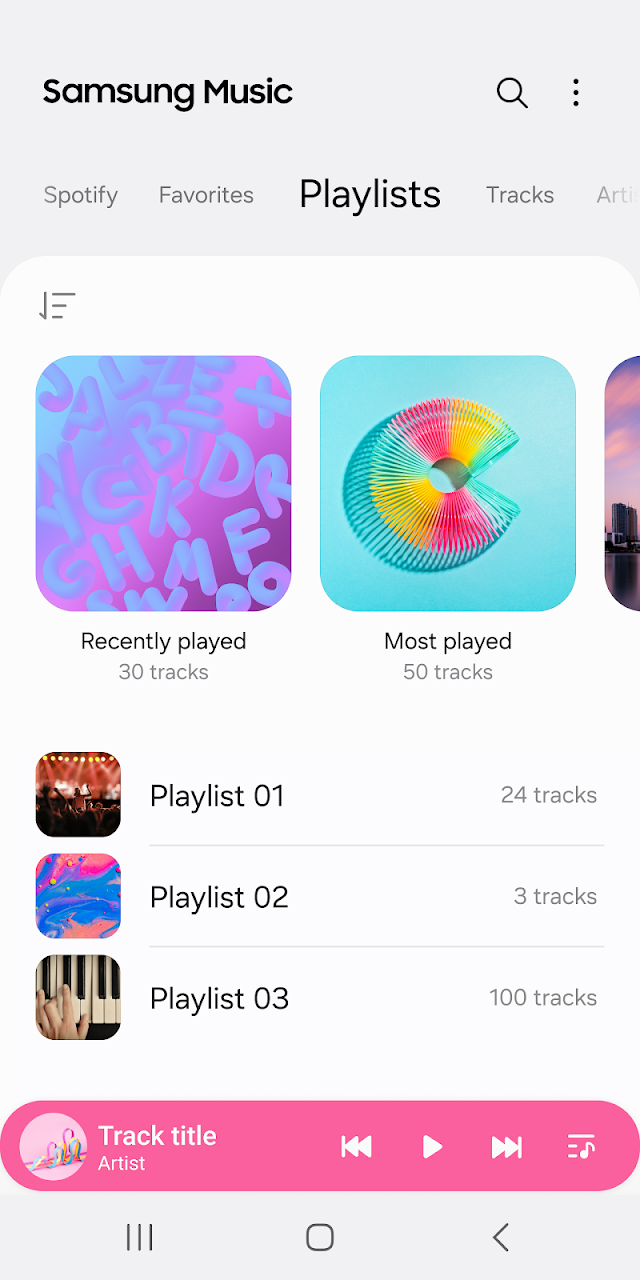
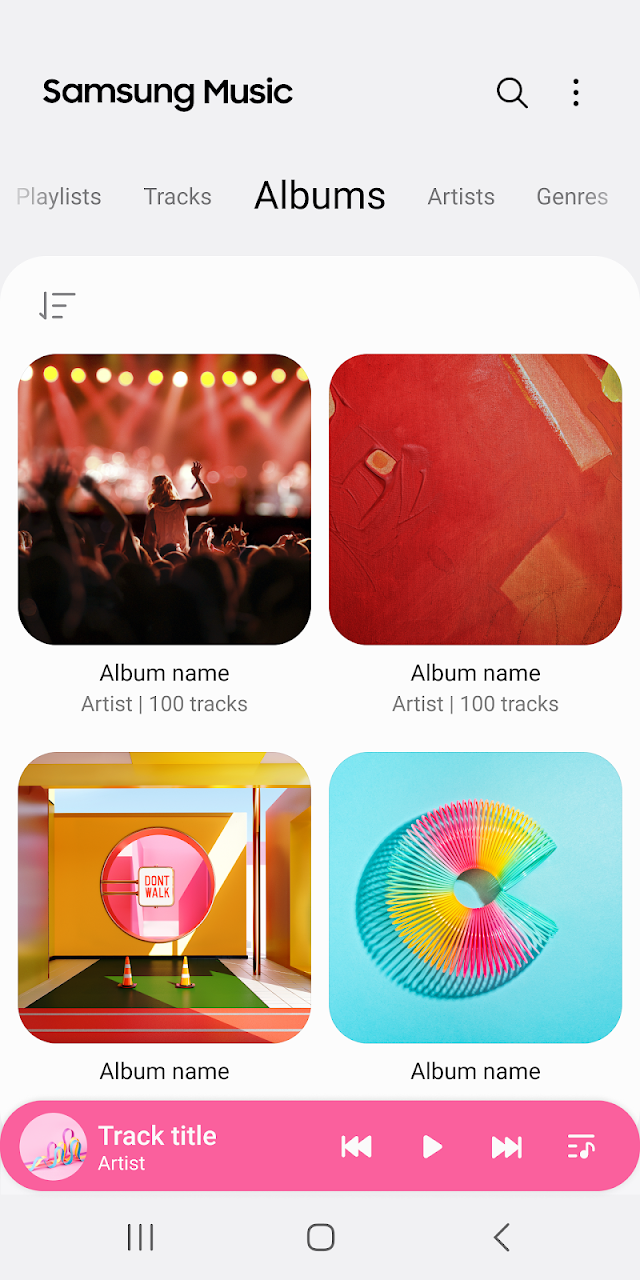
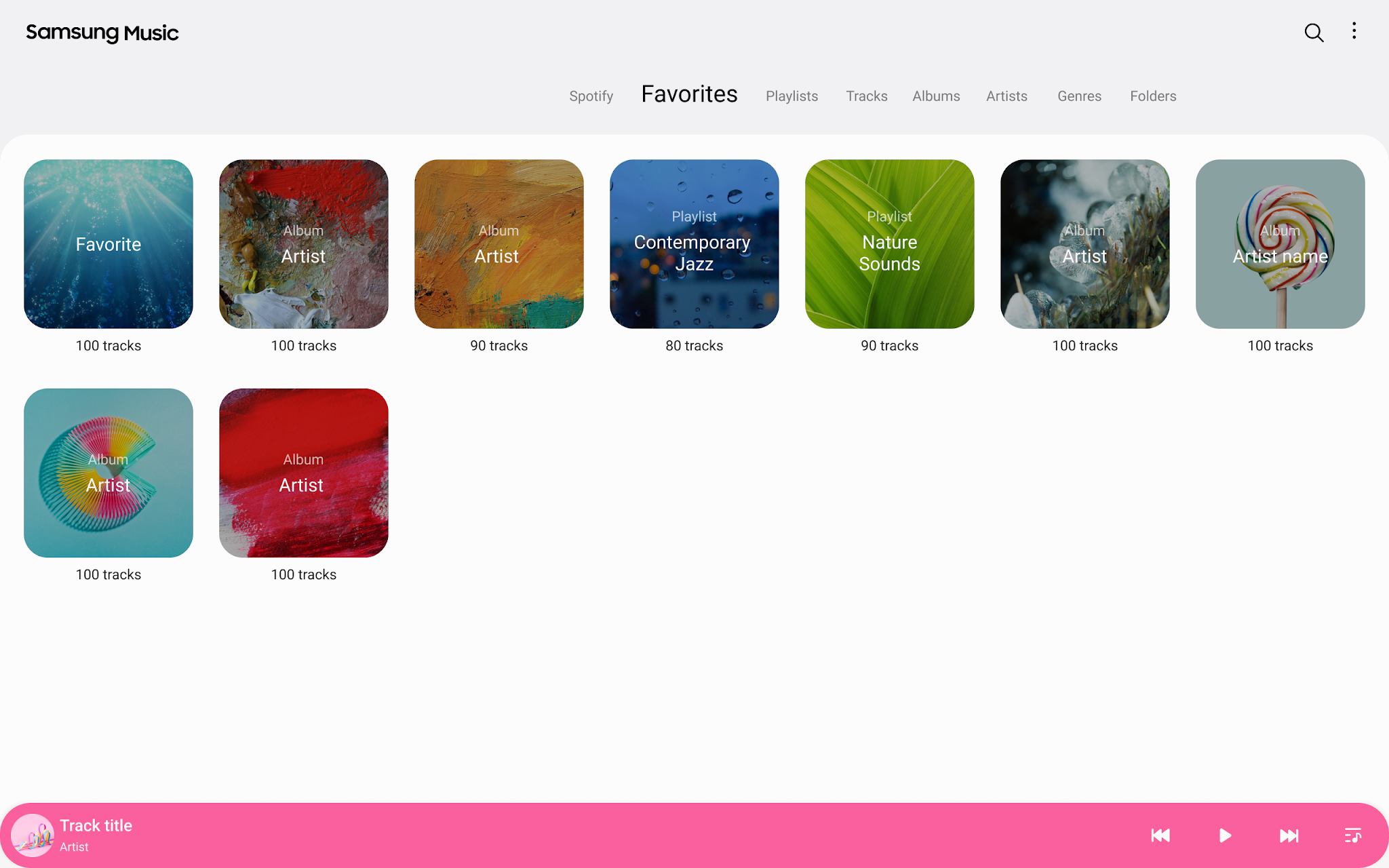
- Library sorting — Organize songs by track, album, artist, genre, folder, or composer.
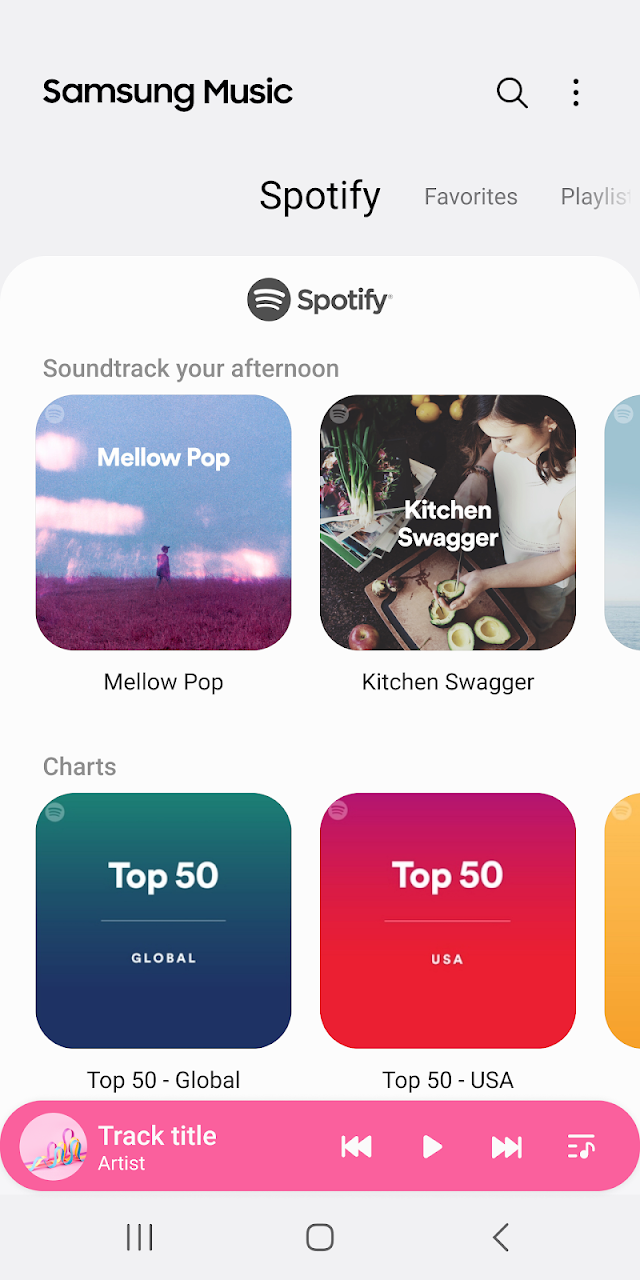
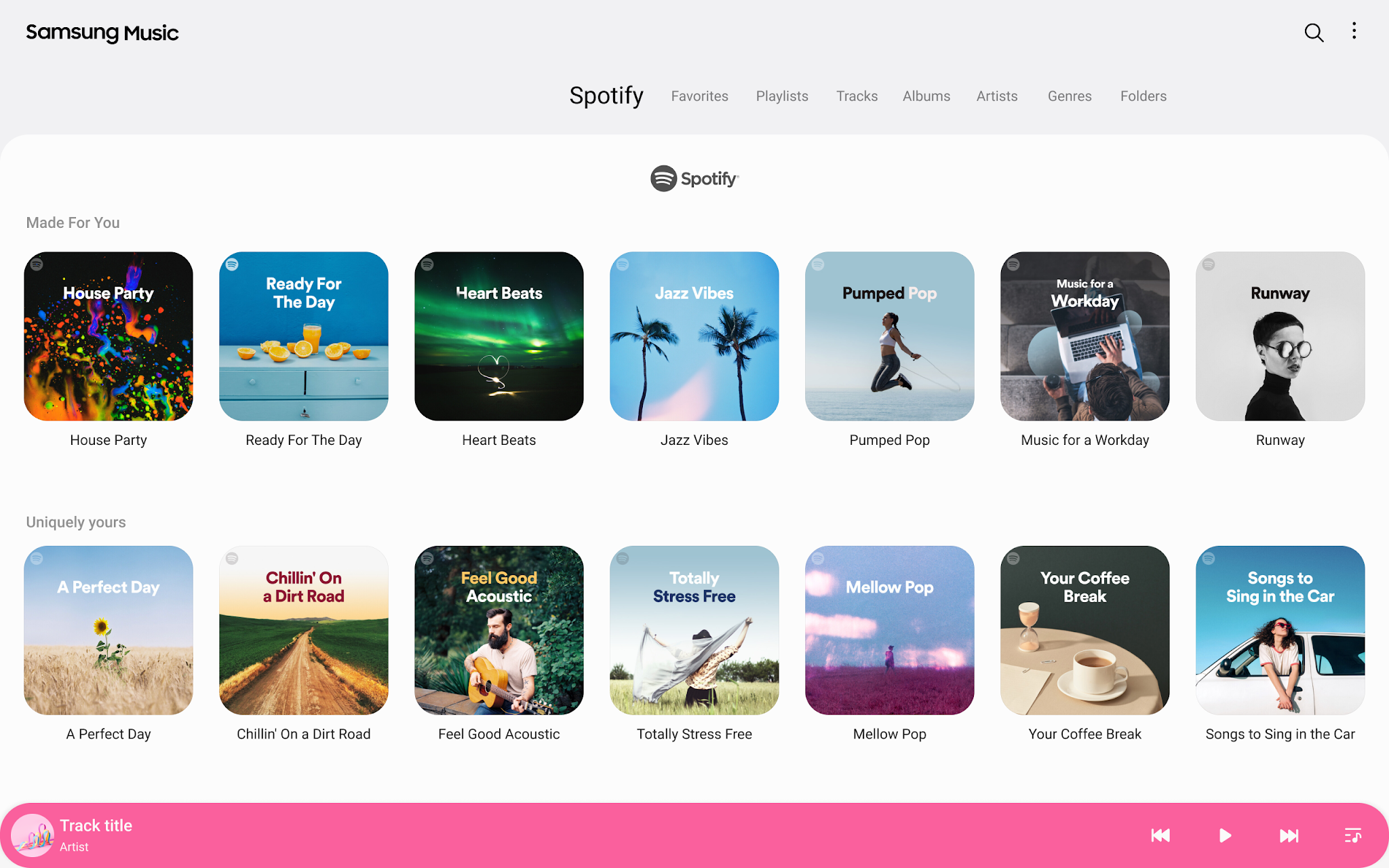
- Spotify tab — See Spotify playlist recommendations and search Spotify music from the Spotify tab where available.
- Clean interface — Uses a simple interface designed for browsing and playing music on Samsung devices.
- Free access — The app is free, includes ads, and does not list in-app purchases.
Playback on Samsung devices
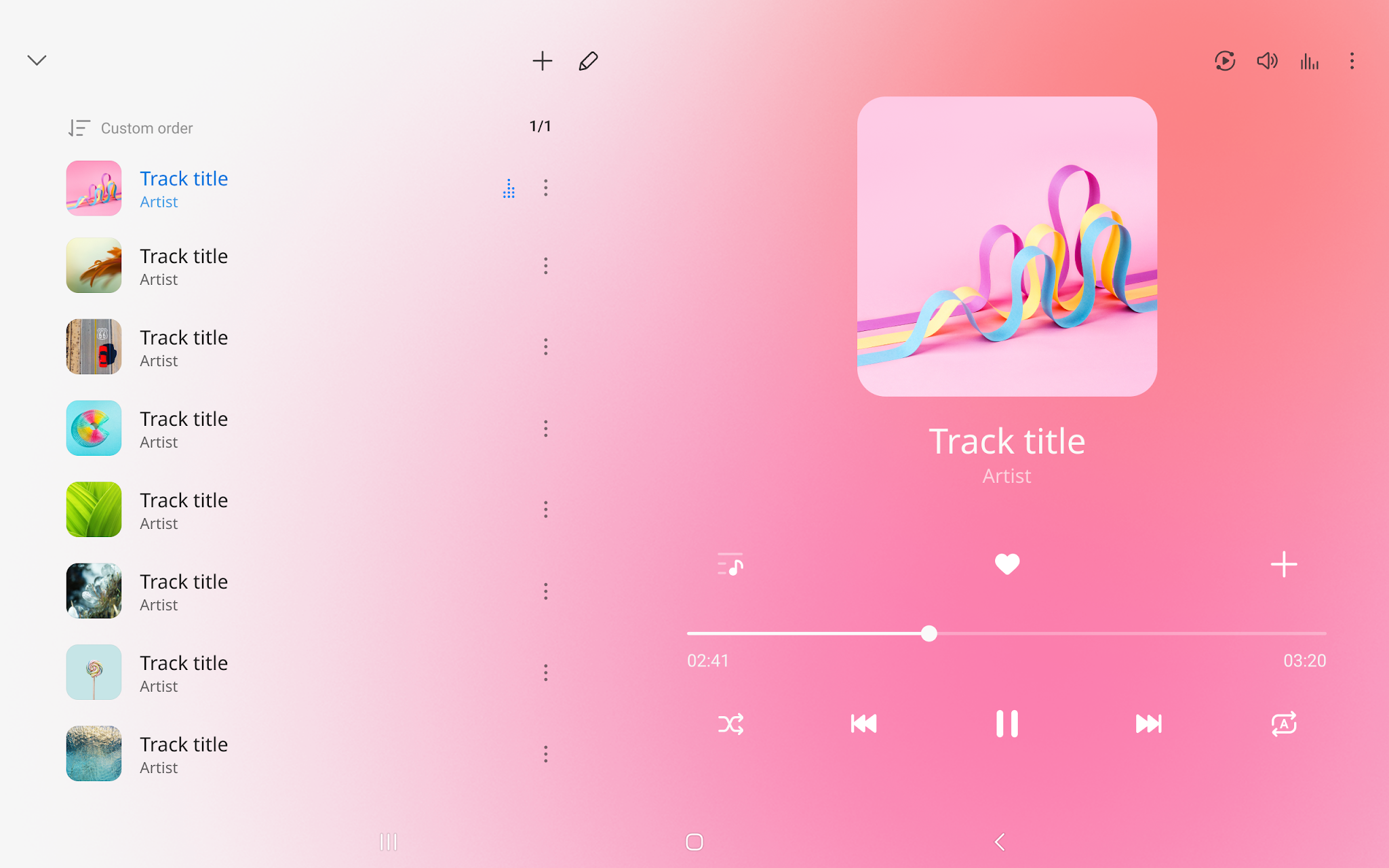
Samsung Music is designed for Samsung Android devices and focuses on everyday listening. On a long train ride, you can open your local library, choose a track, and keep playing without extra setup. The app supports audio formats such as MP3, AAC, and FLAC, although supported file types may vary by device.
The app is free to download, includes ads, and does not offer in-app purchases. It is available as an APK file, with a size of 0.7 MB, and requires Android 5.0 or later.
Organize songs by category
When your library grows, Samsung Music helps you sort it by Track, Album, Artist, Genre, Folder, and Composer. That makes it easier to move between playlists, albums, or a folder stored on your device or SD card.
- Track: browse songs one by one.
- Album: group music by release.
- Artist: view songs by performer.
- Folder: access files stored locally.
Spotify recommendations inside the app
Samsung Music also shows playlist recommendations from Spotify. If Spotify service is available in your country, you can use the Spotify tab to find music and search for songs you may like. This adds a streaming-style discovery layer while keeping the app centered on your local music collection.
Permissions and device access
The app requests Music and Audio (Storage) permission so it can store and play music files and read data from the SD card. Optional permissions include Notifications for Samsung Music alerts and Phone on Korean devices for verifying your phone when using the music service. The app also includes a Contact us option inside More > Settings, which requires the Samsung Members app.
APK information
- Version
- 6.0
- Package
- com.sec.android.app.music
- Category
- Music & Audio
- Size
- 1 MB
- Min Android
- 5.0
- Architecture
- universal
Older versions
-
Samsung Music 6.0Nov 10, 2026Latest downloadAPK
Samsung Music FAQ
Is Samsung Music free without a subscription?expand_more
Yes. Samsung Music is free to install. It includes ads and does not list in-app purchases.
Can I listen offline in Samsung Music?expand_more
Yes. The app is built to play music and audio files stored on your device, including files on an SD card.
How do I install the Samsung Music APK file?expand_more
Download the APK file, then install it on an Android device running 5.0 or later. The file size is 0.7 MB.
What changed in the latest Samsung Music version?expand_more
No recent changes are listed for version 6.0.
Does Samsung Music support FLAC files?expand_more
Yes. Samsung Music supports formats such as MP3, AAC, and FLAC, though supported file formats can vary by device.