
- 4.8star1,356,333 reviews
- 50M+Downloads
- 47 MBAPK size
- EveryoneRated for Everyone
- API 19+Android
check_circleOriginal APK from ClassDojo · Updated Nov 11, 2026

No threats found
0 / — antivirus engines flagged this file
Original signature
First seen — ClassDojo
Unmodified APK
Same file the developer published — no mods
ClassDojo screenshots
8 images · tap to enlarge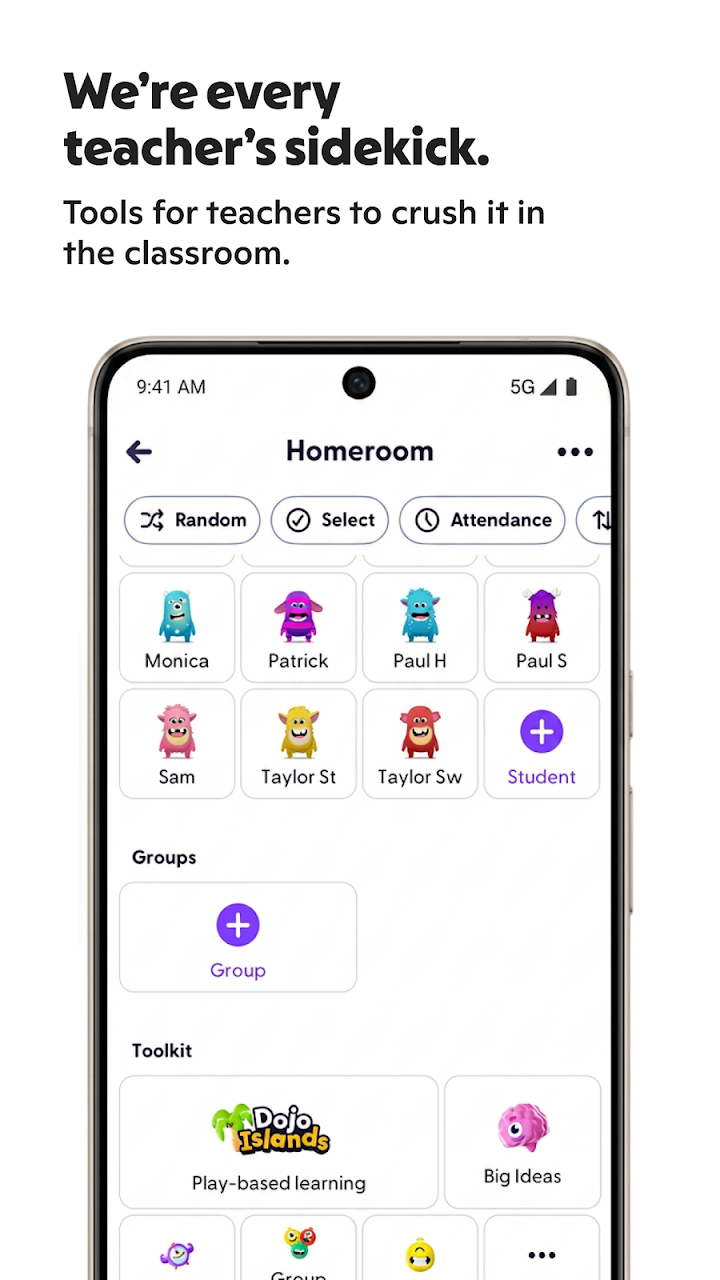
About this app
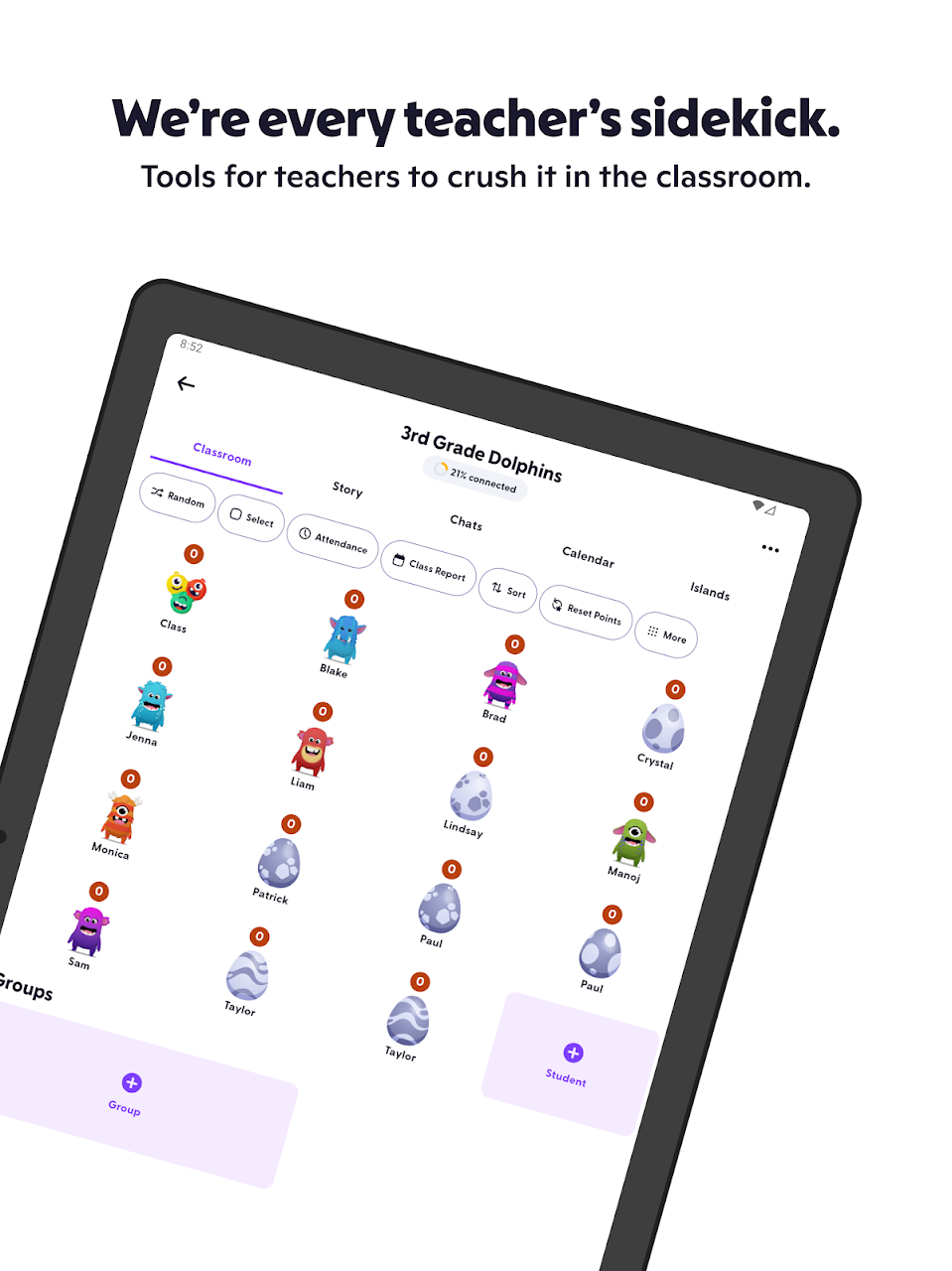
Need a simple way to keep school days connected? ClassDojo is built for teachers, parents, kids, and tutors who want to share updates and stay in touch. On first launch, you can expect a setup that leads into classroom communication, photo and video updates, and school news that families can check at home or on the go.
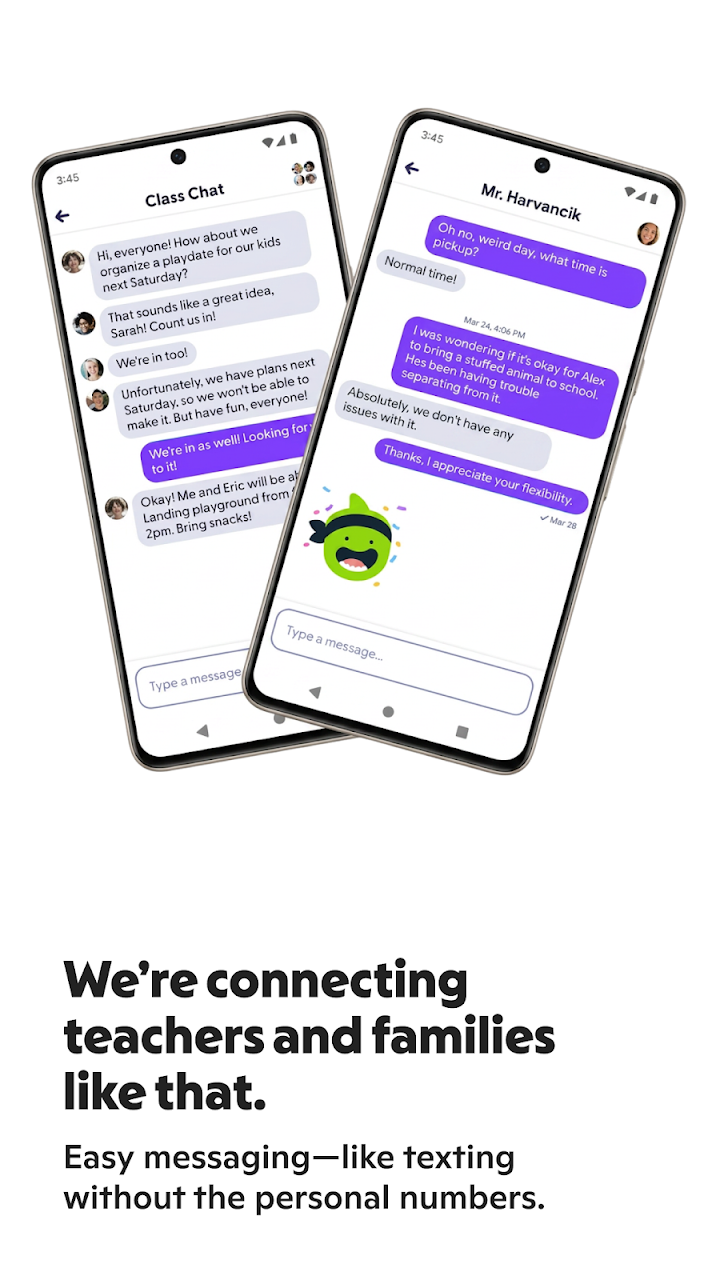
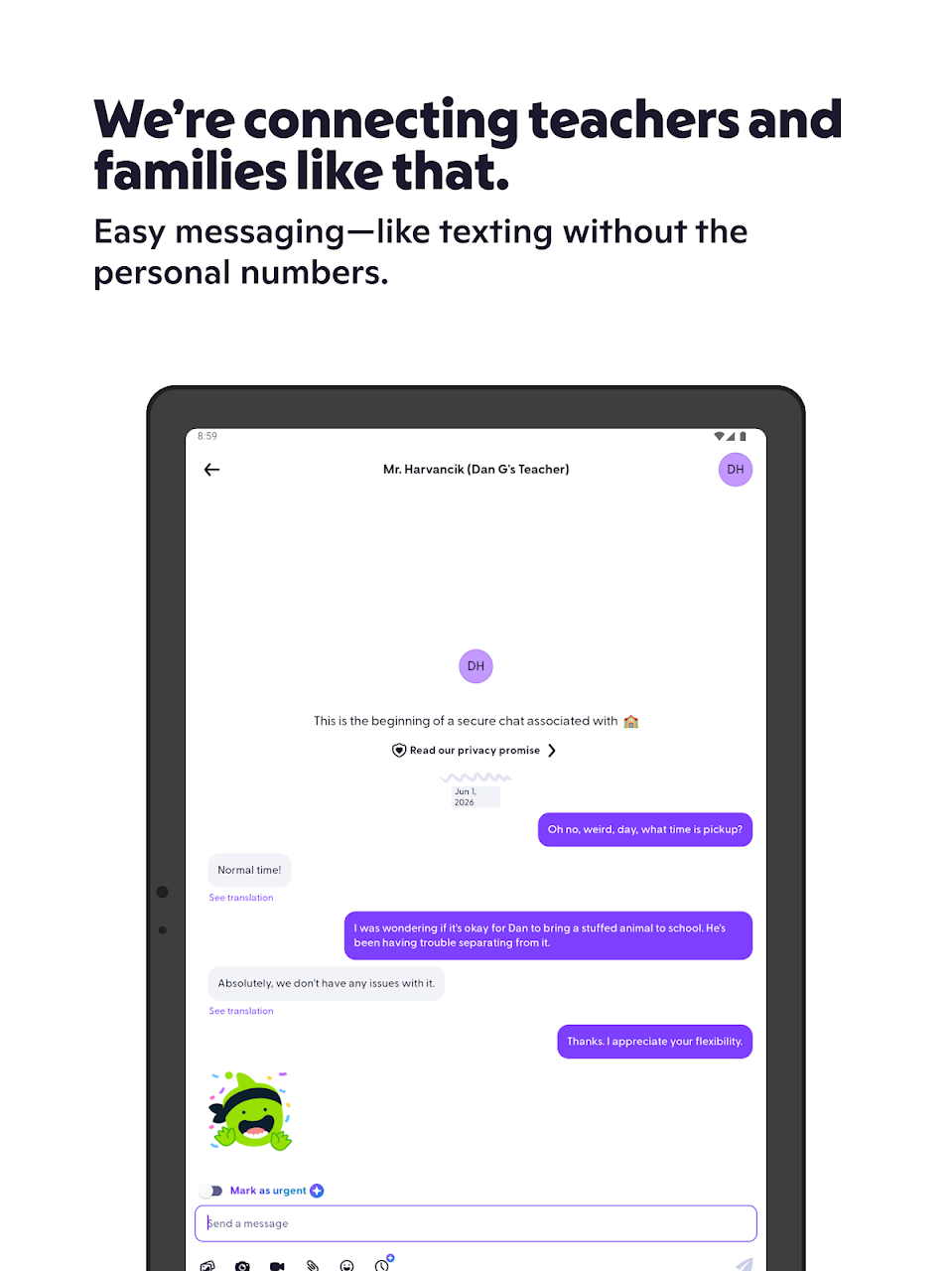
- Teacher-family chat — Teachers and parents can message each other during the school day.
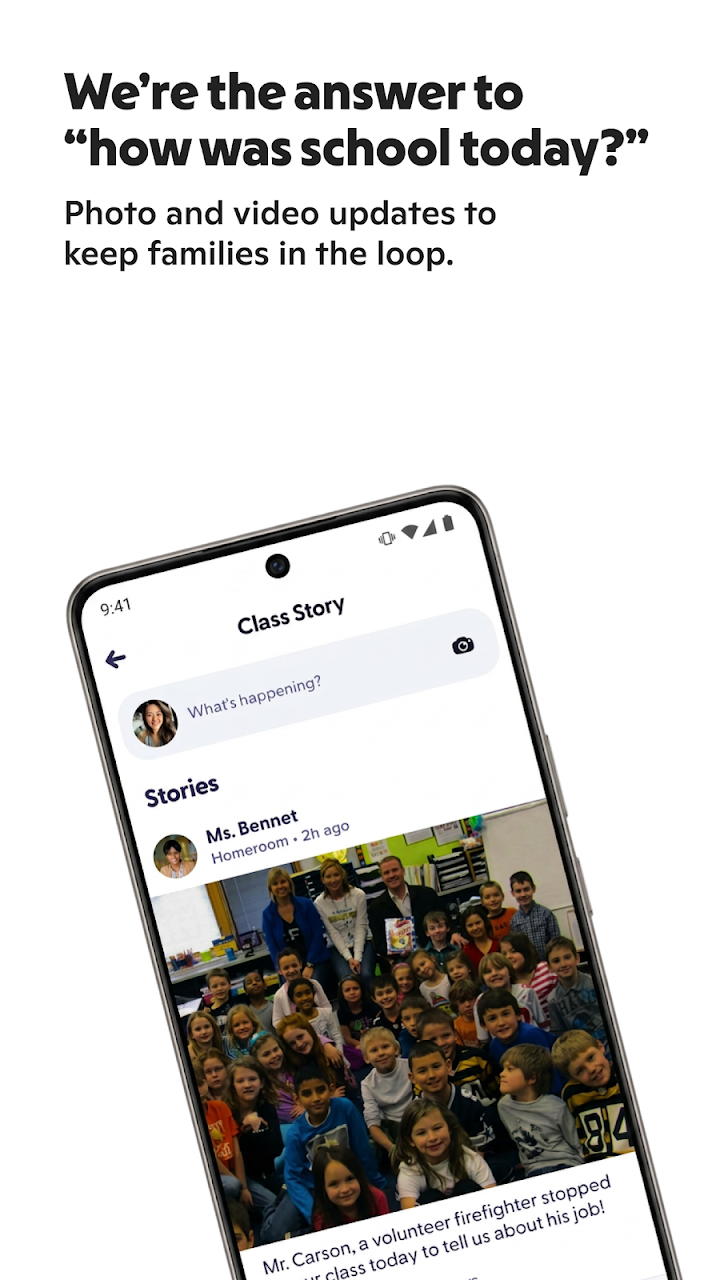
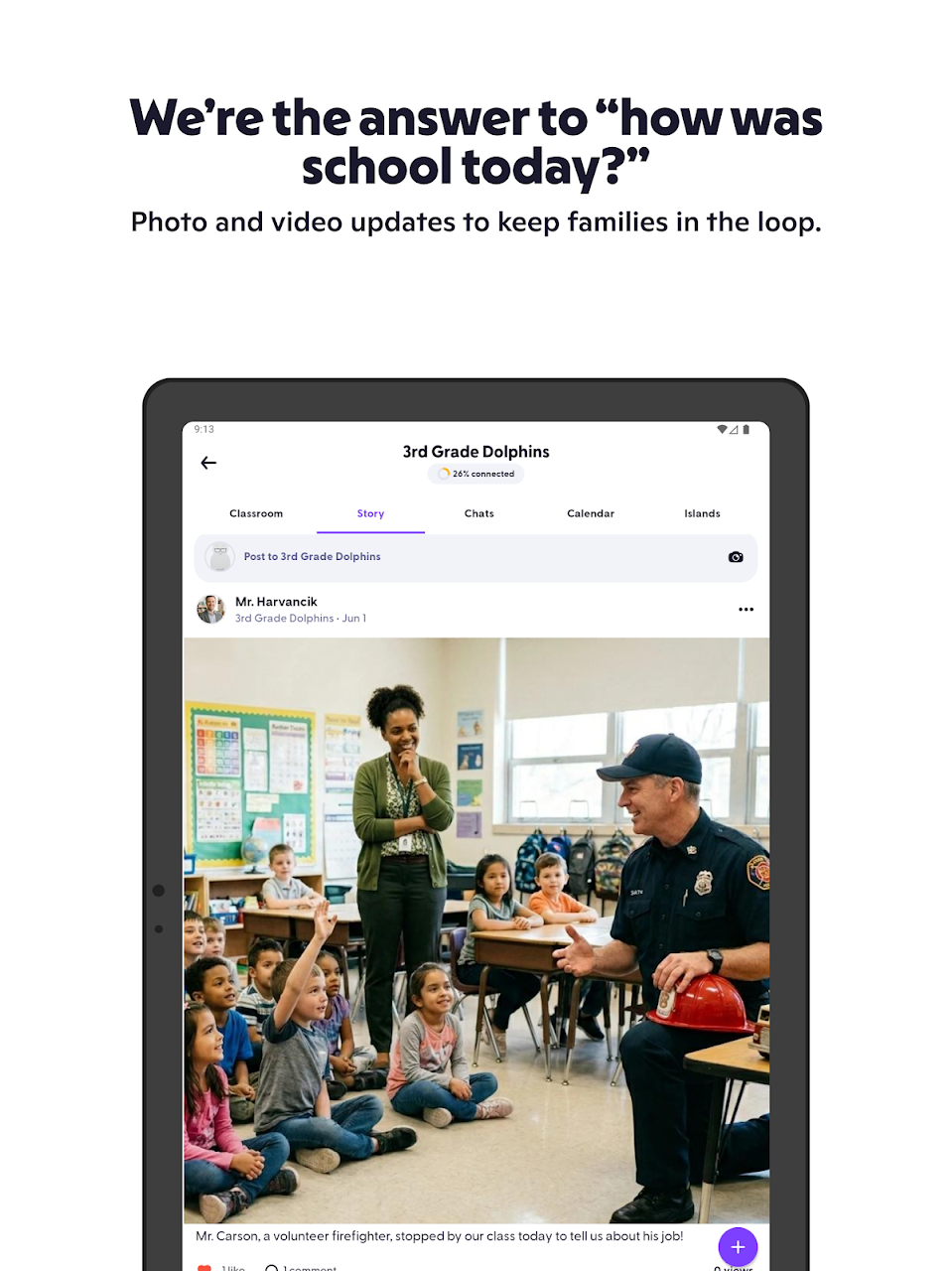
- Photo and video updates — Parents can see photos and videos sent by their child’s teacher.
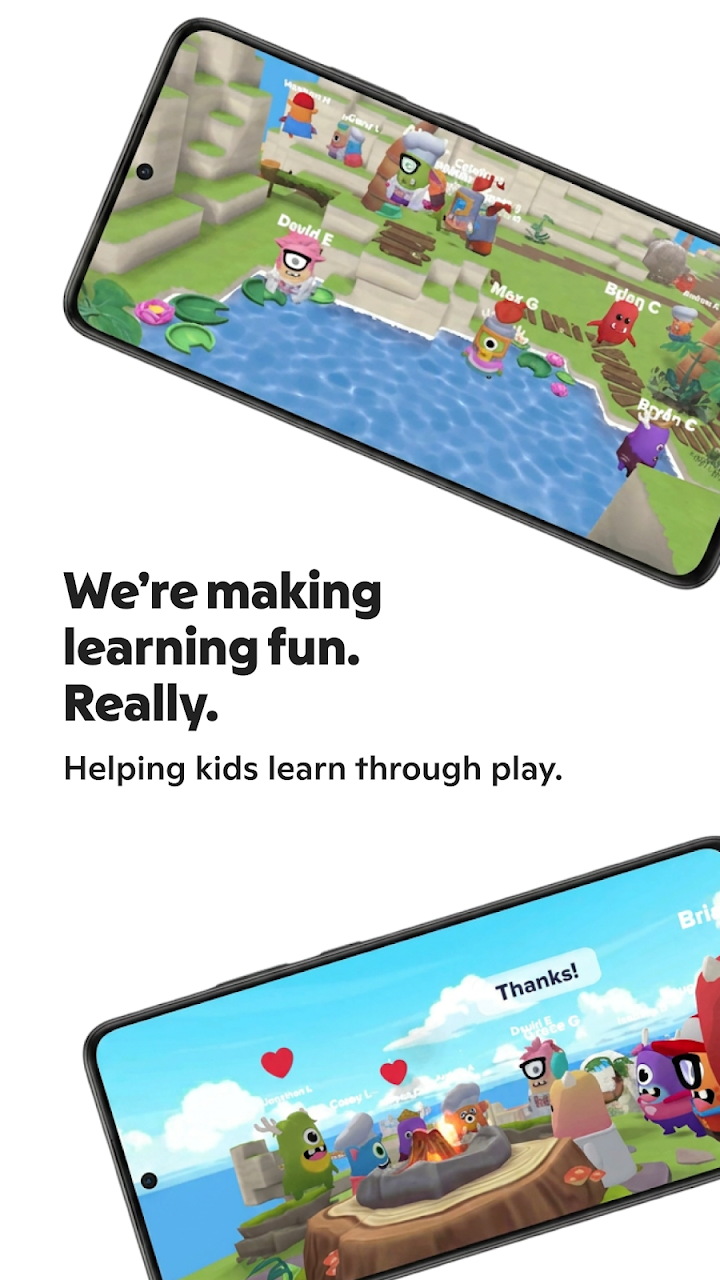
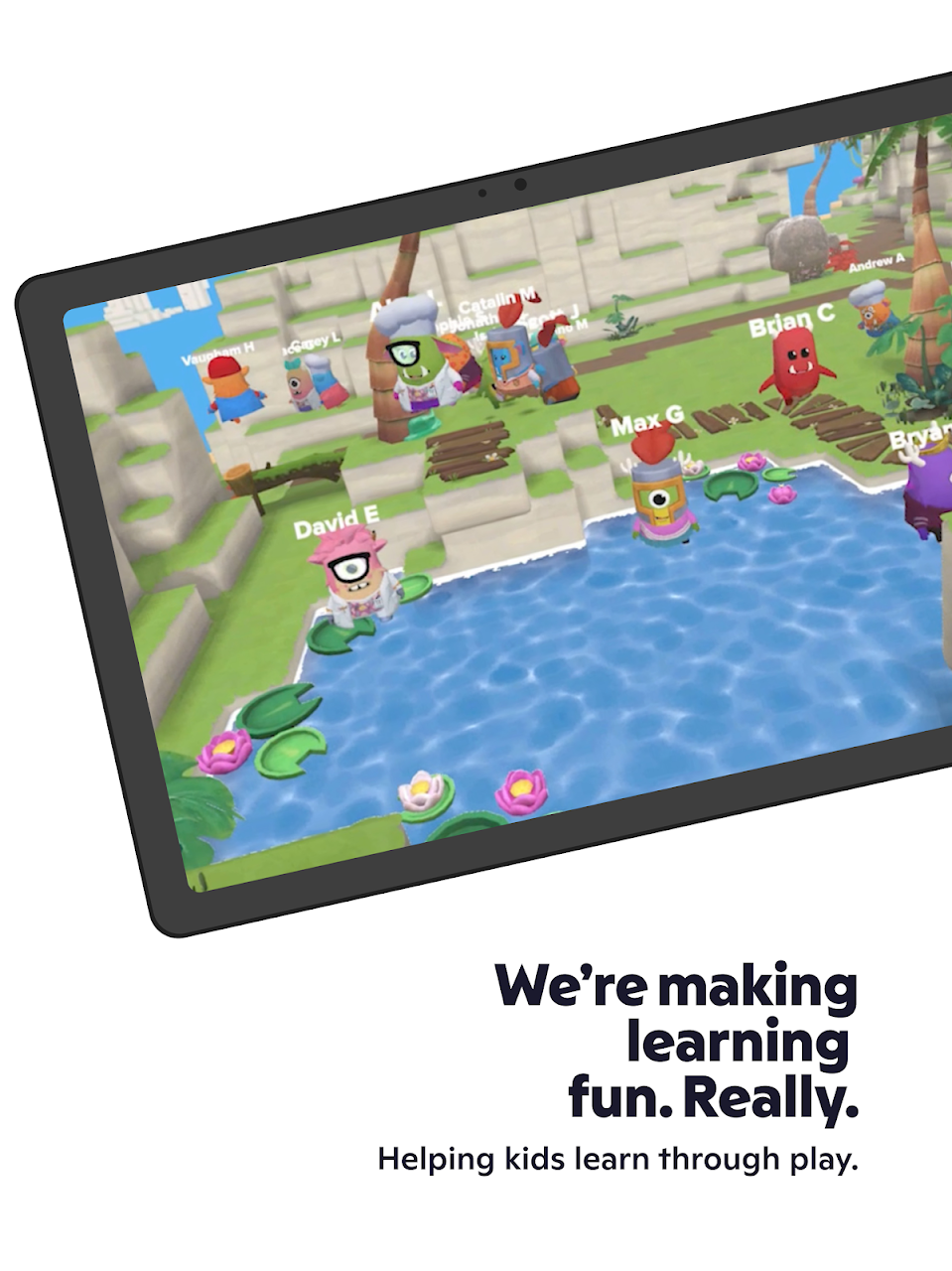
- Kid learning content — Kids get learning content for school and for home use.
- School news feed — Classrooms can share news and updates so everyone stays informed.
- ClassDojo Plus — Parents can move to Plus for more memories, moments, and milestones.
Start with classroom connection
When you open ClassDojo for the first time, it is set up around communication between teachers, parents, kids, and tutors. The app centers on school-day updates, messages, and classroom news, so the first thing to expect is a space built for staying in touch rather than a long setup flow.
Set up messages and updates
The main action is simple: teachers and parents can communicate safely through the app. Families can also receive photo and video updates from a child’s teacher, which makes it easier to check what happened during the day without waiting for a paper note or an email chain.
Use it for school-day tasks
ClassDojo is used for everyday classroom contact, not just one-time announcements. Teachers can share school news and updates, while kids can open learning content at school and at home. If you use the Plus Experience, parents can get more memories, more moments, and more milestones in one place.
- Progress tracking: The app focuses on classroom communication and updates; it does not list offline use or detailed progress tools in the store listing.
- Subjects and skills: Learning content is available for kids at school and at home, but specific subjects are not listed.
- Daily use: Open it to check messages, view teacher photos or videos, and read school news.
Requirements and install details
ClassDojo is free, with in-app purchases, no ads, and a content rating of Everyone. It comes as a universal APK, is 47.1 MB, and needs Android 19 or later. No permissions are listed in the store details, so there is nothing extra shown there to review before installing.
What to expect on a tablet
The app is available as a universal build, so it can run on Android devices that meet the version requirement. If you use a tablet, the same message, update, and school-news flow should be available there too.
APK information
- Version
- 4.49.2
- Package
- com.classdojo.android
- Category
- Education
- Size
- 47 MB
- Min Android
- API 19
- Architecture
- universal
Older versions
-
ClassDojo 4.49.2Nov 11, 2026Latest downloadAPK
ClassDojo FAQ
Can ClassDojo be used offline?expand_more
Offline use is not listed. The app is built around teacher, parent, and family communication through school-day updates.
Does ClassDojo track progress?expand_more
The listing highlights updates, messages, and learning content, but it does not describe progress-tracking tools.
Which Android version does ClassDojo need?expand_more
ClassDojo needs Android 19 or later.
Does ClassDojo work on tablets?expand_more
Yes. It is listed as a universal APK, so it can run on Android tablets that meet the minimum version.
What does ClassDojo help families do?expand_more
Families can get teacher messages, photo and video updates, and school news in one place.