
- 2.9star2,096,629 reviews
- 100M+Downloads
- 21 MBAPK size
- EveryoneRated for Everyone
- API 19+Android
check_circleOriginal APK from Google LLC · Updated Nov 11, 2026
No threats found
0 / — antivirus engines flagged this file
Original signature
First seen — Google LLC
Unmodified APK
Same file the developer published — no mods
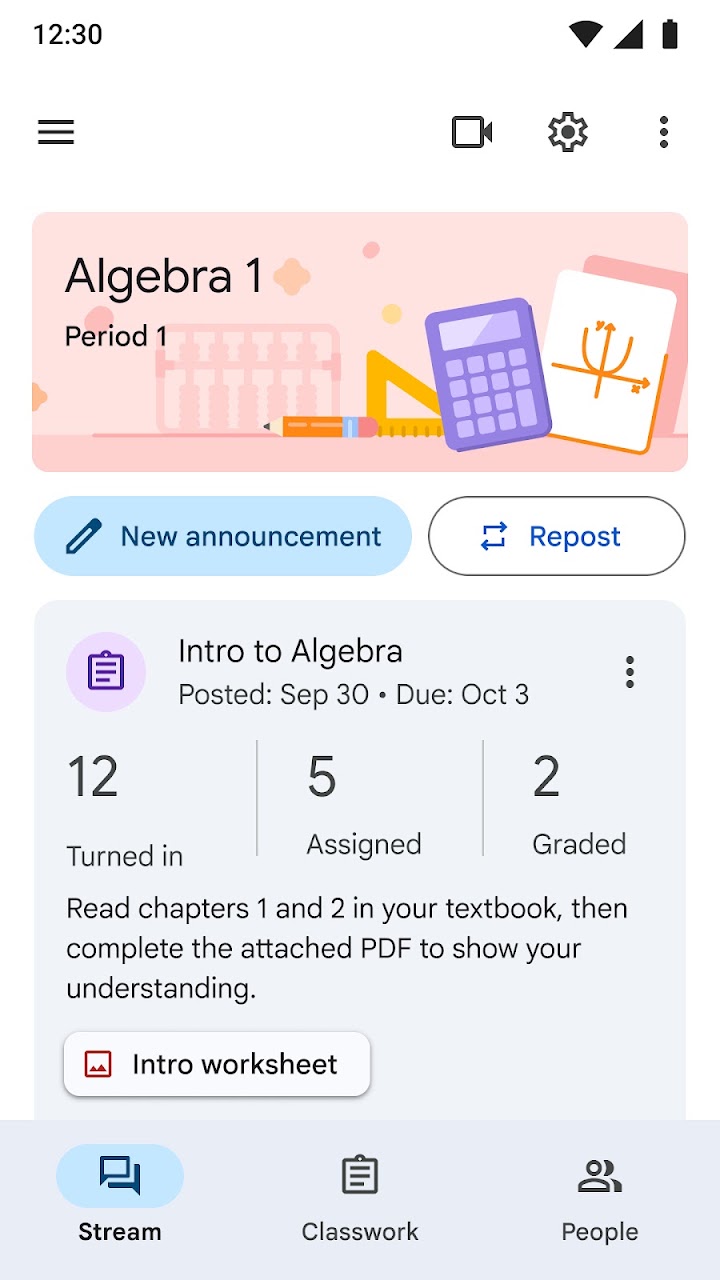
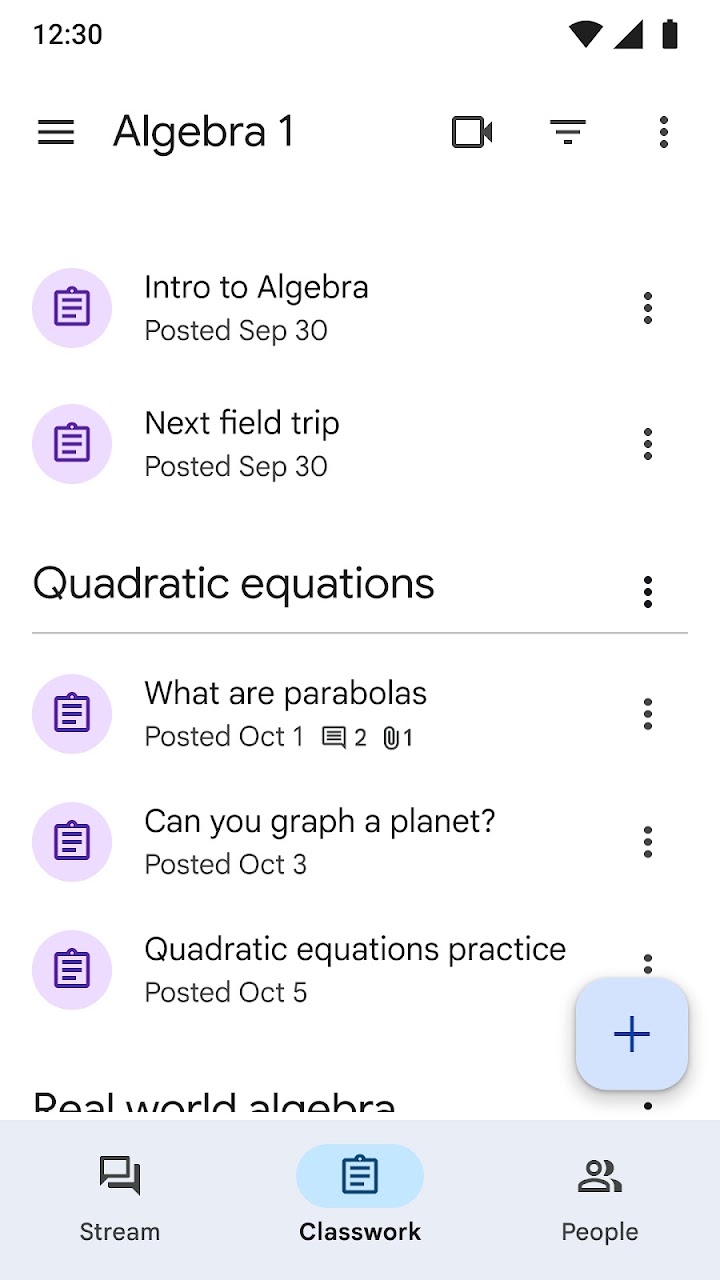
Google Classroom screenshots
8 images · tap to enlarge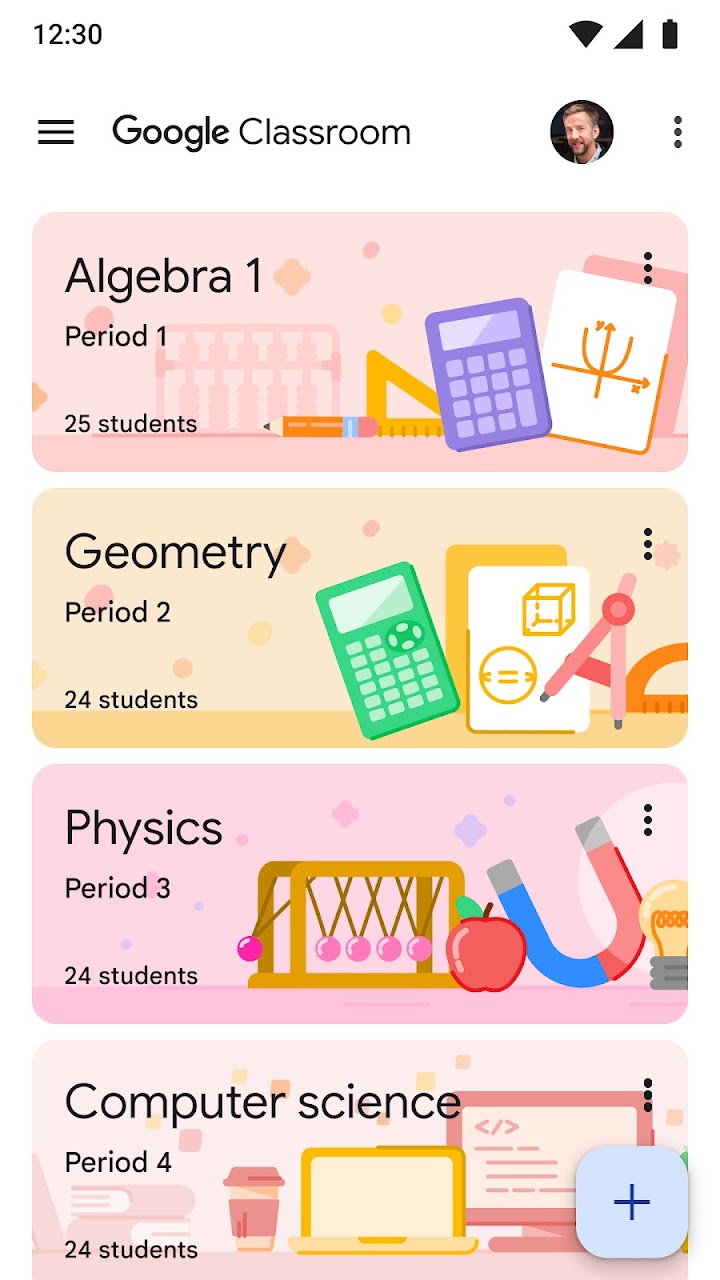
About this app
Google Classroom helps students and teachers keep class work in one place. Teachers can create classes, share a code or add students directly, and handle assignments without paper. Students can check what is due, open class materials in Google Drive, and respond to class posts from the app.
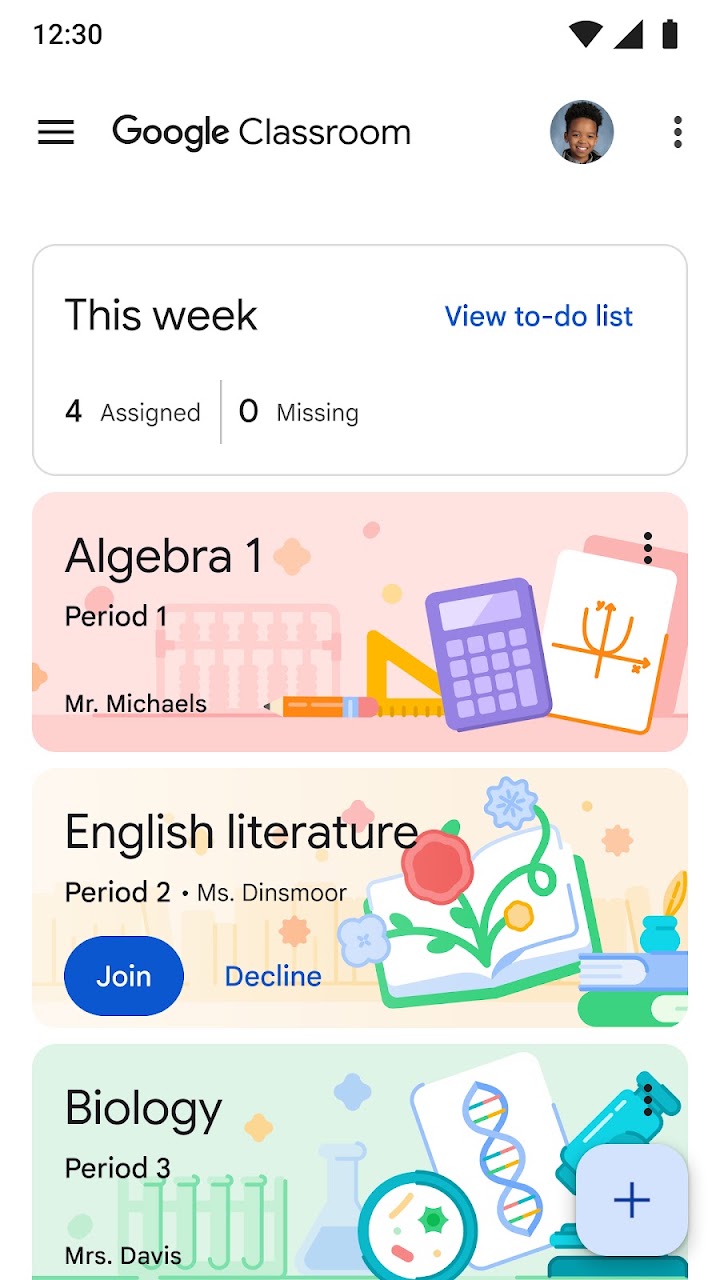
- Class setup — Teachers can add students directly or share a class code for quick joining.
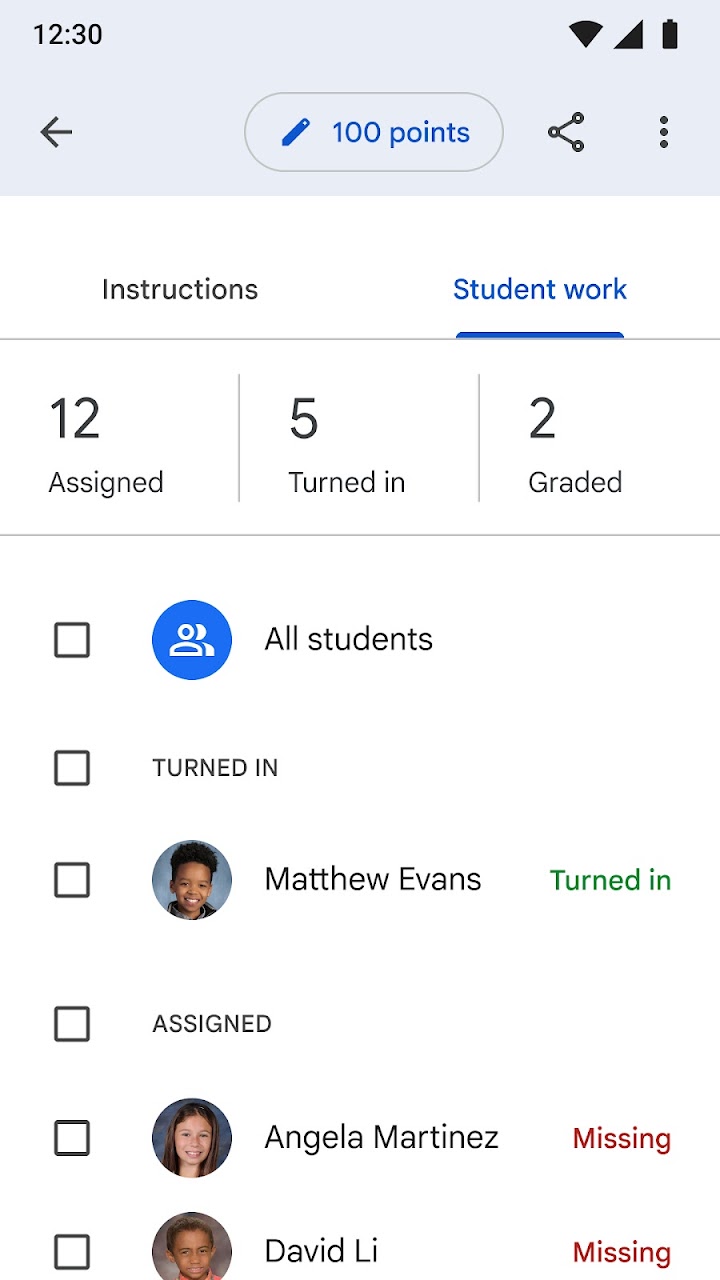
- Assignment workflow — Create, review, and mark assignments in one place.
- Class materials — Documents, photos, and videos are filed into Google Drive folders automatically.
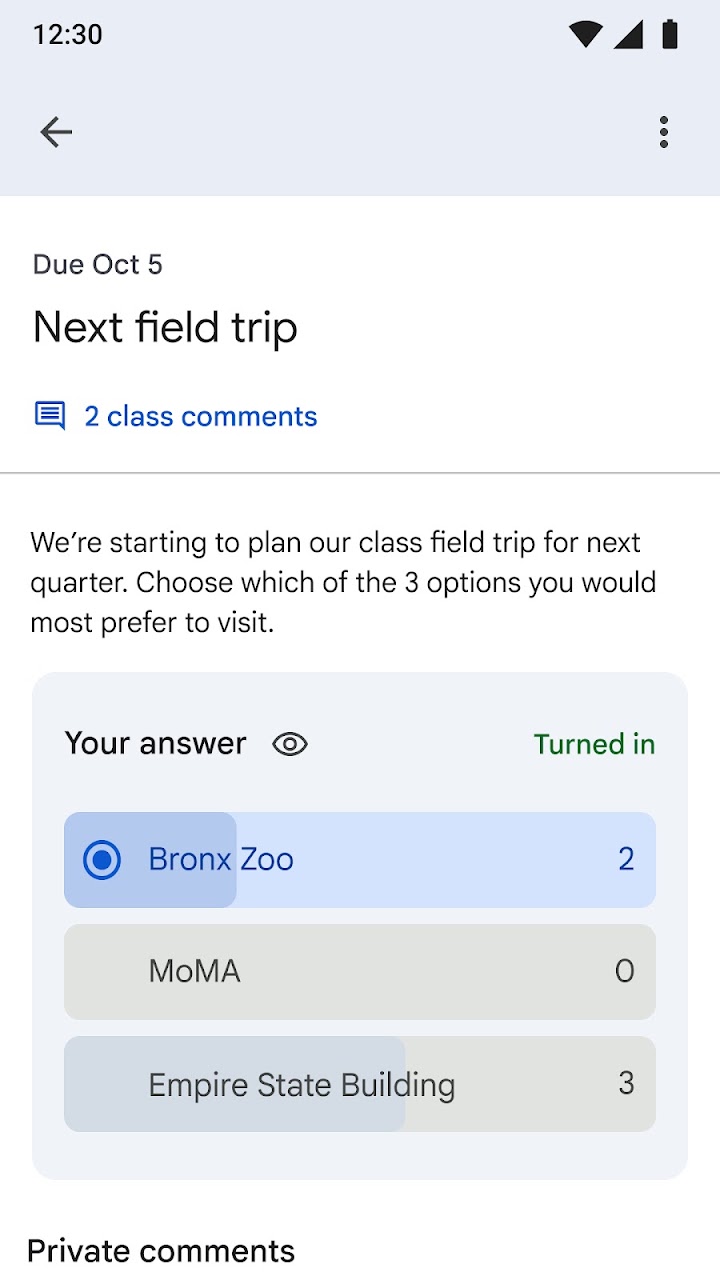
- Class communication — Post announcements, start discussions, and answer questions on the stream.
- Offline support — Storage access helps enable offline support for class work.
- No ads — The app contains no ads and does not use content or student data for advertising.
Classroom work in one place
Google Classroom is built for learners and instructors who need a shared space for class tasks. It brings assignments, announcements, and class files into one app, so work is easier to follow on a phone. The setup is simple for teachers, and students can join with a code or an invite.
Assignments, files, and discussion
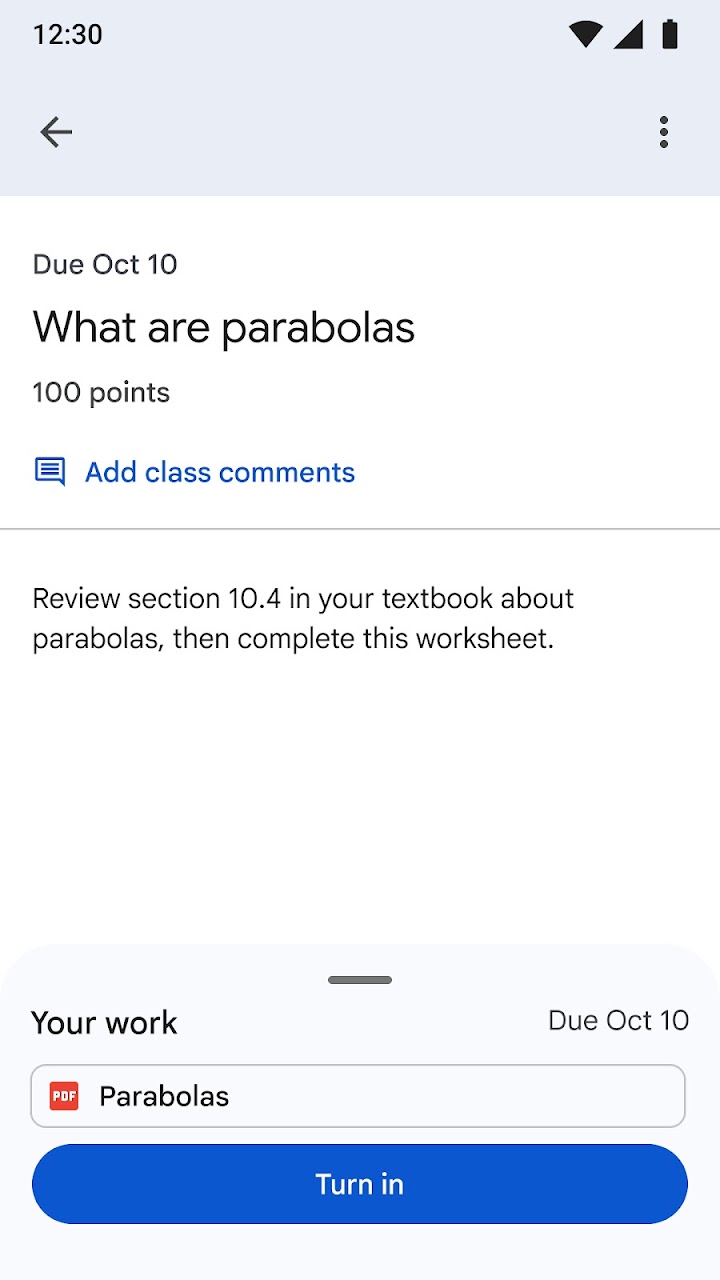
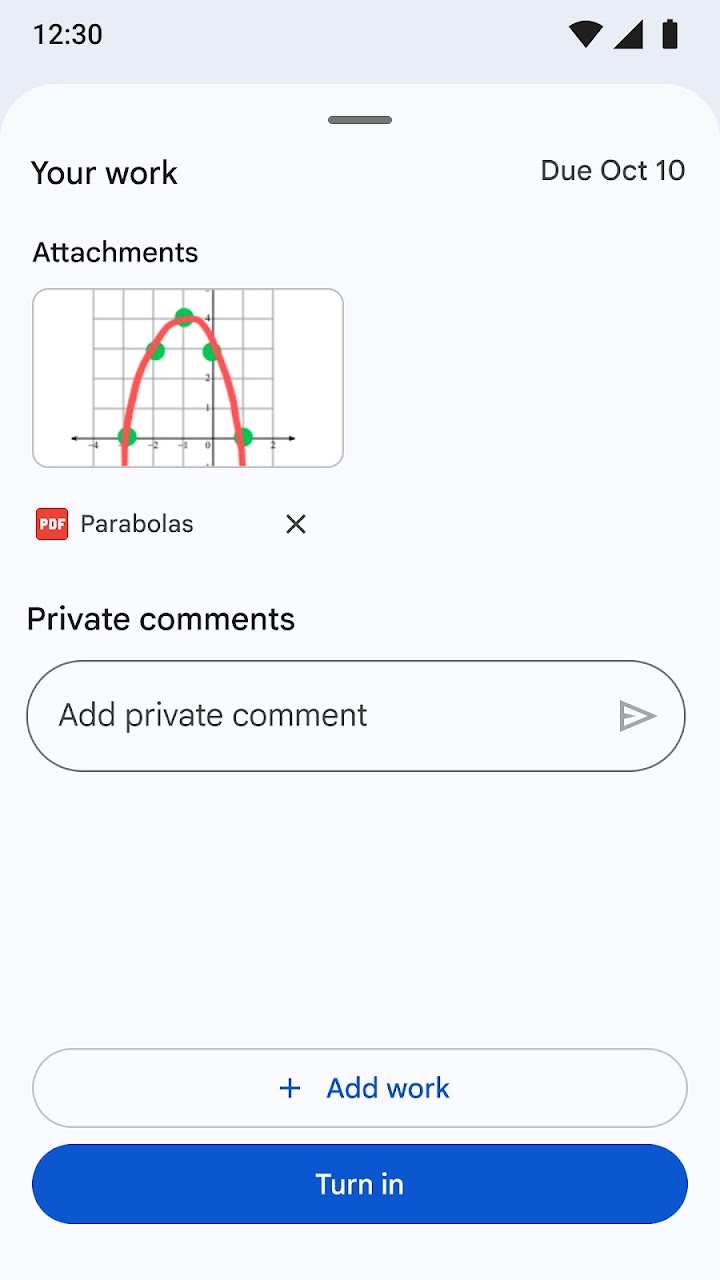
The app handles the daily parts of class life. Teachers can create and review assignments, while students can check what is due on an assignments page. Class materials such as documents, photos, and videos are stored in Google Drive folders automatically. Teachers can also post announcements and start discussions, and students can answer questions or share resources on the stream.
What to expect
- Gets you: class creation, assignment handling, announcements, discussions, and Drive filing.
- Gets you: a paperless workflow and offline support.
- Watch for: some students may need an account and class code or direct invite to join.
- Watch for: the app requests Camera, Storage, and Accounts access.
Install details and cost
Google Classroom is free, with no ads and no in-app purchases. The APK is 20.7 MB, uses the universal build, and requires Android 19 or later. It is an Education app from Google LLC, the developer behind apps such as Gmail, Google Photos, Android System WebView, and Speech Recognition & Synthesis.
First impression
The app is practical and focused. It covers class setup, assignment tracking, and communication without adding extra clutter. The rating sits at 2.9 from more than 2 million ratings, so user opinion is mixed. The rating breakdown shows many low scores, but also a large number of five-star ratings, which suggests the experience can vary by classroom use.
APK information
- Version
- 7.1.061.06.44
- Package
- com.google.android.apps.classroom
- Category
- Education
- Size
- 21 MB
- Min Android
- API 19
- Architecture
- universal
Older versions
-
Google Classroom 7.1.061.06.44Nov 11, 2026Latest downloadAPK
Google Classroom FAQ
Does Google Classroom track progress?expand_more
The app shows assignments on an assignments page, which helps students keep track of class work. It does not describe grade or progress tracking beyond that.
Can Google Classroom be used offline?expand_more
Yes. Storage access is used to enable offline support.
How big is the Google Classroom download?expand_more
The APK size is 20.7 MB.
How do I update Google Classroom from an APK?expand_more
Install the newer APK version over the existing app package. The current version listed here is 7.1.061.06.44.
What can teachers do in Google Classroom?expand_more
Teachers can create classes, add students directly or with a class code, create and review assignments, and post announcements.