
- 3.9star75,444 reviews
- 1M+Downloads
- 20 MBAPK size
- EveryoneRated for Everyone
- 8.0+Android
check_circleOriginal APK from comdirect – eine Marke der Commerzbank AG · Updated Nov 12, 2026
No threats found
0 / — antivirus engines flagged this file
Original signature
First seen — comdirect – eine Marke der Commerzbank AG
Unmodified APK
Same file the developer published — no mods
comdirect photoTAN App screenshots
7 images · tap to enlarge


About this app
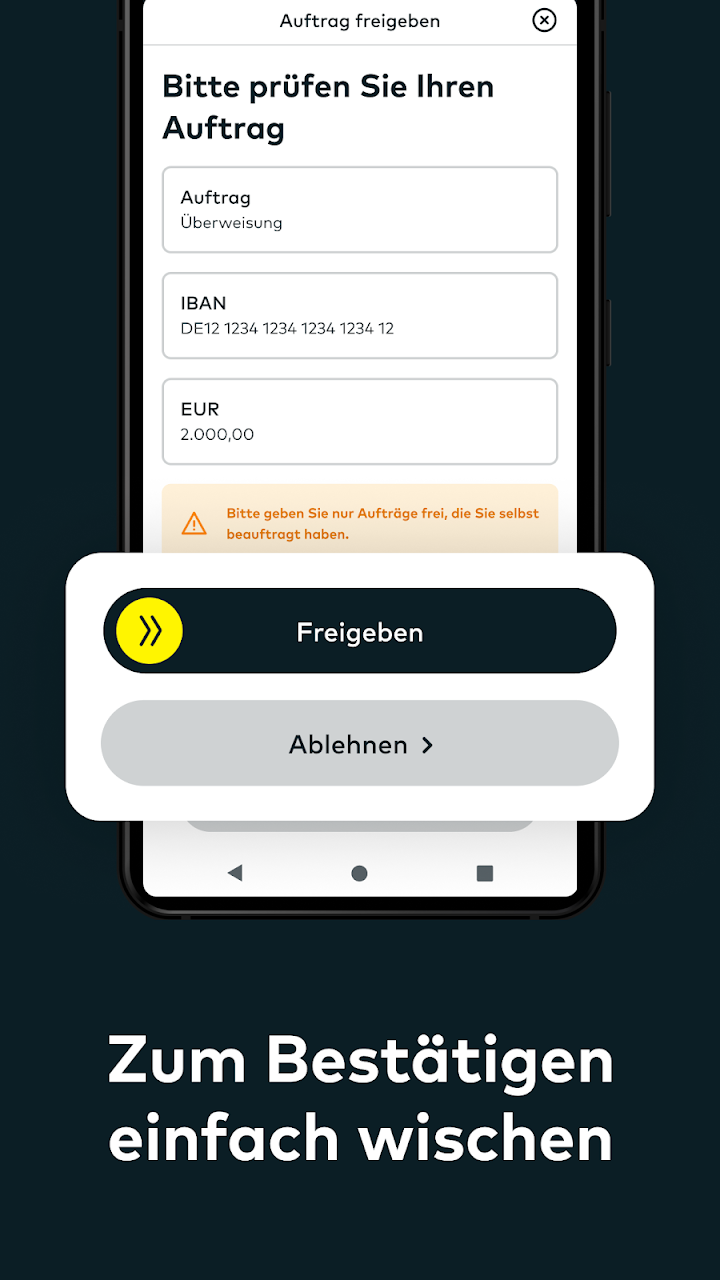
Authorize comdirect banking transactions on your phone with photoTAN. Open the app after a PC order or another comdirect app prompts it, review the order, and confirm by sliding the arrow. It also keeps the scan function for photoTAN graphics, and supports activation for up to 8 accounts after setup.
- PC transaction approval — Open the app when a transaction started on a computer is transferred for confirmation.
- App2App signing — Approve orders that begin in the comdirect App, comdirect trading App, or comdirect Young.
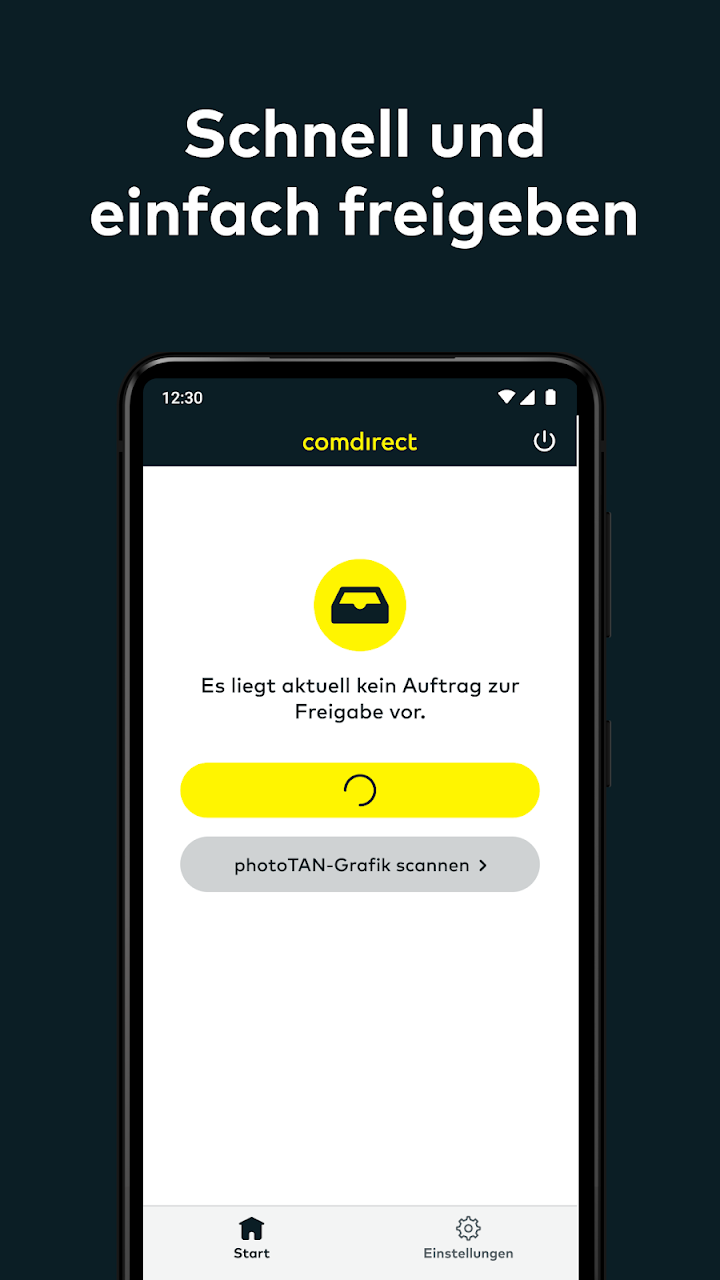
- Scan photoTAN graphics — Use the camera-based scan function when you want to read a photoTAN graphic instead of receiving a notification.
- Up to 8 accounts — Connect the app to as many as eight comdirect accounts, with a separate activation letter for each one.
- Camera permission only — The app uses the Camera permission for scanning the photoTAN graphic.
- Free banking use — The app is free to download and does not include ads or in-app purchases.
Confirming a transfer from your computer
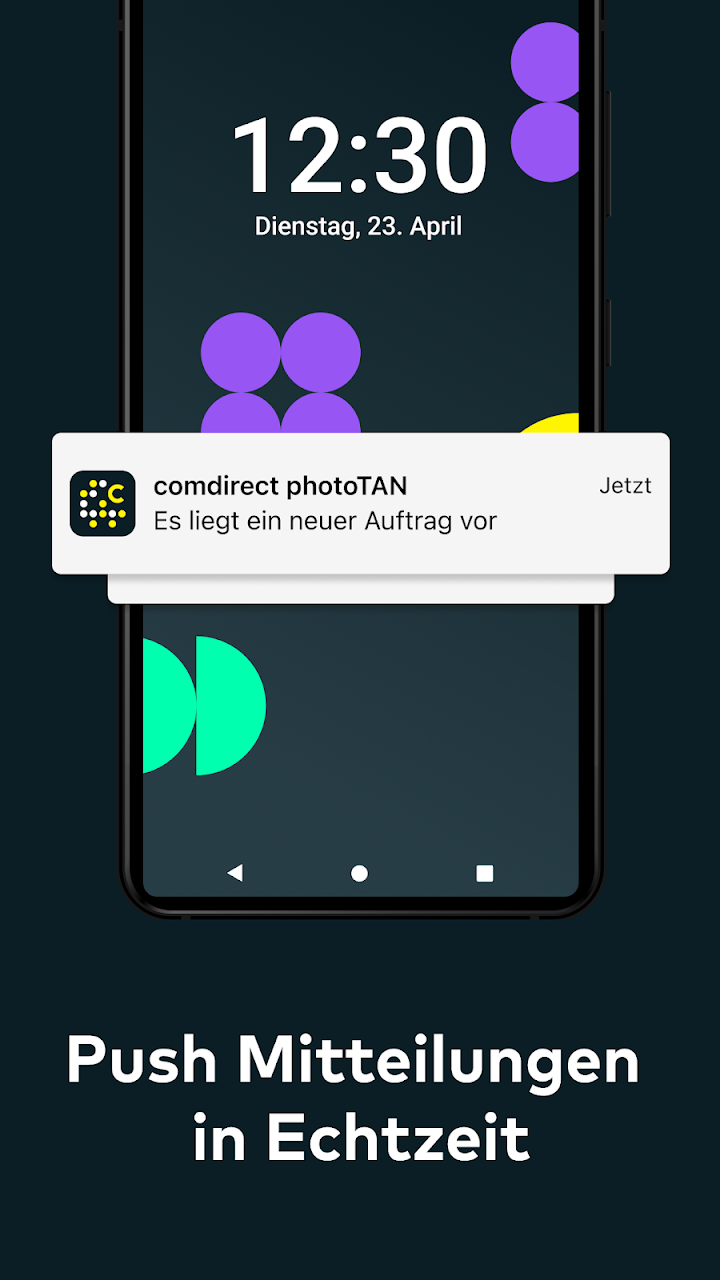
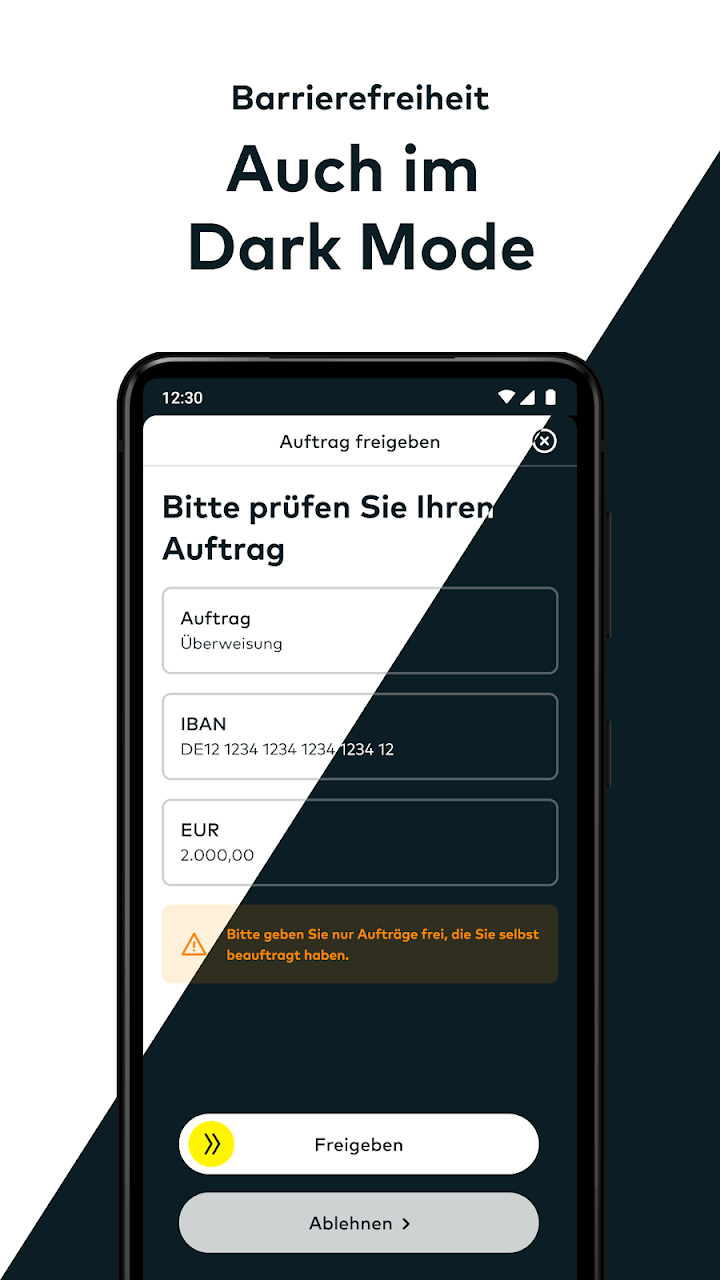
If you start a banking transaction on a PC, the photoTAN app receives it on your smartphone and shows a notification. Tap it to open the order, check the details, and authorize it by sliding the arrow from left to right. That makes the approval step quick when you are already working on another device.
Using the scan function for photoTAN graphics
The scan function stays available for times when you prefer the classic photoTAN graphic method. This is useful if your smartphone is not connected to the internet. Open the scan function in the bottom left of the app and scan the graphic shown on your computer.
App2App authorization inside comdirect apps
When a transaction starts in another comdirect app, the photoTAN app opens automatically for approval. You can confirm orders from the comdirect App, comdirect trading App, and comdirect Young in the same way, by reviewing the order and sliding the arrow.
Activation, permissions, and setup details
Before first use, you activate the app in your comdirect personal area with your access number and PIN, then follow the activation steps until the graphic appears. The app is free, has no ads, and no in-app purchases. It needs Android 8.0 or later, comes as a universal APK, and is about 20.4 MB. The Camera permission is required for scanning, and the app can be connected to up to 8 accounts with a separate activation letter for each.
- Version: 10.2.0
- Last update: kleine Verbesserungen
What's new
Version 10.2.0 · Nov 12, 2026
- kleine Verbesserungen
APK information
- Version
- 10.2.0
- Package
- com.comdirect.phototan
- Category
- Finance
- Size
- 20 MB
- Min Android
- 8.0
- Architecture
- universal
Older versions
-
comdirect photoTAN App 10.2.0Nov 12, 2026Latest downloadAPK
comdirect photoTAN App FAQ
Is comdirect photoTAN App safe for banking?expand_more
The app is used to authorize online banking transactions and supports confirmation by reviewing the order before sliding the arrow. It also uses the Camera permission only for the scan function.
Which countries is comdirect photoTAN App for?expand_more
The app is for comdirect banking use. The description does not name any countries.
Does comdirect photoTAN App show ads?expand_more
No. The app contains no ads and no in-app purchases.
Does comdirect photoTAN App need an account?expand_more
Yes. You activate it with your comdirect access number and PIN, and you can connect up to 8 accounts with separate activation letters.
Can I use photoTAN without internet on my phone?expand_more
Yes. The scan function is recommended when your smartphone is not connected to the internet.