
- 3.9star12,574,973 reviews
- 1B+Downloads
- 10 MBAPK size
- EveryoneRated for Everyone
- API 19+Android
check_circleOriginal APK from Google LLC · Updated Nov 11, 2026
No threats found
0 / — antivirus engines flagged this file
Original signature
First seen — Google LLC
Unmodified APK
Same file the developer published — no mods
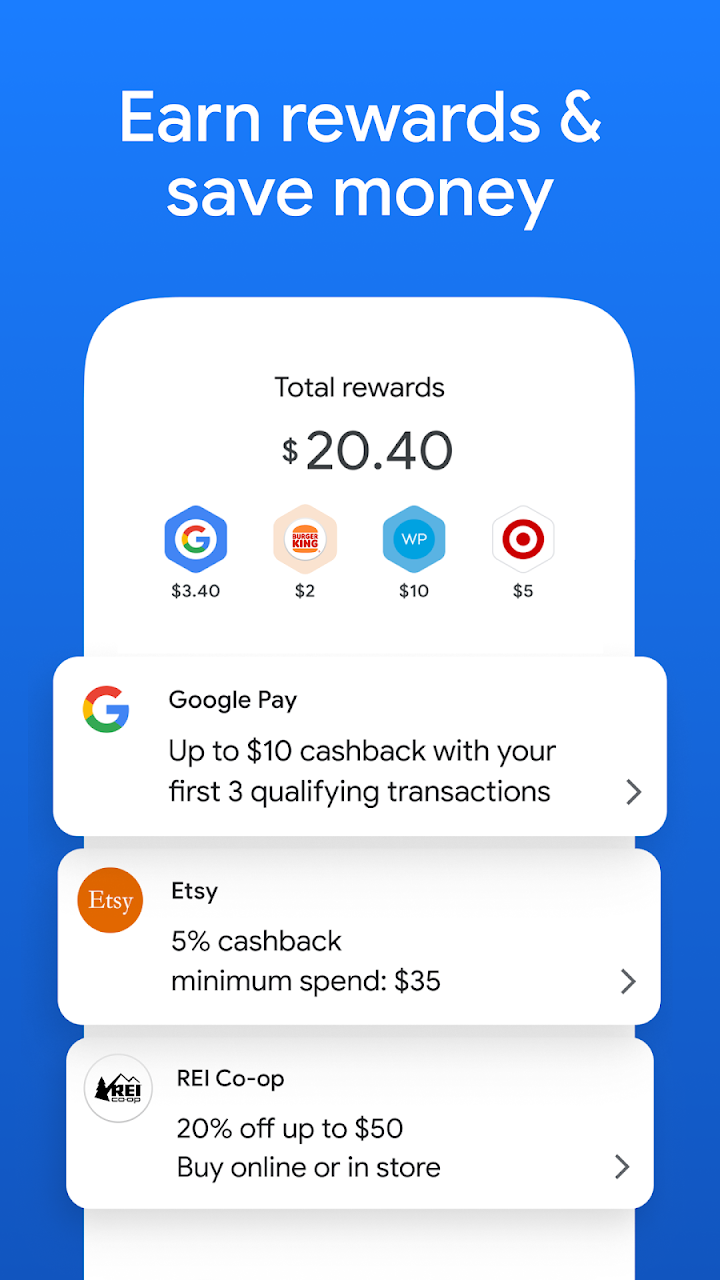
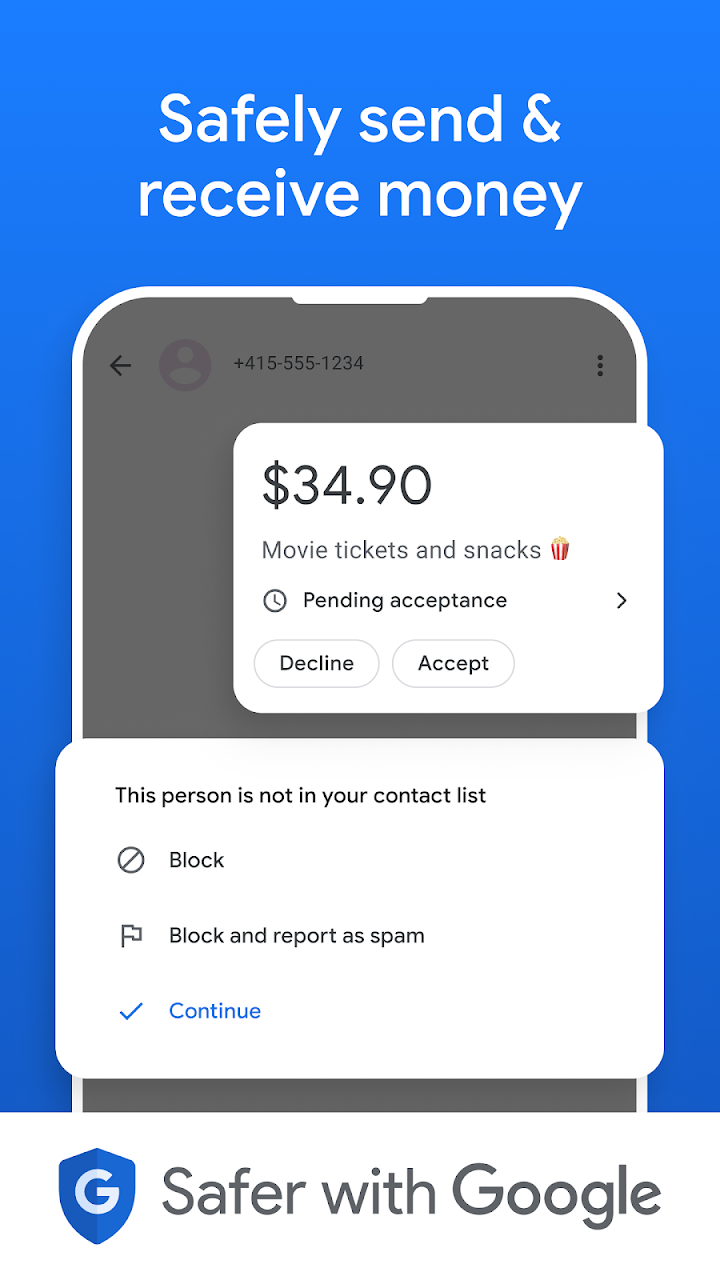
Google Pay: Save and Pay screenshots
8 images · tap to enlarge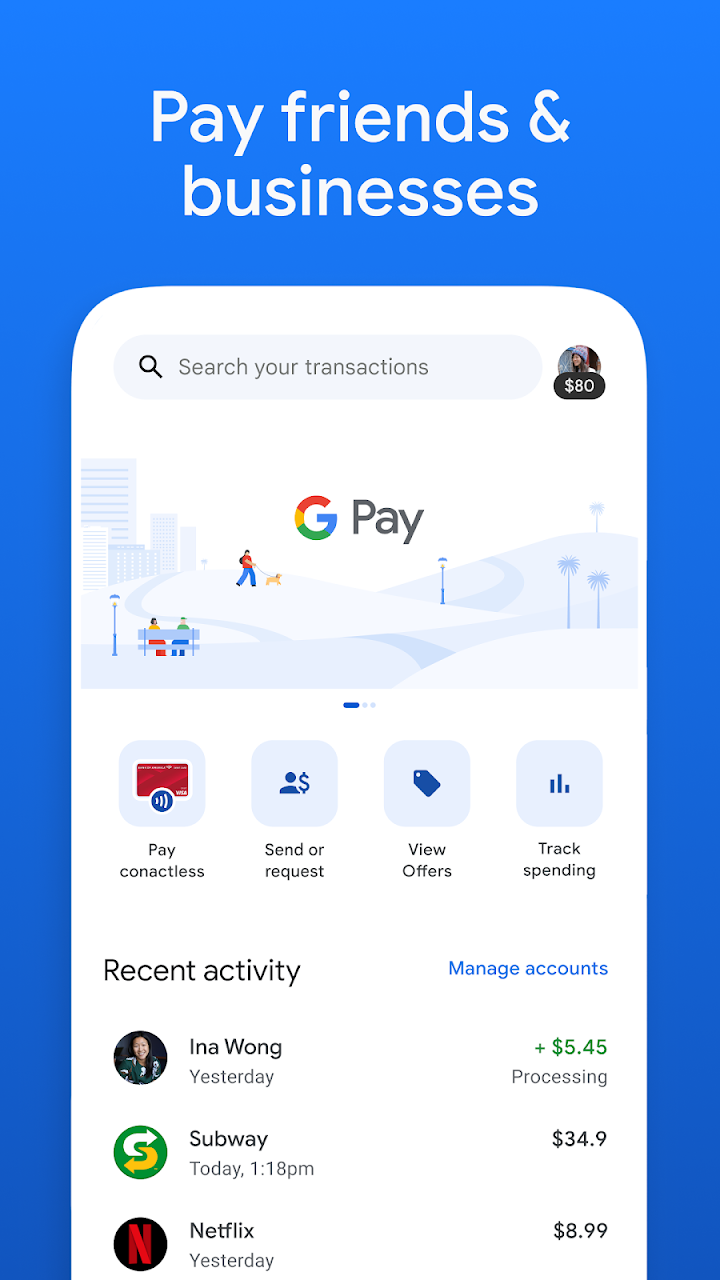

About this app
Need to know what happened to Google Pay? This standalone U.S. app is no longer available for use, so first-time users will mostly see an update notice and support links instead of a working payment screen. If you still have balance or transaction questions, the app points you to Google Pay help resources and Google Wallet for tap and pay.
- Launch notice — On first launch, the app explains that the U.S. standalone version is no longer available for use.
- Wallet handoff — It directs you to Google Wallet if you want to tap and pay with Google Pay.
- Balance help — You can use the app’s support path to learn more about a Google Pay balance.
- Unauthorized reports — Google’s customer service and error resolution process still applies for unauthorized transactions.
- Simple install — The APK is a universal build, 9.7 MB, and requires Android 19 or later.
What you see on first launch
When you open Google Pay: Save and Pay, the first thing to expect is an update message, not an active payment dashboard. The U.S. standalone app is no longer available for use, and the screen points you toward Google Wallet for tap and pay. That makes this app more of a handoff and support screen than a day-to-day payment tool.
Tap and pay now goes through Google Wallet
If you were opening the app to pay in stores, the path is now through Google Wallet. The app tells you to download Google Wallet to tap and pay with Google Pay. That is the main task this listing now handles: guiding you to the right place instead of letting you continue inside the old standalone app.
Balance and transaction support
Some users may still need help with a Google Pay balance or a transaction issue. The app says Google Payment Corporation’s customer service and error resolution policy still applies for unauthorized transactions related to Google Pay. If you have questions about your balance in the app, you are directed to learn more through Google Pay support.
- Check the notice first: the app is not meant for normal use in the U.S. anymore.
- Move to Google Wallet: that is the place to set up tap and pay.
- Use support links: helpful if you are dealing with a balance or an unauthorized charge.
Install size and device basics
This APK is a universal build, about 9.7 MB, and it requires Android 19 or later. It is free, does not contain ads, and does not list in-app purchases. No permissions are listed, so you should not see a permissions prompt during setup.
Security and account questions
If you are worried about account safety, the app’s support message is the main place it addresses that. It specifically mentions unauthorized transactions and points to Google’s help center for more support. There is no listed fingerprint login or other sign-in detail here, so those options are not described in the app listing.
APK information
- Version
- 18.0.002_RC08 (arm64-v8a)
- Package
- com.google.android.apps.nbu.paisa.user
- Category
- Finance
- Size
- 10 MB
- Min Android
- API 19
- Architecture
- universal
Older versions
-
Google Pay: Save and Pay 18.0.002_RC08 (arm64-v8a)Nov 11, 2026Latest downloadAPK
Google Pay: Save and Pay FAQ
Is Google Pay: Save and Pay safe for banking?expand_more
The listing points to Google Payment Corporation’s customer service and error resolution policy for unauthorized transactions. It does not describe banking features inside the app now that the U.S. standalone version is no longer available for use.
Does Google Pay: Save and Pay support fingerprint login?expand_more
The app listing does not mention fingerprint login or any other sign-in method.
Does Google Pay: Save and Pay work on tablets?expand_more
The app supports Android 19 and up, but the listing does not say which device types it is meant for.
How do I install the Google Pay: Save and Pay APK file?expand_more
Download the APK, then open it on an Android device running API 19 or later. The file is a universal APK and is about 9.7 MB.
What should I use instead of the old app for tap and pay?expand_more
The app directs you to Google Wallet to tap and pay with Google Pay. That is the route shown in the current U.S. notice.