
- 3.1star64,874 reviews
- 1M+Downloads
- 88 MBAPK size
- EveryoneRated for Everyone
- API 18+Android
check_circleOriginal APK from Curve OS · Updated Nov 12, 2026
No threats found
0 / — antivirus engines flagged this file
Original signature
First seen — Curve OS
Unmodified APK
Same file the developer published — no mods
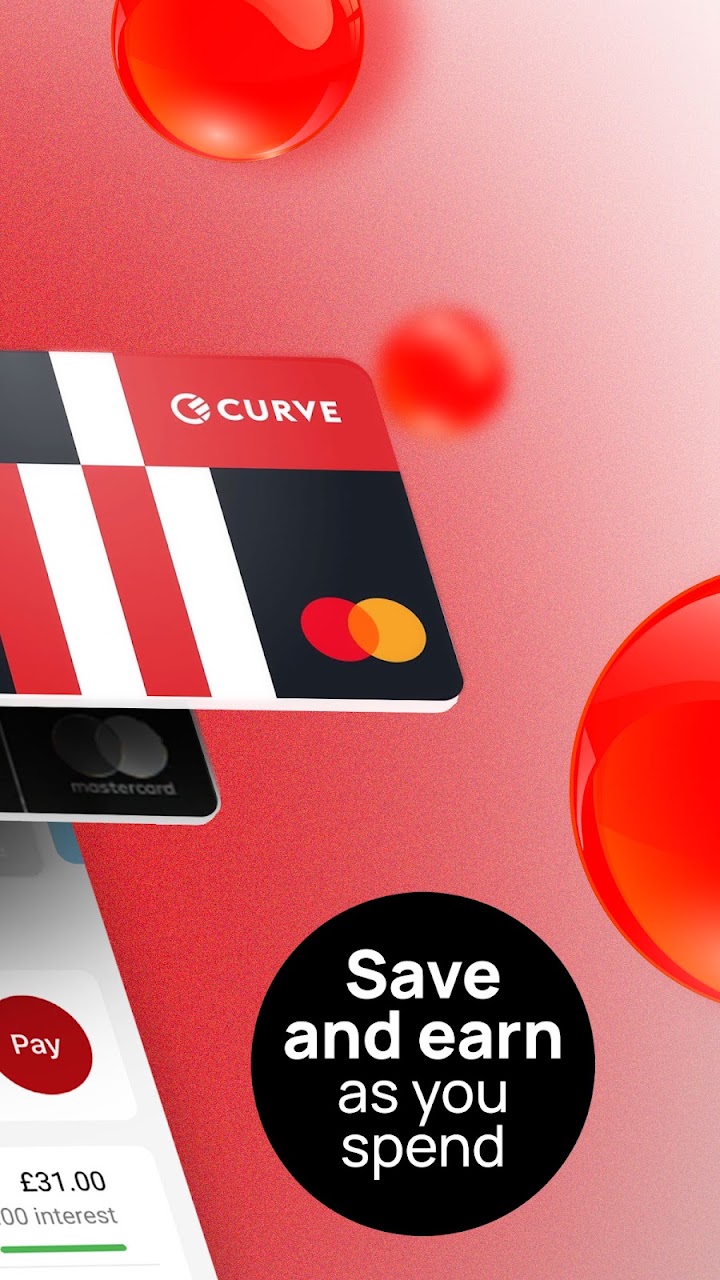
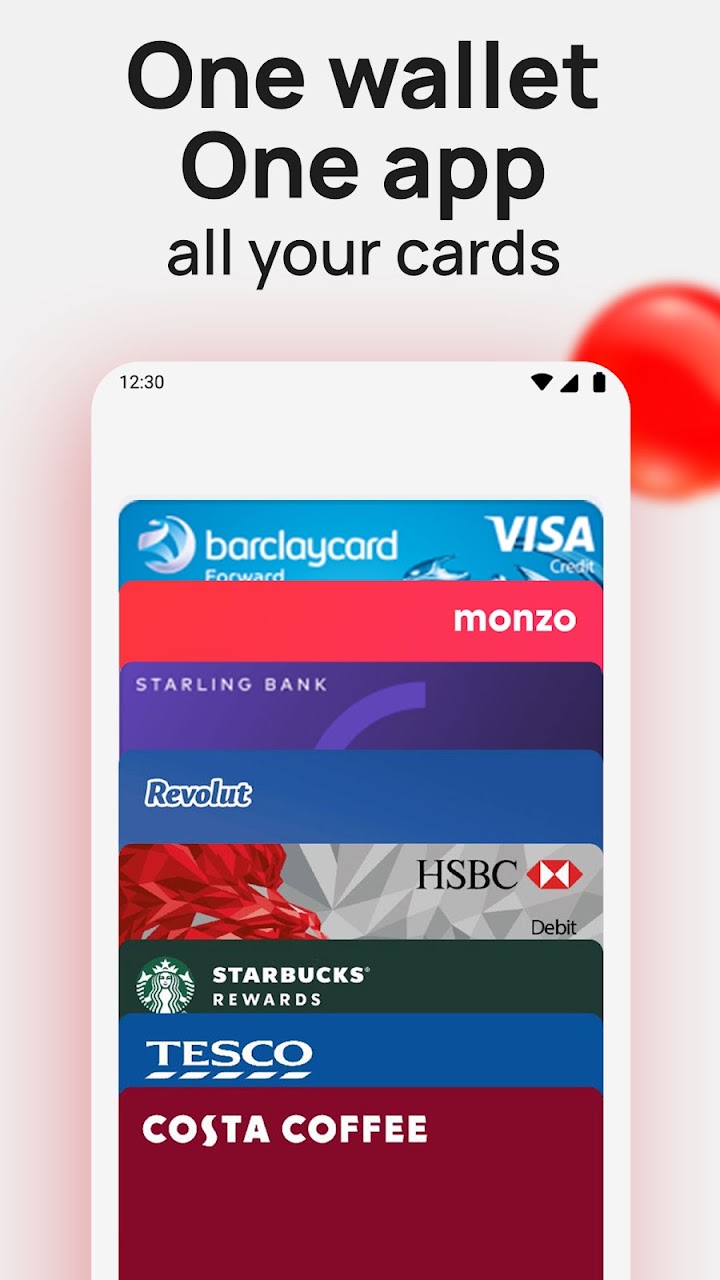
Curve Pay — Wallet & Cashback screenshots
8 images · tap to enlarge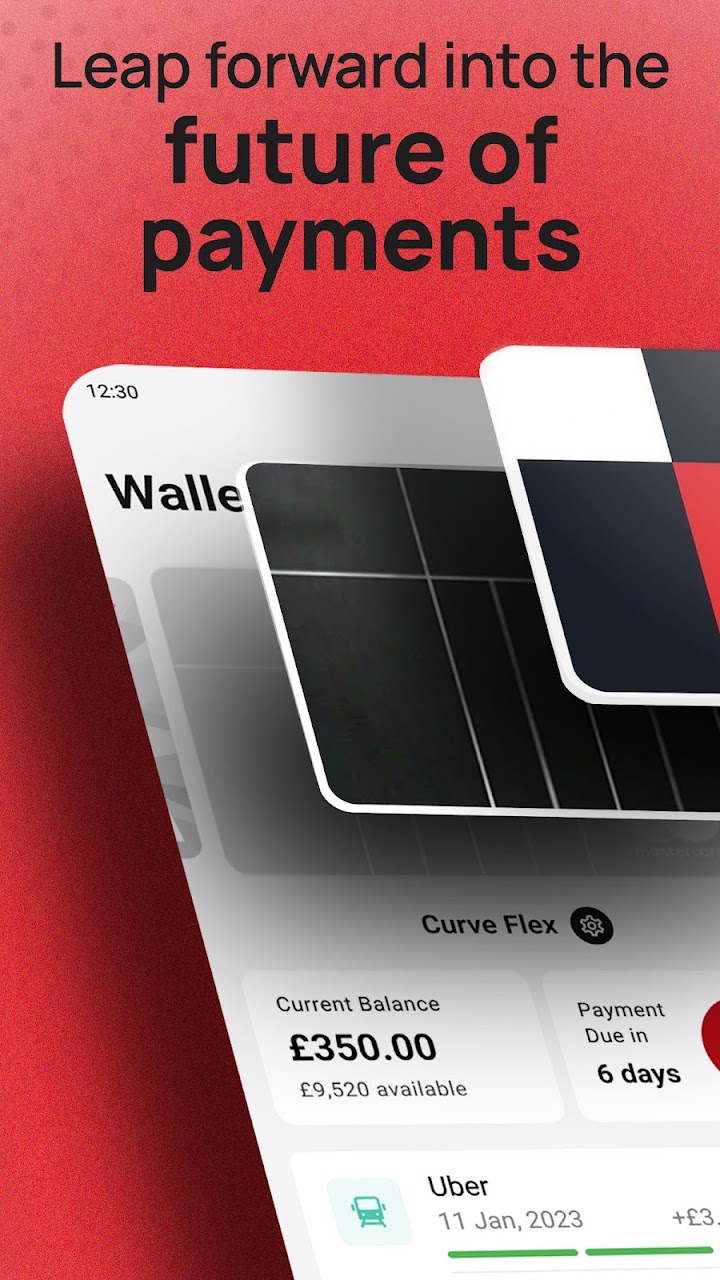

About this app
Curve Pay — Wallet & Cashback stands out by putting multiple cards into one wallet and letting you pay by phone, track cashback, and move spending between cards. On a trip, that can mean one contactless setup instead of juggling separate payment apps. It also adds card controls, cashback tracking, and support for Google Wallet, Apple Wallet, Samsung Pay, and more.
- One wallet, many cards — Add unlimited cards and keep debit, credit, and PayPal linked in one place.
- Tap to pay support — Use contactless payments through Google Pay, Apple Pay, Samsung Pay, GPay, and Garmin Pay.
- Cashback tracking — Earn cashback with selected retailers and follow rewards inside the app.
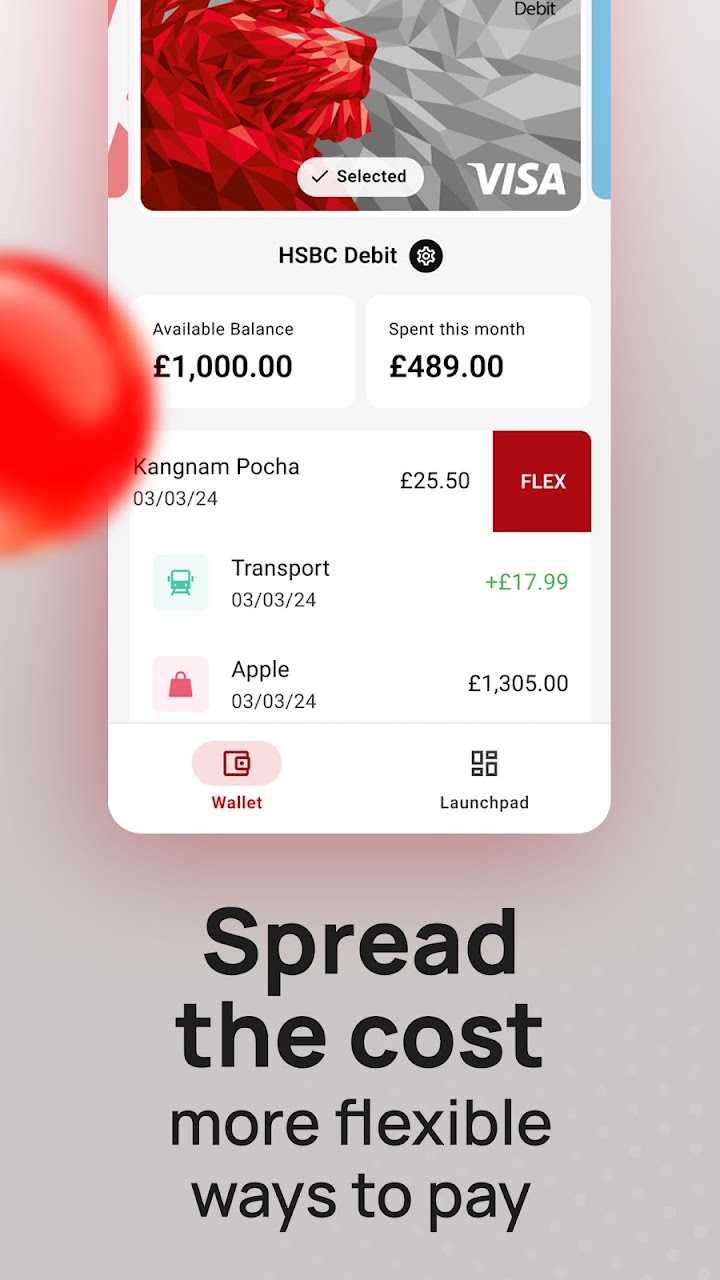
- Card controls — Lock or unlock your wallet, hide card numbers, and move payments between cards with Go Back in Time.
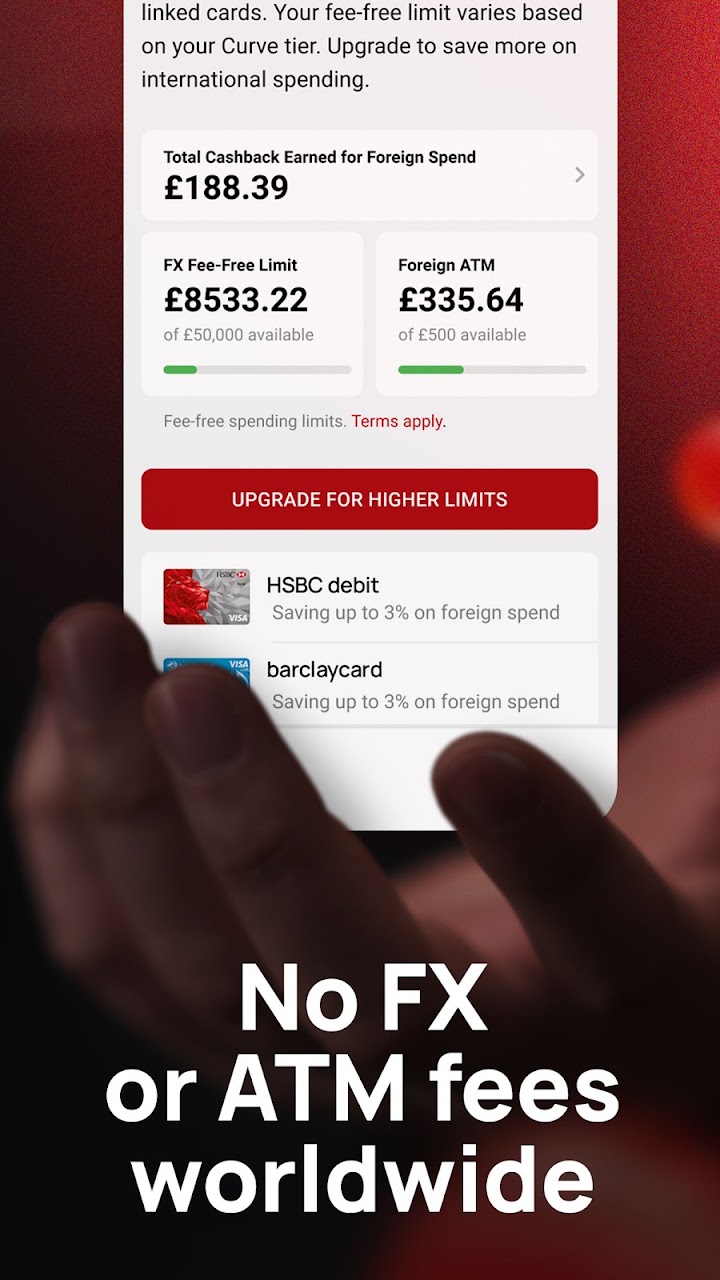
- Travel spending tools — See exchange rates, use global ATM withdrawals on paid plans, and manage currency costs while abroad.
One wallet for travel spending
Curve Pay — Wallet & Cashback brings your debit card, credit card, and PayPal account into one wallet, so a train station coffee, a hotel check-in, or a quick ride home can all be handled from the same app. It works with Google Wallet, Apple Wallet, Samsung Pay, Google Pay, GPay, and Garmin Pay, which gives it a broader payment setup than a single-wallet app.
Compared with alternatives like Google Wallet or Google Pay, Curve focuses more on combining cards, cashback, and travel controls in one place. That makes it useful if you want one app to manage spending across different cards instead of only storing a payment method.
- Gets: unlimited card links, cashback tracking, tap to pay, and card controls.
- Watch for: foreign currency exchange fees on the free plan, limits on cashback, and age 18+ signup.
Paid plans and fees
Curve Pay is free to download and does not contain ads or in-app purchases. The free plan supports unlimited cards and contactless payments, but a 2.99% foreign currency exchange fee applies for international travel. Paid tiers add higher ATM withdrawal limits, more cashback retailers, and extra payment options.
If you mainly want a simple domestic wallet, a lighter app may be enough. If you travel often and want card switching, cashback, and FX tracking in one app, Curve Pay gives you more to manage from a single screen.
Security and account controls
The app says your card numbers stay protected when you travel, and it includes options to lock or unlock your digital wallet instantly. Smart Rules can automate which card is used, and Anti-embarrassment mode is designed to help avoid declined payments. Those controls may suit anyone who prefers to keep payment details hidden while still paying by phone.
Install details and device support
Curve Pay — Wallet & Cashback is an APK, sized at 87.7 MB, and it needs Android API 18 or newer. It is rated for Everyone, with 1M+ installs and a 3.1 rating from 64,874 ratings.
What to expect day to day
If you are comparing it with Paytm or other payment apps, Curve is less about local bill payments and more about card aggregation, contactless travel spending, and cashback. That makes it a better fit for people who want to combine multiple cards and manage spending while abroad, rather than users looking for a single regional payment method.
What's new
Version 2.2.0 · Nov 12, 2026
- What’s New:
- Re-arranging cards is back! Go to your wallet’s list view and hit the ‘Swap’ icon in the top right corner to re-order the cards in your wallet. 🔃
- We've also implemented a tap to switch view between Curve Points & GBP for the rewards card. 💷
- Finally, we’ve made it easier to add cards to Curve, with an ‘Add Card’ button in both the list view & as the last element of your wallet. ➕
- Fixes:
- Fixed an issue where customer’s card images were not appearing in the app. 💳
Curve Pay — Wallet & Cashback in the news
APK information
- Version
- 2.2.0
- Package
- com.imaginecurve.curve.prd
- Category
- Finance
- Size
- 88 MB
- Min Android
- API 18
- Architecture
- universal
Older versions
-
Curve Pay — Wallet & Cashback 2.2.0Nov 12, 2026Latest downloadAPK
Curve Pay — Wallet & Cashback FAQ
Which countries is Curve Pay — Wallet & Cashback for?expand_more
The app is available for Android users who can sign up at 18 or older. The description focuses on worldwide travel use, but it does not list specific countries.
Is Curve Pay — Wallet & Cashback safe for banking?expand_more
The app says your card numbers stay protected and that you can lock or unlock your wallet instantly. It also keeps debit and credit card numbers hidden.
Who develops Curve Pay — Wallet & Cashback?expand_more
It is developed by Curve OS.
Does Curve Pay — Wallet & Cashback work on tablets?expand_more
The app supports Android devices running API 18 or newer, but tablet-specific support is not listed.
What payment apps does Curve Pay support?expand_more
It supports Google Wallet, Apple Wallet, Apple Pay, Google Pay, Samsung Pay, GPay, and Garmin Pay, plus wearable device options mentioned in the description.