- 4.9star21 reviews
- 500M+Downloads
- 3 MBAPK size
- EveryoneRated for Everyone
- 6.0+Android
check_circleOriginal APK from Google LLC · Updated Nov 12, 2026
No threats found
0 / — antivirus engines flagged this file
Original signature
First seen — Google LLC
Unmodified APK
Same file the developer published — no mods
Google Podcasts screenshots
5 images · tap to enlarge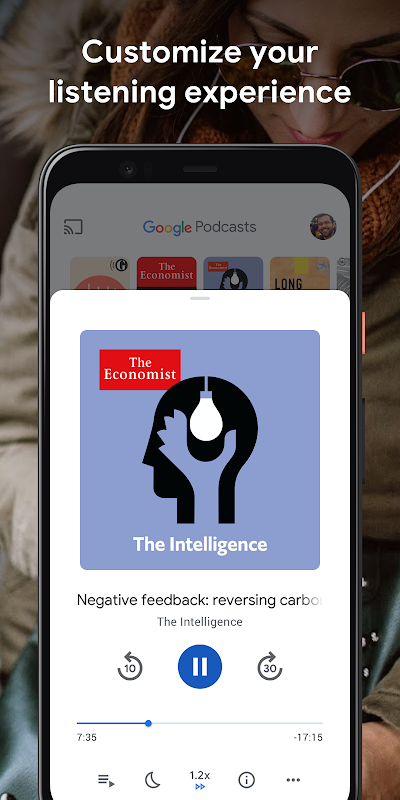
About this app
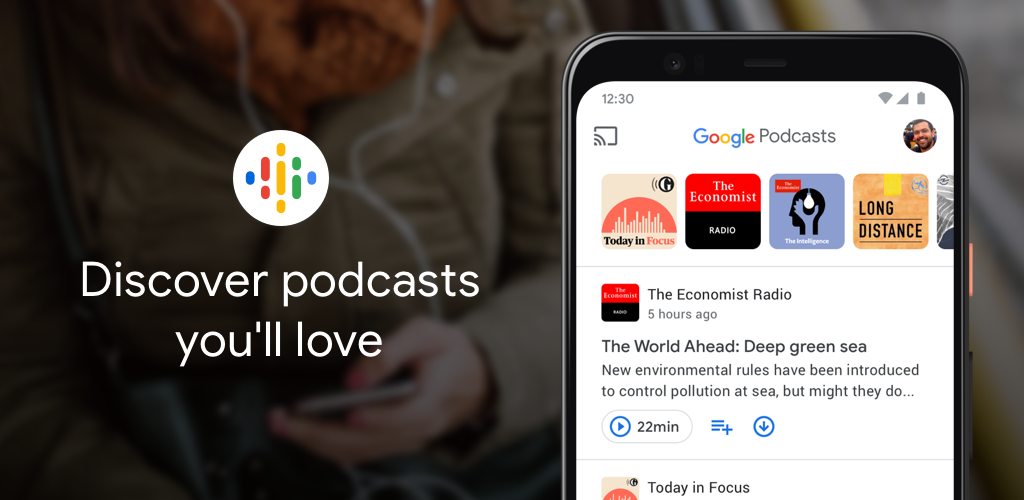
Google Podcasts stands out with Google-made podcast playback that starts by letting you subscribe to shows, pick up recommendations, and keep your listening in sync. On a first launch, you can begin browsing popular podcasts, then set up your subscriptions and queue for a commute, a train ride, or a quiet evening with offline episodes ready to go.
- Subscribe to shows — Follow your favourite podcasts and keep new episodes together in one place.
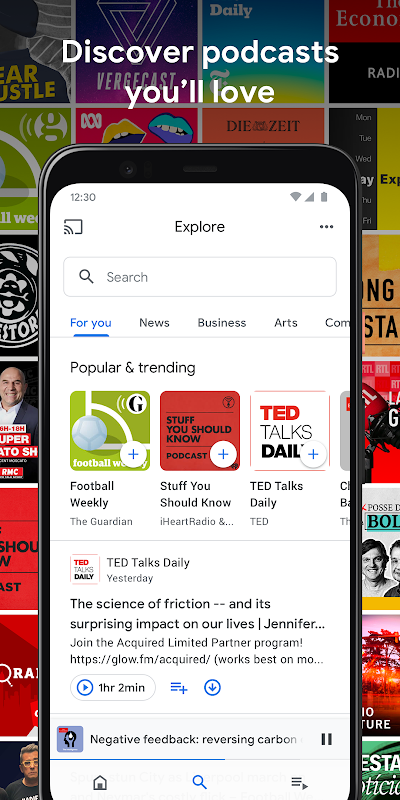
- Recommendations for you — Browse show and episode suggestions tailored to your listening.
- Playback controls — Use faster speeds or skip silences when you want to move through episodes more quickly.
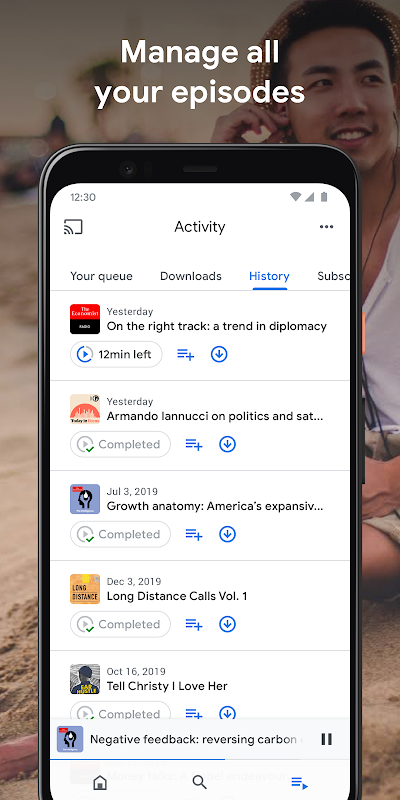
- Queue and history — Line up episodes and keep track of downloads, subscriptions, and listening history.
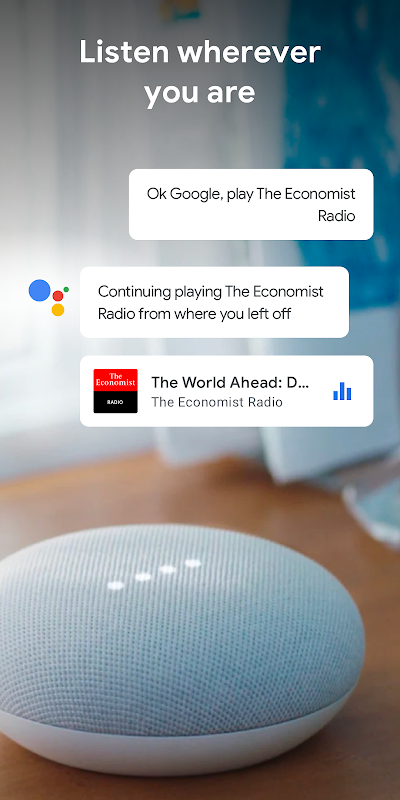
- Listen on devices — Continue on phone, laptop, or smart speaker without losing your place.
- RSS feed support — Add podcasts by RSS feed from the Activity area in the app.
Start with subscriptions and suggestions
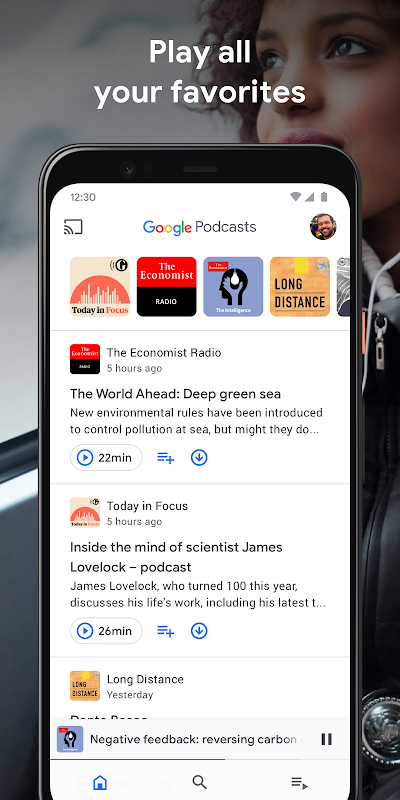
When you open Google Podcasts for the first time, the app is set up for listening rather than setup screens. You can subscribe to shows you already know, then browse recommendations that match your interests. If you are on a break at work or settling in at home, the Home tab keeps your subscribed shows and suggested episodes close at hand.
Set up your listening flow
After you choose a few podcasts, use the queue to line up episodes for later in the day. You can also keep an eye on your listening history, downloads, and subscriptions from inside the app. For a longer trip, download episodes in advance so they are ready offline when you lose signal.
Use playback tools on the move
Google Podcasts includes faster playback speeds and the option to skip silences, which helps when you want to get through a long episode on a train ride or during a walk. Listening can continue across multiple devices, including a phone, laptop, or smart speaker, and the app can stream episodes for instant playback when you are connected.
Install details and requirements
The APK is a universal build, 2.7 MB in size, and it requires Android 6.0 or later. It is free to use, with no in-app purchases and no ads listed. The app is rated Everyone.
- Tip: If you want to add a show manually, open Activity, go to Subscriptions, tap the three dots, and choose Add by RSS Feed.
- Tip: Use Google Search or Google Assistant to discover podcasts while you are looking for something new.
- Tip: Check downloads before leaving home if you expect to listen offline.
What's new
Version 1.0.0.728820940 · Nov 12, 2026
- Google Podcasts now supports adding podcasts by RSS feed! Open the app and navigate to Activity, and then to the Subscriptions tab. Select the three dots in the top right corner and then "Add by RSS Feed." Once added, the podcast will appea
APK information
- Version
- 1.0.0.728820940
- Package
- com.google.android.apps.podcasts
- Category
- Music & Audio
- Size
- 3 MB
- Min Android
- 6.0
- Architecture
- universal
Older versions
-
Google Podcasts 1.0.0.728820940Nov 12, 2026Latest downloadAPK
Google Podcasts FAQ
Is Google Podcasts free without a subscription?expand_more
Yes. Google Podcasts is free to use, with no in-app purchases listed.
Can I listen offline in Google Podcasts?expand_more
Yes. The app supports auto-downloading episodes so you can listen offline and on the go.
Is Google Podcasts available for older phones?expand_more
Yes. It requires Android 6.0 or later.
How big is the Google Podcasts download?expand_more
The APK size is 2.7 MB.
Can I add a podcast by RSS feed?expand_more
Yes. The latest update adds RSS feed support through the Activity area and the Subscriptions tab.