- 3.7star2,652 reviews
- 100K+Downloads
- 12 MBAPK size
- EveryoneRated for Everyone
- 8.0+Android
check_circleOriginal APK from Power Star APPS · Updated Nov 12, 2026
No threats found
0 / — antivirus engines flagged this file
Original signature
First seen — Power Star APPS
Unmodified APK
Same file the developer published — no mods
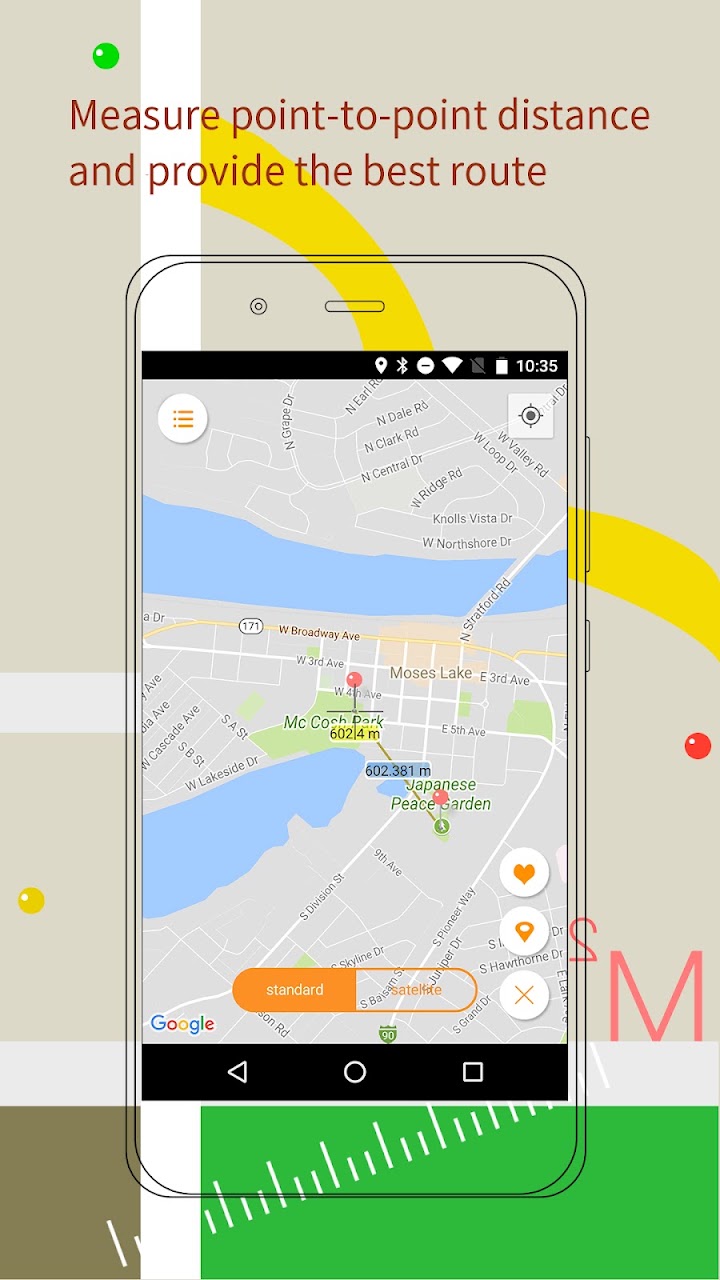
GPS Maps Ruler-Area Measure screenshots
4 images · tap to enlarge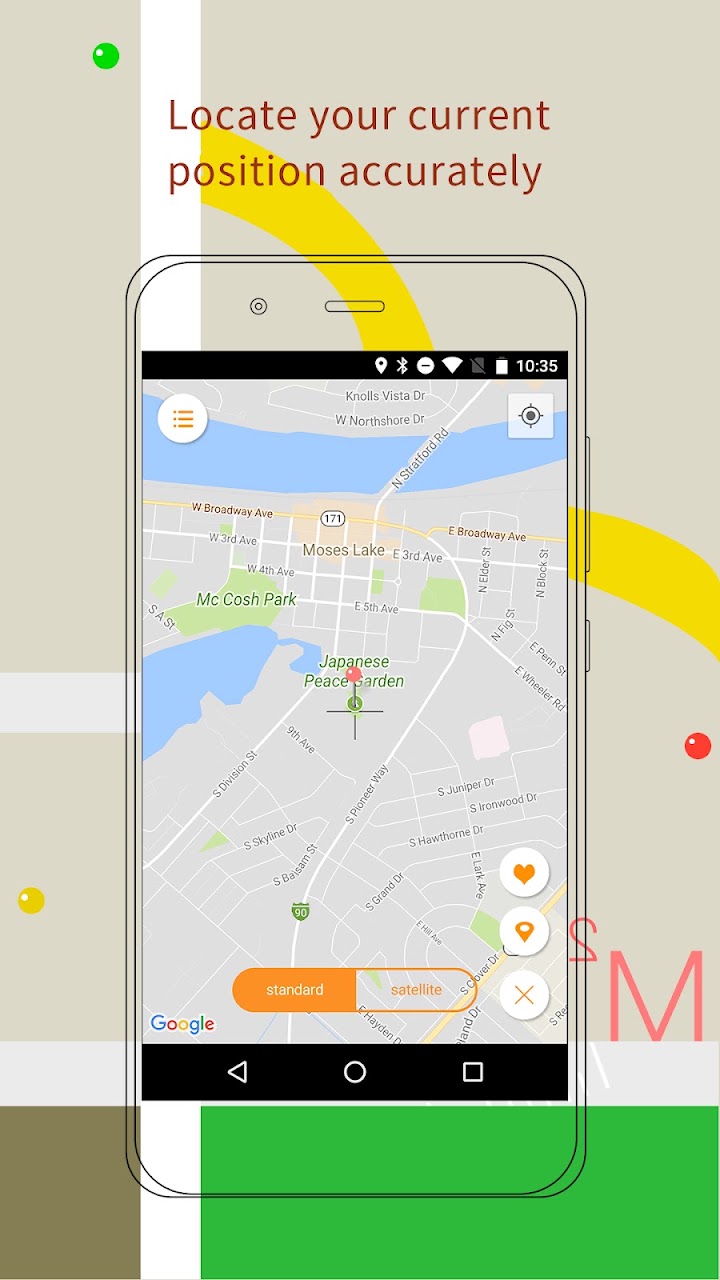
About this app
GPS Maps Ruler-Area Measure turns your phone into a map ruler for distance and area checks. It lets you mark points on a map, measure between them, and switch between regular and satellite views. The app is free, shows ads, and asks for no listed permissions or account setup.
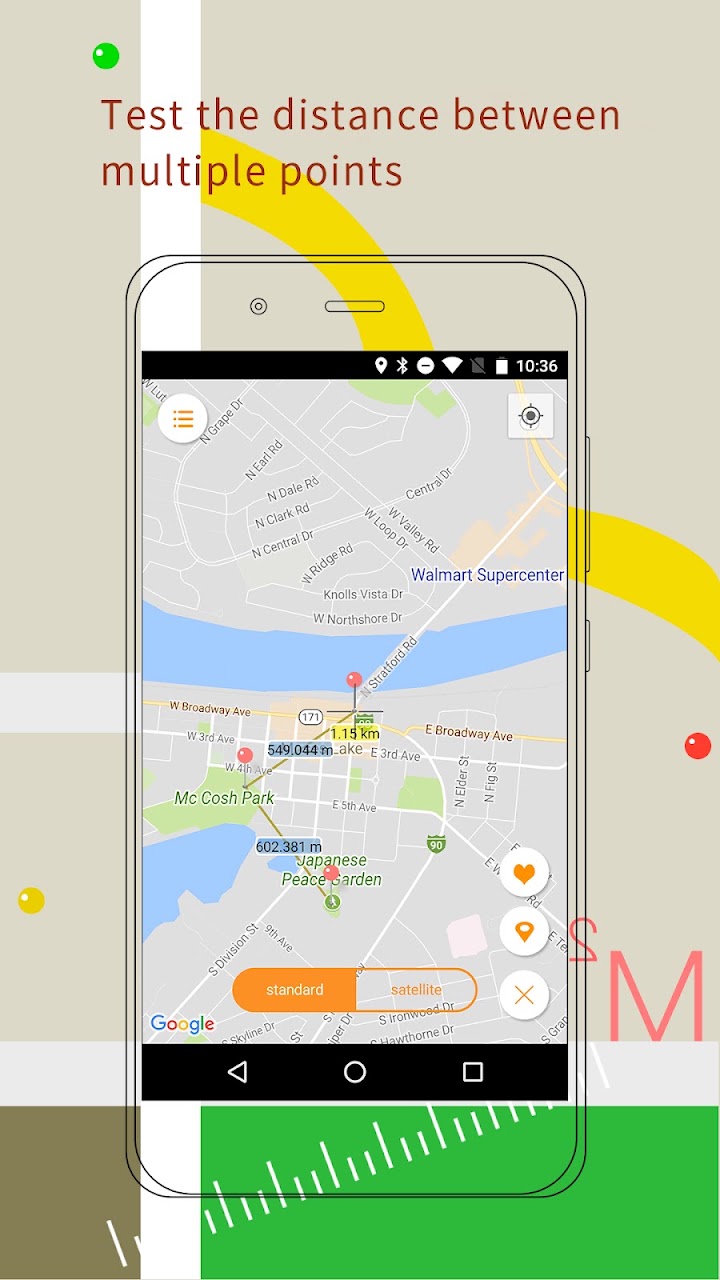
- Point distance — Measure the distance between two points on the map.
- Multi-point routes — Choose several locations to trace a route and measure it.
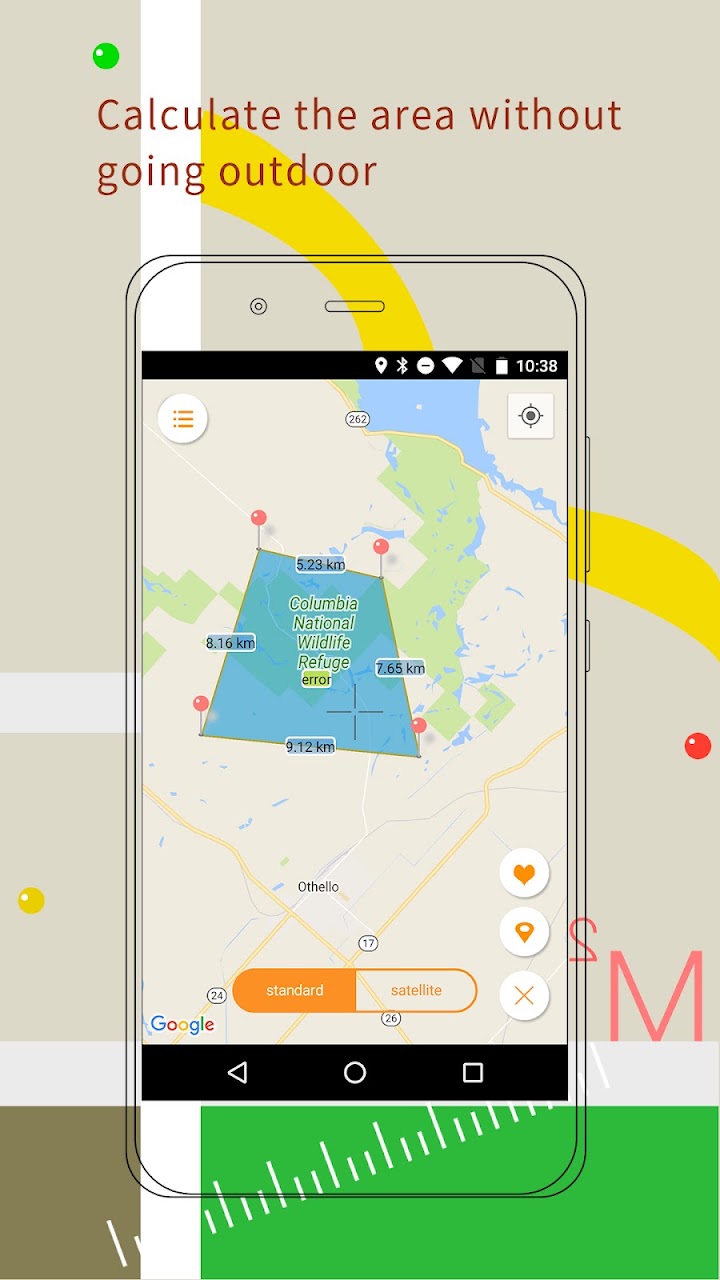
- Area measurement — Mark an area on the digital map without going outdoors.
- Map type choice — Use regular maps or satellite maps when measuring.
- Current location — Locate your current position or pick a location manually.
- Free download — The app is free, with ads and no in-app purchases.
First launch on the map
When you open GPS Maps Ruler-Area Measure, the app centers on map-based measuring. You can locate your current position or choose a place on the map first. From there, you set points for distance checks or outline an area. The app is built for quick map measurements, not for turn-by-turn navigation.
Set points, then measure
Start with a single pair of points if you want a straight distance. If your route has more than one stop, add several locations and measure across them. For land, property, or survey-style tasks, use the area tool to mark a shape on the map and read the result without going outside.
Choose the map view you want
The app includes regular maps and satellite maps. That helps when you want a simple street view or a more detailed overhead view while placing points. It is a map ruler, so it focuses on measurement rather than live traffic, transit, or driving directions.
- You get: distance measurement, area measurement, current-location support, and map type choices.
- Watch for: ads, no in-app purchases, and no listed permissions.
- Install note: APK format, 11.5 MB, Android 8.0 and up.
Practical first-day tips
Use the current-location option if you want to start from where you are now. If the result looks off, try the other map view before placing points again. For route work, add points in the order you want to measure them. For area work, keep your taps close to the boundary you want to trace.
Requirements and permissions
The app is free to use and contains ads. It does not list in-app purchases. No permissions are listed for the current version, so there is nothing shown here for location, storage, or account access. The app is from Power Star APPS and was released on 2017-08-30.
What's new
Version 1.9.6 · Nov 12, 2026
- Fix some bugs.
APK information
- Version
- 1.9.6
- Package
- com.lixiangdong.maprule
- Category
- Maps & Navigation
- Size
- 12 MB
- Min Android
- 8.0
- Architecture
- universal
Older versions
-
GPS Maps Ruler-Area Measure 1.9.6Nov 12, 2026Latest downloadAPK
GPS Maps Ruler-Area Measure FAQ
Does GPS Maps Ruler-Area Measure need GPS?expand_more
The app includes a location feature for finding your current position, but no specific GPS permission is listed. It also lets you select a location on the map manually.
Which countries does GPS Maps Ruler-Area Measure cover?expand_more
No country list is provided. The app uses maps and satellite maps for measuring distance and area.
Is GPS Maps Ruler-Area Measure free to use?expand_more
Yes. The app is free, contains ads, and does not offer in-app purchases.
How do I install the GPS Maps Ruler-Area Measure APK file?expand_more
Download the APK file, then install it on an Android device that runs Android 8.0 or higher. The file size is 11.5 MB.
Can I measure area on the map?expand_more
Yes. The app includes an area measurement tool so you can mark space on the digital map without going outdoors.