- 5.0star1 reviews
- 1M+Downloads
- 25 MBAPK size
- EveryoneRated for Everyone
- API 15+Android
check_circleOriginal APK from Yea Studio. Co., Ltd. · Updated Nov 10, 2026
No threats found
0 / — antivirus engines flagged this file
Original signature
First seen — Yea Studio. Co., Ltd.
Unmodified APK
Same file the developer published — no mods
Junimong - kids drawing screenshots
8 images · tap to enlarge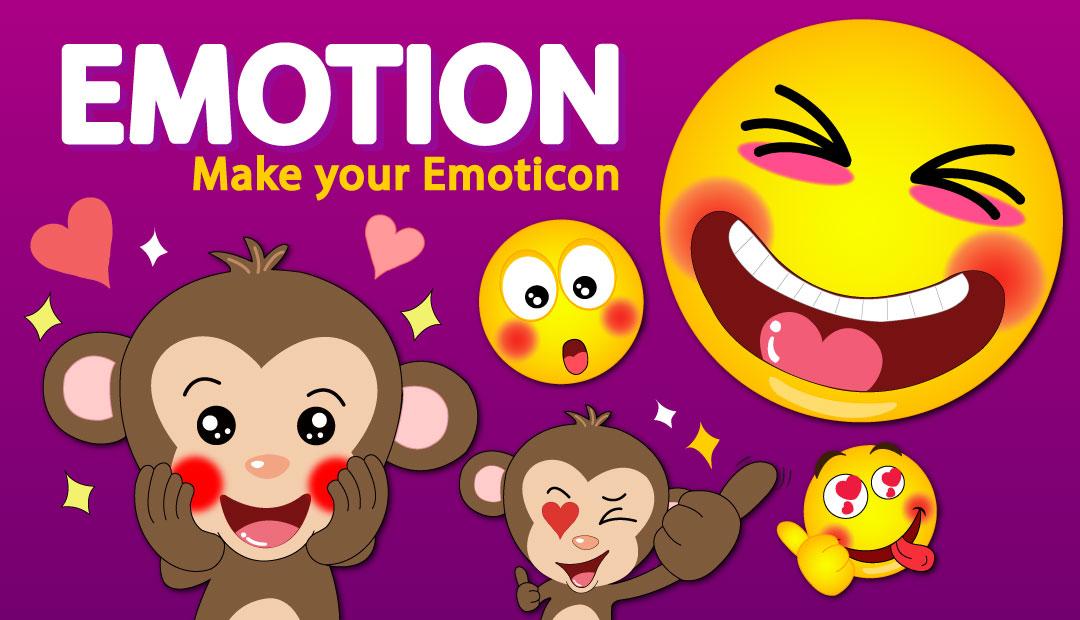
About this app
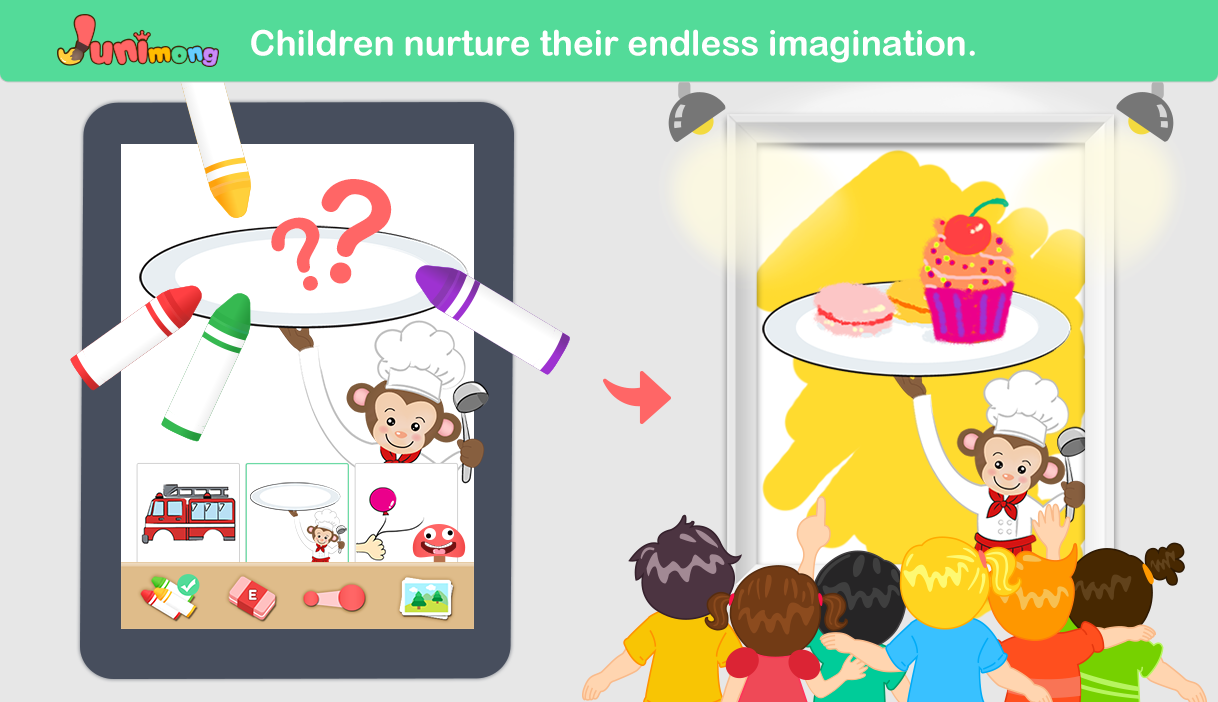
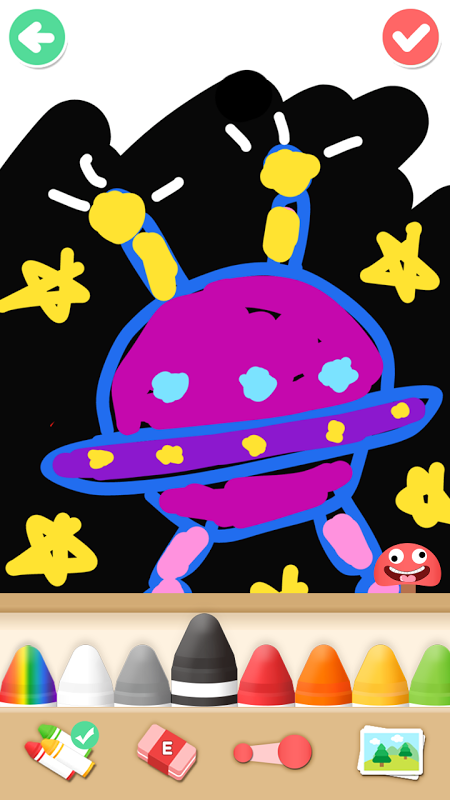
Junimong - kids drawing stands out by turning drawings into a way to talk with people anywhere. Kids can post artwork, react with emoticons, leave drawing comments, like and collect favorites, and join themed contests. It is built for sharing, saving, and looking back at drawings across devices, with no ads or in-app purchases.
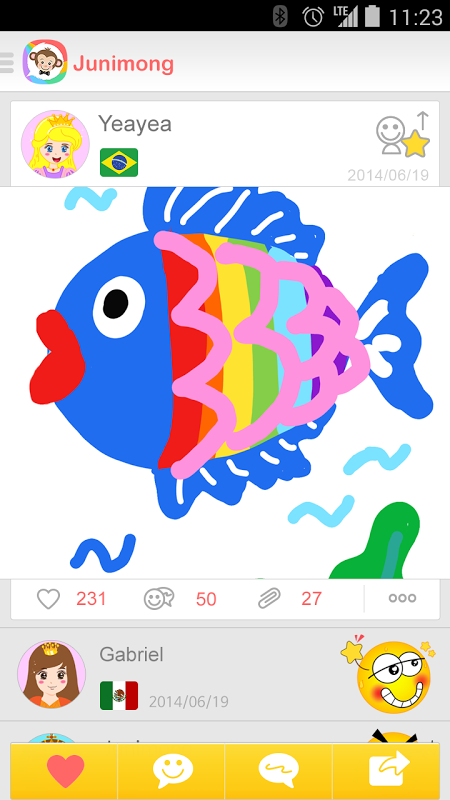
- Gallery sharing — Post drawings and doodles for others to see, like, and collect.
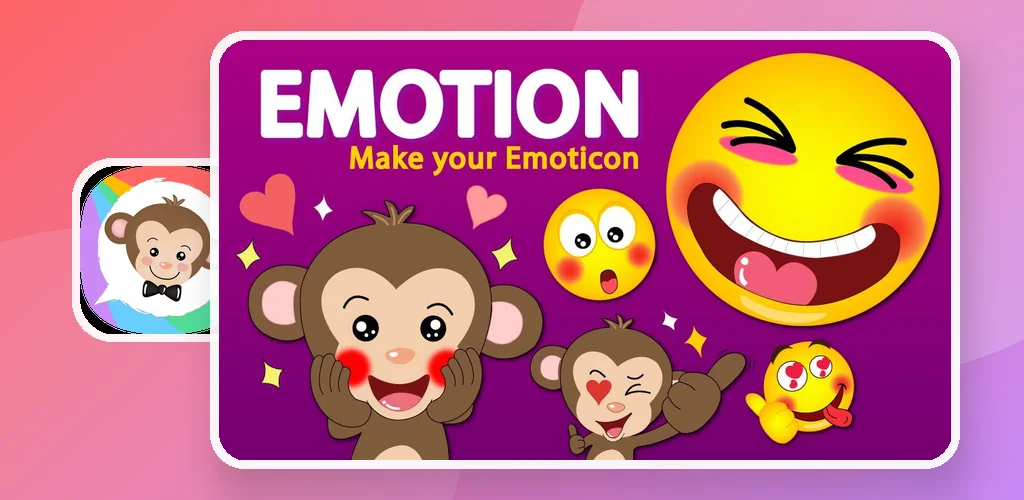
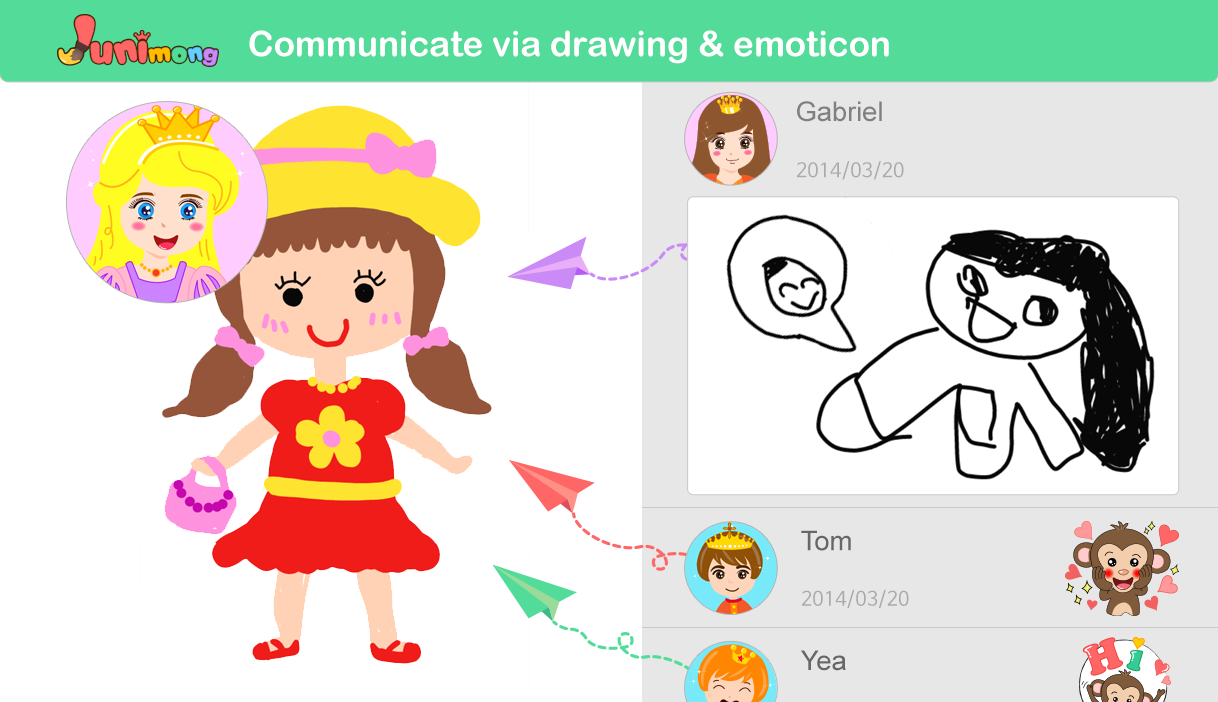
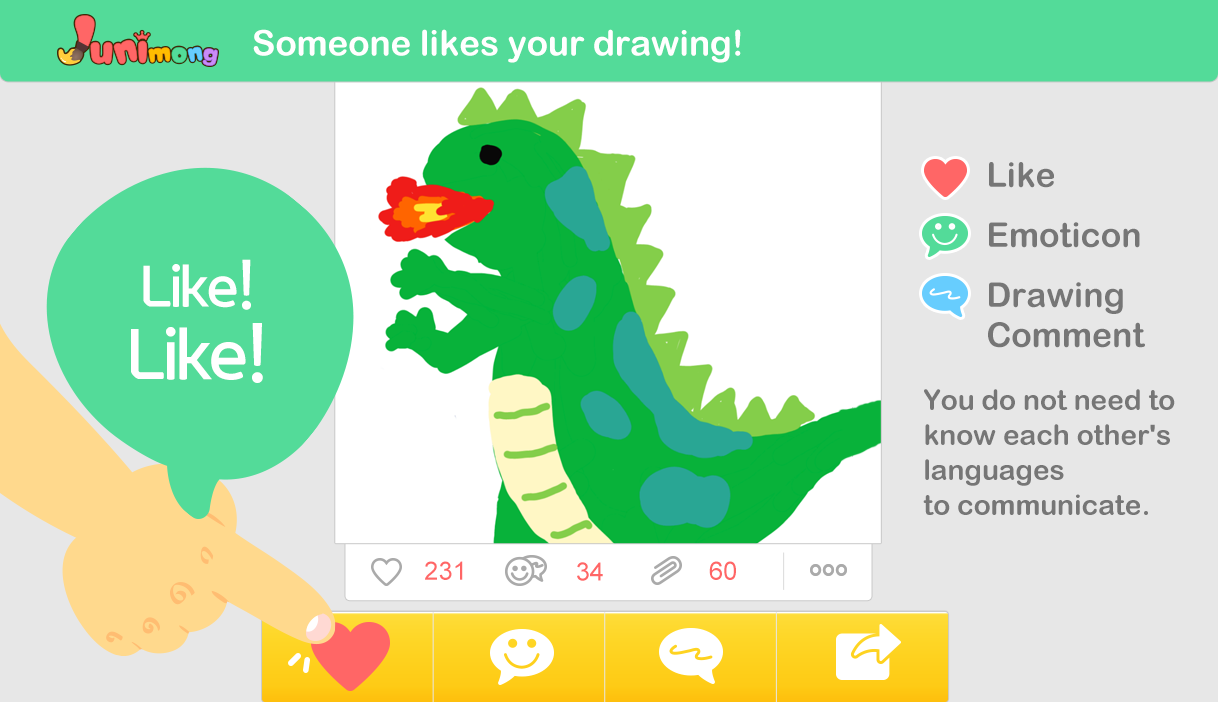
- Drawing comments — Reply with drawings and emoticons instead of written language.
- Friend profiles — Check profiles, find friends, and open their drawings more easily.
- Contest entries — Share drawings on a theme and see which ones get the most likes.
- Saved artwork — Keep children’s drawings stored safely and view them later.
- Cross-device access — Use the same service and data on different devices.
Sharing drawings instead of words
Junimong - kids drawing is a social drawing app where children can post art, color, and doodles for other people to see. The main idea is simple: drawings become the way to communicate, so kids do not need to know the same language to take part.
In a normal day, someone might open the app to show a new picture, browse other children’s work, and leave a reaction. The app also lets users like drawings, collect ones they want to keep, and add drawing comments with emoticons.
Gallery, contest, and comments
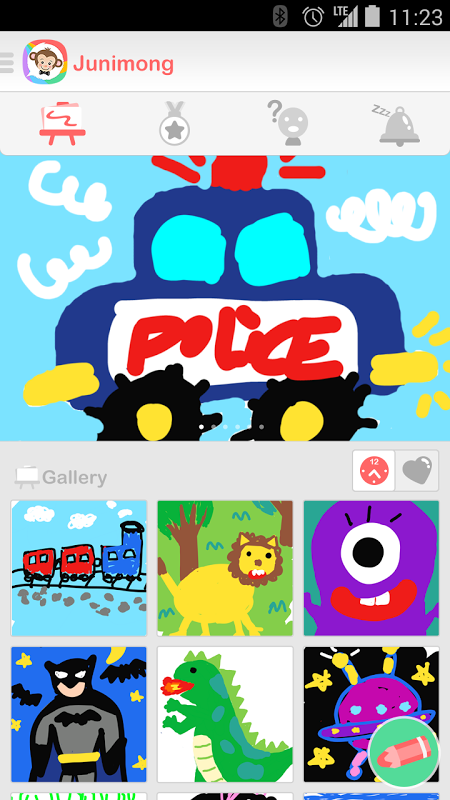
The Gallery is where kids can draw anything they like and look at other people’s drawings. Contest is for themed entries, and the app says the most-liked submissions may receive surprise prizes. Drawing comments are another way to respond, using pictures instead of typed messages.
- Gallery: Share drawings and explore what others made.
- Contest: Join themed drawing events.
- Drawing comment: Reply without needing written language.
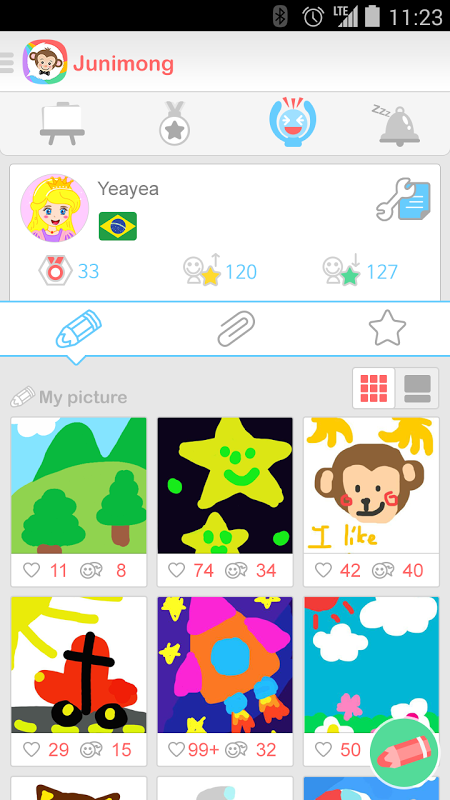
- Profile: See friends, your drawings, collected drawings, and friends’ drawings.
Friends, notifications, and saved work
The profile area helps users find friends and reach each other’s drawings more easily. Notifications show emoticons, drawing comments, and other news tied to a user’s work. The app also includes a save feature so children’s drawings are kept safely, and members can access the same service and data across devices.
There are no ads and no in-app purchases. The app is free to use, and it does not list any permissions. For setup, it installs as an APK file, needs Android API 15 or newer, and the file size is 25.4 MB.
Privacy and account notes
The description points to a community setup built around profiles, friends, likes, collected drawings, and notifications. It does not say whether an account is required, and it does not describe private profile controls, so those details are not shown here. What it does make clear is that the app is designed for sharing drawings publicly within the service and keeping them available for later.
APK information
- Version
- 2.00.09
- Package
- com.Junimong.Junimong
- Category
- Social
- Size
- 25 MB
- Min Android
- API 15
- Architecture
- universal
Older versions
-
Junimong - kids drawing 2.00.09Nov 10, 2026Latest downloadAPK
Junimong - kids drawing FAQ
Do I need an account for Junimong - kids drawing?expand_more
The description talks about members, profiles, friends, and synced use across devices, but it does not say exactly how sign-in works.
Can I make my Junimong - kids drawing profile private?expand_more
The app lets you view your profile, friends, your drawings, and collected drawings, but it does not describe privacy settings for profiles.
Which Android version does Junimong - kids drawing need?expand_more
It needs Android API 15 or newer.
Is Junimong - kids drawing available for older phones?expand_more
It supports devices running API 15 and above, so older phones below that version are not supported.
Does Junimong - kids drawing have ads or in-app purchases?expand_more
No. The app says all services are free of charge and there is no in-app payment, and it does not contain ads.