
- 3.8star88 reviews
- 10K+Downloads
- 4 MBAPK size
- EveryoneRated for Everyone
- 8.0+Android
check_circleOriginal APK from OverDrive, Inc. · Updated Nov 10, 2026
No threats found
0 / — antivirus engines flagged this file
Original signature
First seen — OverDrive, Inc.
Unmodified APK
Same file the developer published — no mods
LexisNexis® Digital Library screenshots
8 images · tap to enlarge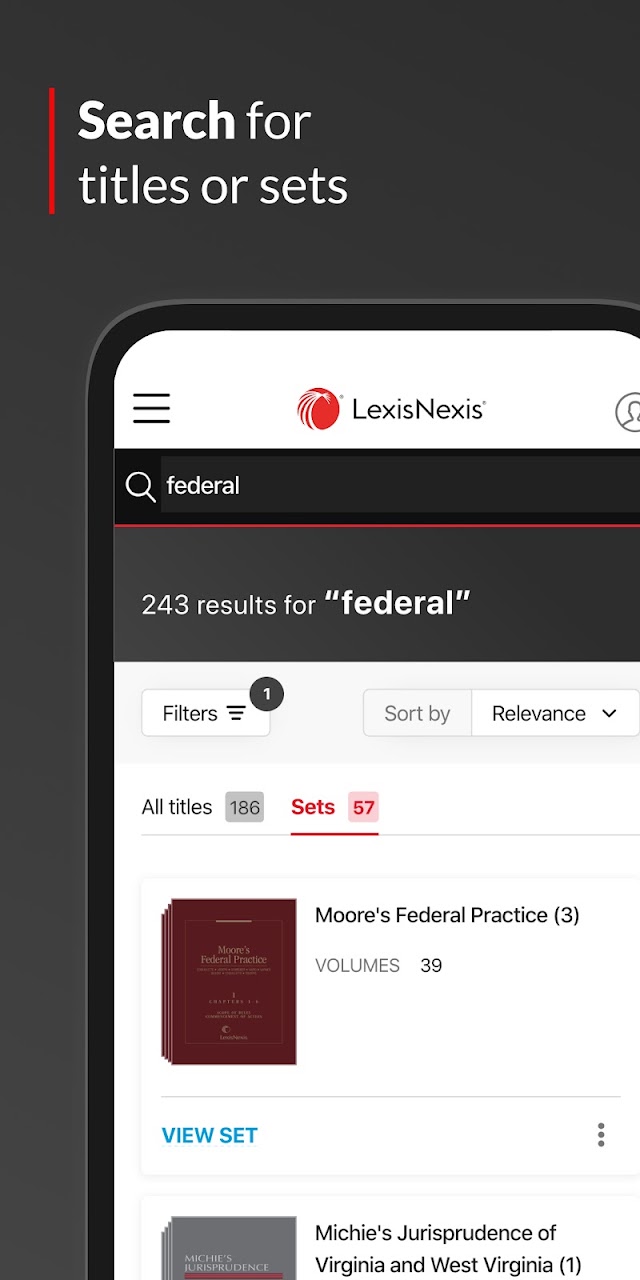
About this app
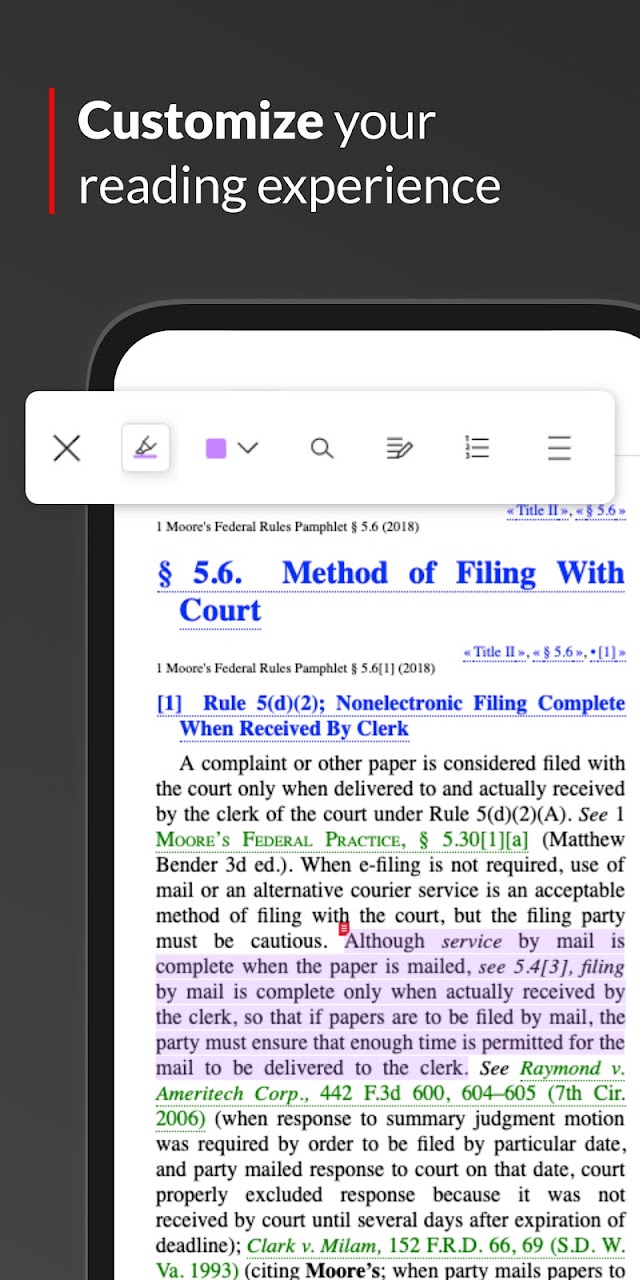
LexisNexis® Digital Library stands out in Books & Reference by putting your organization’s law library eBooks in one app. On a commute, in court, or while traveling, you can open titles online or download them for offline reading, then search, highlight, annotate, and share links to specific sections.
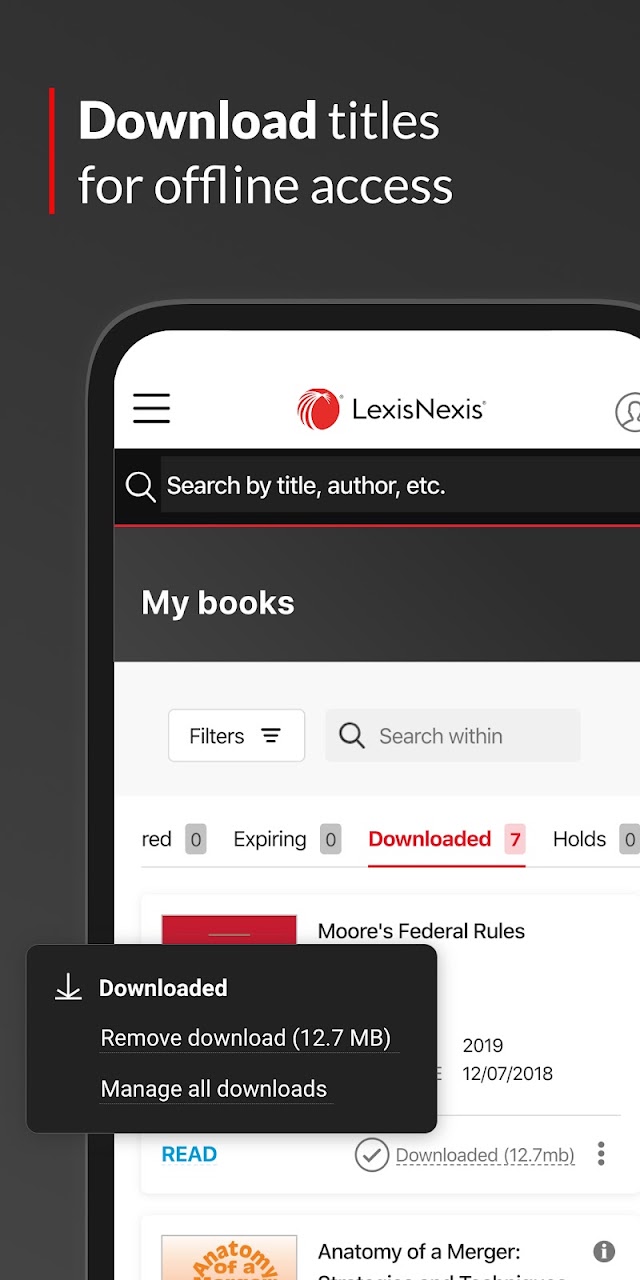
- Offline book access — Download titles so you can read them without a connection during travel or time away from Wi‑Fi.
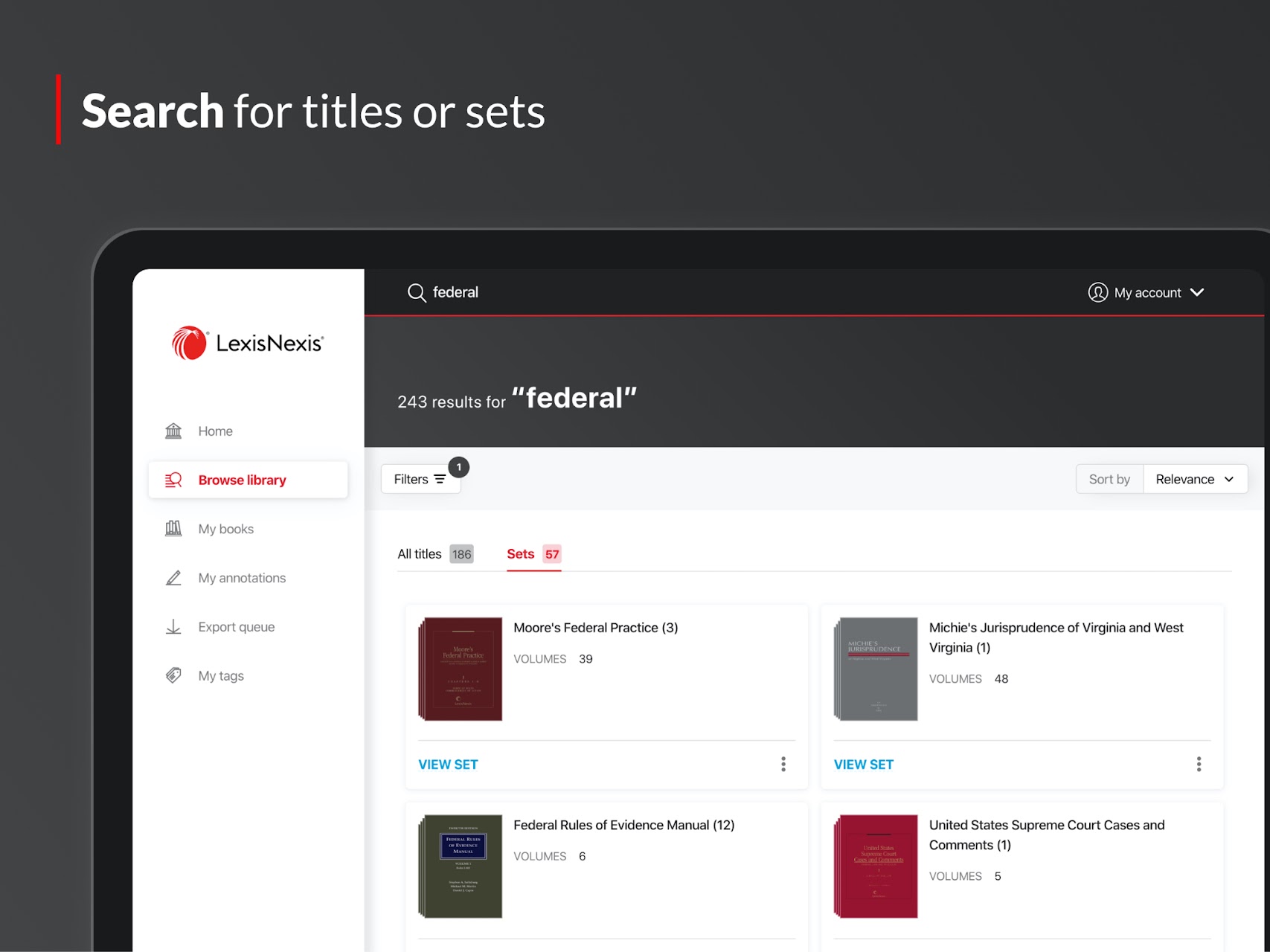
- Search inside books — Look through eBooks for the passages you need instead of flipping page by page.
- Share section links — Create links to specific sections so colleagues can open the same research spot.
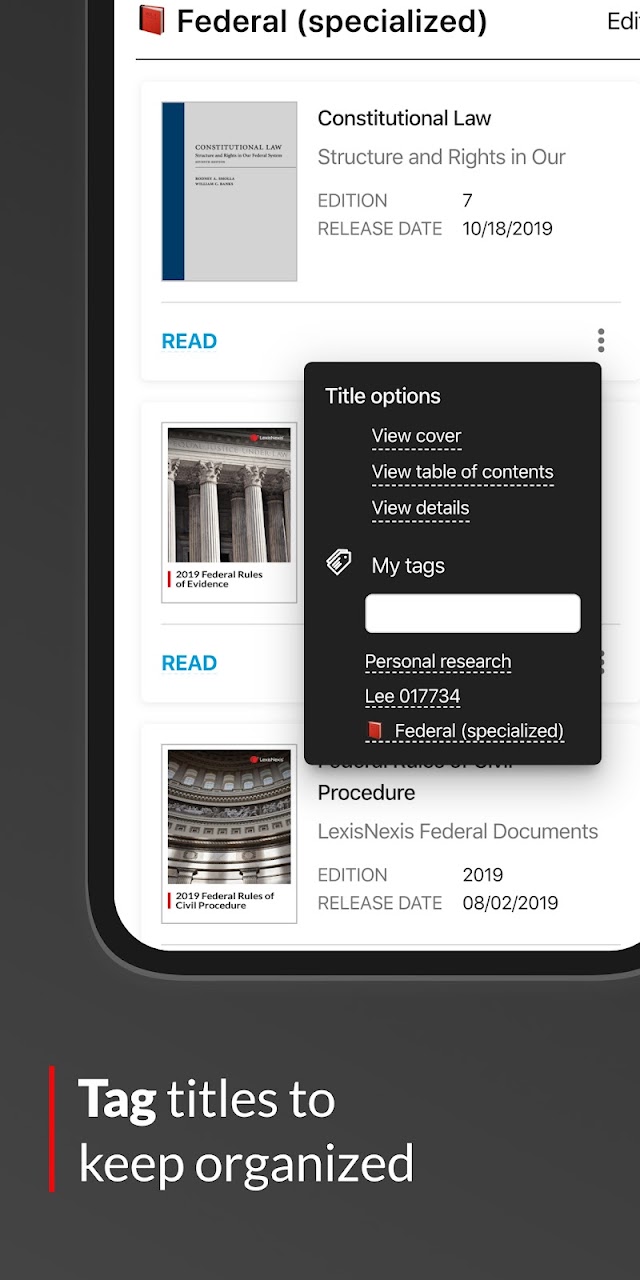
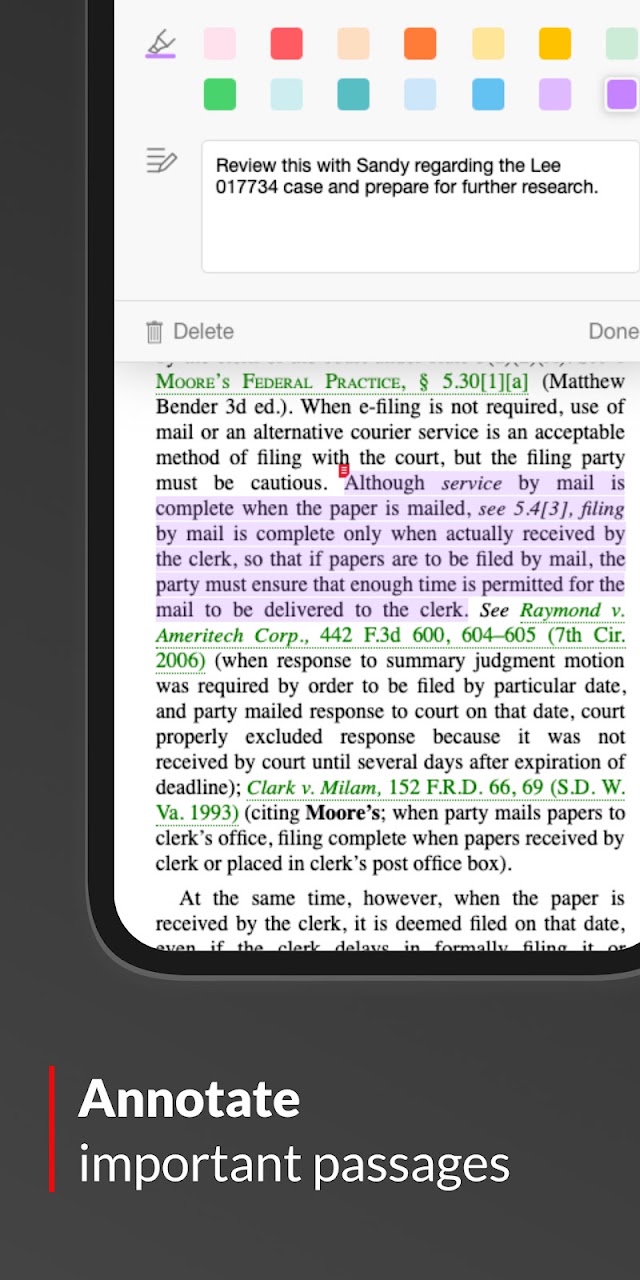
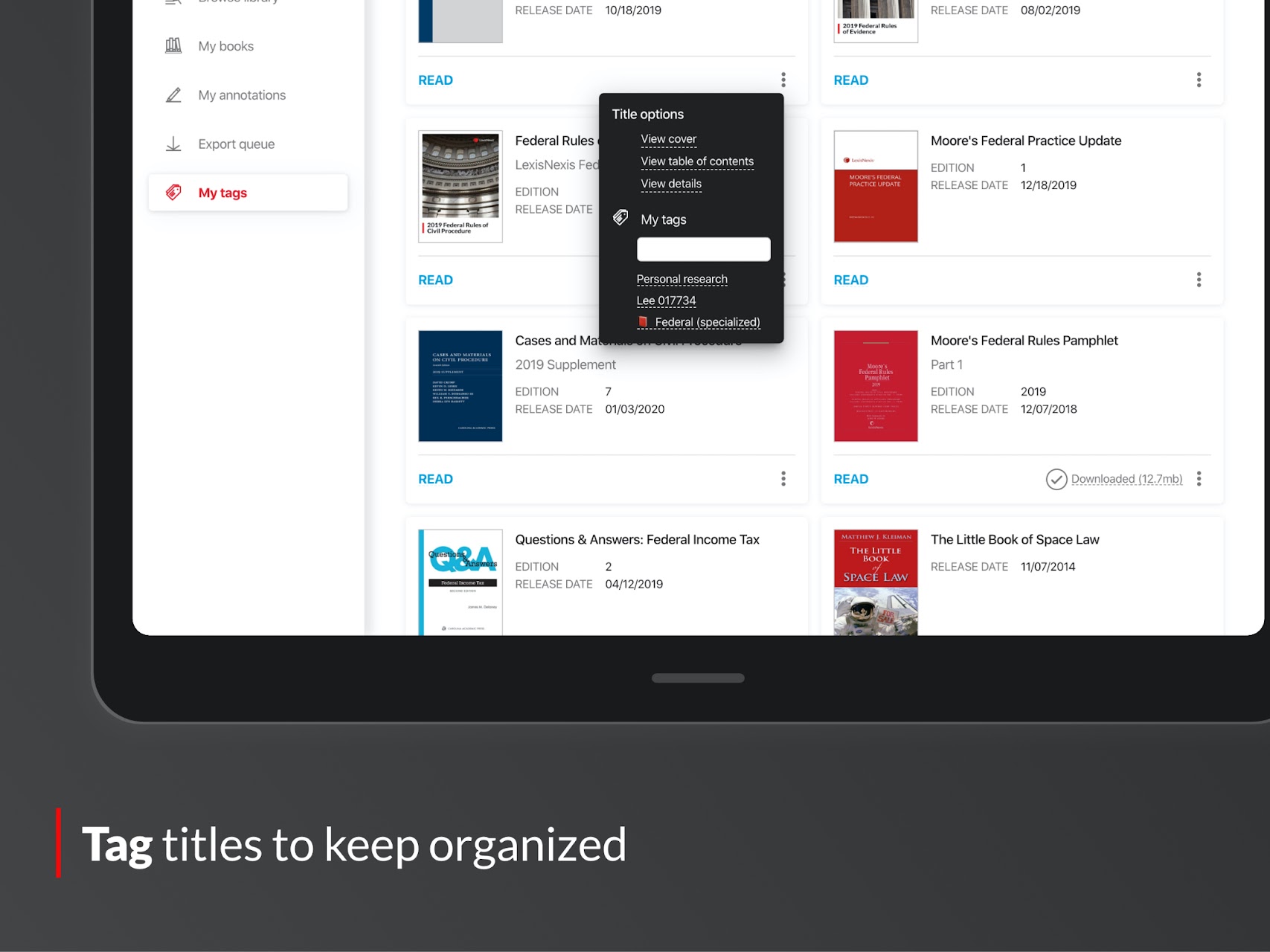
- Notes and highlights — Add highlights, annotations, bookmarks, and tags to keep track of important material.
- Custom reading setup — Adjust fonts and reading modes, including OpenDyslexic font support, to match your preference.
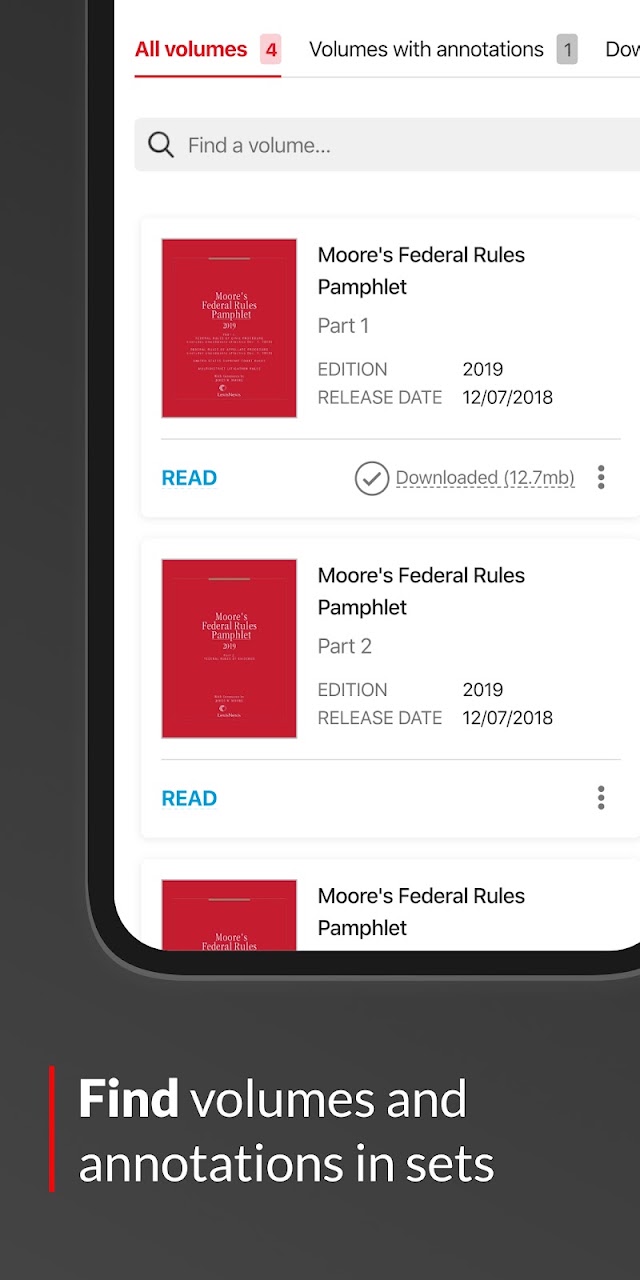
- Library alerts — Subscribe to title and volume alerts to stay updated on items you follow.
Read legal titles where work happens
LexisNexis® Digital Library gives you access to your law library’s eBook collection on a phone or tablet. When you are at your desk, on a long train ride, or away from the office, you can open books online or download them for offline use. The app is free, has no ads, and is offered as an APK file for Android 8.0 and up. The file size is 4.2 MB.
Search, mark, and return to your place
When a case note or assignment calls for a specific passage, you can search inside books, jump back to recently read titles, and pick up where you left off. Highlights, annotations, bookmarks, and tags help you keep track of sections you may need again. Exporting highlights and annotations also makes it easier to use your notes in other documentation.
Share research from a section
If you need to point a colleague to the exact part of a book, the app can generate links to specific sections. It also follows links from inside books to Lexis Advance online service when you have an active subscription, so related material stays connected as you research.
Built for reading and organization
You can adjust fonts and reading modes to suit your preference, and OpenDyslexic font support is included. Tags now have improved visibility and functionality, which helps when you are organizing several titles or setting aside volumes for later review. Alerts for individual titles and set volumes keep you informed without having to check each book manually.
Library access through OverDrive
Libraries subscribe to LexisNexis digital content through OverDrive, Inc., and additional eBooks and audiobooks are also available from other publishers through OverDrive. To start using the app, install it, enter your institution’s library code when prompted, and begin browsing your organization’s collection.
What's new
Version 9.5.0 · Nov 10, 2026
- Bug fixes and performance improvements.
APK information
- Version
- 9.5.0
- Package
- com.overdrive.mobile.android.lexisdl
- Category
- Books & Reference
- Size
- 4 MB
- Min Android
- 8.0
- Architecture
- universal
Older versions
-
LexisNexis® Digital Library 9.5.0Nov 10, 2026Latest downloadAPK
LexisNexis® Digital Library FAQ
Can LexisNexis® Digital Library be used offline?expand_more
Yes. You can download books and read them offline, including when you are in court or traveling.
What age is LexisNexis® Digital Library for?expand_more
The app has a content rating of Everyone.
How do I update LexisNexis® Digital Library from an APK?expand_more
Download the newer APK file and install it over the existing app on your Android device. Make sure your device is running Android 8.0 or later.
Which Android version does LexisNexis® Digital Library need?expand_more
It requires Android 8.0 and up.
How do I access my library collection in the app?expand_more
Install the app, then enter your institution’s library code when prompted. Your library administrator can provide the code.