- 4.8star763,657 reviews
- 10M+Downloads
- 4 MBAPK size
- TeenRated for Teen
- API 25+Android
check_circleOriginal APK from OverDrive, Inc. · Updated Nov 9, 2026
No threats found
0 / 68 antivirus engines flagged this file
Original signature
First seen — OverDrive, Inc.
Unmodified APK
Same file the developer published — no mods
Libby: Read Library Books screenshots
8 images · tap to enlarge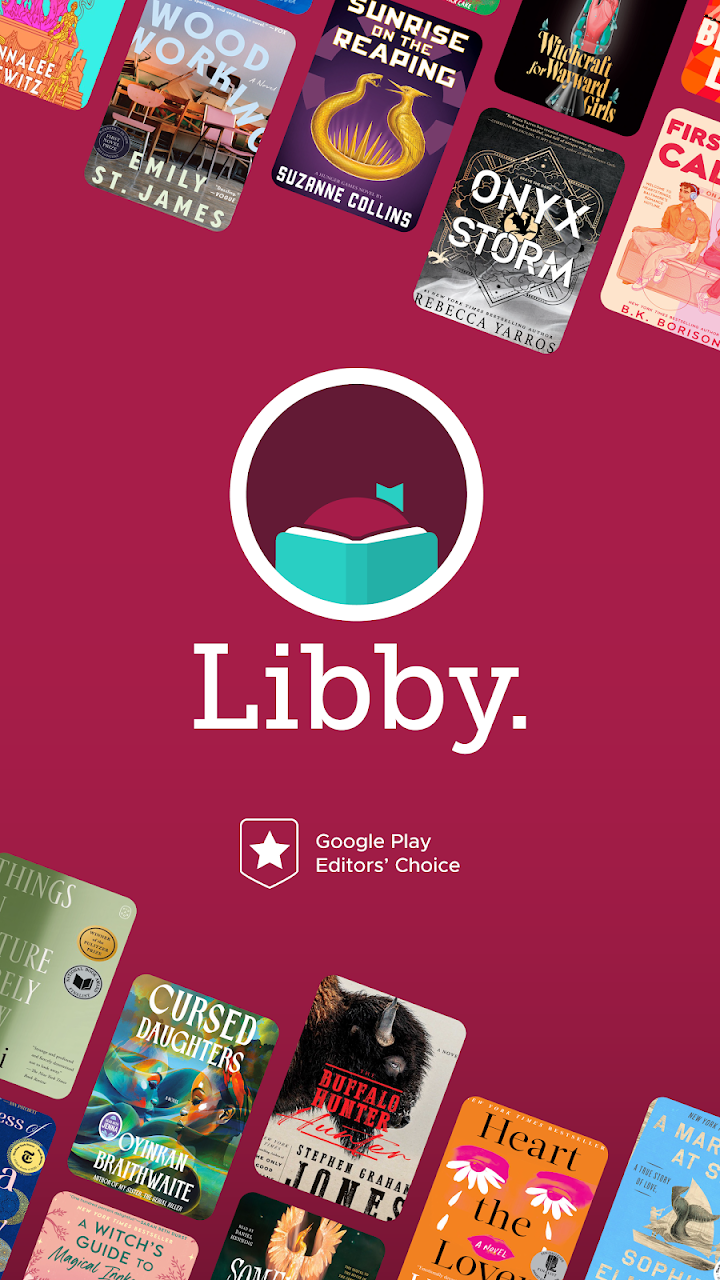
About this app
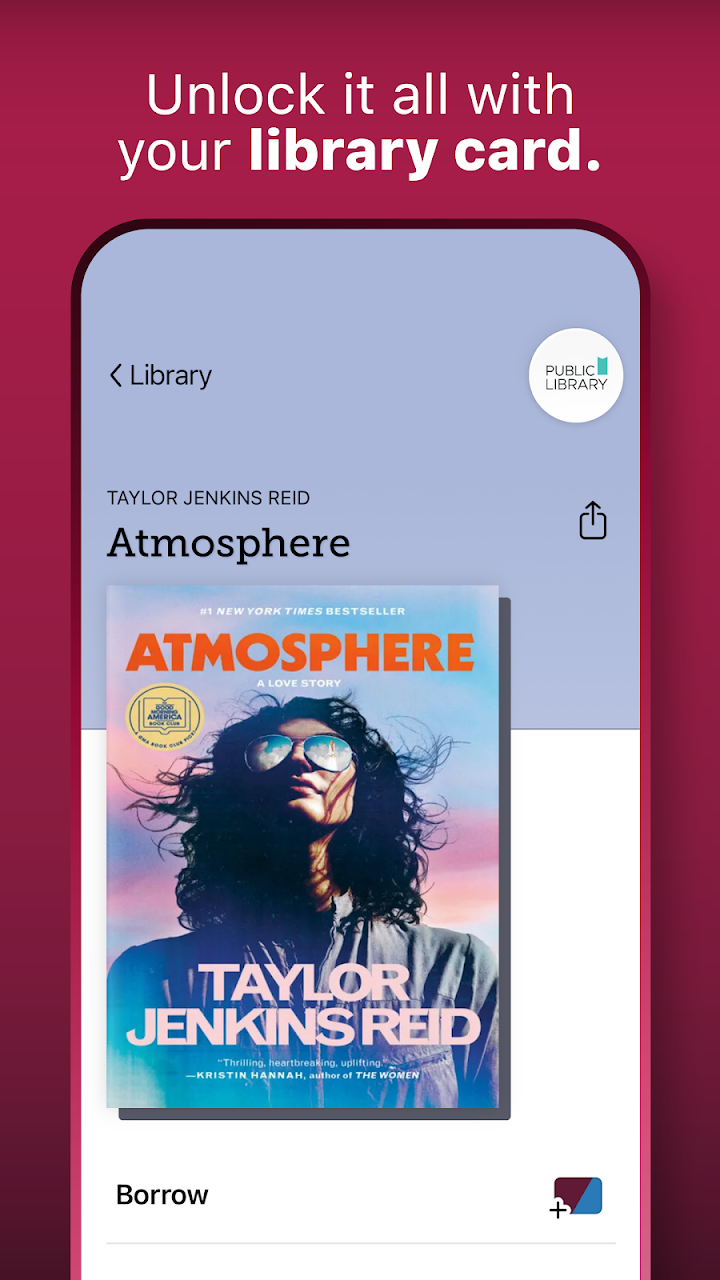
Borrow ebooks and audiobooks from your local library and start reading or listening on your Android device. Libby works with a library card, supports offline downloads, and keeps your progress synced across devices. It is rated 4.8 by hundreds of thousands of users and is free to install.
- Library borrowing — Use your library card to borrow digital books and magazines from your local collection.
- Offline reading — Download titles for offline use or stream them to save storage space.
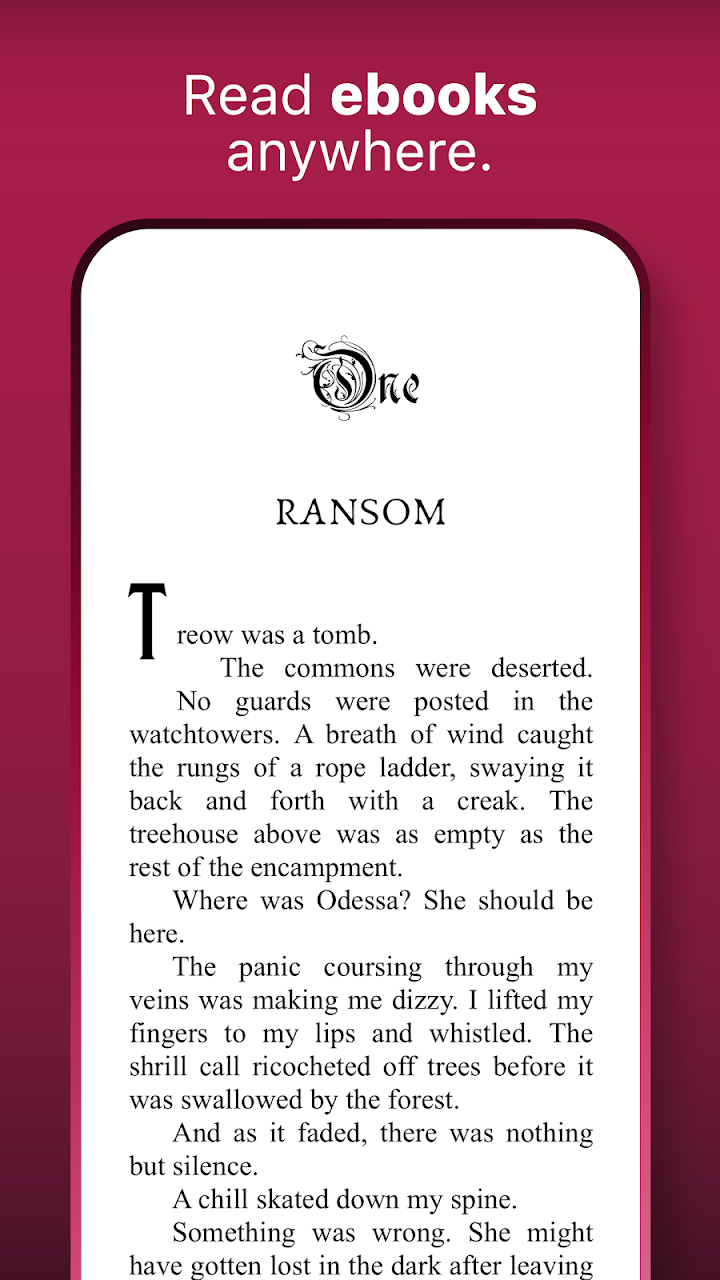
- Reading tools — Adjust font size, layout, and background color, then highlight, bookmark, or add notes.
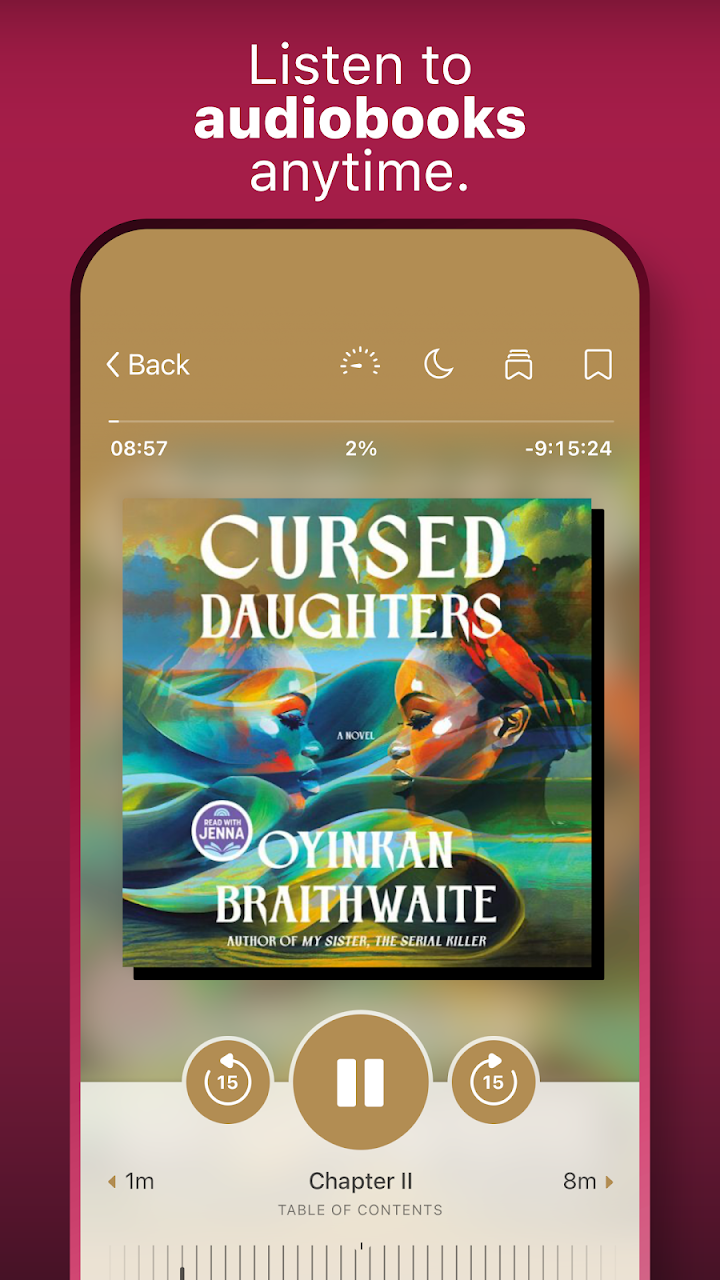
- Audiobook controls — Change playback speed, set a sleep timer, and jump forward or back while listening.
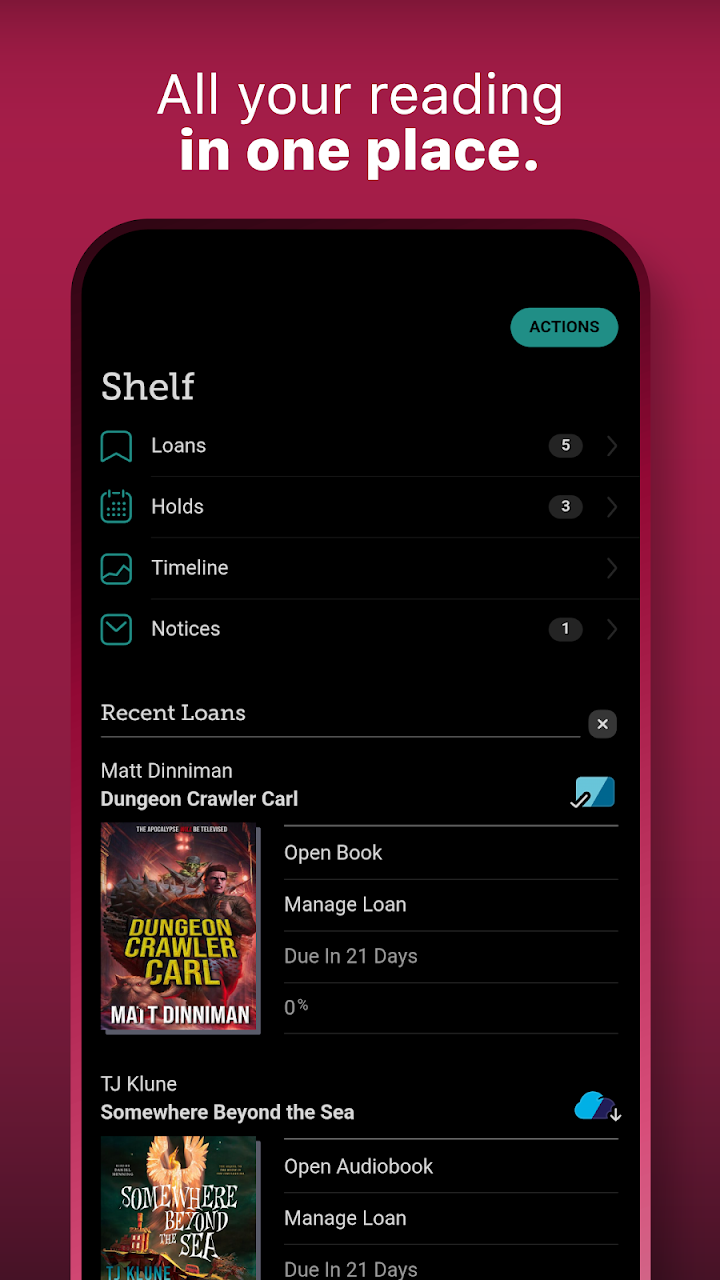
- Device syncing — Your reading progress and borrowed items stay in sync across supported devices.
- Family-friendly range — The app is rated Teen and includes books for kids, along with titles for adults.
Borrow from your local library
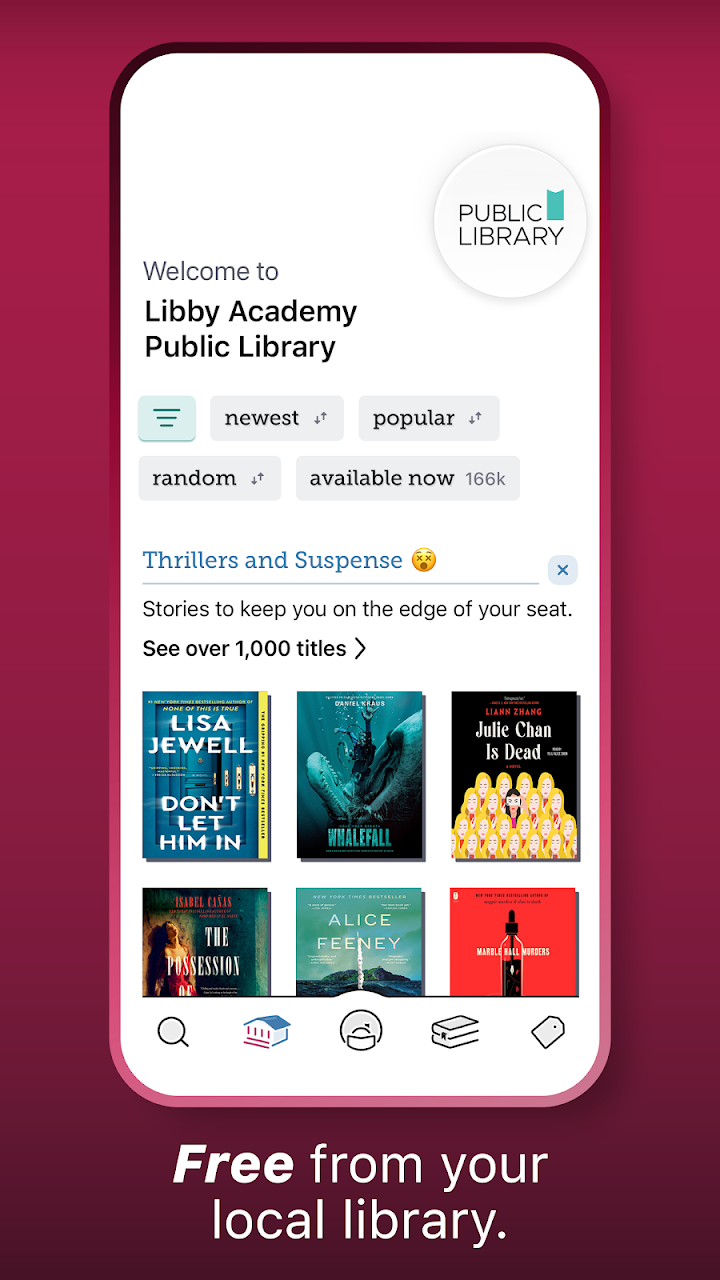
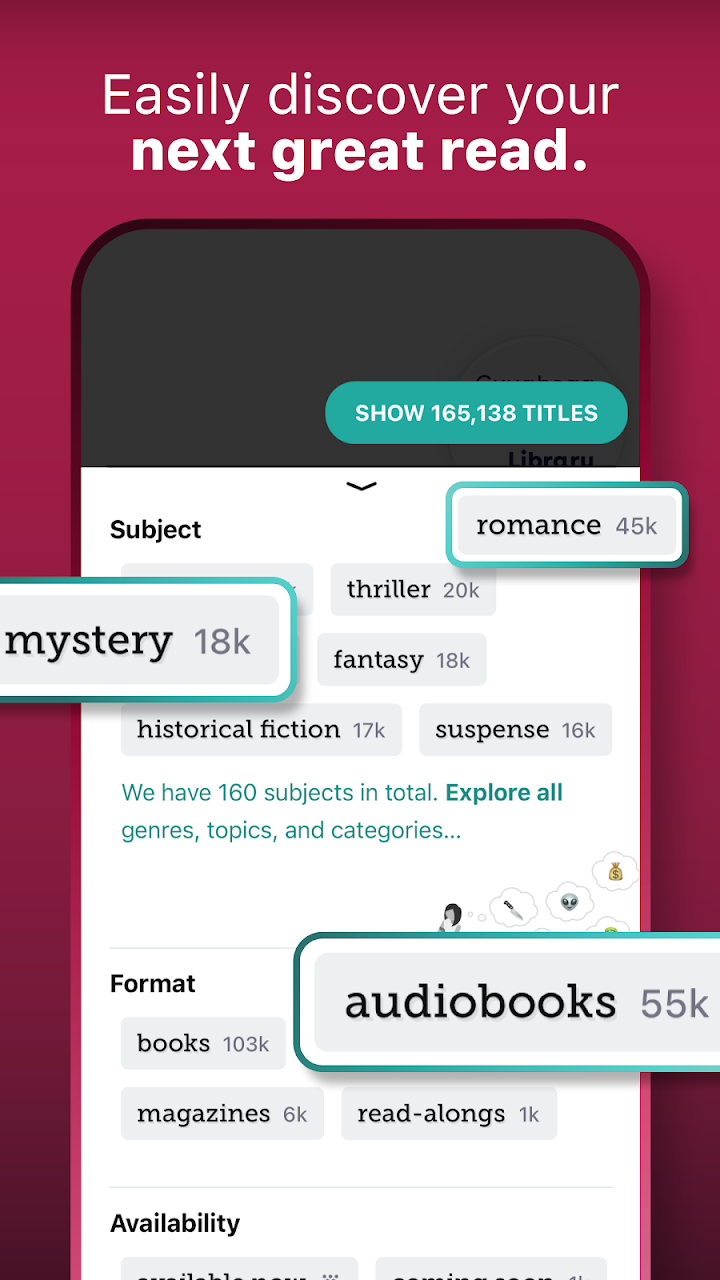
Libby opens with a simple idea: use your library card to borrow digital reading material from home. It brings together ebooks, audiobooks, and magazines from a local library catalog, including bestsellers, classics, romance, memoirs, mystery, fantasy, self-help, and children’s books. That makes it useful for readers who want one app for several kinds of library content.
Reading and listening tools
The app supports both reading and listening, so you can switch between an ebook and an audiobook depending on the moment. You can download titles for offline reading, or stream them if you want to save storage. It also syncs progress automatically across devices, which helps if you start on one phone and continue on another.
- Ebook controls: change font size, layout, and background color.
- Reading extras: use the built-in dictionary, highlight text, add notes, and bookmark pages.
- Audiobook extras: adjust speed from 0.6x to 3.0x, set a sleep timer, and use simple skip controls.
What stands out in daily use
Libby is beginner-friendly because the borrowing process is tied to a library card and the app keeps your place for you. It also supports Kindle sending in the U.S. and Android Auto for listening in the car. The app is free, has no ads, and no in-app purchases. The APK is 4.1 MB, runs on Android 7.1 and up, and is available in APK format.
What could be better
The rating is strong at 4.8, with most users giving it 5 stars. A smaller share of ratings falls in the lower ranges, which is normal for a large app base of 10M+ installs. The app also requests several permissions, including network access, Bluetooth, notifications, biometric access, and storage-related access, so users who prefer very limited permissions may want to review those before installing.
For readers who want a library app that handles borrowing, offline access, and listening in one place, Libby is an easy recommendation.
What's new
Version 9.5.0 · Nov 9, 2026
- Bug fixes, performance optimizations, and preparation for our next round of features. Thanks for supporting your local libraries!
APK information
- Version
- 9.5.0
- Package
- com.overdrive.mobile.android.libby
- Category
- Books & Reference
- Size
- 4 MB
- Min Android
- API 25
- Architecture
- arm64-v8a, armeabi-v7a, x86, x86_64
Older versions
-
Libby: Read Library Books 9.5.0Nov 9, 2026Latest downloadAPK
Libby: Read Library Books FAQ
Can Libby: Read Library Books be used offline?expand_more
Yes. You can download ebooks and audiobooks for offline reading or listening. You can also stream content if you want to save storage.
What age is Libby: Read Library Books for?expand_more
The app has a Teen content rating. It also includes books for kids, along with titles for adult readers.
Does Libby: Read Library Books show ads?expand_more
No. The app does not contain ads, and it also has no in-app purchases.
How do I update Libby: Read Library Books from an APK?expand_more
Download the newer APK version and install it over the existing app on a device that meets the Android 7.1 requirement. Keep your library card sign-in the same so your synced progress stays available.
Can I send Libby books to Kindle?expand_more
Yes, but only in the U.S. Libby supports sending ebooks to Kindle on supported devices.