
- 4.9star725,624 reviews
- 10M+Downloads
- 34 MBAPK size
- EveryoneRated for Everyone
- API 16+Android
check_circleOriginal APK from Neutron Holdings, Inc. · Updated Nov 12, 2026

No threats found
0 / — antivirus engines flagged this file
Original signature
First seen — Neutron Holdings, Inc.
Unmodified APK
Same file the developer published — no mods
Lime - #RideGreen screenshots
5 images · tap to enlarge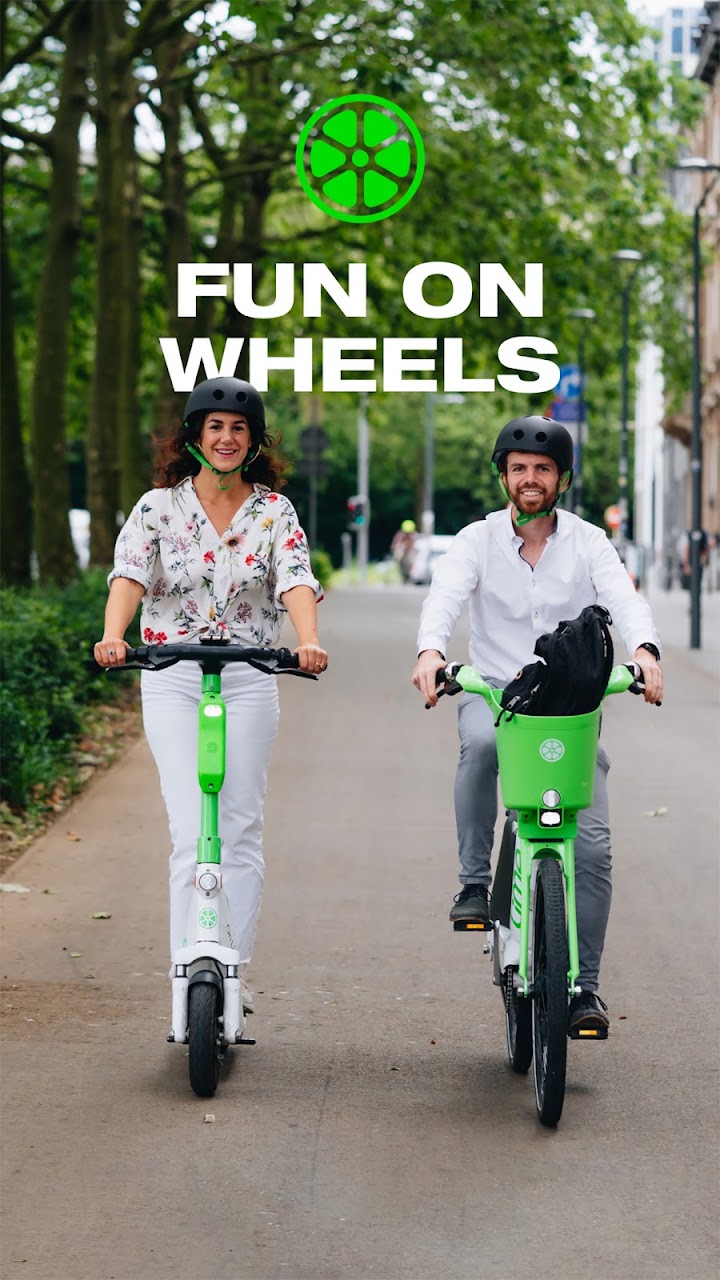
About this app
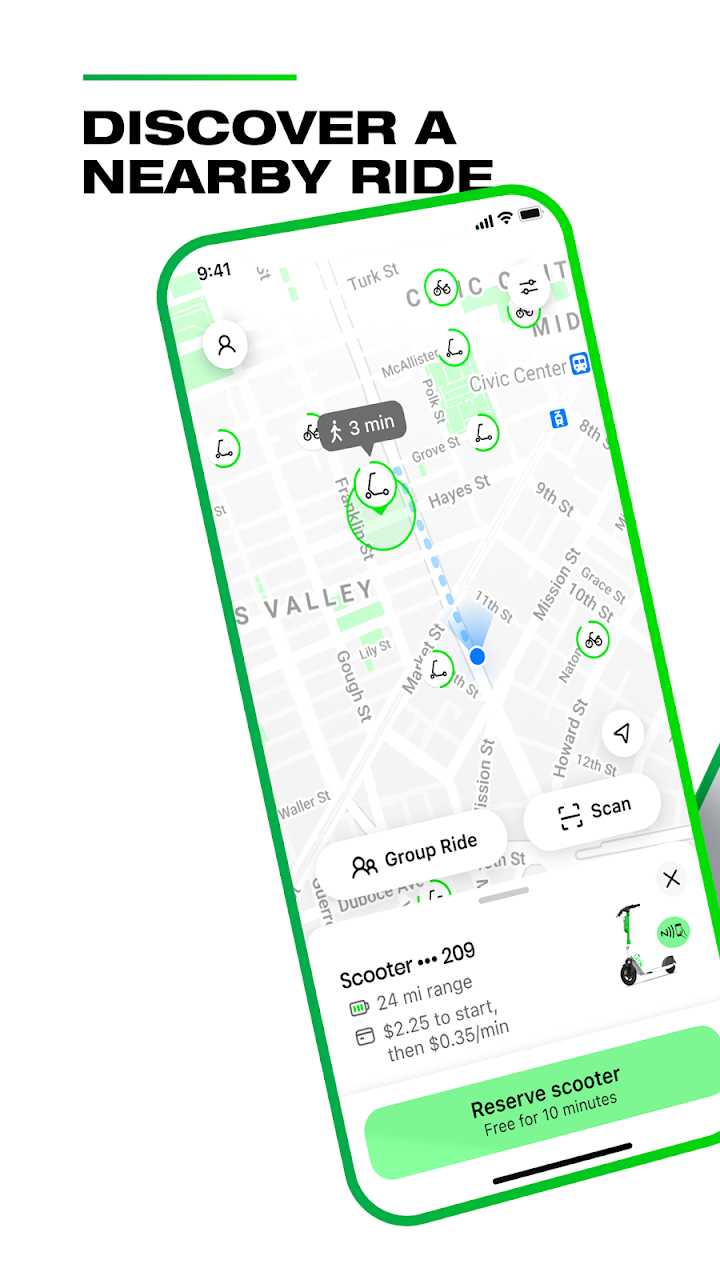
When you need to cross town without bringing a car, Lime opens to a map of nearby e-bikes and e-scooters. The flow is simple: create an account, pick a vehicle, and unlock it by scanning a QR code, entering the plate number, or tapping in the app. It is built for quick trips, with ride rules and parking reminders built in.
- Find nearby vehicles — Open the map to look for a Lime e-bike or e-scooter near you, depending on city supply.
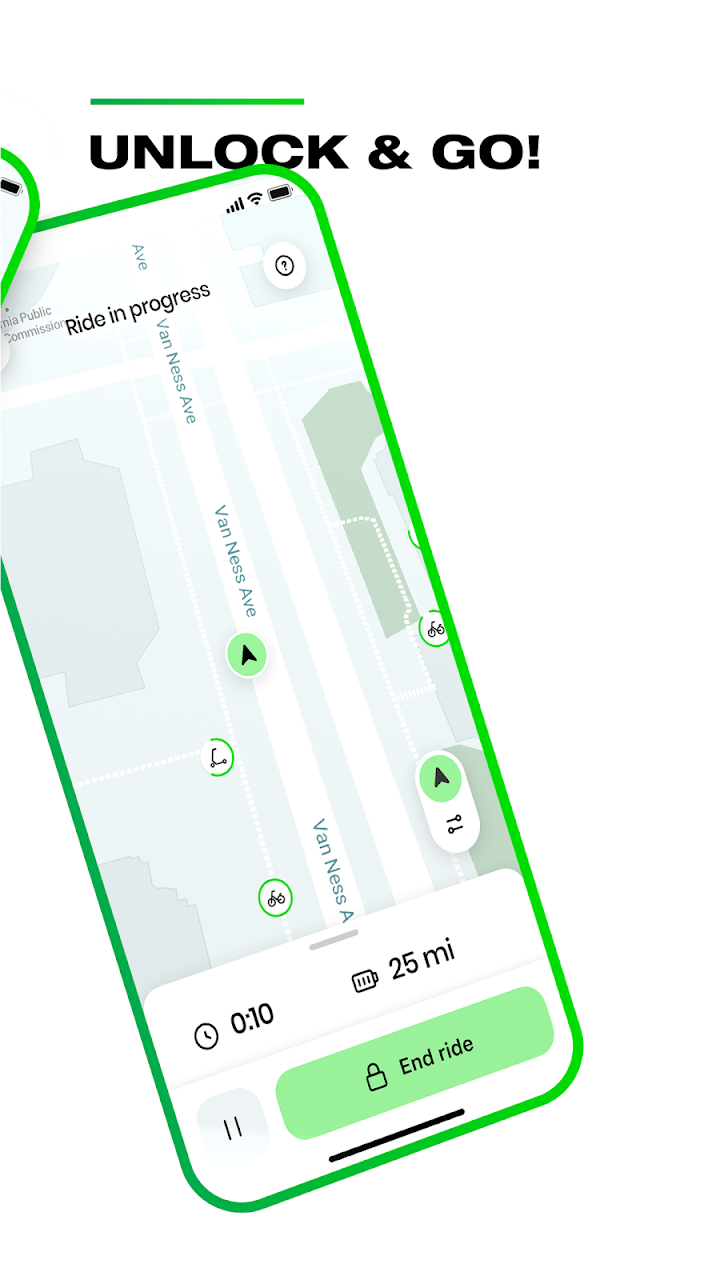
- Fast unlock options — Start a ride by scanning a QR code, entering the plate number, or tapping a button in the app.
- Ride responsibly — The app points riders to basic safety guidance, including bike lanes, helmets, and clear parking.
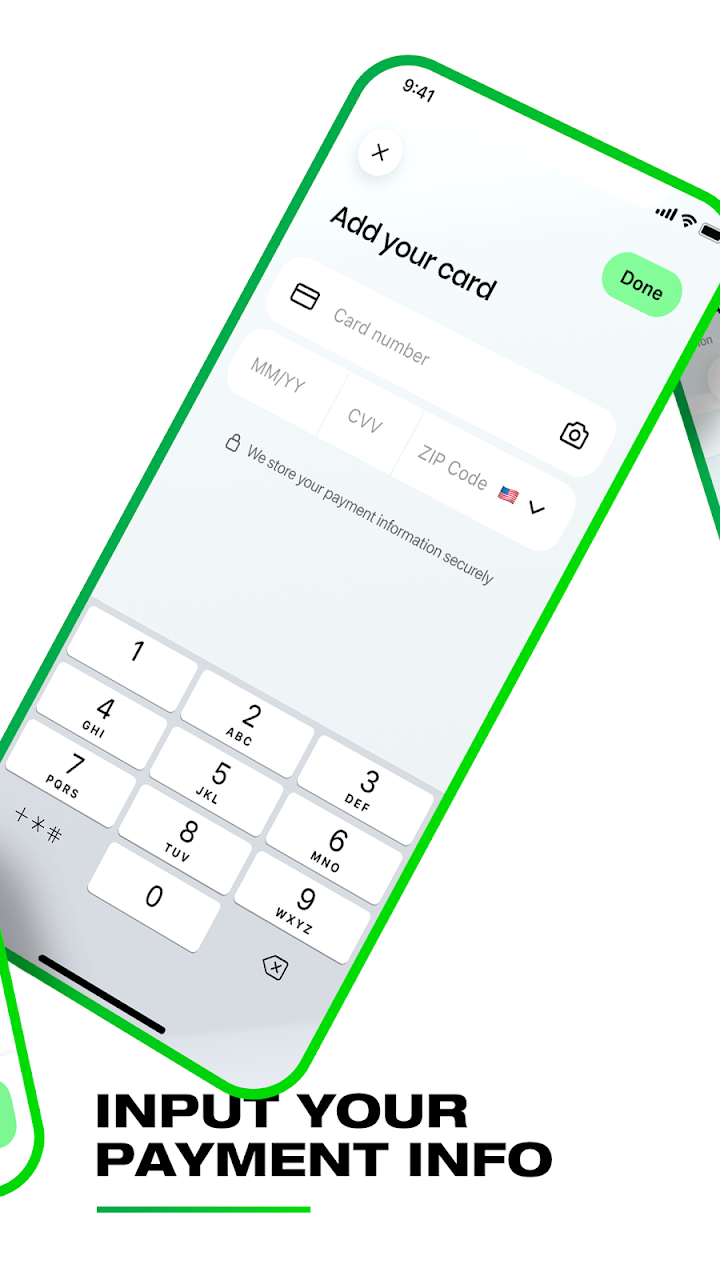
- Account first — You need to download the app, create an account, and accept the terms before riding.
- Shared travel focus — Lime is positioned as a shared, emissions-free way to replace short car trips.
Getting a ride started
Lime is built around a quick start: open the app, sign in, and look for a vehicle on the map. From there, you can unlock a nearby e-bike or e-scooter by scanning the QR code, typing the plate number, or using the in-app button. That makes it a practical choice when you are already out and need to move without waiting around.
The app does ask for a few steps up front. You create an account and accept the user agreement before you can ride, so it is not a fully open, one-tap experience.
For commuters and regular riders
People who take the same trip often are the clearest fit. Lime is aimed at replacing short car journeys with shared electric vehicles, and the map-based flow suits a weekday routine: check availability, unlock, ride, and park. Availability depends on your city and local supply, so the app is useful when a vehicle is nearby, less so when stock is thin.
- Best for: short city trips and repeat routes
- Useful when: you want an emissions-free ride instead of a car
- Watch for: vehicle availability in your area
For students and casual city trips
If you are heading to class, meeting friends, or moving between stops, Lime keeps the process straightforward. The app’s main screen centers on nearby vehicles rather than a long planning flow, so it feels more like a same-day transport tool than a trip planner. It is free to download and does not show ads or in-app purchases, which keeps the app side of the experience uncluttered.
Safety and ride rules
Lime also spends time on the ride itself. It reminds users to ride in bike lanes, wear a helmet, and park away from walkways, driveways, and access ramps. That makes the app feel less like a booking form and more like a riding guide you check before you roll away.
Compatibility: the APK is 33.6 MB, comes as an APK file, and supports Android API 16 and up.
APK information
- Version
- 2.13.0
- Package
- com.limebike
- Category
- Travel & Local
- Size
- 34 MB
- Min Android
- API 16
- Architecture
- universal
Older versions
-
Lime - #RideGreen 2.13.0Nov 12, 2026Latest downloadAPK
Lime - #RideGreen FAQ
Does Lime - #RideGreen work abroad?expand_more
Lime is a shared vehicle service with availability that depends on your city and supply. The app does not list specific countries or regions here.
Can I use Lime - #RideGreen offline while travelling?expand_more
No offline mode is described. You need the app to find a vehicle on the map and unlock it.
Does Lime - #RideGreen have in-app purchases?expand_more
No. The app is listed as having no in-app purchases.
How big is the Lime - #RideGreen download?expand_more
The APK size is 33.6 MB.
How do I unlock a Lime vehicle?expand_more
You can unlock a ride by scanning the QR code, entering the plate number, or tapping a button in the app.