- 4.1star359,488 reviews
- 1B+Downloads
- 2 MBAPK size
- EveryoneRated for Everyone
- API 32+Android
check_circleOriginal APK from Google LLC · Updated Nov 11, 2026
No threats found
0 / — antivirus engines flagged this file
Original signature
First seen — Google LLC
Unmodified APK
Same file the developer published — no mods
Google Maps Go screenshots
7 images · tap to enlarge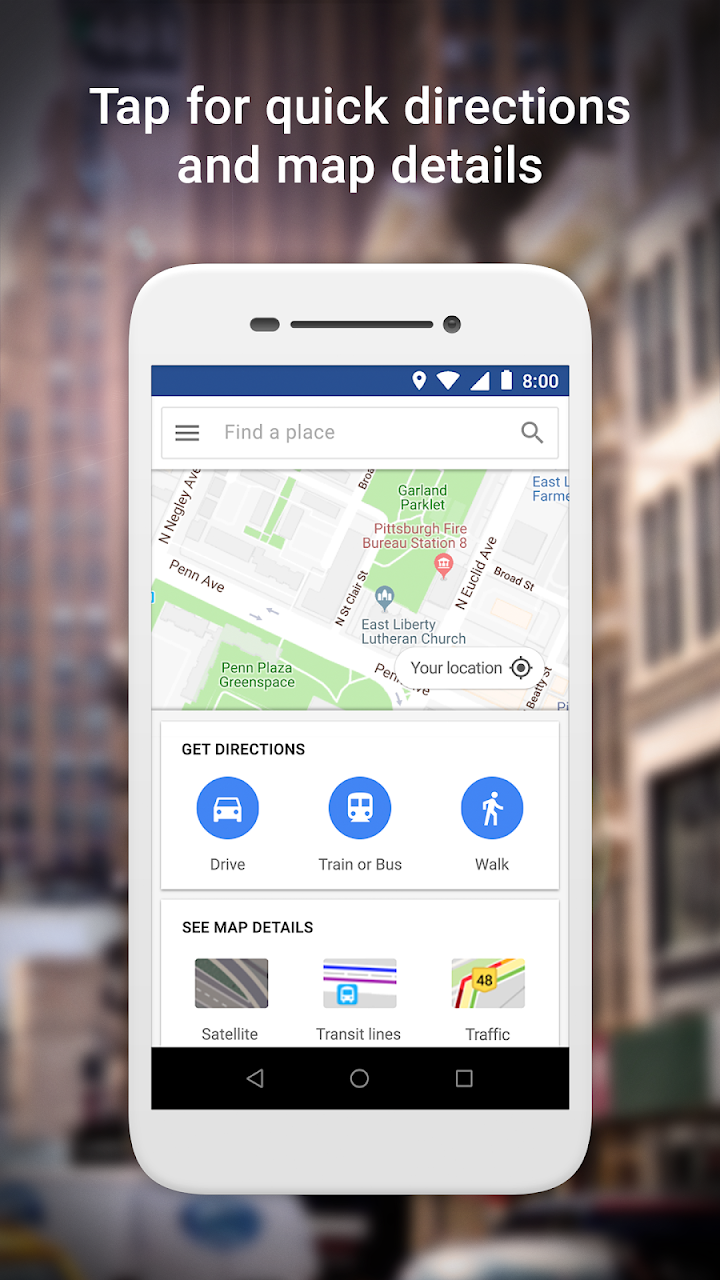
About this app
Need directions without a heavy app? Google Maps Go gives you traffic updates, step-by-step directions, place search, and transit details in a lightweight version of Google Maps. It is free, shows ads, and does not include in-app purchases. It is also built to run on devices with limited memory and on unreliable networks.
- Lightweight build — The app is designed to take up much less space than the full Google Maps app.
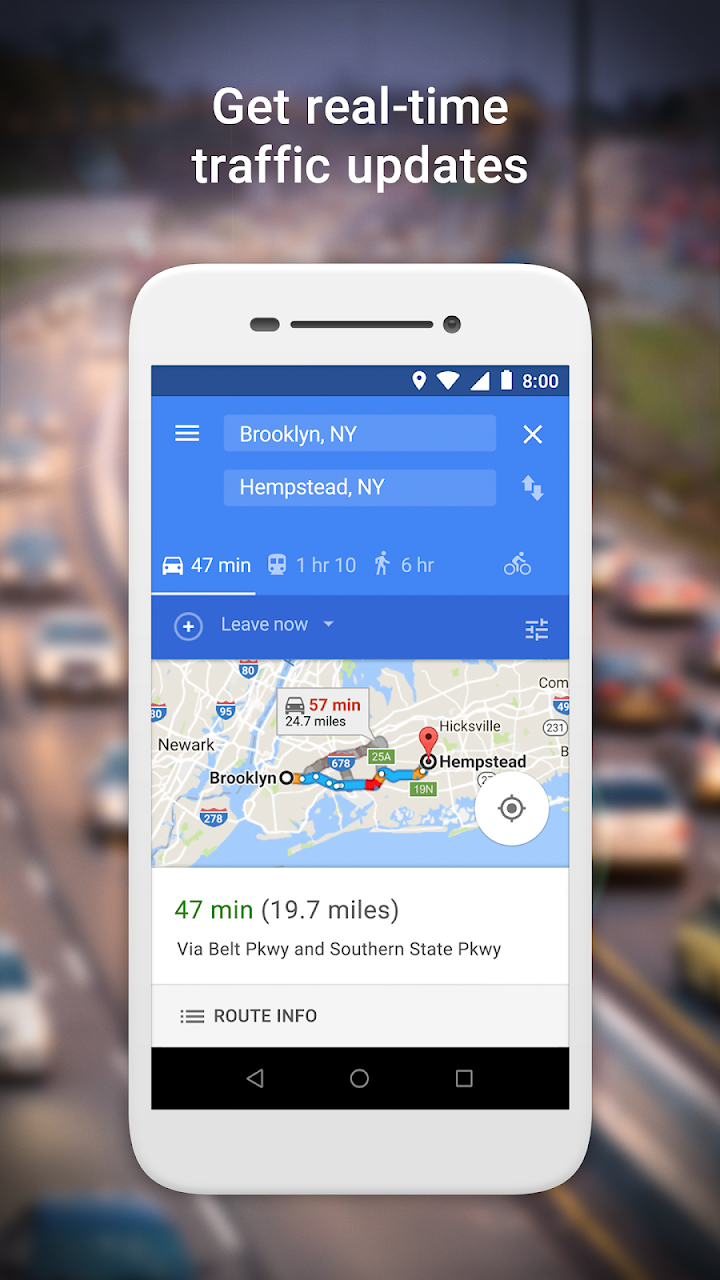
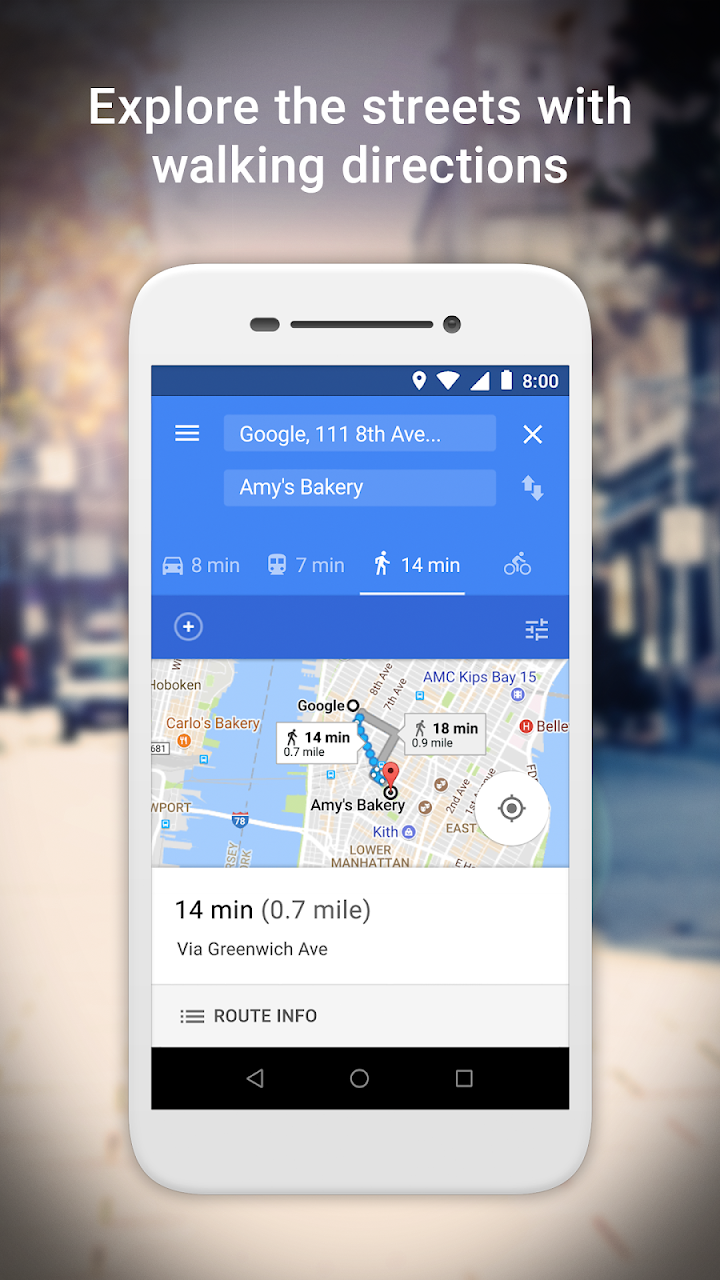
- Traffic and directions — Get real-time traffic information, route previews, and step-by-step directions.
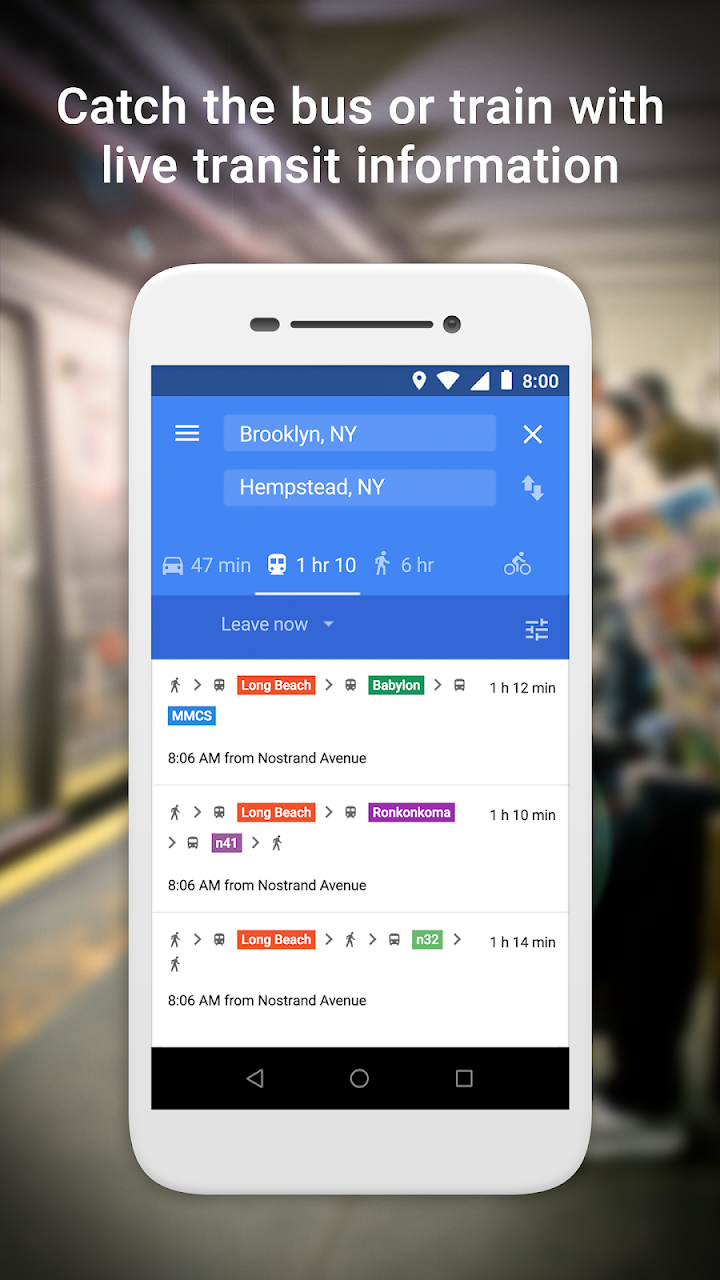
- Transit details — See live schedules for metro, bus, and train travel in supported cities.
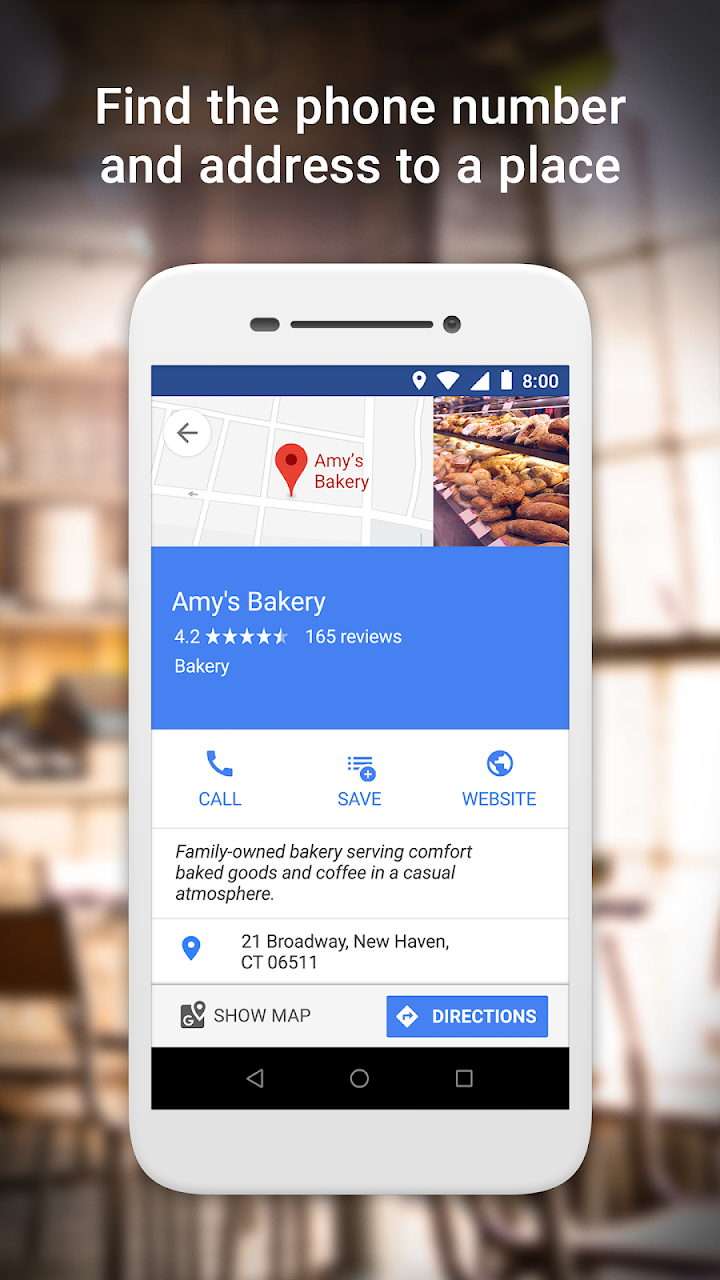
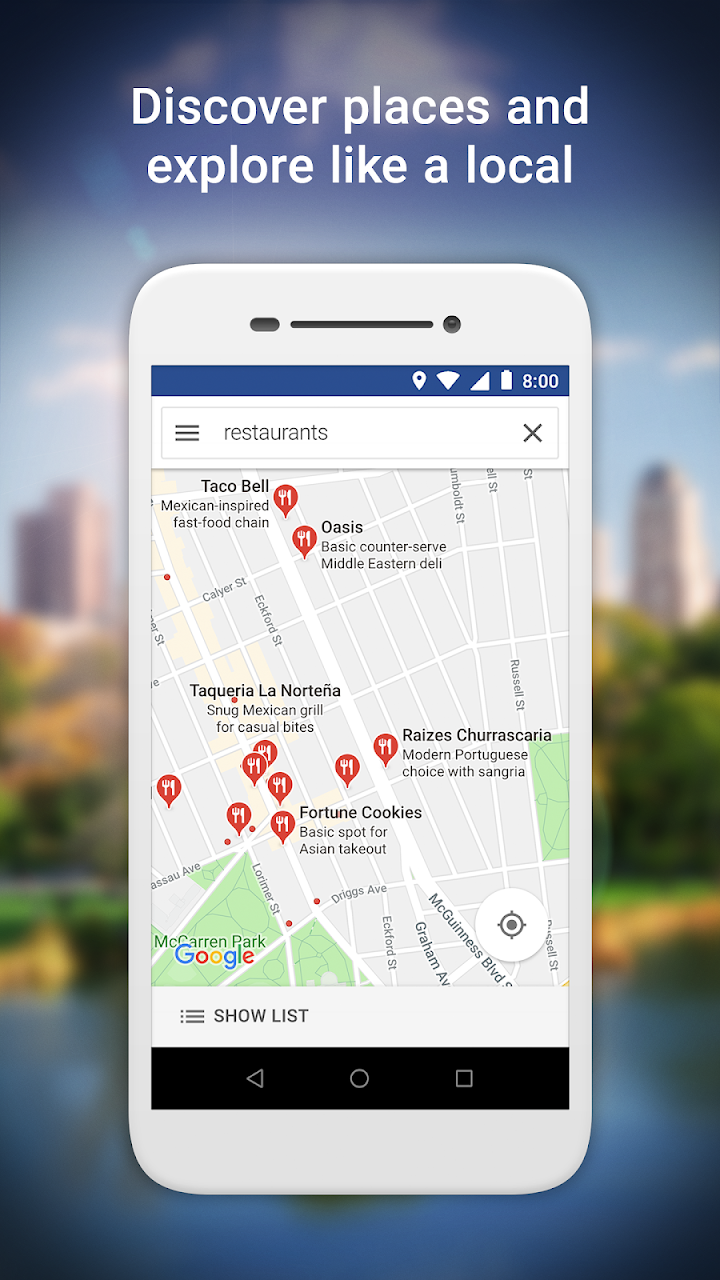
- Place search — Search for restaurants, businesses, phone numbers, addresses, and nearby places.
- Save places — Store places you want to visit often and find them again later.
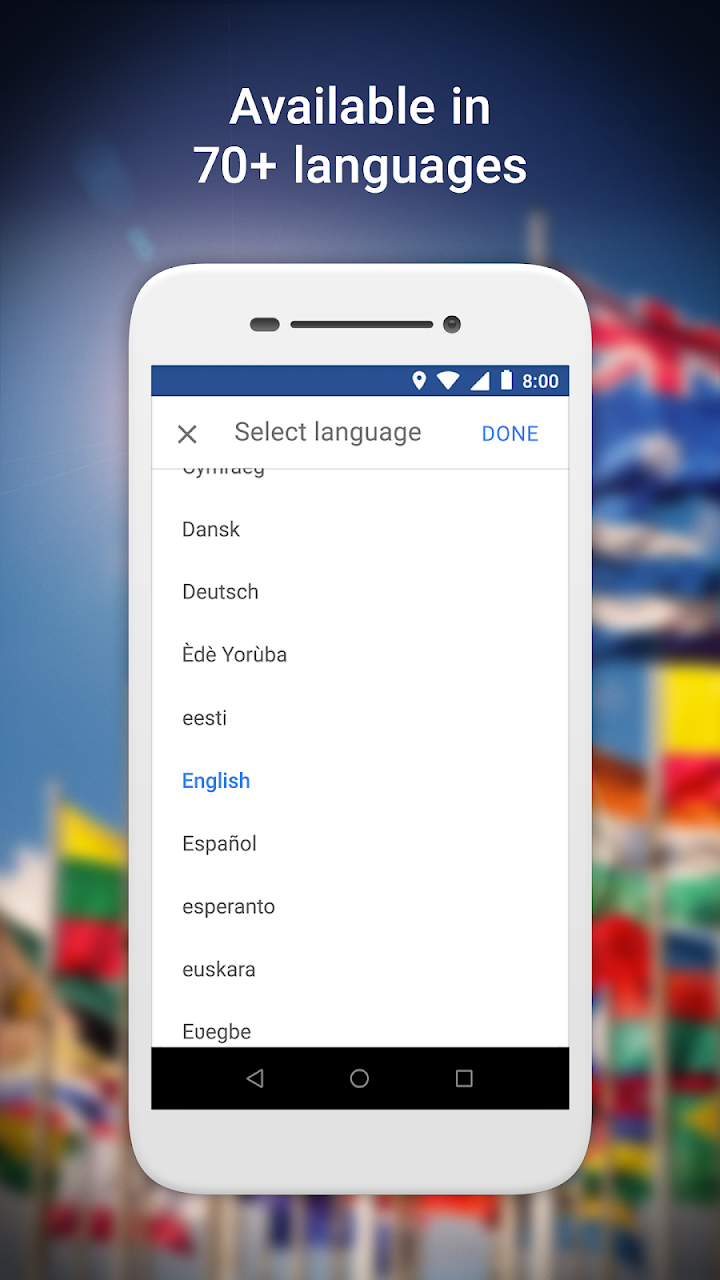
- Wide coverage — Maps are available in 70+ languages and cover 200 countries and territories.
Lightweight maps for smaller devices
Google Maps Go is a compact version of Google Maps made for phones with limited memory and unreliable networks. It is an APK file, uses the universal ABI, and the app size is 1.7 MB. It needs Android 12L or later. If you want a map app without the full weight of the standard version, this is the main difference.
Directions, traffic, and transit in one place
You can check real-time traffic, get step-by-step directions, and preview a route before you leave. The app also includes transit information for metro, bus, and train travel, plus route options that combine two-wheelers, metro, buses, taxi, walking, and ferries. For everyday trips, that makes it more useful than booking-focused apps such as Booking.com or ConfirmTkt, which are centered on reservations rather than general navigation.
Search places before you go
Google Maps Go helps you find local restaurants, businesses, and other nearby places, then check customer reviews, pictures of food, phone numbers, and addresses. You can also save places for later. Compared with apps like Grab or Yandex Navigator, this version is more about finding and planning places than arranging a ride or focusing only on driving guidance.
- You get: traffic updates, directions, place search, and transit schedules.
- You get: support for 70+ languages and maps in 200 countries and territories.
- Watch for: it requires Chrome, or you can use google.com/maps in your browser instead.
- Watch for: it shows ads and does not offer in-app purchases.
What it asks for
The app is free to use and does not ask for any listed permissions. It does not include in-app purchases, so there is no built-in payment layer to unlock features. If you already use Google apps such as Gmail, Google Photos, or Android System WebView, the developer will be familiar, but this app still focuses on maps rather than account-heavy extras.
What's new
Version 167.0 · Nov 11, 2026
- Bug fixes and stability improvements.
APK information
- Version
- 167.0
- Package
- com.google.android.apps.mapslite
- Category
- Travel & Local
- Size
- 2 MB
- Min Android
- API 32
- Architecture
- universal
Older versions
-
Google Maps Go 167.0Nov 11, 2026Latest downloadAPK
Google Maps Go FAQ
Does Google Maps Go work abroad?expand_more
Yes. The app includes maps in 200 countries and territories and is available in 70+ languages.
Can I use Google Maps Go offline while travelling?expand_more
The app is designed to run smoothly on unreliable networks, but the listed features do not promise full offline use.
Is Google Maps Go free to use?expand_more
Yes. It is free, shows ads, and does not include in-app purchases.
Which Android version does Google Maps Go need?expand_more
It needs Android 12L or later.
Does Google Maps Go need Chrome?expand_more
Yes. The app requires Chrome; if you do not want to install Chrome, you can use google.com/maps in your browser instead.