- 4.3star4,606,438 reviews
- 1B+Downloads
- 73 MBAPK size
- EveryoneRated for Everyone
- 7.0+Android
check_circleOriginal APK from SwiftKey · Updated Nov 10, 2026
No threats found
0 / — antivirus engines flagged this file
Original signature
First seen — SwiftKey
Unmodified APK
Same file the developer published — no mods
Microsoft SwiftKey AI Keyboard screenshots
8 images · tap to enlarge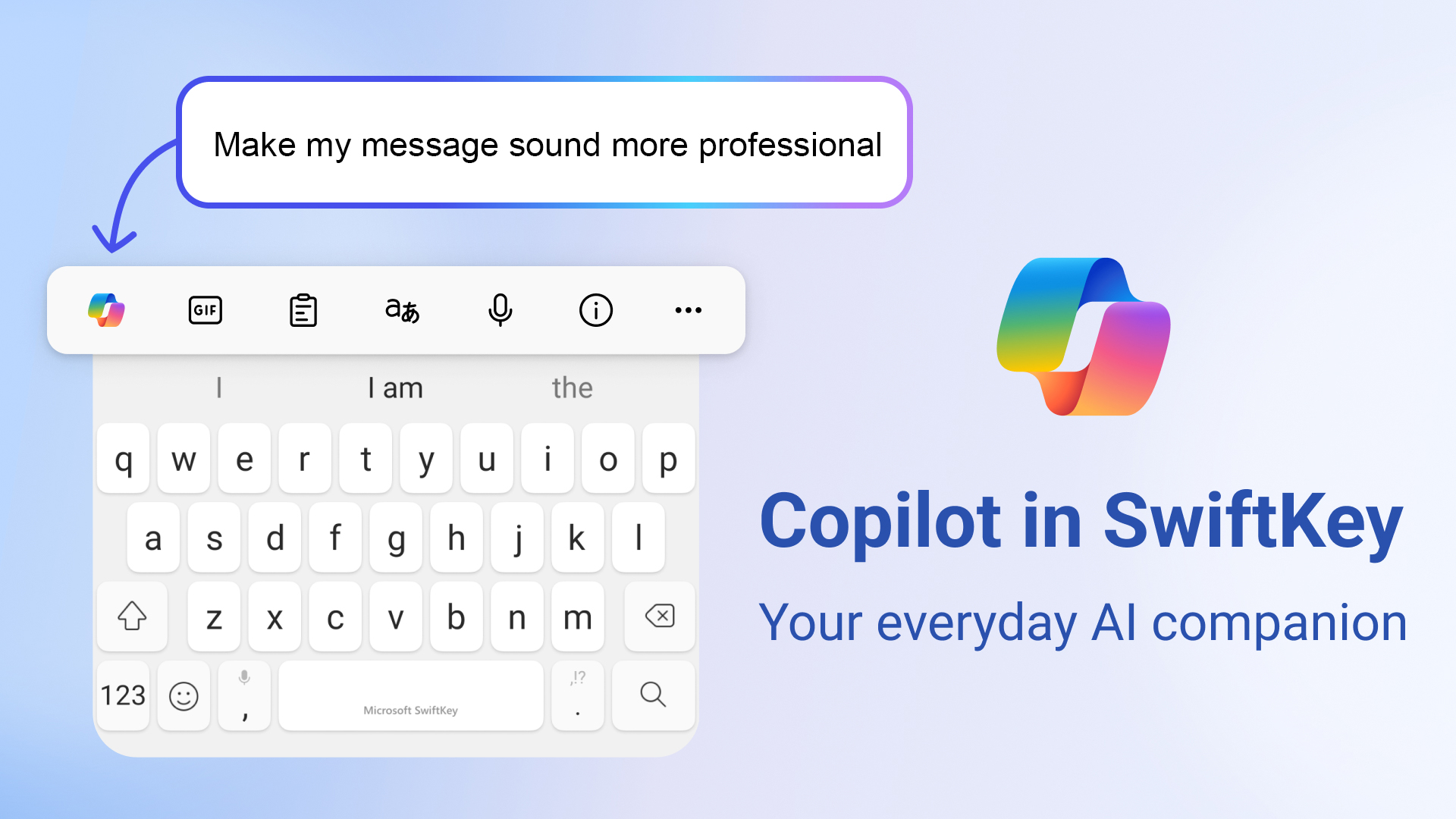
About this app
Microsoft SwiftKey AI Keyboard stands out as a keyboard that adapts to the way you write. On a busy morning, it helps you swipe or tap out messages, pull up emojis and GIFs, and switch between languages without changing apps. Copilot is built in for quick AI help, while themes and layout controls keep the keyboard set up the way you like.
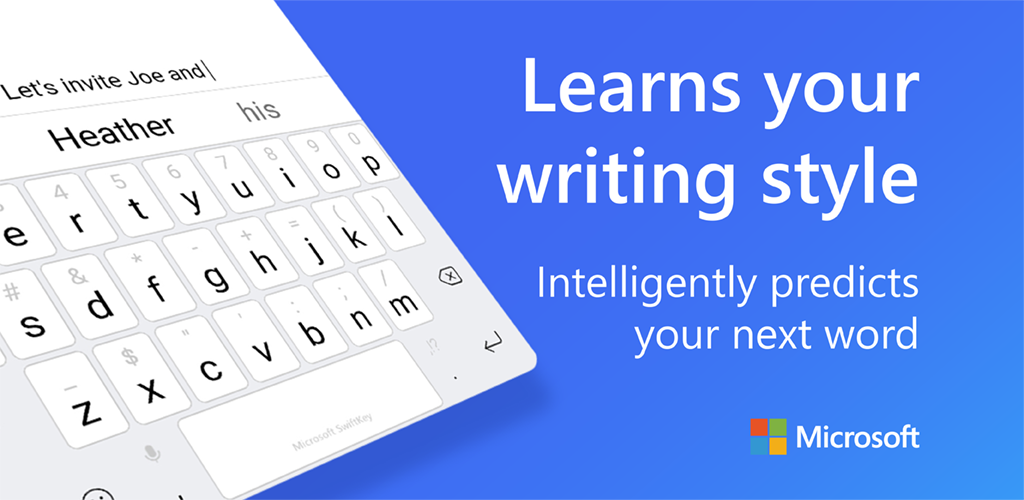
- Learns Your Style — The keyboard adapts to your slang, nicknames, and emoji use as you type.
- Copilot In Keyboard — Ask AI questions and use rewrite or compose tools while you write in other apps.
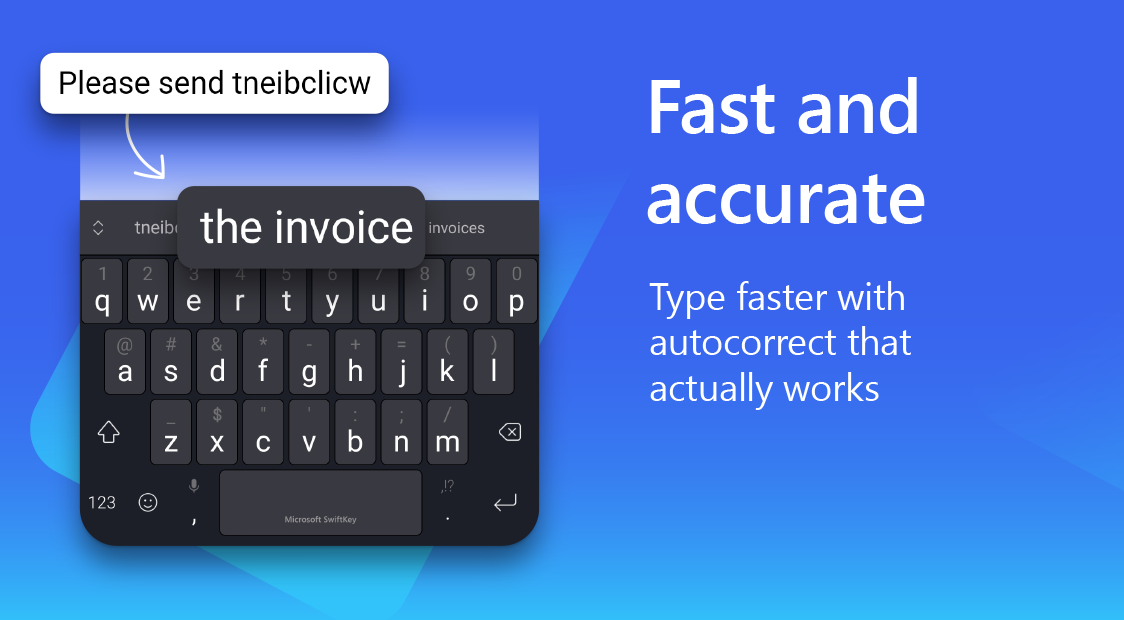
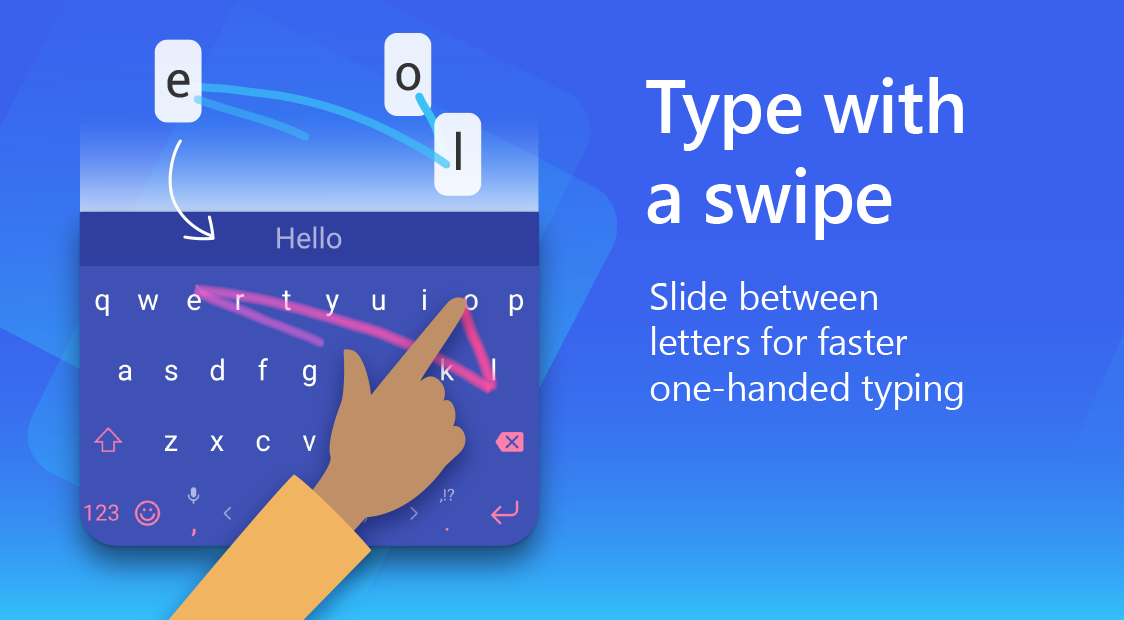
- Swipe And Tap — Type by swiping or tapping, with spell checking and predictive text to help catch mistakes.
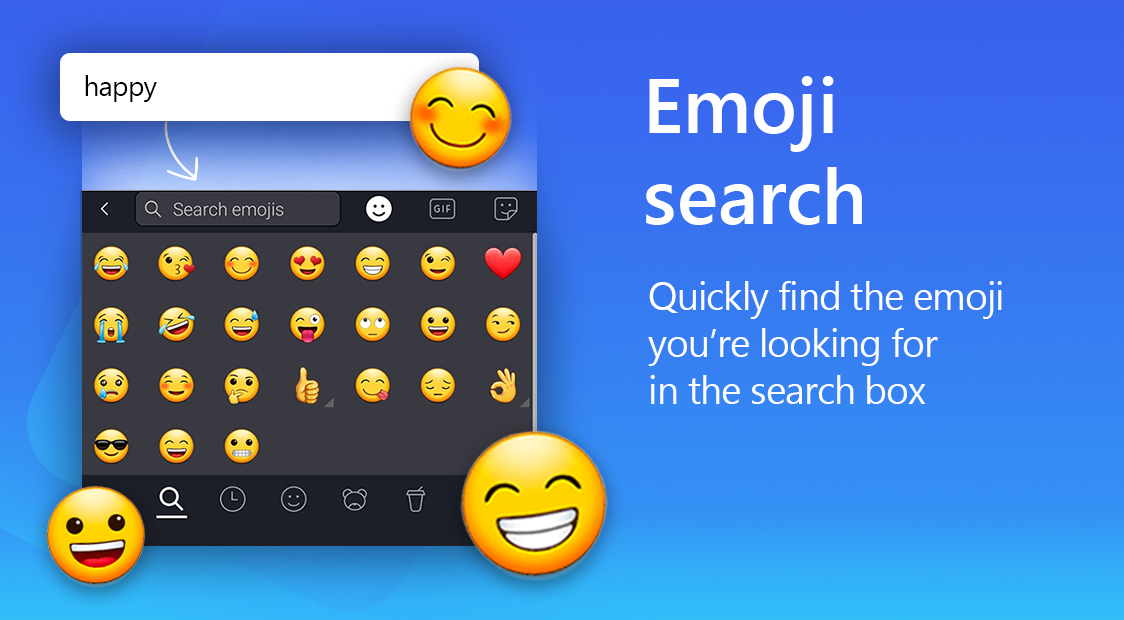
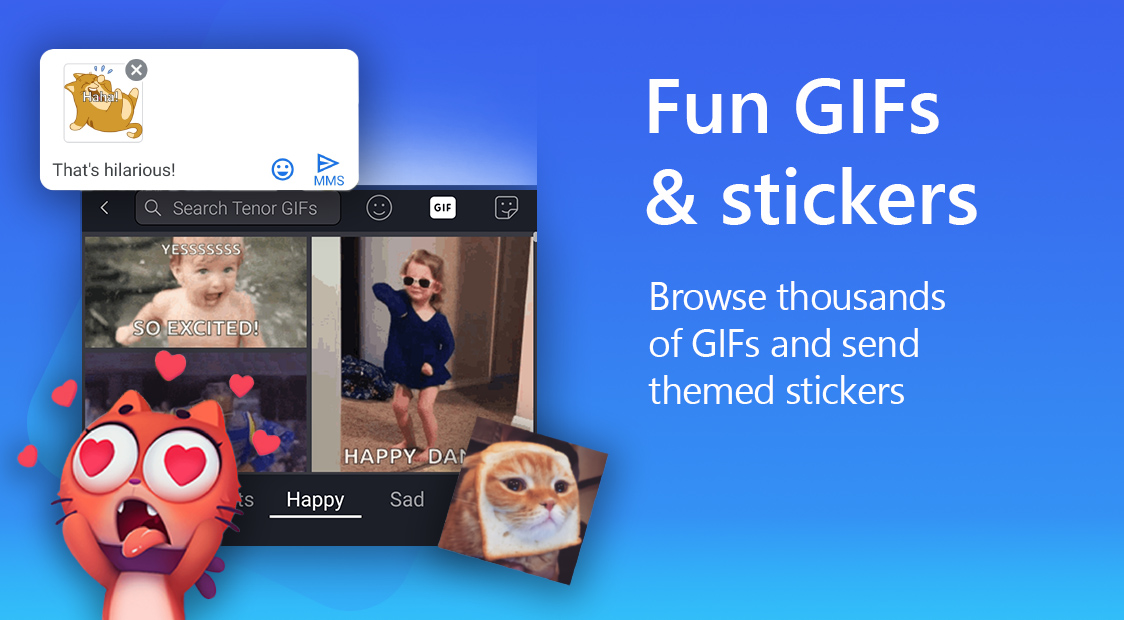
- GIFs And Stickers — Search and send emoji, GIFs, and stickers from the keyboard when you want to react fast.
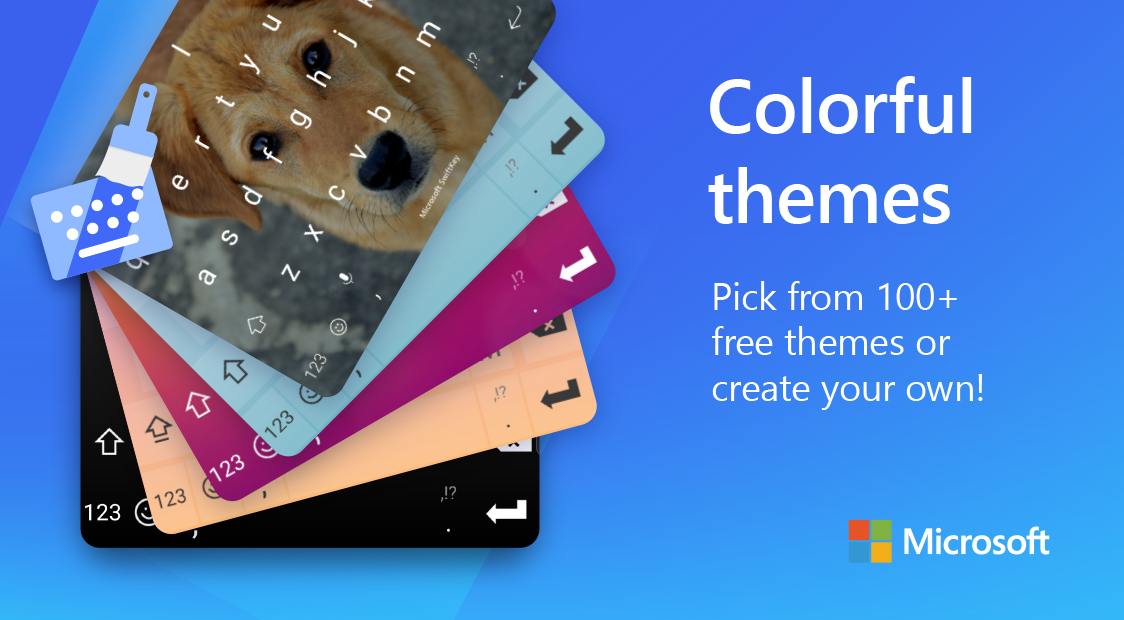
- 100+ Themes — Pick from colorful themes or build a custom look with your own photo background.
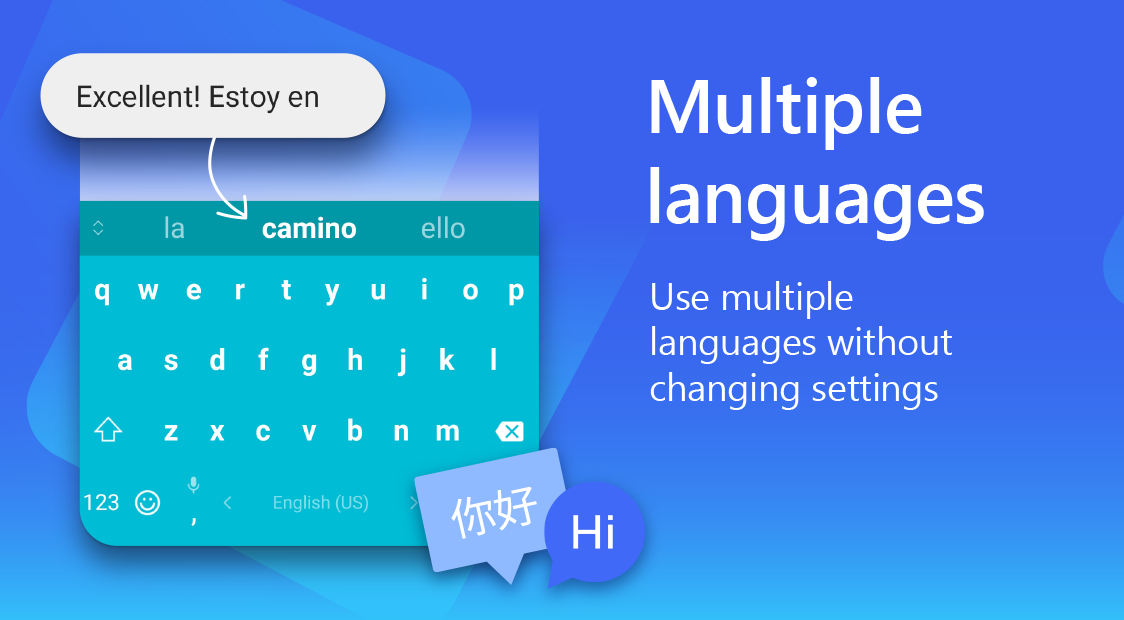
- 700+ Languages — Use up to five languages at once with support for more than 700 languages.
Typing a message on the move
When you are replying from a train seat or standing in a queue, Microsoft SwiftKey AI Keyboard keeps the focus on getting words out quickly. Swipe-to-type and tap-to-type are both built in, and the keyboard learns your writing style over time so predictions and autocorrect match how you actually text. The toolbar also gives you quick shortcuts without leaving the app you are using.
Copilot for drafting and rewrites
For students, commuters, or anyone writing between apps, Copilot adds another layer to the keyboard. You can ask AI questions, rewrite text in a different tone, or use Compose to turn rough ideas into cleaner drafts. It is the kind of help that fits into everyday messaging, email, and note-taking without switching screens.
Emoji, GIF, and sticker searches
When a conversation needs a quick reaction, the rich content tools are easy to reach. You can search emoji and GIFs, send stickers, and use an adaptive emoji keyboard that learns your favorites. It also supports AI-powered images and memes for messages that need something more visual.
Languages, themes, and setup details
People who switch languages during the day can enable up to five at once, with support for over 700 languages. If you like changing the look of your phone, there are more than 100 keyboard themes, plus the option to use a photo as the background and adjust keyboard size and layout. The app is free, shows ads, comes as an APK, and needs Android 7.0 or later. The file size is 73.1 MB.
Permissions you may notice
Some features can ask for optional permissions. Microphone access is for voice input, Photos and videos for inserting or sharing images, Contacts for easier message entry, and Camera for taking photos to share in chats. You can keep using the keyboard without granting them, although some features may be limited.
- Free to download with ads
- Content rating: Everyone
- Supports: over 700 languages
APK information
- Version
- 9.10.61.36
- Package
- com.touchtype.swiftkey
- Category
- Personalization
- Size
- 73 MB
- Min Android
- 7.0
- Architecture
- universal
Older versions
-
Microsoft SwiftKey AI Keyboard 9.10.61.36Nov 10, 2026Latest downloadAPK
Microsoft SwiftKey AI Keyboard FAQ
Which launchers does Microsoft SwiftKey AI Keyboard support?expand_more
It is a keyboard app, so it works where you type in Android apps rather than depending on a specific launcher.
Does Microsoft SwiftKey AI Keyboard slow down my phone?expand_more
The listing does not say that it slows phones down. It is an APK file sized at 73.1 MB and requires Android 7.0 or later.
What permissions does Microsoft SwiftKey AI Keyboard ask for?expand_more
Optional permissions include Microphone, Photos and videos, Contacts, and Camera. You can keep using the app without granting them, though some features may be limited.
What changed in the latest Microsoft SwiftKey AI Keyboard version?expand_more
No recent changes are listed for version 9.10.61.36.
Can I use more than one language at once?expand_more
Yes. Microsoft SwiftKey AI Keyboard lets you enable up to five languages at once and supports over 700 languages.