
- 3.6star348,601 reviews
- 1B+Downloads
- 2 MBAPK size
- EveryoneRated for Everyone
- API 17+Android
check_circleOriginal APK from Samsung Electronics Co., Ltd. · Updated Nov 11, 2026
No threats found
0 / — antivirus engines flagged this file
Original signature
First seen — Samsung Electronics Co., Ltd.
Unmodified APK
Same file the developer published — no mods
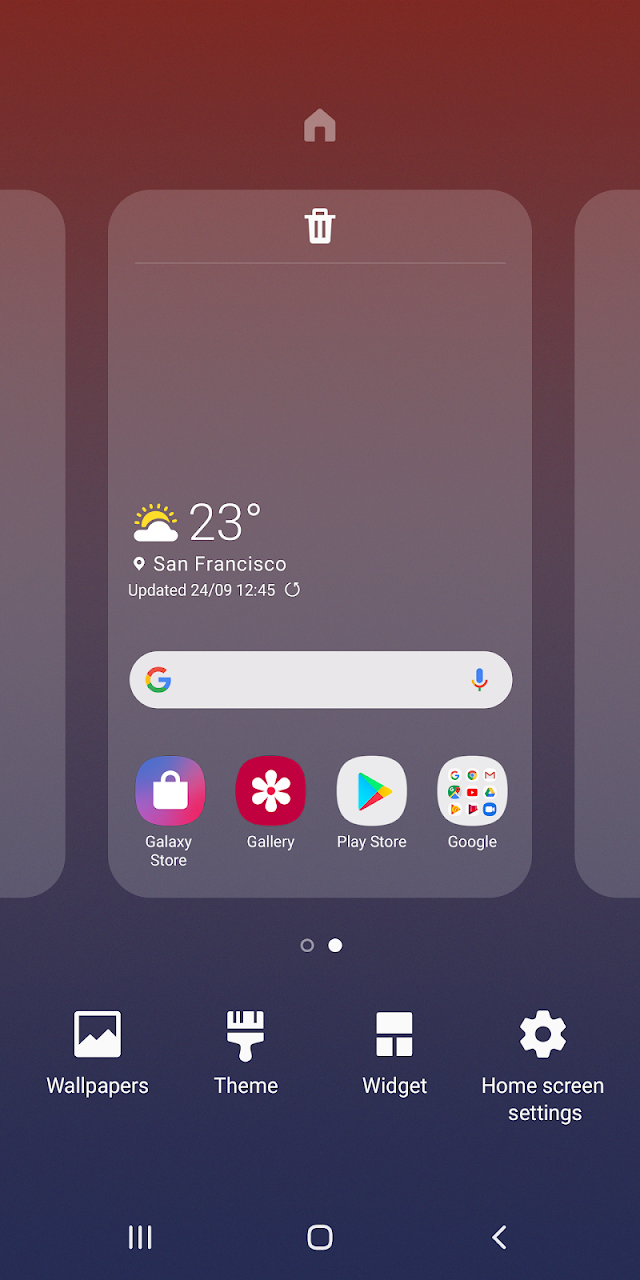
Samsung One UI Home screenshots
4 images · tap to enlarge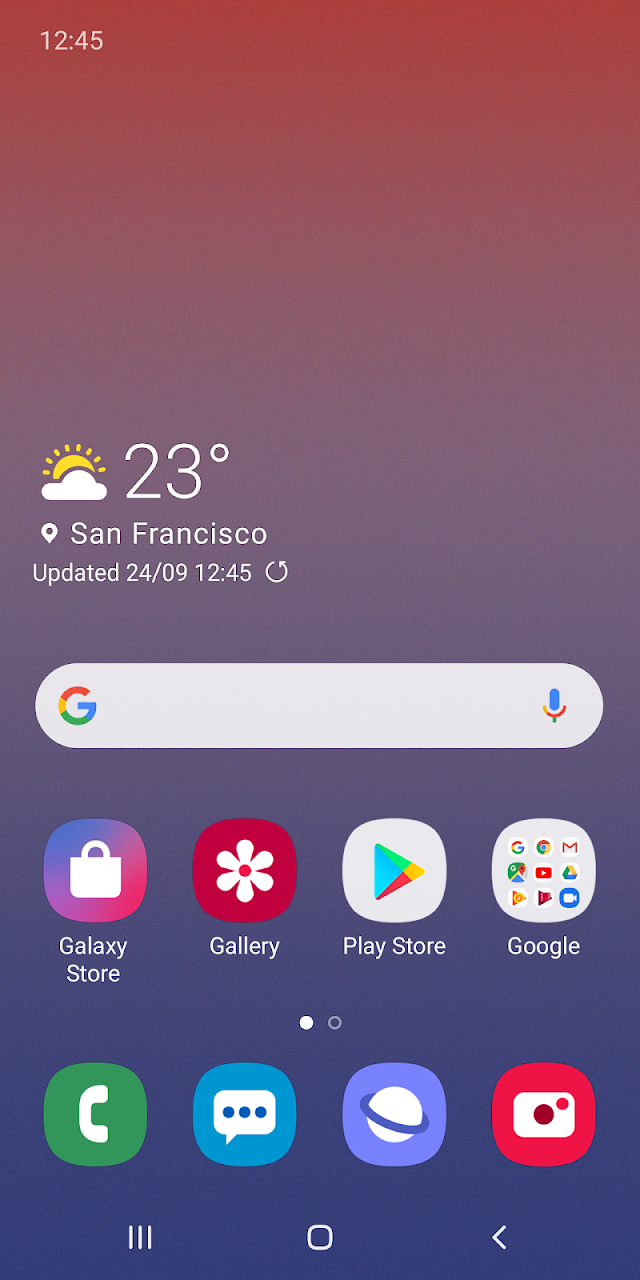
About this app
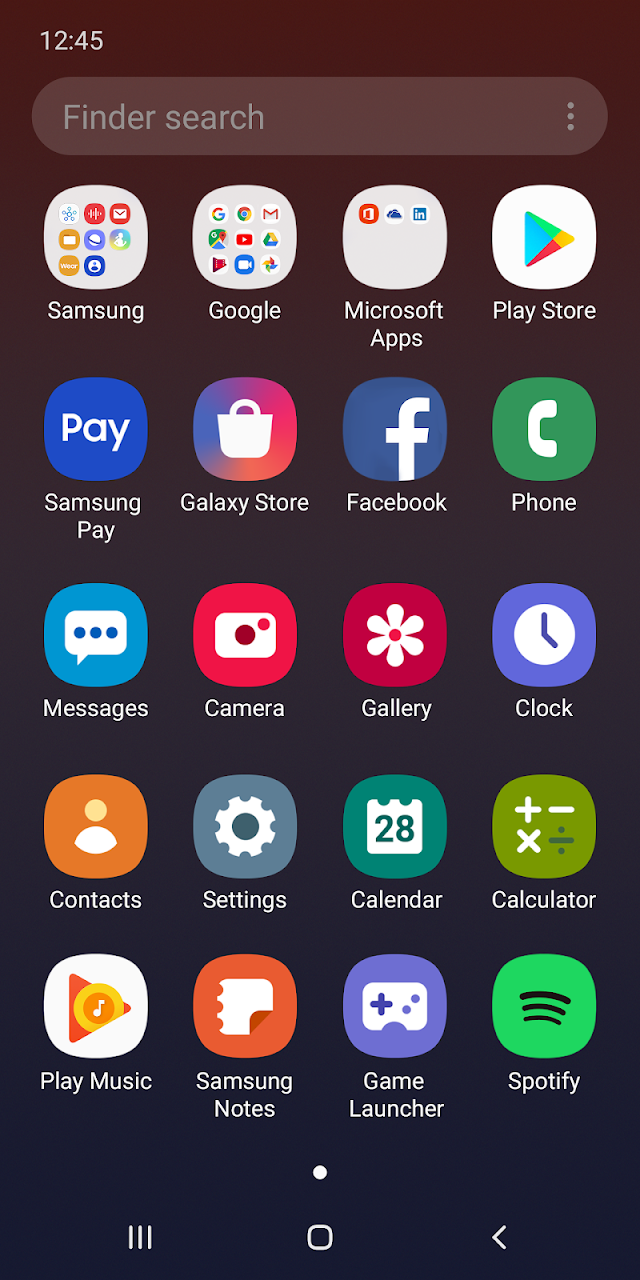
Samsung One UI Home is the official Samsung launcher for Galaxy phones. It puts the Home screen, Apps screen, and app icons into a simple layout that fits Galaxy devices. You can use full screen gestures, lock the layout after arranging icons, and open app or widget settings with a long press.
- Simple Galaxy layout — The Home and Apps screens are arranged to fit Galaxy devices with a neat icon layout.
- Full screen gestures — On Android Pie and later, you can hide the navigation buttons and move between apps with gestures.
- Lock icon layout — After you place your icons, you can lock the Home screen layout so pages and icons are harder to change by accident.
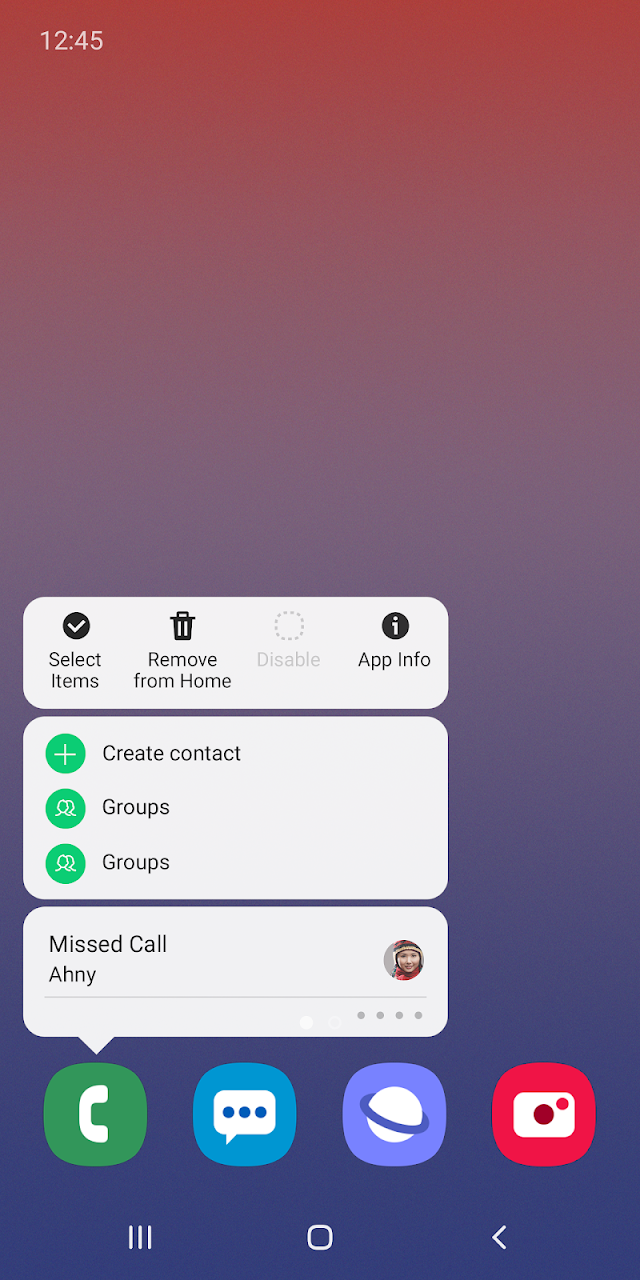
- Quick long-press actions — Touch and hold an app icon or widget to jump straight to App info or Widget settings.
- Low setup friction — It has no required permissions, no in-app purchases, and no ads.
Home and Apps screens on Galaxy
Samsung One UI Home is the launcher you see first on a Galaxy phone. In a normal day, this is where you return after calls, messages, and apps. The Home screen keeps your main shortcuts close, while the Apps screen gives you a separate place for the rest of your apps. The layout is simple and neatly arranged.
Use full screen gestures
On Android Pie and later, you can hide the navigation buttons at the bottom of the Home screen and move between apps with gestures. That leaves more room for icons and widgets. It is a practical change if you want a larger open area on the screen without extra controls at the bottom.
Lock the Home screen layout
After you move app icons into place, you can lock the Home screen layout from Home screen settings. This helps stop pages from being added and keeps icons from being moved or removed by accident. It is useful once you have set up the phone the way you want it.
Long press for app and widget settings
Touch and hold an app icon or widget to open the App info or Widget settings screen faster. You do not need to dig through several menus for basic changes. That makes small adjustments easier during the day, whether you are checking an app setting or changing a widget setup.
Permissions and install checks
The app has no required permissions. Optional access to Storage can restore home screen layout data, and Contacts can restore contact widget information. It is free, has no ads, and no in-app purchases. Before installing, check that your device runs at least Android 4.2 (API 17). The APK is 1.9 MB.
- Official Samsung launcher for Galaxy devices
- Simple screen layout with neatly arranged icons
- Full screen gestures on supported Android versions
- No required permissions
- No ads or in-app purchases
APK information
- Version
- Mass Launcher
- Package
- com.sec.android.app.launcher
- Category
- Personalization
- Size
- 2 MB
- Min Android
- API 17
- Architecture
- universal
Older versions
-
Samsung One UI Home Mass LauncherNov 11, 2026Latest downloadAPK
Samsung One UI Home FAQ
Which launchers does Samsung One UI Home support?expand_more
It is Samsung’s official launcher for Galaxy devices. The app description says available features may differ depending on the device or OS version.
Does Samsung One UI Home slow down my phone?expand_more
The listing does not mention performance impact. It is a small APK at 1.9 MB.
Does Samsung One UI Home work offline?expand_more
The app listing does not mention an internet requirement. It also has no ads and no in-app purchases.
Does Samsung One UI Home have in-app purchases?expand_more
No. The app is free and does not include in-app purchases.
Can I lock my home screen icons?expand_more
Yes. You can turn on Lock Home screen layout in Home screen settings to stop pages and icons from being changed by accident.