
- 3.6star885,632 reviews
- 100M+Downloads
- 6 MBAPK size
- EveryoneRated for Everyone
- API 19+Android
check_circleOriginal APK from Atomic Infoapps · Updated Nov 12, 2026
No threats found
0 / — antivirus engines flagged this file
Original signature
First seen — Atomic Infoapps
Unmodified APK
Same file the developer published — no mods
MP3 Cutter and Ringtone Maker screenshots
7 images · tap to enlarge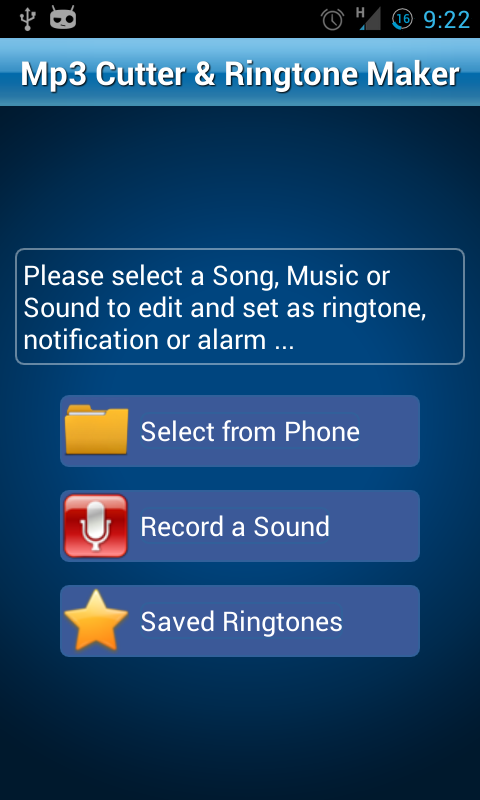
About this app
Atomic Infoapps makes MP3 Cutter and Ringtone Maker for trimming audio into ringtones, alarms, notifications, or music files. It works with MP3, WAV, AAC, AMR, and other formats. You can record audio in the app, edit the clip, and save the cut result to local storage.
- Audio trimming — Select a section of a song or recording and save only that part.
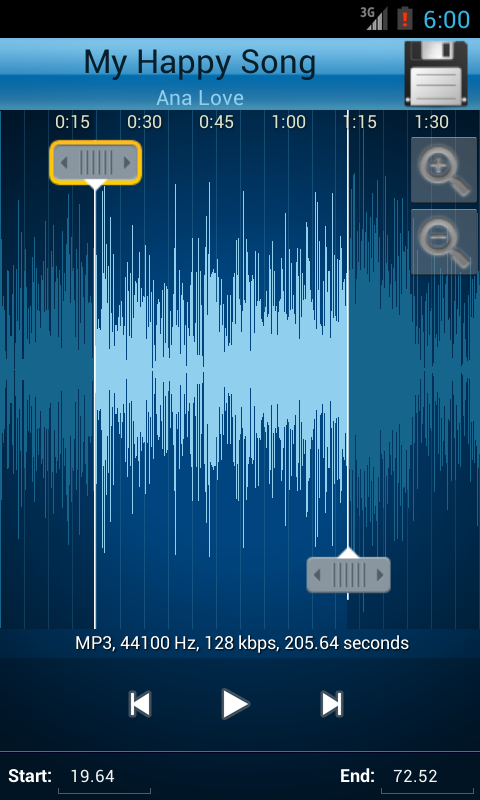
- Waveform view — Scroll through the audio waveform and work with four zoom levels.
- Record and edit — Use the record button to capture live audio before trimming it.
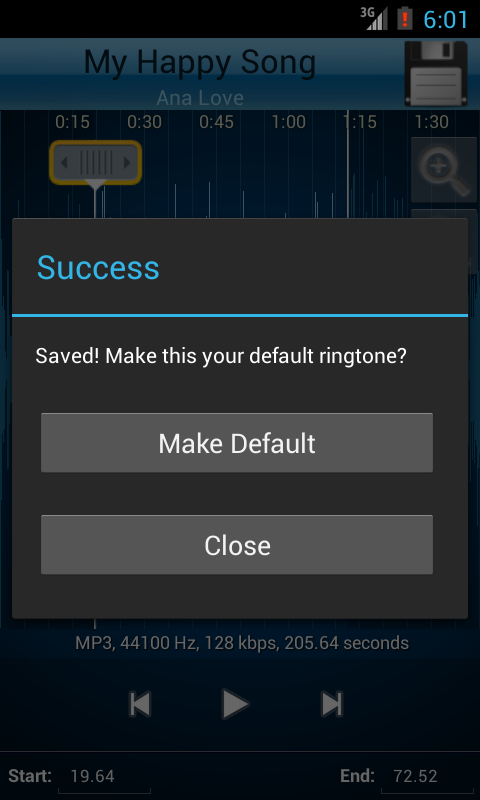
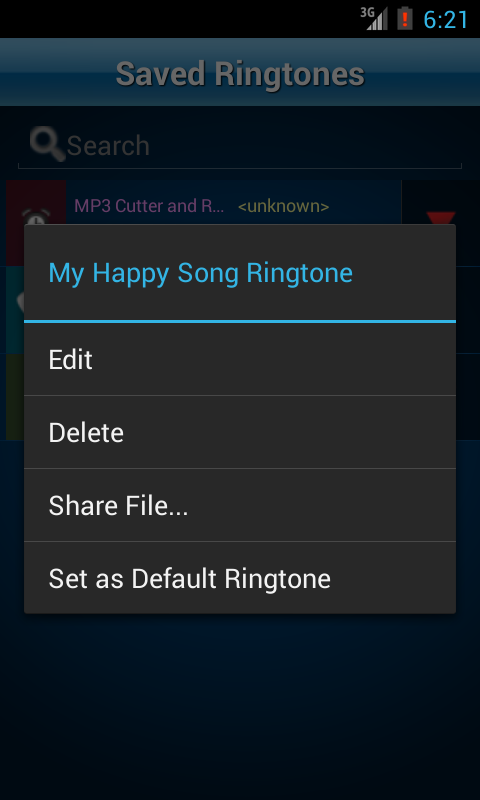
- Ringtone setup — Save a clip as the default ringtone or assign it to contacts.
- Local storage — The app stores cut results in /mnt/sdcard/media/audio.
- Free app — The app is free to use and contains ads.
Trim audio into phone tones
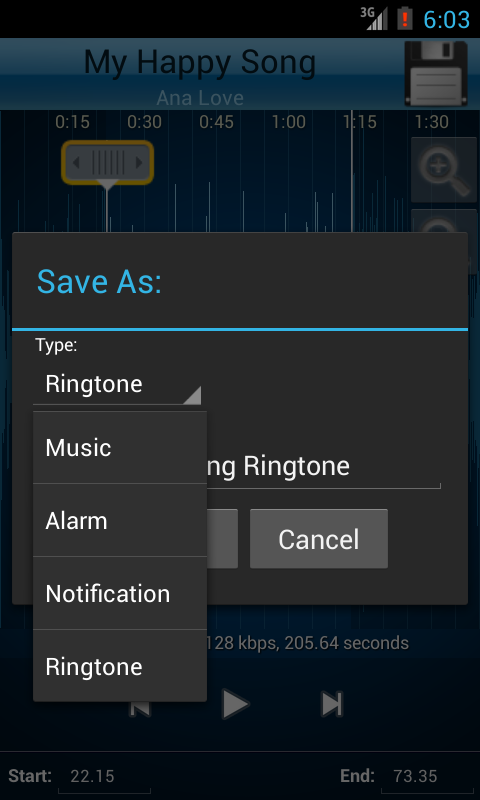
MP3 Cutter and Ringtone Maker trims a chosen section from a song or recording and saves it as a ringtone, alarm, notification tone, or music file. It supports MP3, WAV, AAC, AMR, and other common audio formats. The app also lets you record live audio and edit that recording in the same workflow.
Waveform editing and playback
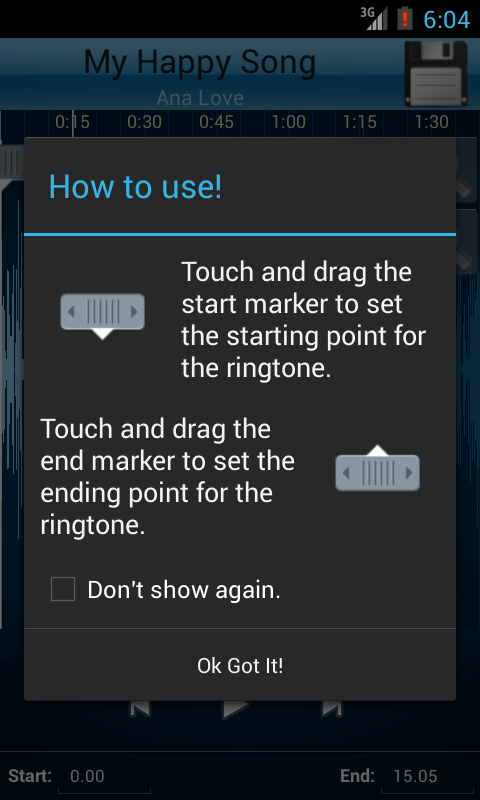
The editor shows a scrollable waveform so you can find the part you want to keep. You can set the start and end points with touch controls, tap on the waveform to play from that position, and work with four zoom levels for closer editing.
- Pick audio from your device or from recordings.
- Choose the section to cut.
- Save the new clip as a ringtone, alarm, notification, or music file.
- Name the clip before saving it.
Saved files and tone options
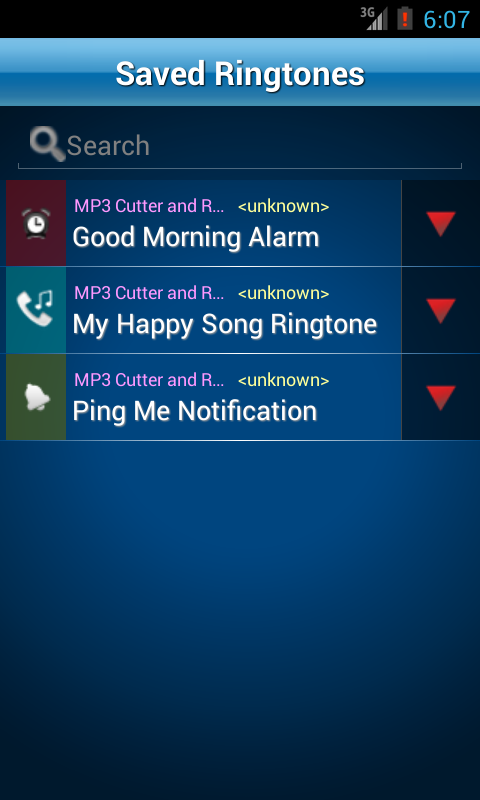
Cut results are stored in "/mnt/sdcard/media/audio". The app can also set the new clip as the default ringtone or assign it to contacts. It includes a delete option for created tones, with a confirmation alert before removal.
Free download details
The app is free and contains ads. It does not list in-app purchases. No permissions are shown in the package details. The APK is universal, 5.5 MB, and installs on Android 19 and up. Recent support was added for Android 13.
Audio use on and offline
This app works with files already on the device and with recordings made inside the app, so it can be used without streaming music. It is built for local editing rather than playback from an online catalog.
Version 4.1 keeps the same audio cutting tools and adds Android 13 support.
What's new
Version 4.1 · Nov 12, 2026
- Support for Android 13
APK information
- Version
- 4.1
- Package
- com.atomic.apps.ringtone.cutter
- Category
- Music & Audio
- Size
- 6 MB
- Min Android
- API 19
- Architecture
- universal
Older versions
-
MP3 Cutter and Ringtone Maker 4.1Nov 12, 2026Latest downloadAPK
MP3 Cutter and Ringtone Maker FAQ
Can I listen offline in MP3 Cutter and Ringtone Maker?expand_more
Yes. The app works with audio files on your device and with recordings made inside the app.
Is MP3 Cutter and Ringtone Maker free without a subscription?expand_more
Yes. The app is free to use and there are no in-app purchases listed.
Is MP3 Cutter and Ringtone Maker available for older phones?expand_more
It requires Android 19 or later. That covers devices running Android 4.4 and above.
Does MP3 Cutter and Ringtone Maker show ads?expand_more
Yes. The app contains ads.
Can I set a cut clip as a ringtone?expand_more
Yes. You can save the clip as a ringtone, alarm, notification tone, or music file, and set it as the default ringtone or assign it to contacts.