- 4.3star415 reviews
- 50K+Downloads
- 7 MBAPK size
- EveryoneRated for Everyone
- API 19+Android
check_circleOriginal APK from Siva Nimmala · Updated Nov 12, 2026
No threats found
0 / — antivirus engines flagged this file
Original signature
First seen — Siva Nimmala
Unmodified APK
Same file the developer published — no mods
Music 7 screenshots
8 images · tap to enlarge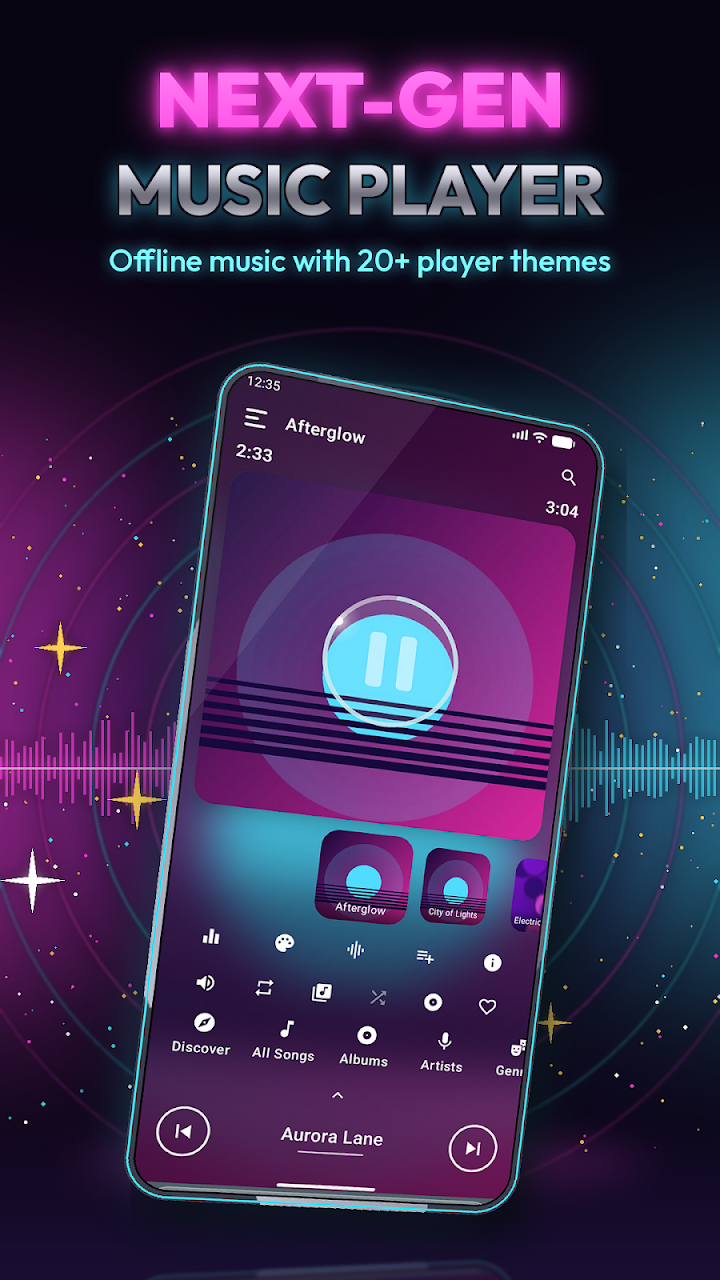
About this app
Music 7 keeps your songs close at hand, whether you are listening offline, sorting a library, or switching to radio. The app puts themes, equalizer controls, and visualizers in the same player, so the screen and sound can change with the track. It works without accounts, and your music stays on your phone.
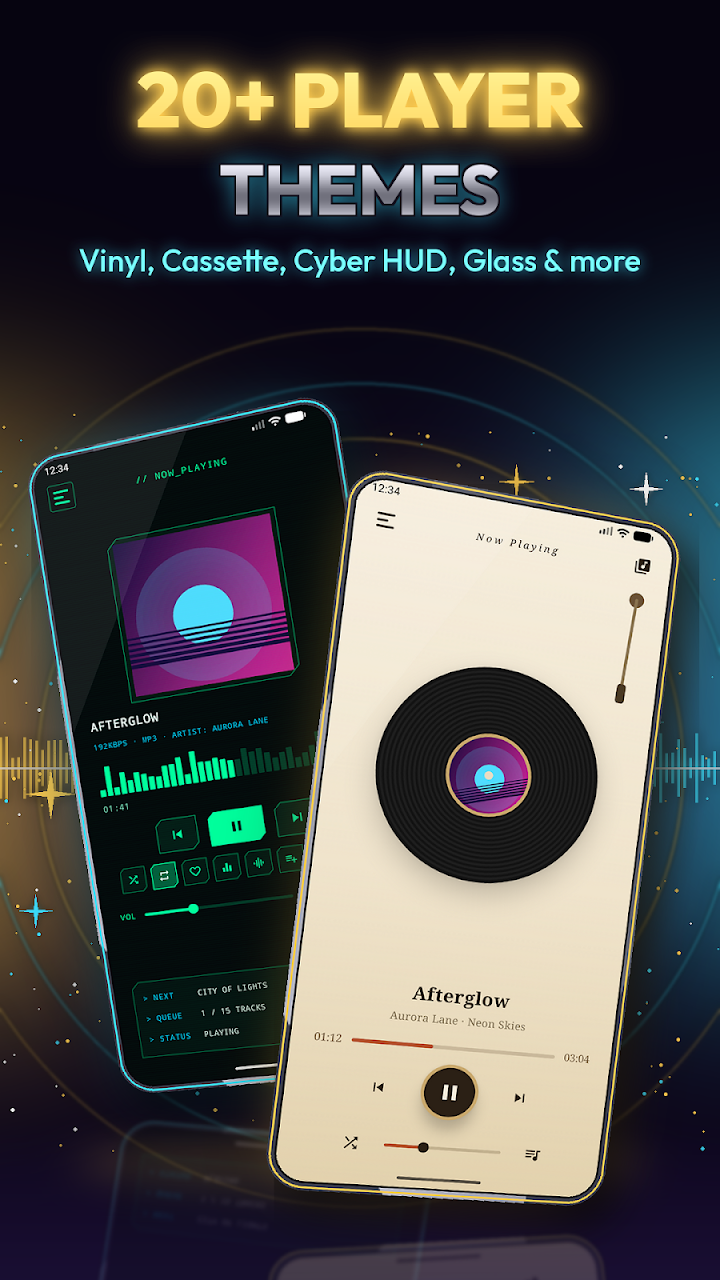
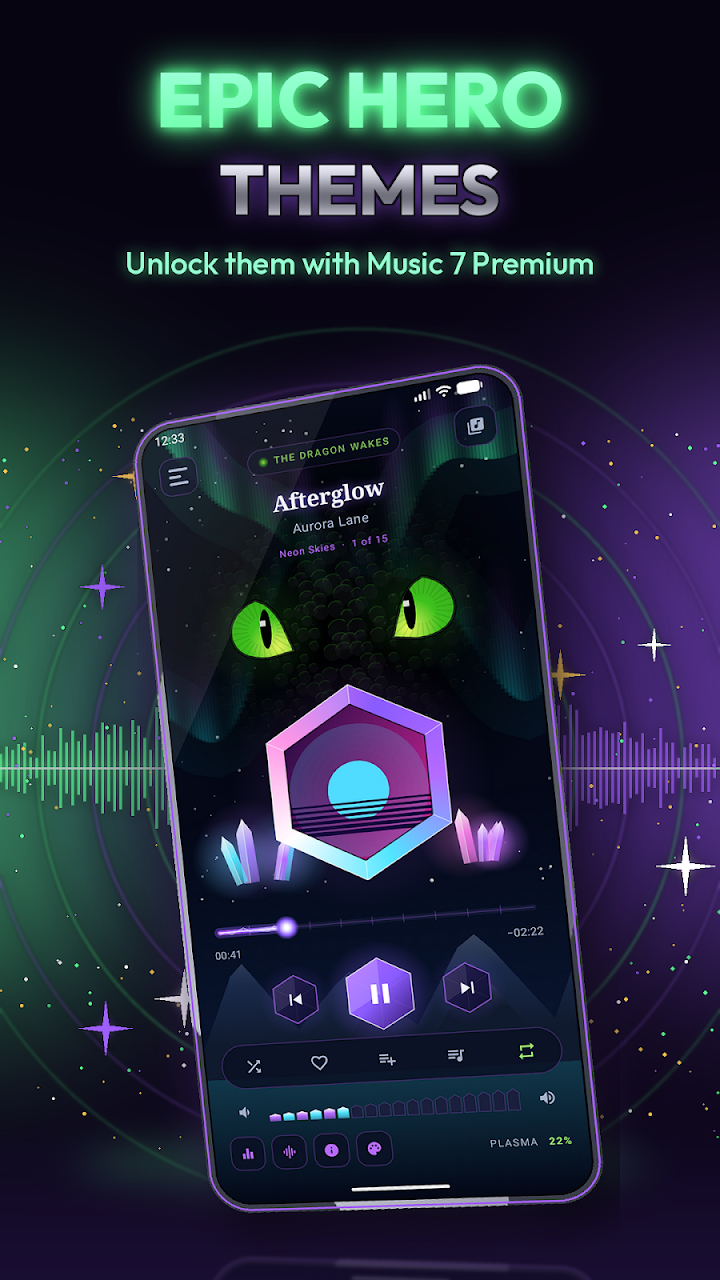
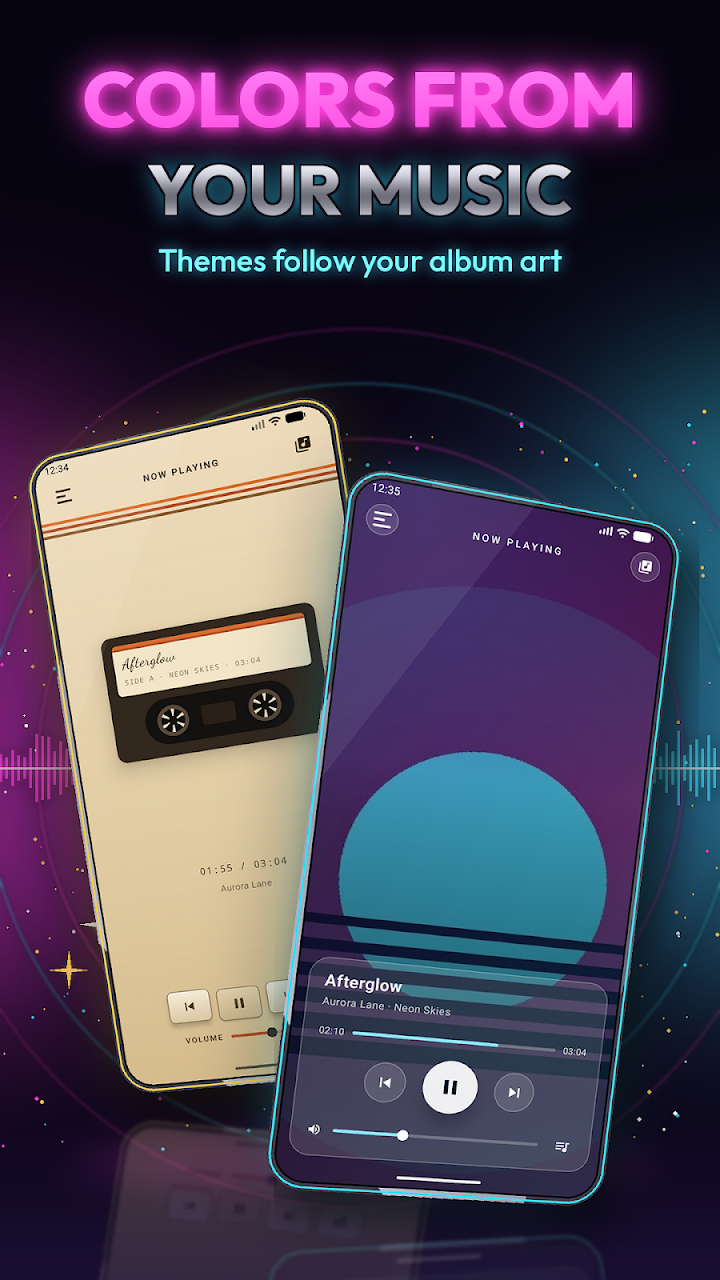
- 20+ Player Themes — Switch between complete player designs, including Vinyl Classic, Retro Cassette, Cyber HUD, and more.
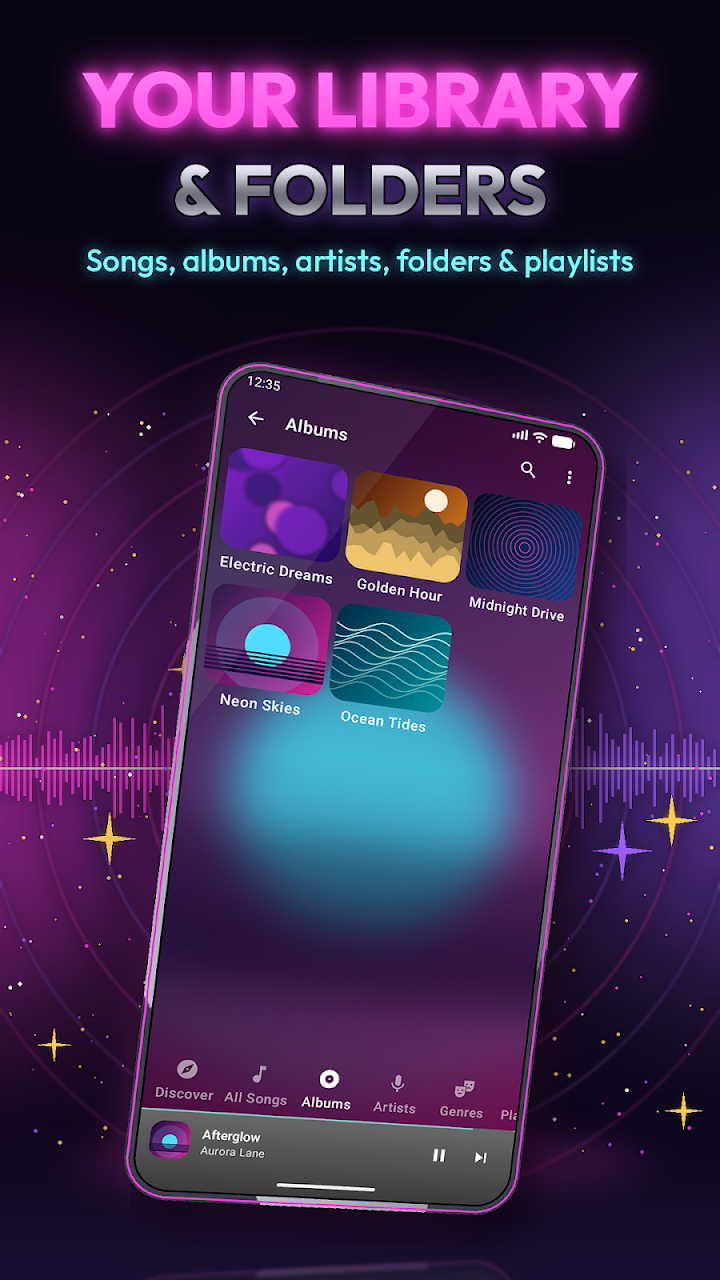
- Offline Library — Browse songs, albums, artists, genres, folders, playlists, and favourites without needing an account.
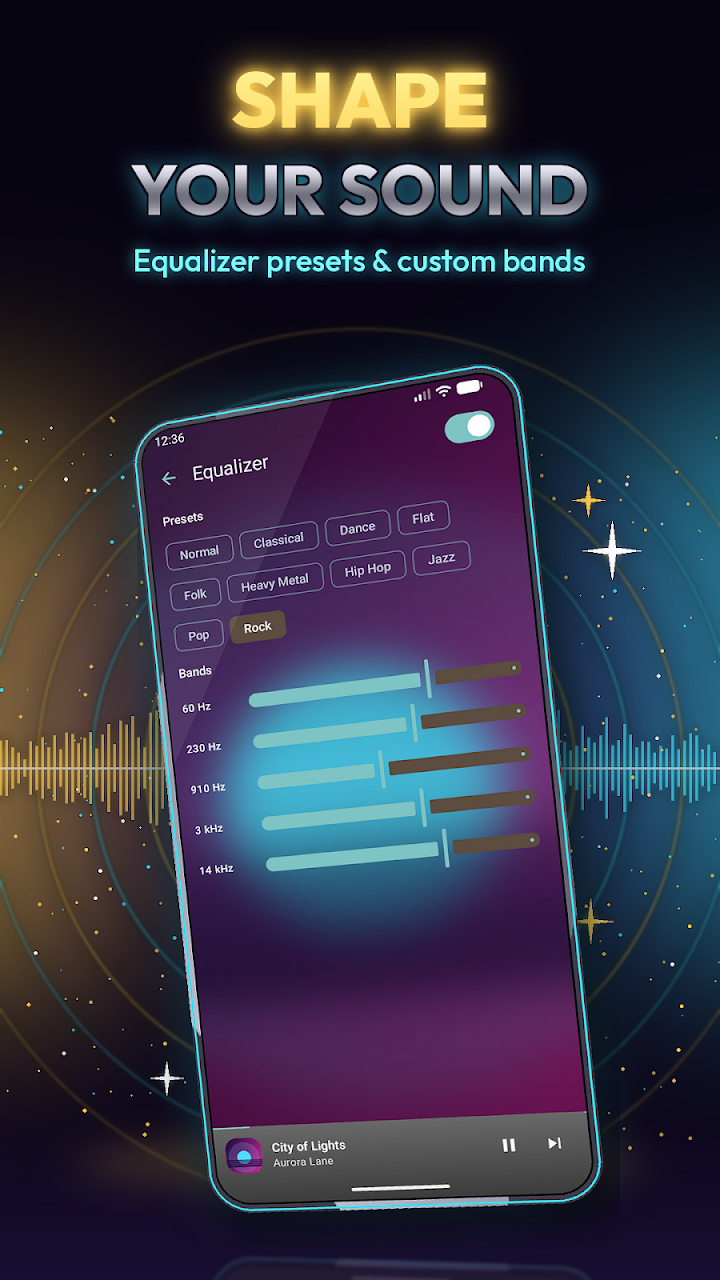
- Sound Controls — Use built-in presets or custom equalizer settings, and save them automatically for everything you play.
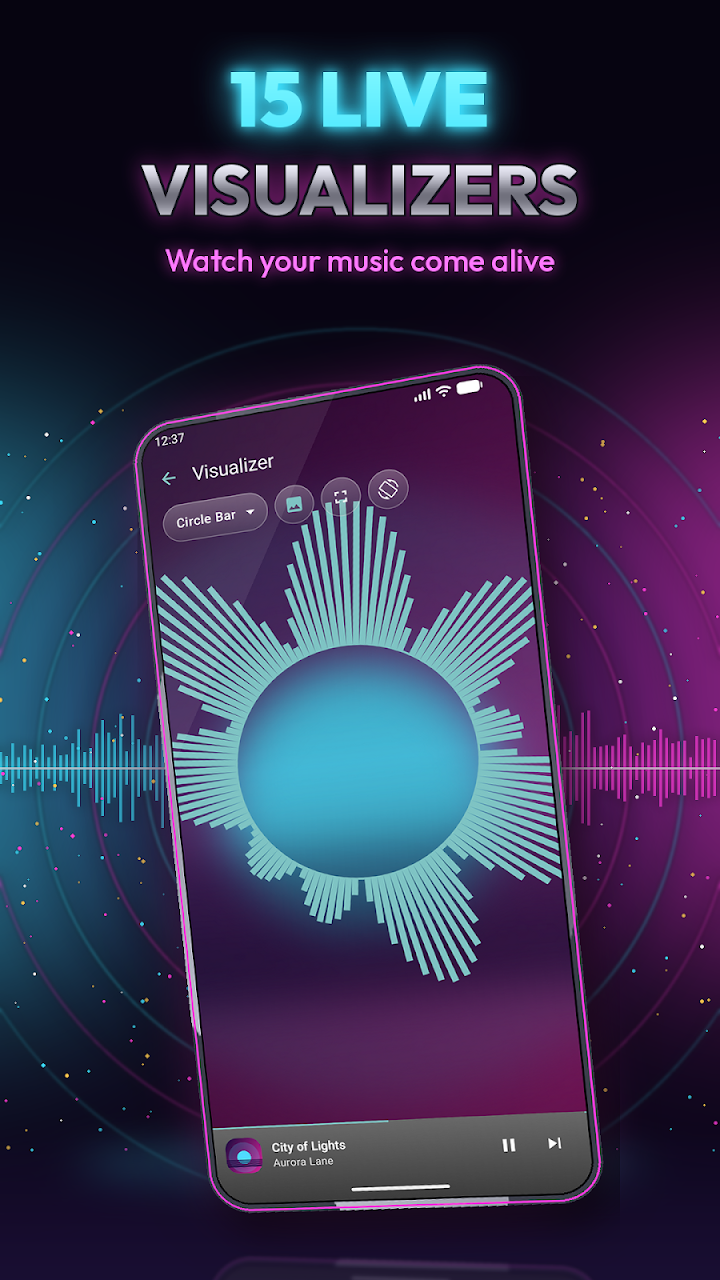
- Live Visualizers — Choose from 15 visualizers, from bars and waves to particles and matrix styles.
- Discover and Radio — Check country charts, 30-second previews, Audius tracks, and thousands of live radio stations.
- Premium Option — Go Premium to remove ads and unlock premium hero player themes with monthly or yearly plans.
Picking a player theme on the commute
Music 7 makes the first screen feel different depending on the theme you choose. A commuter can open the app, jump into a queue, and keep the look simple with Minimal Zen or more animated with Vinyl Classic or Retro Cassette. Day, Night, and Auto modes help the player fit the time of day, and the color can follow album art or wallpaper on Android 12+.
The app also remembers where you left off, so you can stop halfway through a track and return later without starting over.
Managing an offline library
For anyone who keeps music stored on the phone, Music 7 covers the usual library screens: Songs, Albums, Artists, Genres, Folders, Playlists, and Favourites. You can search the whole library quickly, create playlists, add tracks to the queue, play next, and share songs. It also hides short clips and ringtones from the view when you do not want them mixed in.
- Recently added and recently played views
- MP3, FLAC, AAC, OGG, WAV, and other supported formats
- Up-next queue available from any player
Adjusting sound and visuals
If you want to shape playback, the built-in equalizer offers presets and custom band settings. Changes are saved automatically and applied to everything you play. Music 7 also adds 15 live visualizers, including bars, waves, circles, spectrum, particles, and matrix styles, with full-screen or album-art layouts in portrait or landscape.
When you want something else to play
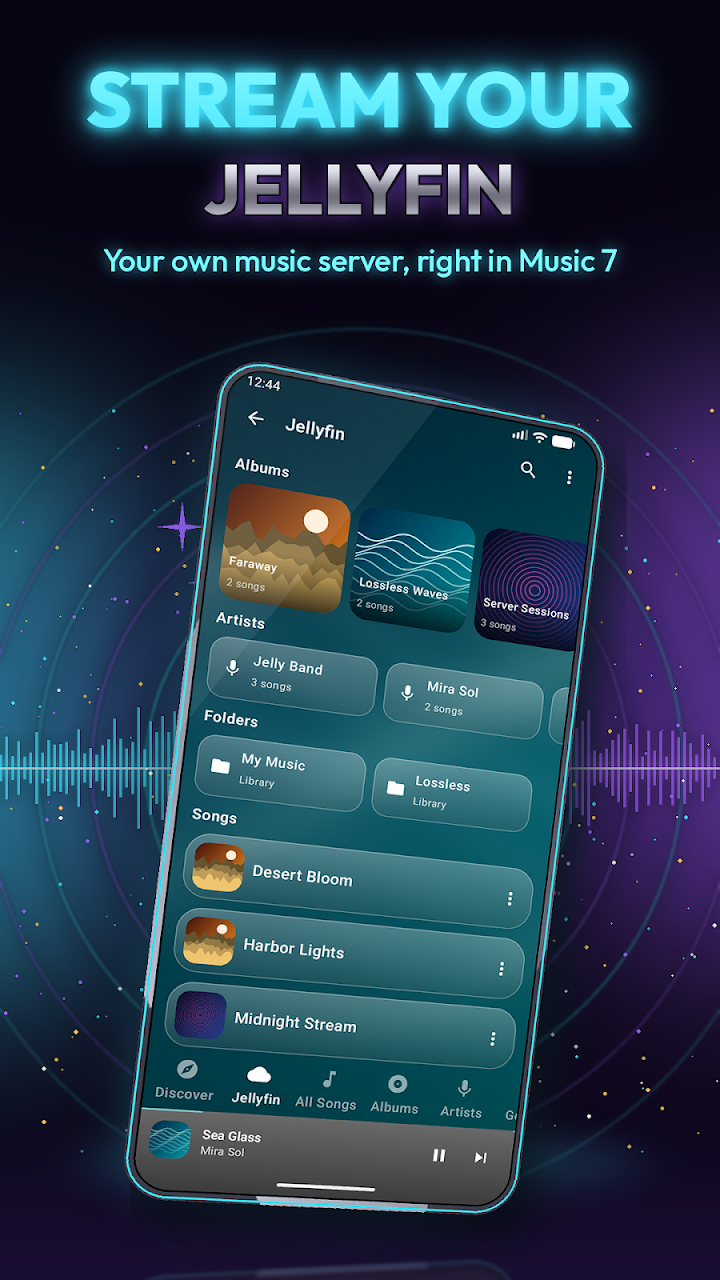
Music 7 is not limited to files already on your phone. You can browse top songs charts for your country with 30-second previews, look at trending tracks from independent artists on Audius, or open thousands of live radio stations by country or mood. It also supports Jellyfin, so you can connect your server and mix those songs with the local library.
The app is free with ads. Premium removes ads and unlocks premium hero player themes. The APK is 6.7 MB, uses the APK file format, and needs Android 19 or later.
What's new
Version 3.0 · Nov 12, 2026
- → No ADS ~
- → Minor Bugs Fixed ~
- → Added New Themes ~
- → Added Folders ~
- → Added Recently Added ~
- → Albums with 3 columns ~
APK information
- Version
- 3.0
- Package
- siva.app.musicplayer7free
- Category
- Music & Audio
- Size
- 7 MB
- Min Android
- API 19
- Architecture
- universal
Older versions
-
Music 7 3.0Nov 12, 2026Latest downloadAPK
Music 7 FAQ
Can I listen offline in Music 7?expand_more
Yes. Music 7 is built for songs stored on your phone, with offline browsing by songs, albums, artists, genres, folders, playlists, and favourites.
Is Music 7 free without a subscription?expand_more
Yes. The app is free with ads. Premium is optional and removes ads, while also unlocking premium hero player themes.
Which Android version does Music 7 need?expand_more
Music 7 needs Android 19 or later.
How do I install the Music 7 APK file?expand_more
Download the APK file and install it on a device that meets the Android 19 minimum. The file is 6.7 MB.
Does Music 7 support Jellyfin streaming?expand_more
Yes. You can connect your own Jellyfin server, stream your collection, and mix server songs with the songs on your phone.