
- 4.6star537,012 reviews
- 100M+Downloads
- 25 MBAPK size
- EveryoneRated for Everyone
- 5.0+Android
check_circleOriginal APK from creative & quality std · Updated Nov 12, 2026
No threats found
0 / — antivirus engines flagged this file
Original signature
First seen — creative & quality std
Unmodified APK
Same file the developer published — no mods
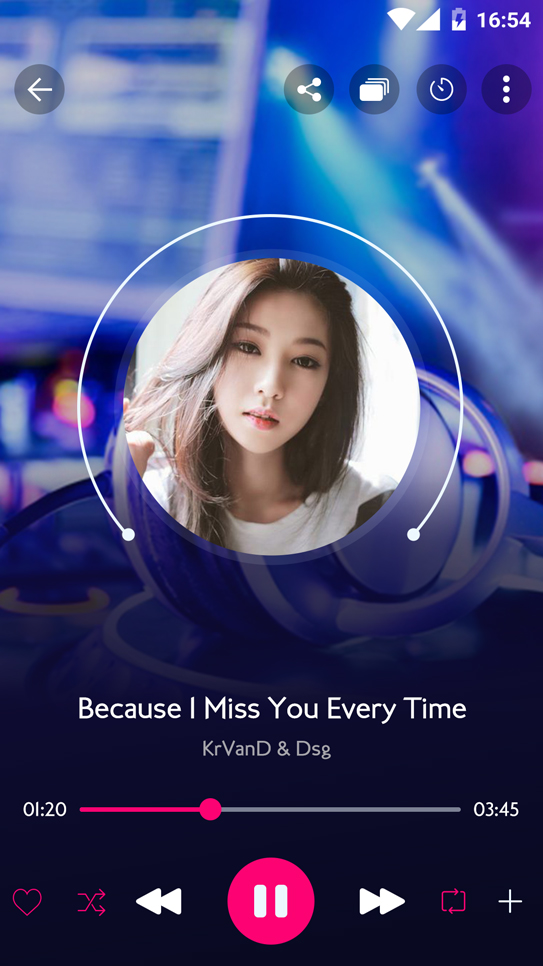
Music player screenshots
8 images · tap to enlarge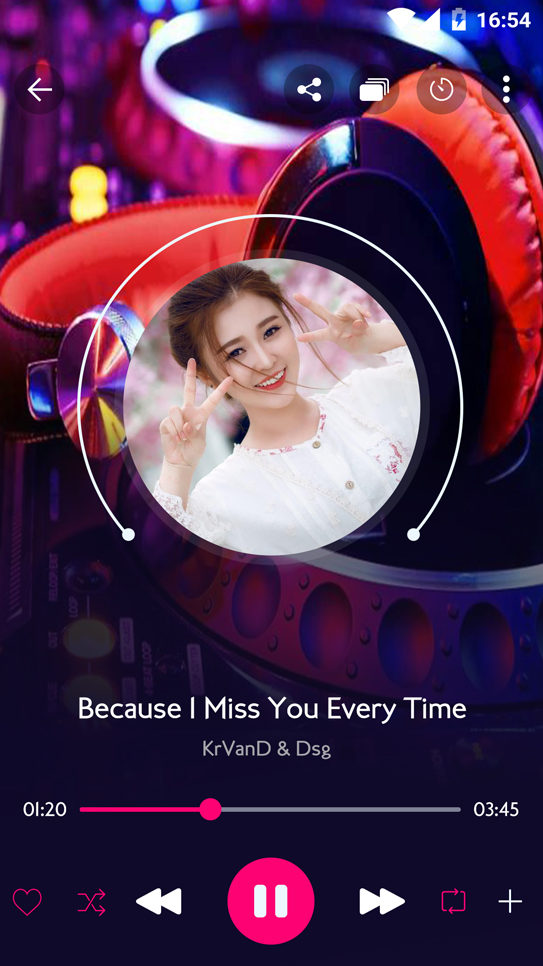
About this app
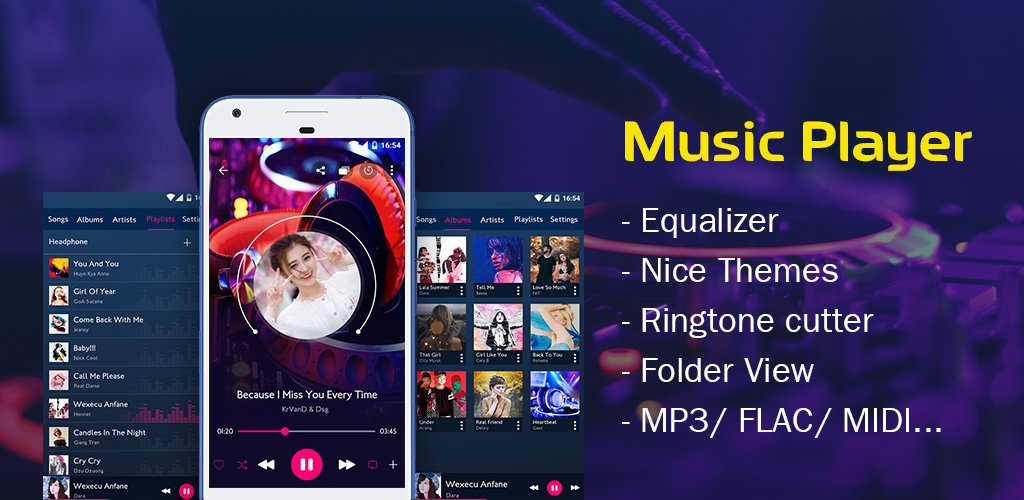
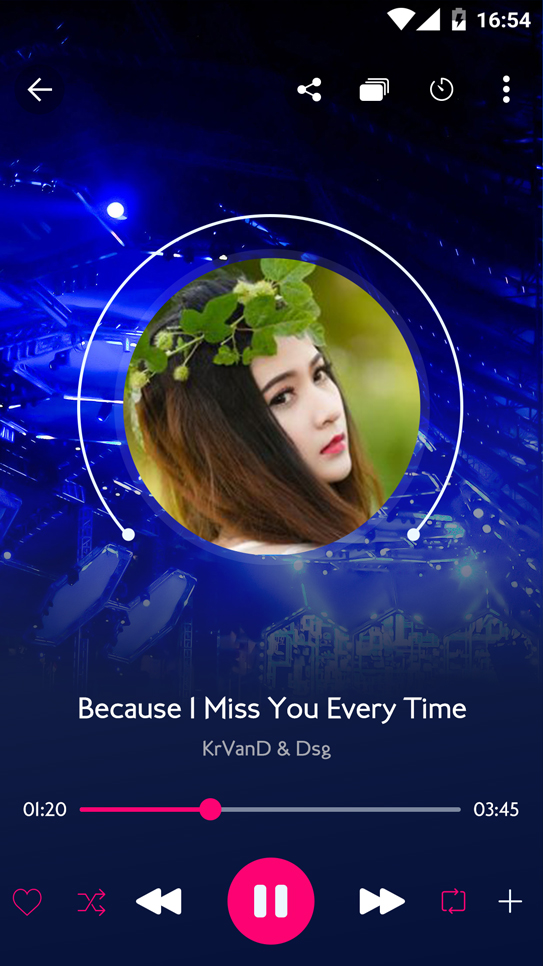
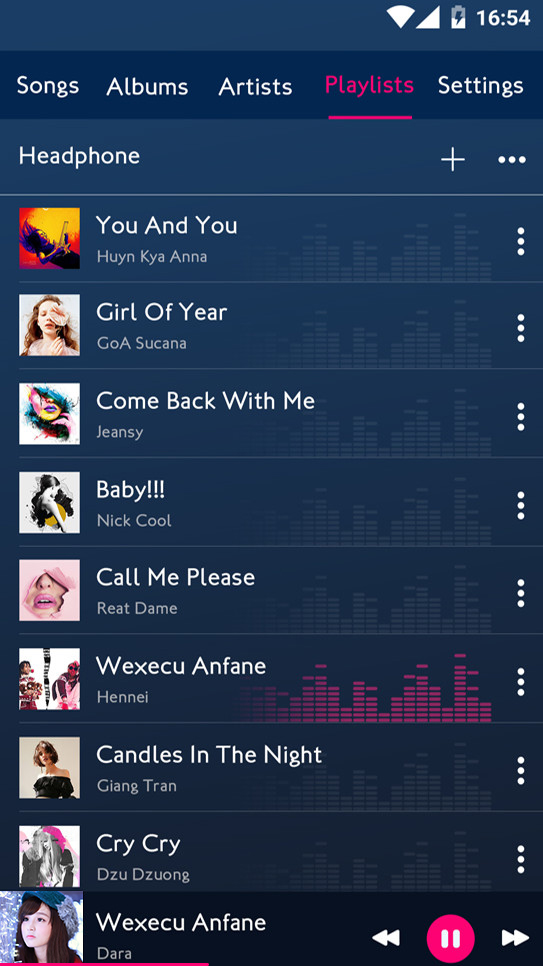
Music player stands out as a free Android audio player that automatically scans your device and groups songs by title, artist, album, and playlist. It handles common formats like MP3, AAC, WAV, FLAC, and OGG, while also adding practical tools such as trimming, tag editing, and an equalizer for everyday listening.
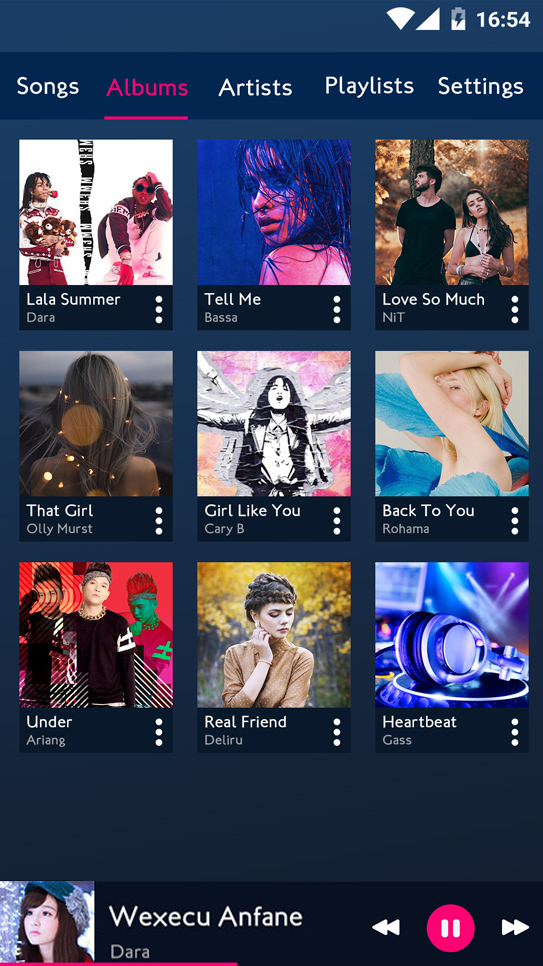
- Auto library scan — The app finds audio files on your device and sorts them by title, artist, album, genre, song, and playlist.
- Format support — It plays MP3, AAC, MP4, WAV, M4A, FLAC, 3GP, OGG, and other common audio files.
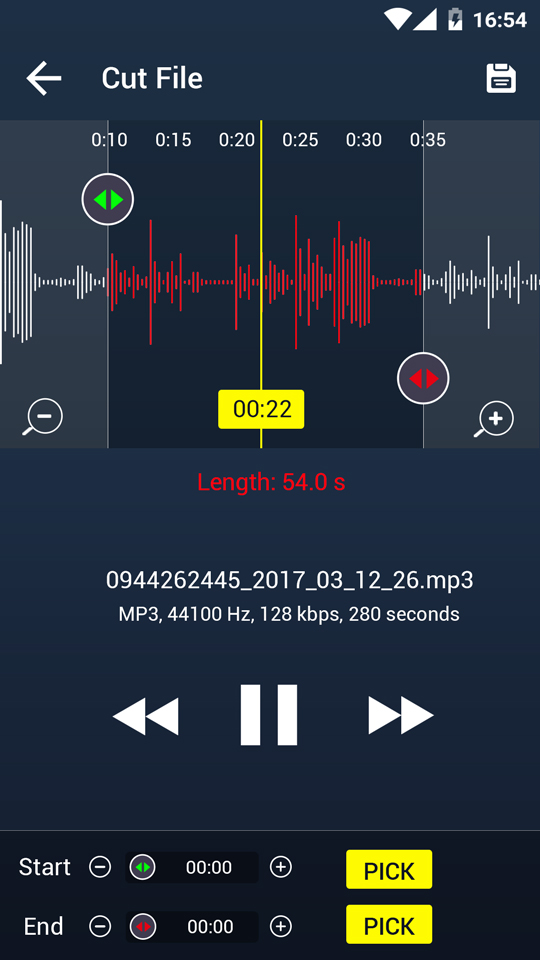
- Trim audio files — Use the cutting editor to crop songs, remove unwanted parts, or make a smaller clip for a ringtone.
- Equalizer controls — A built-in equalizer lets you adjust playback sound to match your own listening style.
- Mini player and widget — Control playback from the notification bar, mini player, or home screen widget with play, pause, skip, and stop.
- Headset support — You can control playback with wired or Bluetooth headphone buttons for play, pause, next, and previous.
Music on your phone, organized fast
When your Android library gets crowded, this app opens straight into a scanned music collection instead of making you sort files by hand. It groups tracks by album, artist, genre, song, and playlist, so you can get to what you want without digging through folders. The app is free, includes ads, and does not offer in-app purchases.
Play and queue audio formats
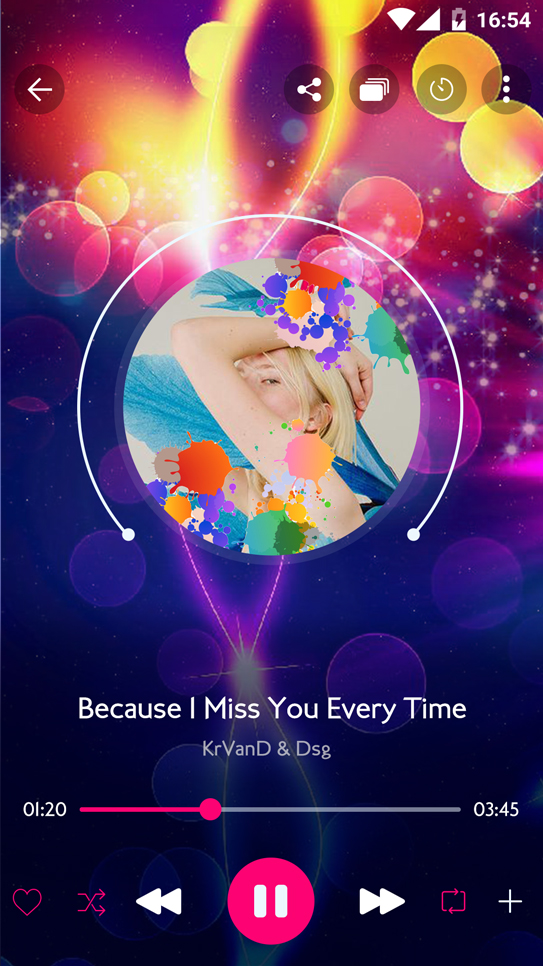
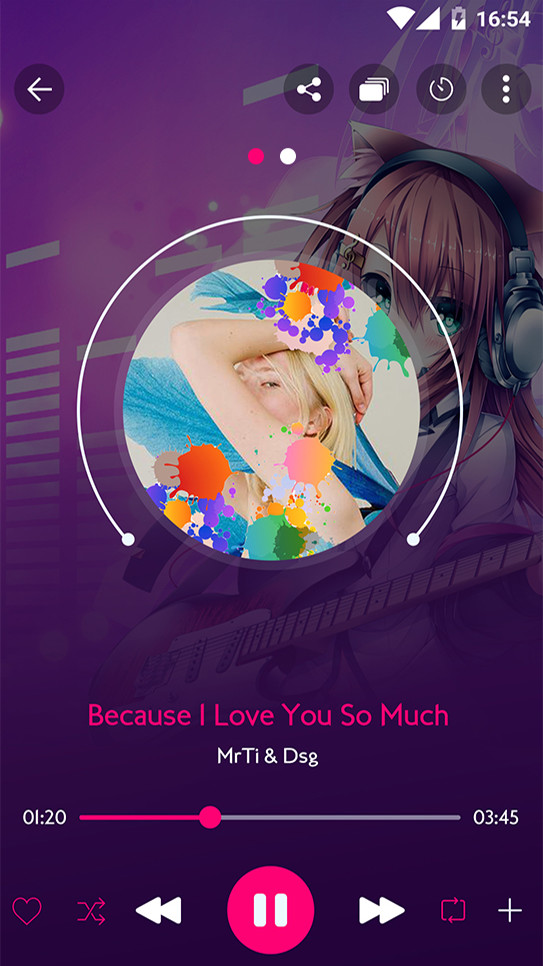
Music player handles a wide range of audio files, including MP3, AAC, MP4, WAV, M4A, FLAC, 3GP, and OGG. You can play, pause, skip, stop, rewind, and fast forward, and the queue lets you line up songs for later playback. That makes it useful for daily listening whether you are on headphones, in the background, or switching between albums.
Trim tracks and edit tags
If you want to clean up a file, the cutting editor lets you crop or trim audio and remove parts you do not need. The tag editor covers song title, album name, and artist name, which helps keep your library tidy. Album art, artist photos, and cover images also appear in the player.
Controls you can reach quickly
The notification bar and mini music player show track details like album artwork, title, and artist, with basic controls close at hand. A quick navigator makes it easy to jump by album, artist, genre, song, or playlist, and the search tool helps you find tracks by title, album, artist, or playlist.
Install details and device support
The app works on Android 5.0 and up, comes as a universal APK, and is 25.4 MB. It is designed for phones and tablets that can run that Android version, and it supports playback controls from both wired and Bluetooth headsets.
- What to expect: Ads are present, but there is no paid tier or subscription.
- Offline use: It plays music stored on your device without needing a streaming account.
- Recent update: The latest release improves the UI and fixes crashes.
For people who keep local music files on Android and want playback, trimming, and library tools in one place, this app covers the basics clearly. It fits best if you want an offline player with format support, quick navigation, and simple editing rather than a streaming service.
What's new
Version 119.01 · Nov 12, 2026
- Improve UI, fix crash
APK information
- Version
- 119.01
- Package
- com.search.music.mp3.musicplayer
- Category
- Music & Audio
- Size
- 25 MB
- Min Android
- 5.0
- Architecture
- universal
Older versions
-
Music player 119.01Nov 12, 2026Latest downloadAPK
Music player FAQ
Is Music player free without a subscription?expand_more
Yes. The app is free and there is no in-app purchase tier listed.
Can I listen offline in Music player?expand_more
Yes. It plays audio files stored on your device, so you can listen without a streaming connection.
Does Music player show ads?expand_more
Yes. The app contains ads.
Is Music player available for older phones?expand_more
It supports Android 5.0 and up, so devices on that version or newer can install it.
What audio formats does Music player play?expand_more
It supports MP3, AAC, MP4, WAV, M4A, FLAC, 3GP, OGG, and other audio formats.