
- 4.7star2,070,740 reviews
- 100M+Downloads
- 9 MBAPK size
- EveryoneRated for Everyone
- API 16+Android
check_circleOriginal APK from recorder & smart apps · Updated Nov 12, 2026
No threats found
0 / — antivirus engines flagged this file
Original signature
First seen — recorder & smart apps
Unmodified APK
Same file the developer published — no mods
Music player screenshots
8 images · tap to enlarge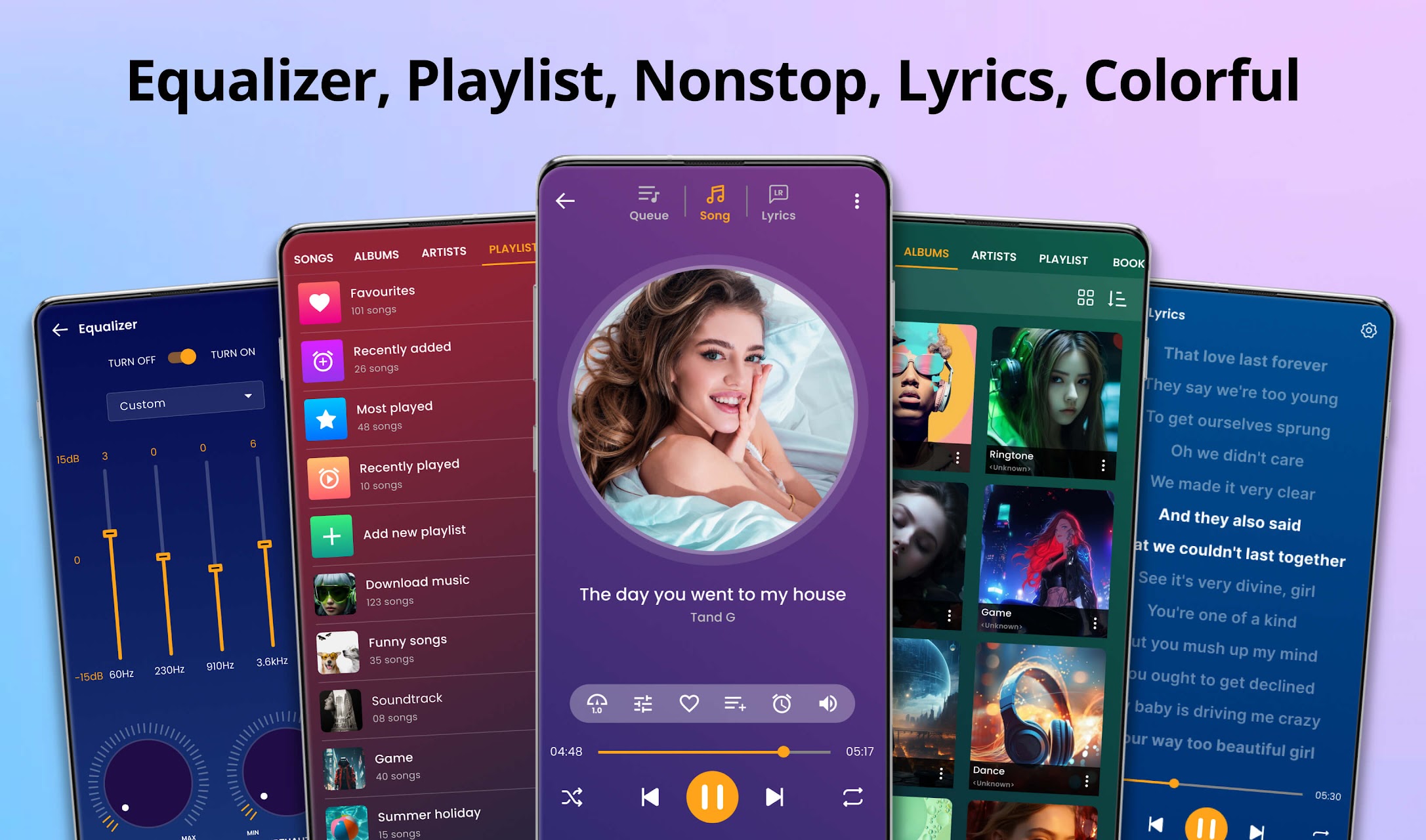
About this app
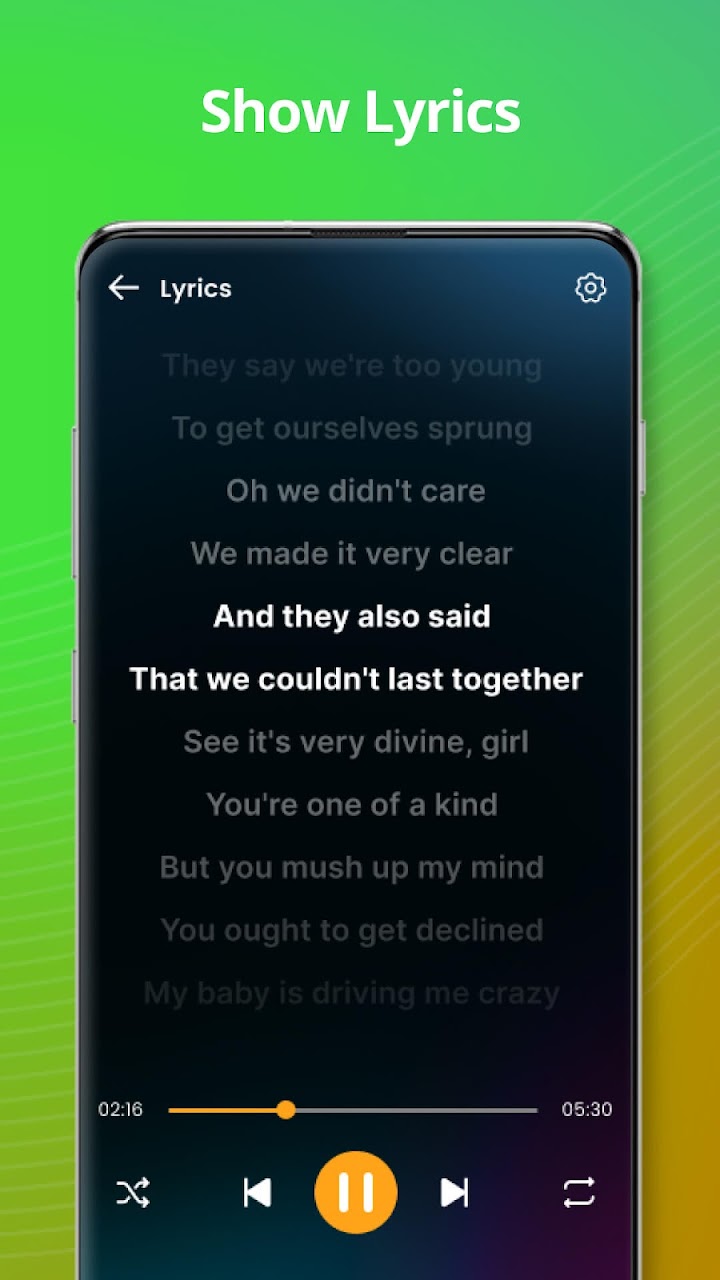
recorder & smart apps makes Music player for people who want a local audio player that can scan songs on the device, organize them by title, artist, album, and genre, and play many formats offline. It also adds tools for editing tags, trimming audio, and setting ringtones, while keeping the app free with ads and in-app purchases.
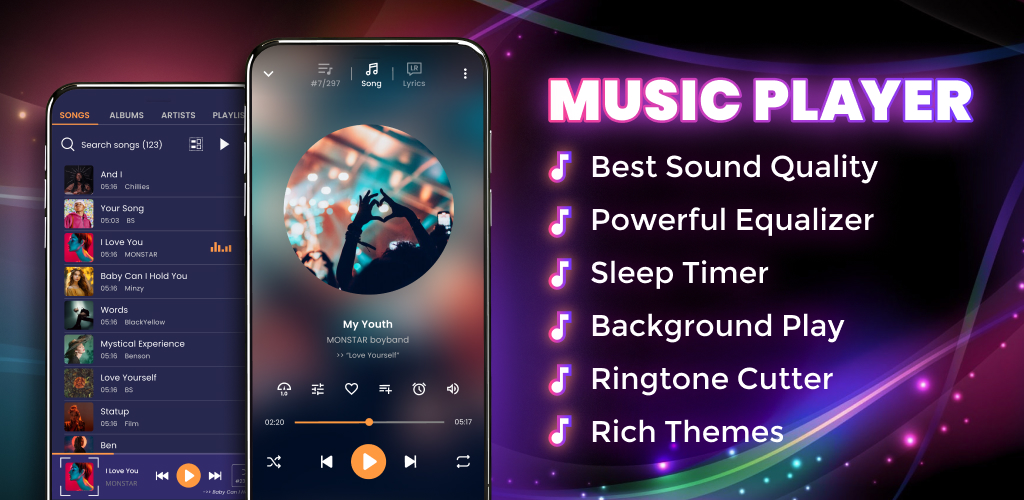
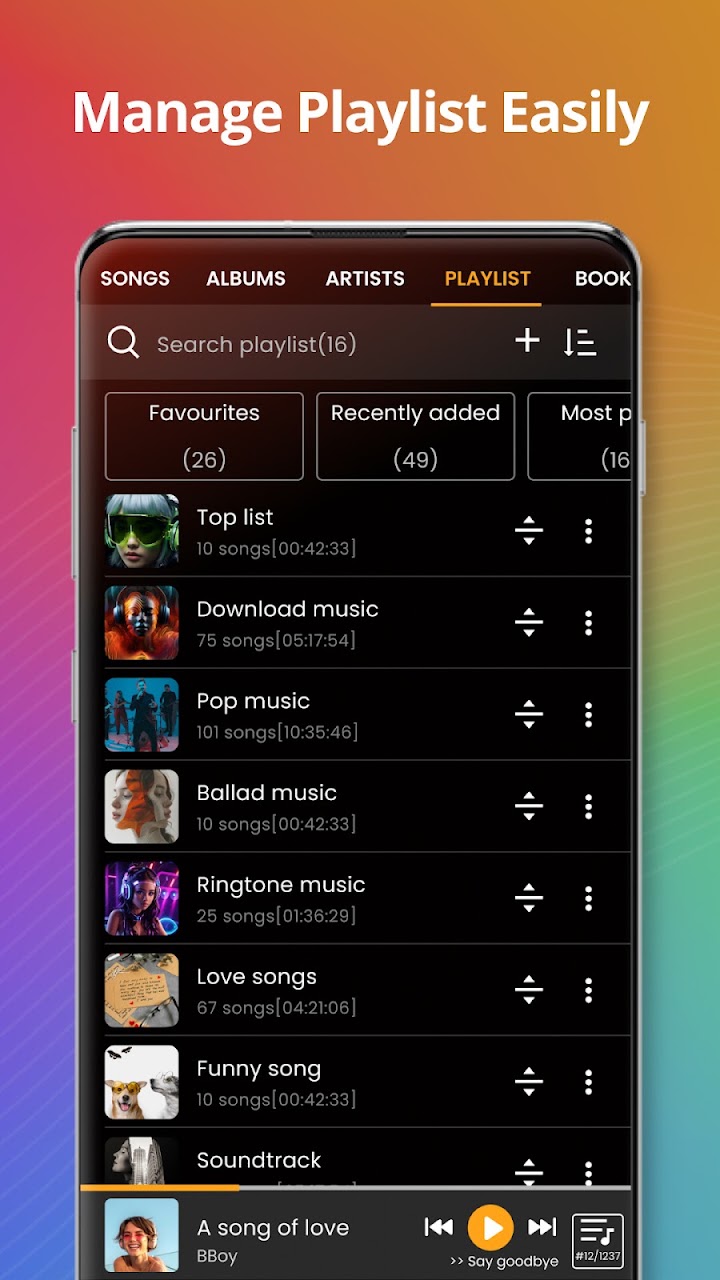
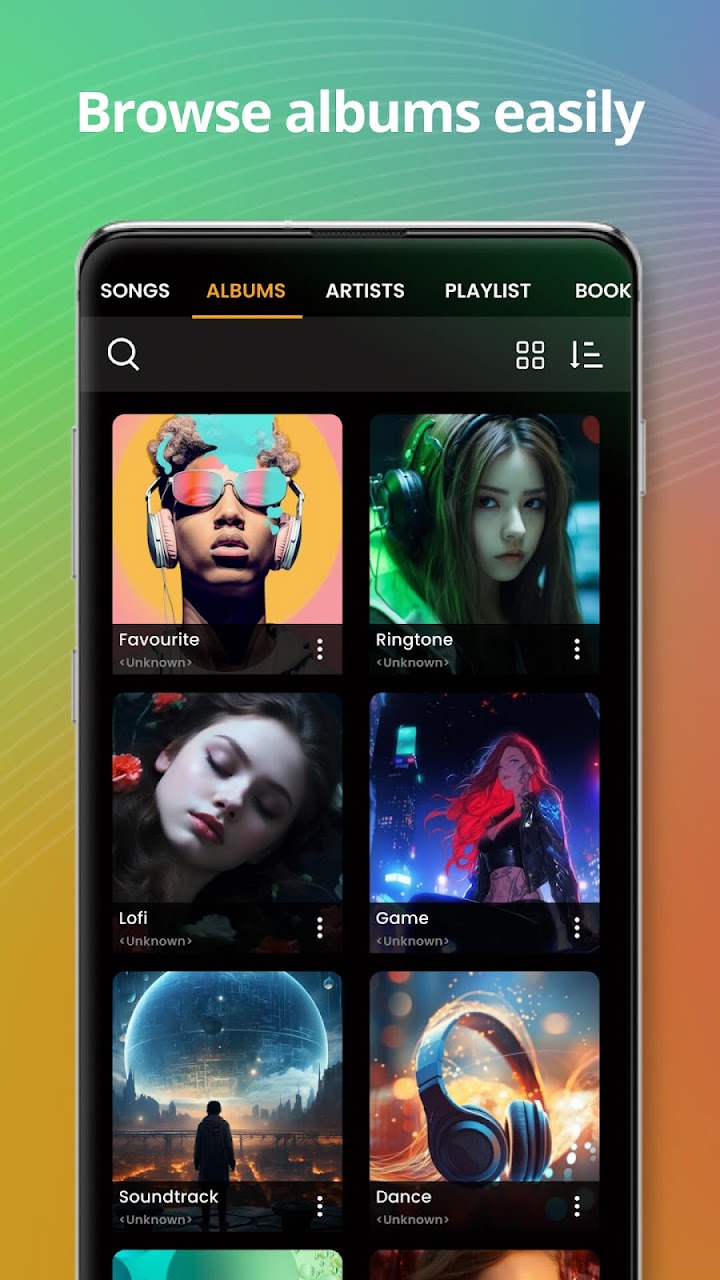
- Scan local music — It automatically finds songs on your phone and groups them by title, artist, album, genre, playlist, and folder.
- Offline playback — You can play songs stored on the device without needing a streaming service or network connection.
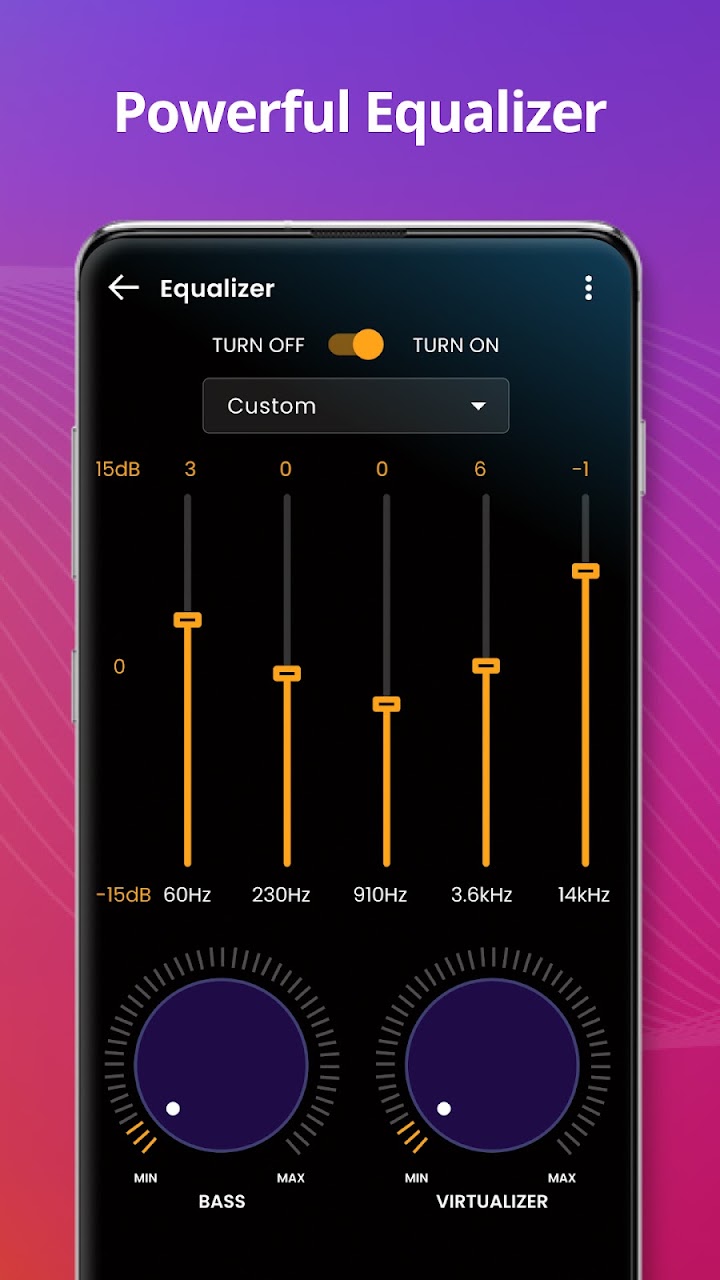
- Equalizer controls — A built-in equalizer lets you adjust how music sounds while you listen.
- Edit tags and trim — You can change song metadata and remove parts from audio files when you need cleaner titles or shorter clips.
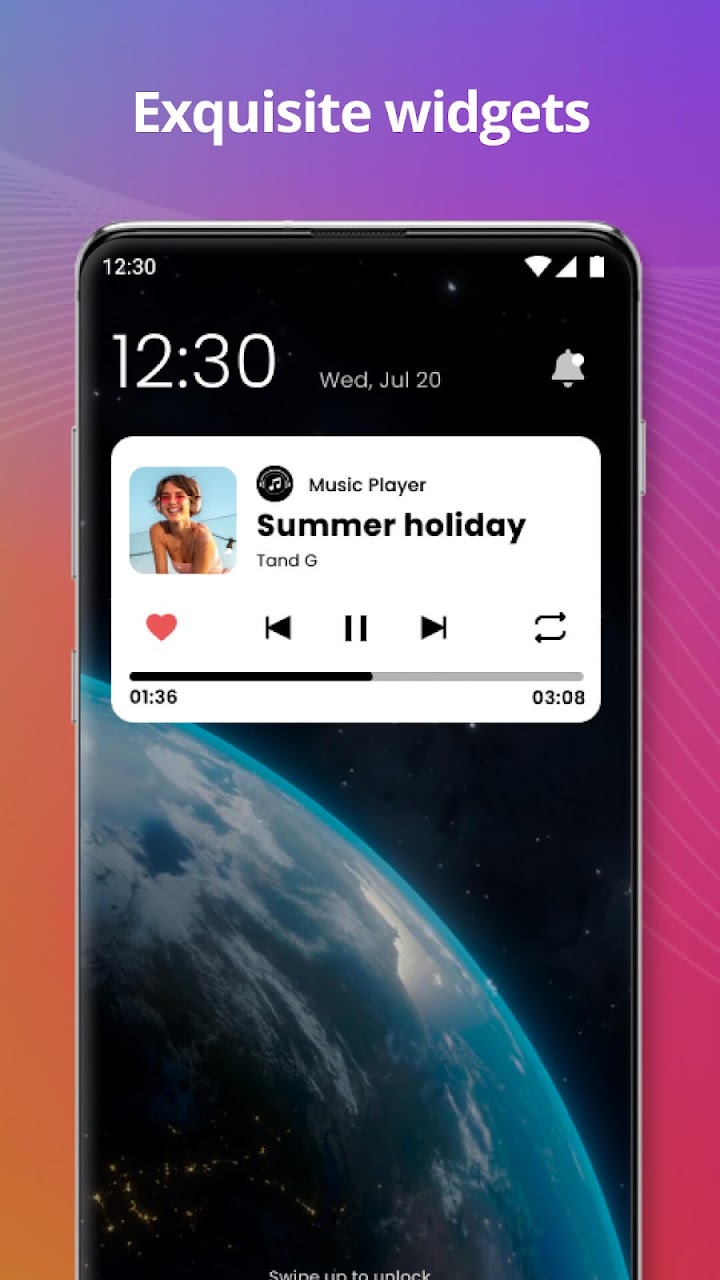
- Lock screen controls — The mini player shows album art, titles, and artists, with play, pause, skip, and stop buttons from the lock screen or status bar.
- Ringtone maker — You can turn a song into a ringtone directly in the app.
Local library, sorted your way
Music player is built around files already on your device. It scans your library and shows songs by album, artist, genre, song, playlist, and directory, so you can move from a large collection to one track without digging through folders. If you keep mixed audio in hidden folders, it can show those too.
Playback without a streaming account
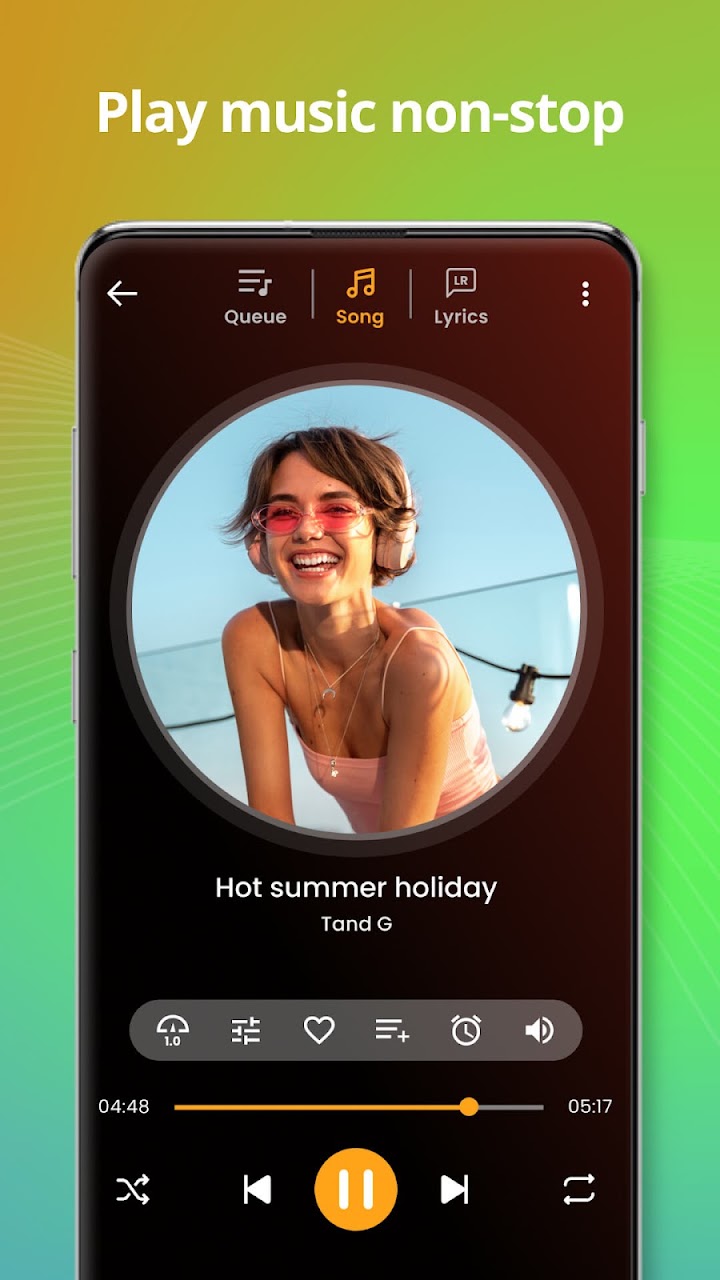
The app focuses on offline listening. You can play songs stored in your phone, use the queue, and jump to next, previous, rewind, pause, or fast-forward. That makes it a fit for people who want a simple player for local MP3s and other supported formats such as FLAC and OGG.
Sound controls and quick access
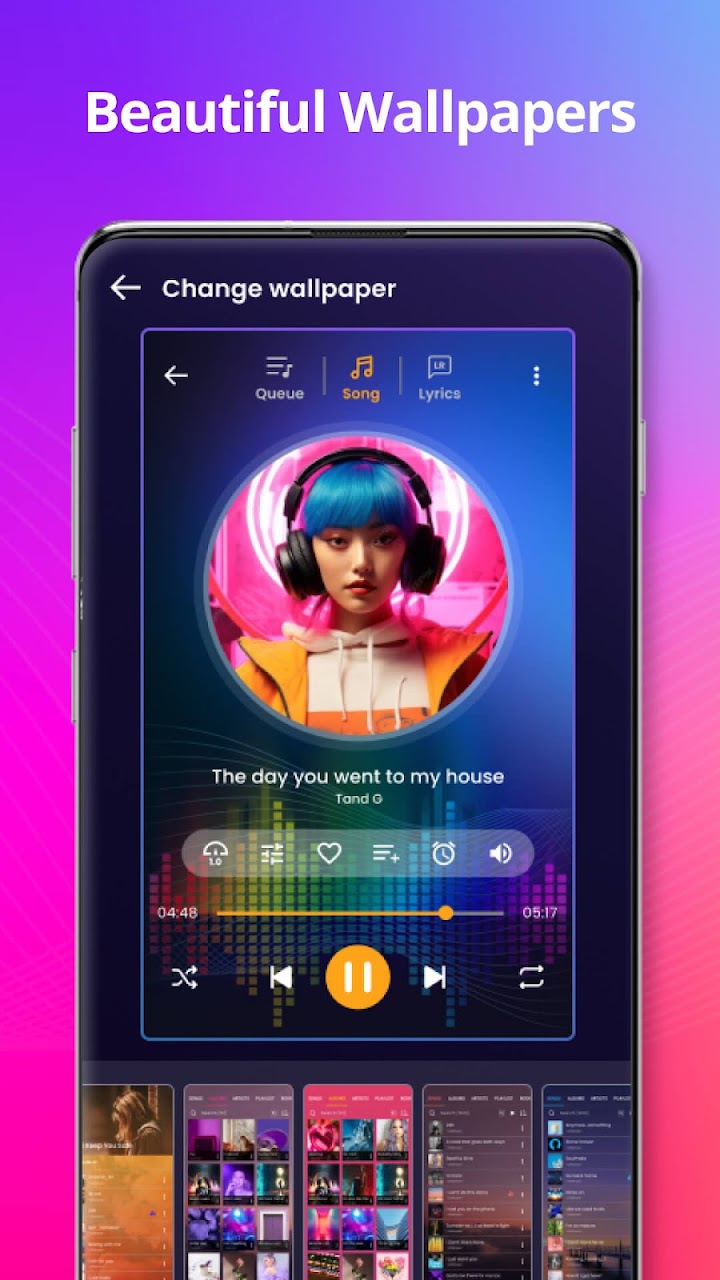
For listening, Music player includes an equalizer and a mini player on the lock screen and status bar. The mini player shows album artwork, titles, and artists, and supports basic controls from the screen or from headphone and Bluetooth buttons.
What you get:
- Offline music playback
- Tag editing, trimming, and ringtone making
- Equalizer, themes, and widget support
- No permissions listed
- Watch for: ads and in-app purchases
Editing tools for files and tags
Beyond playback, the app can change song title, album name, and artist name, or remove parts of an audio file. If a track is mislabeled or you want a clip for a ringtone, those tools are available inside the same app instead of a separate editor.
Install details to check
Music player is a free APK from recorder & smart apps. It uses the universal architecture, is about 9.0 MB, and requires Android API 16 or later. It contains ads and offers in-app purchases. No permissions are listed, and no account requirement is mentioned.
APK information
- Version
- 7.0
- Package
- com.media.music.mp3.musicplayer
- Category
- Music & Audio
- Size
- 9 MB
- Min Android
- API 16
- Architecture
- universal
Older versions
-
Music player 7.0Nov 12, 2026Latest downloadAPK
Music player FAQ
Is Music player free without a subscription?expand_more
Yes, the app is free to install. It contains ads and offers in-app purchases.
Can I listen offline in Music player?expand_more
Yes. It is designed as an offline music player for songs stored on your phone.
Does Music player need an account?expand_more
No account requirement is listed.
What permissions does Music player ask for?expand_more
No permissions are listed for this app.
Can Music player edit song tags?expand_more
Yes. It can change song title, album name, and artist name.