- 4.7star1,609,089 reviews
- 100M+Downloads
- 9 MBAPK size
- EveryoneRated for Everyone
- API 18+Android
check_circleOriginal APK from Mobile_V5 · Updated Nov 12, 2026
No threats found
0 / — antivirus engines flagged this file
Original signature
First seen — Mobile_V5
Unmodified APK
Same file the developer published — no mods
Music Player - Audio Player screenshots
8 images · tap to enlarge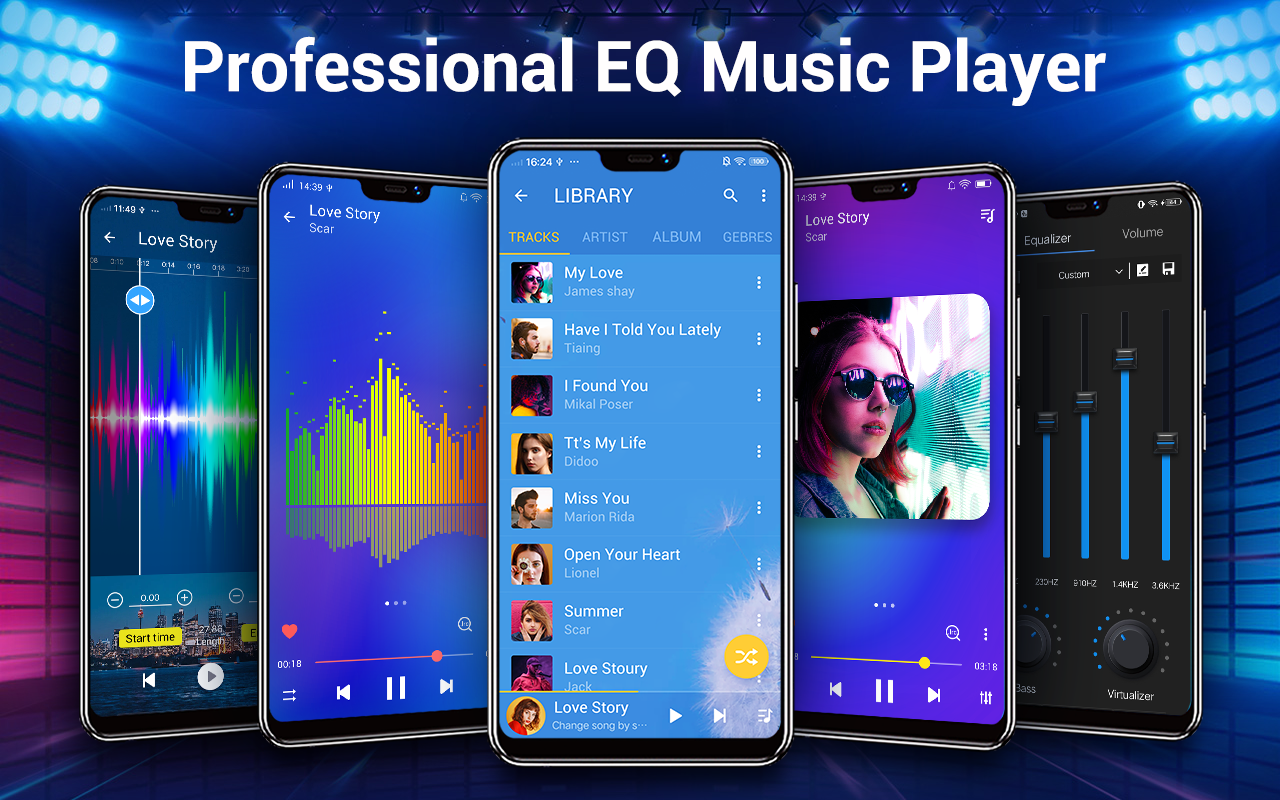
About this app
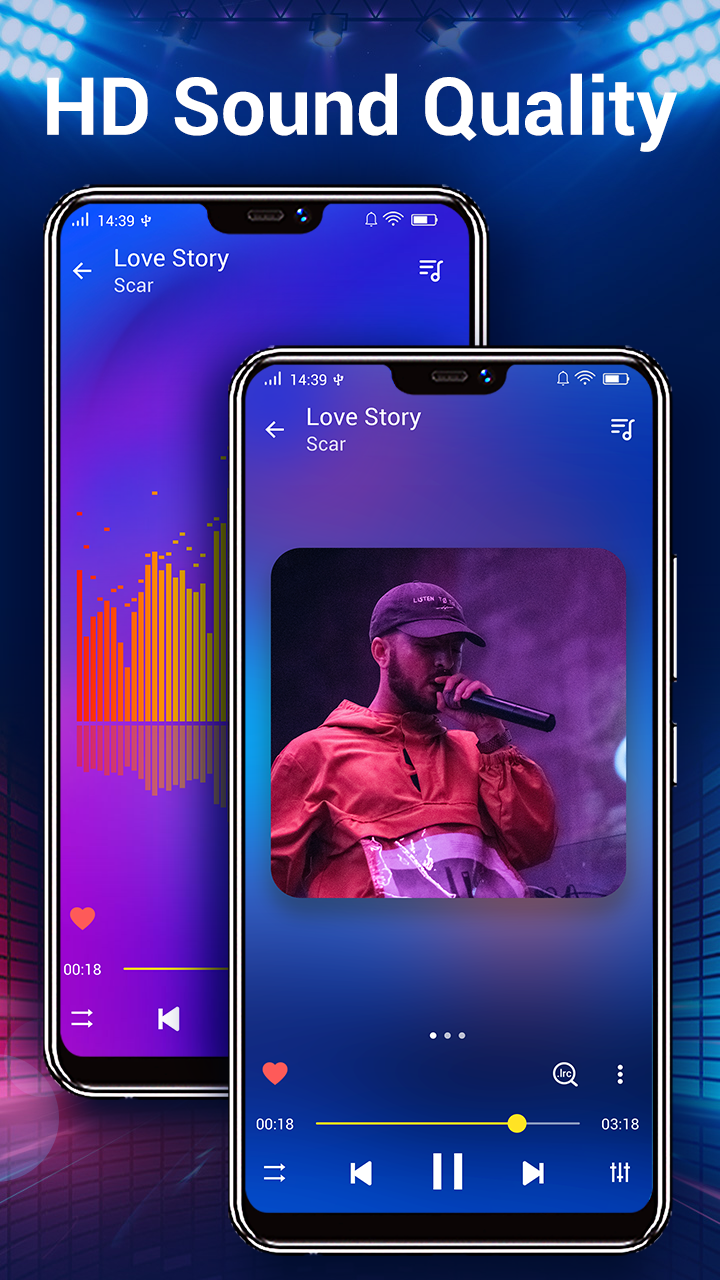
Music Player - Audio Player focuses on playing the audio files already on your phone, with folder browsing, playlists, lyrics support, and a five-band equalizer. It is free to use, includes ads, and does not ask for in-app purchases. The APK works on Android 18 and up, and the app is built for listeners who want local playback tools rather than a streaming service.
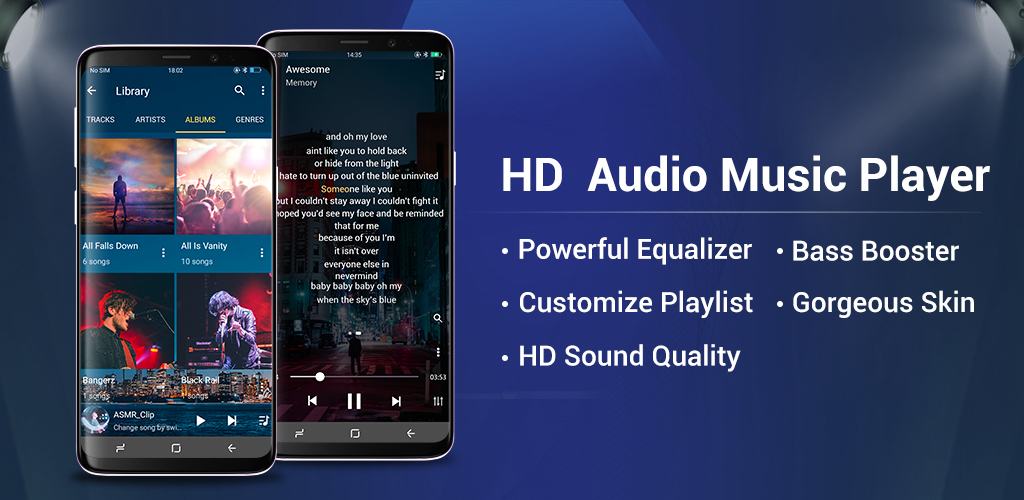
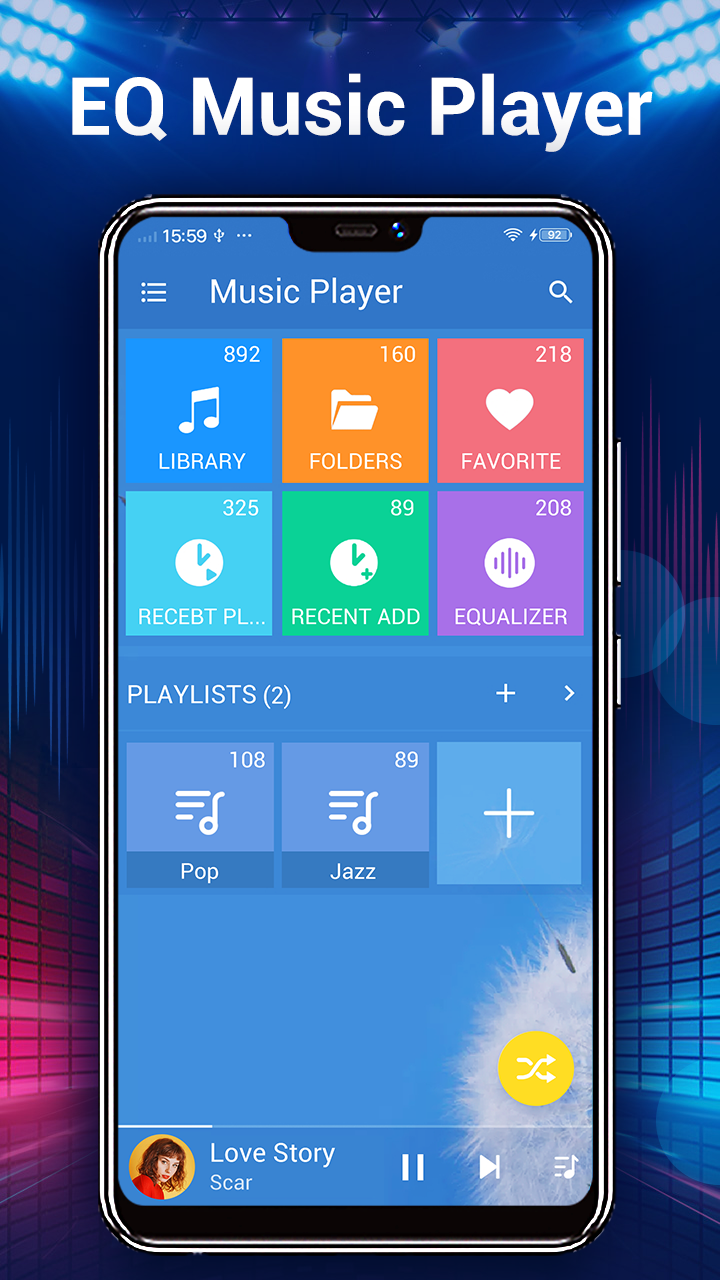
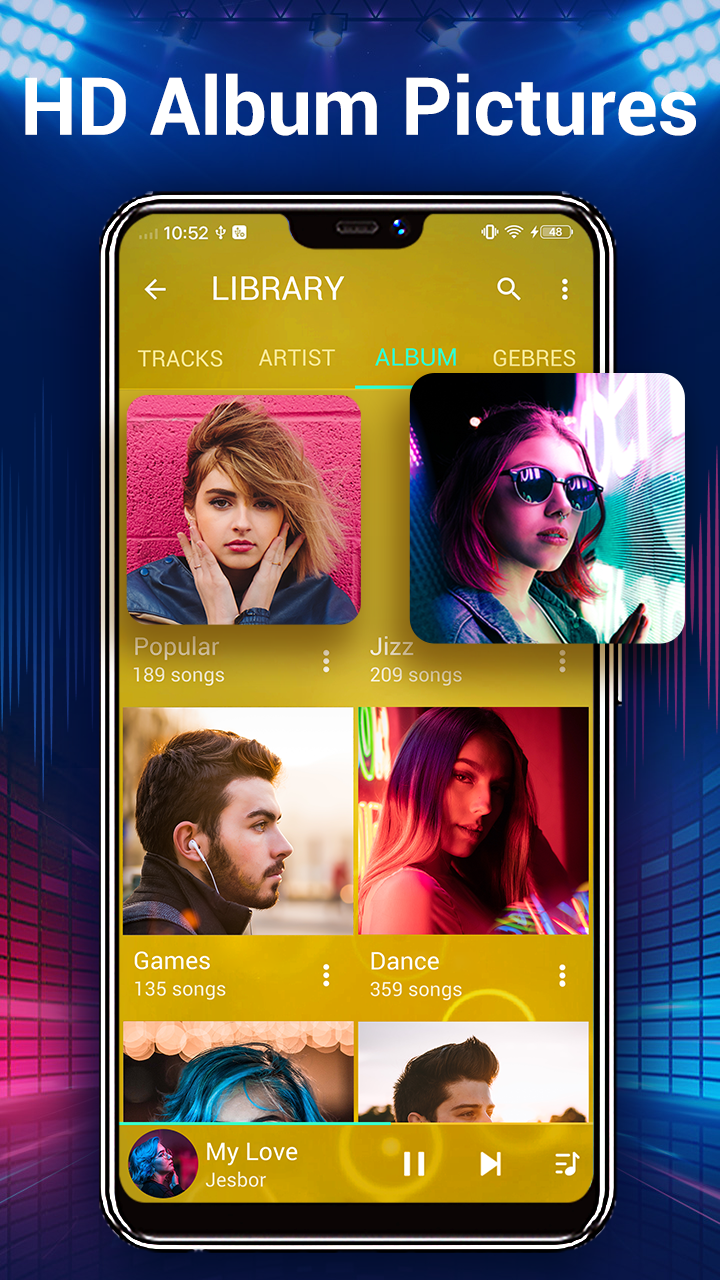
- Folder-based browsing — Find music by albums, artists, genres, songs, playlists, folders, and album artists.
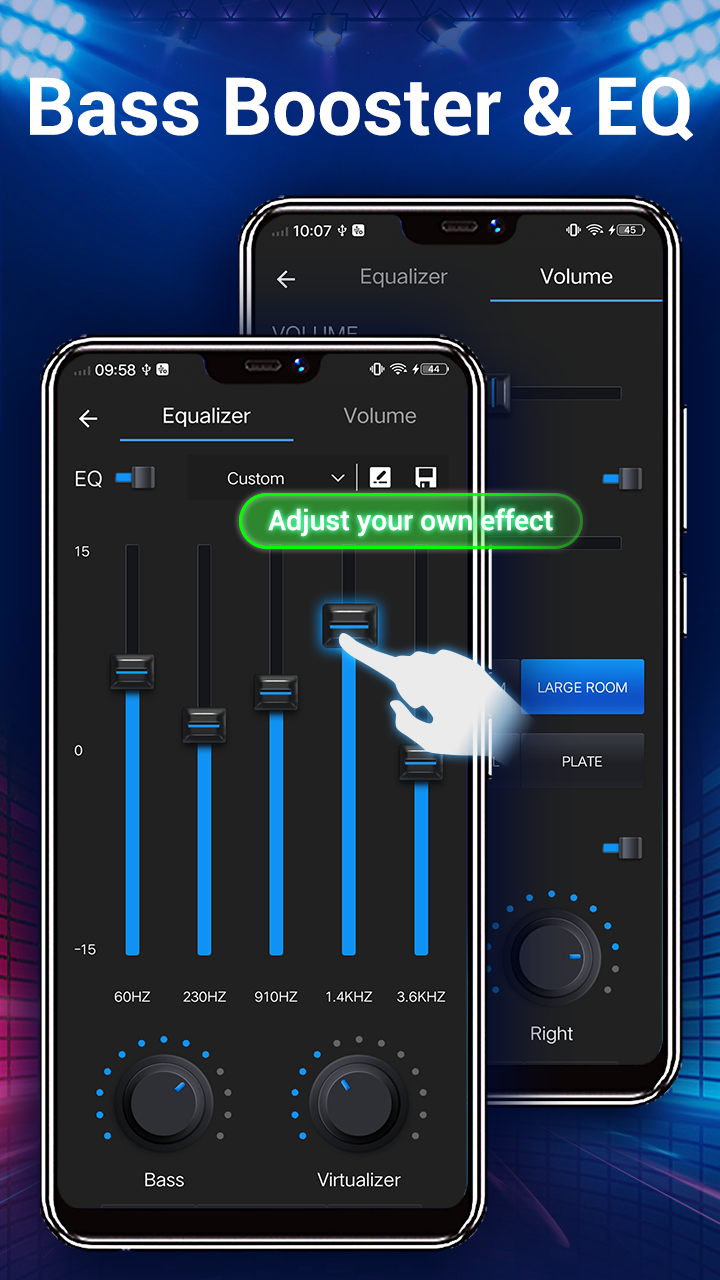
- Equalizer controls — Adjust sound with a five-band equalizer and 22 preset tone options.
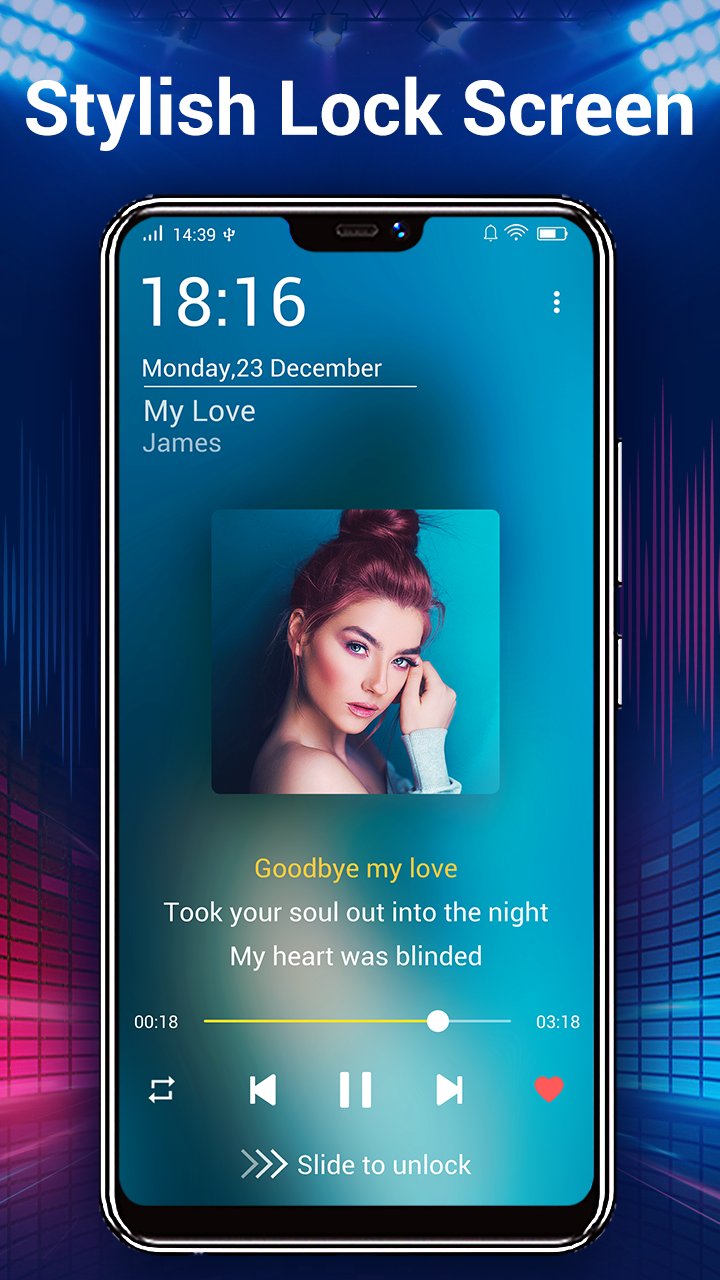
- Lyrics support — The app scans lyric files and matches them to songs when it can.
- Widgets and notifications — Use home screen widgets and playback controls from the notification shade.
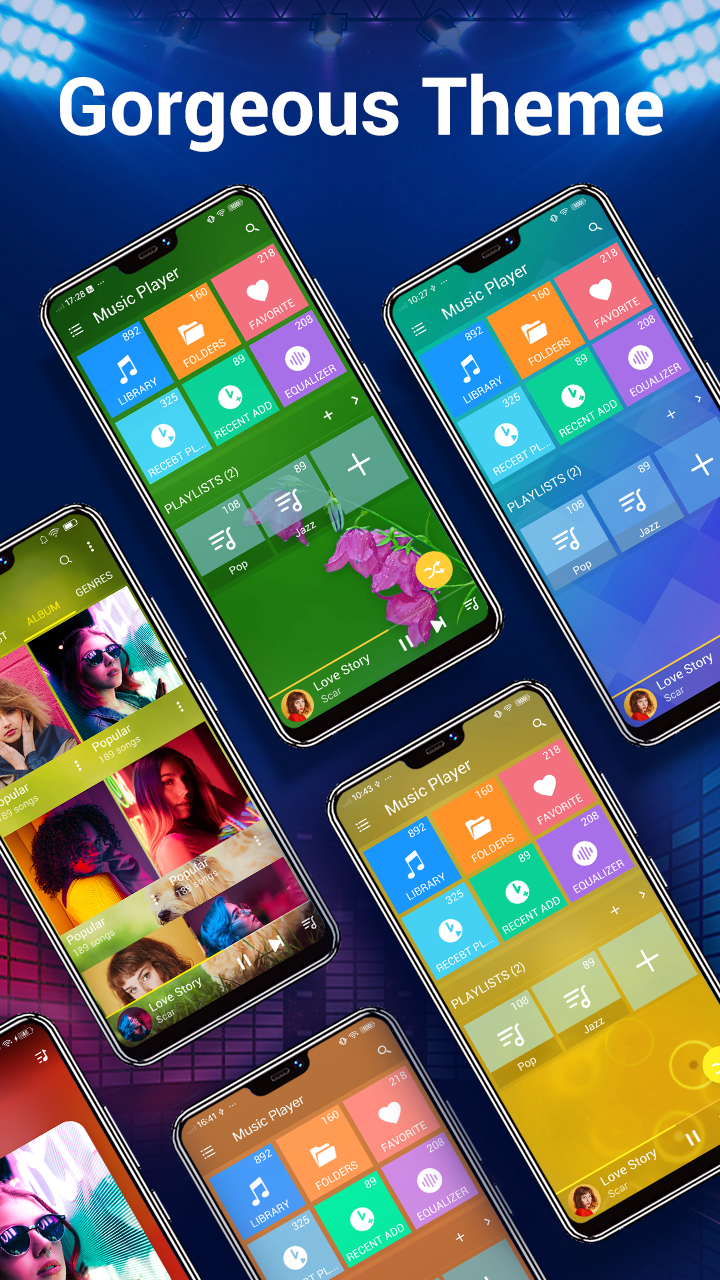
- Custom look and feel — Choose from 20+ background skins or use your own picture as the background.
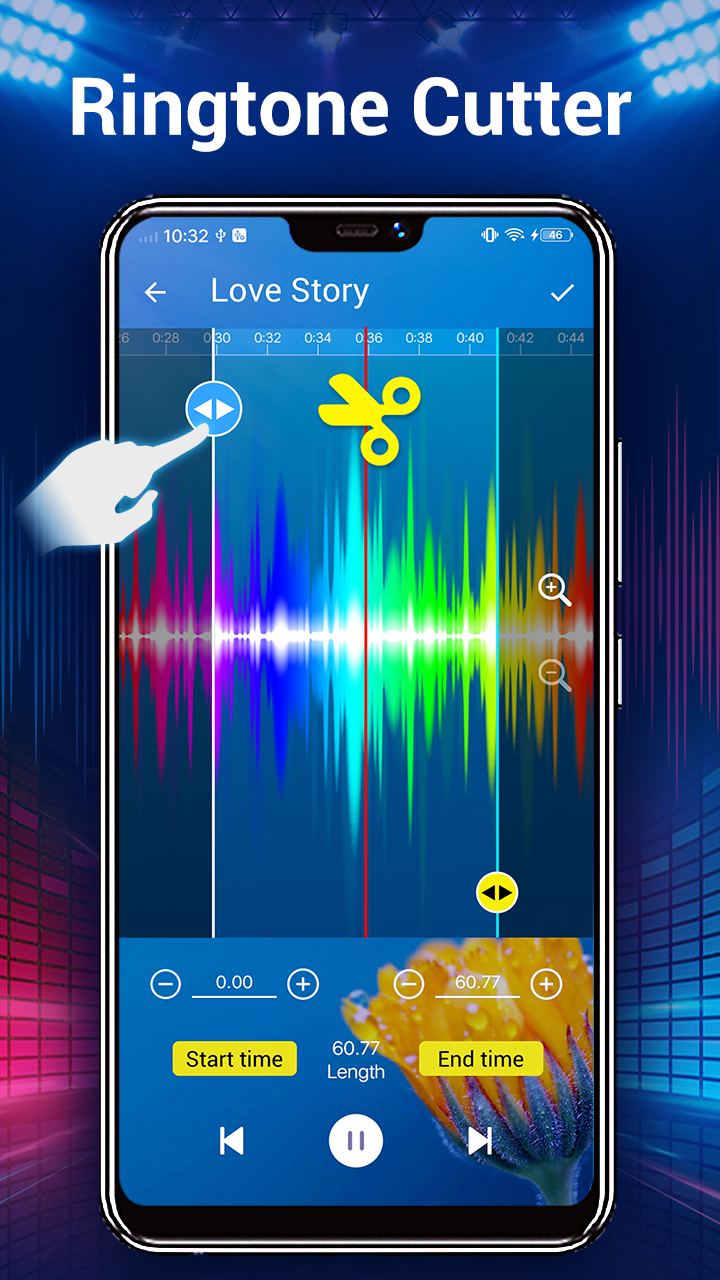
- Editing tools — Trim tracks, edit song details, and make custom ringtones from audio files.
Current version and setup
Version 6.5.0 keeps the app aimed at local music playback, with no new permission requests listed. The APK is 8.7 MB, uses the universal build, and installs on Android 18 or later. That makes it a lightweight option for phones and tablets that already store music files and need a player that can organize them without extra setup.
How it handles your library
Music Player - Audio Player is built around the music already on your device. You can browse by albums, artists, genres, songs, playlists, folders, and album artists, so it works for people who prefer folder structure as much as standard library views. Search is included across the music library, which helps when a collection has grown large.
The app also supports custom playlists, recent play history, and song detail editing. If a track is missing album or artist metadata, you can fill it in inside the player.
Sound, lyrics, and playback tools
The audio controls go beyond simple play and pause. You get a five-band equalizer, preset tone options, headset and Bluetooth controls, shake-to-skip, and the ability to set a song as next in the queue. Lyrics support is built in, with automatic scanning for lyric files when available. The app also includes trim and edit tools for making custom ringtones from your own audio.
- Gets: local music playback, widgets, notification controls, skins, equalizer options.
- Watch for: ads, no in-app purchases, and no music downloading feature.
What the price and permissions look like
The app is free and contains ads, but it does not offer in-app purchases. It does not list any permissions here, so there is no permission request to review from the provided details. If you want a player for offline listening to files already on your device, this app fits that use more closely than streaming-first alternatives.
APK information
- Version
- 6.5.0
- Package
- media.music.musicplayer
- Category
- Music & Audio
- Size
- 9 MB
- Min Android
- API 18
- Architecture
- universal
Older versions
-
Music Player - Audio Player 6.5.0Nov 12, 2026Latest downloadAPK
Music Player - Audio Player FAQ
Is Music Player - Audio Player free without a subscription?expand_more
Yes. The app is free to use and does not include in-app purchases. It does contain ads.
Can I listen offline in Music Player - Audio Player?expand_more
Yes, it plays music files stored on your device. It is not a music downloader.
What is the difference between the APK and the Play Store version of Music Player - Audio Player?expand_more
The APK is the app package file format used for installation on Android. The app details here do not list a separate feature difference between APK and Play Store versions.
How do I install the Music Player - Audio Player APK file?expand_more
Download the APK, open the file on an Android device running API 18 or later, and follow the install prompts. The file is 8.7 MB and uses the universal build.
Does Music Player - Audio Player support lyrics and widgets?expand_more
Yes. It supports lyric files and includes three home screen widgets, along with notification playback controls.