- 4.7star417,696 reviews
- 50M+Downloads
- 4 MBAPK size
- EveryoneRated for Everyone
- API 15+Android
check_circleOriginal APK from Leopard V7 · Updated Nov 12, 2026
No threats found
0 / — antivirus engines flagged this file
Original signature
First seen — Leopard V7
Unmodified APK
Same file the developer published — no mods
Music Player for Android screenshots
8 images · tap to enlarge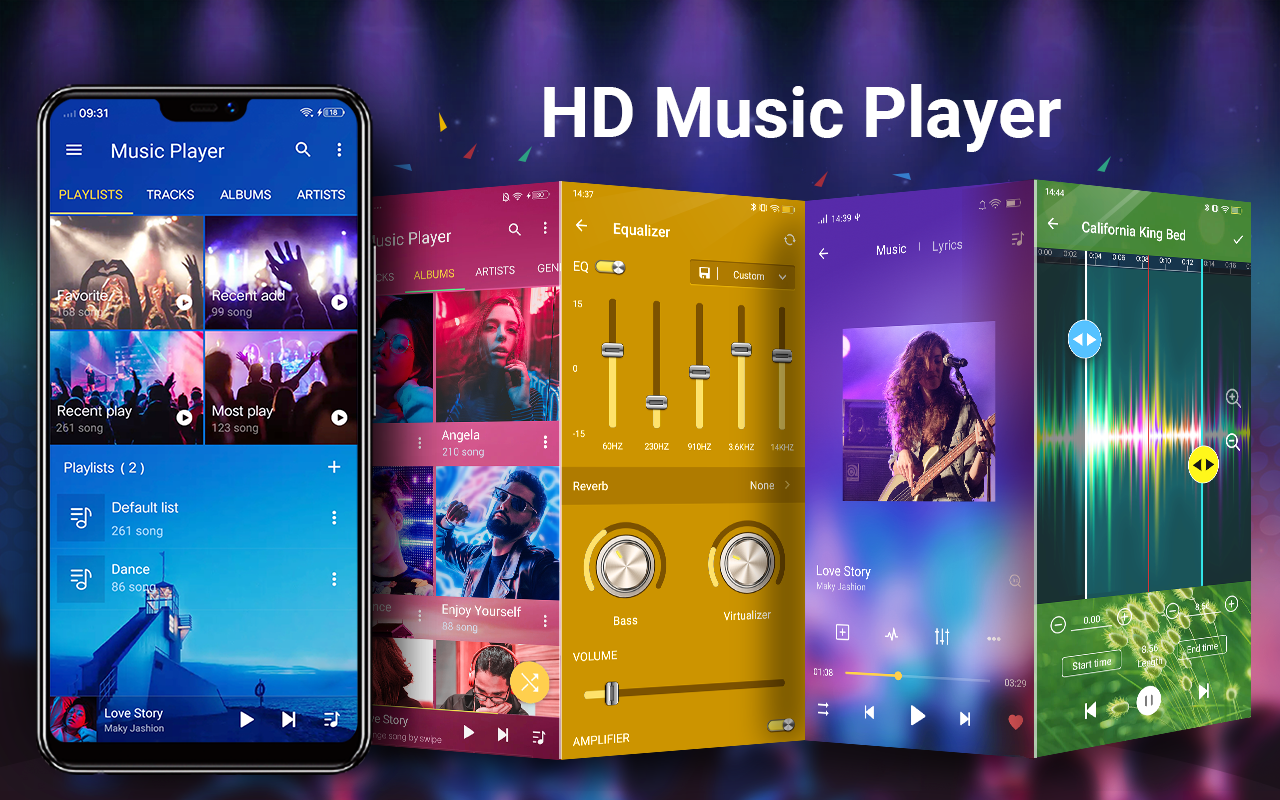
About this app
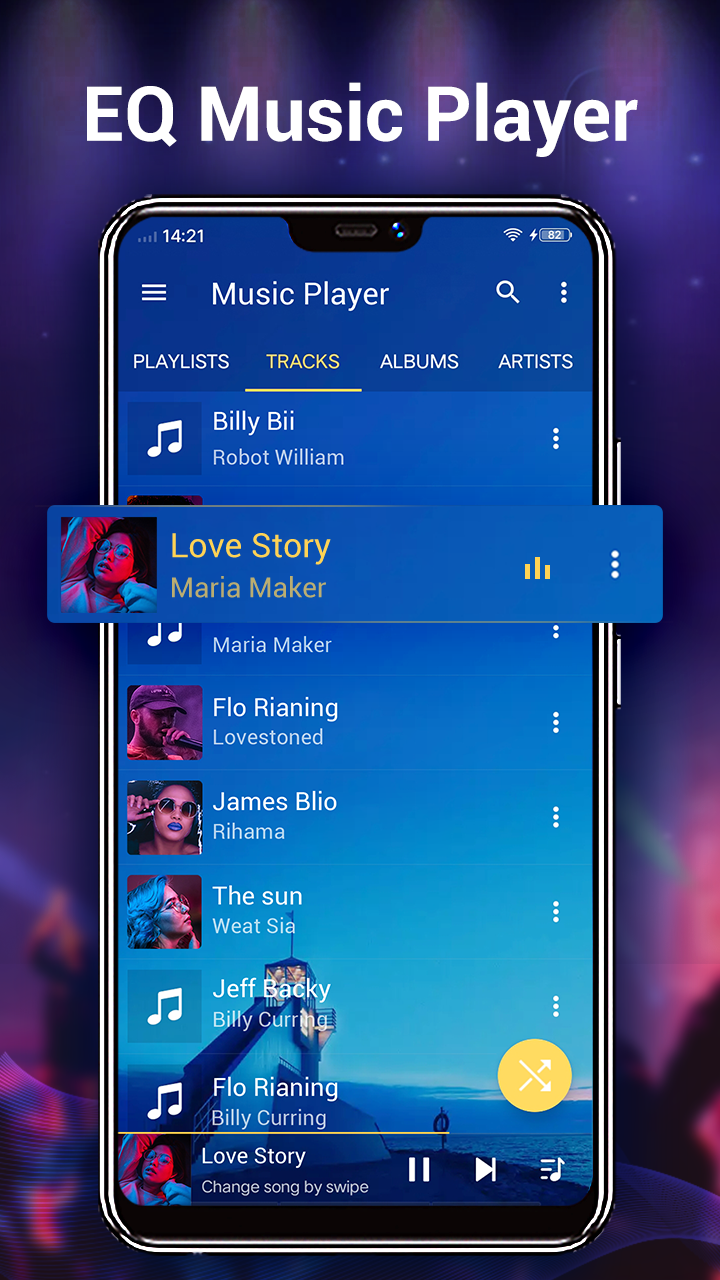
Music Player for Android stands out by mixing folder-based playback with artist, album, and playlist browsing, so your library is easier to navigate from day one. It focuses on local music rather than streaming, and adds equalizer controls, widgets, and notification playback tools for everyday listening on Android.
- Folder-based library — Browse music by folders as well as albums, artists, genres, songs, playlists, and album artists.
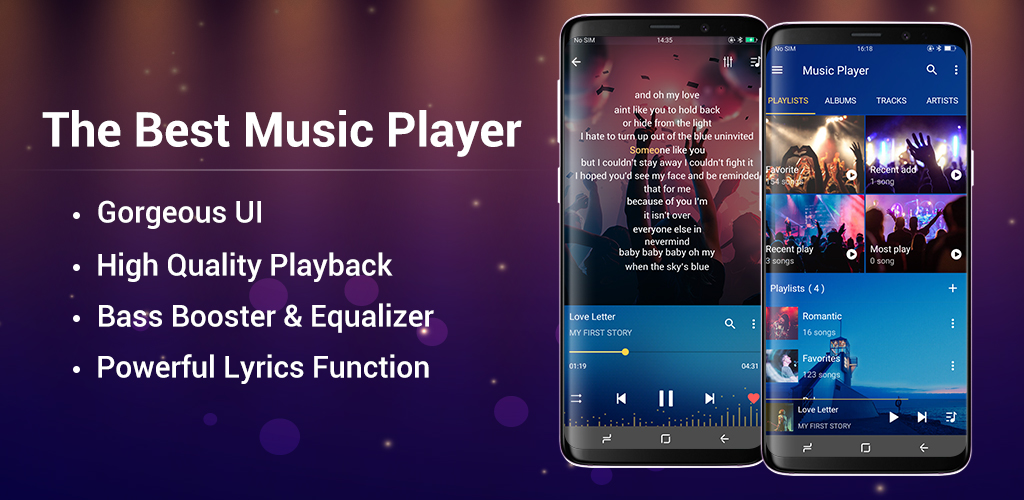
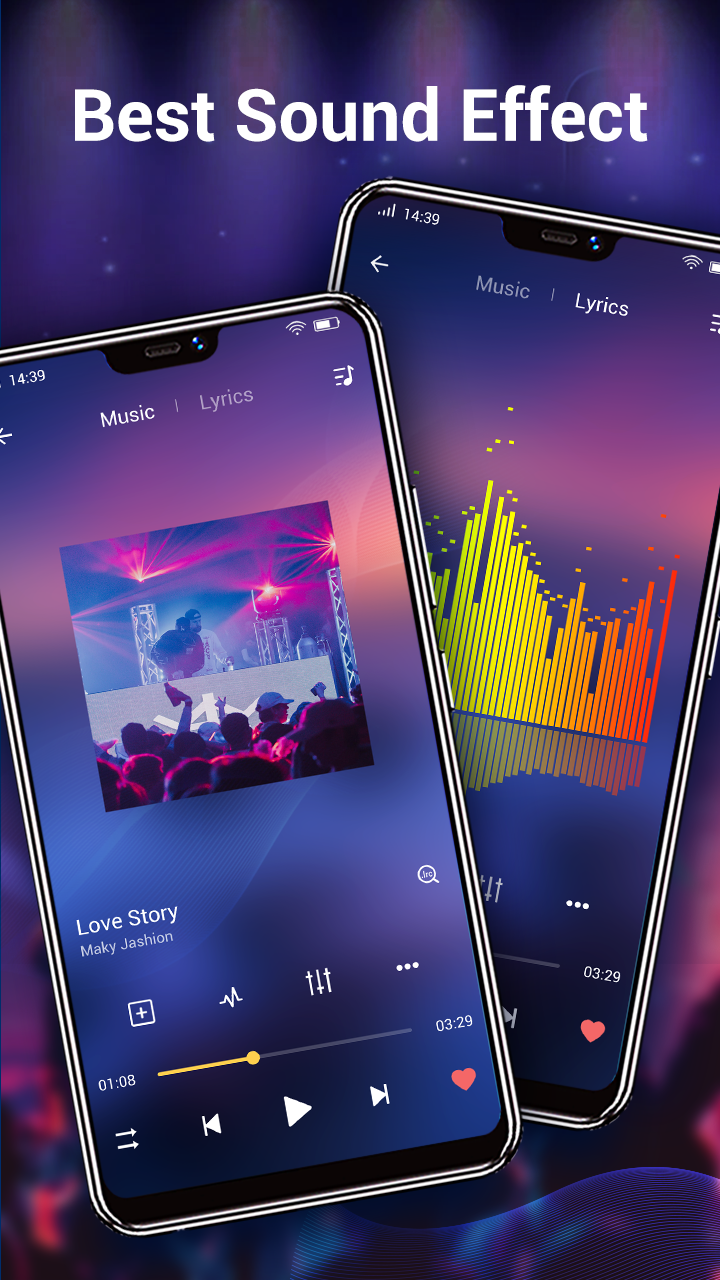
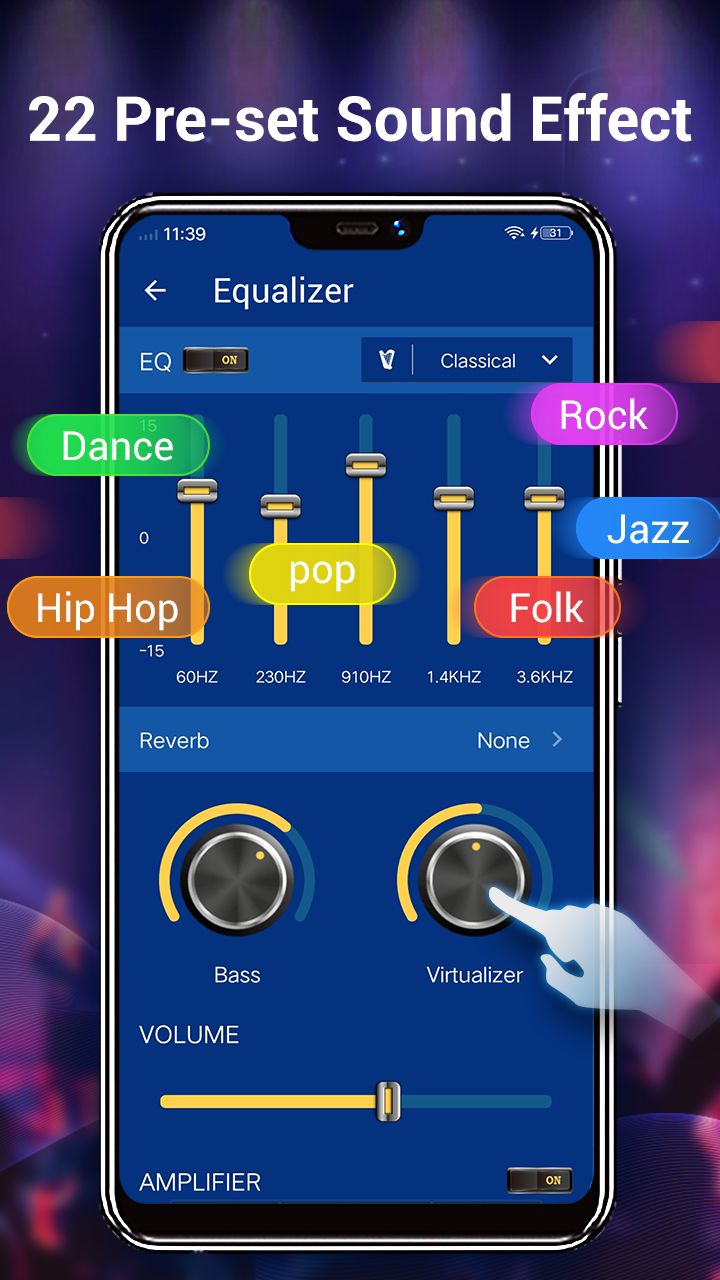
- Five-band equalizer — Adjust sound with a five-band equalizer and more than 20 preset tones.
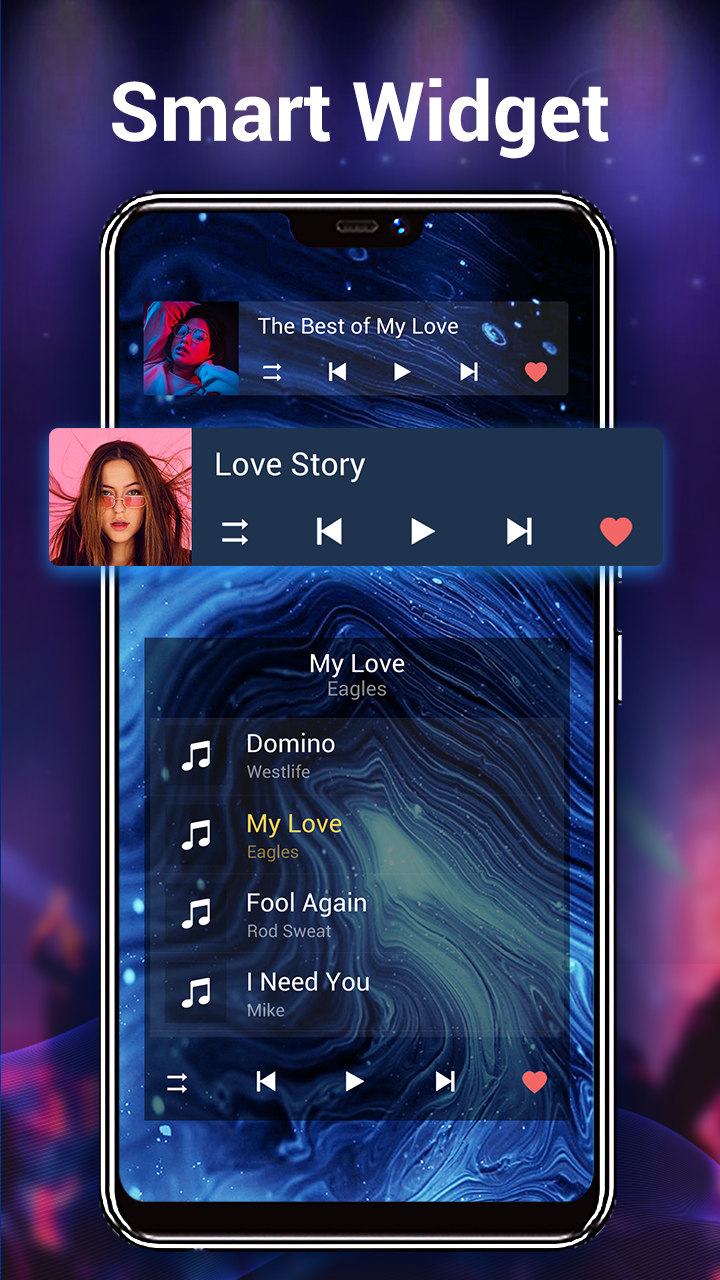
- Widget controls — Use home screen widgets to start playback and manage music more quickly.
- Format support — Plays MP3, MP4/M4A, WMA, FLAC, and APE files with high-quality decoding.
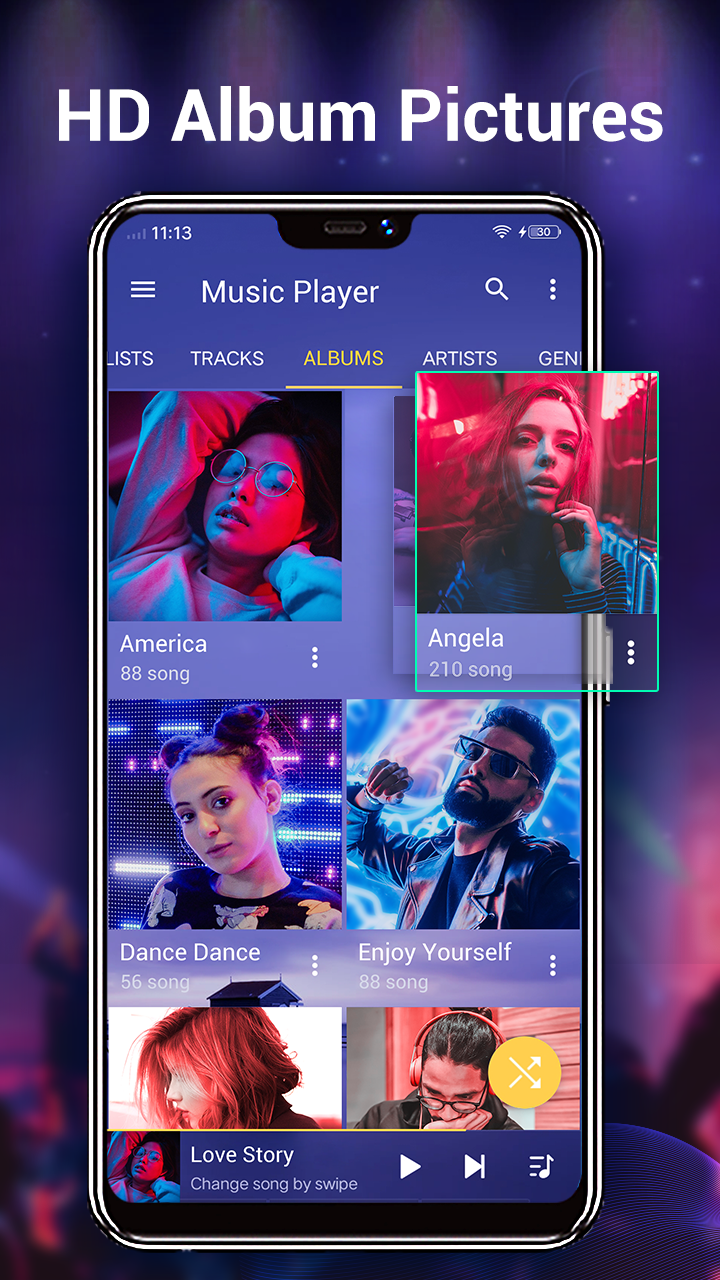
- Lyrics and artwork — Shows lyric support and lets you choose album art and artist images from several sources.
- Notification controls — Playback controls appear in the notification area with album artwork, title, and artist.
What appears on first launch
On first opening, this app is set up as a local music player, so the first job is finding the audio already stored on your device. It can scan music files quickly and organize them by folders, albums, artists, genres, songs, playlists, and album artists. That makes it a practical choice if your library is stored offline rather than in a streaming account.
You get:
- Local playback for your own music files
- Folder browsing alongside standard library views
- Widgets and notification controls for easier playback
- Equalizer, lyrics, and artwork options
Watch for:
- No online music search or download from inside the app
- Ads and optional in-app purchases
Set up sound and playback
The first settings worth checking are the equalizer and your preferred playlist behavior. The app includes a five-band equalizer, more than 20 preset tones, and smart playlists for easy access to favorite and most played tracks. It also remembers your last playlist, which helps if you return to the same album or mix often.
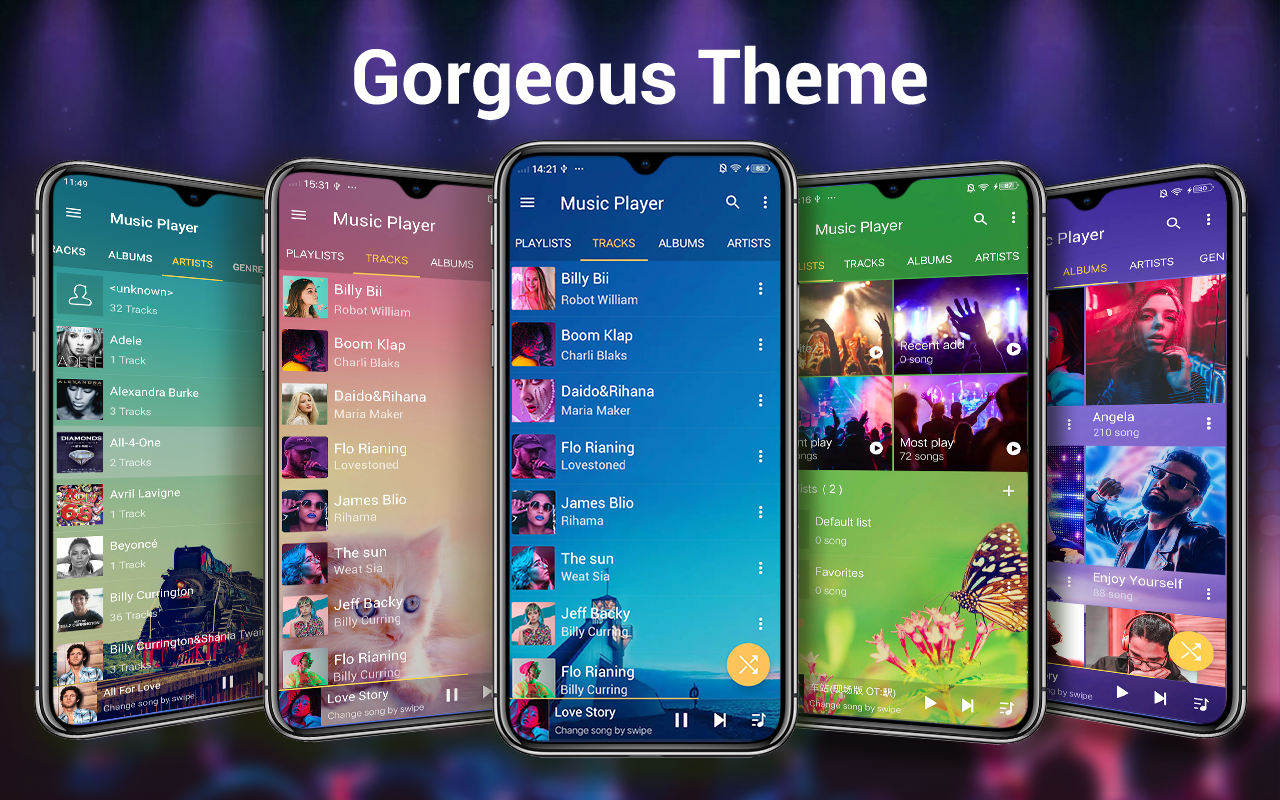
For audio, it supports MP3, MP4/M4A, WMA, FLAC, and APE, with high-quality decoding. If you want a more visual setup, you can choose background skins and pick album artwork, artist pictures, or genre illustrations from the Internet, the Gallery app, ID3 tags, or an album folder.
Useful everyday controls
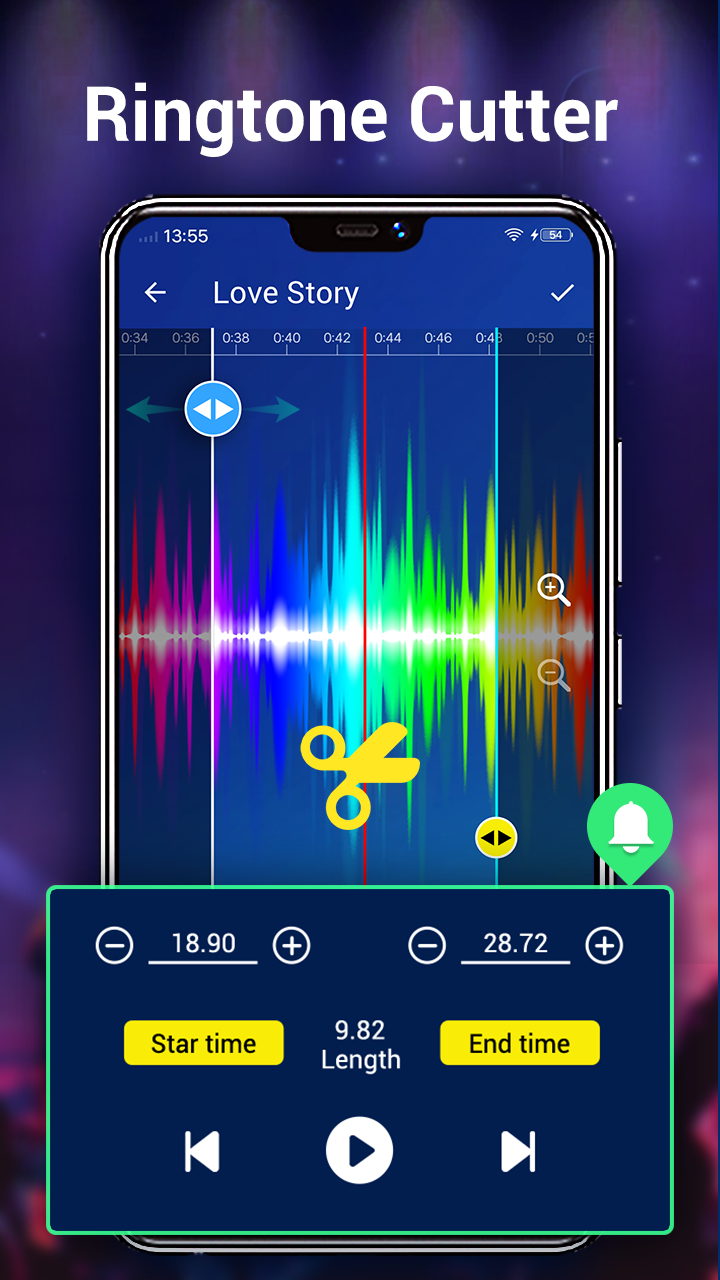
Once your library is loaded, the app gives you a few practical ways to keep playback close at hand. Home screen widgets make it easier to start or control music, and notification status controls show album artwork, title, and artist with play, pause, skip forward, and stop actions. You can also cut or edit music files to make ringtone files.
It is available as a universal APK, with a minimum Android requirement of API 15, and the file size is 3.9 MB.
Cost, permissions, and account needs
The app is free to get, but it contains ads and offers in-app purchases. The listing shows no permissions requested, and there is no account requirement mentioned for basic use. If you want a simple offline player for stored audio, that keeps the setup light.
Music Player for Android is developed by Leopard V7.
APK information
- Version
- 3.1.5
- Package
- com.eliferun.music
- Category
- Music & Audio
- Size
- 4 MB
- Min Android
- API 15
- Architecture
- universal
Older versions
-
Music Player for Android 3.1.5Nov 12, 2026Latest downloadAPK
Music Player for Android FAQ
Is Music Player for Android free without a subscription?expand_more
Yes. The app is free to get, and the listing also notes ads and in-app purchases.
Can I listen offline in Music Player for Android?expand_more
Yes. It is a local music player for audio files stored on your device, not an online music service.
How do I update Music Player for Android from an APK?expand_more
Install the newer APK version over the existing app on a device that meets the minimum Android requirement. Keep the same app package so your current setup can be updated normally.
Who develops Music Player for Android?expand_more
Leopard V7 develops Music Player for Android.
Which audio formats does Music Player for Android support?expand_more
It supports MP3, MP4/M4A, WMA, FLAC, and APE with high-quality decoding.