
- 4.5star1,400 reviews
- 1B+Downloads
- 42 MBAPK size
- EveryoneRated for Everyone
- API 18+Android
check_circleOriginal APK from Smart Media4U Technology Pte.Ltd. · Updated Nov 12, 2026
No threats found
0 / — antivirus engines flagged this file
Original signature
First seen — Smart Media4U Technology Pte.Ltd.
Unmodified APK
Same file the developer published — no mods
SHAREit screenshots
8 images · tap to enlarge
About this app
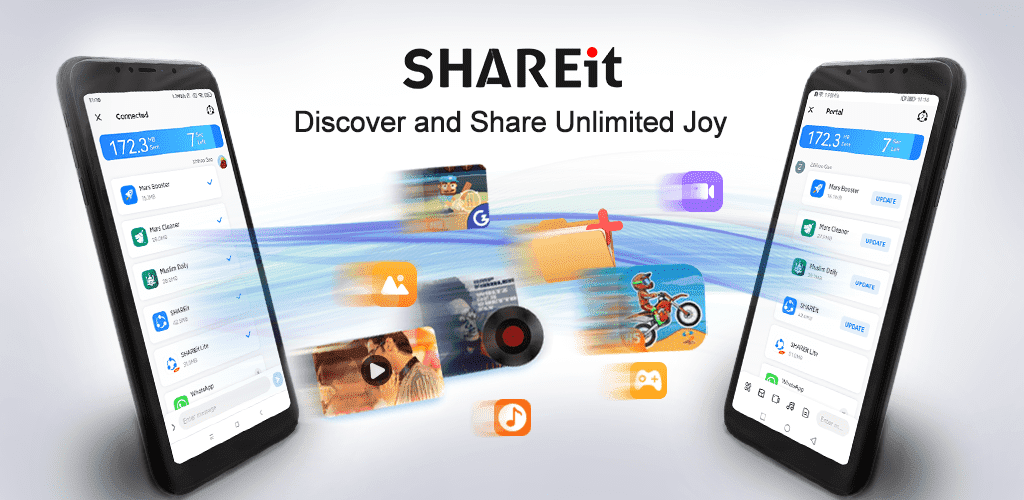
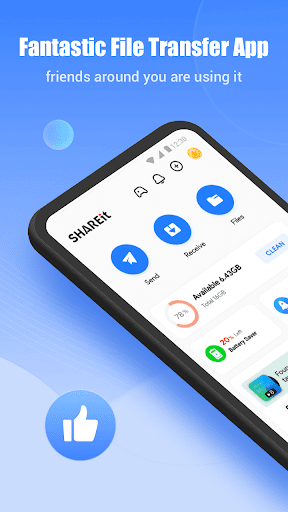
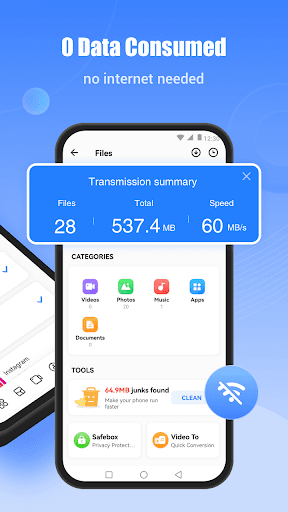
Need to move files fast? SHAREit is built for quick transfers between phones, tablets, and PCs, even across different operating systems. You can share photos, videos, audio, apps, contacts, and more, create groups for multiple people, and use it without Wi‑Fi or a mobile data plan.
- Cross-device transfers — Send files from Android to iPhone, iPad, or Windows computers.
- No data required — Transfers work without Wi‑Fi or a mobile data plan.
- Share many file types — Move photos, music, video, PDF files, apps, contacts, and other files.
- Group sharing — Create a group and send a file to multiple users at once.
- PC connection — Connect to your PC to view files on your mobile and control PPT from your phone.
- Backup support — Back up contacts, messages, apps, and other files from an old phone to a new one.
What changed in this release
The latest version brings a refreshed interface, a smaller app size, and a smoother transfer experience. If you use SHAREit often for quick handoffs between devices, that means less waiting and a cleaner flow when you start a send or receive session. There are no added permissions listed for this version.
Send files between different devices
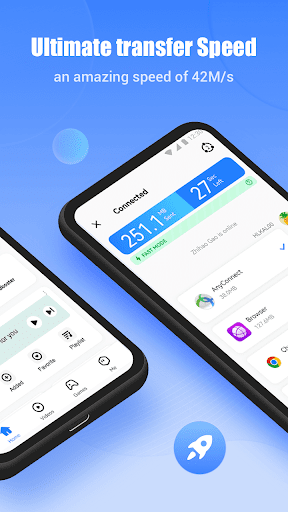
Open SHAREit when you want to move something quickly from one device to another, whether that is an Android phone, an iPhone, an iPad, or a Windows computer. The app is set up for sending between devices that do not run the same operating system, so you can keep a file moving without changing tools.
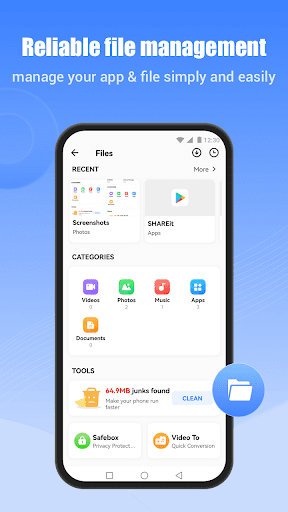
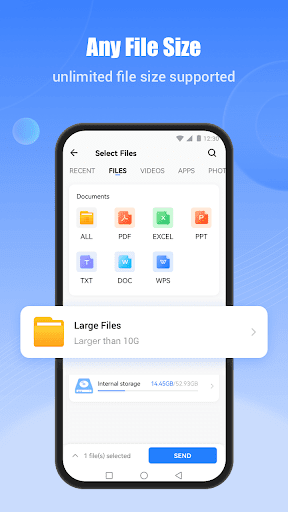
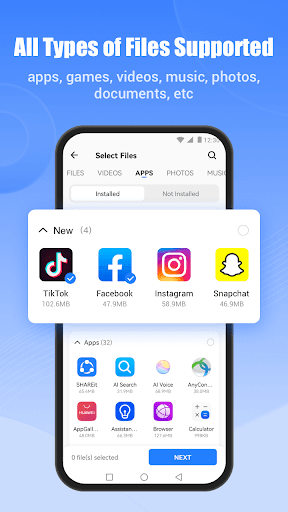
You can share photos, videos, audio files, apps, PDF files, contacts, and other files stored on your device. The app also supports group sharing, so one file can go to multiple users at the same time.
Use it on a busy day
In the middle of a commute or while setting up a new phone, SHAREit is the kind of app you open when you need a transfer done without using Wi‑Fi or mobile data. It also lets you connect to your PC, view files on your mobile, and control PPT directly from your phone.
- No Wi‑Fi or mobile data is needed for transfers.
- Contacts, messages, apps, and files can be backed up from one phone to another.
- Over 1 billion users are listed for the app.
Version and device support
SHAREit is free, has no in-app purchases, and contains no ads. It uses the APK format, is 41.6 MB, and works on devices running Android API 18 or later. The app has been available since 2017-08-28 and was last updated on 2025-04-02.
What's new
Version 6.33.48_AM · Nov 12, 2026
- 6.0 brand new version brings an upgraded experience ! More refreshing interface, lighter app size and smoother transfer experience.
- SHAREit is committed to providing you with a more convenient and easy-to-use experience. Any queries or suggestions during using the app, please feel free to contact [email protected].
APK information
- Version
- 6.33.48_AM
- Package
- com.lenovo.anyshare.gps
- Category
- Communication
- Size
- 42 MB
- Min Android
- API 18
- Architecture
- universal
Older versions
-
SHAREit 6.33.48_AMNov 12, 2026Latest downloadAPK
SHAREit FAQ
Can I use SHAREit on a tablet?expand_more
Yes. SHAREit works on Android devices, and the description also mentions sending files to iPhone, iPad, and Windows devices.
Does SHAREit need a phone number?expand_more
The app description does not mention needing a phone number to use it.
What permissions does SHAREit ask for?expand_more
No permissions are listed for this version.
Does SHAREit need an account?expand_more
The app details do not mention an account requirement.
Can SHAREit transfer files to a computer?expand_more
Yes. It can connect to your PC so you can view files on your mobile and move content between devices.