- 4.1star14,535,082 reviews
- 10B+Downloads
- 26 MBAPK size
- EveryoneRated for Everyone
- 5.0+Android
check_circleOriginal APK from Google LLC · Updated Nov 10, 2026

No threats found
0 / — antivirus engines flagged this file
Original signature
First seen — Google LLC
Unmodified APK
Same file the developer published — no mods
Gmail screenshots
8 images · tap to enlarge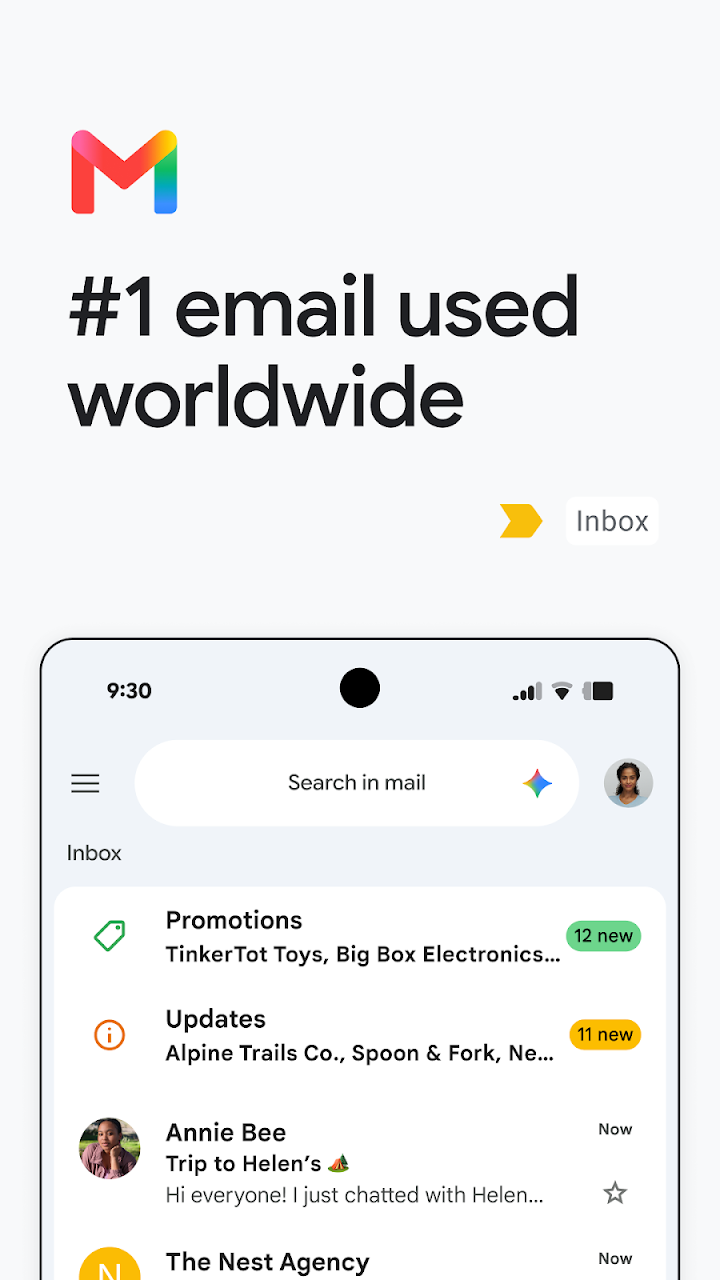
About this app
When you open your inbox between meetings, Gmail puts new mail, search, and reply tools in one place. You can switch accounts, clear out spam, and use summary cards to scan email details fast. It also works on Wear OS, so you can check mail from your watch when your phone is away.
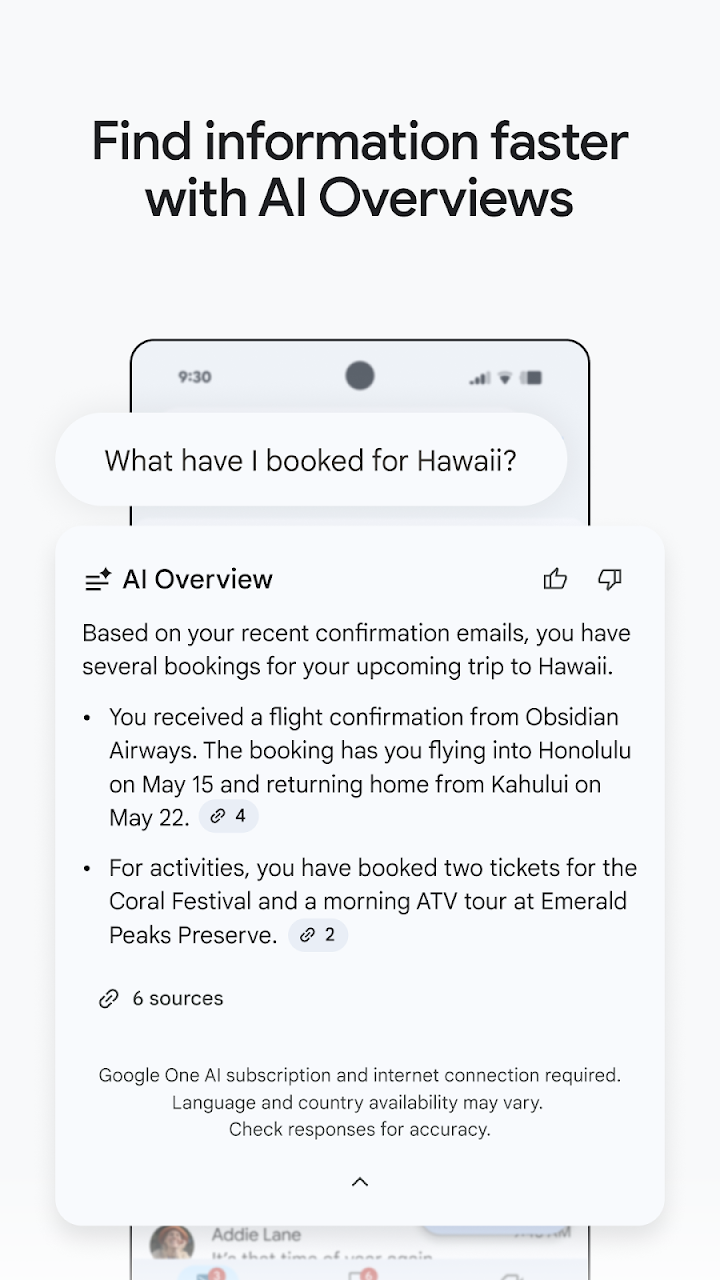
- Search your inbox — Look up messages with keywords or ask Gemini to find details in Gmail or Google Drive files.
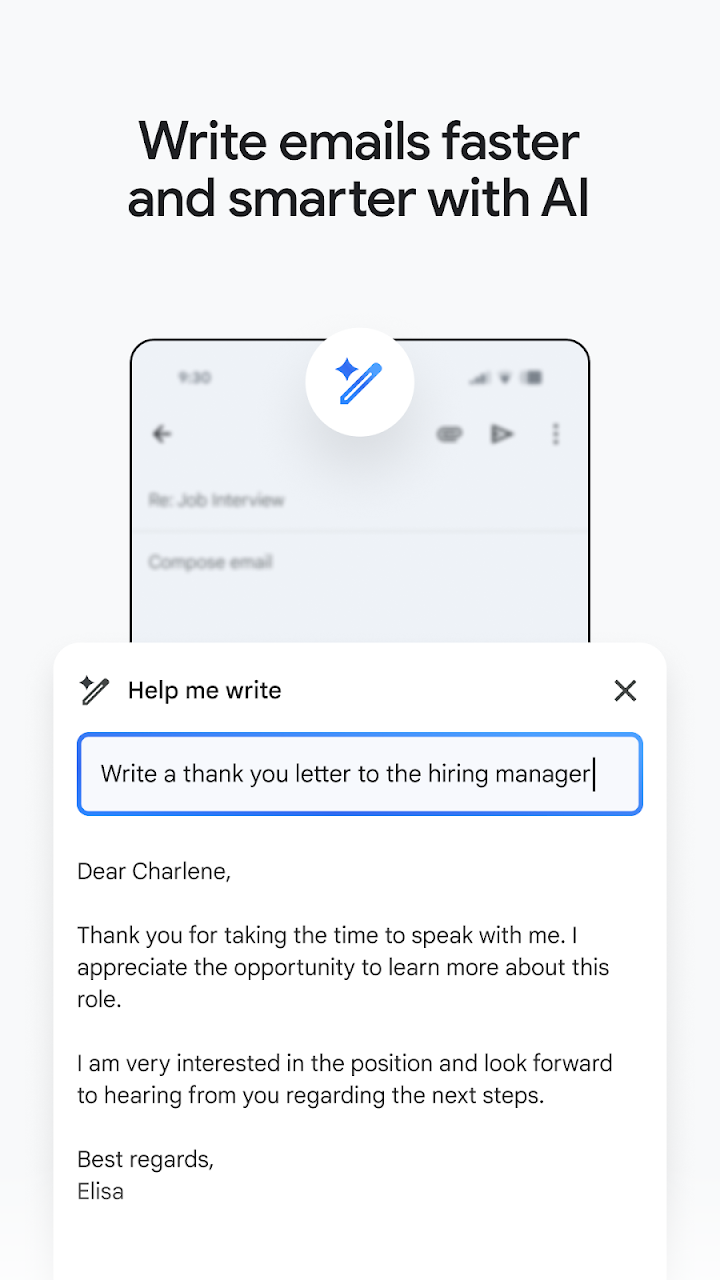
- Write from Gmail — Use Gemini help to draft replies and use Smart Reply for quick responses from your inbox.
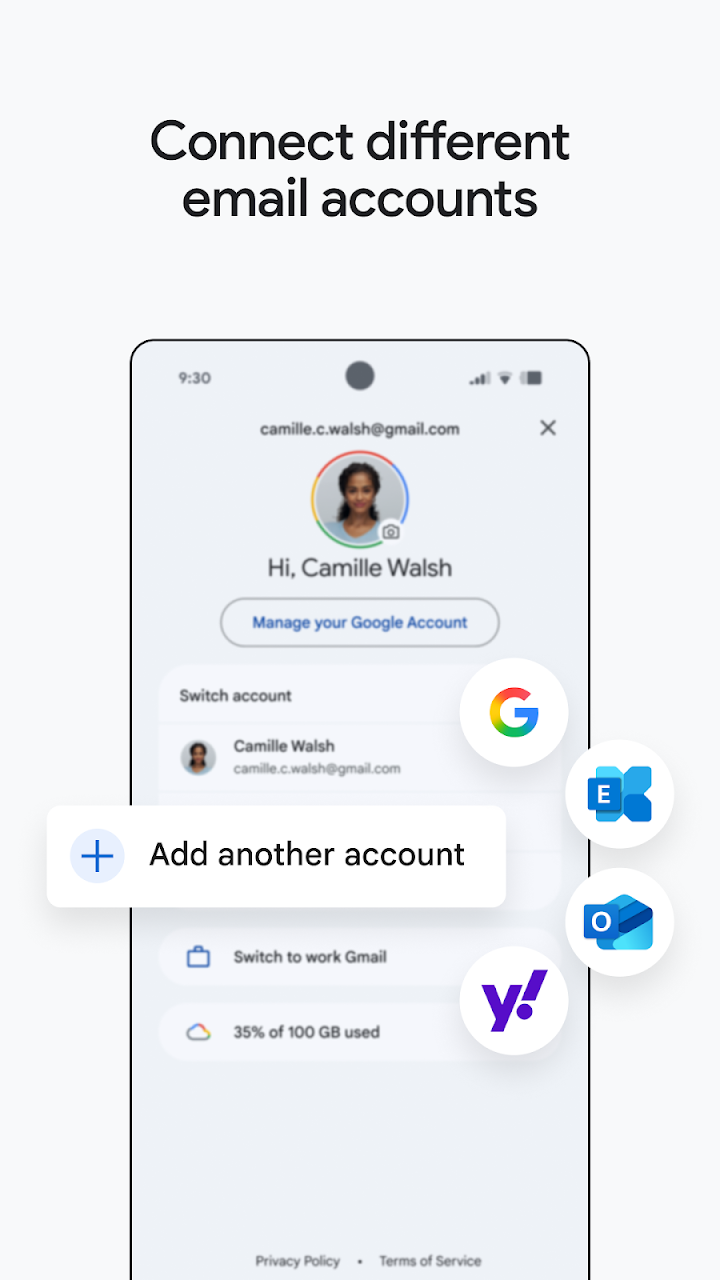
- Manage accounts — Switch between multiple accounts from different email providers without leaving the app.
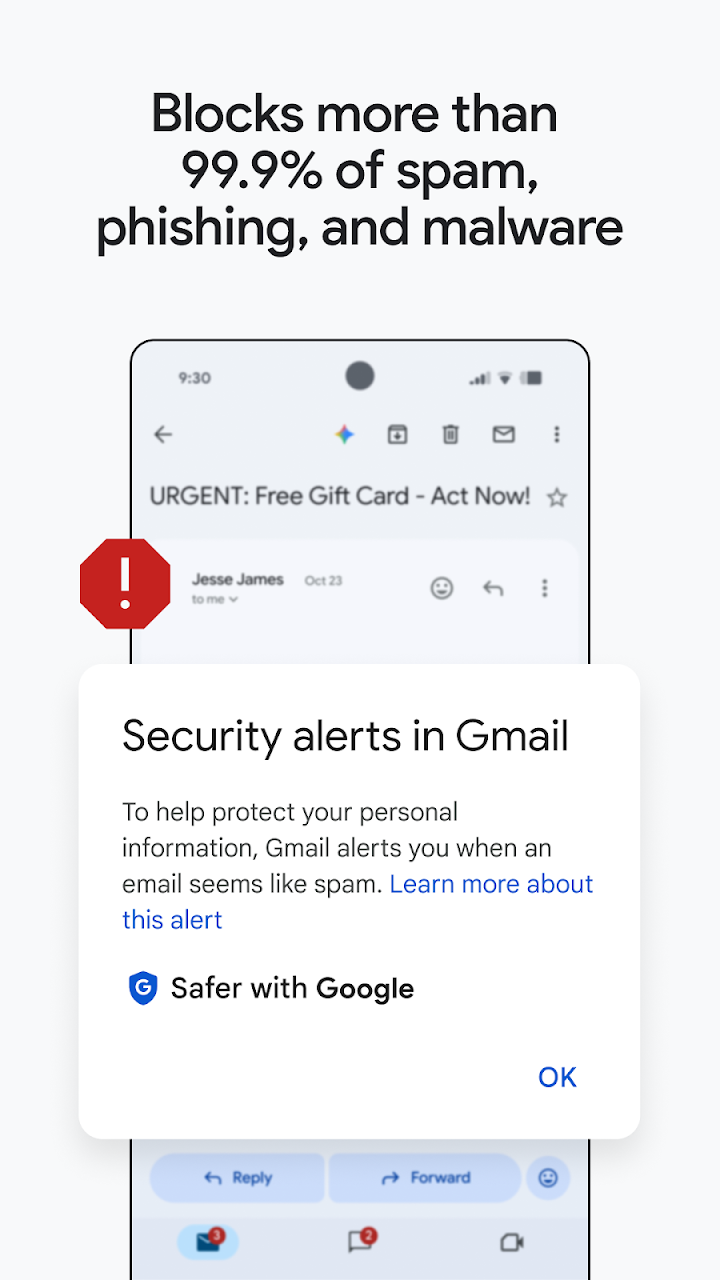
- Block unwanted mail — Gmail automatically filters out more than 99.9% of spam, phishing, and malware.
- Use Wear OS — Add a Gmail complication or tile on your watch to see email at a glance.
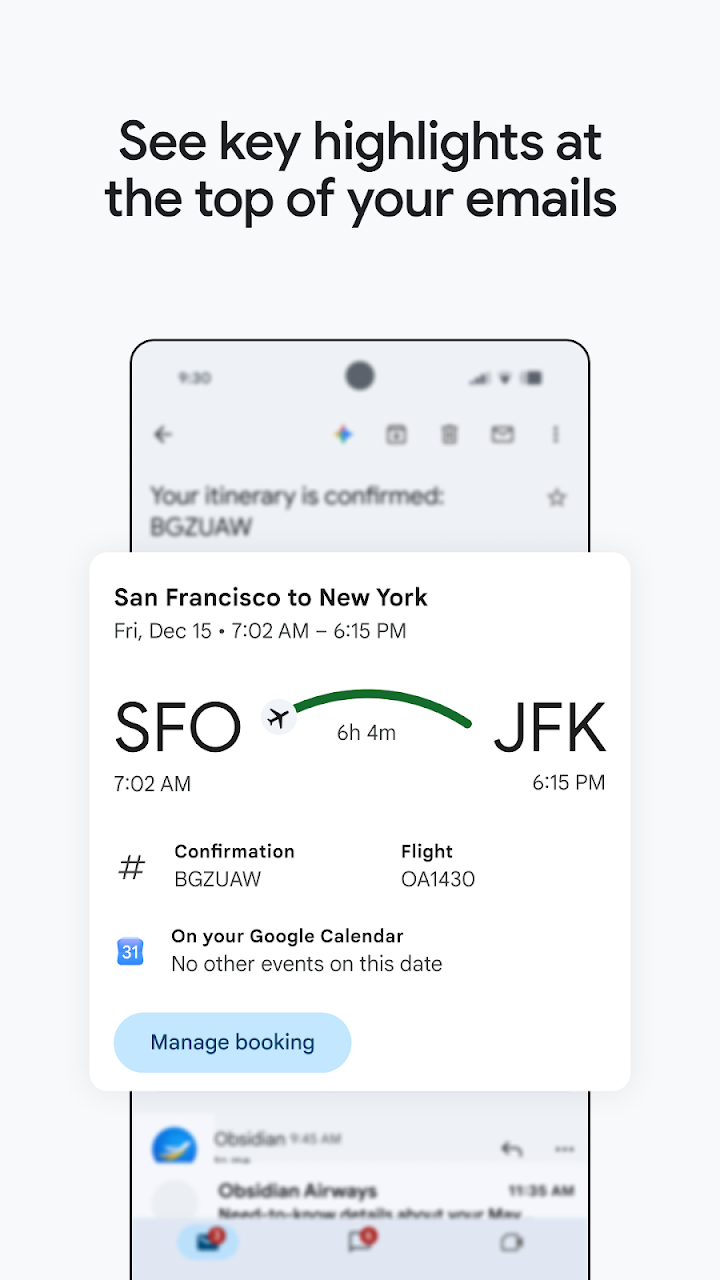
Scan emails with summary cards
Open Gmail in the morning and the first thing you see can be the summary cards at the top of your messages. They surface details without making you dig through long threads. That is useful for receipts, travel messages, and other mail where the important part is near the top.
Find one message fast
Gmail search is built for a crowded inbox. Type a keyword, or ask Gemini to look for a detail in your inbox or Google Drive files. That helps when you remember a meeting note, a file name, or a line from an old email but not the sender.
Write, reply, and send
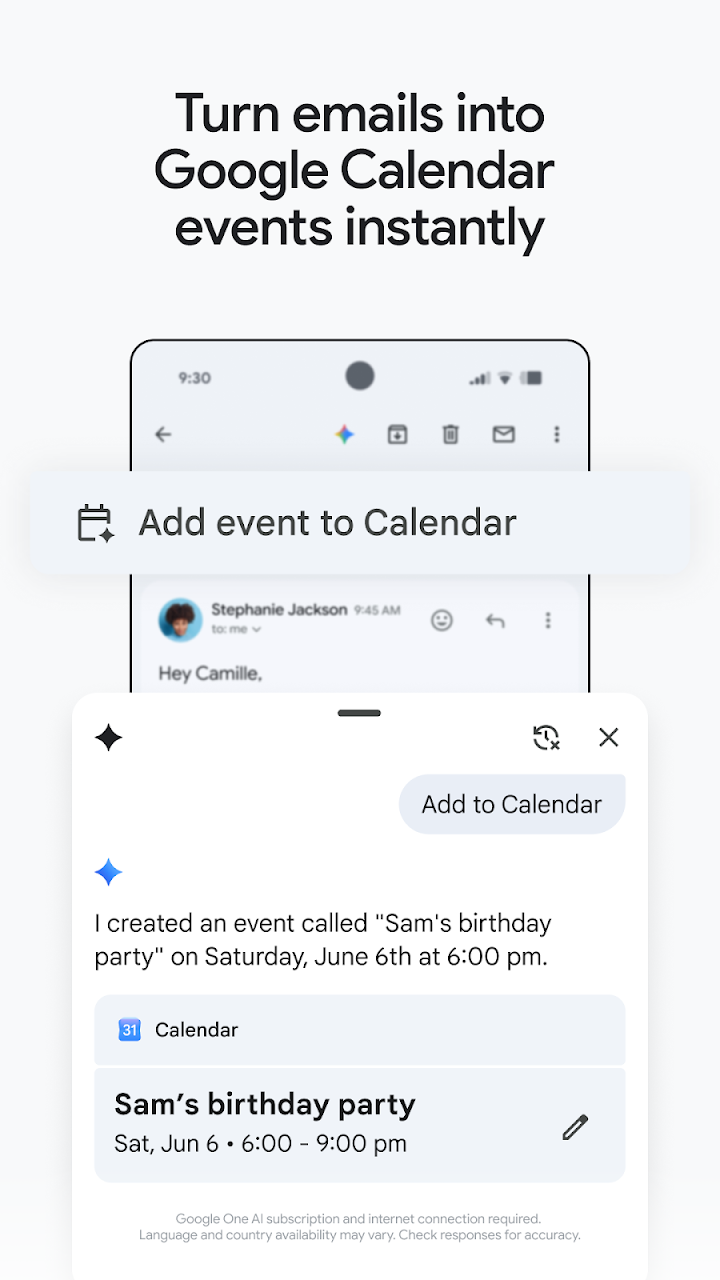
When you need to answer quickly, Gmail gives you writing help inside the inbox. Gemini can help draft a message, and Smart Reply offers short responses you can send with less typing. The app also includes an Add to Calendar button for creating Google Calendar invites from an email thread.
Keep work and personal mail together
Gmail supports multiple accounts, including accounts from different email providers. You can move between them in one app instead of signing out and back in. It is also part of Google Workspace, so a Workspace plan adds team tools like Google Meet, Chat, Calendar, and Docs links from the same place.
Before you install
Gmail is free, shows ads, and does not use in-app purchases. It needs Android 5.0 or later, comes as a 26.4 MB APK, and is available on phones, tablets, and Wear OS. You will need an account to use it, and some Gemini features require a Google AI Pro or Ultra plan plus internet access.
APK information
- Version
- 2020.05.31.316831277.release
- Package
- com.google.android.gm
- Category
- Communication
- Size
- 26 MB
- Min Android
- 5.0
- Architecture
- universal
Older versions
-
Gmail 2020.05.31.316831277.releaseNov 10, 2026Latest downloadAPK
Gmail FAQ
Is Gmail end-to-end encrypted?expand_more
The app description does not say that Gmail uses end-to-end encryption. It does say Gmail helps keep data protected with AI-powered threat defenses and enterprise-grade security controls.
Can I use Gmail on a tablet?expand_more
Yes. Gmail is available on Android phones and tablets.
Can I install Gmail without Google Play?expand_more
The app is distributed as an APK, so you can install that file directly on Android if your device allows sideloading.
How do I update Gmail from an APK?expand_more
Install the newer APK version over the existing app on a device that allows APK installs. Make sure you are on Android 5.0 or later.
Does Gmail work on Wear OS?expand_more
Yes. Gmail is available on Wear OS, and you can add a complication or tile to check your email from your wrist.