
- 4.3star356,348 reviews
- 10M+Downloads
- 90 MBAPK size
- EveryoneRated for Everyone
- 7.0+Android
check_circleOriginal APK from Sonos, Inc · Updated Nov 12, 2026

No threats found
0 / — antivirus engines flagged this file
Original signature
First seen — Sonos, Inc
Unmodified APK
Same file the developer published — no mods
Sonos screenshots
8 images · tap to enlarge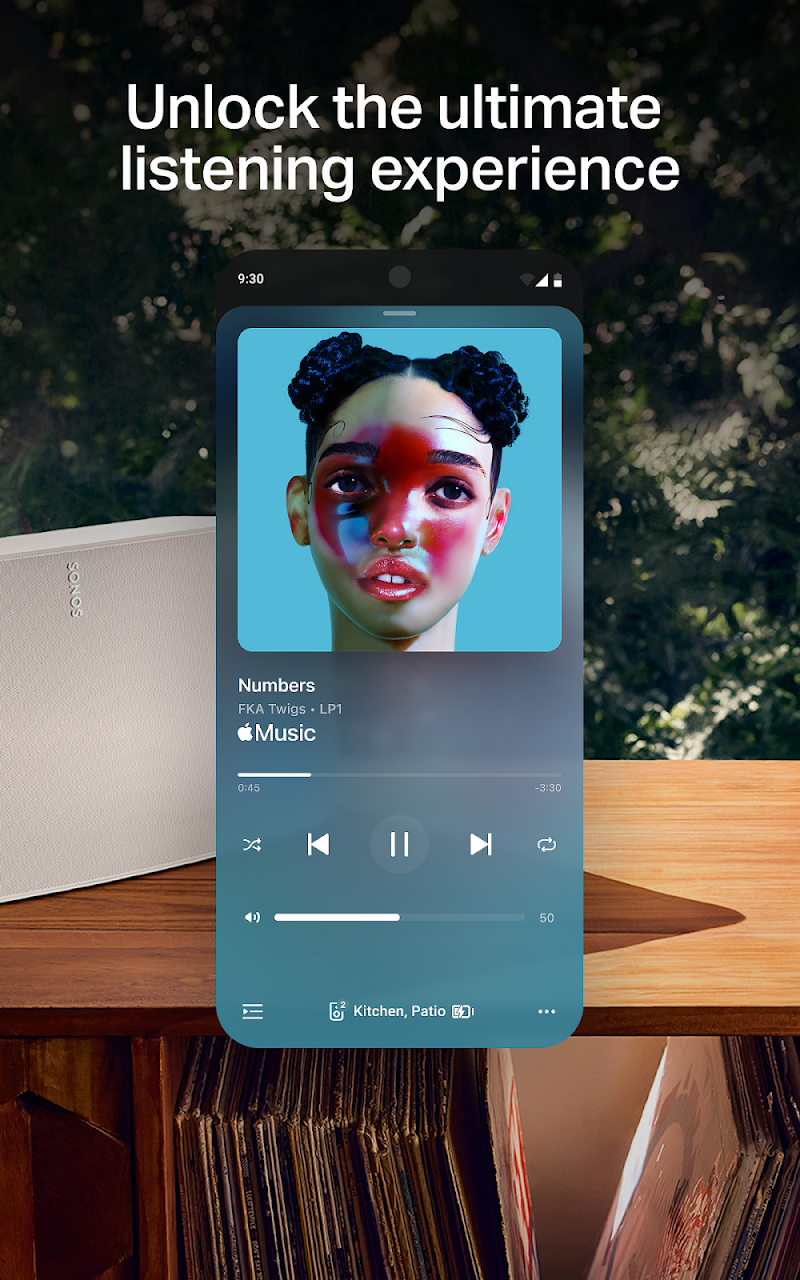
About this app
Sonos, Inc makes Sonos, the official app for managing Sonos products and listening across your home. It pulls music services, speaker controls, and setup tools into one place, so you can start playback, tune sound, and build multi-room listening without switching between apps. The trade-off is that it is built around Sonos hardware, not as a general music player.
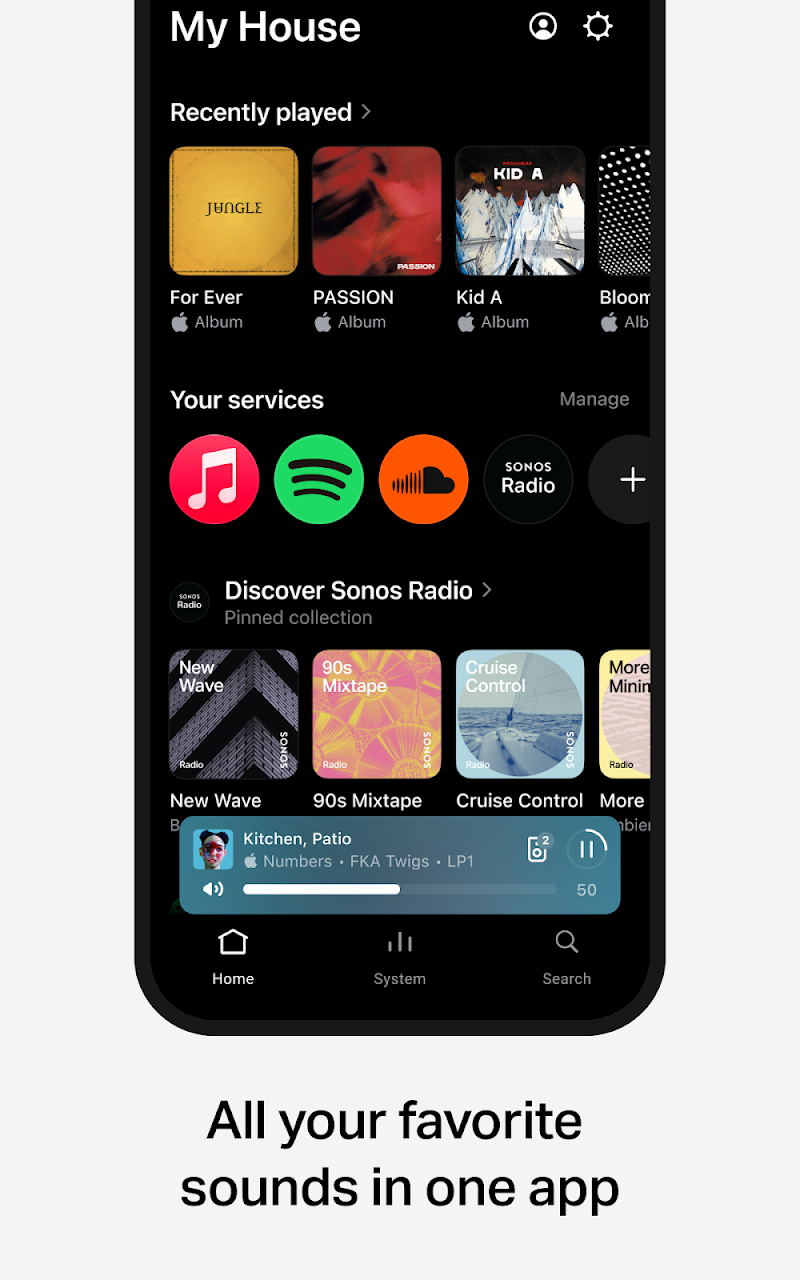
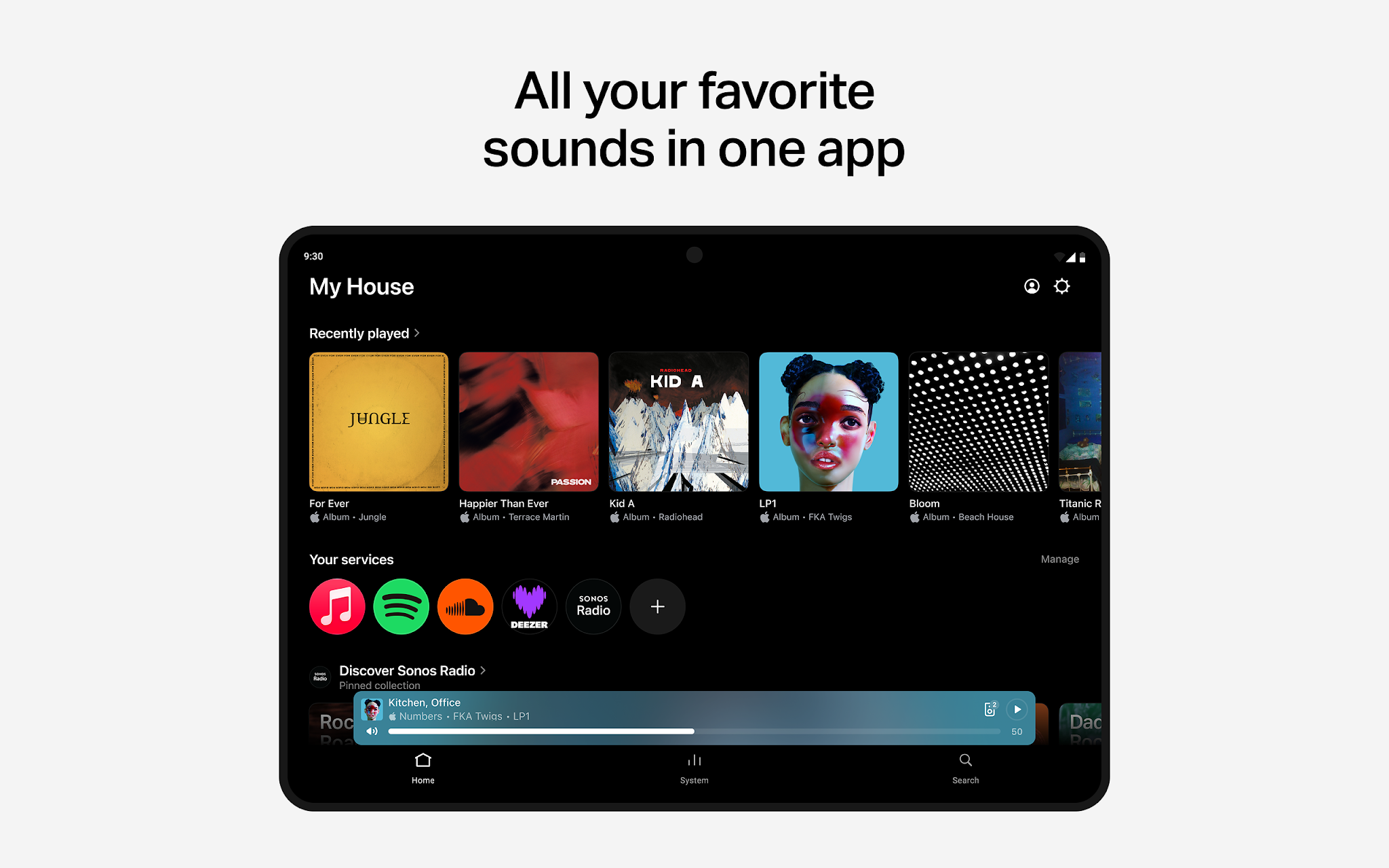
- Unified Home screen — Recent favorites, content, and controls appear together so you can jump back into listening quickly.
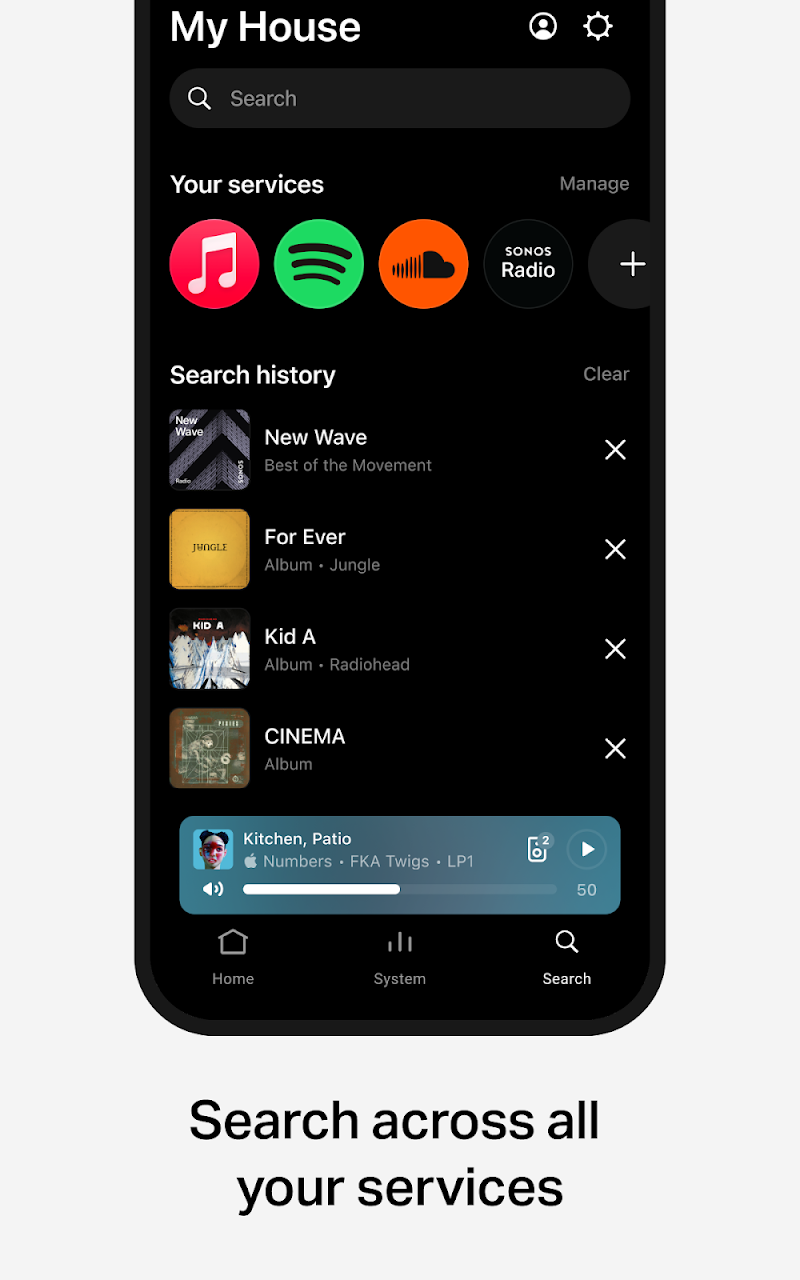
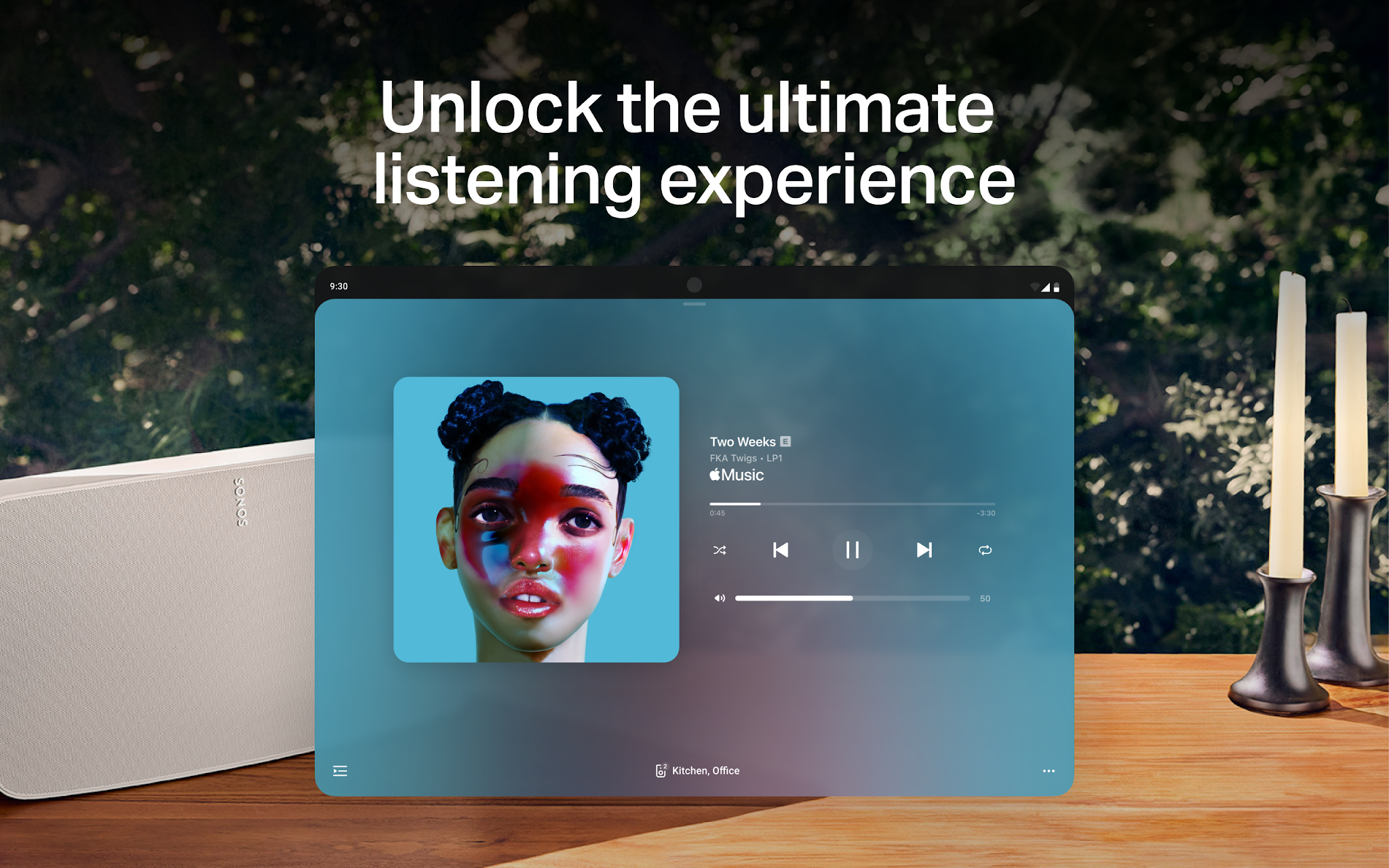
- Multi-service playback — Browse and play from services including Spotify, Apple Music, Amazon Music, Pandora, TIDAL, Audible, Deezer, iHeartRadio, and SiriusXM.
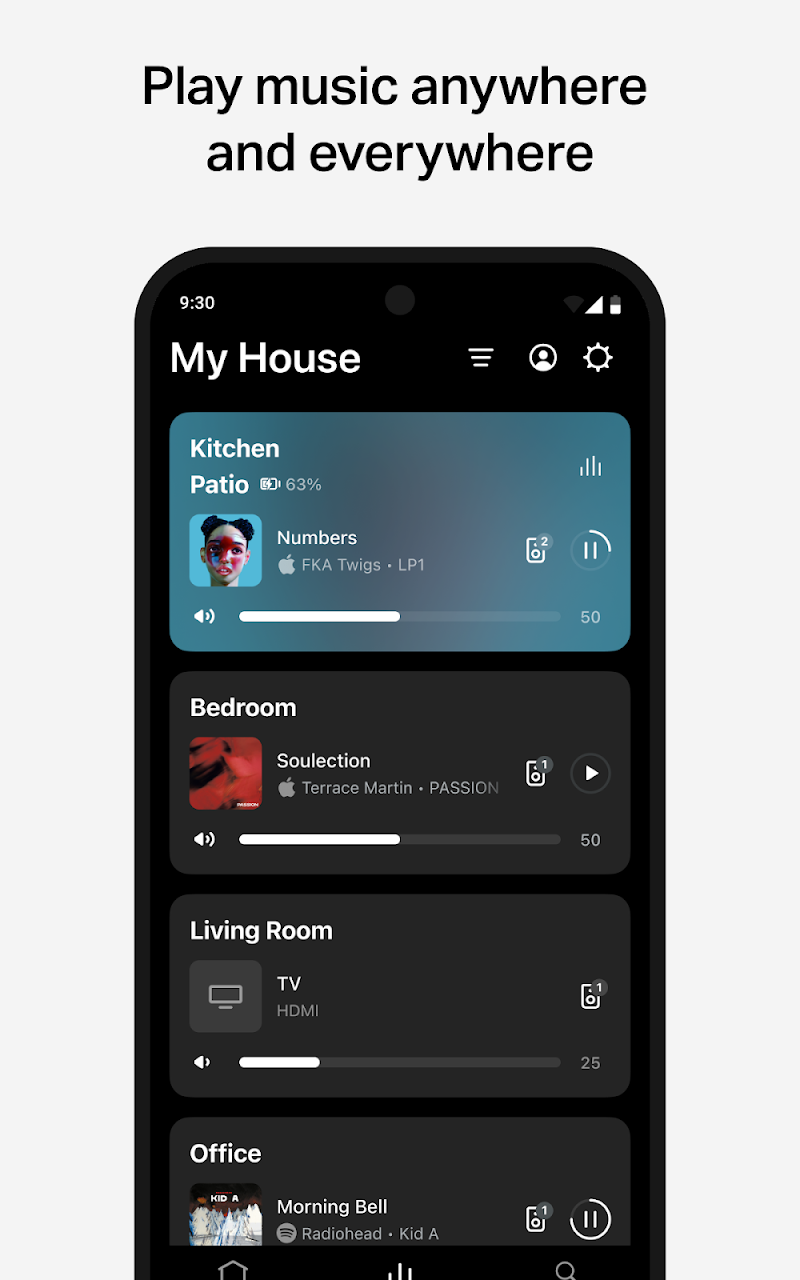
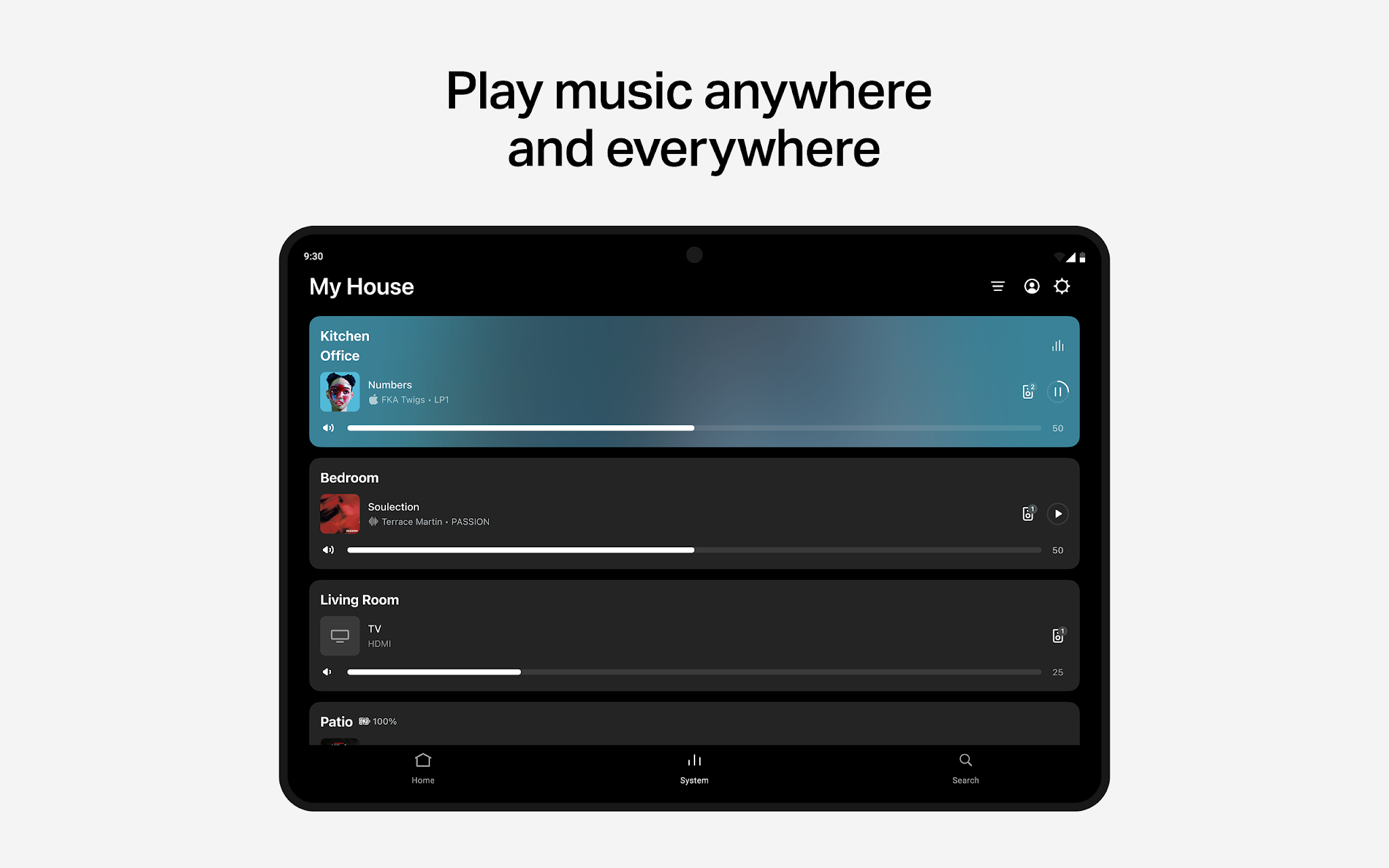
- Whole-home control — Send different audio to different rooms, or keep the same audio playing everywhere.
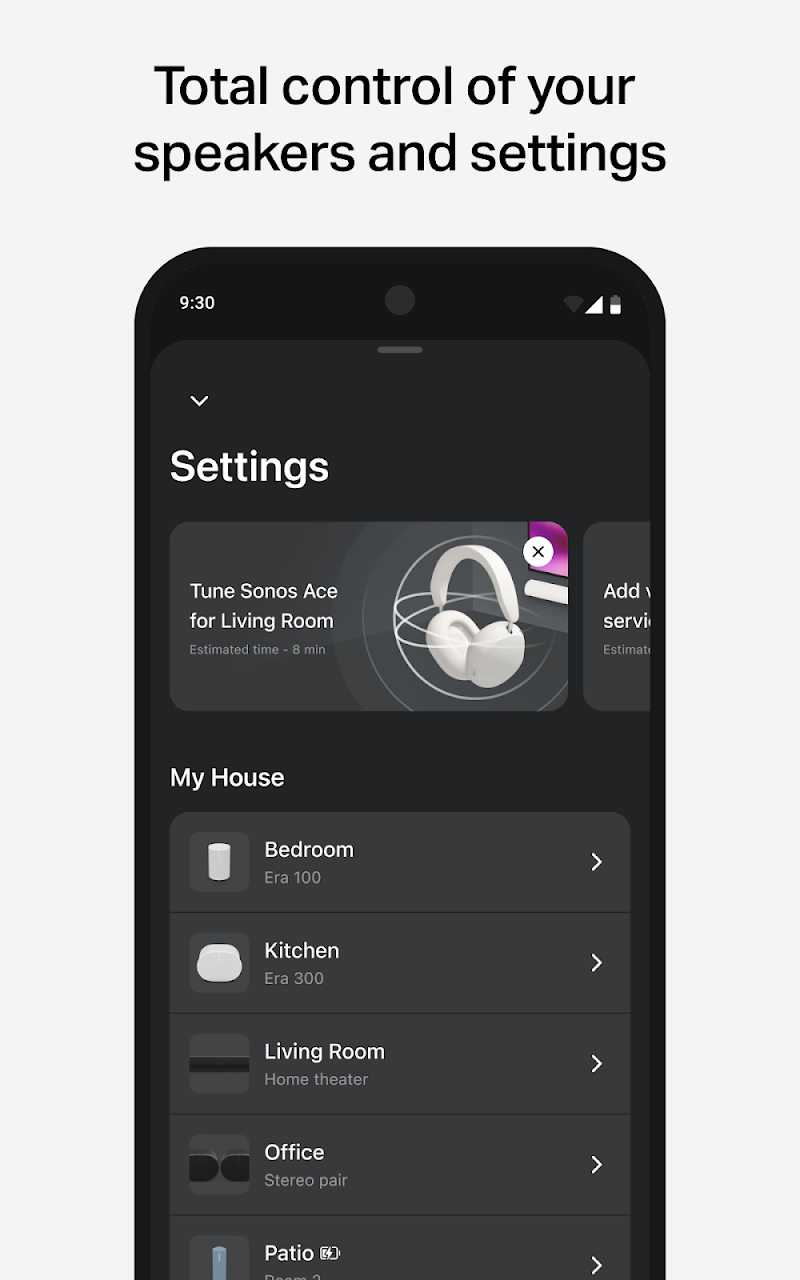
- Speaker setup tools — The app can detect Sonos products and guide setup for stereo pairs, surround systems, and extra rooms.
- Personal tuning — Save favorites, use Trueplay, and adjust settings to suit your space and preferences.
What you see first
On first launch, Sonos is centered on your Sonos system rather than a generic music library. The Home screen brings recent items and controls forward, so the first task is usually connecting to your products and choosing where you want sound to play. If you already use streaming services, you can start by linking them and then moving straight into playback.
Set up rooms and services
The app is designed to detect Sonos products automatically, then walk you through setup in a few steps. That makes it useful for adding speakers to more rooms, creating a stereo pair, or building surround sound. It also lets you browse and play content from major services in one place, which is simpler than switching between separate apps for each source.
Listening controls that matter
Sonos focuses on practical listening controls: play different audio in each room, keep one track going everywhere, save favorite artists, albums, playlists, and stations, and fine-tune sound with Trueplay. Sonos Voice Control is also available on supported voice-enabled products, though it is not available in all languages and countries.
- Gets: whole-home playback, service integration, room setup, favorites, and sound tuning.
- Watch for: it is built for Sonos hardware, and voice control depends on compatible products.
Device and install notes
The app works on Android 7.0 and up, comes as a 90.1 MB APK, and is free to download. It does not show ads and does not include in-app purchases. That keeps the app straightforward to try, but you still need Sonos products to make use of the controls and setup tools.
What to expect after setup
Once your system is connected, the app becomes the central place for day-to-day listening. It is useful if you want one interface for music services, room-by-room playback, and speaker settings. If you only need a simple music player without Sonos hardware, this app is not aimed at that use case.
APK information
- Version
- 13.0
- Package
- com.sonos.acr2
- Category
- Music & Audio
- Size
- 90 MB
- Min Android
- 7.0
- Architecture
- universal
Older versions
-
Sonos 13.0Nov 12, 2026Latest downloadAPK
Sonos FAQ
Is Sonos free without a subscription?expand_more
Yes. The app is free, with no in-app purchases listed.
Can I listen offline in Sonos?expand_more
The listed features focus on streaming services, room control, and speaker setup. Offline listening is not described.
Does Sonos show ads?expand_more
No. The app is listed as containing no ads.
How big is the Sonos download?expand_more
The APK size is 90.1 MB.
What Android version does Sonos need?expand_more
Sonos requires Android 7.0 or later.