
- 4.5star189,336 reviews
- 10M+Downloads
- 25 MBAPK size
- EveryoneRated for Everyone
- 5.0+Android
check_circleOriginal APK from Circuit Routing Limited · Updated Nov 12, 2026

No threats found
0 / — antivirus engines flagged this file
Original signature
First seen — Circuit Routing Limited
Unmodified APK
Same file the developer published — no mods
Spoke Route Planner screenshots
8 images · tap to enlarge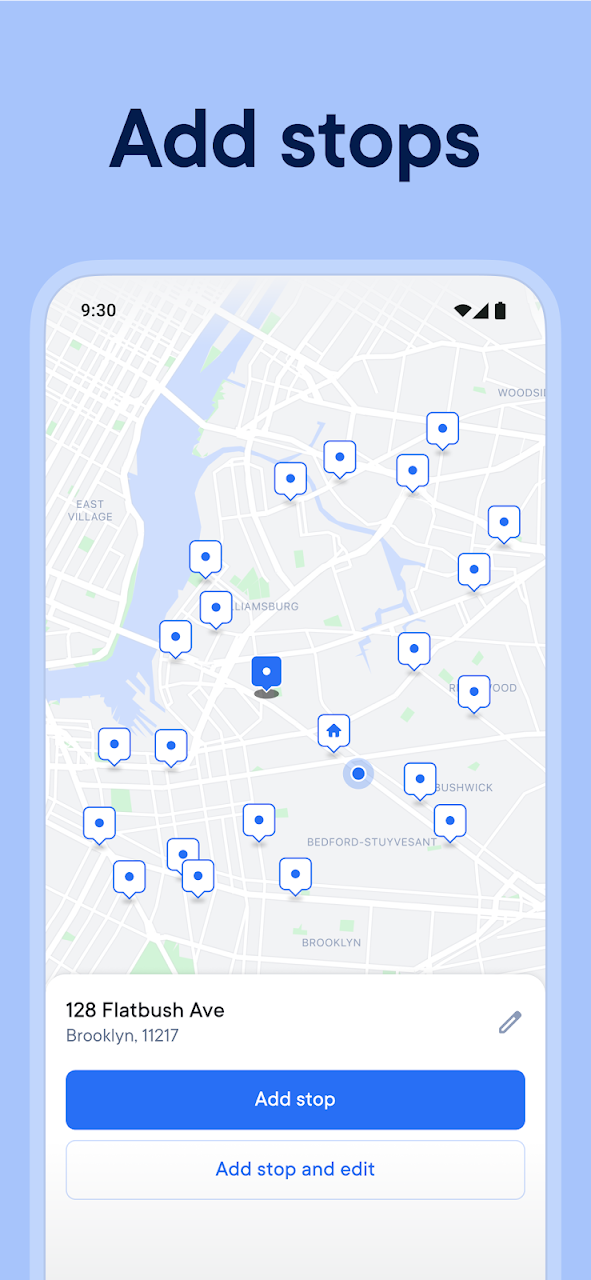
About this app
Need a route planner for delivery work? Spoke Route Planner lets you build multi-stop routes, optimize stops with one tap, and adjust deliveries during the day. It is aimed at couriers and drivers who want faster routing, ETA tracking, and support for tools like Google Maps and Waze.
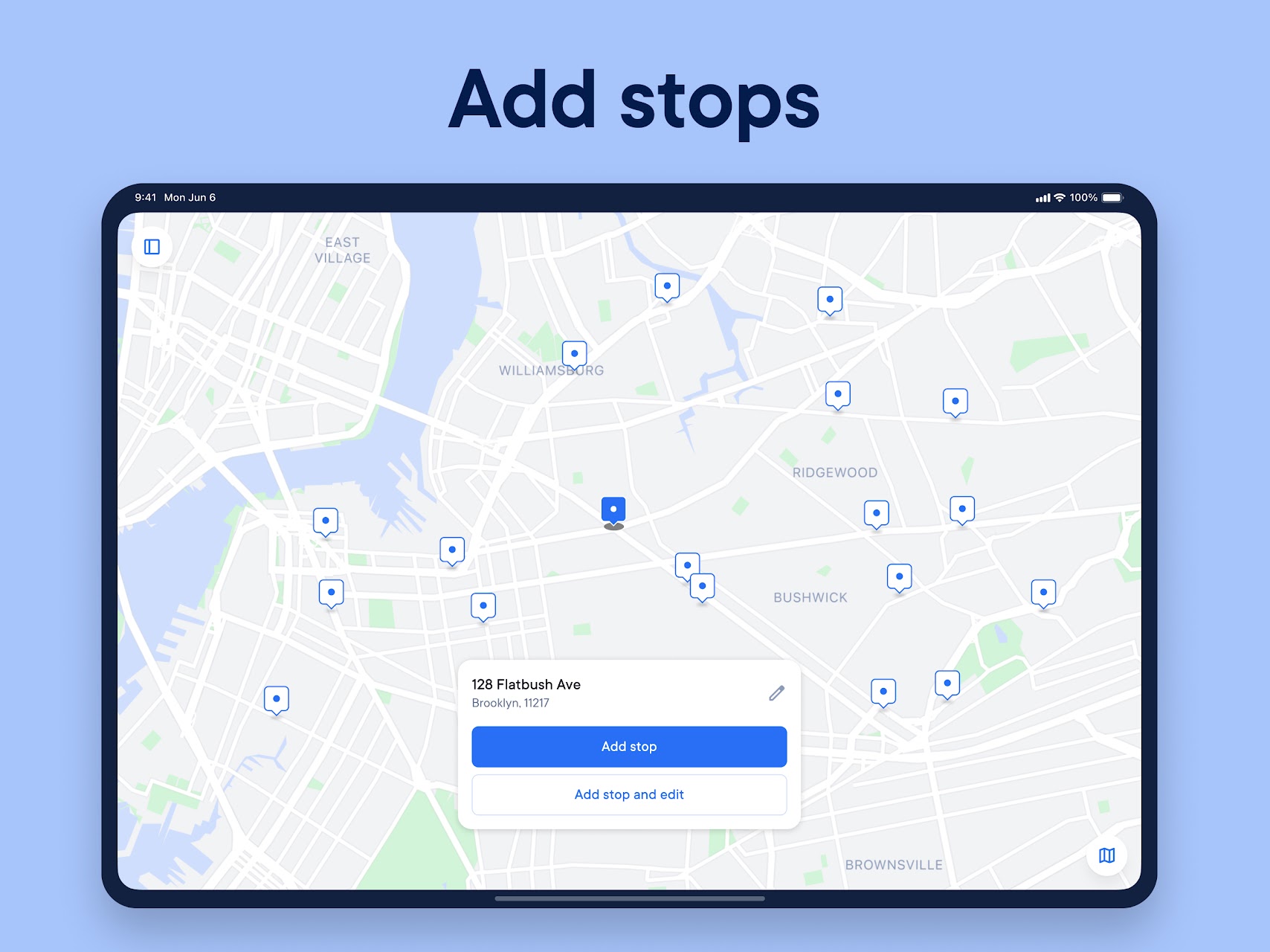
- Fast stop entry — Add stops with a keypad, voice input, or a spreadsheet upload.
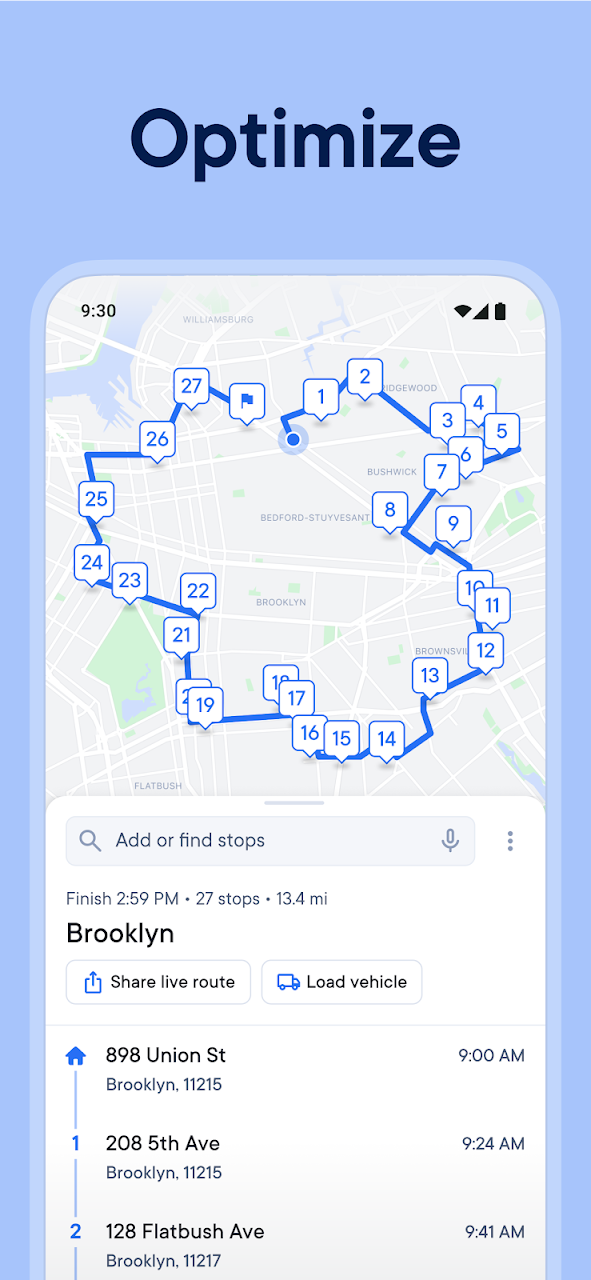
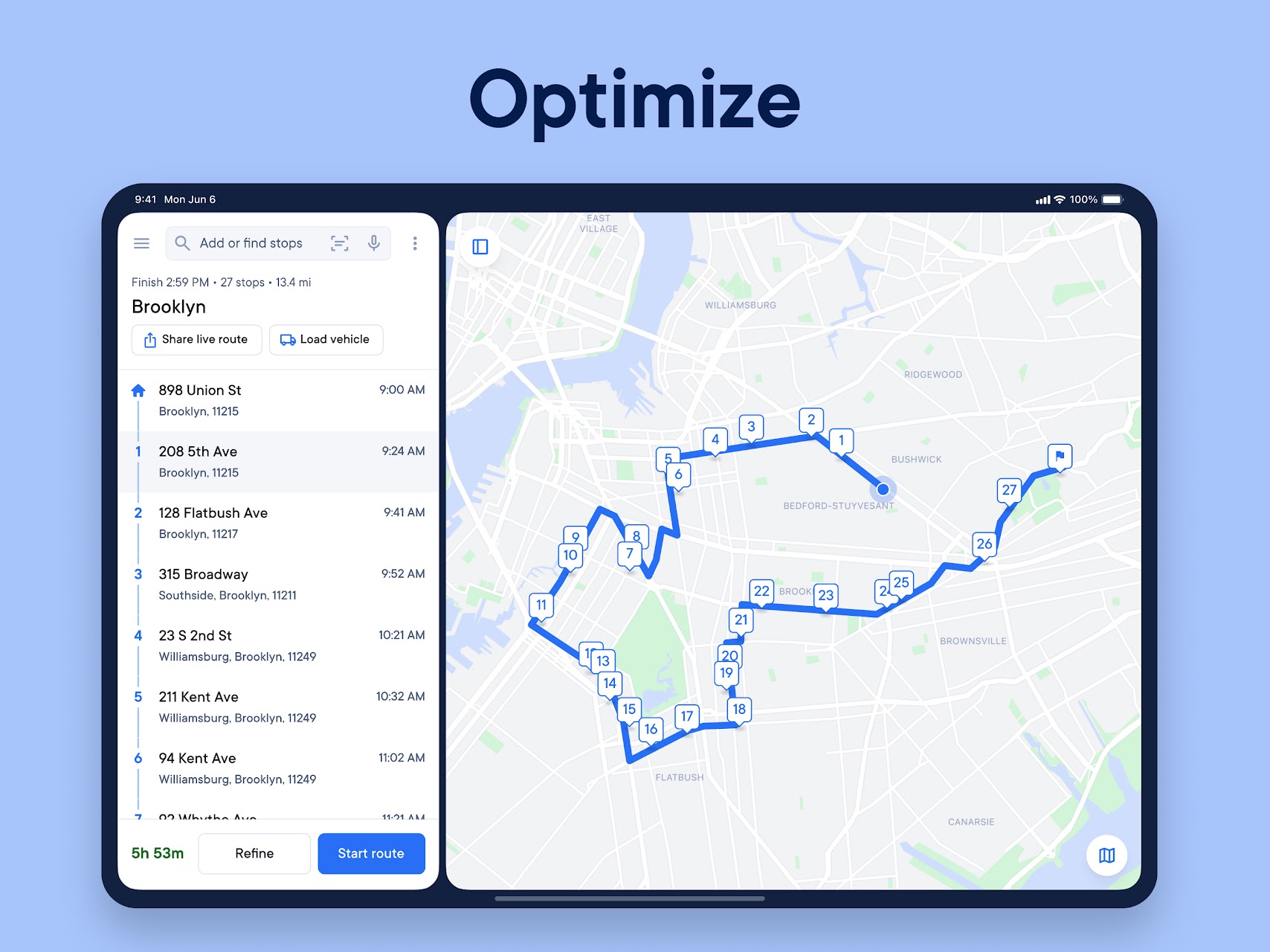
- Route optimization — Use one click to map the fastest route across all your deliveries.
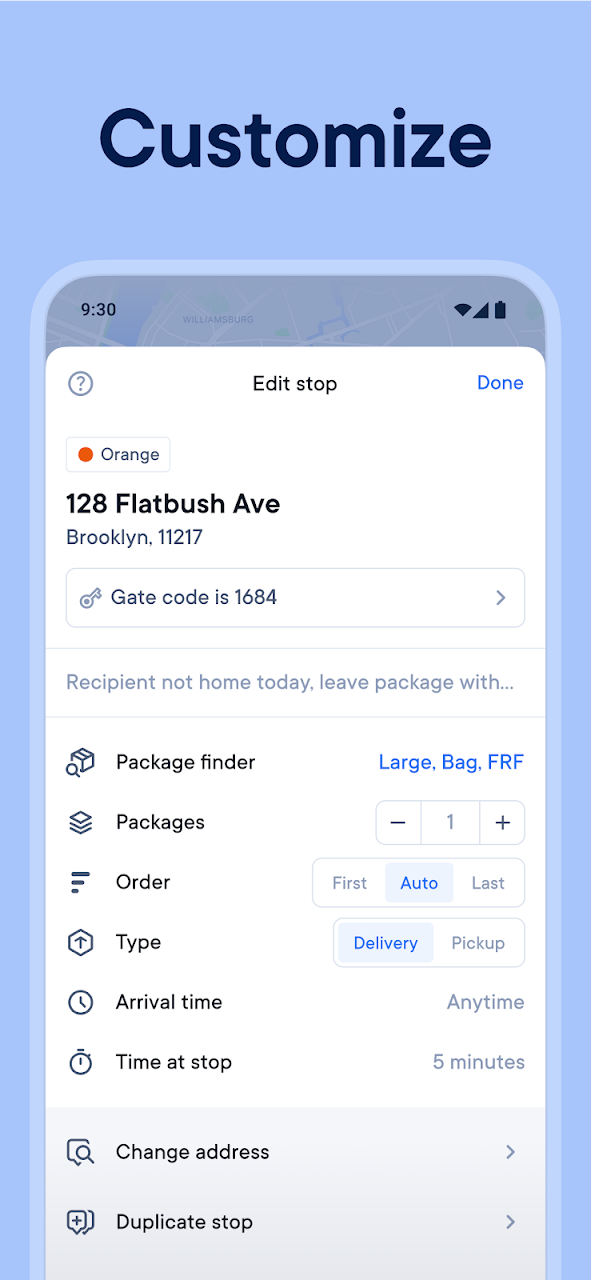
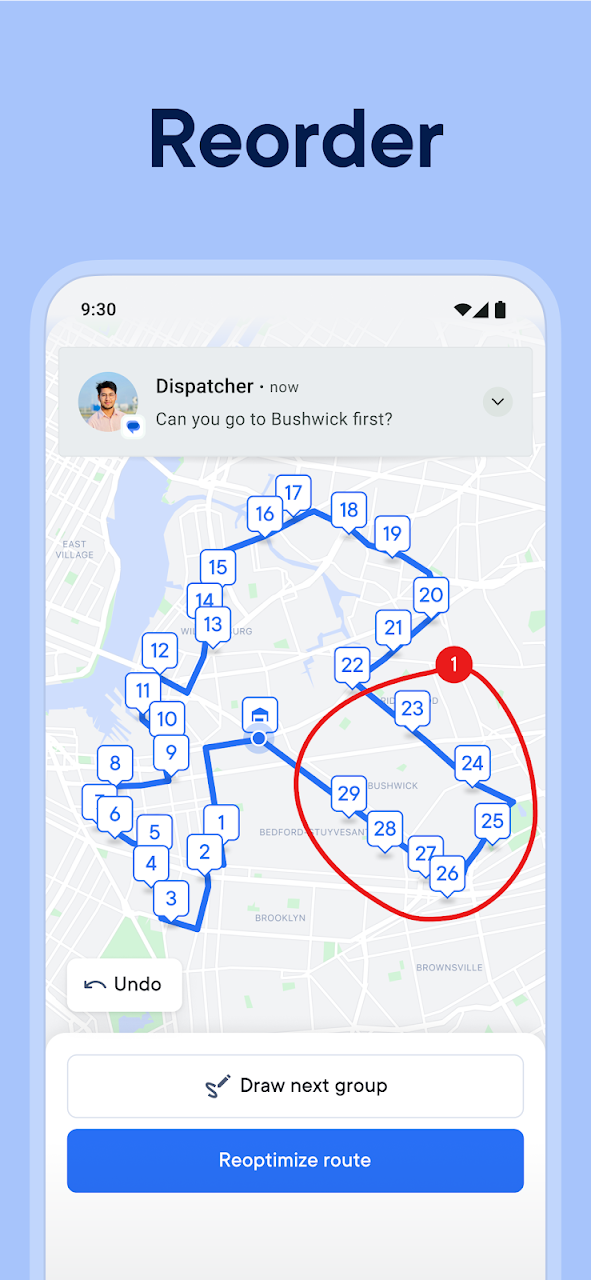
- Flexible stop order — Move a stop to first, next, or last when plans change mid-route.
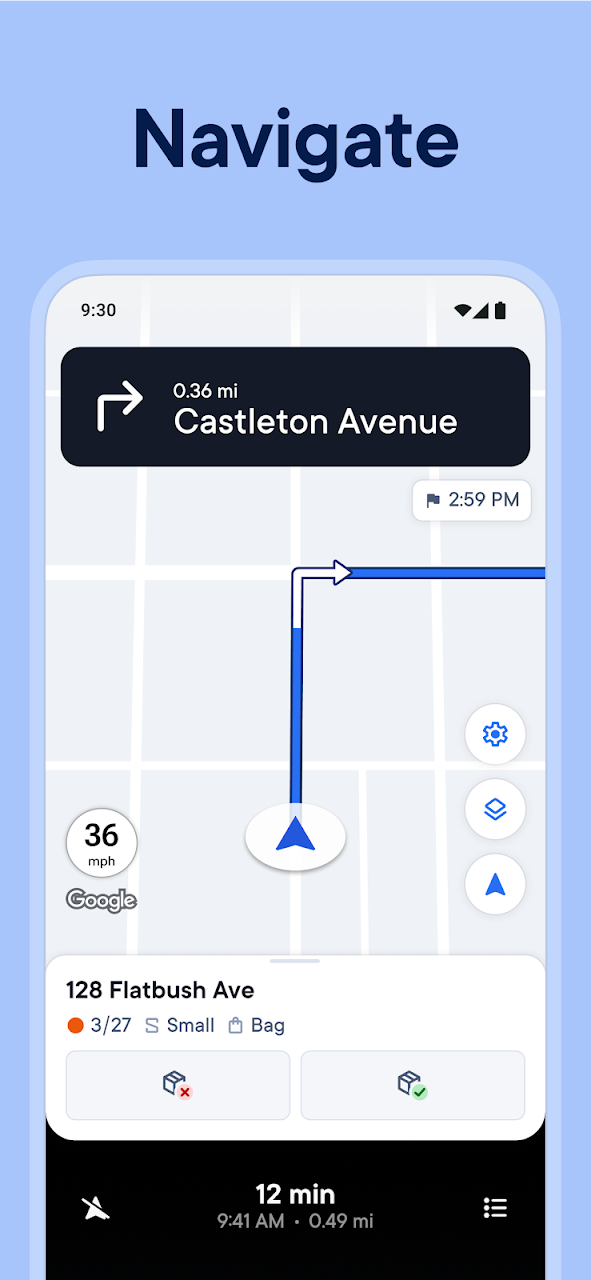
- GPS app support — Open routes in Waze, Google Maps, and other GPS apps.
- Coverage in many countries — The app works where Google Maps works and is used in over 190 countries.
Build delivery routes in seconds
Spoke Route Planner is set up for multi-stop work, not casual navigation. You can add stops with your keypad, by voice, or by uploading a spreadsheet, then let the app organize the route. For a courier with a full day of drops, that means less manual sorting before the first delivery.
The app supports unlimited routes, and paid versions remove the stop limit per route. The free version keeps all features but limits each route to 10 stops.
Optimize the day’s deliveries
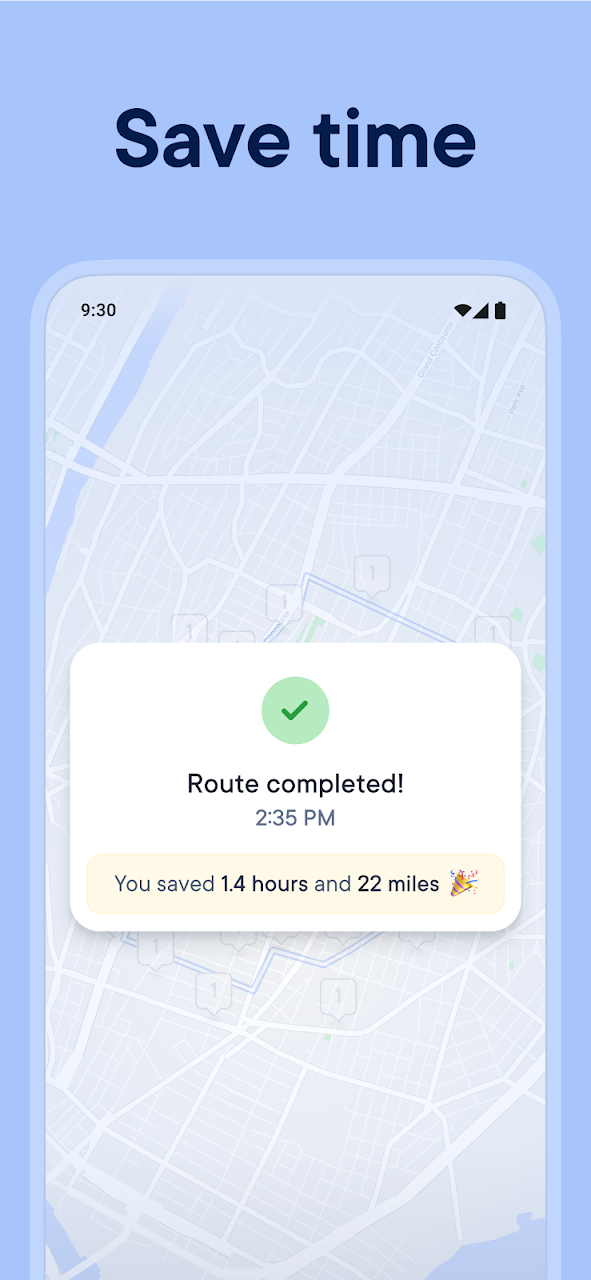
Once the stops are in place, a single click optimizes the route and maps the fastest path. The app is designed to help drivers avoid traffic and delays, and it returns instant ETAs so you can keep track of timing as you work.
You can also set delivery time windows, assign priority levels, and add rest breaks. If a package needs extra handling, package details can be added too, which helps when loading a truck or finding an item at a stop.
Change the route as work changes
Last-minute changes are part of delivery work, so Spoke Route Planner lets you edit the plan during the day. You can move a stop to be first, next, or last, then continue without rebuilding the entire route.
This is useful when a customer is unavailable, a priority drop comes in late, or you want to reshuffle the order around traffic or time windows.
Use it where Google Maps works
Spoke Route Planner uses location data from Google Maps, so it works in almost every country. The app says if Google Maps works where you are, Spoke Route Planner will too, and it is used in over 190 countries on every continent.
It also supports your favourite GPS apps, including Waze and Google Maps. The APK is a universal build, 24.5 MB, and requires Android 5.0 or later.
- Privacy and permissions: no permissions are listed for this APK.
- Offline use: offline maps are not mentioned.
- Install format: APK file for Android devices.
APK information
- Version
- 3.2.7
- Package
- com.underwood.route_optimiser
- Category
- Maps & Navigation
- Size
- 25 MB
- Min Android
- 5.0
- Architecture
- universal
Older versions
-
Spoke Route Planner 3.2.7Nov 12, 2026Latest downloadAPK
Spoke Route Planner FAQ
Does Spoke Route Planner work offline?expand_more
Offline maps are not mentioned. The app uses location data provided by Google Maps.
Which countries does Spoke Route Planner cover?expand_more
It works in almost every country where Google Maps works. The app says it is used in over 190 countries on every continent.
Which Android version does Spoke Route Planner need?expand_more
It requires Android 5.0 or later.
Is Spoke Route Planner free to use?expand_more
Yes. The app is free, and the free version includes all features with routes limited to 10 stops.
Can I use Spoke Route Planner with Waze?expand_more
Yes. The app can be used with Waze, Google Maps, and other GPS apps.