
- 1.8star1,393 reviews
- 100K+Downloads
- 61 MBAPK size
- EveryoneRated for Everyone
- API 19+Android
check_circleOriginal APK from Nice - Polska Sp. z o.o. · Updated Nov 12, 2026
No threats found
0 / — antivirus engines flagged this file
Original signature
First seen — Nice - Polska Sp. z o.o.
Unmodified APK
Same file the developer published — no mods
YUBII Home Center screenshots
8 images · tap to enlarge
About this app
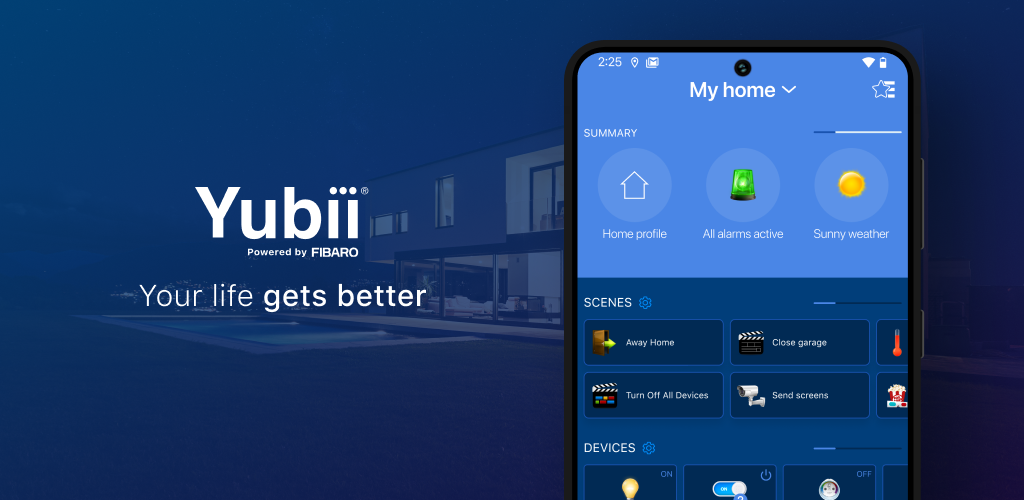
When you need to check whether the alarm is set, the lights are off, or a gate is open, YUBII Home Center puts those controls in one dashboard. The current release folds the app into the Yubii Ecosystem, updates the branding and login screen, and keeps the focus on quick home management from a phone or Google Assistant.
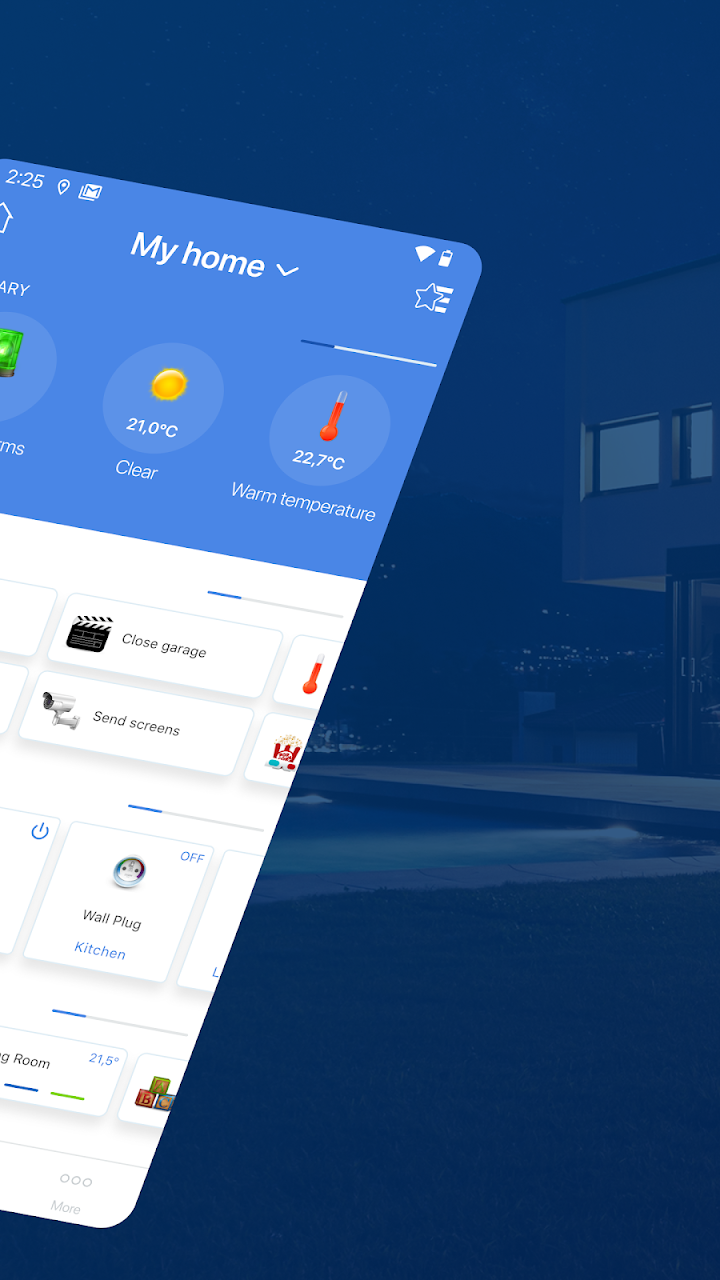
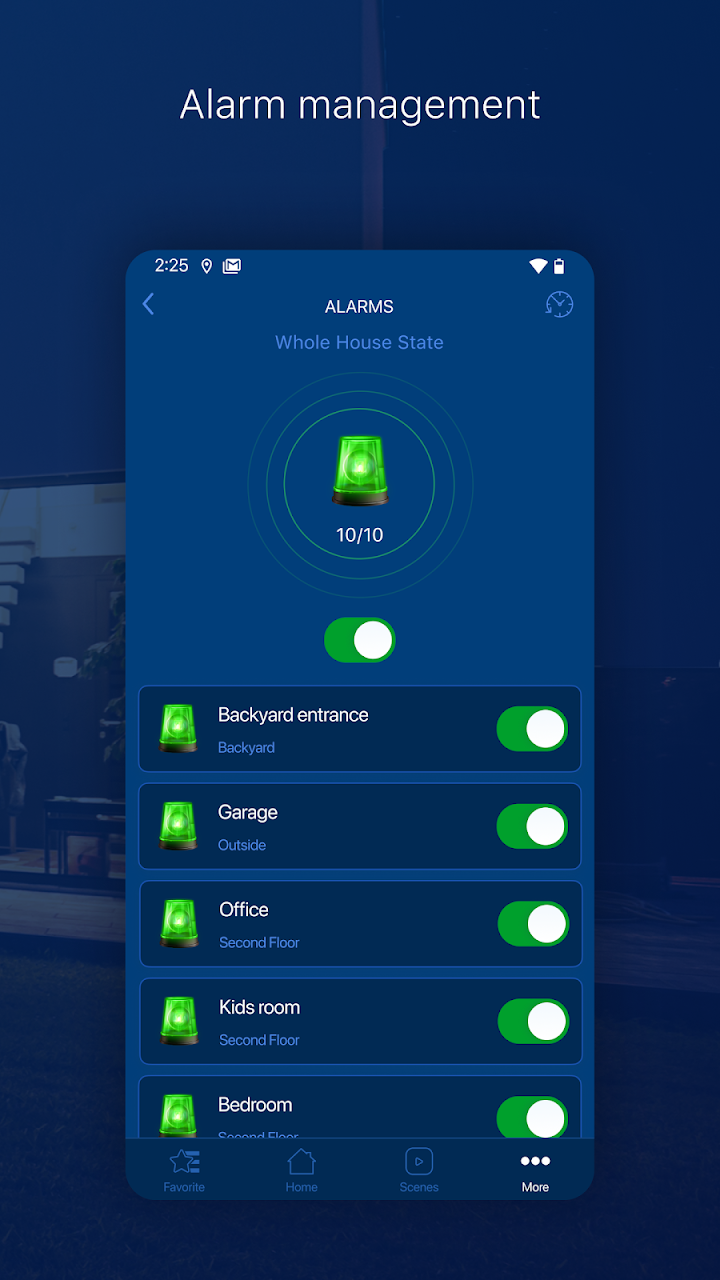
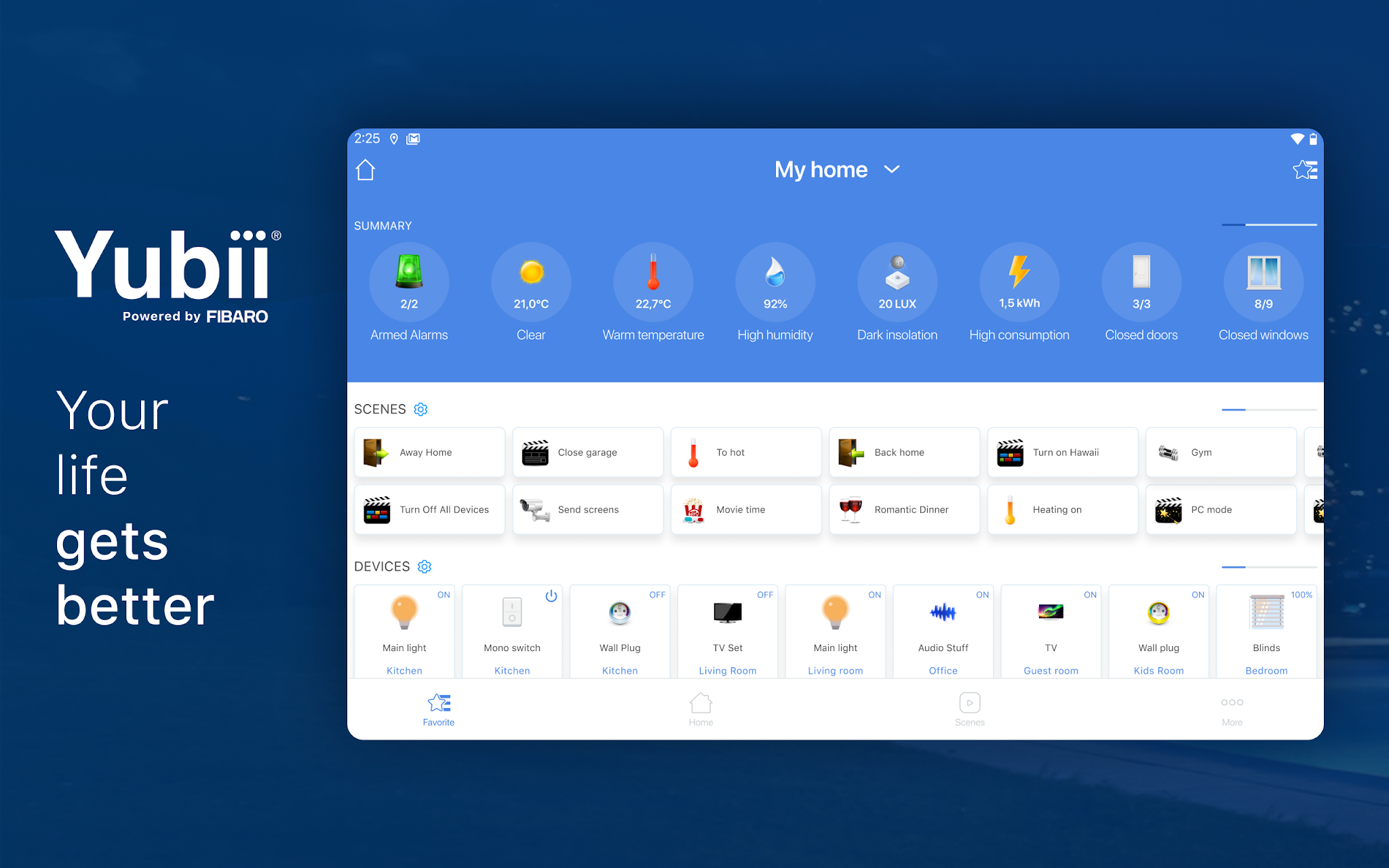
- Dashboard summary — See alarm, temperature, lighting, doors, windows, blinds, gates, and switches from one screen.
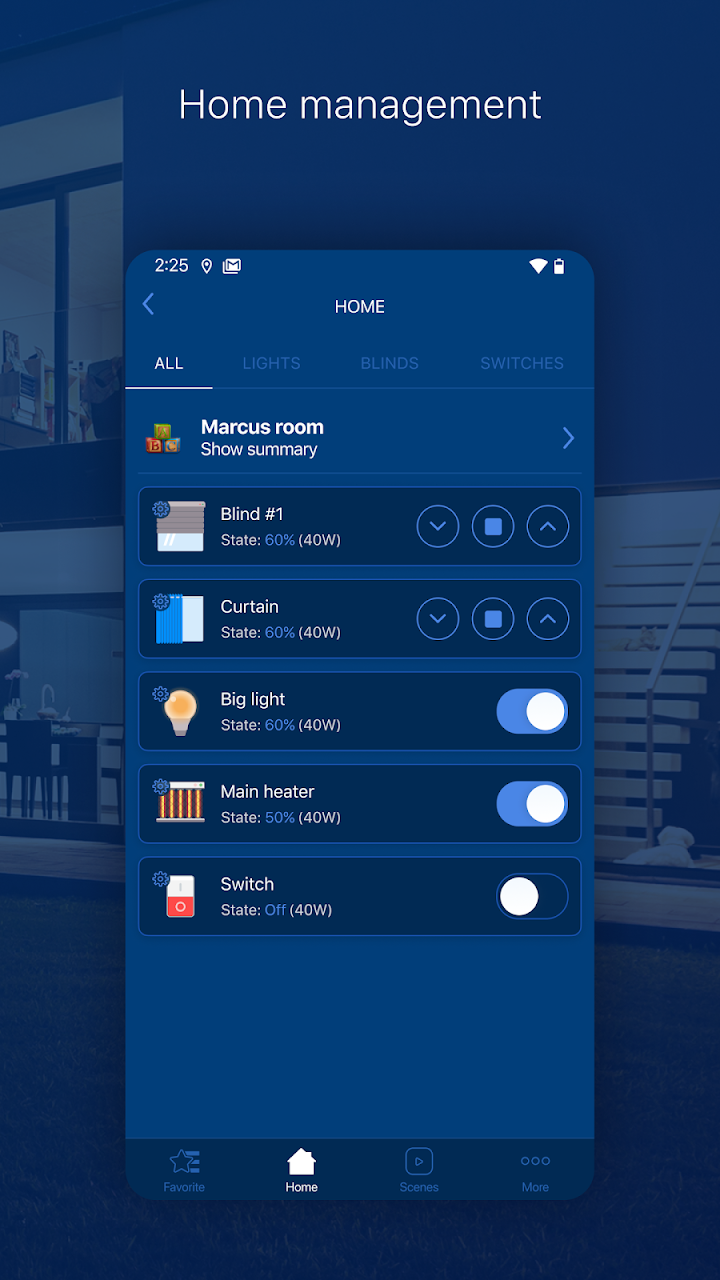
- Room-based control — Open a room summary to adjust the devices in that space without jumping between menus.
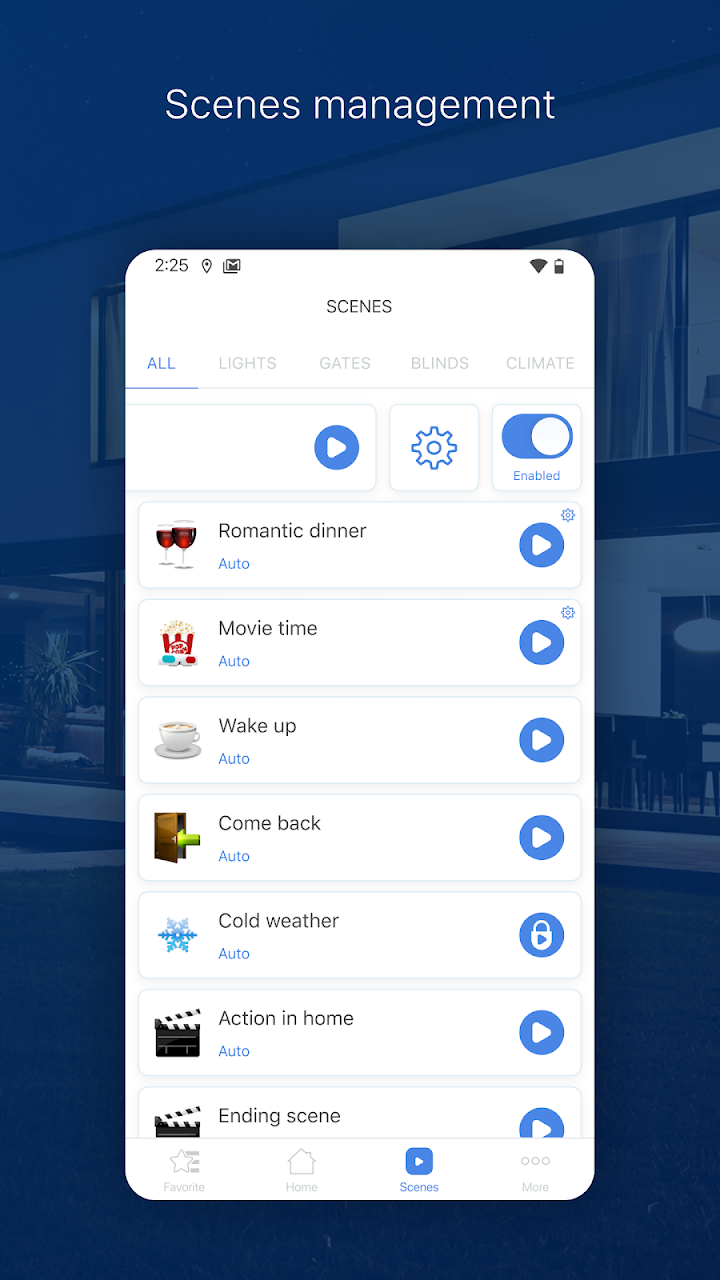
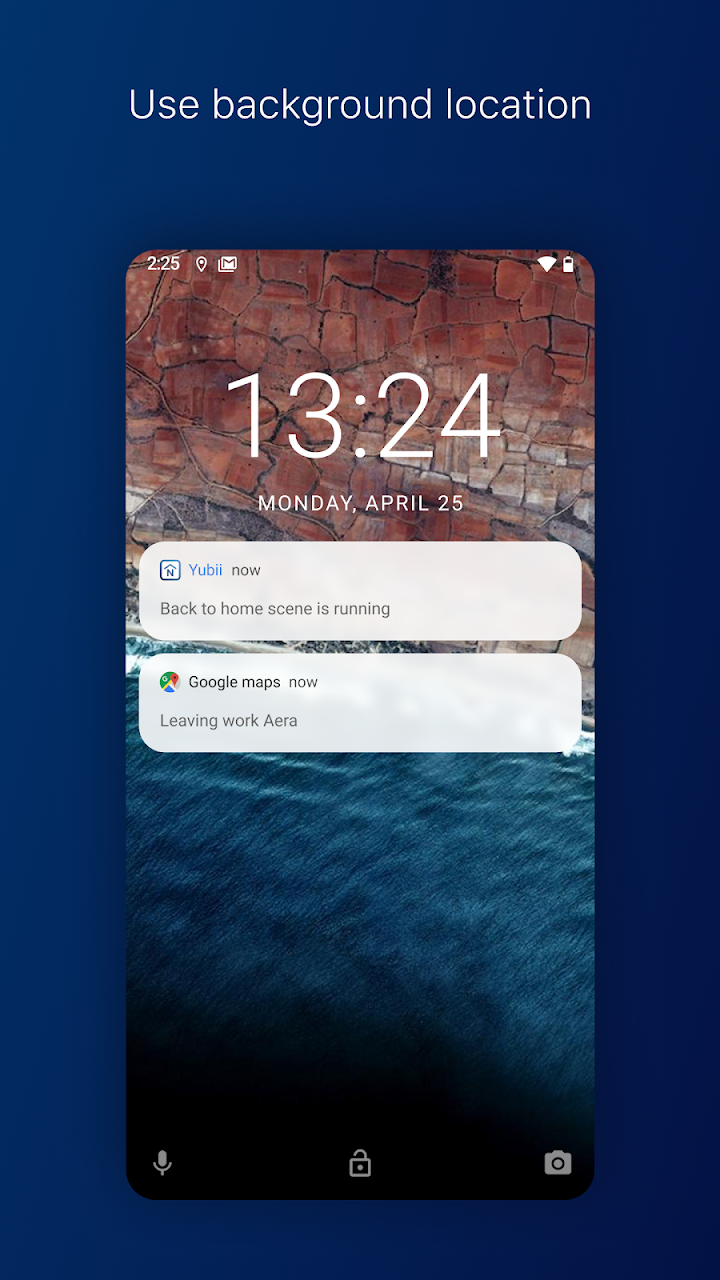
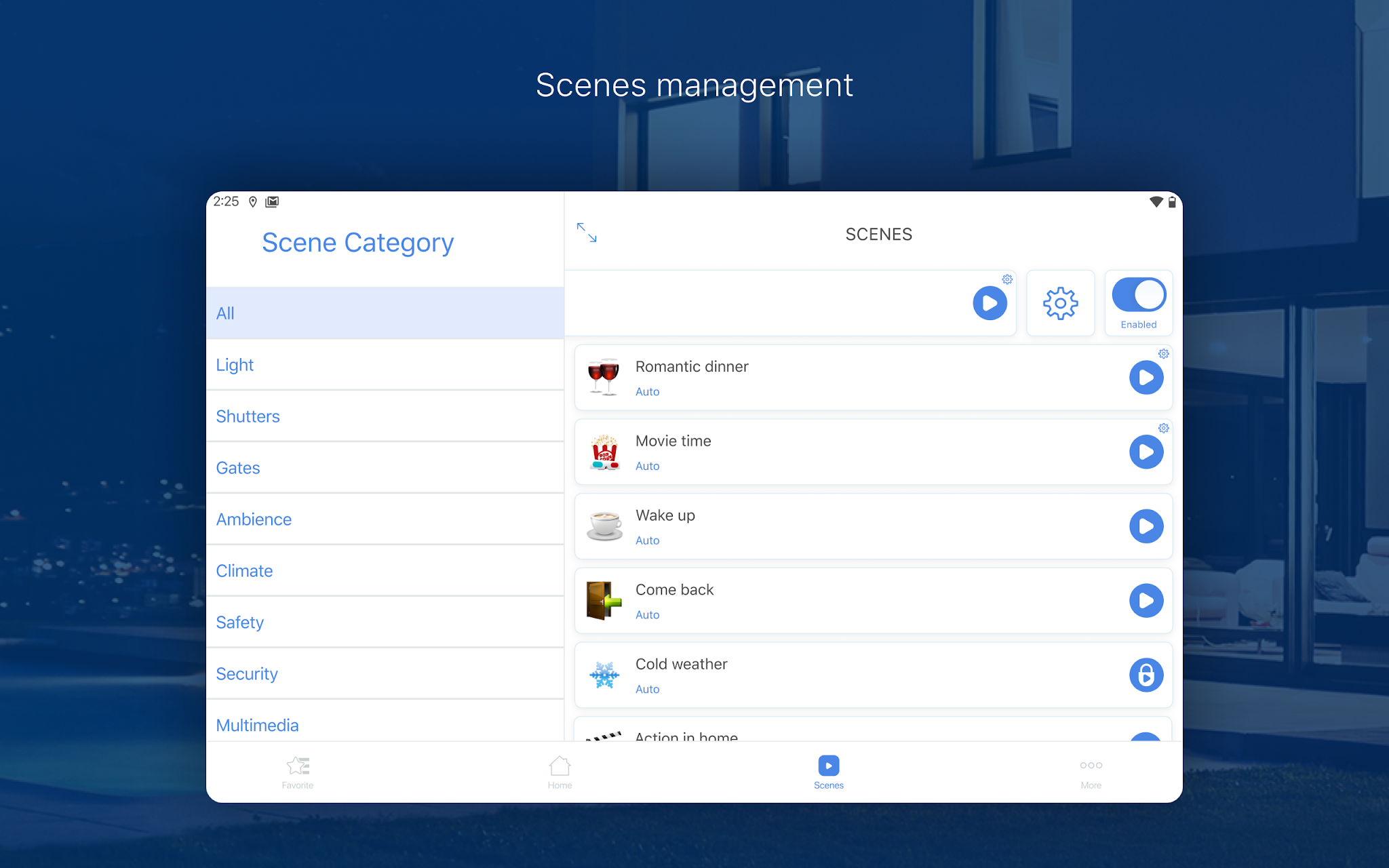
- Scene management — Monitor scenes, change settings, and turn them on or off with one click.
- Voice control — Use Google Assistant and Google Home devices to switch scenes with a voice command.
- Habit suggestions — Machine learning can suggest actions based on previous behavior and preferences.
- Light and dark themes — Choose a light or dark interface and switch between them for different times of day.
Yubii branding and login changes
The latest release renames the app to Yubii Home Center and makes it part of the Yubii Ecosystem, which is meant to simplify integration with Yubii Nice devices. It also brings a new login screen, where your ID is used to access the app and control devices in that ecosystem.
This update does not change the basic job of the app: it is still a central place for checking home status and managing connected devices from a phone.
Home Summary and room control
The main workflow is built around the dashboard. Home Summary gives a quick view of alarm state, temperature, lighting, doors and windows, blinds, gates, switches, and more depending on what you have connected. Room Summary then narrows that control down to a specific room, so you can adjust devices without scrolling through the whole system.
That makes the app more direct than many home-control tools that spread settings across separate screens. It is designed for fast checks and quick changes, not for browsing.
- Gets: one-screen home status, room-level device control, scene switching, voice support.
- Watch for: a 1.8 rating from 1,393 ratings, and it depends on connected Yubii ecosystem devices.
Scenes, voice, and learning
Scenes are another core part of the experience. You can monitor them, change their settings, and switch them on or off with one click. The app also uses machine learning to suggest actions based on previous behavior and preferences, which may help reduce repetitive taps for common routines.
For hands-free control, the app works with Google Assistant and Google Home devices. That gives it a voice-control option that many basic home apps do not include.
Install details and compatibility
YUBII Home Center is free, contains no ads, and has no in-app purchases listed. The APK is 61.3 MB, comes in universal format, and requires Android 4.4 or later (API 19). No permissions are listed. If you want a home-control app that centers on scenes, room summaries, and voice commands, this release gives you those tools in a single package.
What's new
Version 1.12.0 · Nov 12, 2026
- This update brings changes to the branding, and from now on, the Home Center app becomes an integral part of the Yubii Ecosystem. This facilitates the integration of Yubii Nice devices.
- New app icon and name, it's Yubii Home Center now.
- New login screen
- We've modified the login screen. Your ID enables you to use the app and control all the devices within the Yubii ecosystem.
- Dashboard
- The intuitive dashboard of the app allows you to manage your home efficiently.
APK information
- Version
- 1.12.0
- Package
- com.fibaro.homecenter
- Category
- House & Home
- Size
- 61 MB
- Min Android
- API 19
- Architecture
- universal
Older versions
-
YUBII Home Center 1.12.0Nov 12, 2026Latest downloadAPK
YUBII Home Center FAQ
Does YUBII Home Center sync across devices?expand_more
The app uses your ID to access and control devices within the Yubii ecosystem, which points to account-based access across that setup. The listing does not spell out cross-device sync details beyond that.
Does YUBII Home Center support teams?expand_more
No team or multi-user collaboration features are listed. The app description focuses on individual control of home devices and scenes.
Who develops YUBII Home Center?expand_more
YUBII Home Center is developed by Nice - Polska sp. z o.o.
Is YUBII Home Center available for older phones?expand_more
Yes. It requires Android 4.4 or later, which is API 19.
Can I control scenes with voice?expand_more
Yes. The app works with Google Assistant and Google Home devices, so you can switch scenes with a voice command.