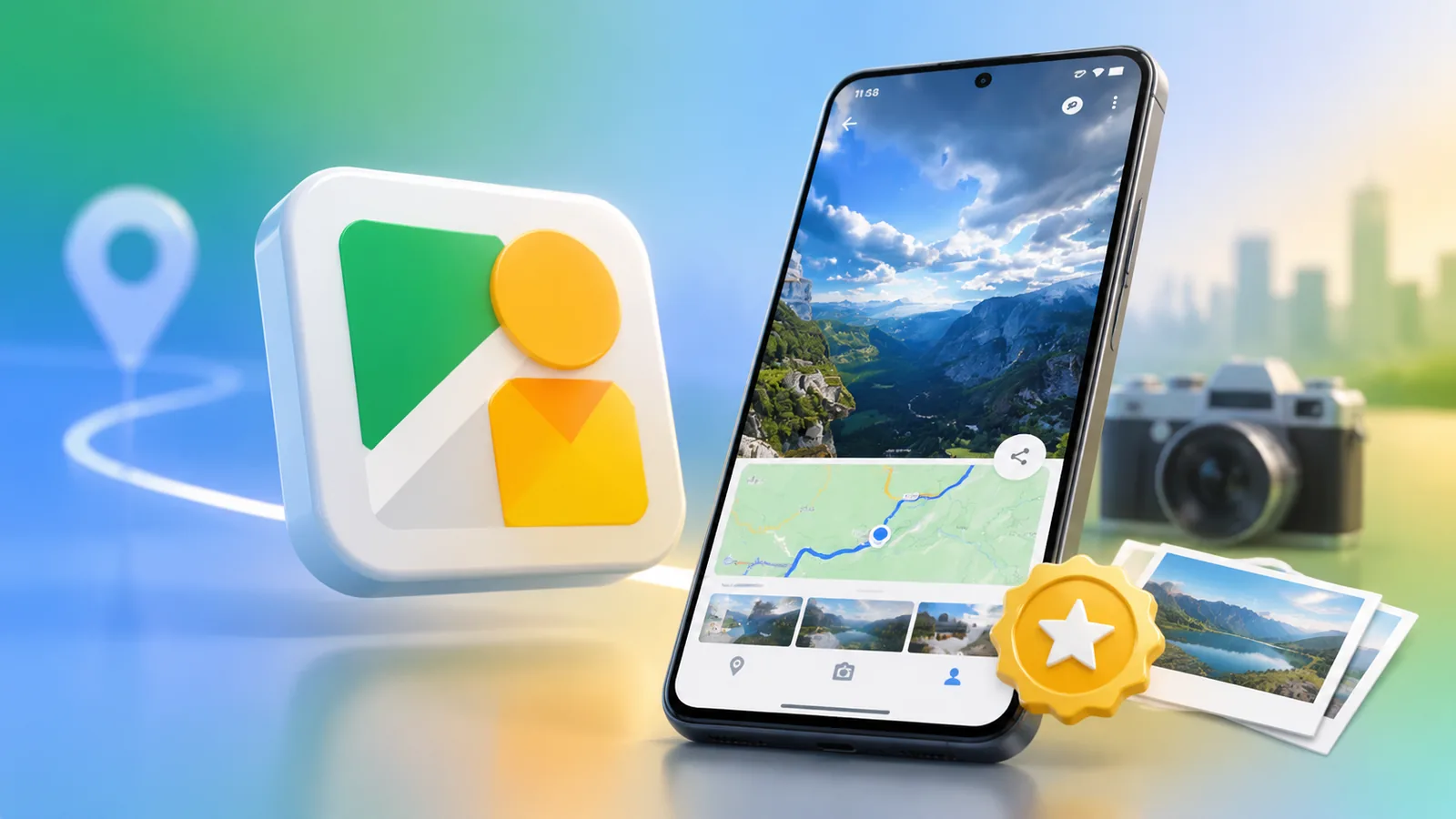
Photo Path creation and publishing
Google Street View now lets you create and publish a Photo Path as you travel along a street or trail. This gives people a way to capture a route in sequence instead of uploading single views only.
For everyday users, that makes it easier to share a walk, ride, or drive in a more connected format. It can also help viewers follow a place in a more natural order.
Fresh UI for creating and organizing imagery
The app also gets a fresh UI for creating, organising, and publishing imagery to Street View. A clearer layout can make common tasks easier to find and manage.
That matters if you add Street View content often, because it can reduce friction when sorting images and getting them ready to share.
Contribution tracking with the Street View badge
Google Street View now includes a Street View badge to track your contribution progress. This gives users a simple way to see how their activity is building over time.
For people who contribute imagery regularly, a progress marker can make it easier to keep track of participation without digging through menus.
Get this version
The new release is version 2.0.0.484371618. It is a 42.1 MB APK and requires Android 7.0 or later.
Get the app

FAQ
What can I do with the new Photo Path feature?expand_more
You can create and publish a Photo Path as you travel along a street or trail. It lets you share a route in sequence.
What changed in the app interface?expand_more
The app has a fresh UI for creating, organising, and publishing imagery to Street View. This is meant to make those tasks easier to handle.
How can I track my contribution progress?expand_more
The update adds a Street View badge that tracks your contribution progress. It gives you a simple way to follow your activity over time.