- 4.4star234 reviews
- 1B+Downloads
- 42 MBAPK size
- EveryoneRated for Everyone
- 7.0+Android
check_circleOriginal APK from Google Inc. · Updated Nov 12, 2026

No threats found
0 / — antivirus engines flagged this file
Original signature
First seen — Google Inc.
Unmodified APK
Same file the developer published — no mods
Google Street View screenshots
8 images · tap to enlarge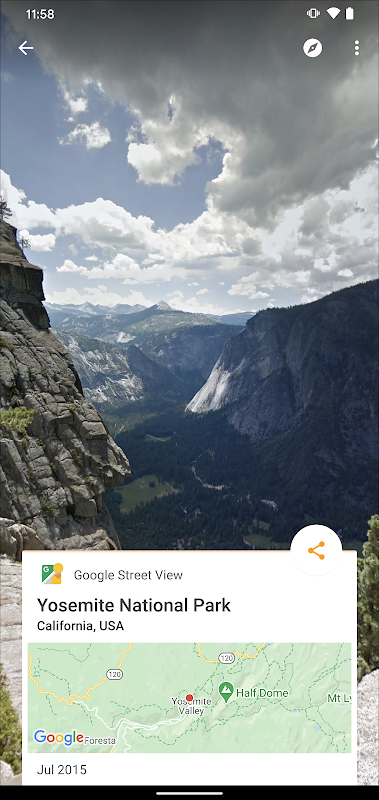
About this app
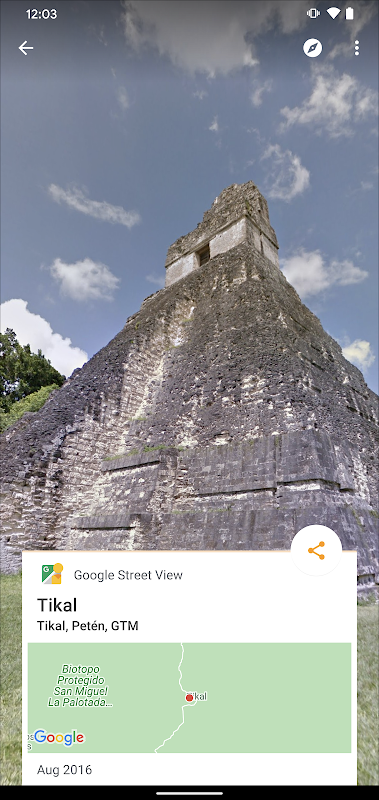
Create and explore Street View imagery from your phone. Google Street View lets you build Photo Spheres, Photo Paths, and Street View panoramas, then publish them for others to see. You can also browse immersive views of landmarks, museums, arenas, restaurants, and small businesses from around the world.
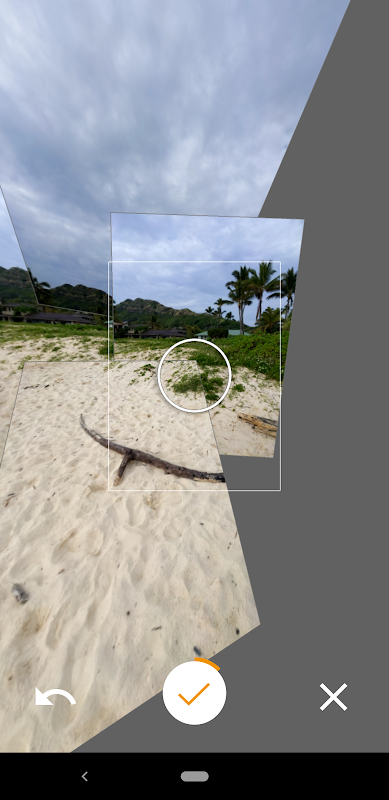
- Photo Spheres — Capture 360° panoramas and turn them into Street View imagery.
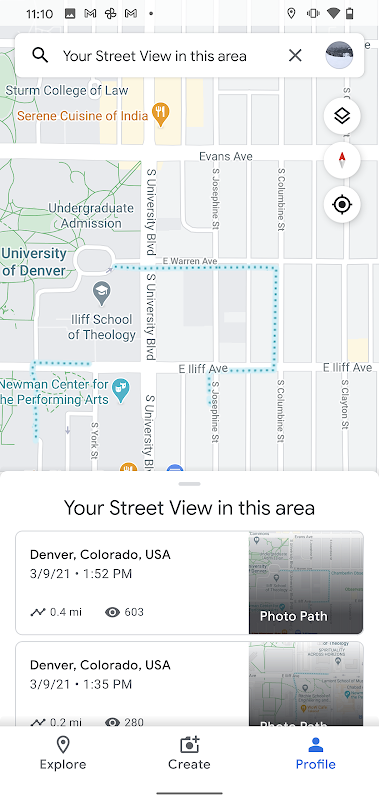
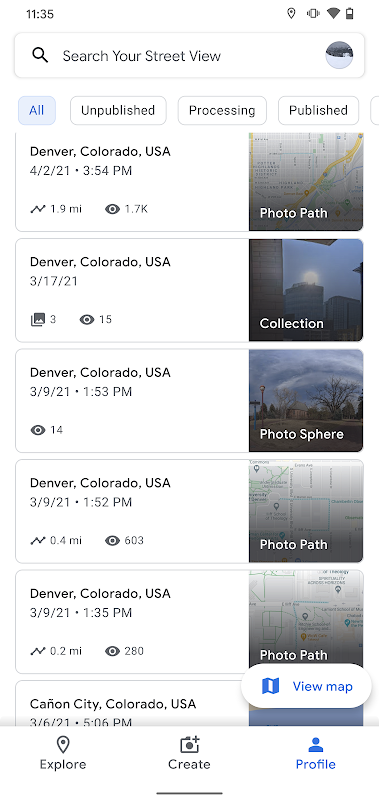
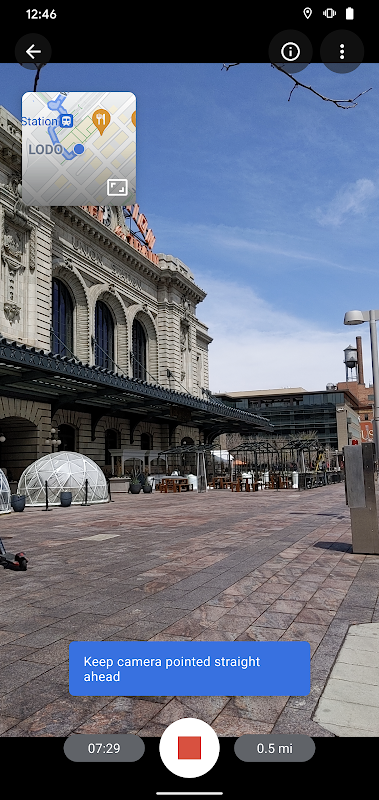
- Photo Paths — Link photos along a street or trail to show a route step by step.
- Street View Publishing — Record new places and publish them for everyone to view.
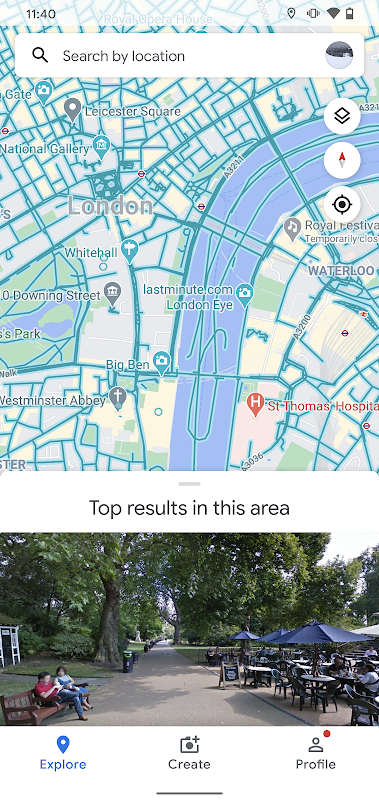
- Global Exploration — Virtually visit nearly every country and step inside many kinds of places.
- Progress Badge — Track your contribution progress with the Street View badge.
First launch in Street View
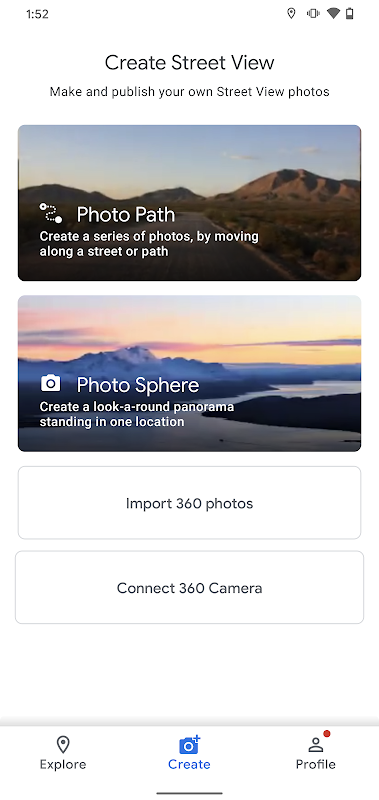
When you open Google Street View for the first time, you can start by exploring places or creating your own imagery. The app is built around three capture options: Photo Spheres, which are 360° panoramas; Photo Paths, which connect photos along a street or trail; and Street View, which uses connected panoramas from a 360° camera.
If you want to publish your own work, the app guides you through recording and sharing it to Street View. If you only want to browse, you can move through immersive views of places from around the world.
Set up your first capture
Choose the capture type that matches what you want to show. A Photo Sphere works well for one spot, while a Photo Path is designed for a route. Street View capture is for connected panoramas from a 360° camera. The app also includes a fresh interface that makes it easier to create, organise, and publish imagery.
Google Street View is free, has no in-app purchases, and does not contain ads. The APK is a universal build, 42.1 MB, and requires Android 7.0 or newer.
Practical tips for daily use
- Use Photo Paths when you want to show movement along a street or trail.
- Check the Street View badge to follow your contribution progress.
- Explore landmarks, natural wonders, museums, arenas, restaurants, and small businesses.
- Use the app to share new places you have recorded with other people.
Requirements and permissions
The app is rated Everyone. It supports universal Android devices and was last updated on 2025-03-06. Photo Paths require an ARCore-compatible device, so that feature may not be available on every phone. No app permissions are listed for this APK.
What's new
Version 2.0.0.484371618 · Nov 12, 2026
- Create and publish a Photo Path as you travel along a street or trail
- Fresh UI makes it easy to create, organise and publish imagery to Street View
- Track your contribution progress with the Street View badge
- Several bug fixes and other improvements
Google Street View in the news
APK information
- Version
- 2.0.0.484371618
- Package
- com.google.android.street
- Category
- Photography
- Size
- 42 MB
- Min Android
- 7.0
- Architecture
- universal
Older versions
-
Google Street View 2.0.0.484371618Nov 12, 2026Latest downloadAPK
Google Street View FAQ
Can Google Street View edit RAW photos?expand_more
The app description does not mention RAW photo editing. It focuses on creating and publishing Street View imagery with Photo Spheres, Photo Paths, and Street View panoramas.
Does Google Street View work offline?expand_more
Offline use is not mentioned. The app is designed to explore and publish Street View imagery, including content from around the world.
Which processors does this APK support?expand_more
This APK is listed as universal, so it is built for universal Android device support.
Does Google Street View need an account?expand_more
An account requirement is not stated. The app does let you create and publish imagery to Street View.
What Android version does Google Street View require?expand_more
It requires Android 7.0 or newer.