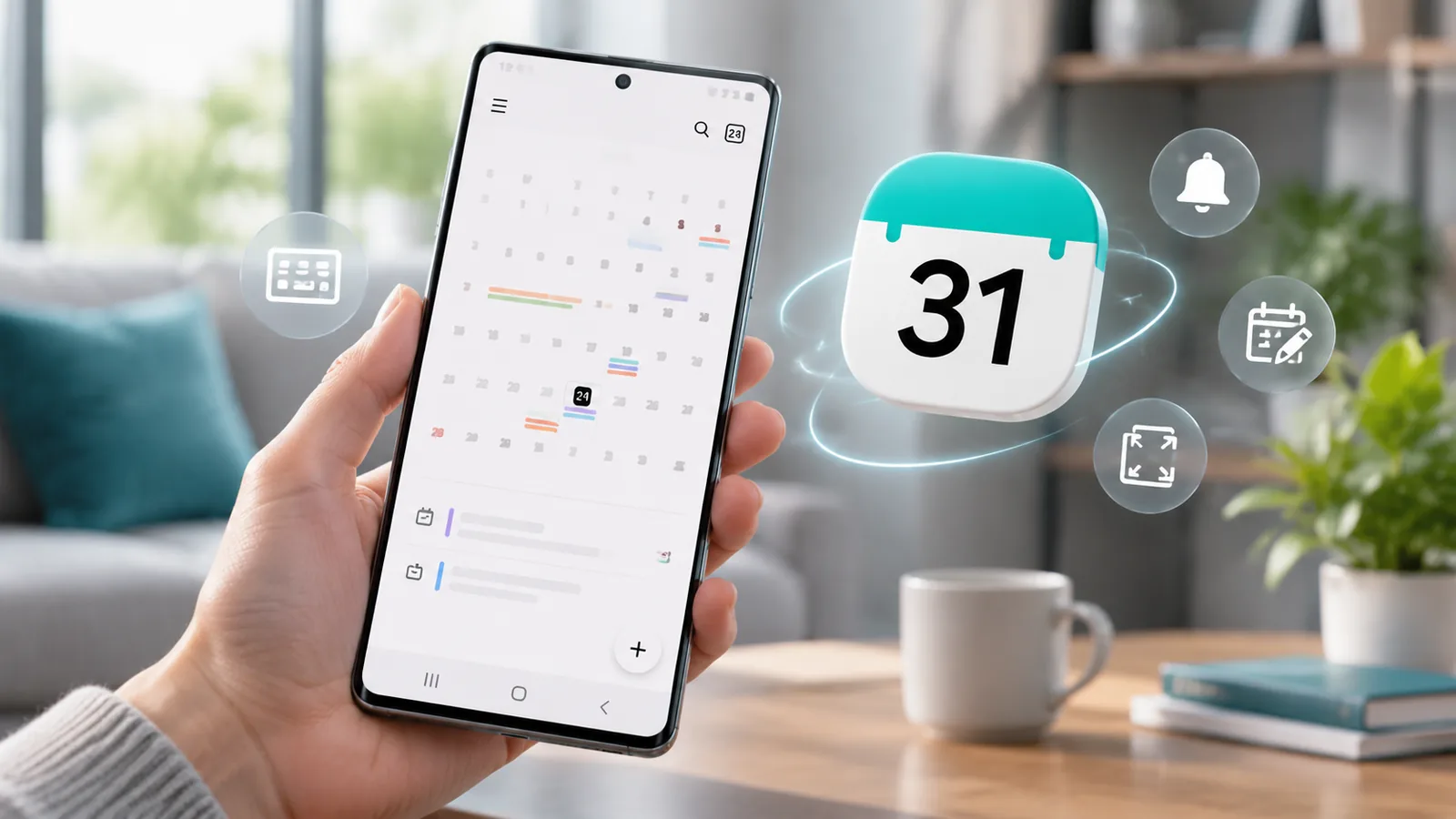
Larger-screen calendar viewing
Samsung Calendar now lets you view your calendar on a larger screen so it is easier to check your schedule at a glance. This helps when you want more room to see events and plan your day without as much scrolling.
The larger layout is useful for everyday scheduling, especially when you are looking over a busy week or comparing several appointments at once.
More control while creating and editing schedules
On the Create Schedule screen, you can now add a reminder when setting up an event. That makes it easier to get notified about important plans without needing to come back and edit them later.
You can also adjust the reminder's date directly on the calendar. This gives you a quicker way to fine-tune when a reminder should alert you if your plans change.
Together, these changes make schedule setup more practical for people who rely on reminders to stay on time.
Faster quick input suggestions
In the Quick input window, commonly used inputs are now recommended. This can save time when you enter events often and want to reuse familiar details more quickly.
The update focuses on making routine calendar entry smoother, which matters for users who add appointments, meetings, or personal plans throughout the day.
Get this version
Samsung Calendar version 12.8.01.0 is available as an APK. The file size is 63.2 MB, and it requires Android 15.
Get the app
Samsung Electronics Co., Ltd. · Productivity · 4.1 ★ · 1B+ · v12.8.01.0
FAQ
What is new in Samsung Calendar 12.8.01.0?expand_more
This version adds reminders on the Create Schedule screen, lets you adjust reminder dates on the calendar, and recommends commonly used inputs in Quick input.
Does this update change how Samsung Calendar looks on bigger screens?expand_more
Yes. You can now view your calendar on a larger screen to check your schedule more easily.
What Android version is required for this APK?expand_more
Samsung Calendar 12.8.01.0 requires Android 15.