- 4.1star118,410 reviews
- 1B+Downloads
- 63 MBAPK size
- EveryoneRated for Everyone
- 15+Android
check_circleOriginal APK from Samsung Electronics Co., Ltd. · Updated Nov 12, 2026
No threats found
0 / — antivirus engines flagged this file
Original signature
First seen — Samsung Electronics Co., Ltd.
Unmodified APK
Same file the developer published — no mods
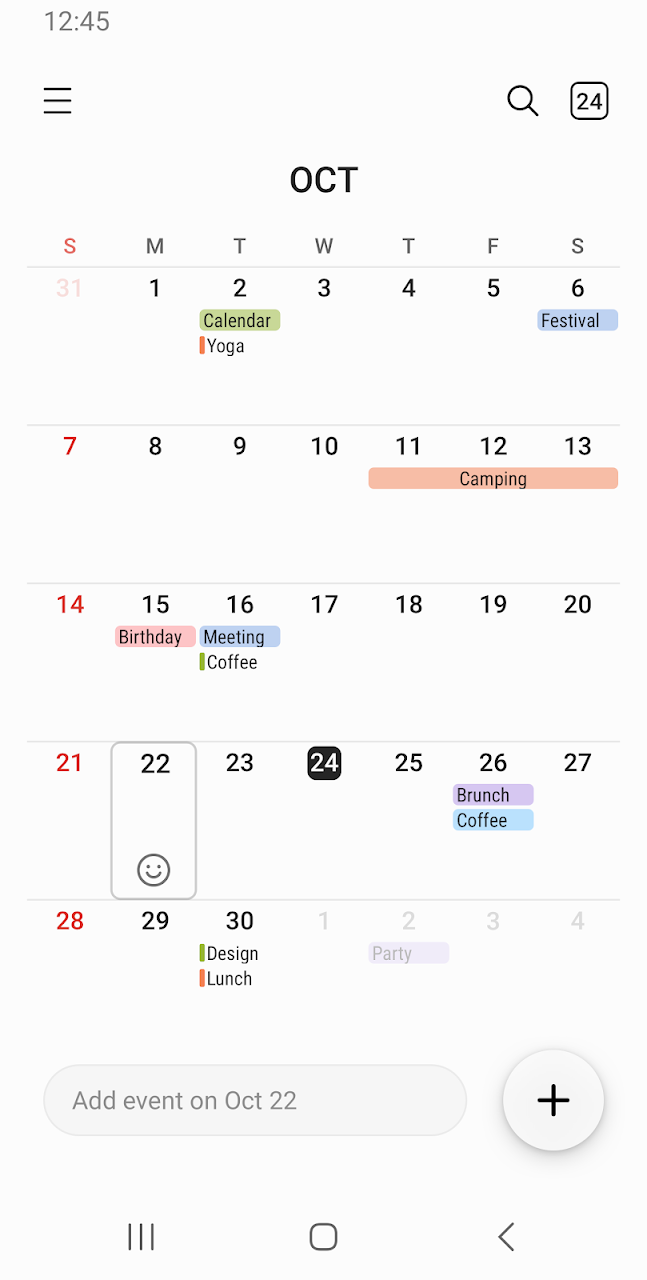
Samsung Calendar screenshots
7 images · tap to enlarge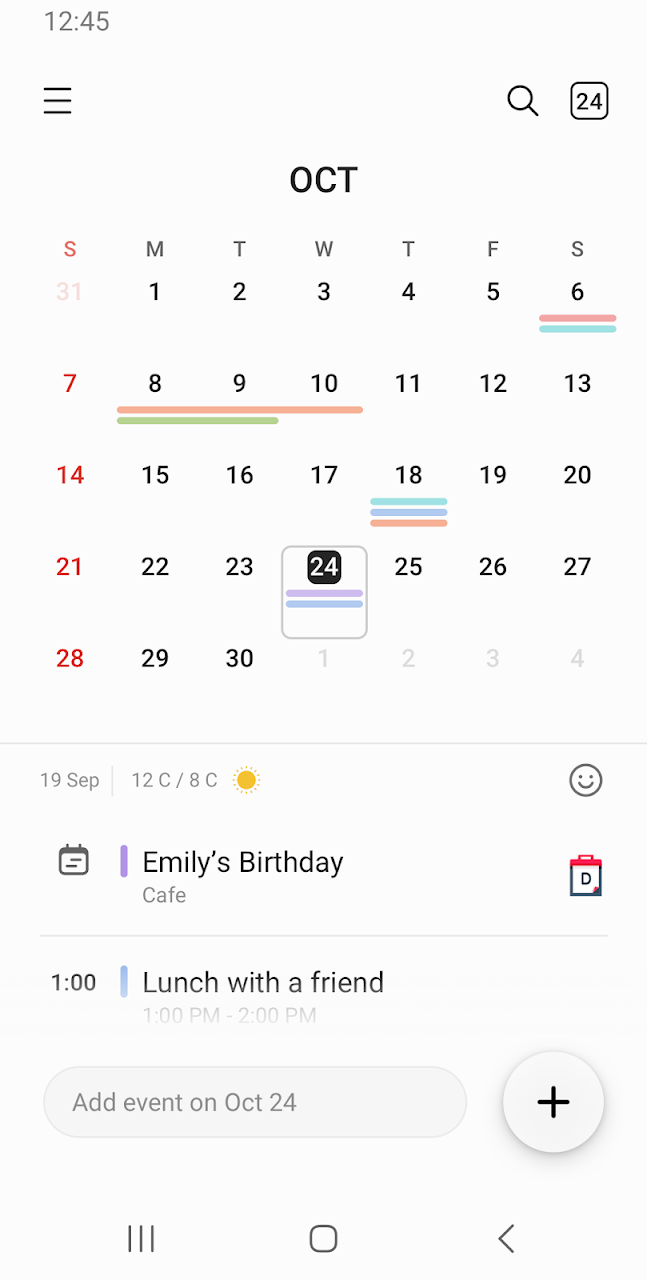
About this app
Samsung Calendar stands out in productivity with flexible schedule views and quick event creation. It lets you add calendars such as Google Calendar, set reminders, and use transparent widgets on the home screen. The app is free, has no ads or in-app purchases, and is rated 4.1 from more than 118,000 reviews.
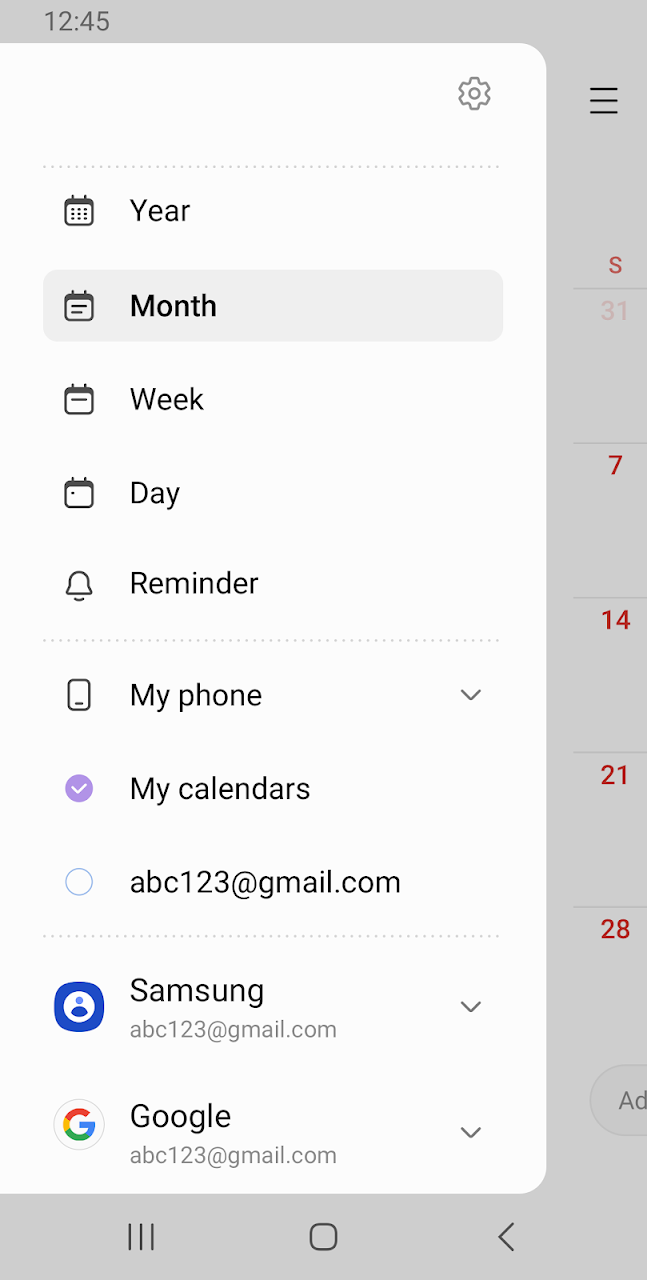
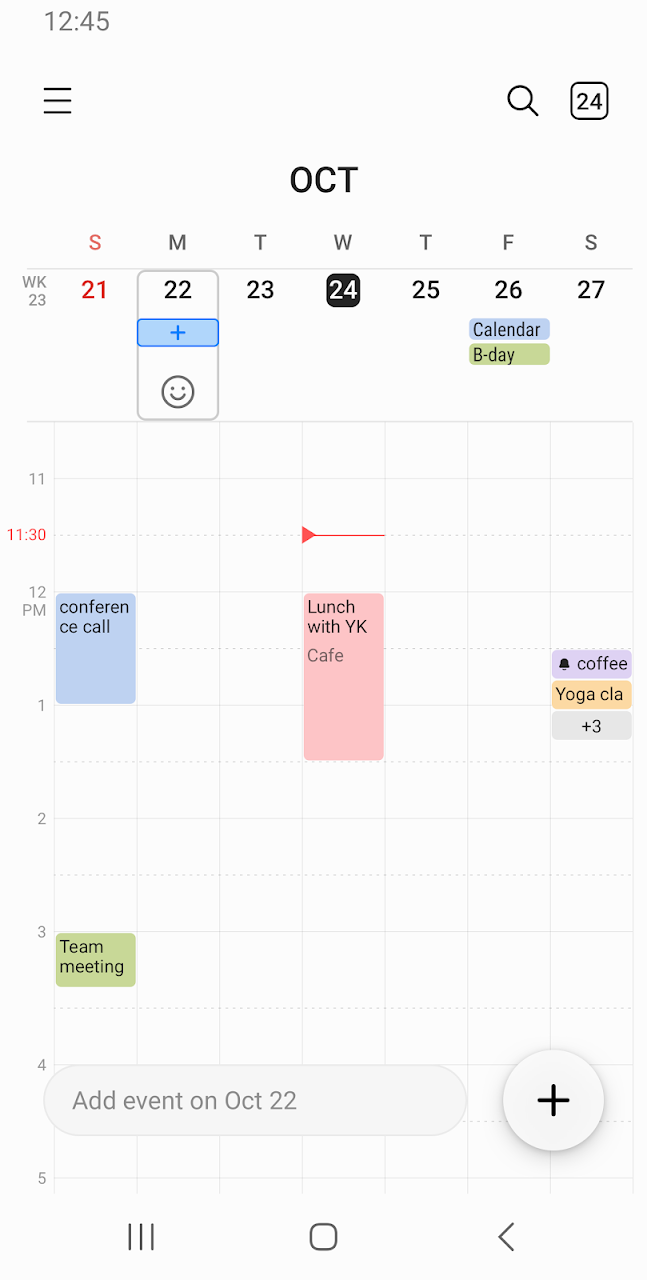
- Calendar views — Switch between year, month, week, day, and task views.
- Google Calendar support — Manage schedules from multiple calendars, including Google Calendar.
- Event reminders — Set notifications and reminder details when creating an event.
- Widget options — Use transparent widgets with adjustable transparency on the home screen.
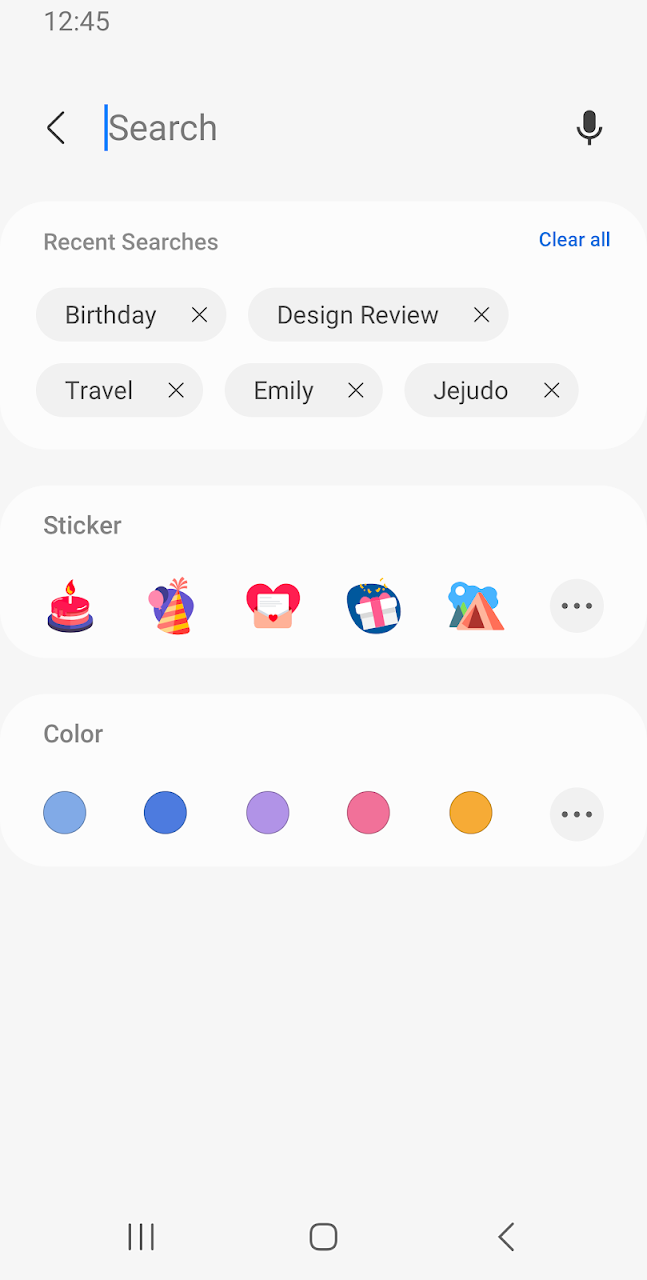
- Color coding — Assign color codes to events in each calendar for quick scanning.
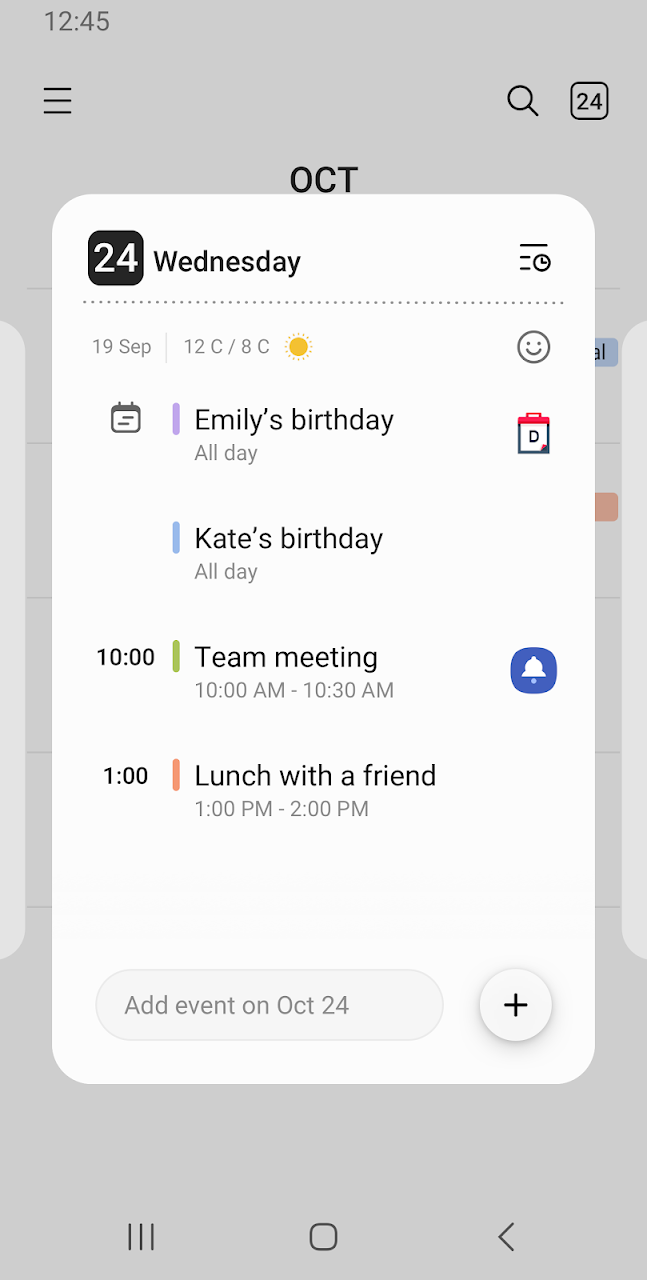
- Weather display — See weekly weather information alongside your schedule.
First look
Samsung Calendar is a practical scheduling app from Samsung Electronics Co., Ltd. It focuses on fast event entry, multiple calendar support, and clear views of your day or month. The app is free, contains no ads, and has no in-app purchases. It comes as an APK file, is 63.2 MB, and requires Android 15 or later.
Schedules in one place
The app lets you add different calendars, including Google Calendar, so your schedules stay together. You can open year, month, week, day, or task views, then move between them with a horizontal swipe. Color codes help separate events across calendars, which makes busy schedules easier to read at a glance.
- Multiple calendar support
- Year, month, week, day, and task views
- Color-coded events
- Swipe navigation between views
Reminders and recurrence
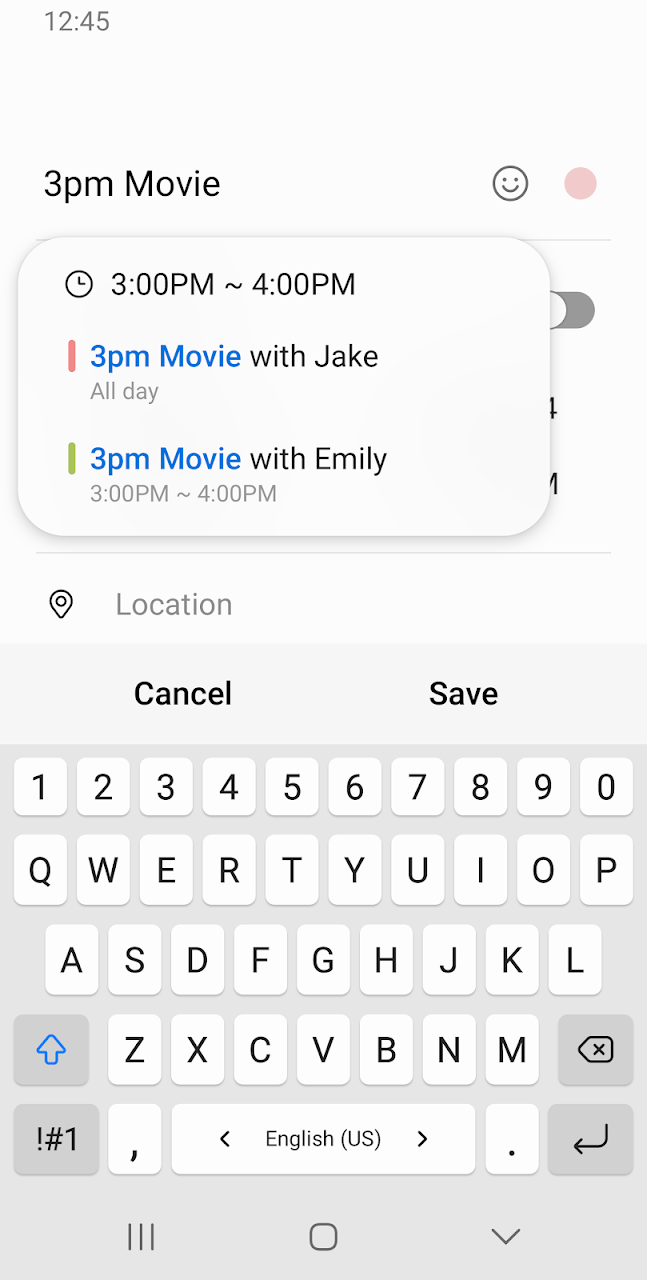
Event creation includes recurrence patterns and time zone settings. The latest update adds a reminder option on the Create Schedule screen, and you can adjust the reminder date on the calendar. That makes the app more useful for repeated events and schedules that need a specific alert time.
Widgets and home screen use
Samsung Calendar includes several widgets with adjustable transparency. The transparent widget is meant to sit neatly on the home screen without taking over the layout. Weekly weather information is also available, which gives the calendar a small extra layer of context for planning.
Permissions, sharing, and limits
The app asks for Calendar and Notification permissions to add schedules and send event alerts. Optional permissions cover Contacts, Location, and Photos and videos for attendee invites, birthday display, location notes, and file attachments. The Play description also mentions inviting attendees, which supports shared planning, but it does not describe team tools. There is no ad load to work around, and the app has a 4.1 rating from 118,410 ratings, with most ratings at 5 stars.
For people who want a calendar tied closely to Samsung devices, this is a solid, straightforward choice. It fits users who want clear schedule views, reminders, and widget support without extra clutter.
What's new
Version 12.8.01.0 · Nov 12, 2026
- View your calendar on a larger screen to easily check your schedule.
- On the "Create Schedule" screen, you can now add a reminder.
- On the calendar, you can adjust the reminder's date.
- In the Quick input window, commonly used inputs are now recommended.
Samsung Calendar in the news
APK information
- Version
- 12.8.01.0
- Package
- com.samsung.android.calendar
- Category
- Productivity
- Size
- 63 MB
- Min Android
- 15
- Architecture
- universal
Older versions
-
Samsung Calendar 12.8.01.0Nov 12, 2026Latest downloadAPK
Samsung Calendar FAQ
Can Samsung Calendar be used offline?expand_more
The app description does not say whether it works offline. It does list core calendar and notification permissions for schedule use.
Does Samsung Calendar support teams?expand_more
It supports inviting attendees to a schedule through the Contacts permission. The description does not mention team features.
Does Samsung Calendar show ads?expand_more
No. The app is listed as containing no ads.
Does Samsung Calendar work on tablets?expand_more
The app is available on Android and the recent changes mention viewing your calendar on a larger screen. It does not give a separate tablet listing.
Can I add reminders in Samsung Calendar?expand_more
Yes. The latest version adds a reminder option on the Create Schedule screen, and you can adjust the reminder date on the calendar.