- 3.3star1,658,653 reviews
- 100M+Downloads
- 40 MBAPK size
- EveryoneRated for Everyone
- 7.0+Android
check_circleOriginal APK from National Health Authority · Updated Nov 12, 2026
No threats found
0 / — antivirus engines flagged this file
Original signature
First seen — National Health Authority
Unmodified APK
Same file the developer published — no mods
AarogyaSetu 2.0 screenshots
8 images · tap to enlarge
About this app
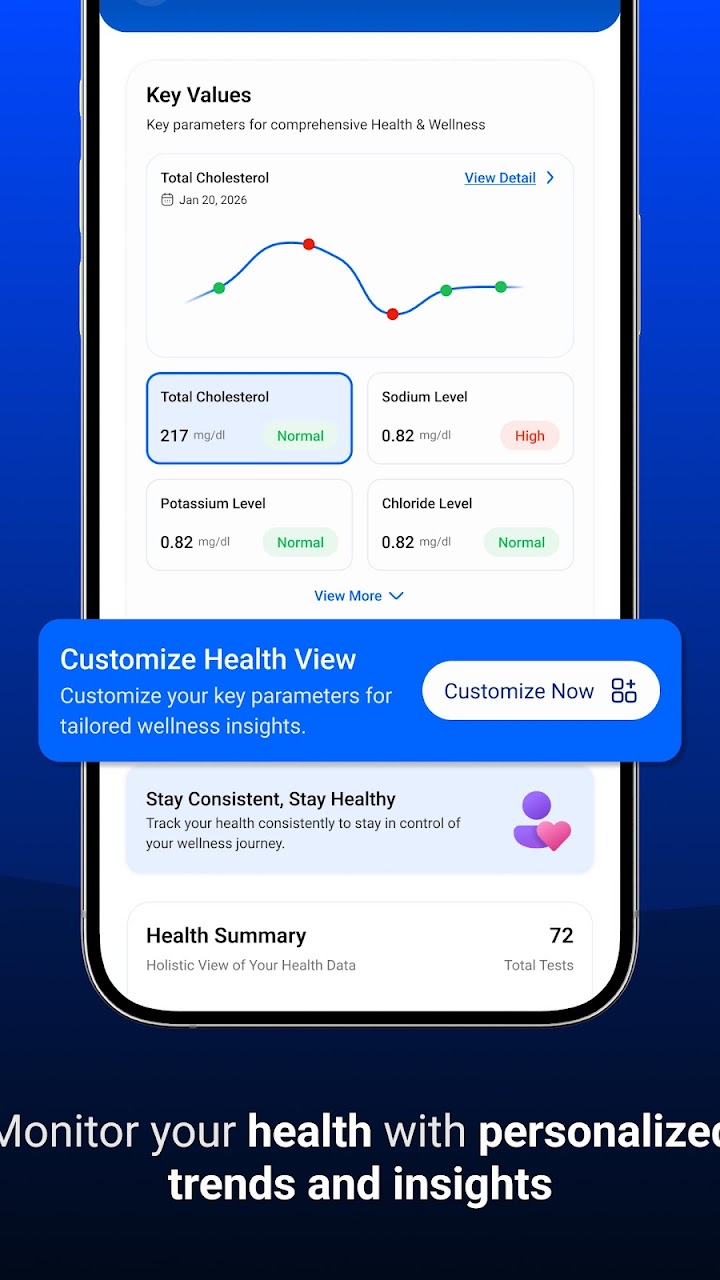
National Health Authority’s AarogyaSetu 2.0 is a health app for creating and using your ABHA, the Ayushman Bharat Health Account. On a normal day, you may open it to log in, view records from ABDM-enabled facilities, share them with consent, or find hospitals, labs, doctors, and blood banks across India.
- ABHA creation — Create and log in to your ABHA using Aadhaar face authentication.
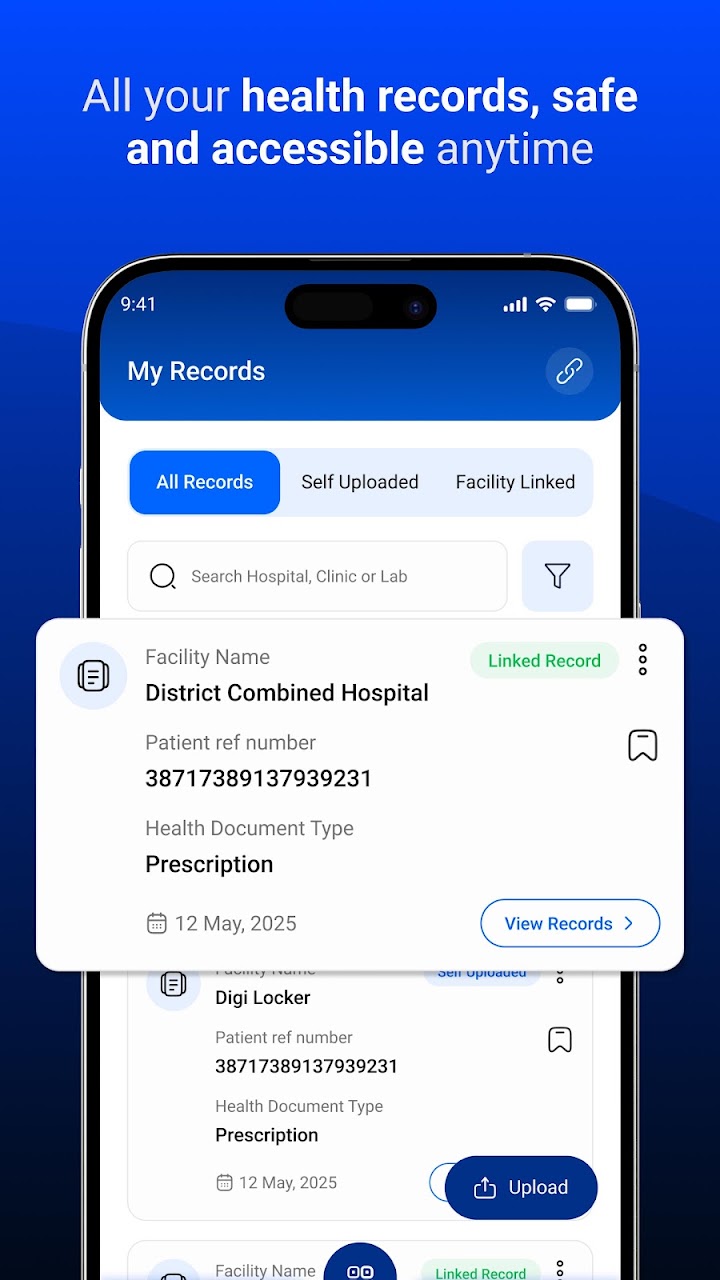
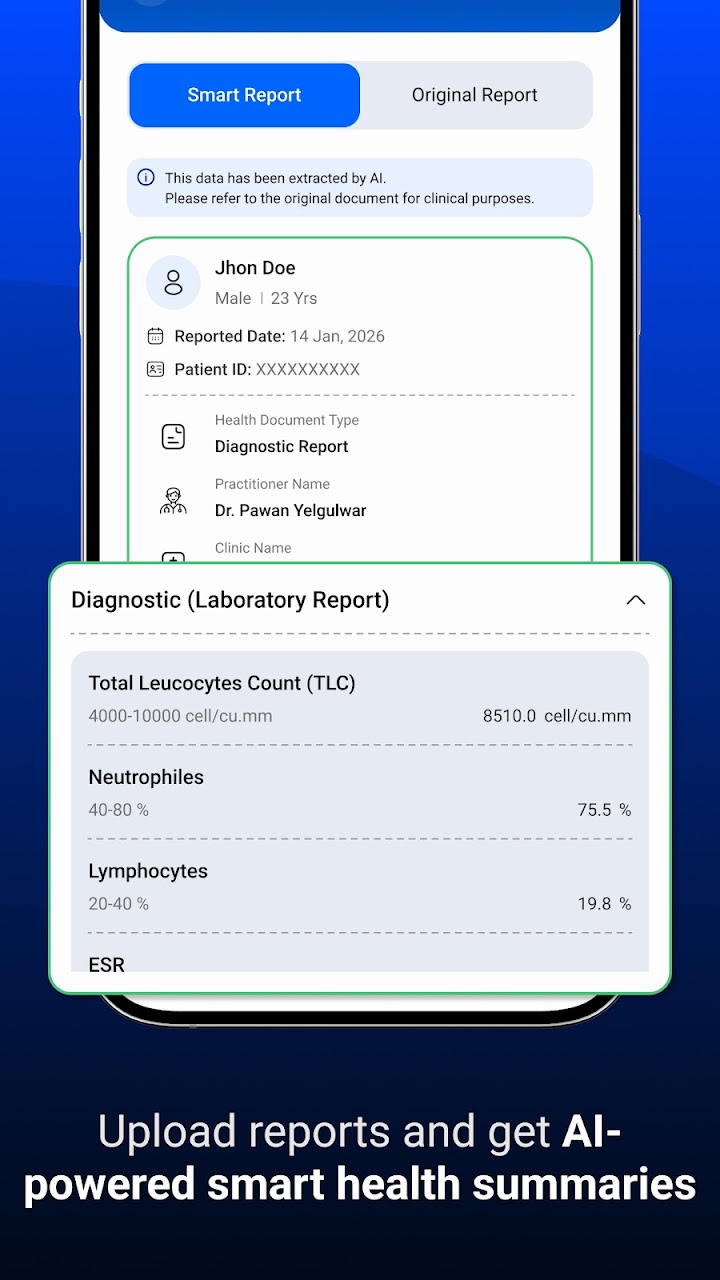
- Health records access — View health records from ABDM-enabled facilities in one place.
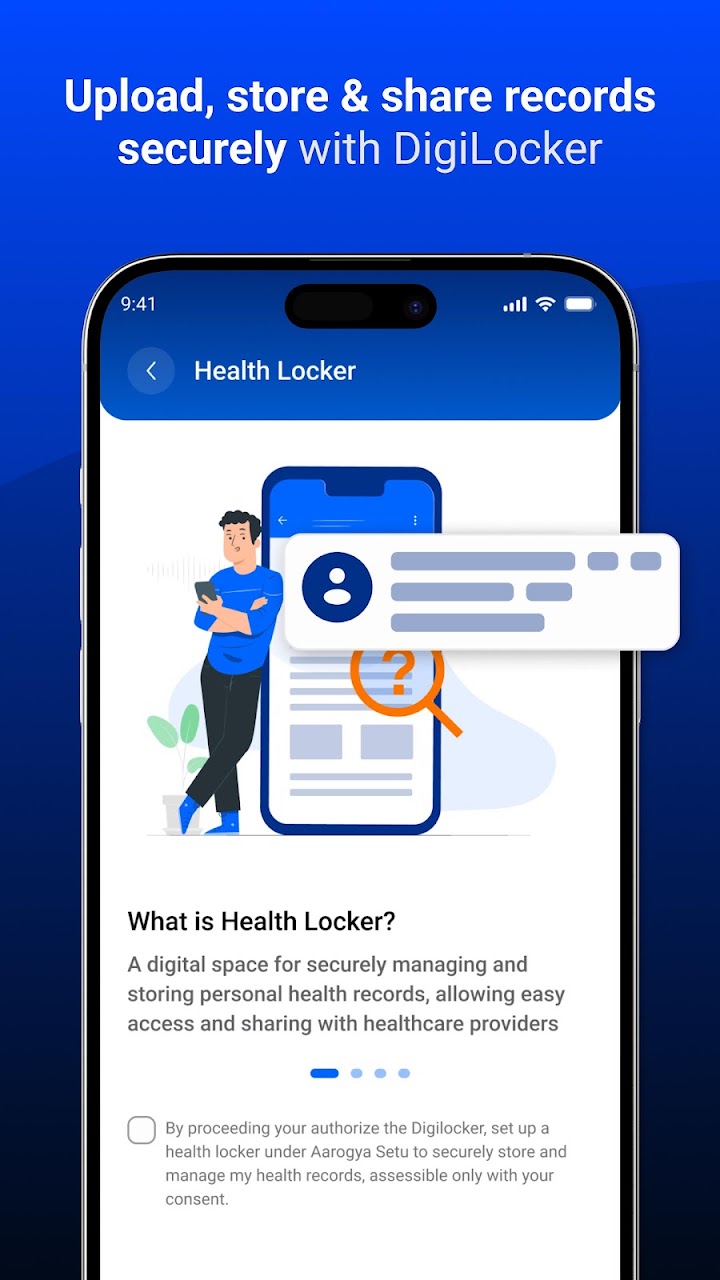
- DigiLocker storage — Upload records to government-approved health storage for personal and family use.
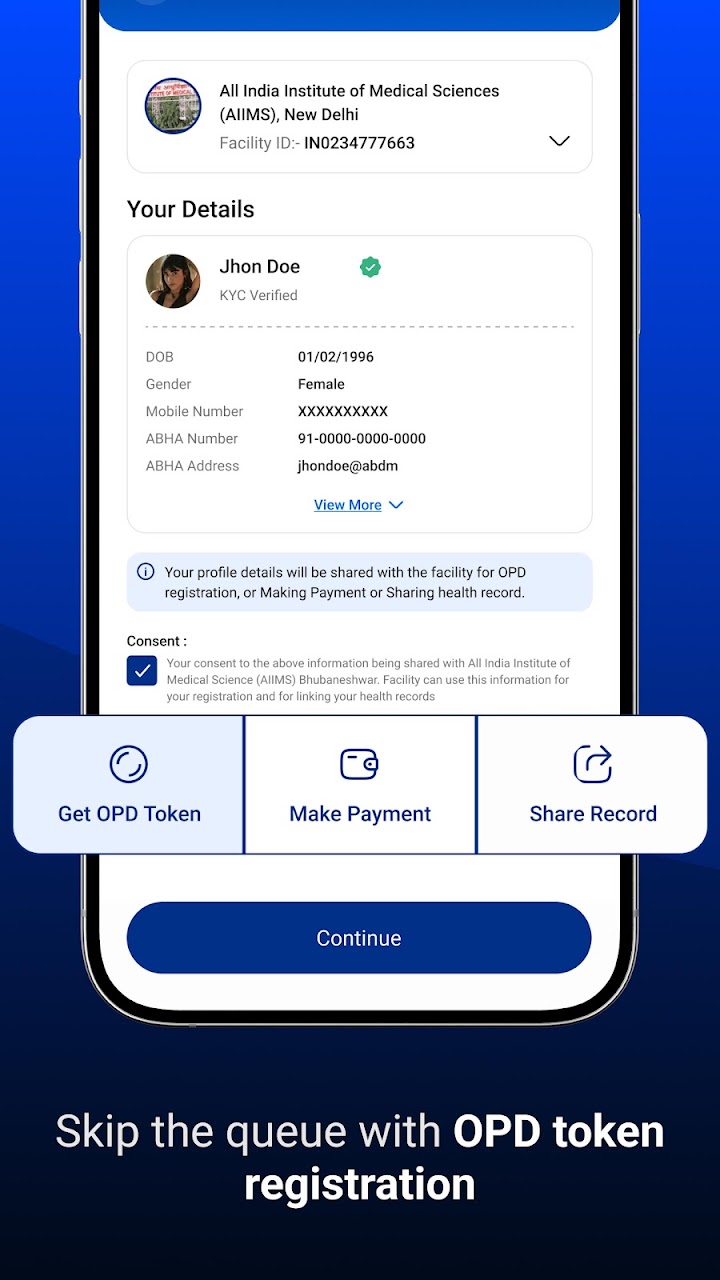
- Scan and Share — Use quick Scan and Share for OPD registration at ABDM-enabled hospitals, clinics, and labs.
- Scan and Pay — Pay for health services at registered facilities through the app.
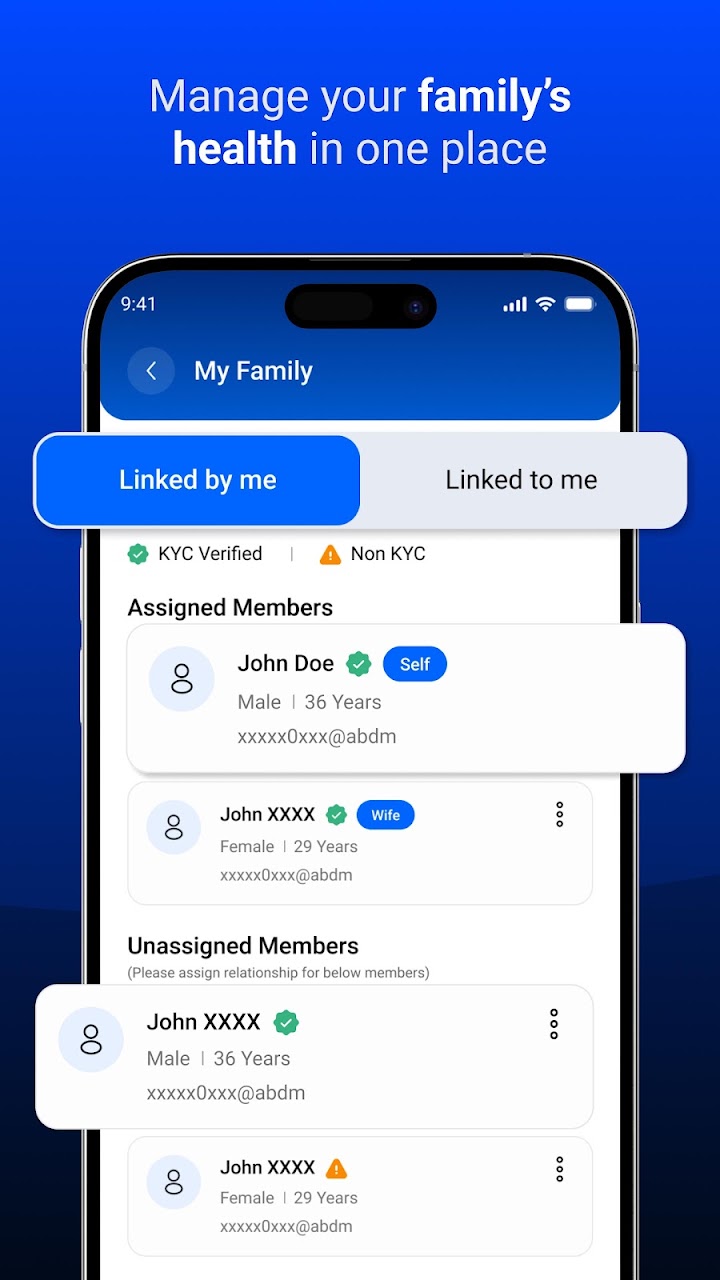
- Family health view — Add family members and manage their health details together.
First launch: create your ABHA
When you open AarogyaSetu 2.0 for the first time, the main setup is creating or logging in to your ABHA. The app uses Aadhaar face authentication for this step, so you can get into your account before you start using the rest of the services.
Use it for records, visits, and payments
After setup, the app becomes useful during real health visits. You can check records from ABDM-enabled facilities, share them with consent, and use Scan and Share for OPD registration at enabled hospitals, clinics, and labs. If a facility supports it, Scan and Pay lets you make digital payments for health services.
Keep family health in one place
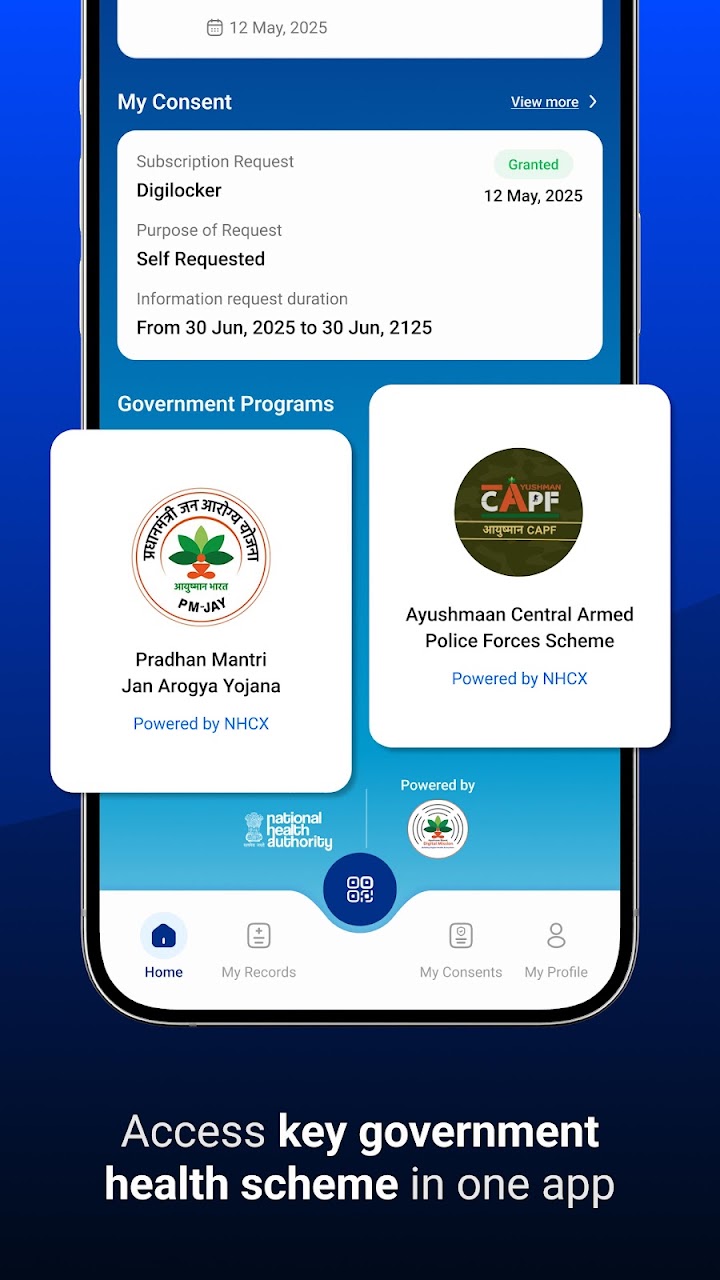
AarogyaSetu 2.0 also lets you add family members to your account. That makes it easier to keep track of records and view PMJAY-related details for family members, including empanelled hospitals, treatment details, and wallet balances through NHCX. You can also upload records to DigiLocker for personal and family health management.
Find care when you need it
The app includes discovery tools for doctors, laboratories, hospitals, blood banks, and blood availability anywhere in India. For a first-day setup, it helps to know that the app is free, has no in-app purchases, and does not show ads. It requires Android 7.0 or later, comes as an APK, and is about 40.3 MB.
Practical tips for daily use
- Keep your ABHA login ready before a hospital or lab visit.
- Use consent-based sharing only when you want a facility to see your records.
- Check family member details from the same account instead of switching between apps.
- Look up nearby doctors, labs, hospitals, or blood banks when you need care quickly.
Requirements and permissions
The app is made for everyone and does not list any app permissions in the store listing. It is free to use, with no in-app purchases and no ads.
APK information
- Version
- 2.2.5
- Package
- nic.goi.aarogyasetu
- Category
- Health & Fitness
- Size
- 40 MB
- Min Android
- 7.0
- Architecture
- universal
Older versions
-
AarogyaSetu 2.0 2.2.5Nov 12, 2026Latest downloadAPK
AarogyaSetu 2.0 FAQ
Does AarogyaSetu 2.0 work with smartwatches?expand_more
The store listing does not mention smartwatch support. It focuses on ABHA, health records, Scan and Share, Scan and Pay, and health facility discovery.
Where does AarogyaSetu 2.0 store my health data?expand_more
You can upload health records to DigiLocker for personal and family health management. The app also supports consent-based sharing at ABDM-enabled facilities.
Is AarogyaSetu 2.0 free to use?expand_more
Yes. The app is free to use.
Does AarogyaSetu 2.0 have in-app purchases?expand_more
No. The app does not include in-app purchases.
How do I create an ABHA in AarogyaSetu 2.0?expand_more
You can create and log in to your ABHA through Aadhaar face authentication. That is the first setup step before using the rest of the app.