
- 2.6star95,283 reviews
- 500M+Downloads
- 9 MBAPK size
- EveryoneRated for Everyone
- API 19+Android
check_circleOriginal APK from Google LLC · Updated Nov 12, 2026
No threats found
0 / — antivirus engines flagged this file
Original signature
First seen — Google LLC
Unmodified APK
Same file the developer published — no mods
Health Connect screenshots
4 images · tap to enlarge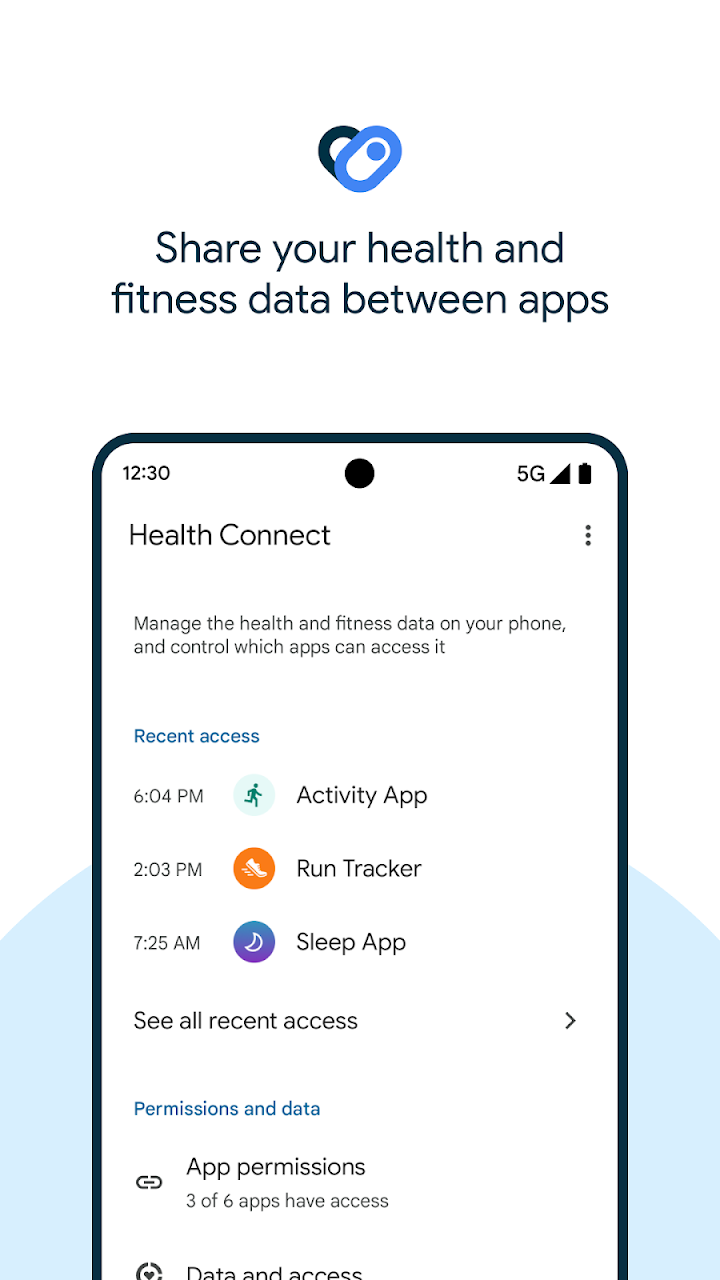
About this app
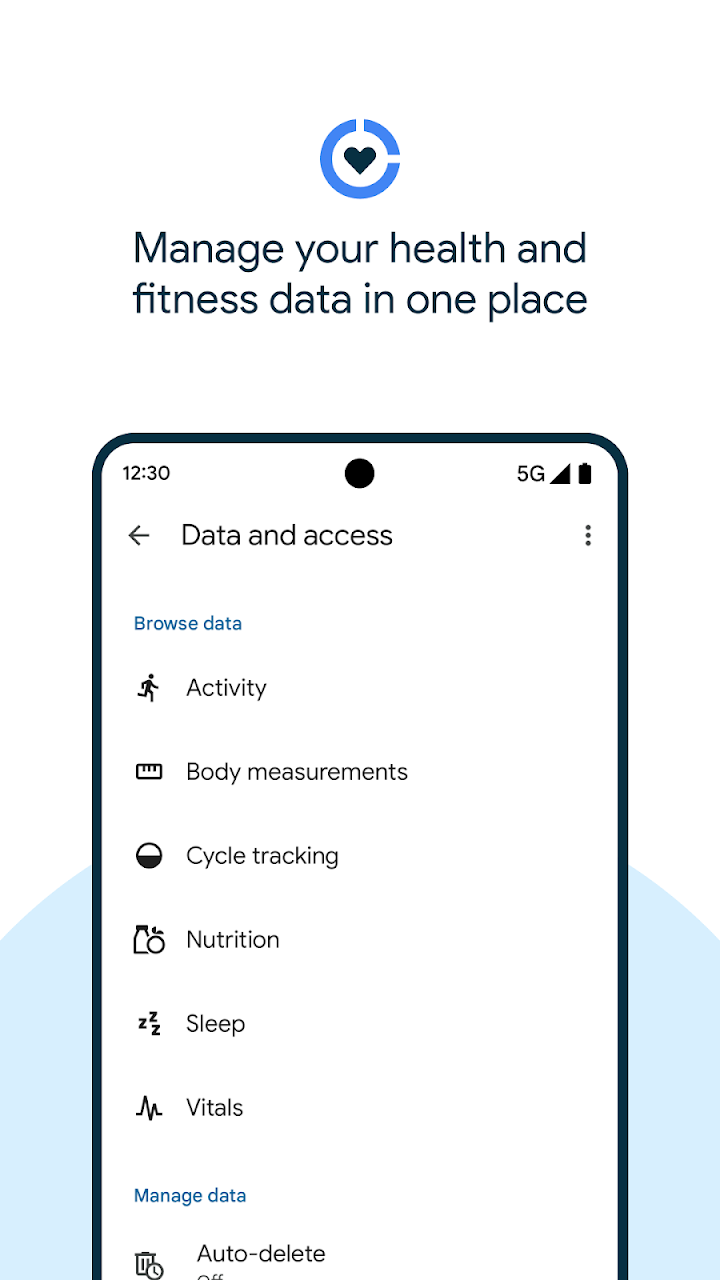
500M+ installs put Health Connect in a familiar spot on Android devices. It gives health, fitness, and wellbeing apps a shared place to pass data through, while keeping that data stored offline on your device. You open it from Settings > Apps > Health Connect or from Quick Settings when you want to review sharing and privacy choices.
- Shared data hub — Keeps health and fitness data from different apps in one place on your device.
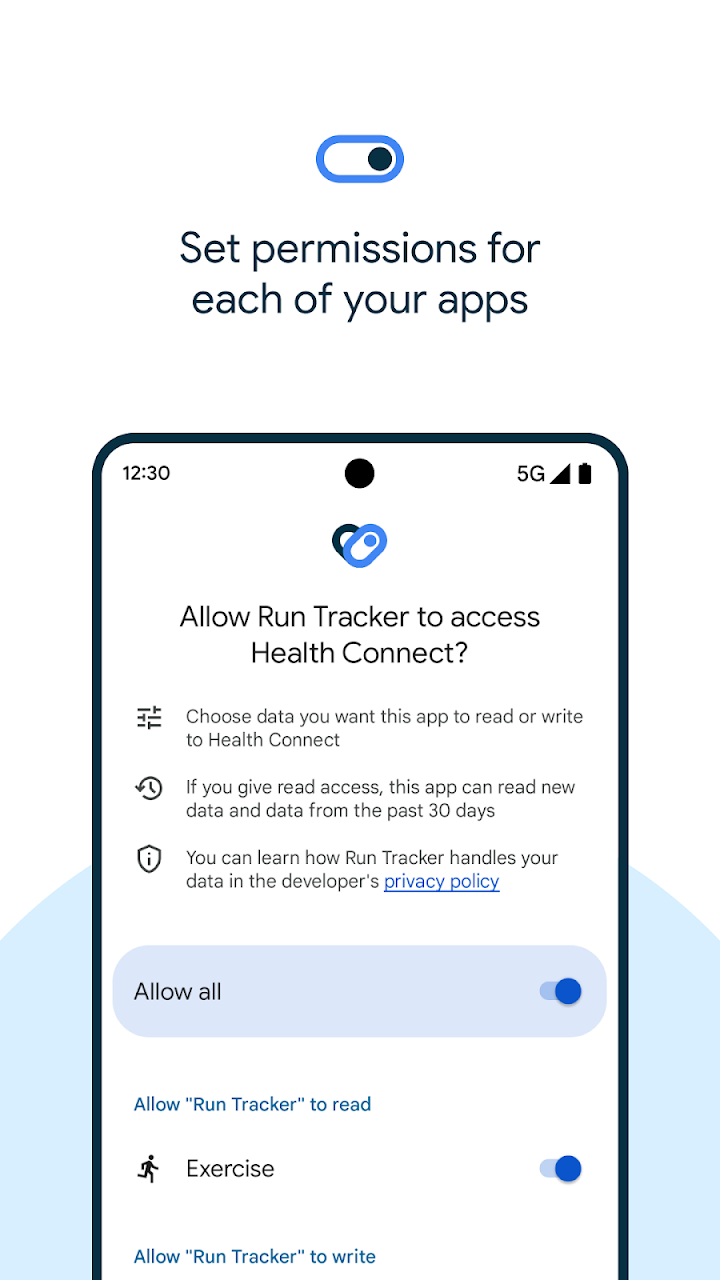
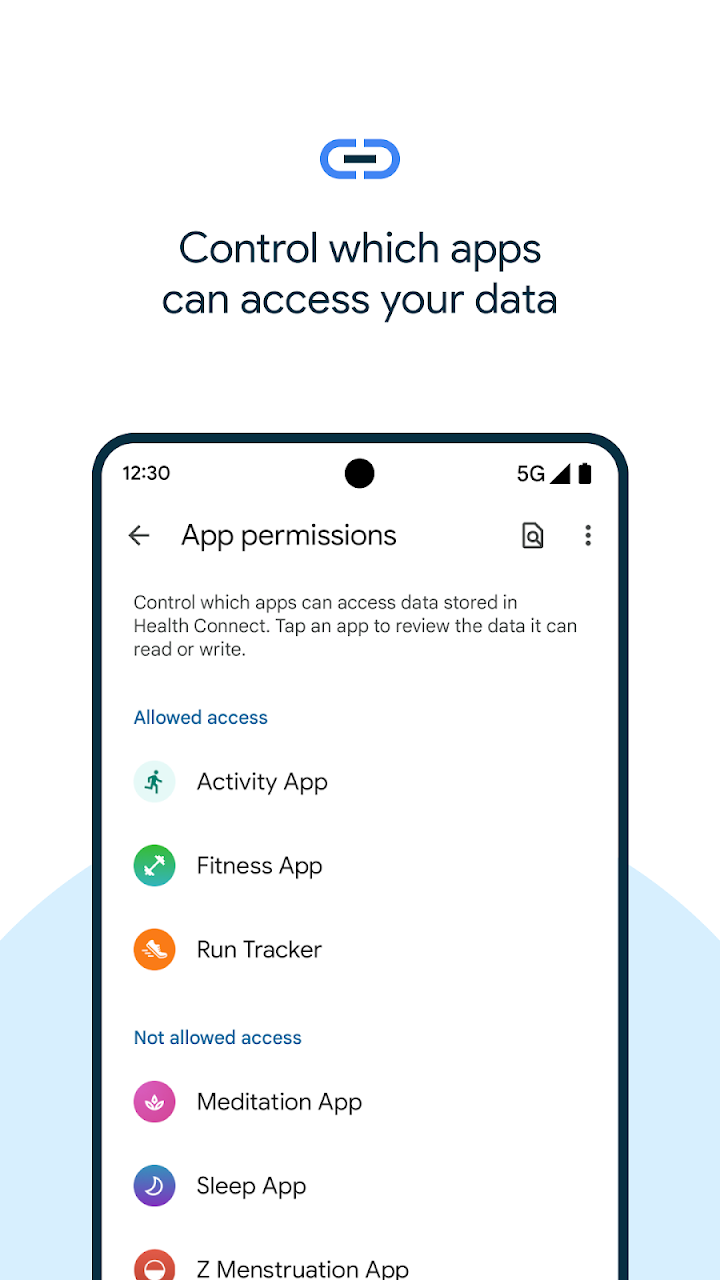
- Privacy controls — Lets you choose what each new app can access before sharing starts.
- Review access history — Shows which apps recently accessed your data so you can check sharing later.
- Works from settings — You can reach it through Android settings or a Quick Settings tile.
- Covers daily health — Supports data sharing for activity, sleep, nutrition, and vitals.
Check sharing from Android settings
Health Connect fits into a normal day when you want different health apps to talk to each other without handing everything over at once. After installation, you can open it from Settings > Apps > Health Connect or from Quick Settings. The app is free, has no ads, no in-app purchases, and comes as a 9.4 MB APK for API 19 and up.
Choose what each app can read
The main task here is reviewing access before a new app gets your data. That matters if you use one app for workouts, another for sleep, and another for vitals or nutrition. Health Connect gives you simple controls so you can decide what to share instead of opening everything by default.
- Review permissions before an app connects.
- Change your mind later if you want to stop sharing.
- See which apps recently accessed your data.
Keep data stored on-device
Health Connect stores health and fitness data offline on your device, rather than acting like a social feed or a cloud-first dashboard. That makes it more of a transfer and control layer than a place to browse workouts or track goals on its own. The app does not list any permissions, which keeps the focus on sharing controls inside Android.
Compared with Samsung Health and Google Fit
Against Samsung Health, Google Fit: Activity Tracking, and Google Health (Fitbit), Health Connect is narrower. It is not trying to replace a full tracking app or a wearable dashboard. Instead, it sits between your apps and helps them share data. If you want one place to log activity directly, a full fitness app may suit you better; if you want apps to exchange data with privacy checks, Health Connect is the clearer fit.
Where it fits in everyday use
It makes the most sense when you install a new health app, switch between fitness tools, or want to check whether an app still has access. Because it is from Google LLC and built into Android access points, it feels more like a system utility than a standalone tracker.
APK information
- Version
- 899.9999.999
- Package
- com.google.android.apps.healthdata
- Category
- Health & Fitness
- Size
- 9 MB
- Min Android
- API 19
- Architecture
- universal
Older versions
-
Health Connect 899.9999.999Nov 12, 2026Latest downloadAPK
Health Connect FAQ
Where does Health Connect store my health data?expand_more
It stores health and fitness data from your apps offline on your device. That lets you manage sharing in one place without moving the data into a separate cloud service.
Does Health Connect work with smartwatches?expand_more
The app is meant to share data between health, fitness, and wellbeing apps. The listing does not name specific smartwatch models or watch integrations.
Does Health Connect work on tablets?expand_more
It supports Android devices running API 19 and up. The listing does not separate phones and tablets, so tablet support is not called out specifically.
What permissions does Health Connect ask for?expand_more
No permissions are listed for this app. It focuses on letting you review and choose what each app can access.
How do I open Health Connect after installing it?expand_more
You can open it from Settings > Apps > Health Connect or from the Quick Settings menu.