- 3.4star30,311 reviews
- 100M+Downloads
- 4 MBAPK size
- EveryoneRated for Everyone
- 8.0+Android
check_circleOriginal APK from Samsung Electronics Co., Ltd. · Updated Nov 12, 2026

No threats found
0 / — antivirus engines flagged this file
Original signature
First seen — Samsung Electronics Co., Ltd.
Unmodified APK
Same file the developer published — no mods
Health Platform screenshots
8 images · tap to enlarge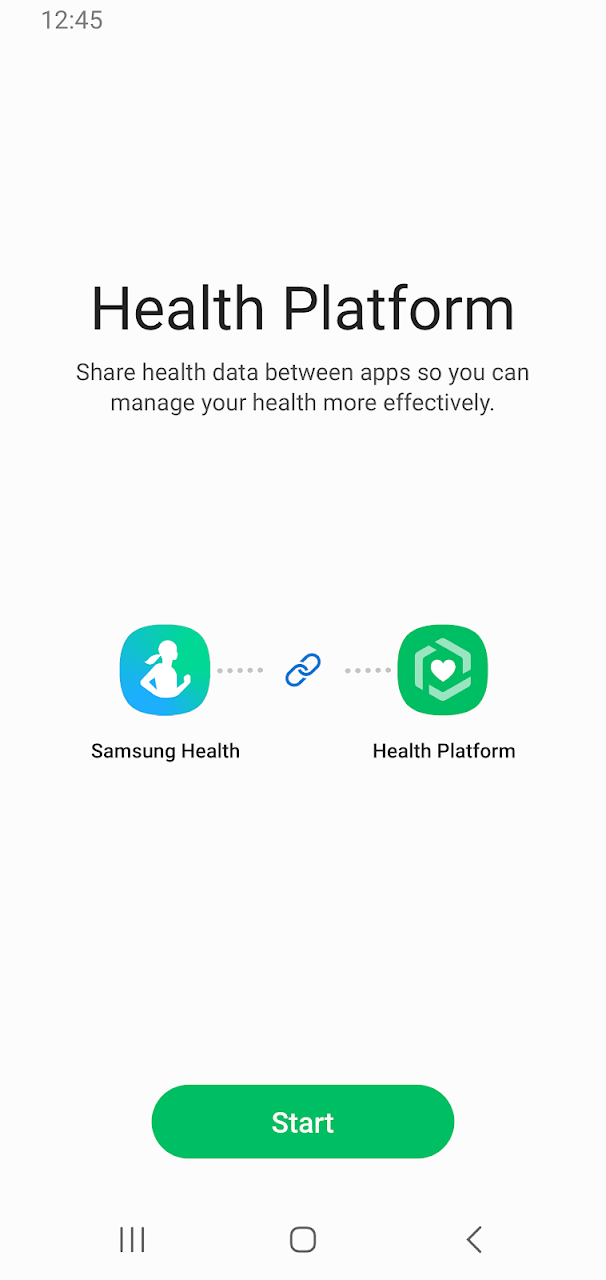
About this app
Keep your health data in one place across Samsung apps and supported wearables. Health Platform helps store, sync, and back up measurements like steps, heart rate, sleep, and blood pressure, with Samsung account backup for extra protection. It is built for Samsung devices only, and some phones, tablets, and regions may have different feature support.
- Store health records — Keep measurements from health apps and smartwatches, including steps, sleep, heart rate, and blood pressure.
- Sync between apps — Set up sending and receiving data so supported health apps can share the same health records.
- Back up safely — Sign in with your Samsung account to back up health data stored on the server.
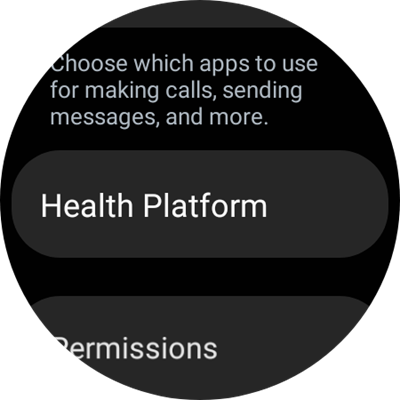
- Works with Samsung devices — This service is made for Samsung mobile devices over Android O and Wear OS devices powered by Samsung.
- Privacy-focused backup — Health data collected on the server is used only for backup purposes.
Bug fixes in this release
The current version, 1.6.05.03, includes various bug fixes and improvements. That means the app should feel steadier when you open it to manage health data, set up syncing, or check backup settings.
Store steps, sleep, and other readings
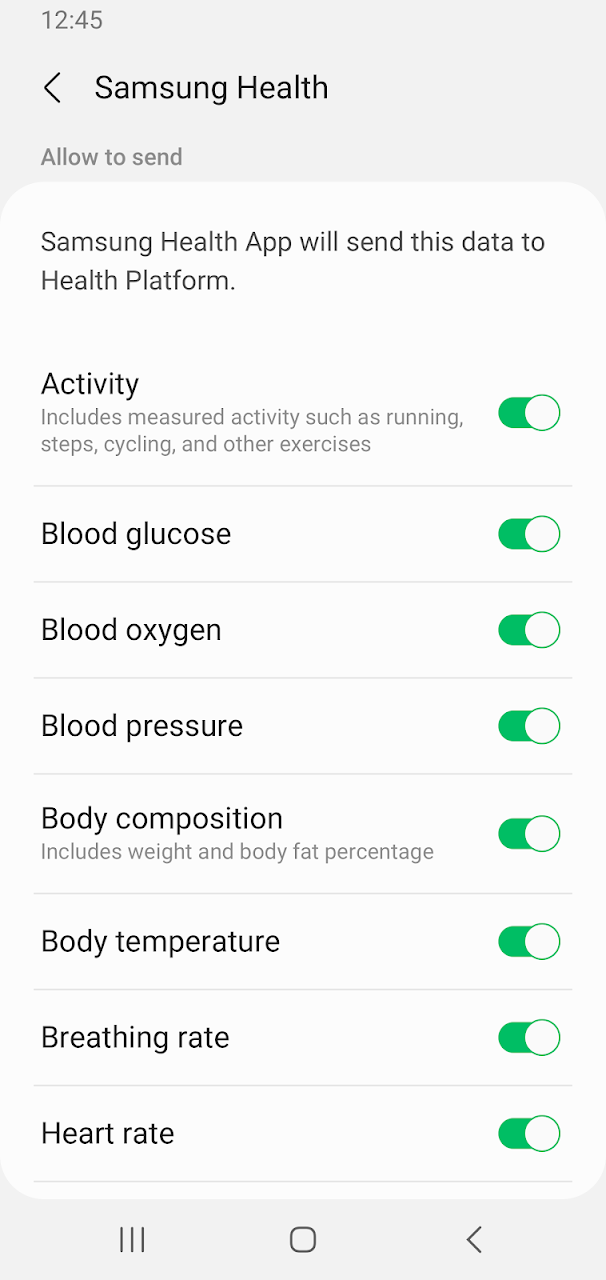
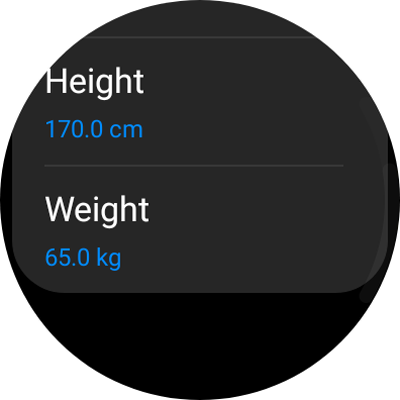
Health Platform is the place where supported health apps can save data from your phone or smartwatch. It can handle heart rate, oxygen saturation, blood sugar, blood pressure, body weight, sleep, steps, distance walked, calories burned, and intake information. In a normal day, this is the layer that keeps those measurements organized behind the scenes.
Set up syncing with health apps
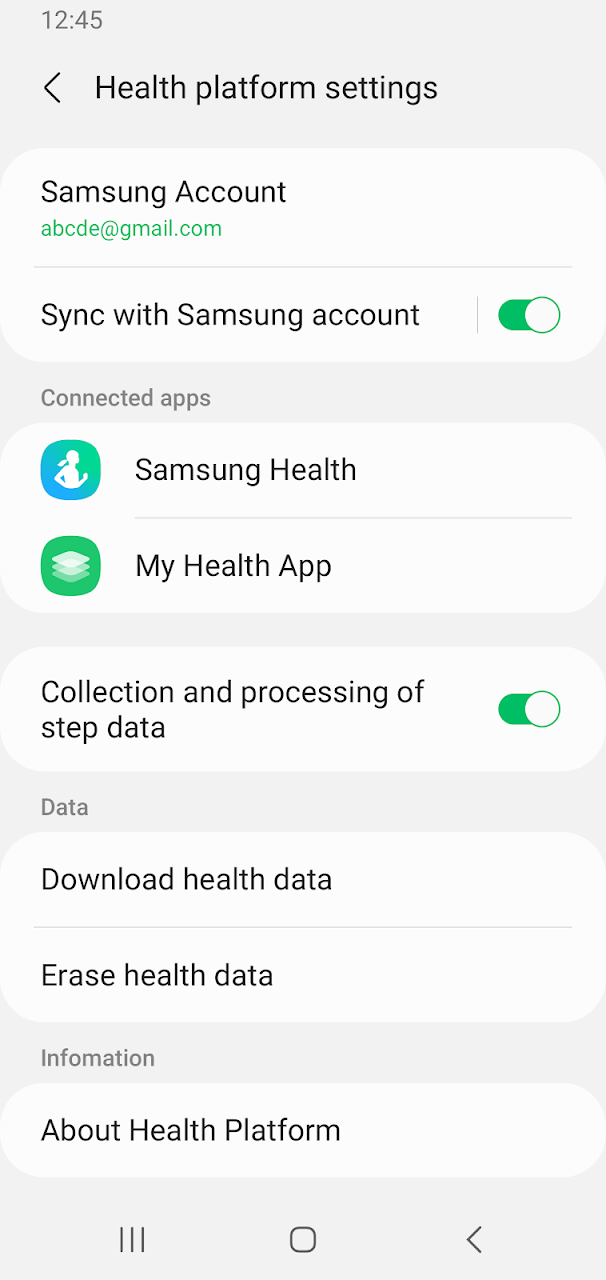
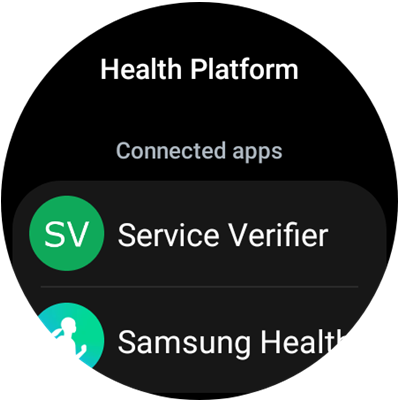
If you use apps that support Health Platform, you can turn on data syncing in their settings screens. That lets data be sent and received between supported apps, so the same health records can be shared without moving them by hand. The app is designed to work with Samsung Health as the starting point for syncing.
Back up health data with Samsung account
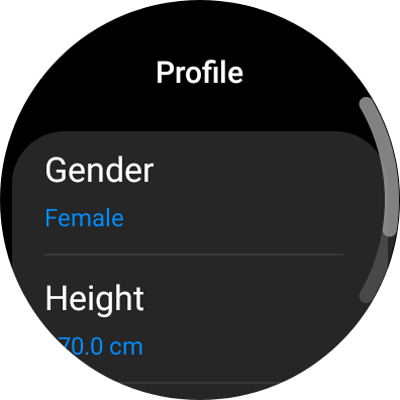
You can log in to your Samsung account to back up health data safely. The service says data collected on the server is used only for backup. A physical activity permission is required for core use, and optional permissions may be needed for body measurements, contacts on older versions, or storage for downloads and file export.
Device support and install details
Health Platform supports Samsung devices only. It works on Samsung mobile devices over Android O and on Wear OS devices powered by Samsung. Tablets and some mobile devices are not supported, and features can vary by country, region, carrier, and model. The app is free, comes as an APK, and the file size is 3.8 MB.
- Version: 1.6.05.03
- Minimum Android: 8.0
- Format: APK
What's new
Version 1.6.05.03 · Nov 12, 2026
- Various bug fixes and improvements applied.
APK information
- Version
- 1.6.05.03
- Package
- com.samsung.android.service.health
- Category
- Health & Fitness
- Size
- 4 MB
- Min Android
- 8.0
- Architecture
- universal
Older versions
-
Health Platform 1.6.05.03Nov 12, 2026Latest downloadAPK
Health Platform FAQ
Where does Health Platform store my health data?expand_more
Health data from supported apps and smartwatches can be stored on Health Platform. You can also back up health data through your Samsung account.
Does Health Platform work with smartwatches?expand_more
Yes. It supports health data from smartwatches, and it also works with Wear OS devices powered by Samsung.
Who develops Health Platform?expand_more
Health Platform is developed by Samsung Electronics Co., Ltd.
Does Health Platform show ads?expand_more
No. The app does not contain ads.
Which phones can use Health Platform?expand_more
It supports Samsung mobile devices over Android O, and some tablets and mobile devices are not supported. Detailed features can also vary by region and model.