- 4.3star481 reviews
- 50K+Downloads
- 4 MBAPK size
- EveryoneRated for Everyone
- 6.0+Android
check_circleOriginal APK from Realmbit LLC · Updated Nov 12, 2026
No threats found
0 / — antivirus engines flagged this file
Original signature
First seen — Realmbit LLC
Unmodified APK
Same file the developer published — no mods
AppKeeper - Backup & Restore screenshots
8 images · tap to enlarge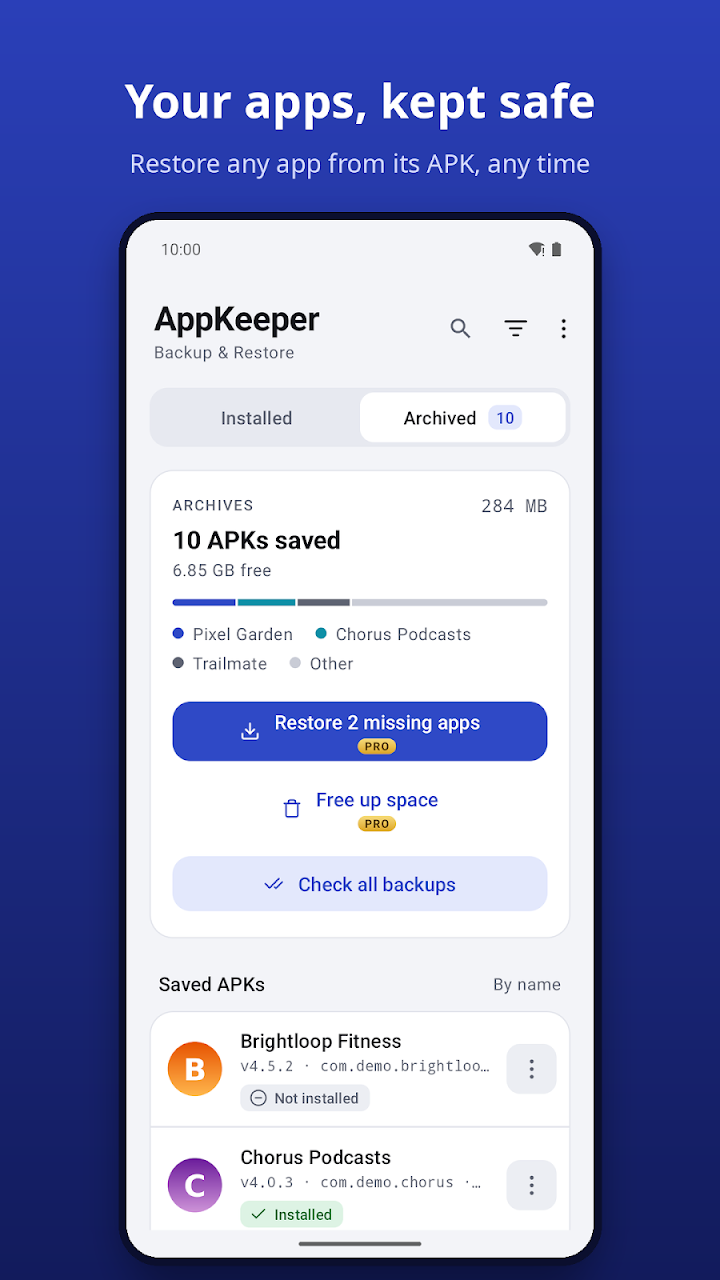
About this app
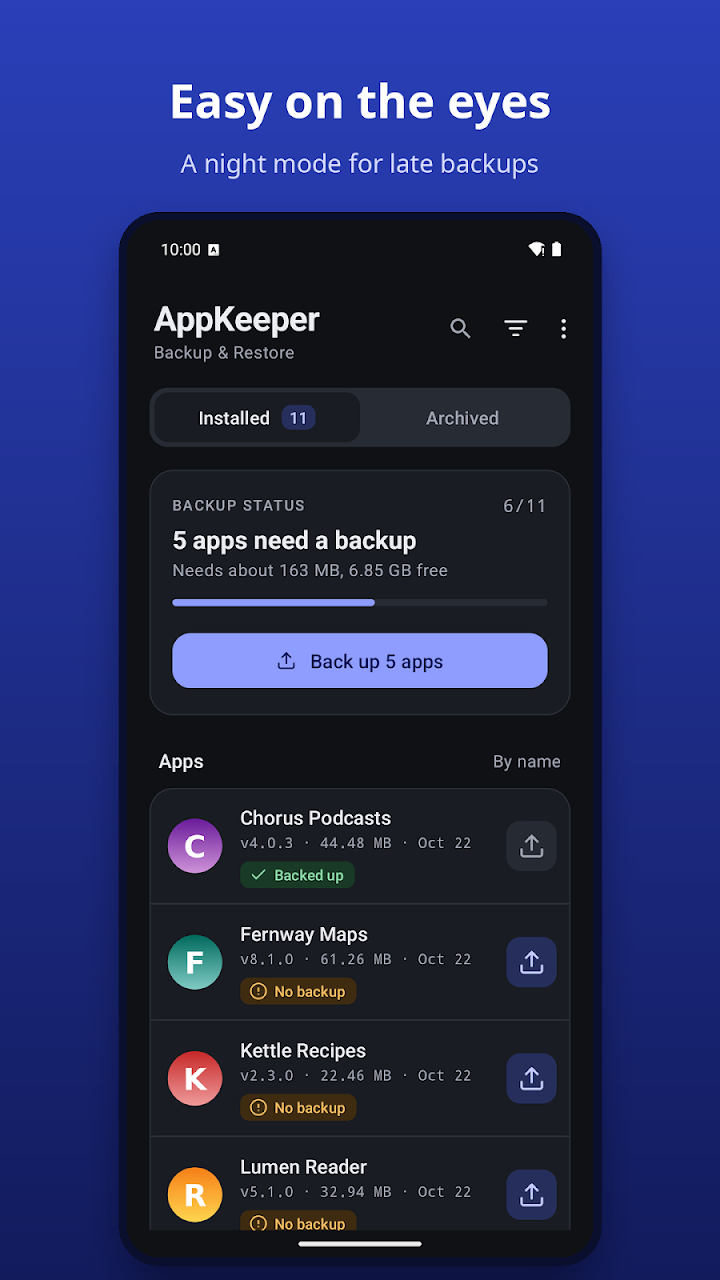
AppKeeper - Backup & Restore focuses on one job: saving installed apps as APK files so you can bring them back later. It keeps backups in a folder you choose, works without root, and shows clear status before restore. The app is free, has no ads, and uses optional in-app purchases for extra features.
- APK backups — Save installed apps as APK or .apks files and keep them in a folder you control.
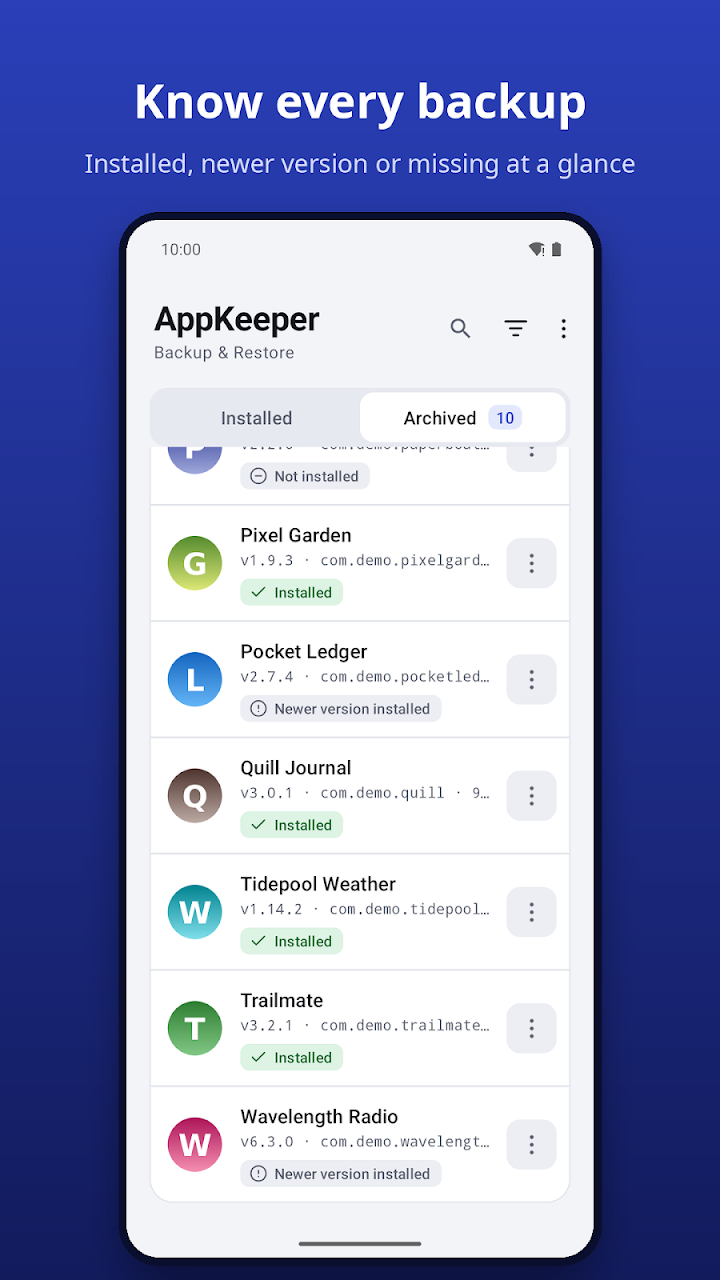
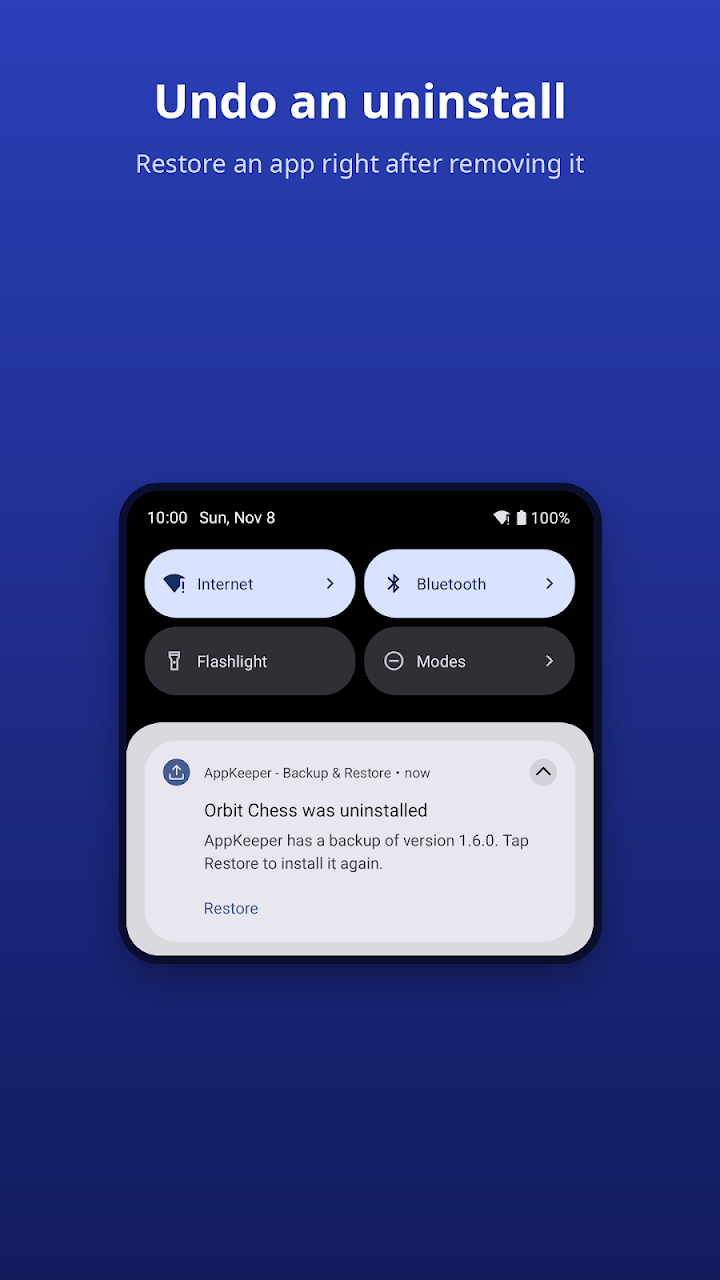
- One-tap restore — Restore a backup with one tap and check whether the app is installed, outdated, or newer on the phone.
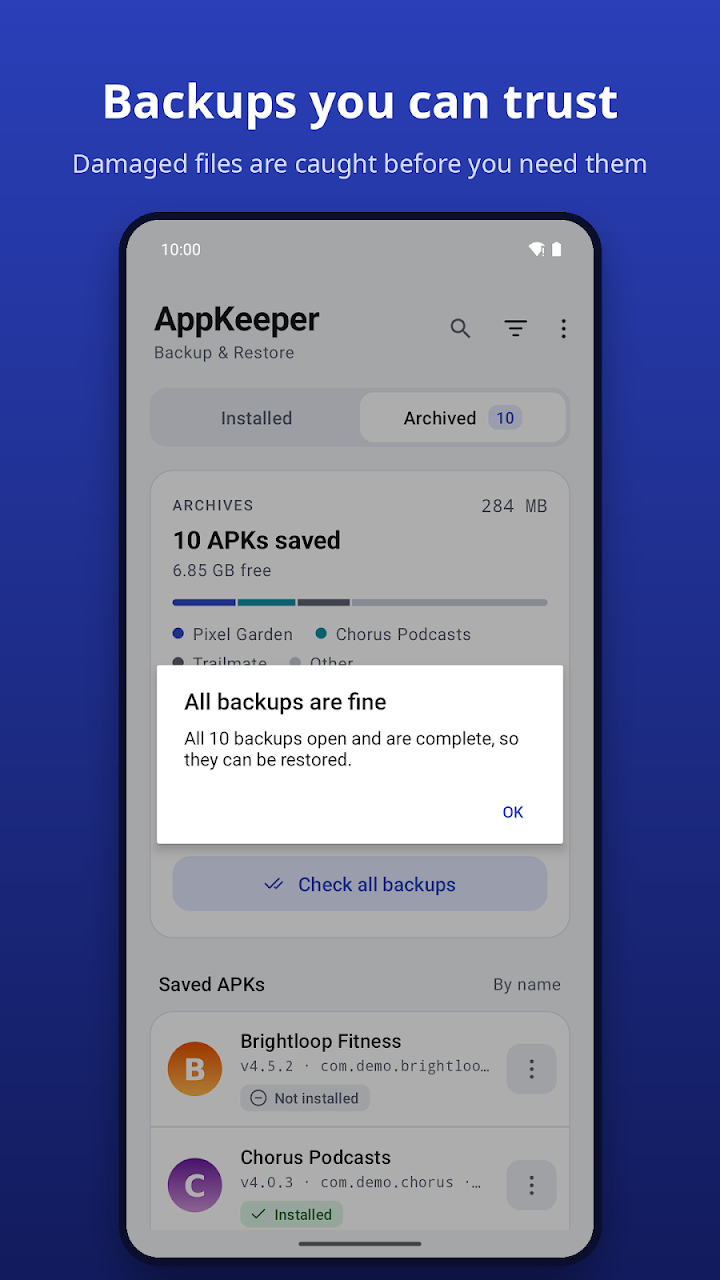
- Backup checks — The app checks for damaged files and signing mismatches before restore and explains what is wrong.
- No ads — There are no banners, pop-ups, or videos to watch before backing up or restoring.
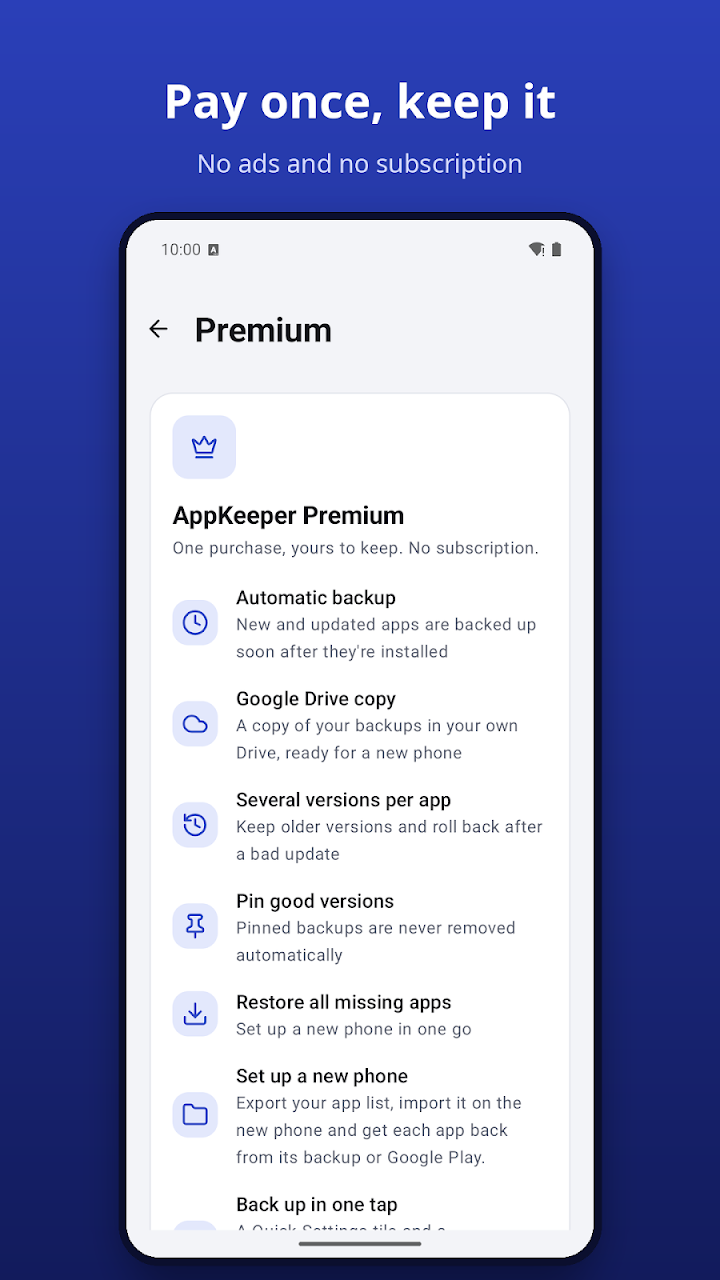
- Drive copy option — Premium adds a copy of your backups to your own Google Drive, with Wi‑Fi-only sync if you want it.
Back up the apps you already have
AppKeeper - Backup & Restore saves installed apps as APK files so you can reinstall them later, even after uninstalling or moving to a new phone. It also handles split APKs from Google Play as a single .apks file. The app is free, shows no ads, and works on Android 6.0 and up. The download is an APK file, 3.6 MB in size.
Restore with checks before install
Each backup shows whether the app is installed, whether an update is available, or whether a newer version is already on the phone. Before restoring, AppKeeper checks for damaged files, signing-key changes, and backups made for another device, then explains the problem clearly. You can also open APK and .apks files from downloads or another phone.
- You get: local backups, restore prompts, and status for each app.
- Watch for: it backs up the app itself, not app data such as logins, settings, or game progress.
- Watch for: Android still asks you to confirm every install.
Storage choices and premium extras
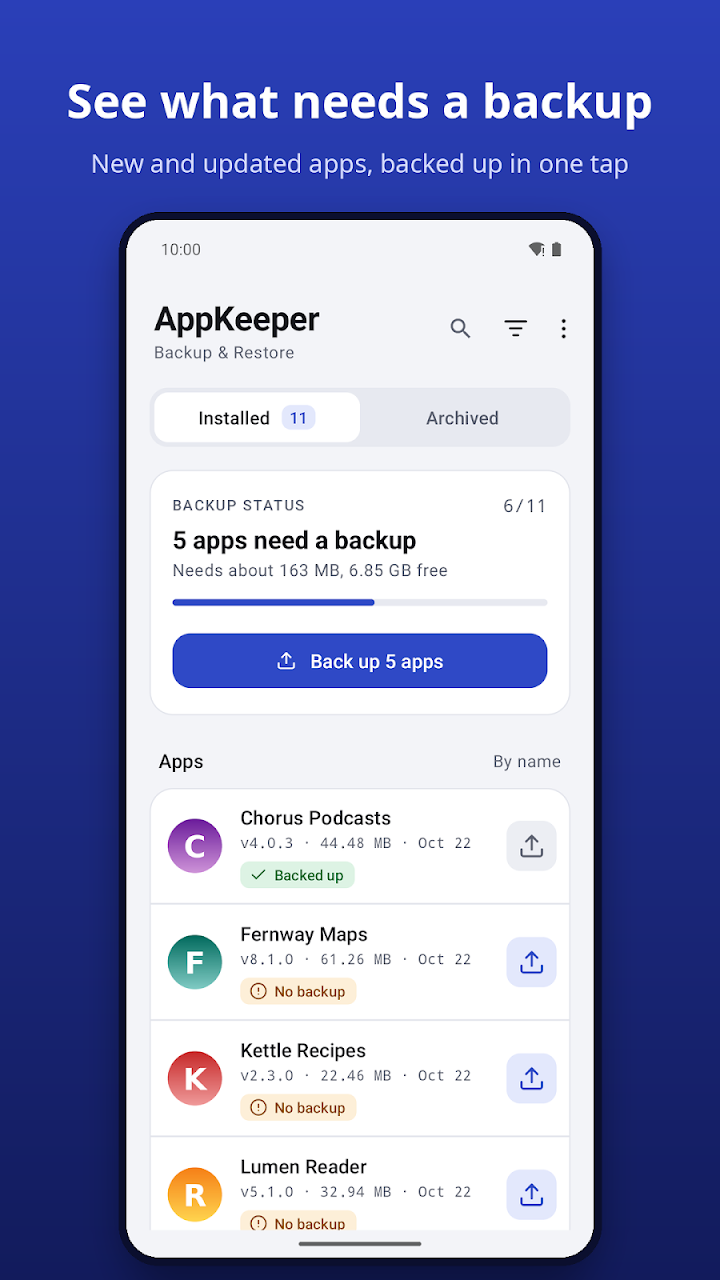
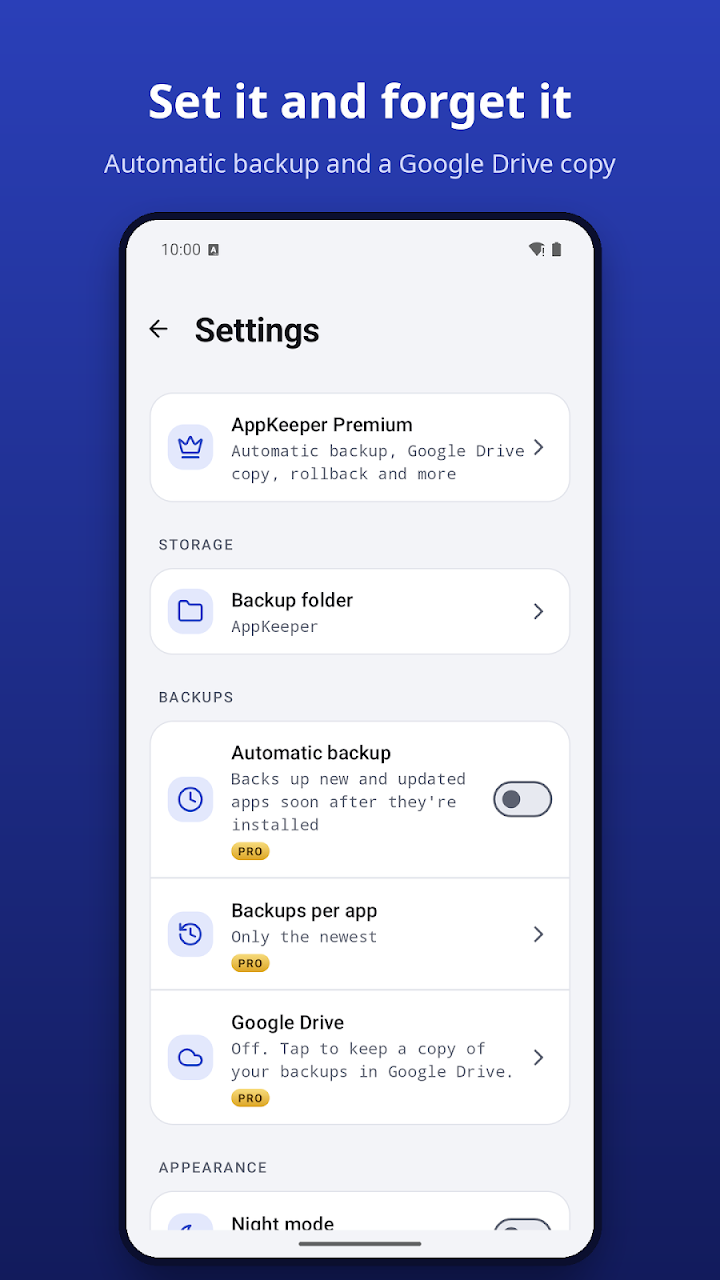
You can choose an internal folder or an SD card for backups. The app shows how much space a backup needs and warns when the folder is getting full. Premium adds automatic backups, Google Drive copies, several versions per app, pinned versions, restore-all for missing apps, space cleanup, sharing backups to another phone, and a Quick Settings tile or home-screen widget for backing up all apps.
Permissions, account, and tracking
The app lists no permissions. Its description says your backups stay in the folder you choose, and Google Drive copies are only made if you turn that on. The recent update also says AppKeeper no longer uses tracking for analytics or crash reports. There is no account requirement mentioned in the listing.
What to expect day to day
AppKeeper includes search and sort by name, size, date, or version, plus night mode and support for 10 languages. It can also show system apps when needed, open system settings, and uninstall apps. Battery impact is not described in the listing, so the safest expectation is that it runs as a backup tool rather than a constant background app unless you enable premium automatic backup.
What's new
Version 1.3.2 · Nov 12, 2026
- Nothing leaves your phone for analytics or crash reports any more: AppKeeper no longer uses any tracking
- Send feedback now opens your email app, so you reply from your own address
- Apps with several backups now show each one's version up front, so you can tell them apart
- The archives card says how many backups are on this phone and how many are only in Drive
- Fixes
APK information
- Version
- 1.3.2
- Package
- com.app.keeper.backup.restore
- Category
- Personalization
- Size
- 4 MB
- Min Android
- 6.0
- Architecture
- universal
Older versions
-
AppKeeper - Backup & Restore 1.3.2Nov 12, 2026Latest downloadAPK
AppKeeper - Backup & Restore FAQ
Does AppKeeper - Backup & Restore slow down my phone?expand_more
The listing does not describe battery or performance impact. It is a backup and restore tool, with optional automatic backup in Premium.
Which launchers does AppKeeper - Backup & Restore support?expand_more
The app does not list launcher support. It mentions a Quick Settings tile and a home-screen widget in Premium.
Does AppKeeper - Backup & Restore show ads?expand_more
No. The app says it has no ads, including no banners, pop-ups, or videos.
How big is the AppKeeper - Backup & Restore download?expand_more
The APK is 3.6 MB.
Can AppKeeper - Backup & Restore back up app data too?expand_more
No. It backs up the app APK, not app data such as logins, settings, or game progress.