
- 4.4star285 reviews
- 100M+Downloads
- 22 MBAPK size
- EveryoneRated for Everyone
- 6.0+Android
check_circleOriginal APK from App.liqato (Appstar Solutions) · Updated Nov 12, 2026
No threats found
0 / — antivirus engines flagged this file
Original signature
First seen — App.liqato (Appstar Solutions)
Unmodified APK
Same file the developer published — no mods
Automatic Call Recorder screenshots
7 images · tap to enlarge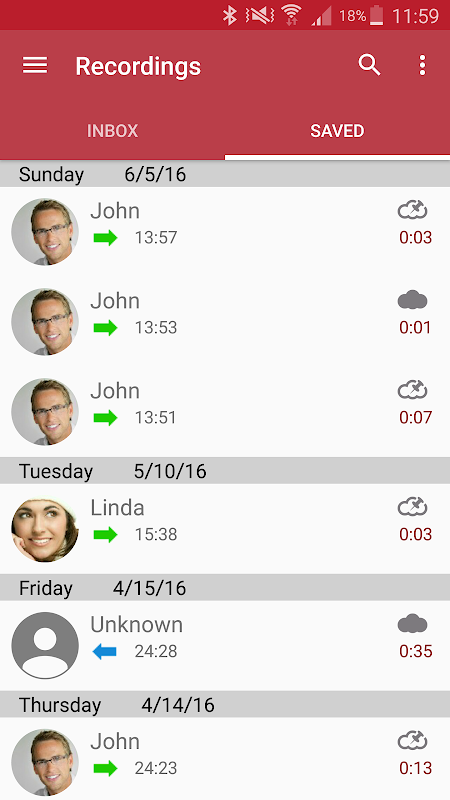
About this app
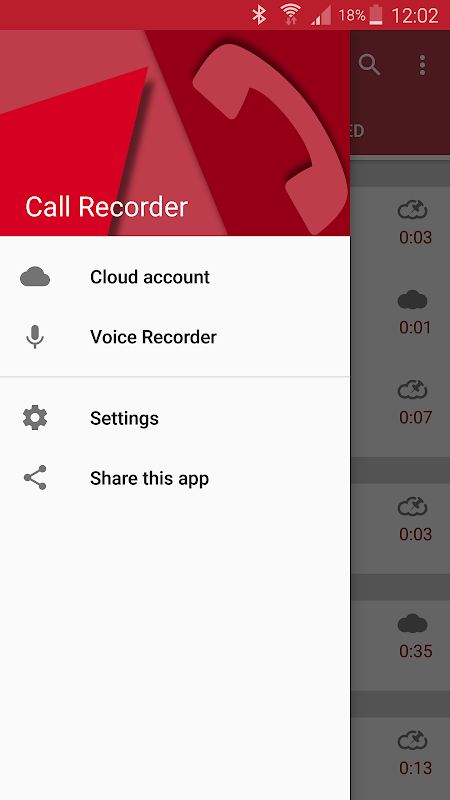
When you need to keep a call for later, this app gives you a place to record it, review it, and decide whether to save it. It records selected calls, stores them in an inbox, and lets you move important ones to Saved Calls. You can also add notes, search by contact or number, and send recordings to Google Drive or Dropbox.
- Selective call recording — Choose record everything, ignore everything, or ignore contacts, with per-contact exceptions.
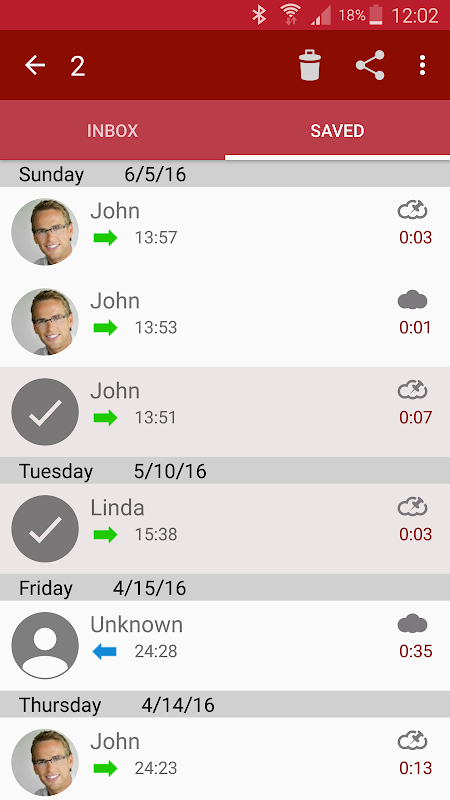
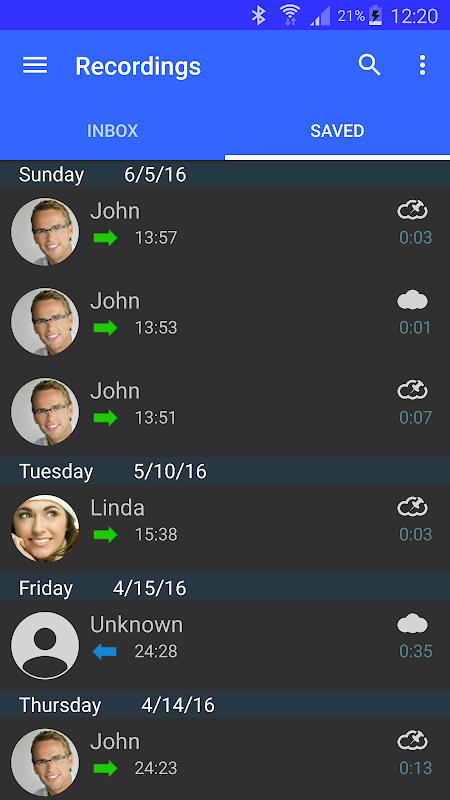
- Inbox and saved calls — Recorded calls land in the Inbox, and important ones can be moved to Saved Calls.
- Cloud sync options — Google Drive and Dropbox support lets recordings be saved and synchronized online.
- Search and notes — Find recordings by contact, phone number, or note, then add comments for later.
- After-call menu — Enable a Call Summary Menu that appears right after a call ends.
- Pro auto-save — The Pro version can automatically save calls from specific contacts to the cloud.
Keeping track of calls without doing it by hand
Missed details after a phone call can be a problem when you need a number, a promise, or a follow-up. Automatic Call Recorder is built for that daily routine: it records calls, lets you decide which ones matter, and keeps the rest out of the way. It works as a communication app for people who want a simple record of calls they can replay later.
Choose what gets recorded
The app is centered on three automatic recording setups: record everything, ignore everything, or ignore contacts. That means you can let it handle every call, or narrow it down to people not already in your contacts. You can also set exceptions so specific contacts are recorded or ignored, which makes it more flexible than a single on/off recorder.
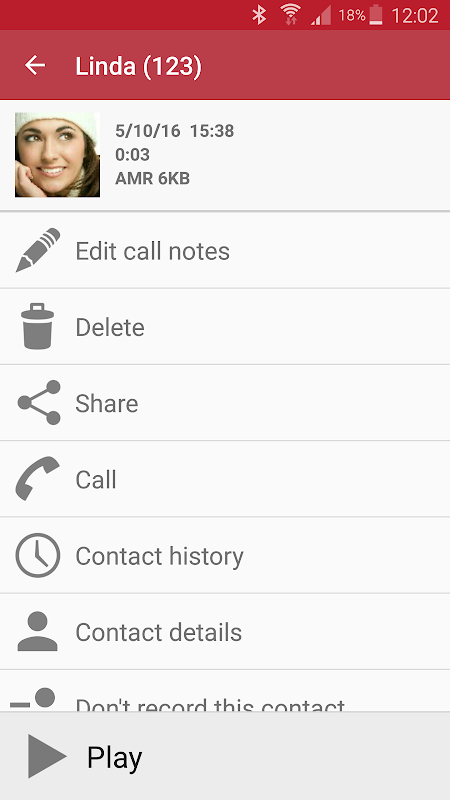
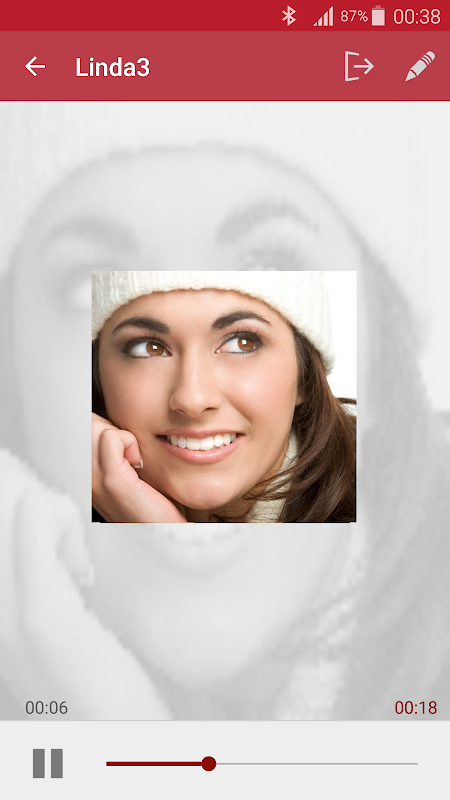
After a call ends, you can bring up a Call Summary Menu right away. From there, recordings can be listened to, saved, or left to age out of the Inbox when new calls arrive. The app also supports adding notes, which helps if you want to remember why a call mattered.
Find and store recordings later
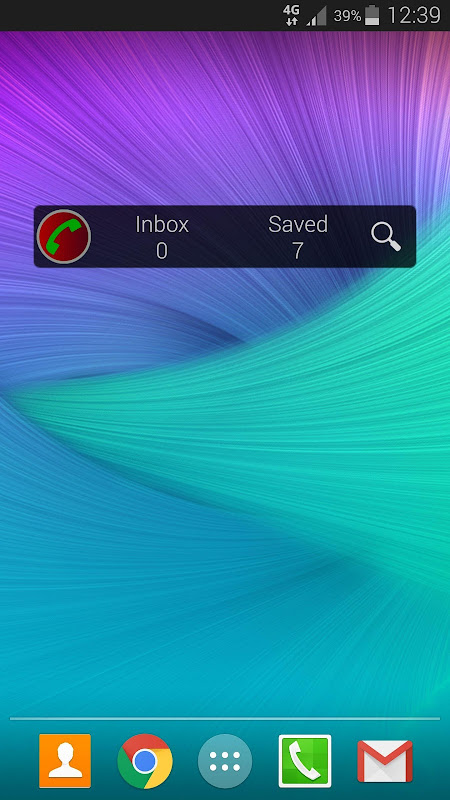
Recorded calls are stored in the Inbox, and you can set the inbox size yourself. Important calls can be moved to Saved Calls, while old recordings are deleted automatically when the Inbox fills up. Search works by contact, phone number, or note, so you do not have to scroll through everything manually.
Cloud support is built in through Google Drive and Dropbox, and the Pro version can automatically save calls from particular contacts to the cloud. The app is free, has no in-app purchases, and is available as a 22.4 MB APK for Android 6.0 and up.
Limits you will notice
Call recording does not work reliably on every handset, and the app warns that recording quality can be lower on some devices. If that happens, it suggests trying a different audio source or using auto-on speaker mode. The app also contains ads, which is the main friction point compared with the free price.
There is no stated permission list here, and the app’s recording behavior depends on the phone model. If you want a call log you can sort, search, and sync, this app fits that job well; if you need guaranteed recording quality on every device, the hardware limits matter.
What's new
Version 6.60.5-sam · Nov 12, 2026
- UI improvements
- Bug fixes
APK information
- Version
- 6.60.5-sam
- Package
- com.appstar.callrecorder
- Category
- Communication
- Size
- 22 MB
- Min Android
- 6.0
- Architecture
- universal
Older versions
-
Automatic Call Recorder 6.60.5-samNov 12, 2026Latest downloadAPK
Automatic Call Recorder FAQ
Is Automatic Call Recorder end-to-end encrypted?expand_more
The app description mentions cloud sync with Google Drive and Dropbox, but it does not say anything about end-to-end encryption.
Can I use Automatic Call Recorder on a tablet?expand_more
The app requires Android 6.0 or later, but tablet support is not specifically stated.
What permissions does Automatic Call Recorder ask for?expand_more
No permissions are listed in the app details provided.
How do I keep important recordings?expand_more
You can move important calls to the Saved Calls folder, and in Pro you can automatically save calls from specific contacts to the cloud.