
- 3.1star4,874 reviews
- 100K+Downloads
- 13 MBAPK size
- EveryoneRated for Everyone
- 8.0+Android
check_circleOriginal APK from BetBlocker · Updated Nov 12, 2026
No threats found
0 / — antivirus engines flagged this file
Original signature
First seen — BetBlocker
Unmodified APK
Same file the developer published — no mods
BetBlocker: Gambling Exclusion screenshots
8 images · tap to enlarge
About this app
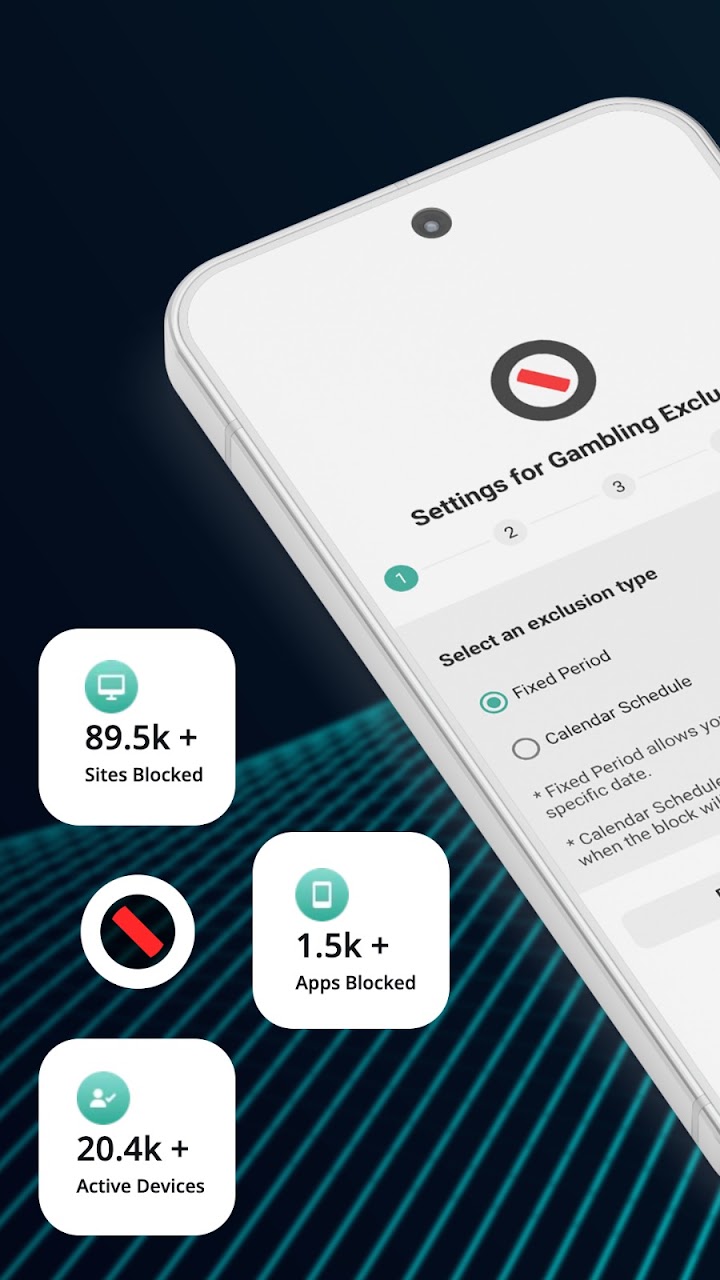
Trying to restrict gambling access on a device? BetBlocker: Gambling Exclusion is built to block gambling websites locally on Android and can also monitor foreground apps when its accessibility service is enabled. It is free, has no ads or in-app purchases, and includes options for parental control testing before a longer self-restriction is activated.
- Local VPN blocking — Uses Android’s VpnService API to block gambling websites on the device without sending filtering data to external servers.
- Accessibility monitoring — When enabled by the user, it can detect blocked apps or websites being opened and intervene immediately.
- Parental control mode — You can trial the app in Parental Control mode and disarm it with a chosen password before starting a gambling self-restriction.
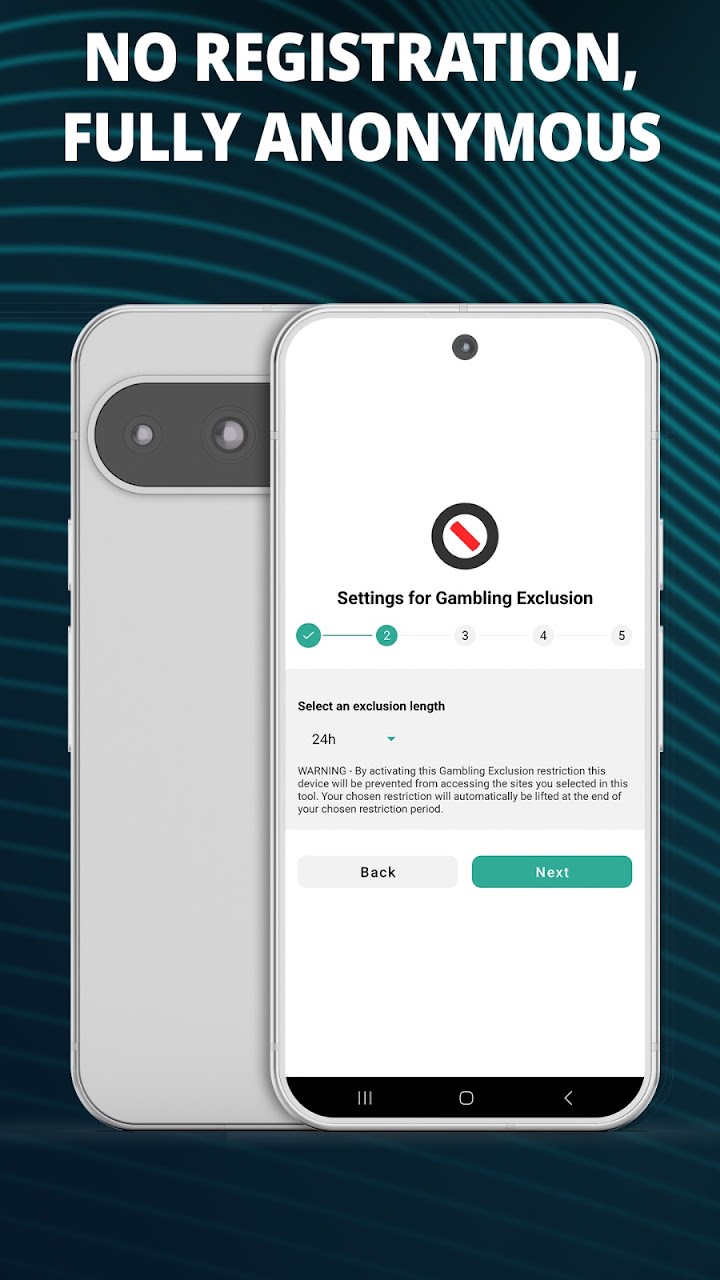
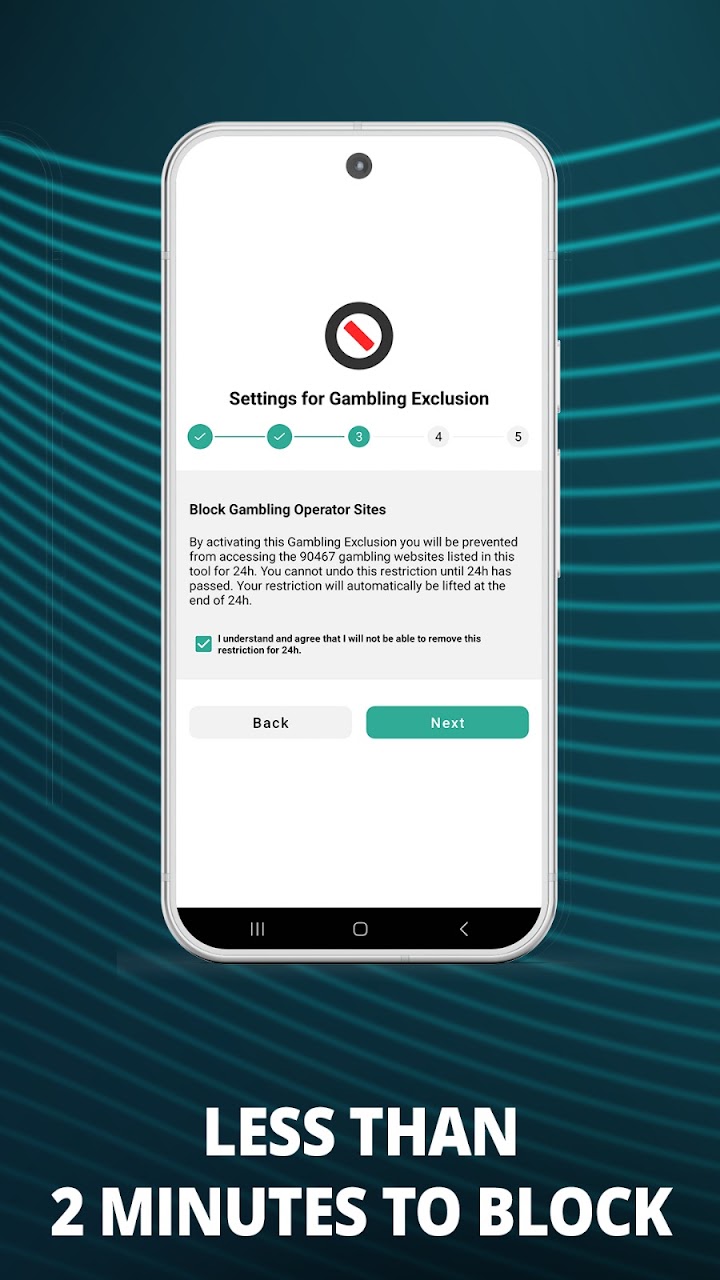
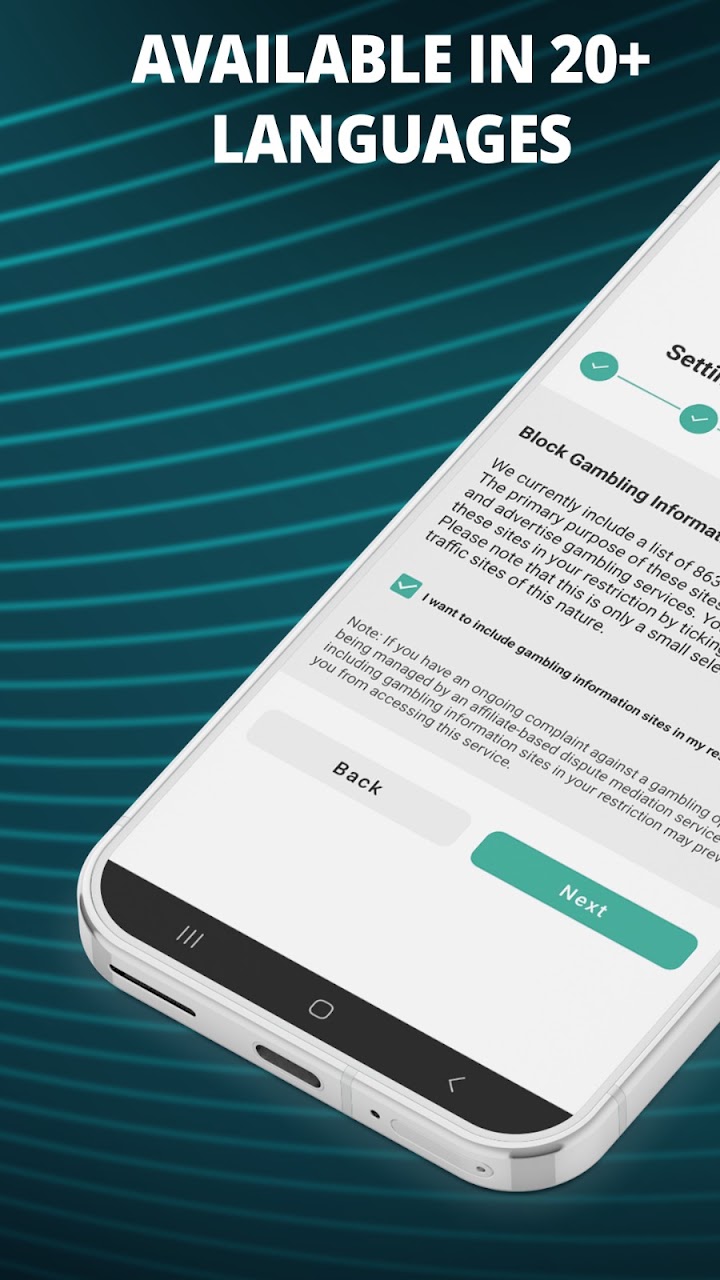
- Self-exclusion lock — Once a gambling self-restriction is activated, the app cannot be removed until the selected exclusion period ends.
- Free and ad-free — The app is free to use, with no ads and no in-app purchases.
Blocking gambling on the device itself
BetBlocker uses Android’s local VPN system to restrict access to gambling websites on the phone or tablet where it is installed. For example, someone setting up a device for a period of self-exclusion can activate the block and keep gambling sites from loading on that device.
The filtering is performed locally, and no data is sent to external servers for this feature. That keeps the blocking tied to the device rather than to an online account.
Foreground app checks when enabled
The app can also use Android’s AccessibilityService API, but only if the user turns it on. In that mode, BetBlocker monitors foreground apps and can step in when a blocked app or website is launched.
For someone who wants stricter control, this can add another layer of restriction. It is described as especially relevant for users at higher risk of relapse.
Parental Control before self-restriction
BetBlocker includes a Parental Control mode that can be disarmed with a chosen password. That makes it possible to test the app first and confirm it blocks what you expect before activating a Gambling Self-Restriction.
This matters because the self-restriction mode locks the device for the selected duration. Once it is on, the app cannot be removed until the exclusion period has ended.
Support, age rating, and install details
The app is rated for Everyone, is free, and contains no ads or in-app purchases. It can be a practical option for parents who want to check a blocking tool before using it on a shared device, though the core purpose is gambling exclusion rather than child education.
Install details: APK format, 13.1 MB, minimum Android 8.0, universal ABI support. Support is available at [email protected], with responses provided within 48 hours.
- If you find a gambling URL that is not blocked, the app includes a “Suggest a website to block” option.
- Newly added sites can take 24 hours to appear on the user’s end, and a device restart is needed.
APK information
- Version
- 22.8
- Package
- mobile.betblocker
- Category
- Parenting
- Size
- 13 MB
- Min Android
- 8.0
- Architecture
- universal
Older versions
-
BetBlocker: Gambling Exclusion 22.8Nov 12, 2026Latest downloadAPK
BetBlocker: Gambling Exclusion FAQ
Does BetBlocker: Gambling Exclusion have ads for kids?expand_more
No. The app contains no ads and no in-app purchases.
Is BetBlocker: Gambling Exclusion safe for children?expand_more
It is rated Everyone, but it is designed for gambling exclusion rather than child-specific learning. Parents can test it in Parental Control mode before using a longer restriction.
Which processors does this APK support?expand_more
This APK is universal, so it supports universal ABI devices.
Is BetBlocker: Gambling Exclusion free to use?expand_more
Yes. The app is free to use.
How do I report a gambling site that is not blocked?expand_more
Use the in-app “Suggest a website to block” feature or email [email protected]. Added sites may take 24 hours to reflect and require a device restart.