
- 4.9star37,471 reviews
- 1M+Downloads
- 97 MBAPK size
- EveryoneRated for Everyone
- 9+Android
check_circleOriginal APK from Huckleberry Labs · Updated Nov 10, 2026

No threats found
0 / — antivirus engines flagged this file
Original signature
First seen — Huckleberry Labs
Unmodified APK
Same file the developer published — no mods
Huckleberry: Baby Tracker screenshots
8 images · tap to enlarge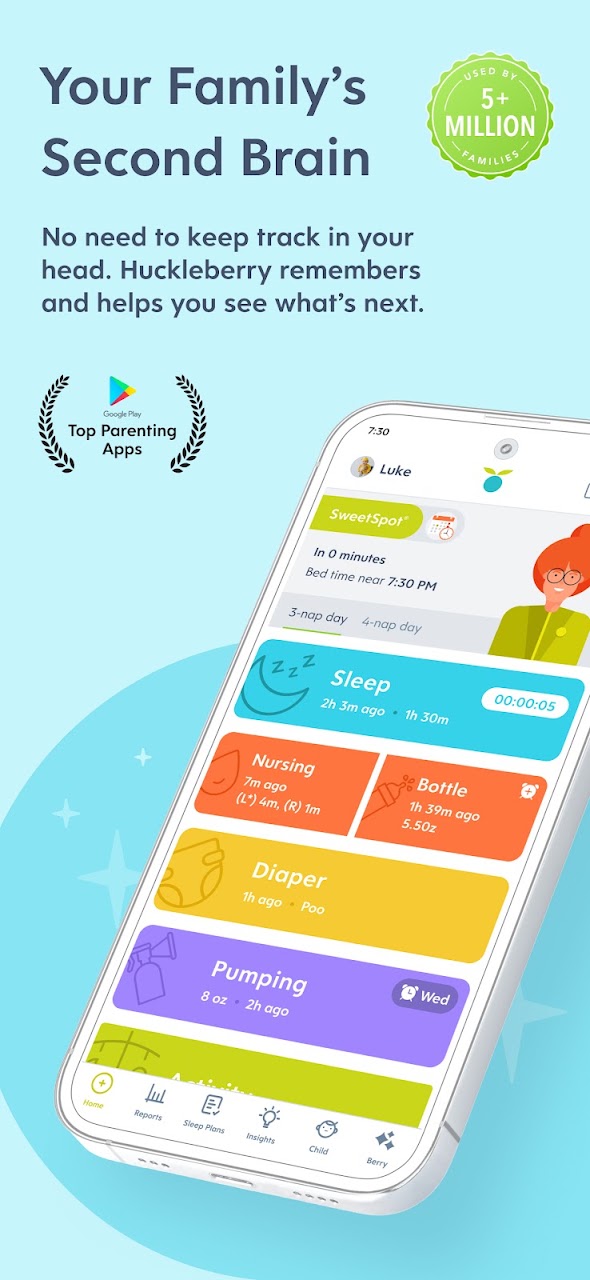
About this app
Huckleberry: Baby Tracker stands out for combining day-to-day baby tracking with sleep timing help in one app. Parents can log feeds, diapers, naps, solids, and milestones, then use SweetSpot® to predict nap windows, plus Berry for round-the-clock guidance in the Premium plan. It covers pregnancy through toddlerhood without ads.
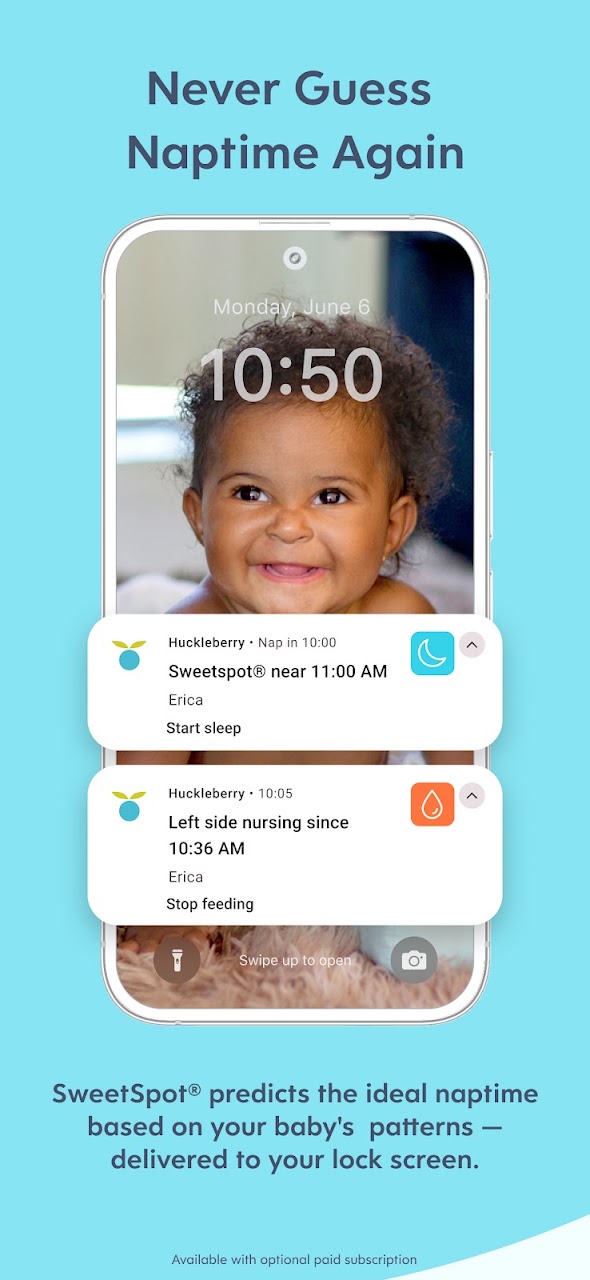
- SweetSpot® Nap Timing — See predicted sleep and wake times based on your child’s rhythms, which helps with naps and bedtime planning.
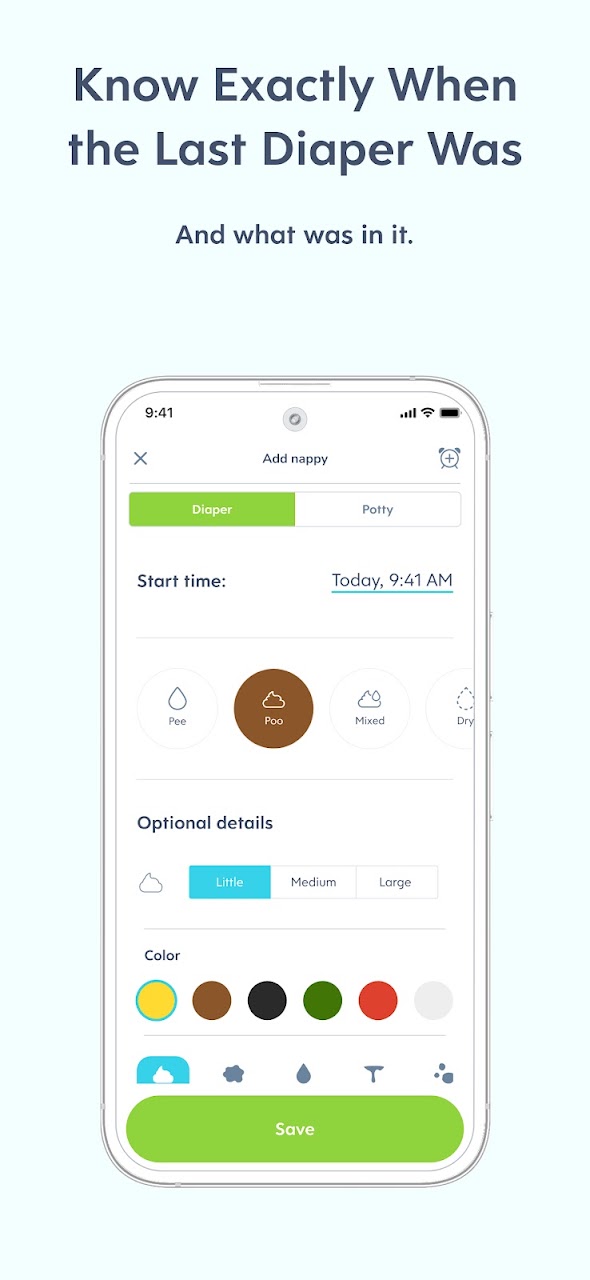
- One-Touch Logging — Record sleep, diaper changes, feedings, pumping, growth, milestones, weight, potty training, activities, and medicine from one place.
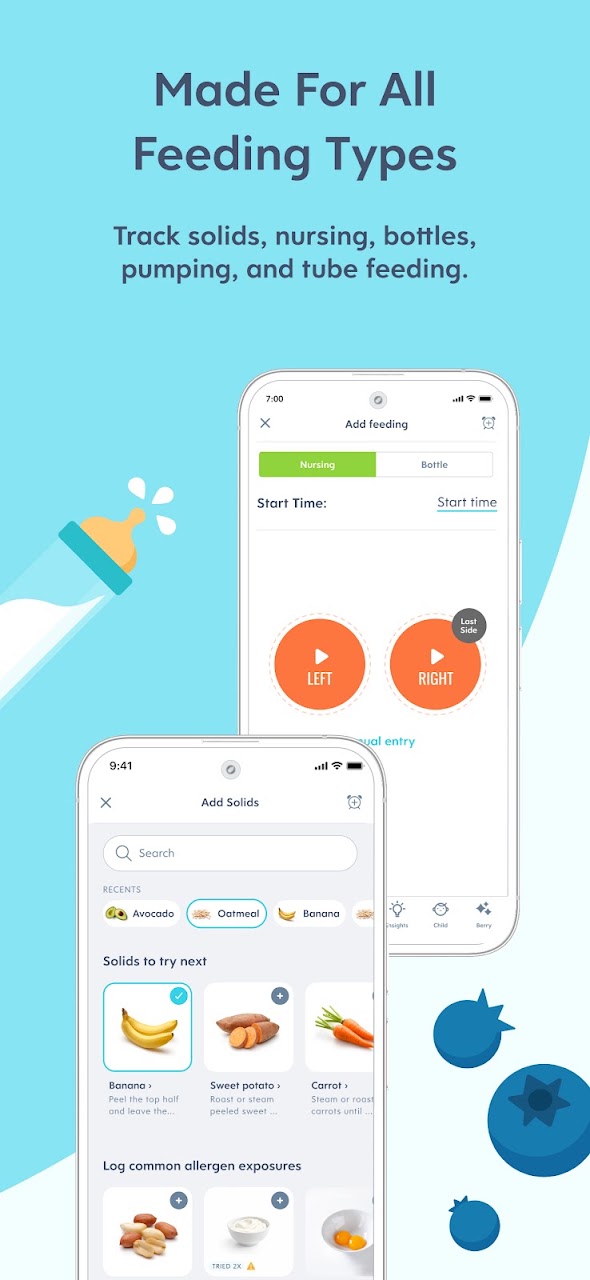
- Solid Food Tracking — Log first foods, allergens, reactions, and serving ideas for purees or baby-led weaning.
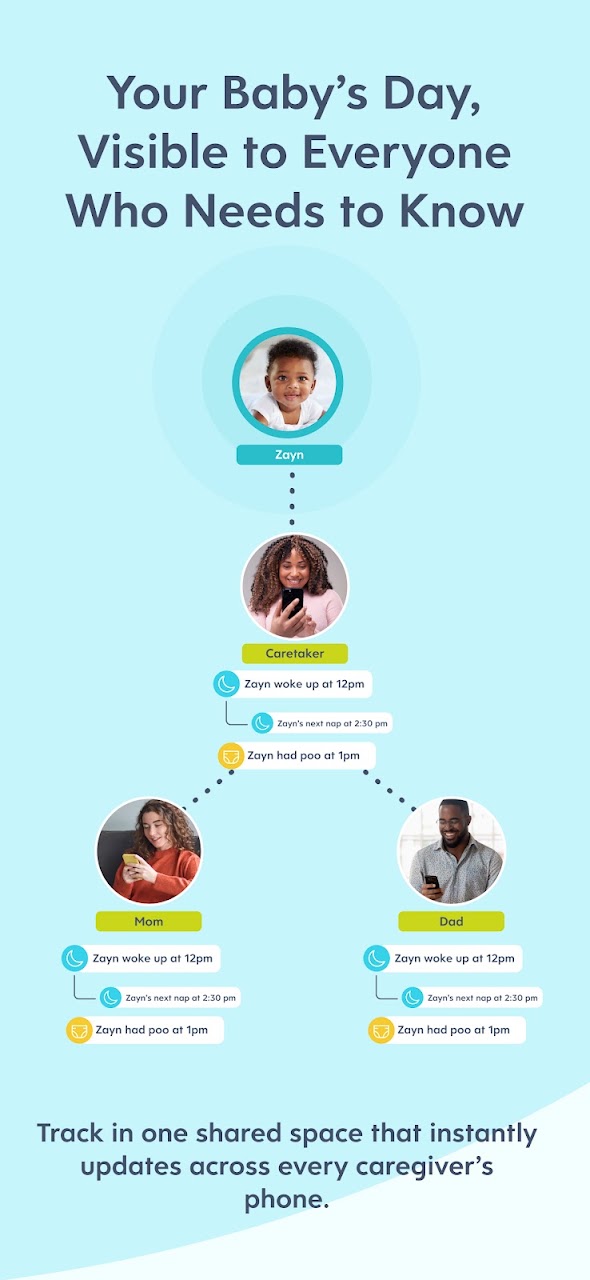
- Multiple Caregivers — Sync tracking across devices so more than one caregiver can follow the same profiles.
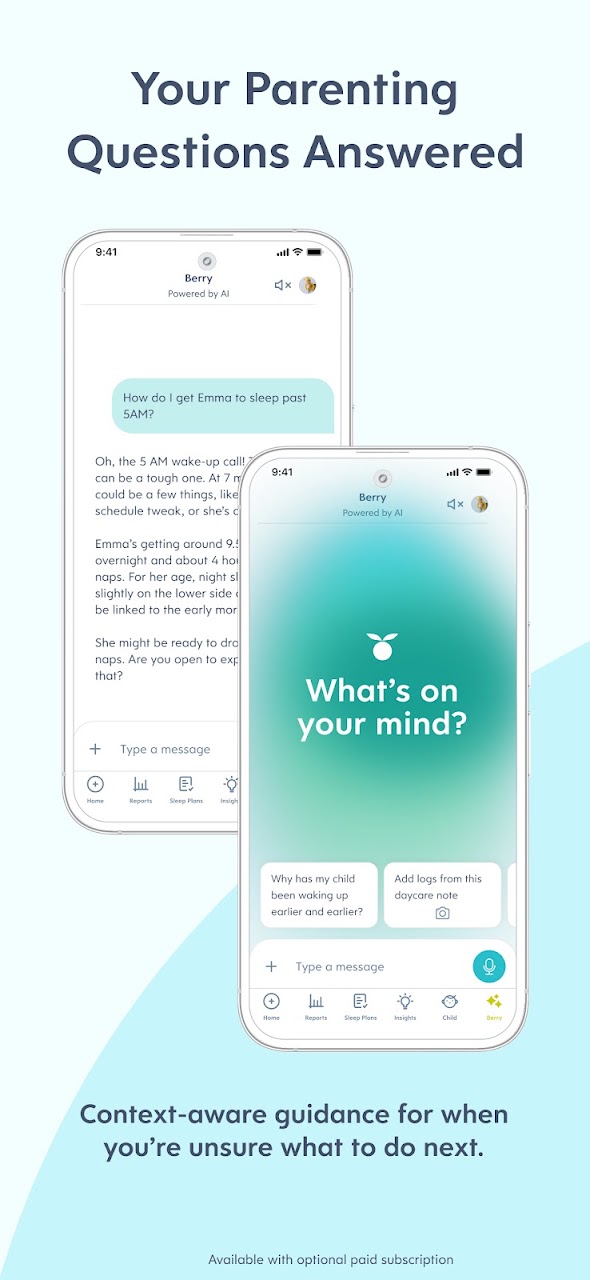
- Berry Guidance — Premium users can open an AI chat for parenting questions, sleep regressions, and growth concerns.
- No Ads — The app is free to download, does not contain ads, and includes optional in-app purchases.
Sleep timing, without the guessing
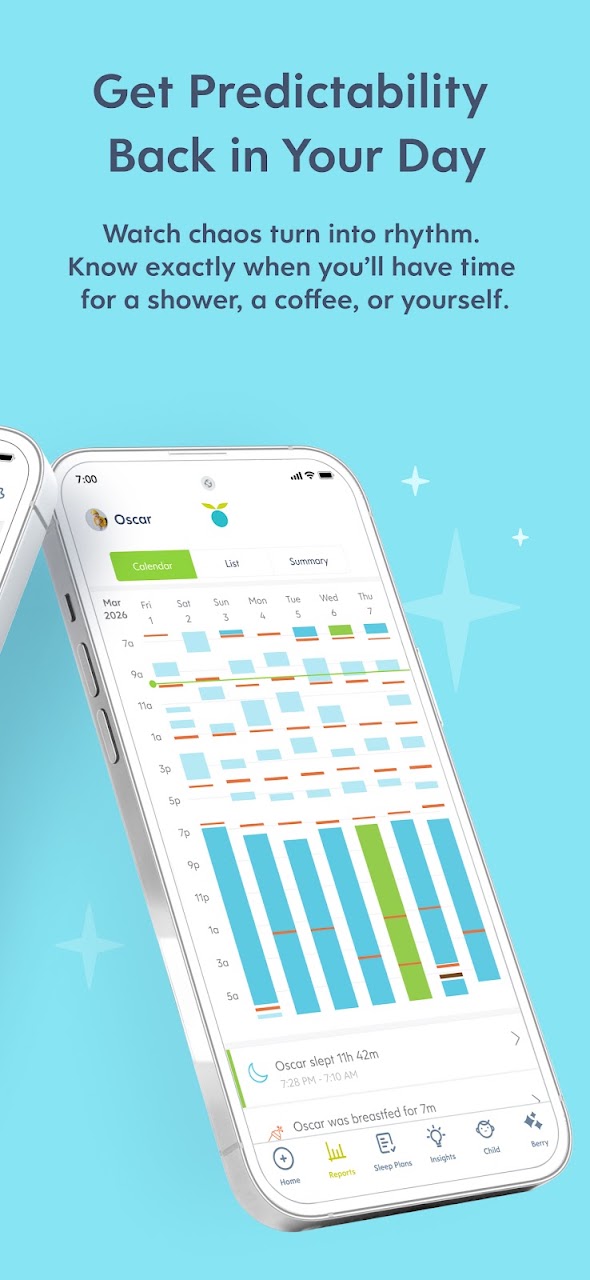
The screen many parents return to first is SweetSpot®, which predicts ideal nap and sleep times for a child 2 months and up. In practice, that means checking wake windows before a short nap turns into overtired fussiness, then logging the result afterward so the app can keep learning the child’s rhythm. Sleep summaries, history, and averages are built in.
Example: after a morning feed and diaper change, a parent can open the sleep view, see the suggested window, and plan the next nap around it.
Contractions to first steps
The contraction timer is for the earliest stage of use, before the baby arrives. After that, the same app continues as a newborn tracker, then moves into feeding, growth, milestones, and toddler routines. The one-touch tracker covers breastfeeding, pumping, weight, potty training, activities, and medicine, so the app stays useful as daily routines change.
Starting solids with a food log
For first foods, the solids section is practical rather than flashy. Parents can log what the baby tried, note any sensitivities, and keep track of allergens and reactions. Serving tips help with puree or baby-led weaning prep, and the add-solids search results screen was recently updated with bug fixes.
Berry, reminders, and shared tracking
Premium adds Berry, an always-available chat for parenting questions, plus custom sleep plans. Plus includes AI logging by text, voice, or photo, along with reports and miniplans. Reminders can cover medication and feedings, and multiple caregivers can sync across devices, which is useful when one parent is at work and the other is handling bedtime.
- Free: contraction timer, solids tracker, one-touch logs, breastfeeding timer, reminders, and caregiver sync.
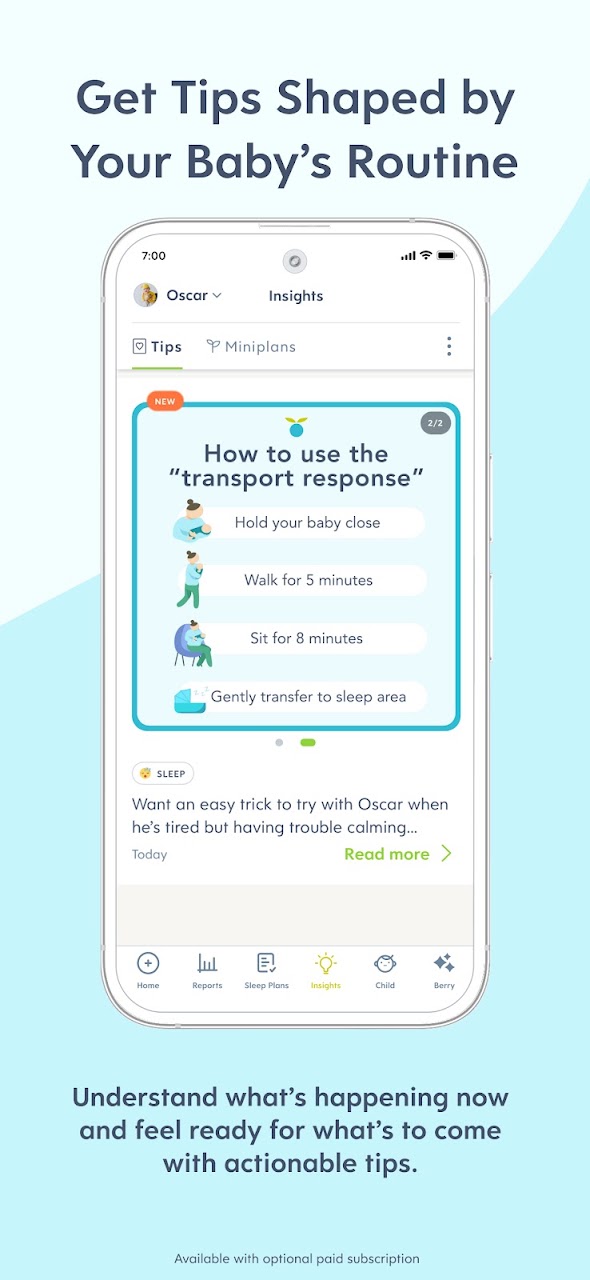
- Plus: SweetSpot®, schedule creator, insights, enhanced reports, and AI logging.
- Premium: everything in Plus, plus Berry and custom sleep plans.
Before installing, check the basics: it’s an APK, requires Android 9 or later, and the file size is 97.5 MB. The app is free, contains no ads, and does include in-app purchases.
What's new
Version 0.9.316 · Nov 10, 2026
- Bug fixes in the add solids search results screen
APK information
- Version
- 0.9.316
- Package
- com.huckleberry_labs.app
- Category
- Parenting
- Size
- 97 MB
- Min Android
- 9
- Architecture
- universal
Older versions
-
Huckleberry: Baby Tracker 0.9.316Nov 10, 2026Latest downloadAPK
Huckleberry: Baby Tracker FAQ
What age group is Huckleberry: Baby Tracker for?expand_more
It covers pregnancy through toddlerhood, with tools for expecting parents, newborn care, and older babies starting solids.
Is Huckleberry: Baby Tracker safe for children?expand_more
The app has an Everyone content rating. It is designed for parenting use rather than direct use by children.
Does Huckleberry: Baby Tracker have in-app purchases?expand_more
Yes. The app is free to download, and it includes in-app purchases for Plus and Premium memberships.
Does Huckleberry: Baby Tracker work on tablets?expand_more
The app requires Android 9 or later and is available as a universal APK. Tablet compatibility depends on the device running that Android version.
Can multiple caregivers use the same tracker?expand_more
Yes. The app supports syncing with multiple caregivers across devices, so more than one person can follow the same child profiles.