
- 3.8star53,590 reviews
- 5M+Downloads
- 38 MBAPK size
- EveryoneRated for Everyone
- 9+Android
check_circleOriginal APK from Microsoft Corporation · Updated Nov 10, 2026
No threats found
0 / — antivirus engines flagged this file
Original signature
First seen — Microsoft Corporation
Unmodified APK
Same file the developer published — no mods
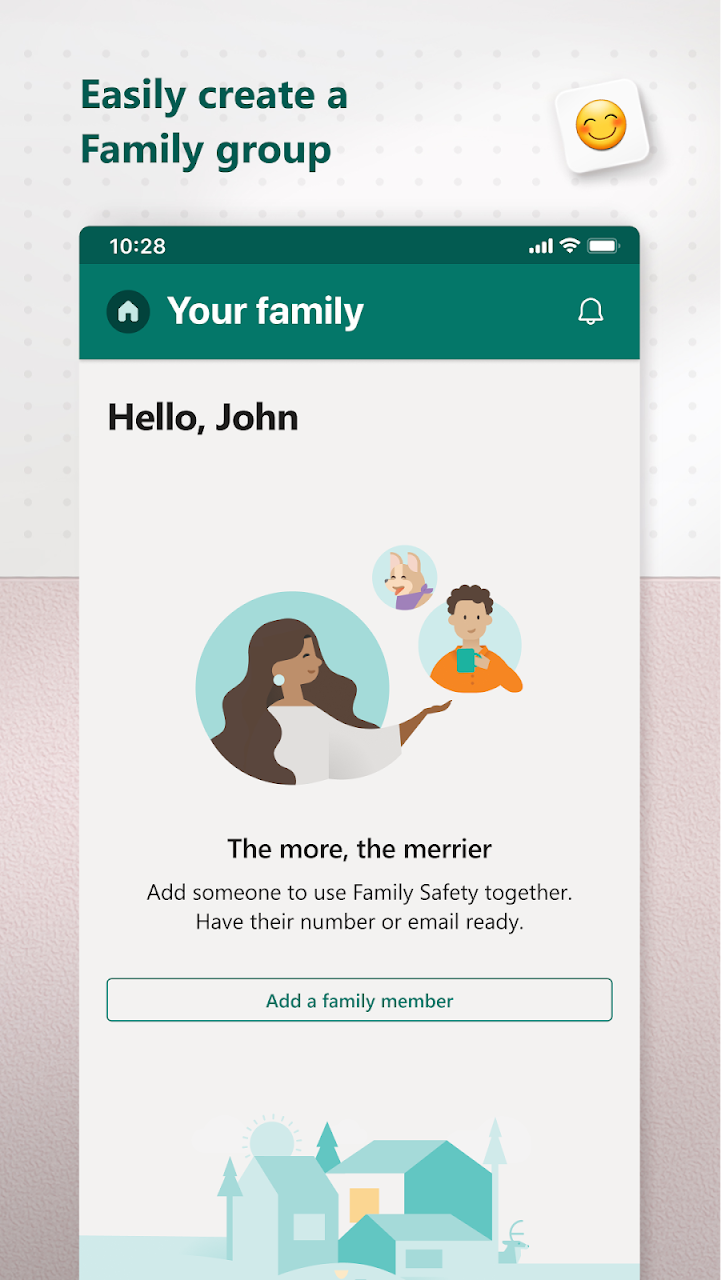
Microsoft Family Safety screenshots
4 images · tap to enlarge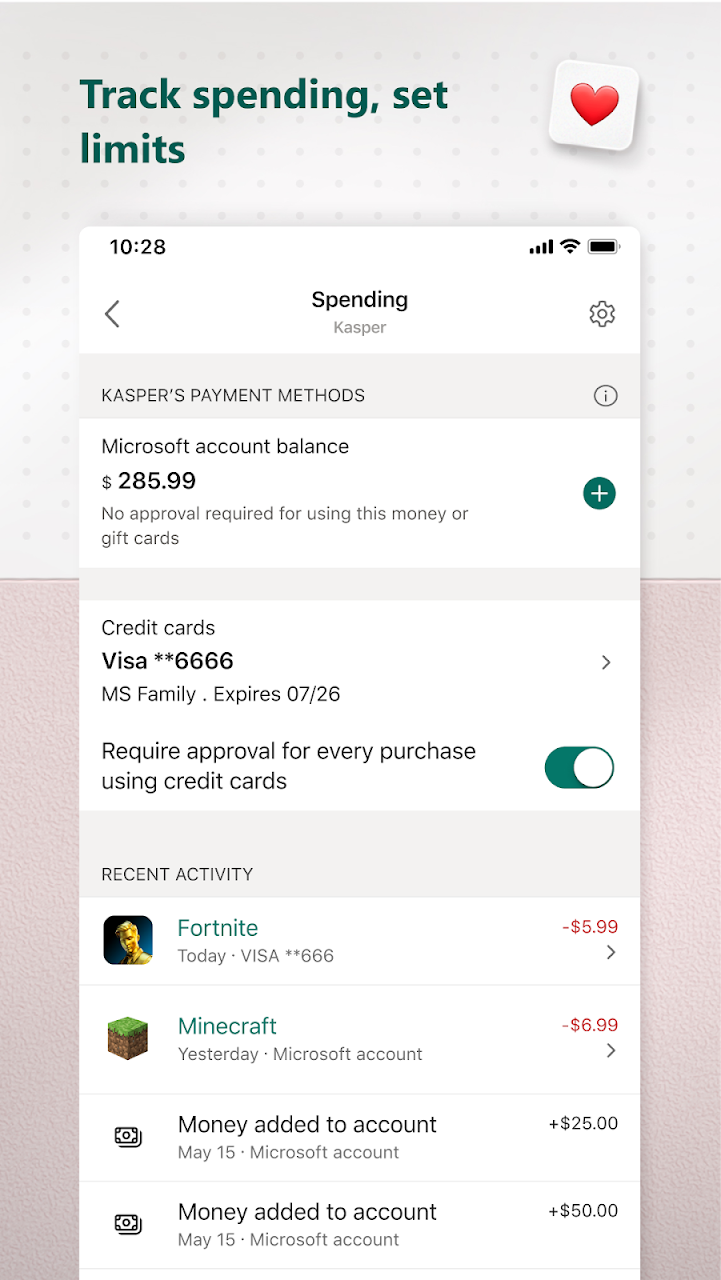
About this app
When your child asks for more time on their phone, Microsoft Family Safety gives you a place to check screen-time limits, review activity, and adjust access. It is built for parents and kids, with controls for apps, games, and web browsing, plus weekly activity summaries that help keep the conversation going.
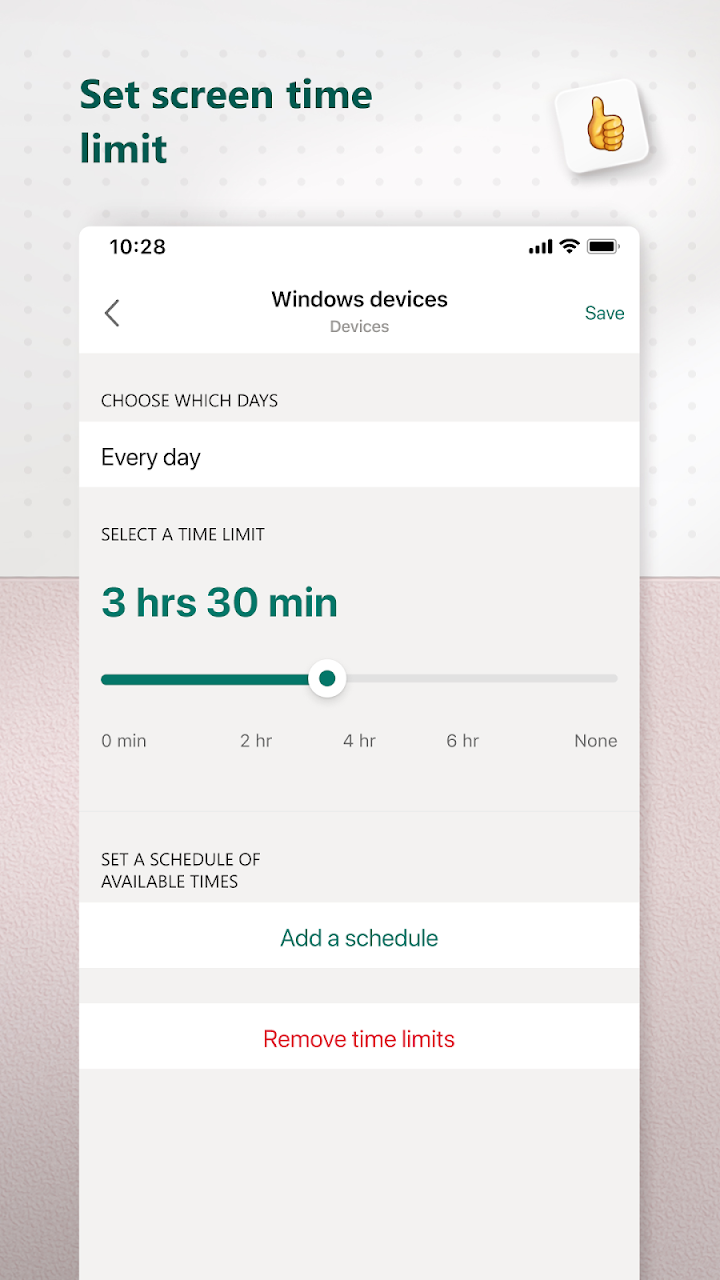
- Screen Time Limits — Set limits for apps and games on Android, Xbox, and Windows, or manage device time on Xbox and Windows.
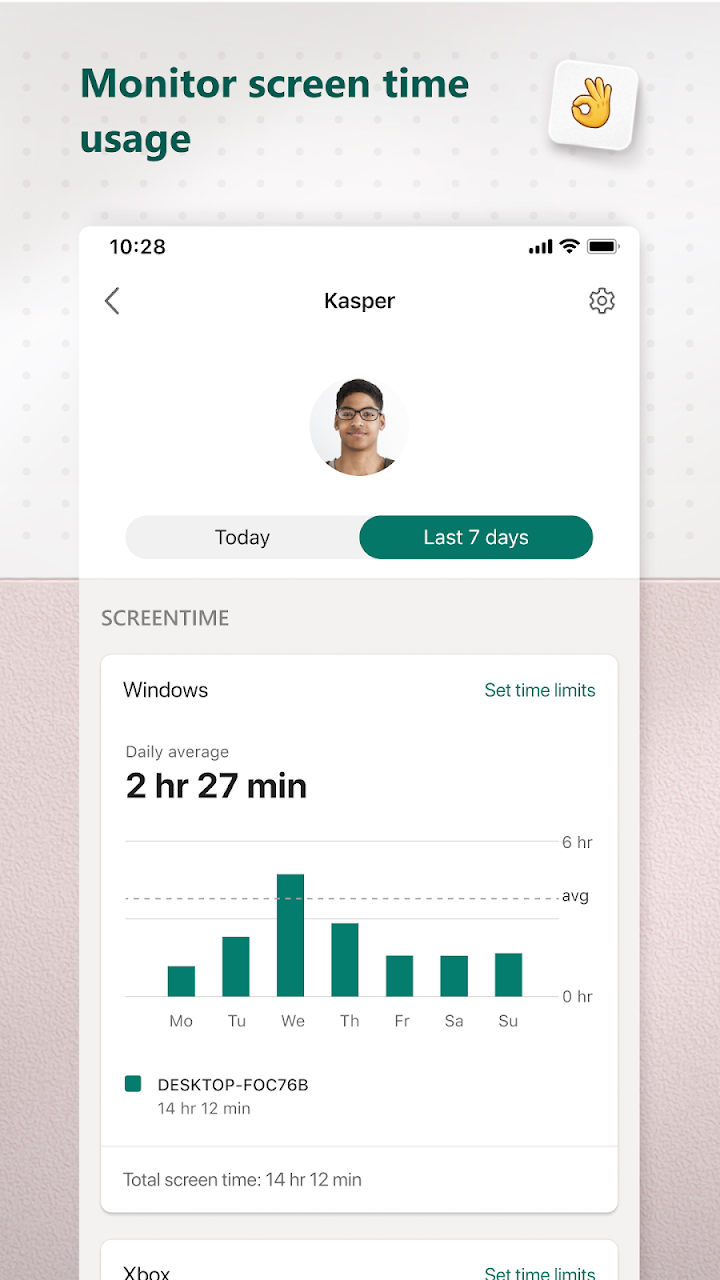
- Activity Reports — Review screen-time and online-use logs, with a weekly email summary of family activity.
- Content Filters — Block inappropriate apps and games and set Microsoft Edge browsing to kid-friendly websites.
- Request More Time — Get notified when a child asks for more time so you can respond from the app.
- Privacy Controls — Microsoft says it does not sell or share location data with insurance companies or data brokers.
Set limits before the day gets busy
Parents usually open Microsoft Family Safety when they want to check how much time a child has left or tighten access before school, homework, or bedtime. From the app, you can set app and game limits on Android, Xbox, and Windows, and manage device limits on Xbox and Windows. If a child asks for more time, you get notified.
Filter apps, games, and browsing
For families that want a safer default, the app includes content filters for inappropriate apps and games. It also supports kid-friendly browsing on Microsoft Edge, so the web side of the device is easier to shape around age-appropriate use. That makes it useful when a child is starting to explore more on their own.
- Block inappropriate apps and games
- Set web filters in Microsoft Edge
- Use age-appropriate access for kids
Check activity and start the conversation
Another common use is the weekly check-in. Activity reports show screen time and online usage, and the weekly email summary can help parents see patterns without digging through the device all day. It is designed for families who want a simple way to keep track of digital habits and talk about them together.
Install details and compatibility
Microsoft Family Safety is free, has no ads, and does not include in-app purchases. The APK is 38.3 MB, uses the universal architecture, and needs Android 9 or later. It is rated Everyone, and the app is built for both parents and kids.
Some features depend on Microsoft account setup and child consent, and Microsoft notes that interaction data may be collected with accessibility, app usage, and device admin service permissions to support app control and blocking.
APK information
- Version
- 2.0.5.1103
- Package
- com.microsoft.familysafety
- Category
- Parenting
- Size
- 38 MB
- Min Android
- 9
- Architecture
- universal
Older versions
-
Microsoft Family Safety 2.0.5.1103Nov 10, 2026Latest downloadAPK
Microsoft Family Safety FAQ
What age group is Microsoft Family Safety for?expand_more
It is rated Everyone and is designed for both parents and kids. The app uses parental controls to help children access age-appropriate content.
Is Microsoft Family Safety safe for children?expand_more
Microsoft says the app is built to help families create safer online habits, with content filters, app blocking, and screen-time limits. Privacy notes also say location data is not sold or shared with insurance companies or data brokers.
Does Microsoft Family Safety work offline?expand_more
That is not stated. The app’s activity reporting, weekly email summaries, and family controls suggest it is meant to be used with an account and connected services.
Does Microsoft Family Safety work on tablets?expand_more
It works on Android devices, and Microsoft also lists screen-time limits for Xbox and Windows. The app requires Android 9 or later.
Can I block apps and games with Microsoft Family Safety?expand_more
Yes. The app includes content filters that let you block inappropriate apps and games, along with screen-time limits for specific apps and games.