
- 2.3star16,223 reviews
- 1M+Downloads
- 58 MBAPK size
- EveryoneRated for Everyone
- 9+Android
check_circleOriginal APK from HCL America Inc. · Updated Nov 12, 2026
No threats found
0 / — antivirus engines flagged this file
Original signature
First seen — HCL America Inc.
Unmodified APK
Same file the developer published — no mods
HCL Verse screenshots
7 images · tap to enlarge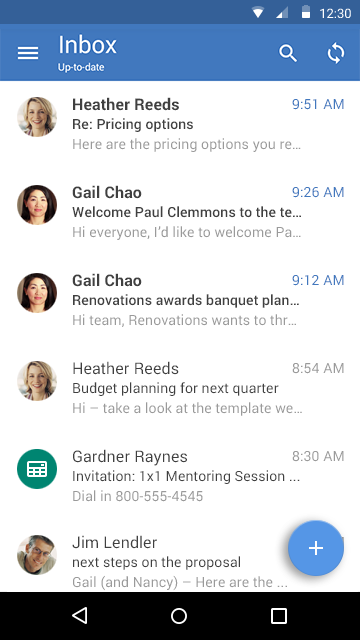
About this app
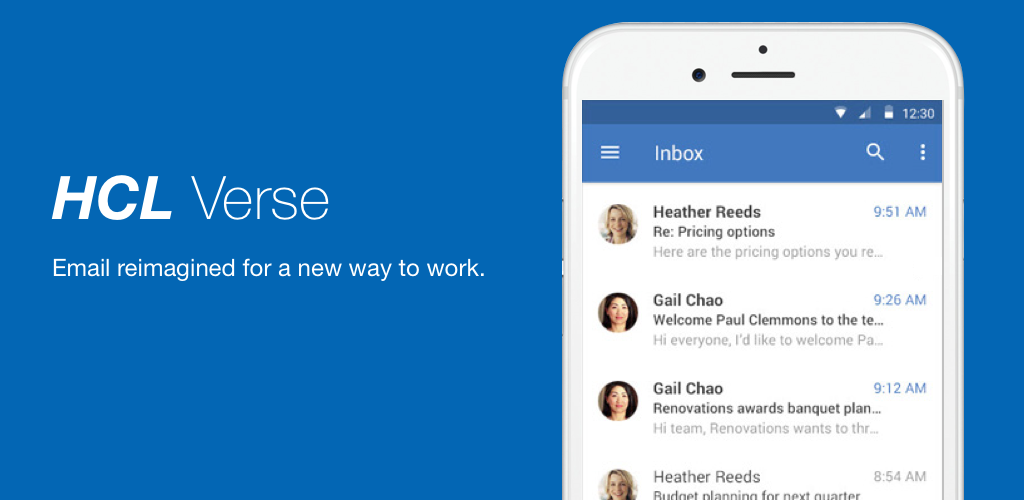
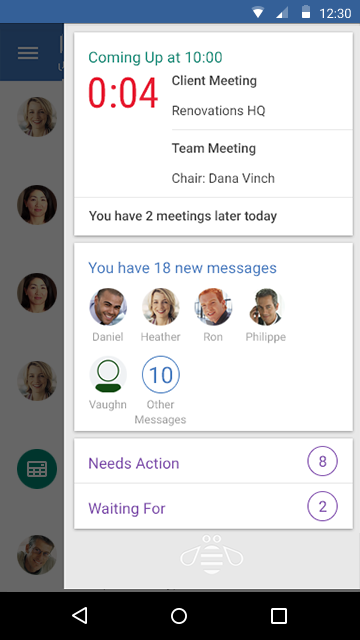
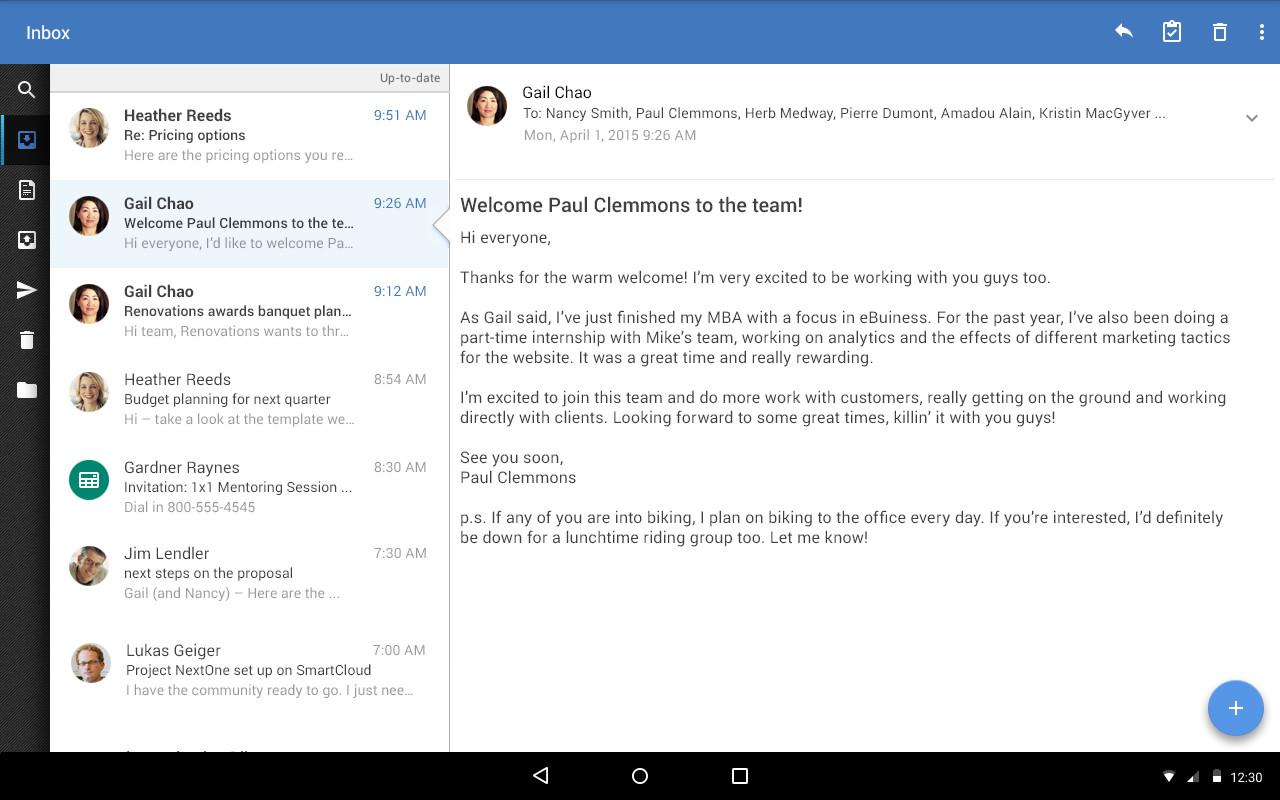
1M+ people have installed HCL Verse. This free business email app for Android is built around inbox management, calendar work, and contact access. It helps you mark important mail, track follow-up, and create events from the same app. It also has no ads and no in-app purchases.
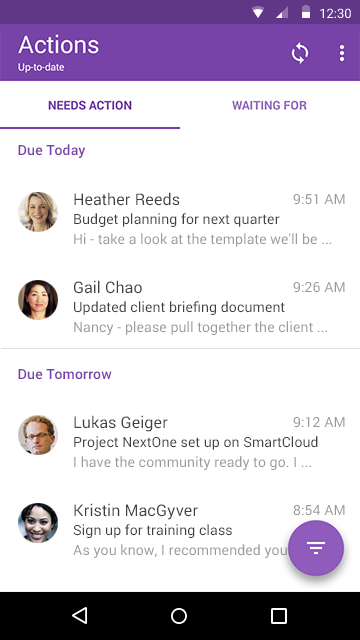
- Inbox focus — View your inbox, mark messages as Important or Needs Action, and keep track of replies you are waiting on.
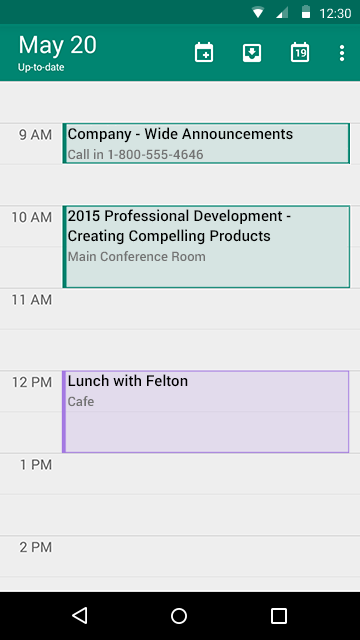
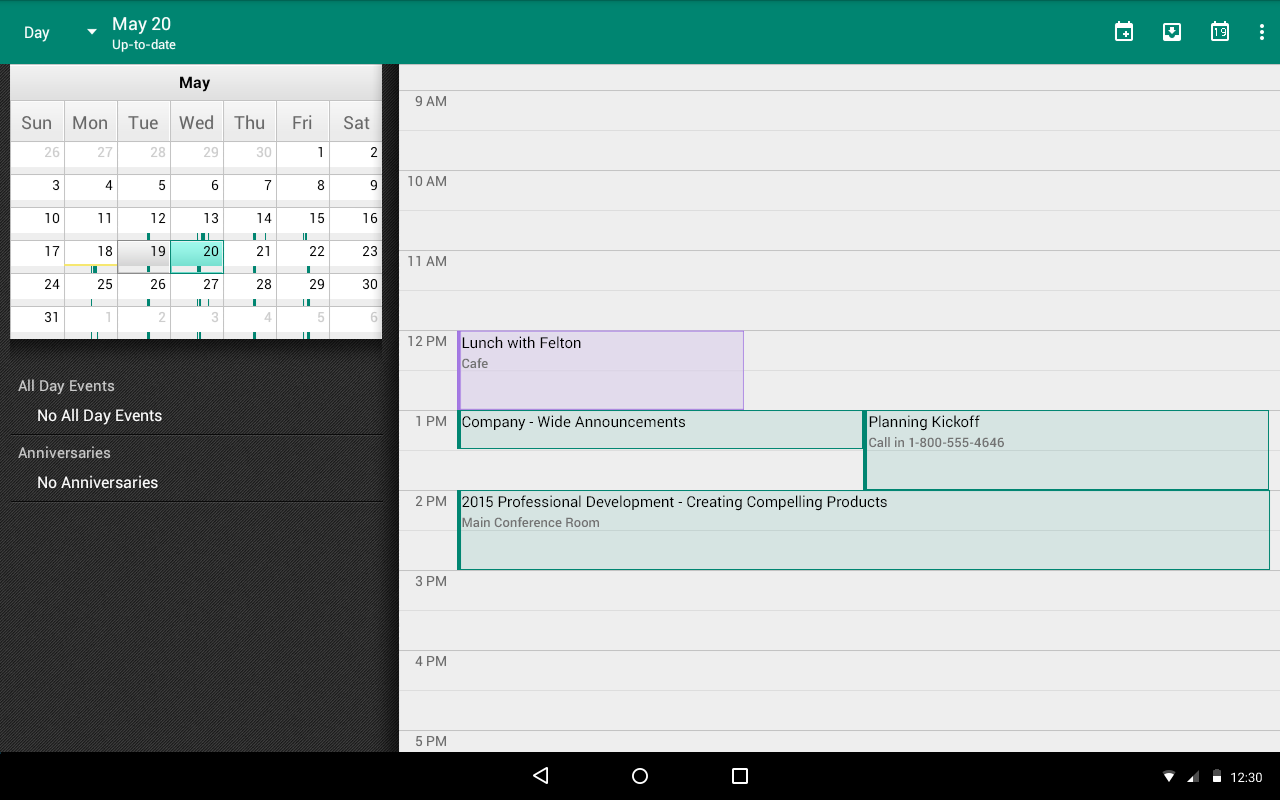
- Calendar links — Use the calendar alongside email to create events and invite coworkers from the same app.
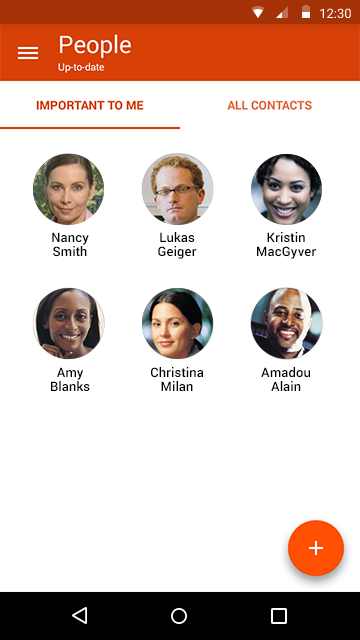
- Contact access — Work with your contacts while you handle messages, meetings, and replies.
- Swipe actions — Use swipe actions for messages and calendar items to move through work faster.
- Attachment support — Add attachments to emails when you need to send files with a message.
- Cloud connected — The app is cloud-enabled and powered by HCL Domino for work use across devices.
Inbox tools for work mail
HCL Verse puts work email first. You can open your inbox, mark colleagues as Important, and flag messages as Needs Action. That makes it easier to spot mail that needs a reply, then track who owes you a response and when.
For someone managing a busy day, that can mean less time scanning a long inbox and more time acting on messages that matter.
Calendar and contacts in one place
The app works with your calendar and contacts, so you can move from email to scheduling without switching apps. You can create calendar events and invite coworkers from inside Verse, which helps when a message turns into a meeting.
This is useful for arranging follow-ups after a thread or setting a time for a team check-in.
Swipe actions and attachments
Verse supports swipe actions for messages and calendar items, which can make routine cleanup faster. It also lets you add attachments to emails, so you can send documents or other files with the message itself.
- Gets: inbox, calendar, contacts, event invites, attachments
- Watch for: it is a work email client, so setup and support go through your company IT help desk if you hit a problem
Requirements and install details
HCL Verse is free, with no ads and no in-app purchases. The APK is 58.1 MB and works on Android 9 and up. It is an Android client for HCL Domino, so it is meant for work accounts rather than casual personal email use. If you want a business mail app with follow-up tools and calendar access, check whether your organization uses HCL Verse before installing.
What's new
Version 14.5.16.0 202611051353 · Nov 12, 2026
- October 2026
- Updated Settings UI
- Improved Calendar Event Conflict Visualization
- Bug fixes
APK information
- Version
- 14.5.16.0 202611051353
- Package
- com.lotus.sync.traveler
- Category
- Business
- Size
- 58 MB
- Min Android
- 9
- Architecture
- universal
Older versions
-
HCL Verse 14.5.16.0 202611051353Nov 12, 2026Latest downloadAPK
HCL Verse FAQ
Does HCL Verse integrate with other tools?expand_more
It works with your calendar and contacts, and it is powered by HCL Domino. The app description also says it is cloud-enabled.
Is HCL Verse free for small teams?expand_more
The app is free to download and use, with no ads and no in-app purchases. Team use still depends on whether your organization uses HCL Verse.
Can I install HCL Verse without Google Play?expand_more
The app is available as an APK file. The listing does not mention other installation methods.
Does HCL Verse work offline?expand_more
That is not stated. The app description focuses on cloud-enabled email, calendar, and contact access.
What Android version does HCL Verse need?expand_more
It requires Android 9 or later. The APK size is 58.1 MB.