
- 4.6star2,855,211 reviews
- 100M+Downloads
- 60 MBAPK size
- EveryoneRated for Everyone
- 8.0+Android
check_circleOriginal APK from Microsoft Corporation · Updated Nov 10, 2026
No threats found
0 / — antivirus engines flagged this file
Original signature
First seen — Microsoft Corporation
Unmodified APK
Same file the developer published — no mods
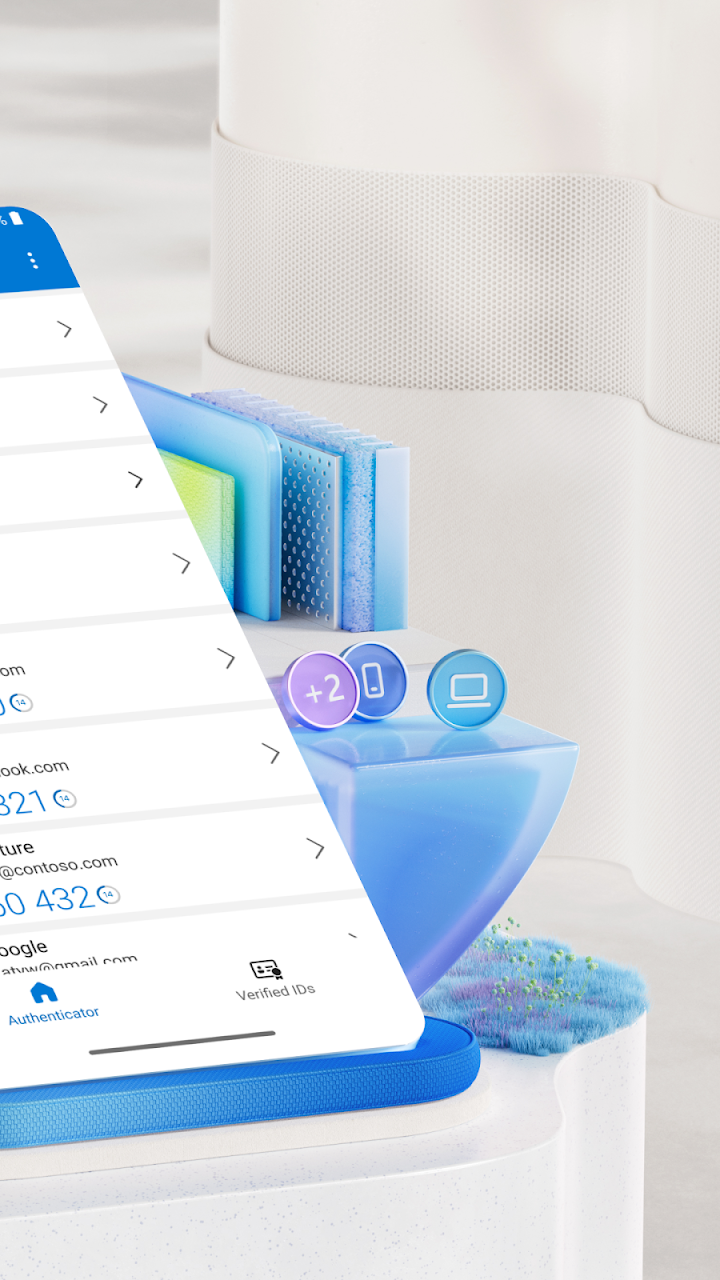
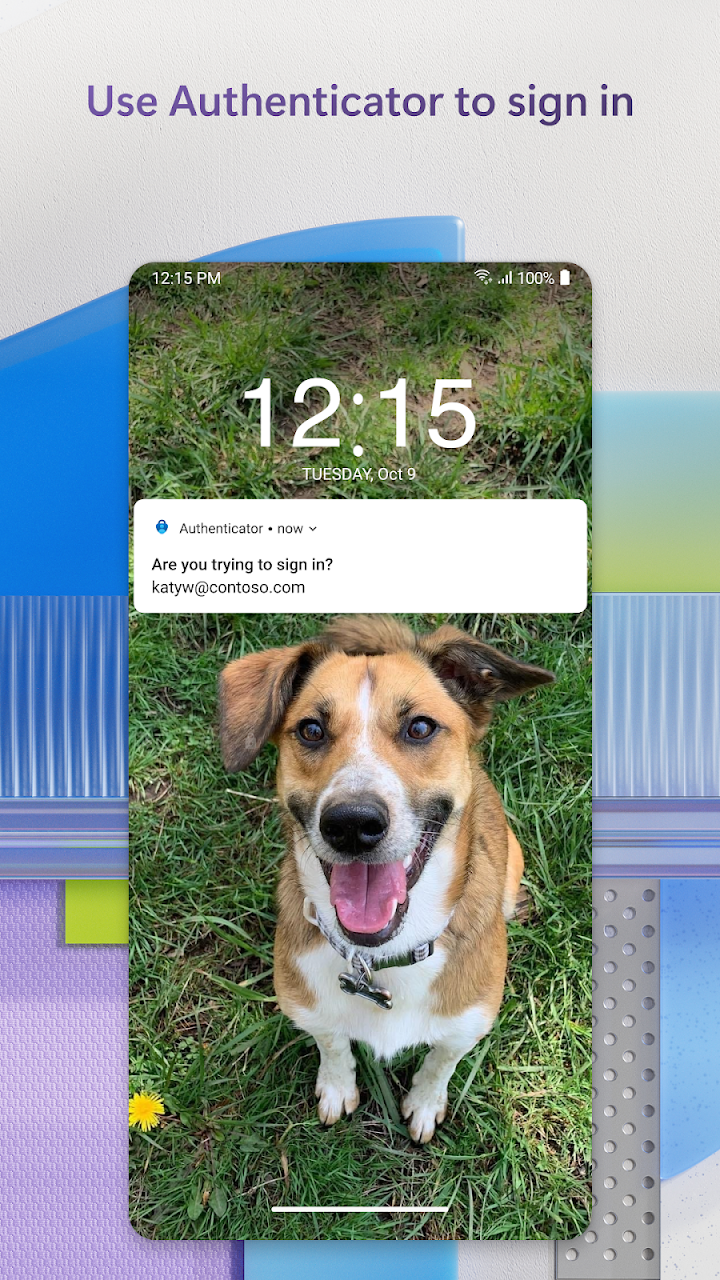
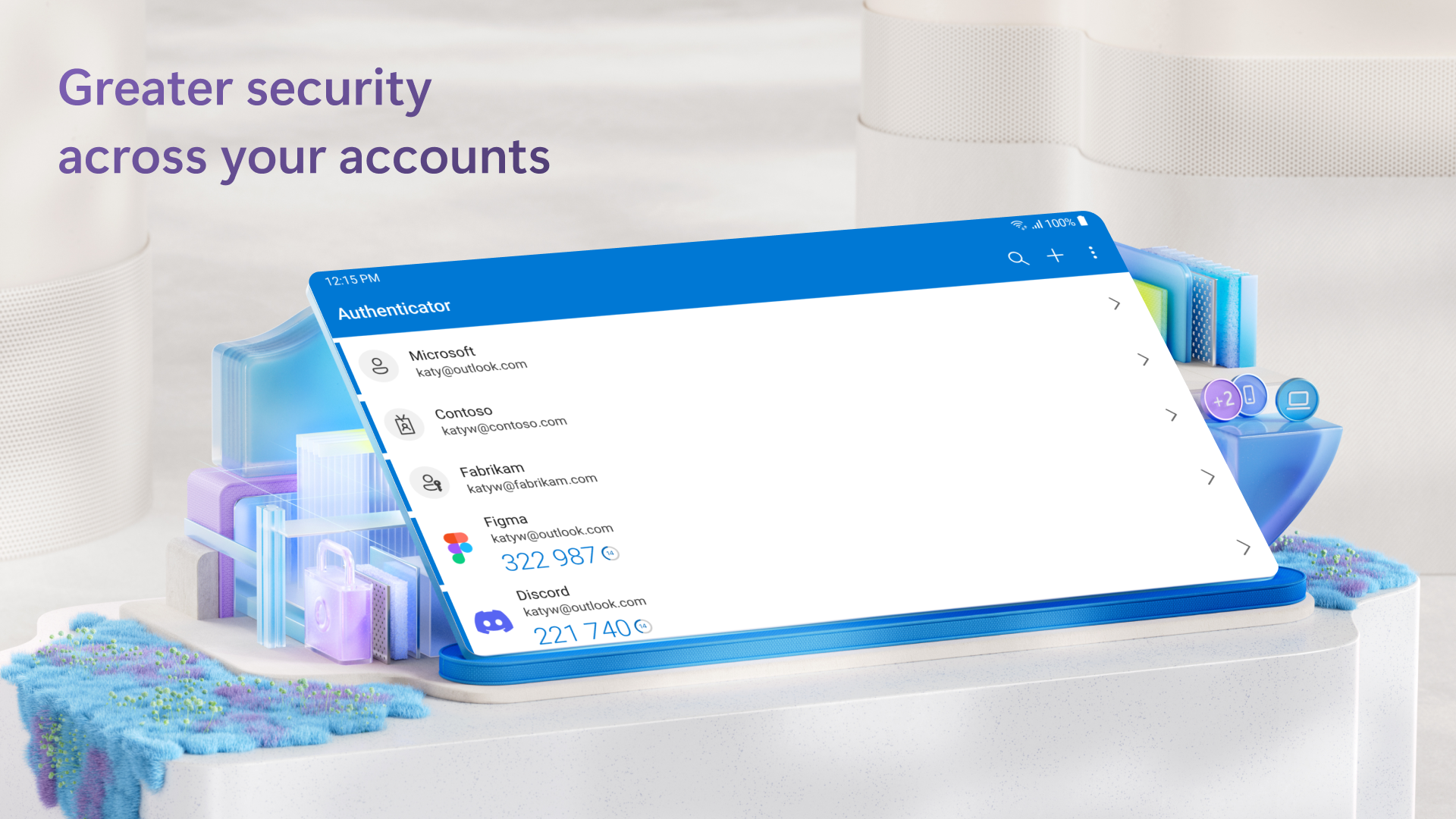
Microsoft Authenticator screenshots
8 images · tap to enlarge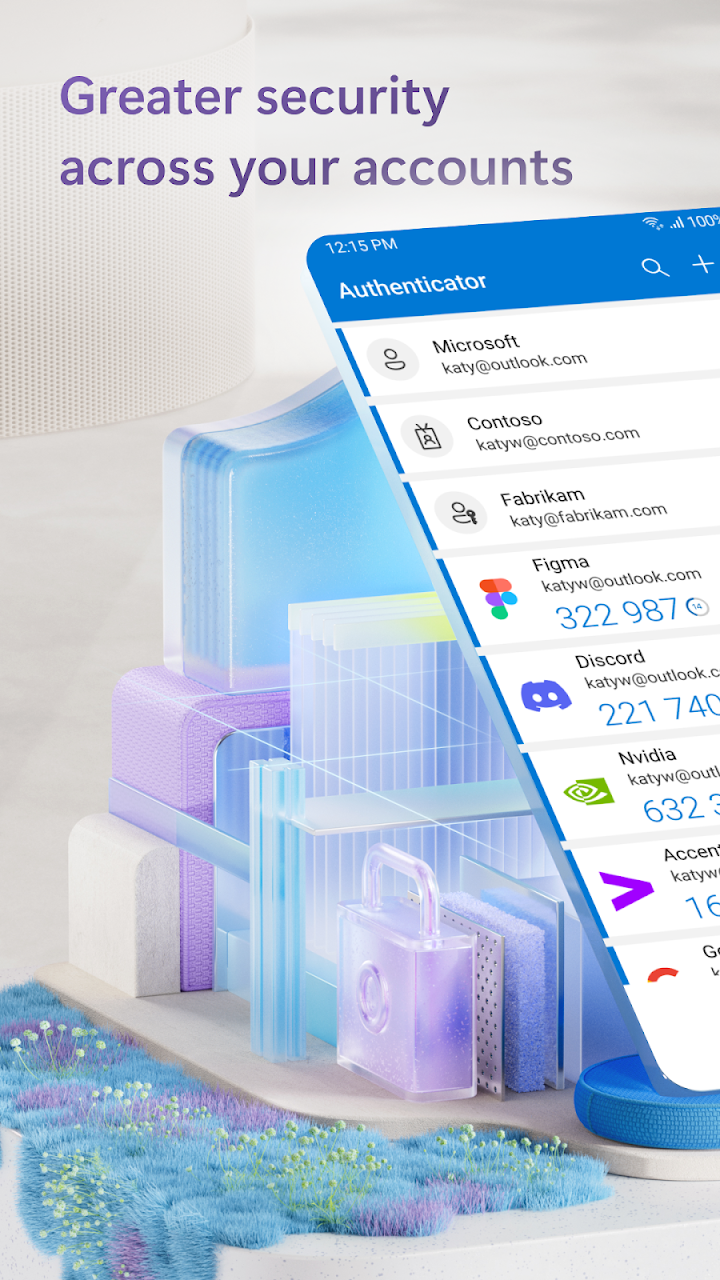
About this app
With 100M+ installs, Microsoft Authenticator is built to make sign-ins easier and more secure. It lets you approve logins on your phone, use one-time passwords, and manage Microsoft personal, work, or school accounts. It also supports passwordless sign-in for Microsoft accounts and can work with many non-Microsoft accounts too.
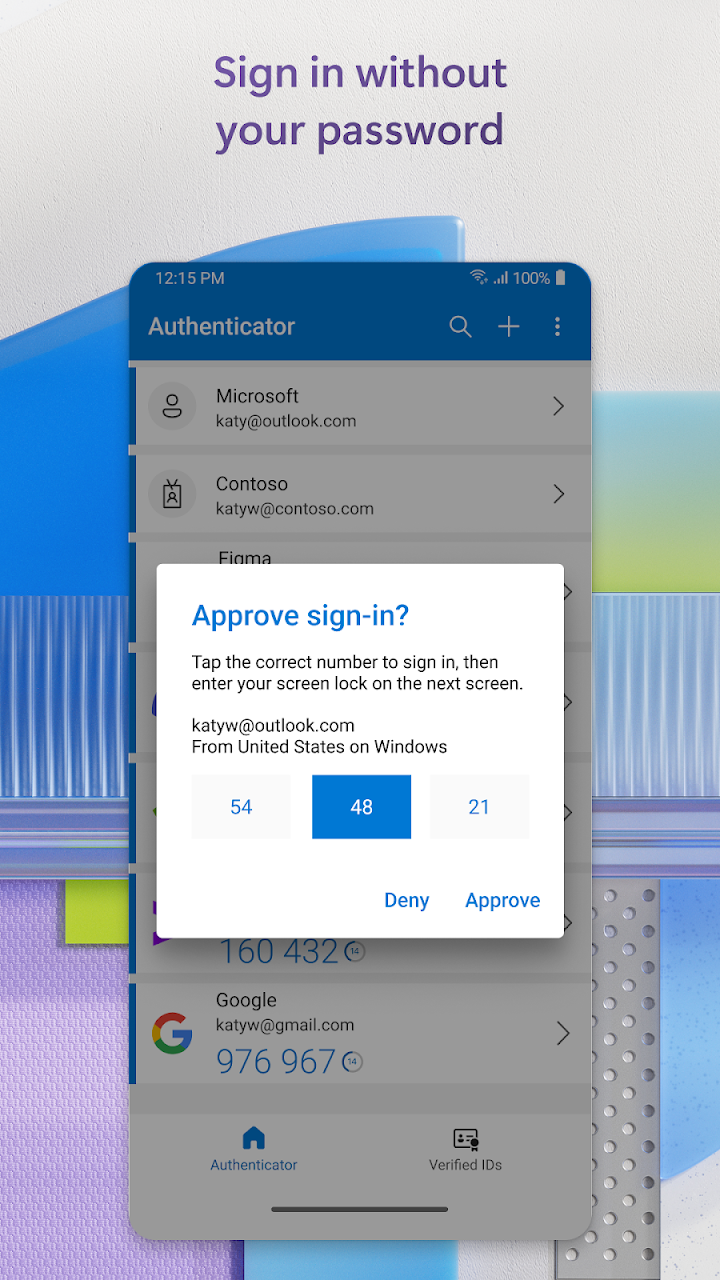
- Multi-factor sign-in — Approve a notification or use a one-time password as a second step after your password.
- Passwordless login — Sign in to a Microsoft account by approving a phone prompt instead of typing a password.
- Account support — Add multiple accounts, including non-Microsoft services such as Facebook, Amazon, Dropbox, Google, LinkedIn, and GitHub.
- Work and school access — Register your device with your organization to help access files, email, and apps more securely.
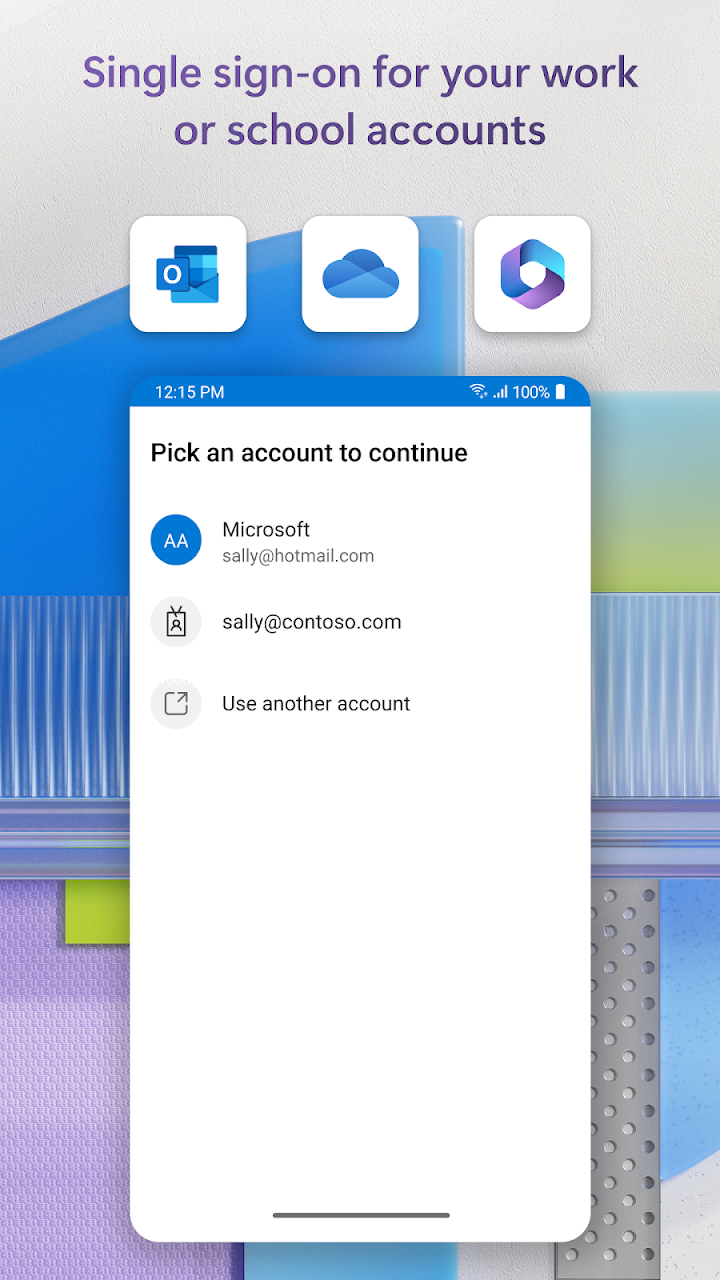
- Single sign-on — After you prove your identity once, you can stay signed in to other Microsoft apps on the same device.
What happens on first launch
When you open Microsoft Authenticator for the first time, the app is set up around sign-in security rather than browsing or messaging. You can add a Microsoft personal account, or connect a work or school account if your organization asks you to use it. You can also add non-Microsoft accounts that use multi-factor authentication. The app is free, does not contain ads, and has no in-app purchases. It comes as an APK, needs Android 8.0 or later, and is about 60.5 MB.
Set up your first account
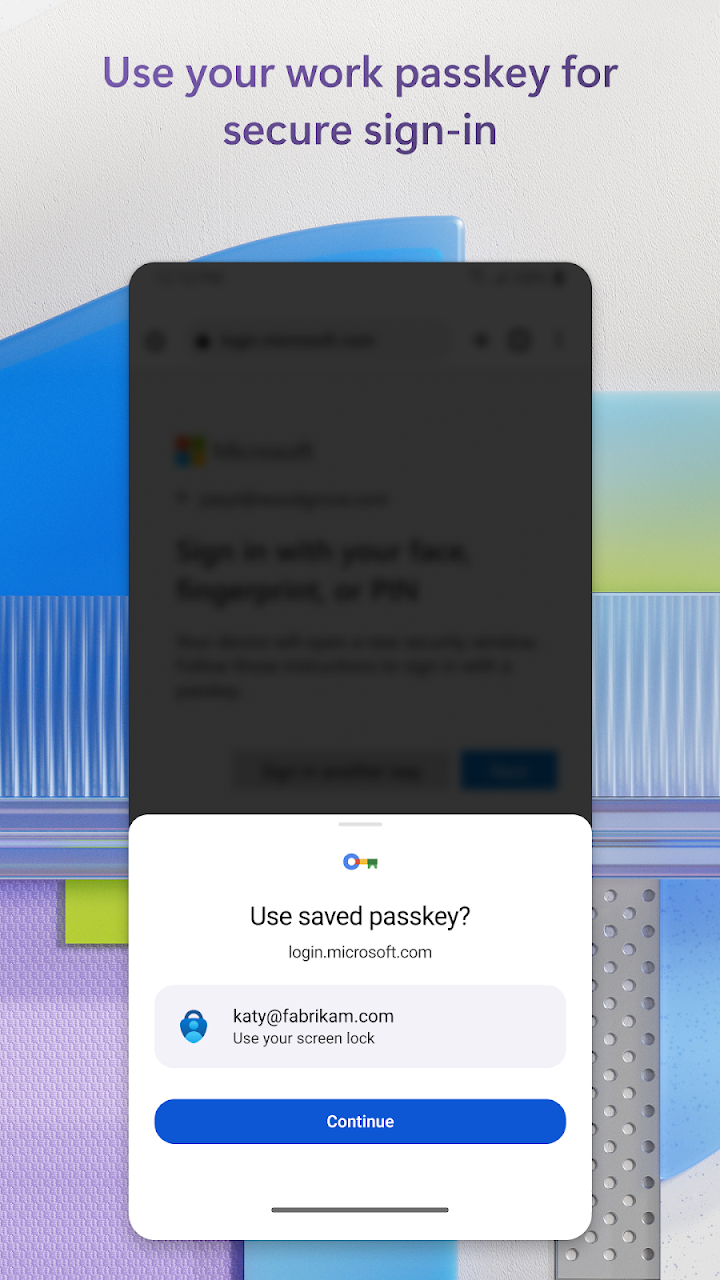
For a typical account, you will choose whether to use notification approval or a one-time password. The app can scan a QR code when you add an account, and that camera access is optional. If you are adding a Microsoft account, you can also use passwordless sign-in, where your phone confirms the login after you enter your username.
What it does for work and school
Microsoft Authenticator is useful when an organization wants extra verification before letting you into files, email, or apps. It can register your device to your organization and supports certificate-based authentication, which helps show the sign-in is coming from a trusted device. It also supports single sign-on, so once you confirm your identity, you do not need to log in again to other Microsoft apps on that device.
- You get: notification approvals, one-time passwords, passwordless Microsoft sign-in, and support for multiple accounts.
- Watch for: optional permissions for location, camera, and storage access only when needed for specific tasks.
Practical tips for day one
Start by adding the account you use most often, then test a login so you know which method your account expects. If you use Microsoft services like Outlook, OneDrive, or Office, passwordless sign-in can save time. If your workplace uses the app, keep an eye on any device registration steps your organization requires.
Requirements and permissions
The app asks only for optional access permissions that depend on what you are doing. Location may be requested by your organization, camera is used for scanning QR codes, and storage access is used only when you report a technical problem through the app settings. If you do not grant these permissions, you can still use other parts of the app that do not need them.
What's new
Version 6.2611.7348 · Nov 10, 2026
- We're always working on new features, bug fixes, and performance improvements. Make sure you stay updated with the latest version for the best authentication experience.
APK information
- Version
- 6.2611.7348
- Package
- com.azure.authenticator
- Category
- Business
- Size
- 60 MB
- Min Android
- 8.0
- Architecture
- universal
Older versions
-
Microsoft Authenticator 6.2611.7348Nov 10, 2026Latest downloadAPK
Microsoft Authenticator FAQ
Does Microsoft Authenticator integrate with other tools?expand_more
Yes. It works with Microsoft services like Outlook, OneDrive, and Office, and it can also add non-Microsoft accounts such as Facebook, Amazon, Dropbox, Google, LinkedIn, and GitHub.
Is Microsoft Authenticator free for small teams?expand_more
The app is free and has no ads or in-app purchases. It also supports work or school accounts, device registration, and single sign-on for Microsoft apps.
Does Microsoft Authenticator work on tablets?expand_more
The app requires Android 8.0 or later. The listing does not specify separate tablet support details.
Which Android version does Microsoft Authenticator need?expand_more
It needs Android 8.0 or later.
Can I use Microsoft Authenticator without a network connection?expand_more
Yes. One-time passwords can be generated in the app without a network connection.