
- 4.7star8,851,532 reviews
- 500M+Downloads
- 226 MBAPK size
- EveryoneRated for Everyone
- 9+Android
check_circleOriginal APK from Microsoft Corporation · Updated Nov 9, 2026
No threats found
0 / 52 antivirus engines flagged this file
Original signature
First seen — Microsoft Corporation
Unmodified APK
Same file the developer published — no mods
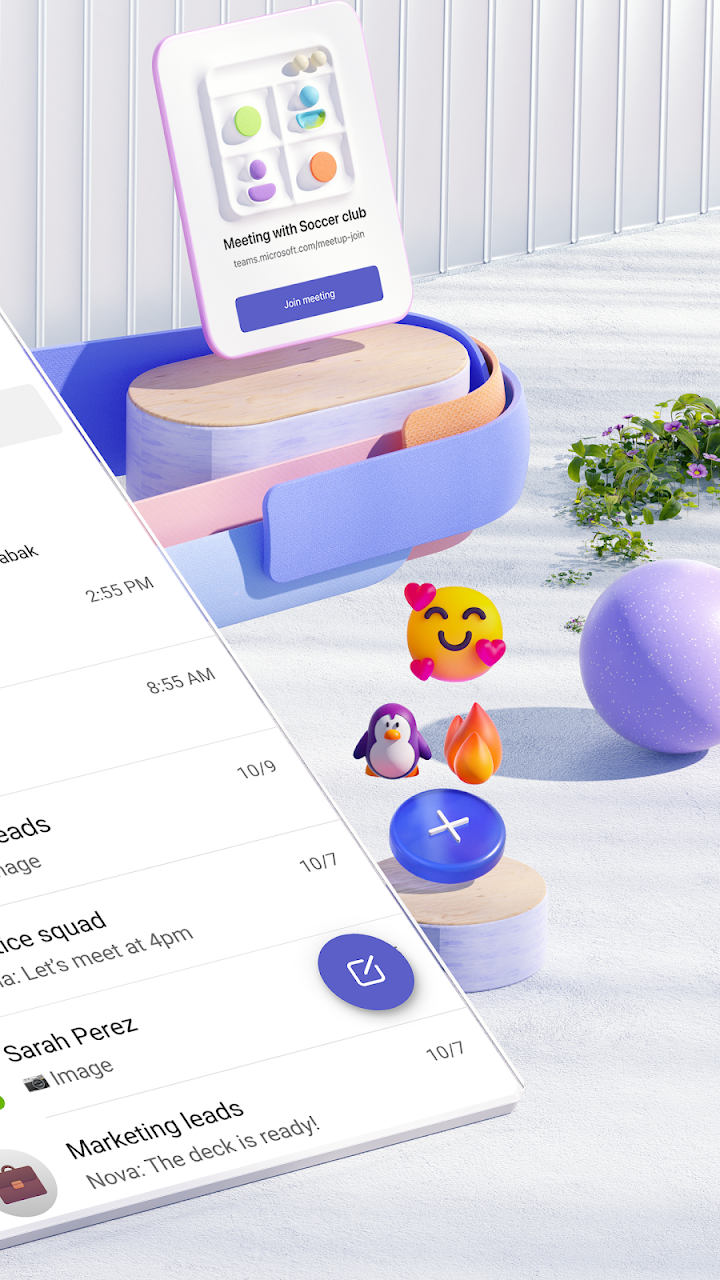
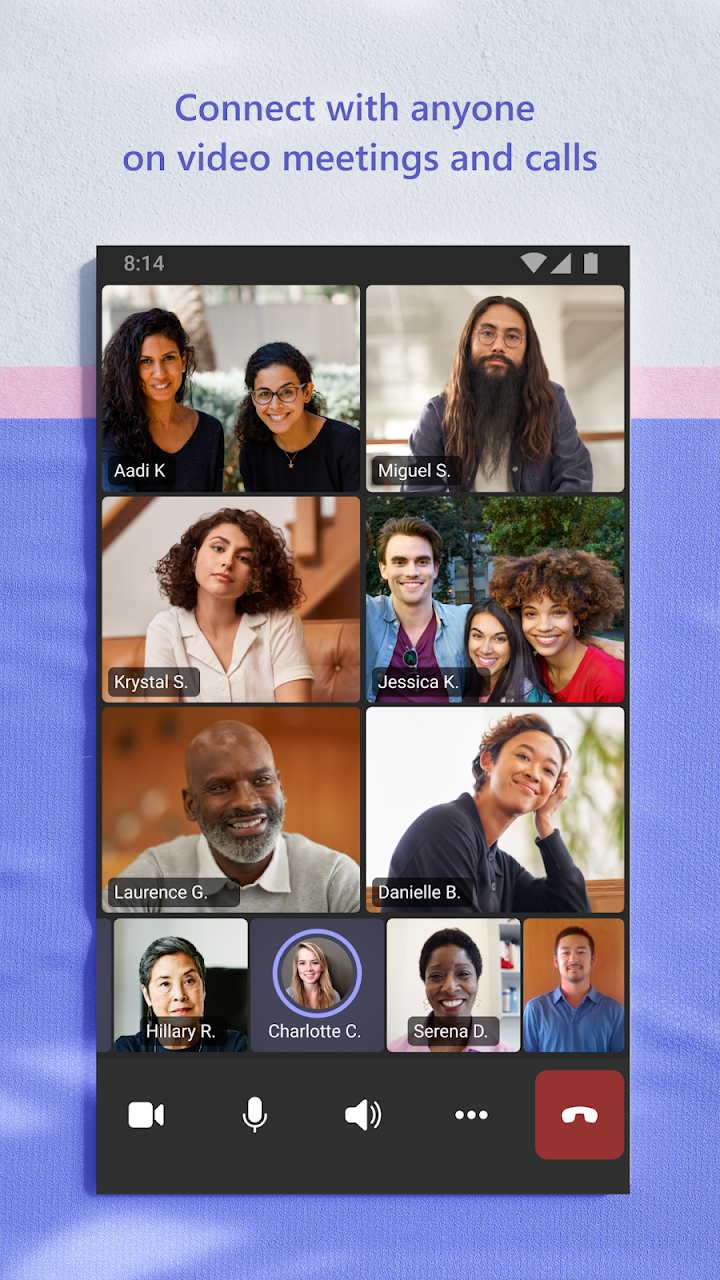
Microsoft Teams screenshots
8 images · tap to enlarge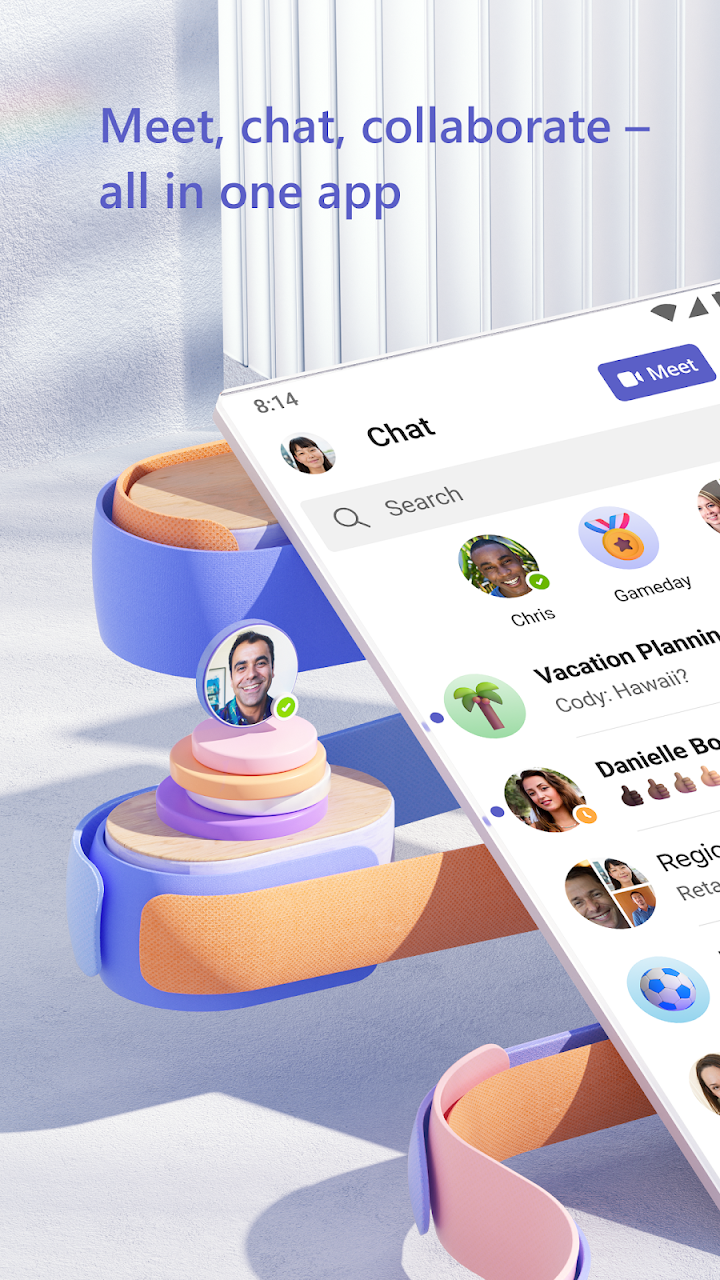
About this app
Need one app for chats, meetings, and project work? Microsoft Teams lets you message people, join audio or video calls, share files, and keep calendars and tasks in one place. This release has no changelog notes, so the app’s current setup is the main story: secure collaboration, admin control, and Android support from version 9.
- Chats and channels — Start 1-1 chats, message a group, and keep project conversations organized in channels.
- Meetings and calls — Set up meetings quickly, share a link, and switch from chat to audio or video call.
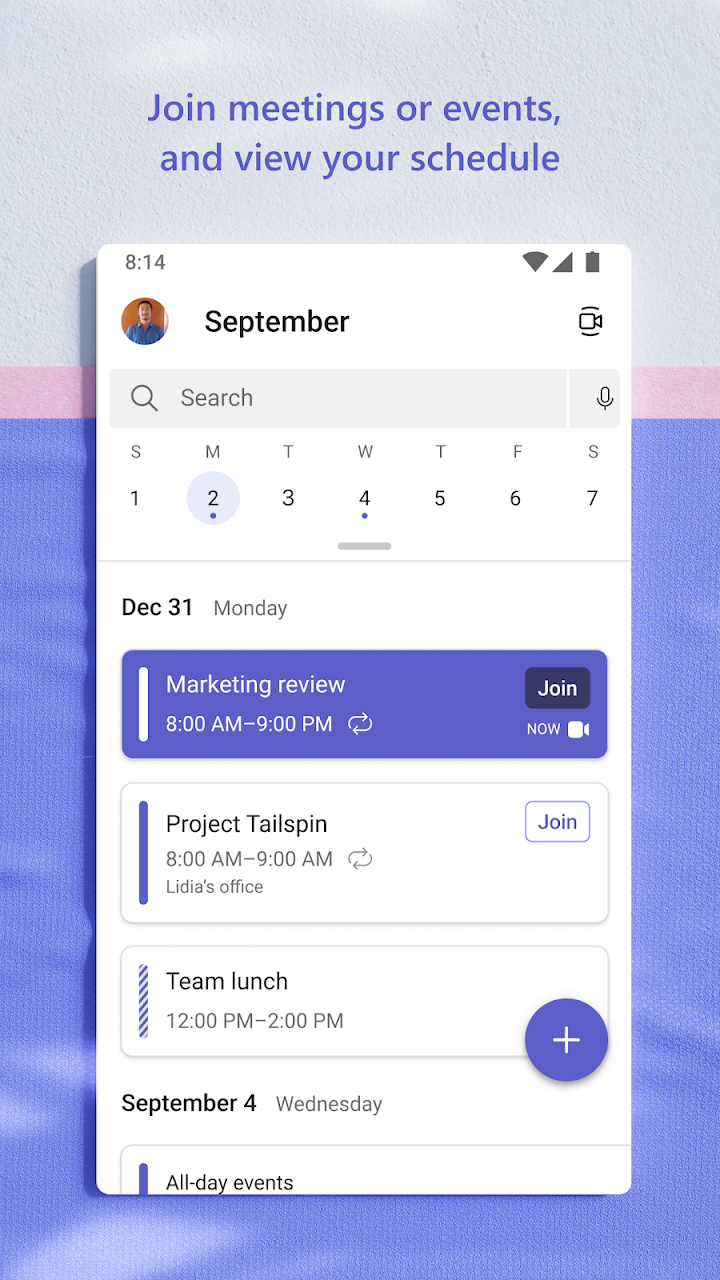
- Tasks and calendars — Use task lists and calendars to track plans, due dates, and upcoming meetings.
- Cloud file storage — Store files and photos in built-in cloud storage and open shared documents on the go.
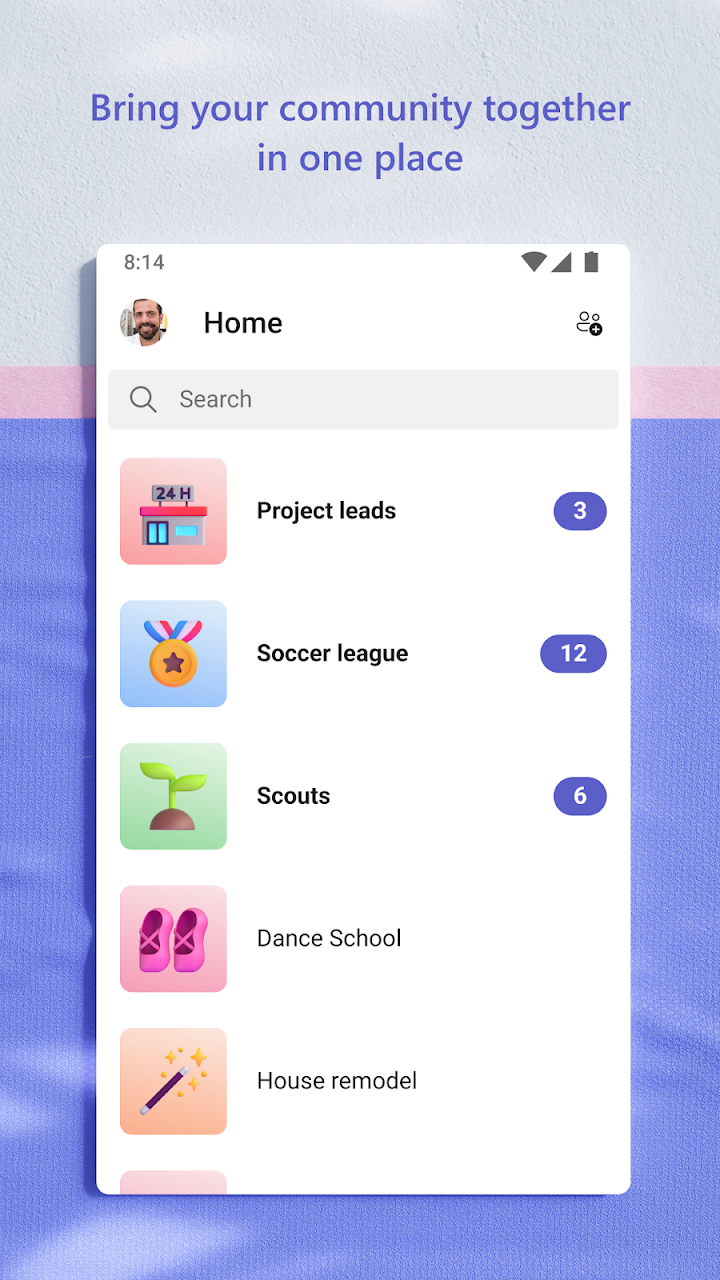
- Community controls — Create communities, manage members, and remove inappropriate content when you own the group.
- Microsoft 365 security — Use enterprise-level security and compliance features tied to Microsoft 365 commercial plans.
Current release and Android setup
This version has no listed changelog entries, so the current release centers on the same all-in-one workflow: chats, meetings, channels, storage, tasks, and calendars. The APK is 226.0 MB, in APK format, and it installs on Android 9 and above. It targets SDK 36 and supports x86_64 devices.
Chats, calls, and meetings
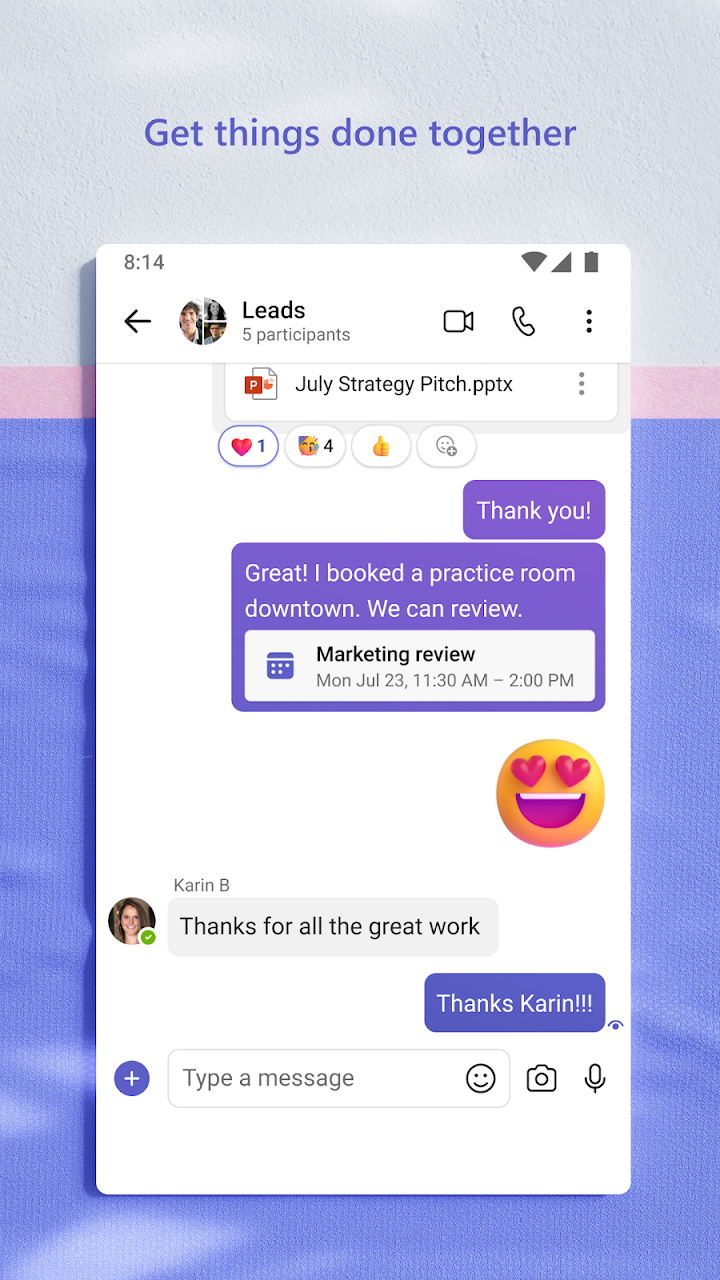
Microsoft Teams is built for the moments when you need to talk fast and then keep working. You can send 1-1 messages, talk in a community, and use @mentions to pull someone into a thread. If a discussion needs more than text, you can start an audio or video call or turn a group chat into a call.
Meeting setup is straightforward: create a meeting, then invite people with a link or calendar invite. During calls and meetings, Teams supports screenshare, whiteboard, and breakout rooms. GIFs, emojis, and message animations are also there when plain text is not enough.
Projects, files, and task lists
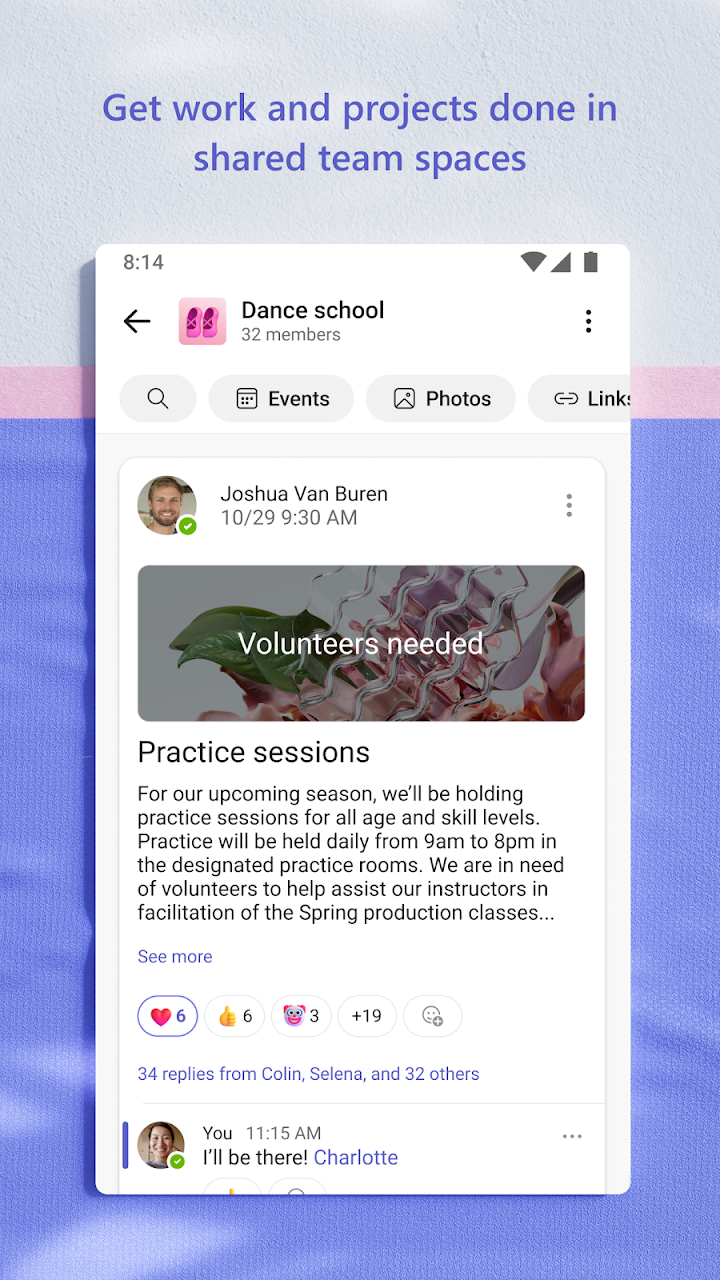
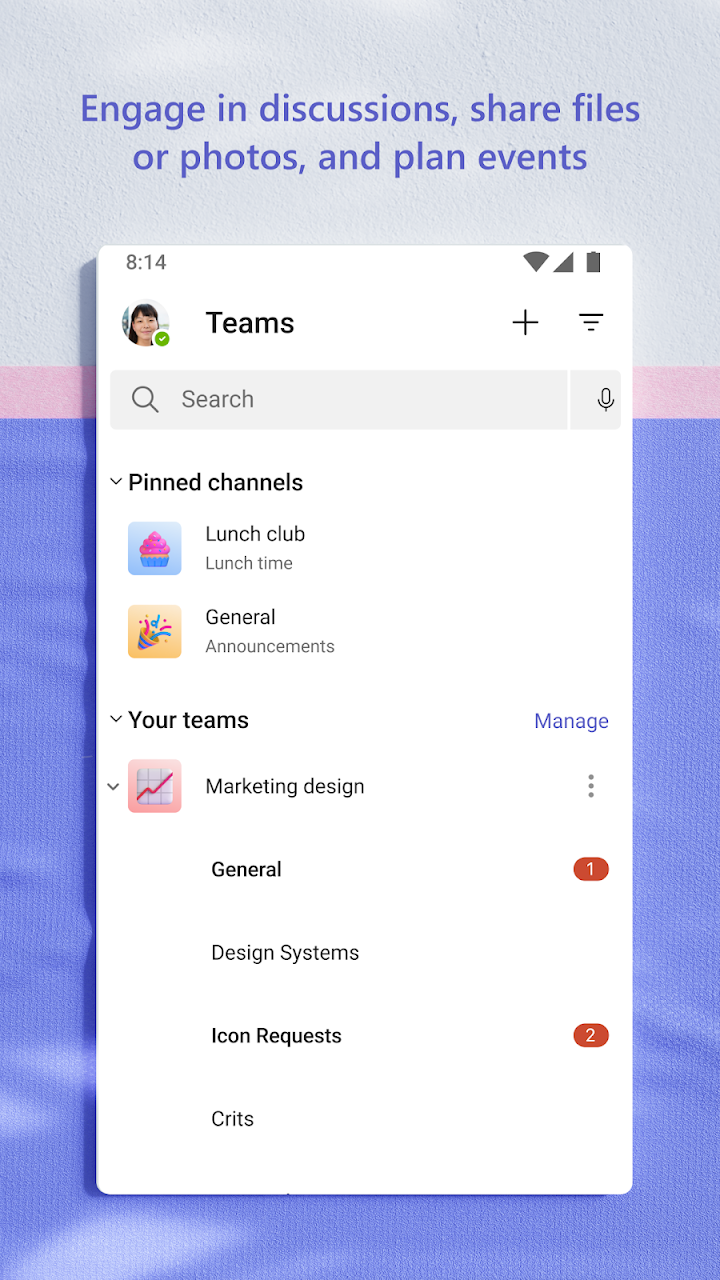
For day-to-day work, Teams keeps project material in one place. Channels help separate conversations by topic, and shared storage lets you reach documents and files without hunting through different apps. You can also send photos and videos in chat, organize community content, and manage who can access information as people join or leave a project.
Task lists add a practical layer for follow-through. Assign work, set due dates, and check items off as they are completed. If you use Teams for a community, you can also build a dedicated space around a topic or plan.
Admin controls and access
Microsoft Teams includes controls that matter in shared spaces. Owners can remove inappropriate content or members, and the app is designed with Microsoft 365 security and compliance in mind for commercial use. The free app is available, while some commercial features require a paid Microsoft 365 commercial subscription or a Teams for work trial.
- Free use: available for Microsoft Teams Free.
- Account sign-in: needed to use Microsoft account features and sync access.
- Permissions: includes camera, microphone, location, contacts, phone, Bluetooth, and media projection permissions for calling and collaboration.
What's new
Version 1416/1.0.0.2026202302 · Nov 9, 2026
- Use Copilot to summarize channel meetings
APK information
- Version
- 1416/1.0.0.2026202302
- Package
- com.microsoft.teams
- Category
- Business
- Size
- 226 MB
- Min Android
- 9
- Architecture
- x86_64
Older versions
-
Microsoft Teams 1416/1.0.0.2026202302Nov 9, 2026Latest downloadAPK
Microsoft Teams FAQ
Is Microsoft Teams free for small teams?expand_more
The app is free, and Teams Free lets you use chats, calls, and contacts. Some commercial features require a paid Microsoft 365 commercial subscription or a Teams for work trial.
Does Microsoft Teams integrate with other tools?expand_more
The listing does not name third-party integrations. It does include built-in calendars, storage, tasks, meetings, and channels inside one app.
How do I update Microsoft Teams from an APK?expand_more
Install the newer APK version over the existing app on a compatible Android device. This version is the APK file format and requires Android 9 or later.
What is the difference between the APK and the Play Store version of Microsoft Teams?expand_more
The APK is the app package file, while the Play Store version is installed through Google Play. This listing provides the APK details, including version 1416/1.0.0.2026202302 and a 226.0 MB file size.
Can I use Microsoft Teams for meetings and file sharing?expand_more
Yes. Teams supports audio and video calls, meeting links, screenshare, whiteboard, breakout rooms, and built-in cloud storage for files and photos.