- 3.1star3,764 reviews
- 1M+Downloads
- 16 MBAPK size
- EveryoneRated for Everyone
- API 16+Android
check_circleOriginal APK from heyUp Lab · Updated Nov 12, 2026
No threats found
0 / — antivirus engines flagged this file
Original signature
First seen — heyUp Lab
Unmodified APK
Same file the developer published — no mods
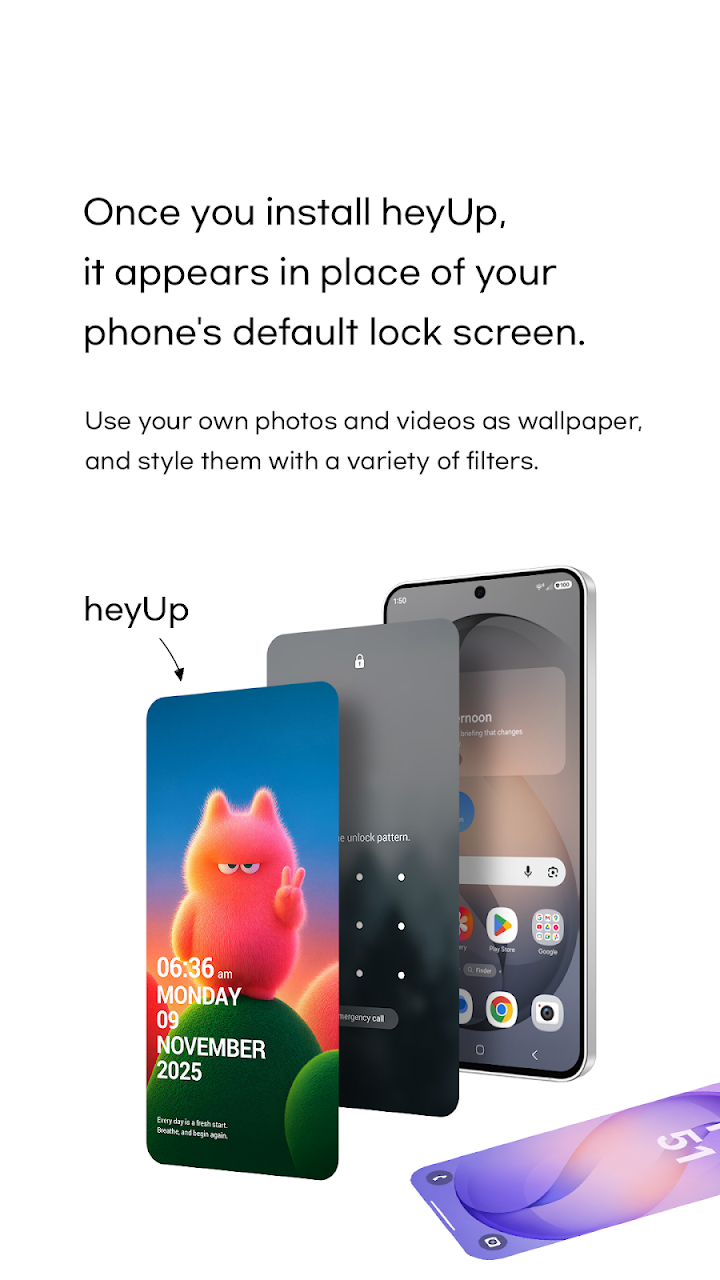
heyUp: Custom Lock Screen screenshots
8 images · tap to enlarge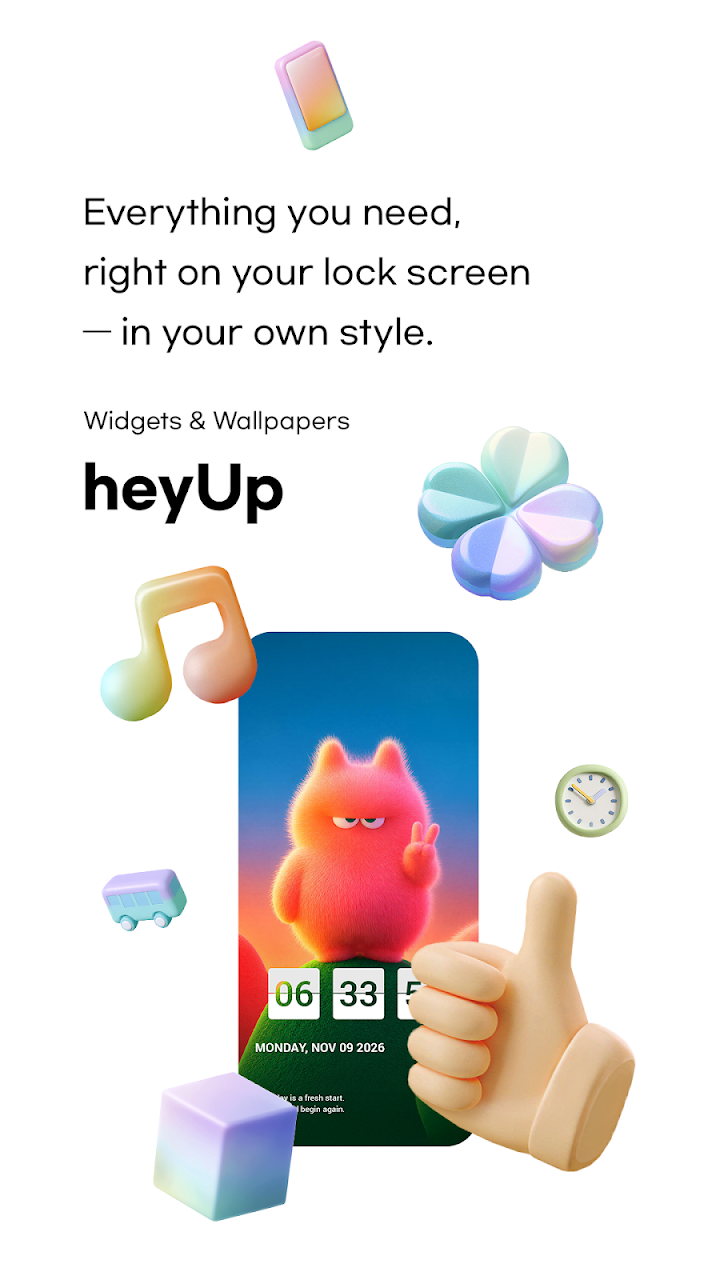
About this app
1M+ installs show that heyUp: Custom Lock Screen has a clear job: replace the default lock screen with one you can shape. It combines wallpapers, clock, calendar, memo, music, and Mini Home shortcuts, while still using your phone’s own fingerprint, PIN, or pattern lock. It is free, shows ads in settings pages, and does not ask for sign-up.
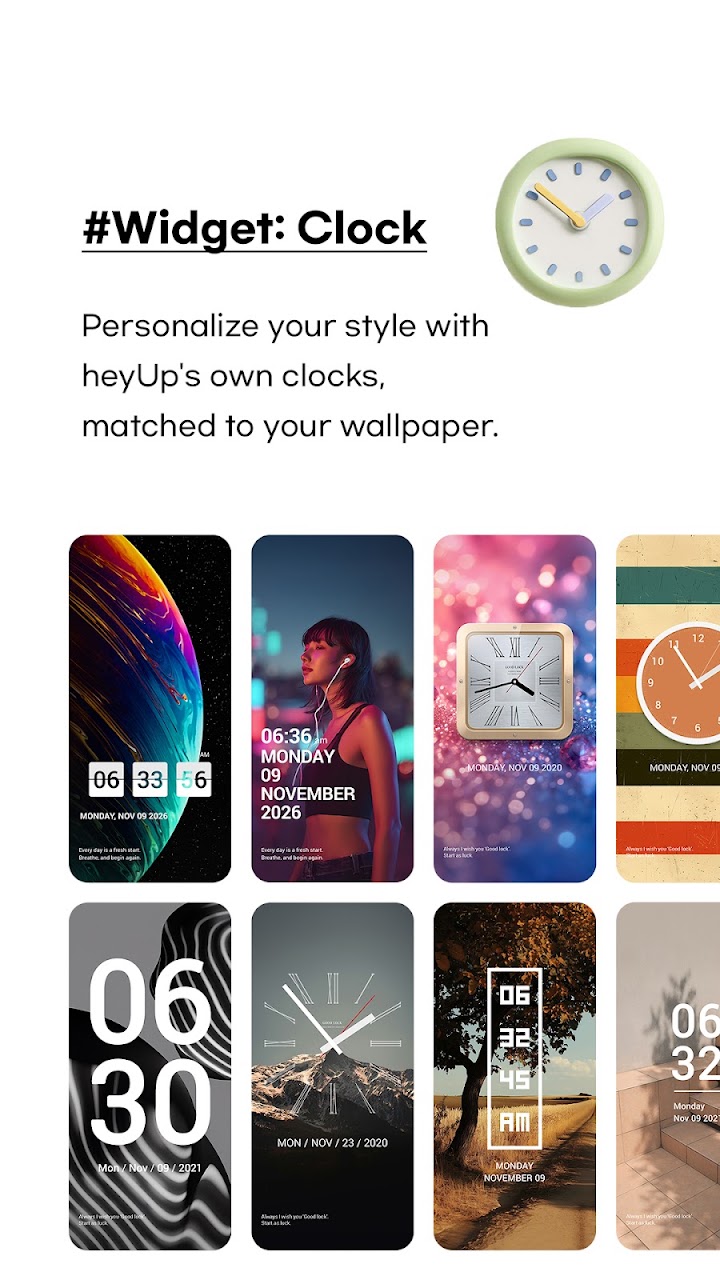
- Custom lock themes — Mix wallpapers with clock, calendar, and widget layouts to build a lock screen theme.
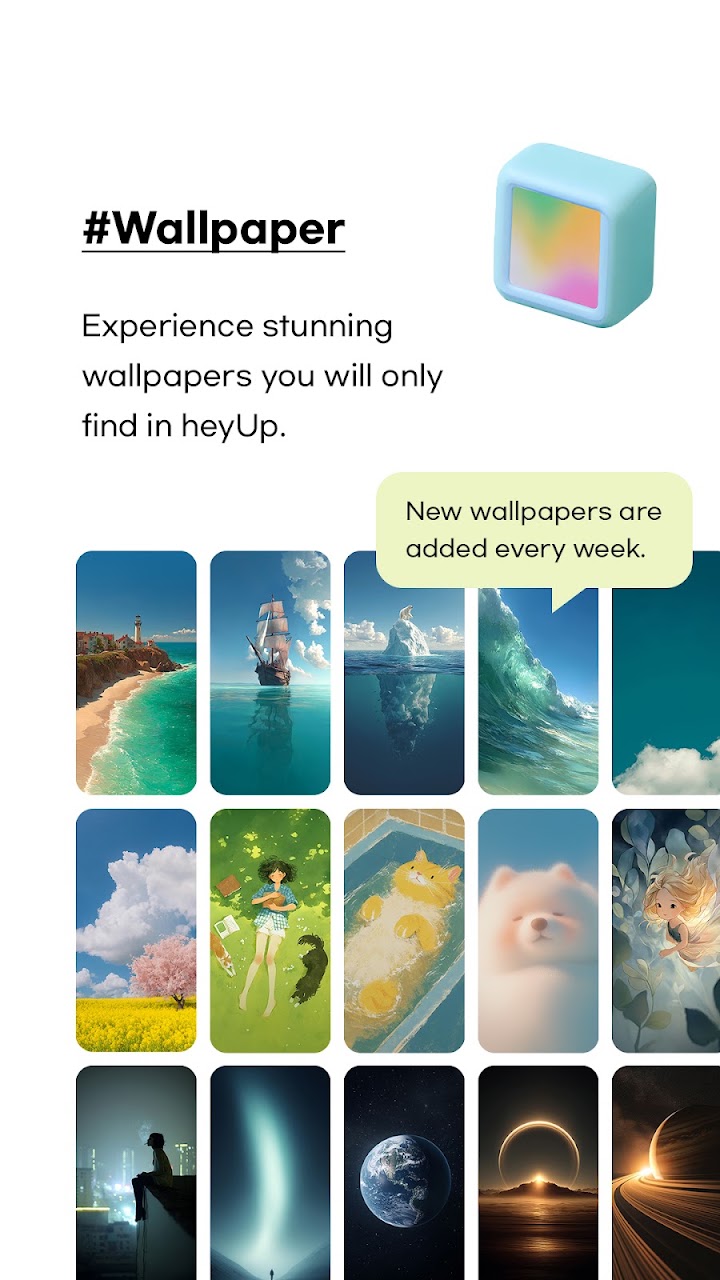
- Free wallpaper library — Download more than 1,200 wallpapers and add new high-resolution options each week.
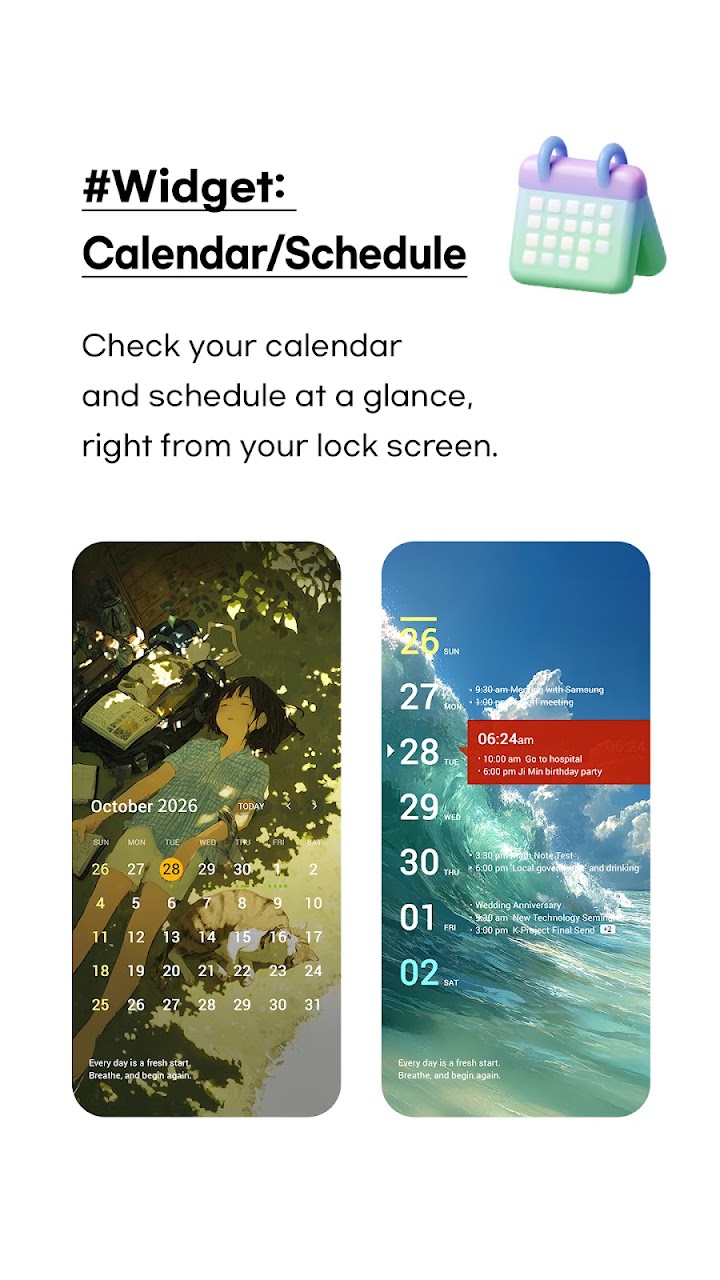
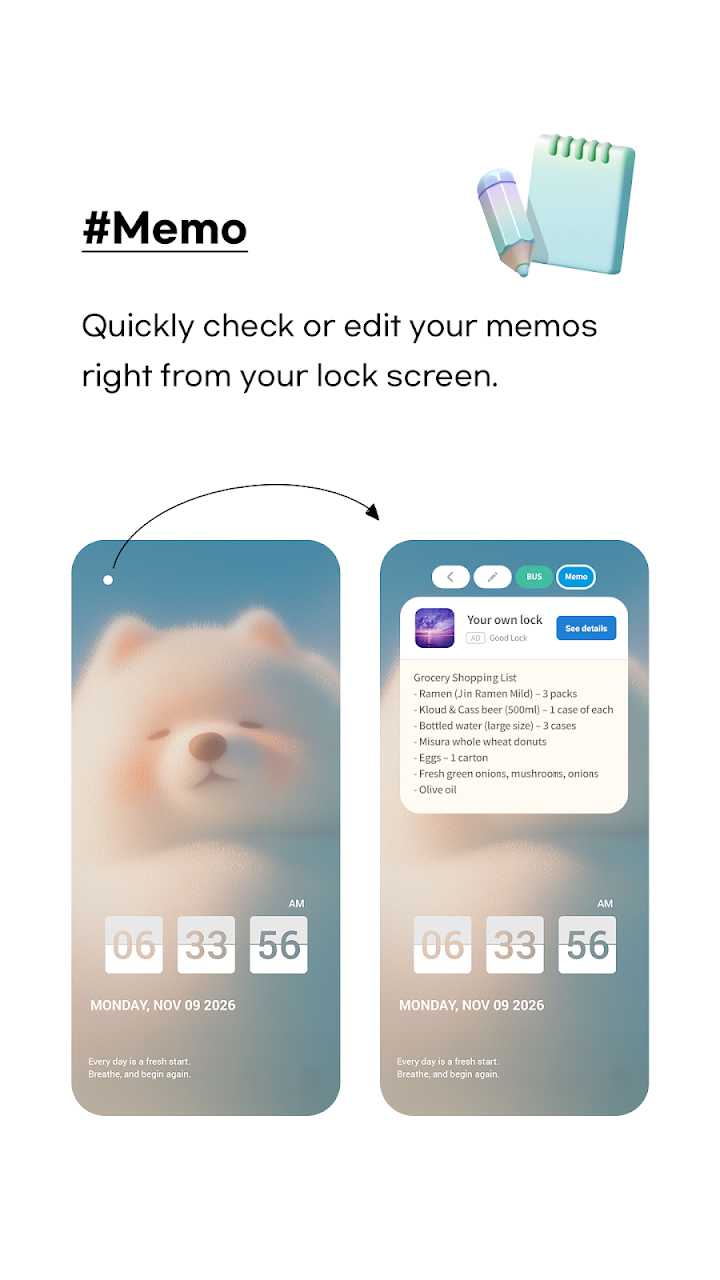
- Quick lock access — Check schedules, memos, and music from the lock screen without unlocking first.
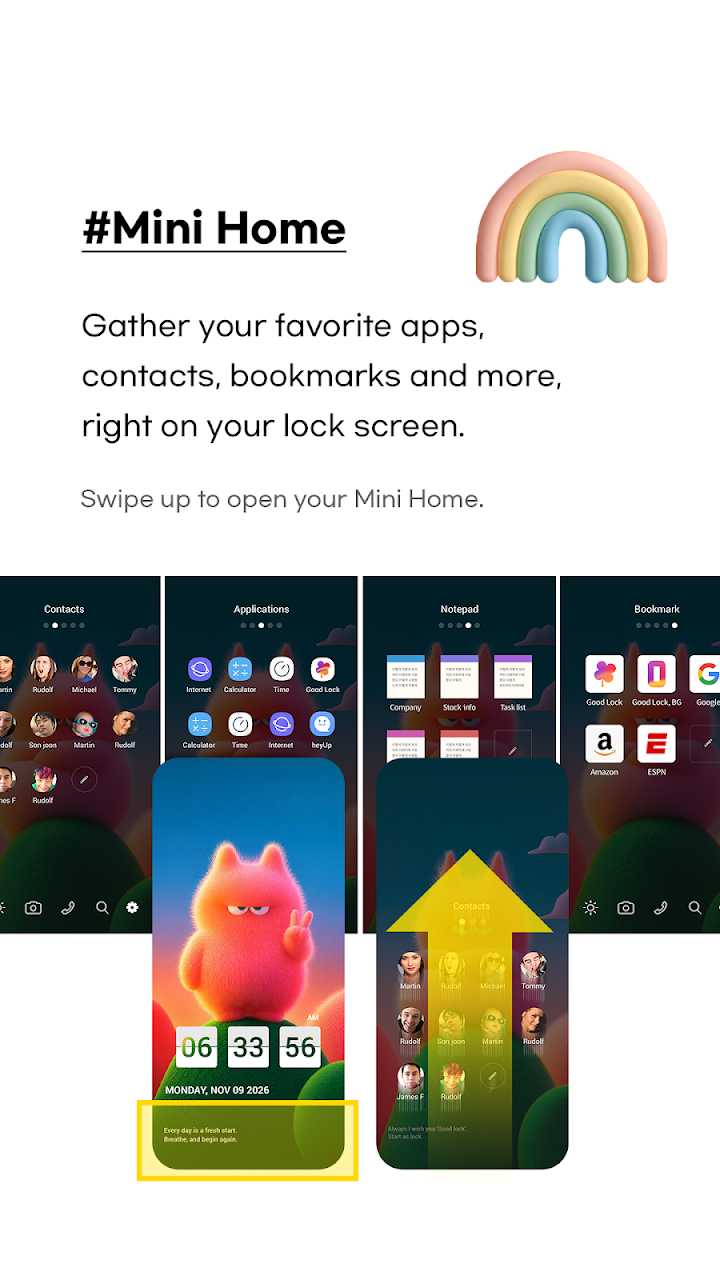
- Mini Home launcher — Keep contacts, apps, bookmarks, and memos in one swipe-up panel.
- Own device lock — heyUp uses your phone’s fingerprint, PIN, or pattern instead of adding a separate lock.
- No sign-up needed — The app works without creating an account and keeps setup on your phone.
Replaces the default lock screen
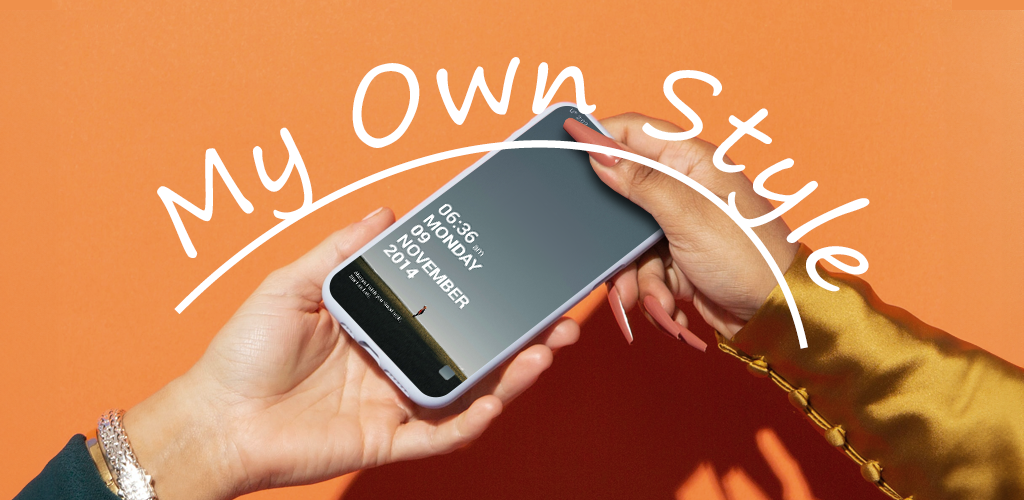
heyUp: Custom Lock Screen sits in place of the standard Android lock screen and adds widgets for wallpaper, clock, calendar, schedule, music, and memo. It is a fit if you want a more personal lock screen than a stock phone setup, but still want to keep your device’s own fingerprint, PIN, or pattern lock.
It works on Android 6.0 and above, comes as a 16 MB APK, and is built for any Android phone, regardless of manufacturer.
What you can place on it
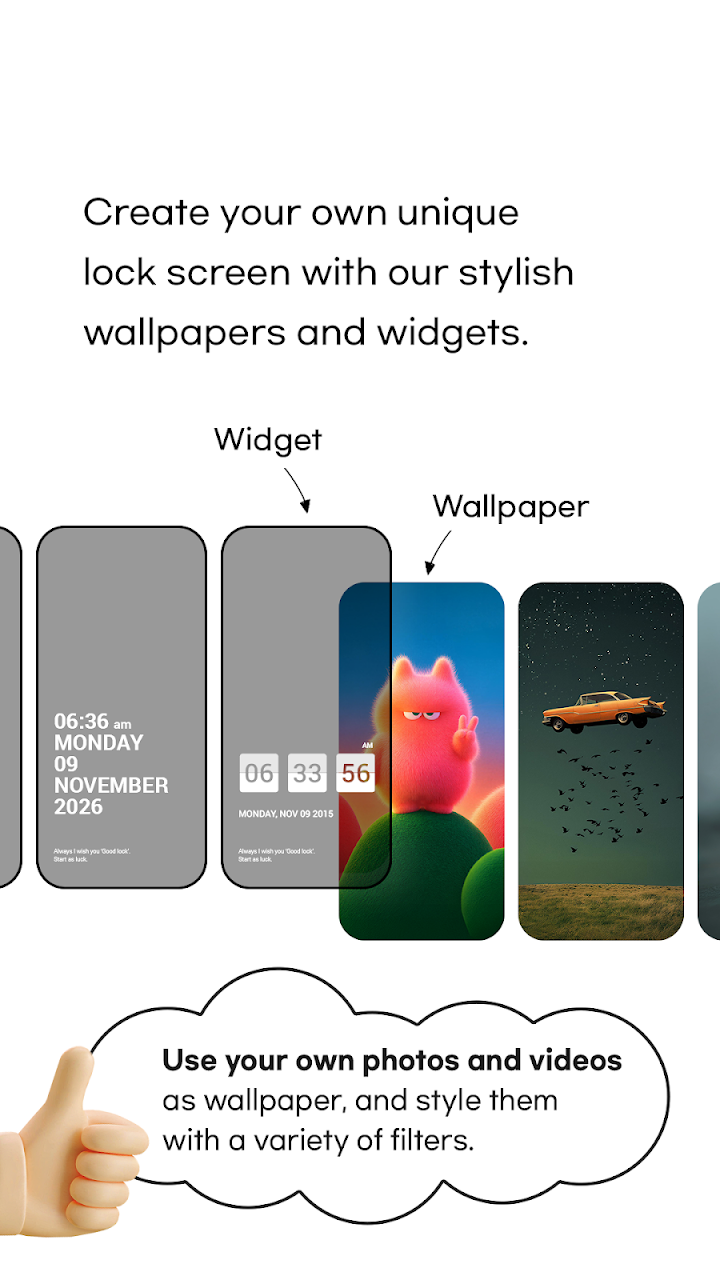
The app focuses on practical items rather than a full launcher replacement. You can use your own photos and videos, apply filters, and choose from more than 1,200 free wallpapers. There are also clock styles, a calendar view, a schedule widget, a music player with real-time lyrics, and a quick memo area.
- You get: free features with no sign-up.
- You get: Mini Home for contacts, apps, bookmarks, and memos.
- Watch for: ads on settings pages.
- Watch for: overlay permission is required to show the lock screen.
How it compares with other Android tools
Compared with launchers such as Samsung One UI Home, XOS Launcher, and HiOS Launcher, heyUp is narrower in scope. It is centered on the lock screen and quick access panel, not on changing the whole home screen. Compared with Zedge, it adds lock-screen widgets and device shortcuts rather than focusing only on wallpapers and tones. It is also different from Microsoft SwiftKey AI Keyboard, which is a keyboard app, not a lock screen.
Privacy and permissions
The app does not require an account. Optional permissions are only used for matching features: Contacts for Mini Home, Music and Audio for local music files, Calendar for Google Calendar events, and Notifications for a status bar notification. If you decline them, the rest of the app still works. Contacts are not sent to or stored on a server.
Because the app uses your phone’s own lock, your security setup stays the same. Ads are part of the free model, but the lock screen and Mini Home itself carry no ads.
APK information
- Version
- 1.4.106
- Package
- com.sonjoon.goodlock
- Category
- Personalization
- Size
- 16 MB
- Min Android
- API 16
- Architecture
- universal
Older versions
-
heyUp: Custom Lock Screen 1.4.106Nov 12, 2026Latest downloadAPK
heyUp: Custom Lock Screen FAQ
Does heyUp: Custom Lock Screen slow down my phone?expand_more
The app description does not give performance numbers. It says the developer has worked on stability and performance, but it does not make a speed claim.
Which launchers does heyUp: Custom Lock Screen support?expand_more
It is designed to work on any Android phone, regardless of manufacturer. The app description does not list support for specific launchers.
How do I update heyUp: Custom Lock Screen from an APK?expand_more
Install the newer APK over the current app package on your device. The listing does not describe a special update process beyond normal APK installation.
What is the difference between the APK and the Play Store version of heyUp: Custom Lock Screen?expand_more
The app details here describe the Play Store release as a free APK build with the same lock screen features, ads in settings pages, and no sign-up. No separate APK-only features are listed.
Can I use my own photos on the lock screen?expand_more
Yes. The app lets you use your own photos and videos as wallpaper, and you can style them with filters.